Mobile menu toggle

Search results for: watchos 2

iOS 19 will bring smart upgrades to Messages and Music apps
By

iOS 19 render logo
iOS 19 will offer more than a redesign.
Photo: Rajesh Pandey/Cult of Mac
Apple reportedly will introduce several enhancements to its Messages, Notes and Music apps as part of iOS 19. New additions in the Messages app include automatic translations and support for polls. And the Music app will enhance the Now Playing view on the Lock Screen by adding animated, full-screen album art.

visionOS 3 may let you scroll hands-free using your eyes

By

Vision Pro arrives in Asia
visionOS 3 could be a big upgrade.
Photo: Apple

The next major update to visionOS could include eye scrolling, for navigating long lists and webpages entirely hands-free. The Vision Pro already uses eye- and hand-tracking for navigating its interface; if true, this would take it to the next level.

Scrolling is one of the most fundamental interactions with a smartphone. But it hasn’t translated as well to the Vision Pro, where you need to pinch two fingers together and move your hand.

If visionOS 3 lets you scroll simply by looking at the bottom of a window, that could be a powerful new feature of the headset.

macOS Sequoia 15.5 brings only a few tweaks

By

macOS Sequoia 15.5
macOS Sequoia 15.5 is really more of a patch.
Image: Apple/Cult of Mac

Mac users can now install macOS Sequoia 15.5… but there’s really no hurry. This new version is especially light on new features.

It seems clear that much of Apple’s attention is on upcoming AI features, macOS 16, and other enhancements coming later in the year.

Everything new in iOS 18.5

By

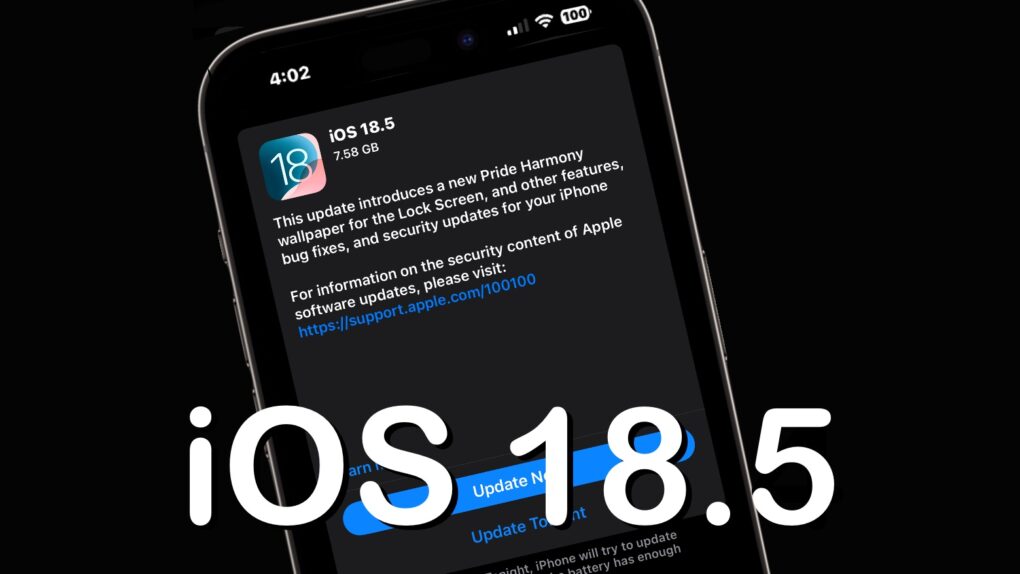
iOS 18.5
iOS 18.5 is high, but somewhat light on changes.
Image: Ed Hardy/Cult of Mac

After over a month of beta testing, iOS 18.5 is now available for all compatible iPhones. Unlike previous point iOS 18 releases, the new build does not pack any significant new features.

The update mainly includes minor changes, but older iPhones will receive one major new feature. Keep reading to know about everything new in iOS 18.5 and iPadOS 18.5.

Translate from your Apple Watch

By

Translate From Your Wrist
Your Apple Watch is right there, all the time, to help out.
Image: D. Griffin Jones/Cult of Mac

The Apple Watch Translate app can help you quickly speak in a different language while you’re abroad, right from your wrist. Translate between 20 different languages by speaking out loud, play translations out of your Apple Watch speaker and build a list of favorite phrases you can play instantly.

Apple Translate doesn’t support as many languages as the more popular Google Translate — but Google doesn’t have an app for the Apple Watch. The fastest and most convenient way to speak another language from your wrist is with Apple’s app.

Keep reading or watch our video here.

iOS 18.5 will bring satellite connectivity to iPhone 13 series

By

iOS 18.5
iOS 18.5 is probably a week away, with good news for iPhone 13 users.
Image: Ed Hardy/Cult of Mac

Apple sent the iOS 18.5 release candidate out for testing Tuesday and revealed that the update will enable the iPhone 13 series to access carrier-provided satellite features. The new software also will bring other changes and bug fixes for models going back to the iPhone XR.

The release candidates for macOS Sequoia 15.5, iPadOS 18.5, watchOS 11.5, tvOS 18.5 and visionOS 2.5 also went out at the same time.

Apple shows off colorful new Pride Collection watch band, faces and wallpapers

By

Apple 2025 Pride Collection
Check out the Apple's latest Pride Collection wallpapers for devices.
Photo: Apple

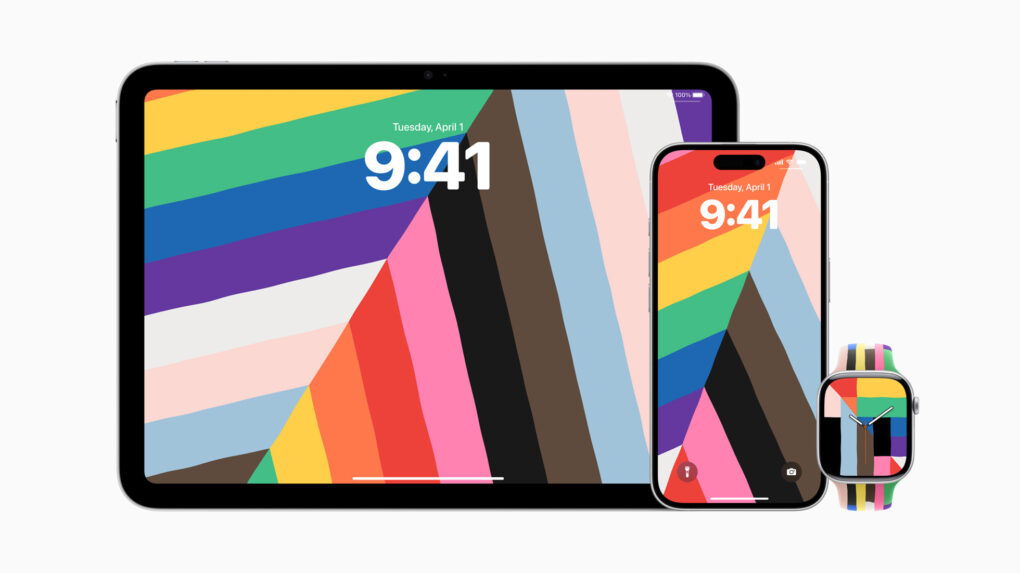
Apple showed off its 2025 Pride Collection Monday ahead of Pride Month, featuring a new Apple Watch Pride Edition Sport Band alongside matching watch faces and wallpapers for iPhone and iPad. The collection celebrates the “strength and beauty of LGBTQ+ communities around the world” with vibrant, rainbow-themed designs.

Today in Apple history: Apple embraces over-the-air iOS updates

By

ios 5
Over-the-air iOS updates took iTunes out of the equation (and leveled the playing field with Android).
Photo: Apple

May 4: Today in Apple history: Apple embraces over-the-air iOS updates May 4, 2011: Reports circulate that Apple is negotiating with carriers to bring over-the-air updates to iOS, beginning with iOS 5.
Such a move would free iPhone owners from using iTunes to get updates for their devices. That means no more plugging an iPhone into a computer via USB to download the latest version of iOS.

Don’t let iOS 18’s radically redesigned Photos app throw you for a loop

By

An image of the icon for Apple's new Photos app in iOS 18, along with the words,
The revamped Photos app in iOS 18 is a big change. Learn how to use it now.
Image: D. Griffin Jones/Cult of Mac

Apple’s redesigned Photos app in iOS 18 brings the biggest changes ever to how you browse your pictures, videos and memories on your iPhone. Gone are the separate tabs across the bottom. Now the Photos app delivers a single, scrollable view. Scroll up to see your library; scroll down to sort through albums, people and memories.

It takes some getting used to — and the big changes are driving some people absolutely insane. To get a grip on all the changes, you need to learn where to find your recently saved images, deleted photos and your album of hidden photos.

Here’s how it works.

Which Apple Watch should you buy?

By

Photo of Apple watch to illustrate Apple Watch buying guide
See which Apple Watch makes the most sense for your lifestyle.
Photo: Jim Merithew/Cult of Mac

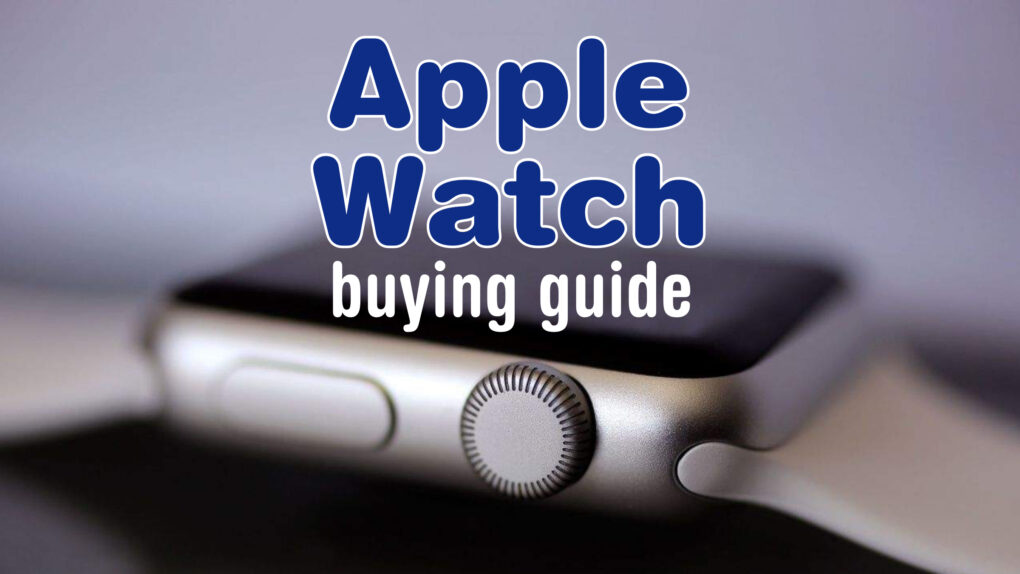
Confused about which Apple Watch to buy? With Apple Watch Ultra 2, Apple Watch Series 10 and Apple Watch SE currently vying for your wallet’s attention, it all depends on what you want out of a smartwatch — and how much you’re willing to pay.

This buying guide breaks down what each Apple Watch does best, helping you match your needs (and budget) with the right device, whether you’re a fitness enthusiast, an outdoor adventurer or simply looking for a reliable, everyday smartwatch.

1 58 59 60 61 62 136