Mobile menu toggle

Search results for: shortcuts

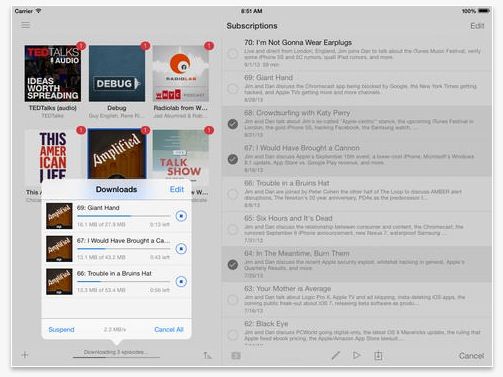
Instacast 4.1 Update Adds Support For 64-Bit A7 Processor And More

By

Screen Shot 2013-10-08 at 7.58.41 AM

Everyone knows that listening to podcasts is one of the most computationally complicated tasks you can possibly do. In fact, it was only a few years ago that anyone who wanted to listen to some anonymous Internet dork mouthbreathing his thoughts into a mic in low-fidelity audio had to purchase themselves a veritable supercomputer to accomplish the feat.

I kid, of course, but even in podcasting, every bit of performance helps. Which is why we’re happy to report that our favorite podcasting app, Instacast, has just hit version 4.1, adding support for the iPhone 5s’s 64-bit processor.

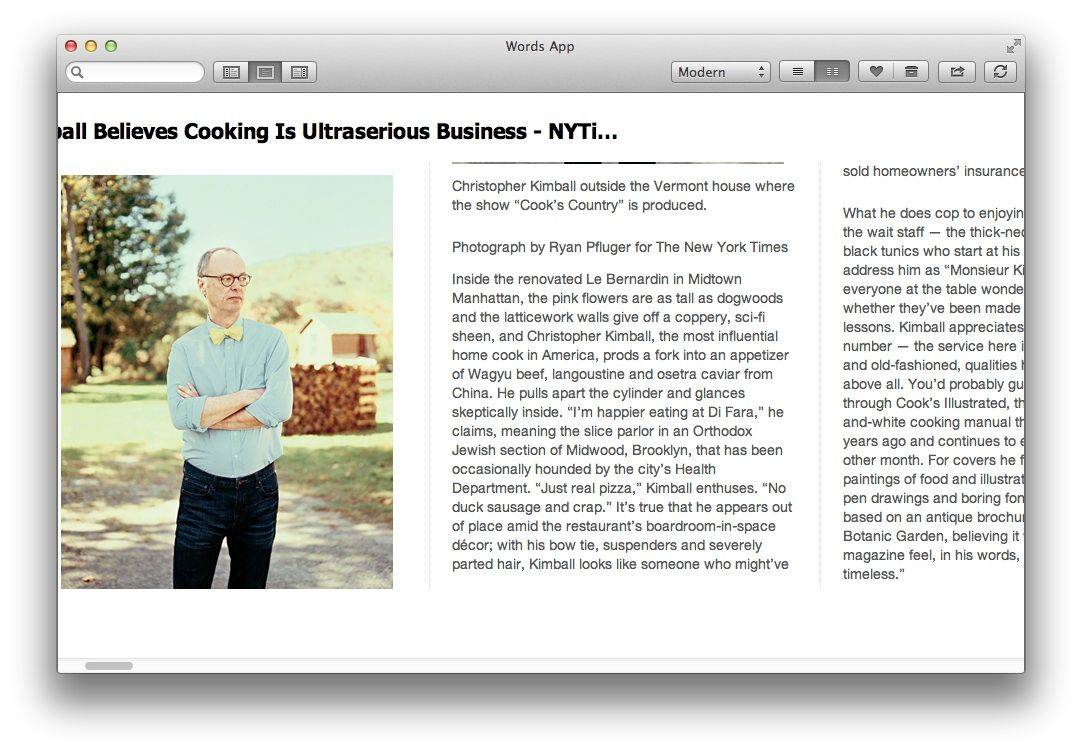
Words App Puts Instapaper, Pocket, RSS On Your Desktop

By

image

Maybe I’m a big dummy, but I always thought that the whole point of “read later” apps was that you could shunt long-form articles off the desktop and onto a device that was better suited for reading for extended periods. After all, on the desktop a combination of bookmarks and Safari’s Reader view takes care of things.

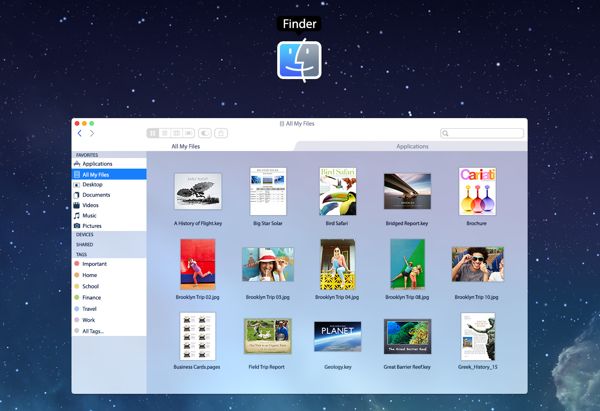
But what do I know? Clearly there’s a place for reader apps on the Mac, and the $10 Words looks to be a very nice example.

Learn Everything About iOS 7 With A Lifetime Video Subscription To iOS Centric [Deals]

By

CoM - ioscentric_mainframe_630x473

Every time a new iOS device is released, there’s going to be new adopters. With new adopters come new opportunities to create apps that appeal to them. iOS 7 is an all new look for the devices, and there’s a lot of new things to learn about it. This offer from Cult of Mac Deals and iOS Centric is going to help you learn everything you need to know about iOS 7 so that you can make the best use of your iPhone, iPad, or iPod Touch.

This deal gives you a lifetime video subscription to iOS Centric – and for the low price of just $19.99. That’s a savings of 80%!

Cleaner, Faster, Simpler: It’s A Brand New Evernote For iOS 7

By

evernoteSplash

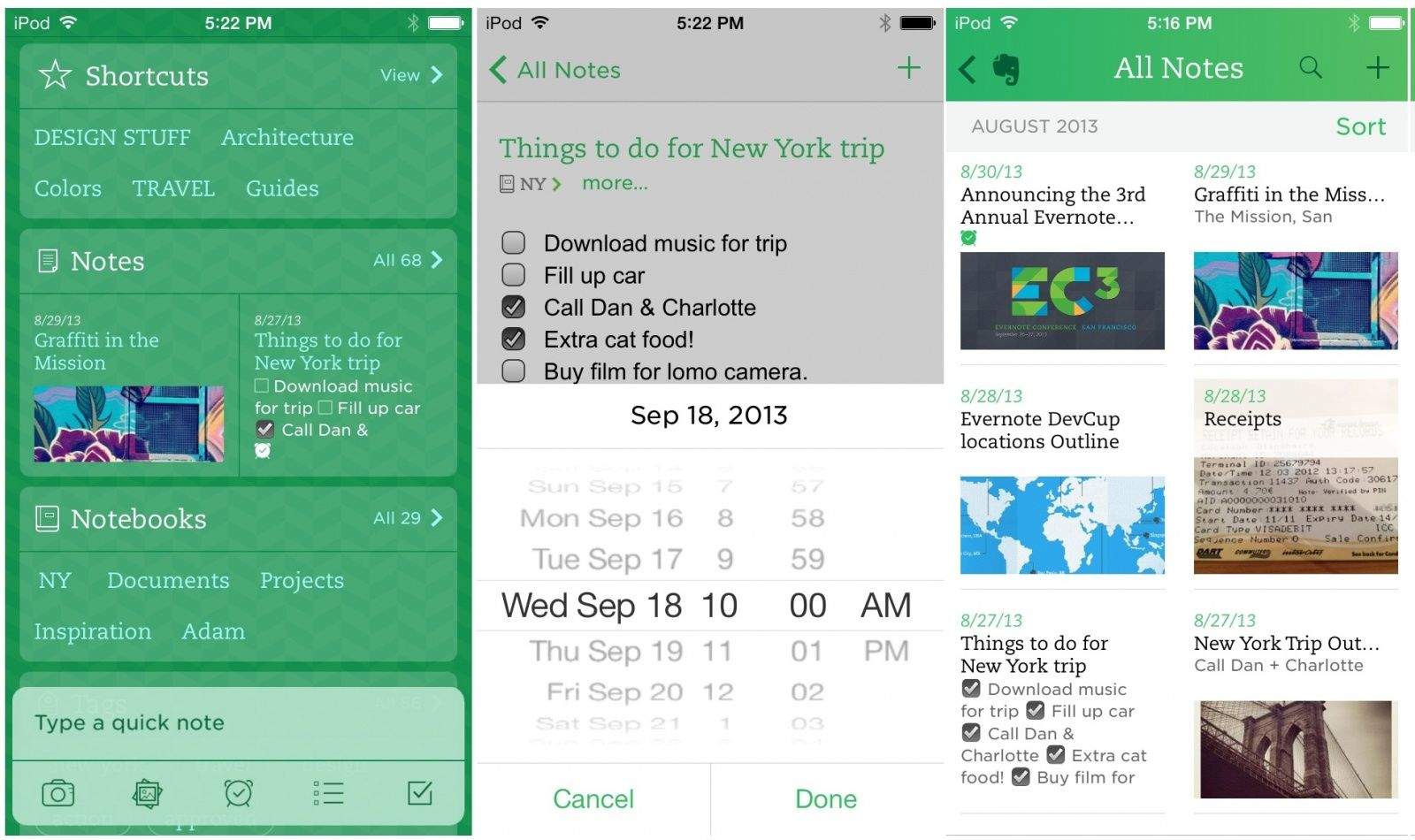
Evernote has updated its essential mobile app for iOS 7, adding a completely redesigned home screen that puts everything in front of you, right away, including all your notes, notebooks, tags, shortcuts and announcements. Of course, that’s not all, as the developer says on its blog:

The new iOS 7 is exactly the sort of thing that makes being an app developer so thrilling. We’ve spent months getting to know every minute detail, design and interaction of the new operating system. The experience has been eye-opening, inspiring and freeing. IOS 7 is so new that it allowed us to let go, restart and build in a way that we haven’t been able to do in years. The result: a completely, unbelievably, unexpectedly new Evernote.

iOS 7: Control Center, Notification Center, Notes, Reminders & Music [iOS 7 Review]

By

Control-Center
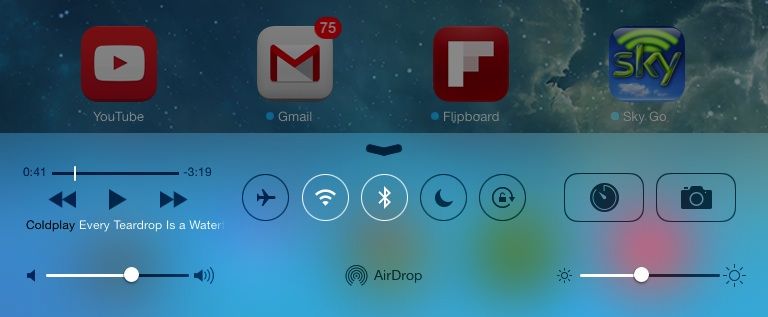
Control Center on iPad.

iOS 7 is much more than a pretty face. Early “news” reporting focussed on the new look provided at the last minute by Jony Ive and team, but the inner workings of the new OS have clearly been under development for a lot longer. So, try to look past the bright colors, blurred popovers and beautiful parallax for a moment, and join us as we take a tour of the best new features of iOS 7.

How To Pre-Order The iPhone 5c At Midnight Tonight The Right Way [Guide]

By

iphone5c

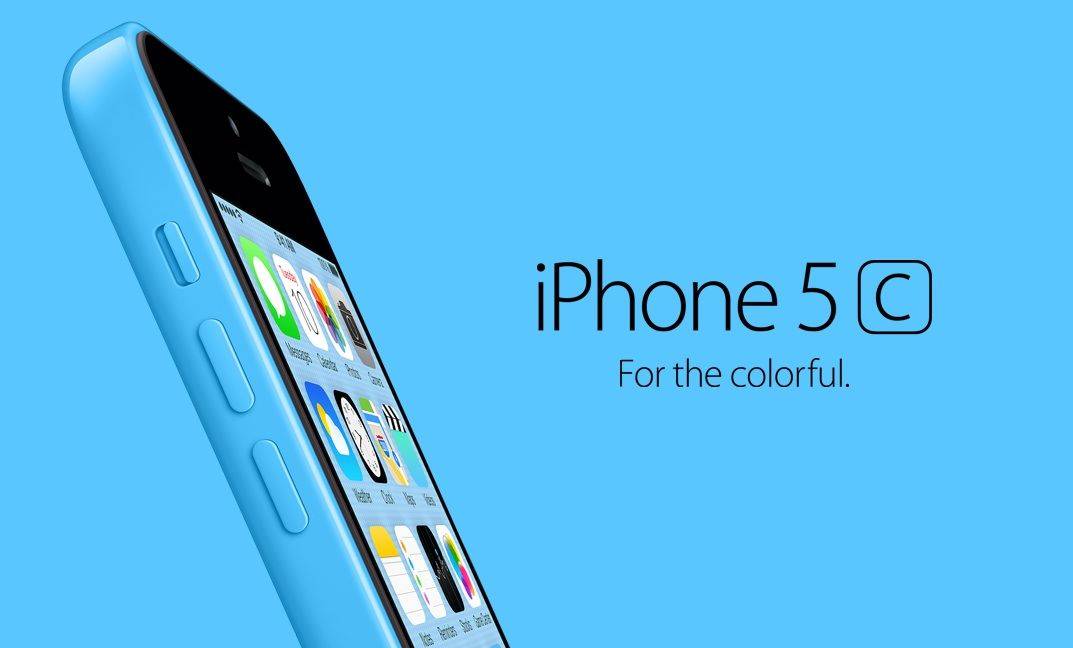
Apple isn’t allowing pre-orders on the iPhone 5s this year, but if all you want is the colorful new iPhone 5c, Sprint and Verizon have already confirmed pre-orders will begin by 12AM exactly… the same time iPhone 5 preorders started last year.

The iPhone 5c is likely to be one of Apple’s most wildly in-demand phones ever, thanks to its cheaper price and variety of colors, and while Apple is attempting to balance the crush on their website by starting pre-orders in the middle of the night, it will, in all likelihood, still be a madhouse when Apple starts selling iPhones later tonight.

Hence this guide. We’re going to walk you through the the most efficient ways to absolutely ensure you get your iPhone 5c pre-ordered at the stroke of midnight so you can get back to sleep and enjoy your device on Friday.

Slick Task Management With Mailbox, Drafts, Gmail And (Maybe) IFTTT [How To]

By

daisychain

Cult of Mac reader James Broccoli asks:

My answer was “Sure!”

. And if you don’t like this post, make sure to address all your complaints to Mr. Broccoli.

CODE Keyboard Is Mechanical, Customizable, Awesome

By

code-34-right

Jeff Atwood (of Stack Overflow fame) decided that he needed a new keyboard for his coding adventures. So instead of just firing up the Amazon app and starting from there, he decided to make his own. And now you can buy it, too. It’s the CODE mechanical keyboard, and you can use it to clack away to yourself, silently and in the dark.

Asphalt 8: Airborne Is Ridiculously Fun, Once You Figure Out How To Make It Go [Review]

By

Asphalt 8: Airborne

Do you remember the Burnout series?

Asphalt 8: Airborne by Gameloft
Category: iOS Games
Works With: iPhone, iPad
Price: $0.99

Developer Criterion’s crash-centric racing franchise for consoles was basically the exact opposite of more staid simulation racers like Forza Motorsport or Gran Turismo. It was about speed and stunts. It featured absurd crashes that played out in almost fetishistic slow motion with metal and glass separating from cars and sailing through the air like doves in a John Woo movie. The physics were loose, the action was intense, and the event types included several things that were almost, but not quite, entirely unlike racing.

Why do I bring this up? Because Asphalt 8: Airborne is Burnout for your mobile device.

1 94 95 96 97 98 121