Mobile menu toggle

Search results for: shortcuts

Make The Most Of Your Terminal History With A Bang [OS X Tips]

By

history

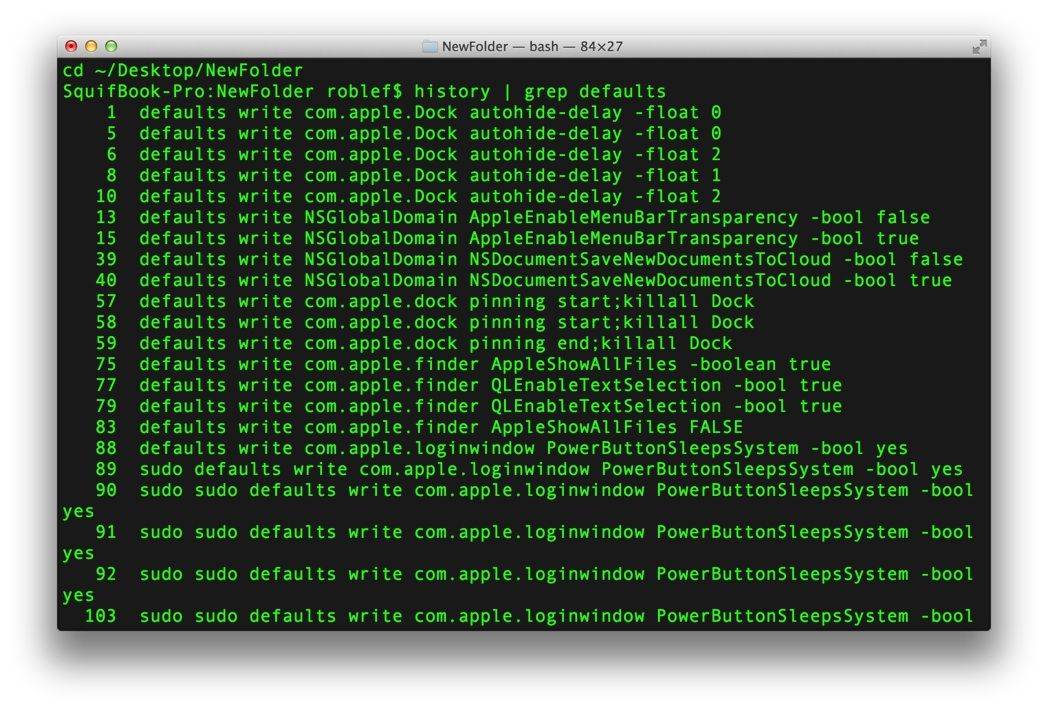
If you’ve spent enough time messing around in Terminal, you’ll know one thing for sure: re-typing the stuff you’ve laboriously typed in with only minor differences is tedious. And it happens more often than we’d like.

The Terminal does, however, keep a history of all the commands you’ve typed into it. To see this in action, you can cycle through the last few commands you’ve typed in, simply hit the arrow keys up or down when in Terminal.

There are a few more less intuitive commands to make the best use of your Terminal history, however.

Codea Adds Revamped Code Editor And 64-Bit Support

By

Featured58-642x481

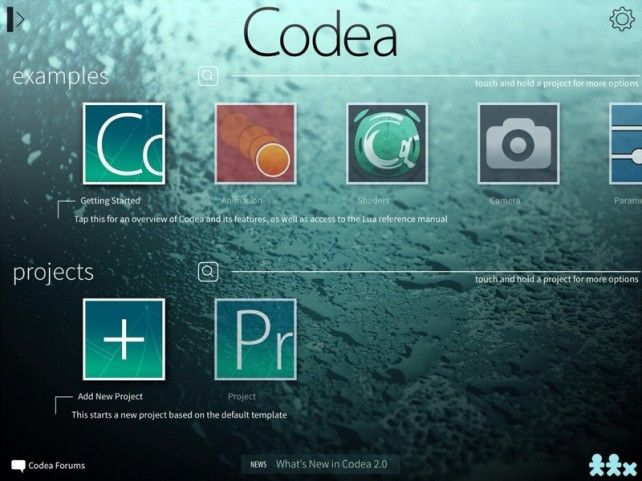
Essentially the Garage Band of coding, smart iPad coding editor Codea has received a major update.

Adding a new iOS 7 interface and full 64-bit support for the iPad Air and iPad mini with Retina display, Codea 2.0 also includes “a brand new unified asset system that supports sounds, music, images, and more,” according to developer Two Lives Left.

One Of The Best Transit Apps For iPhone Gets iOS 7 Makeover

By

Screen Shot 2014-03-21 at 6.25.37 PM

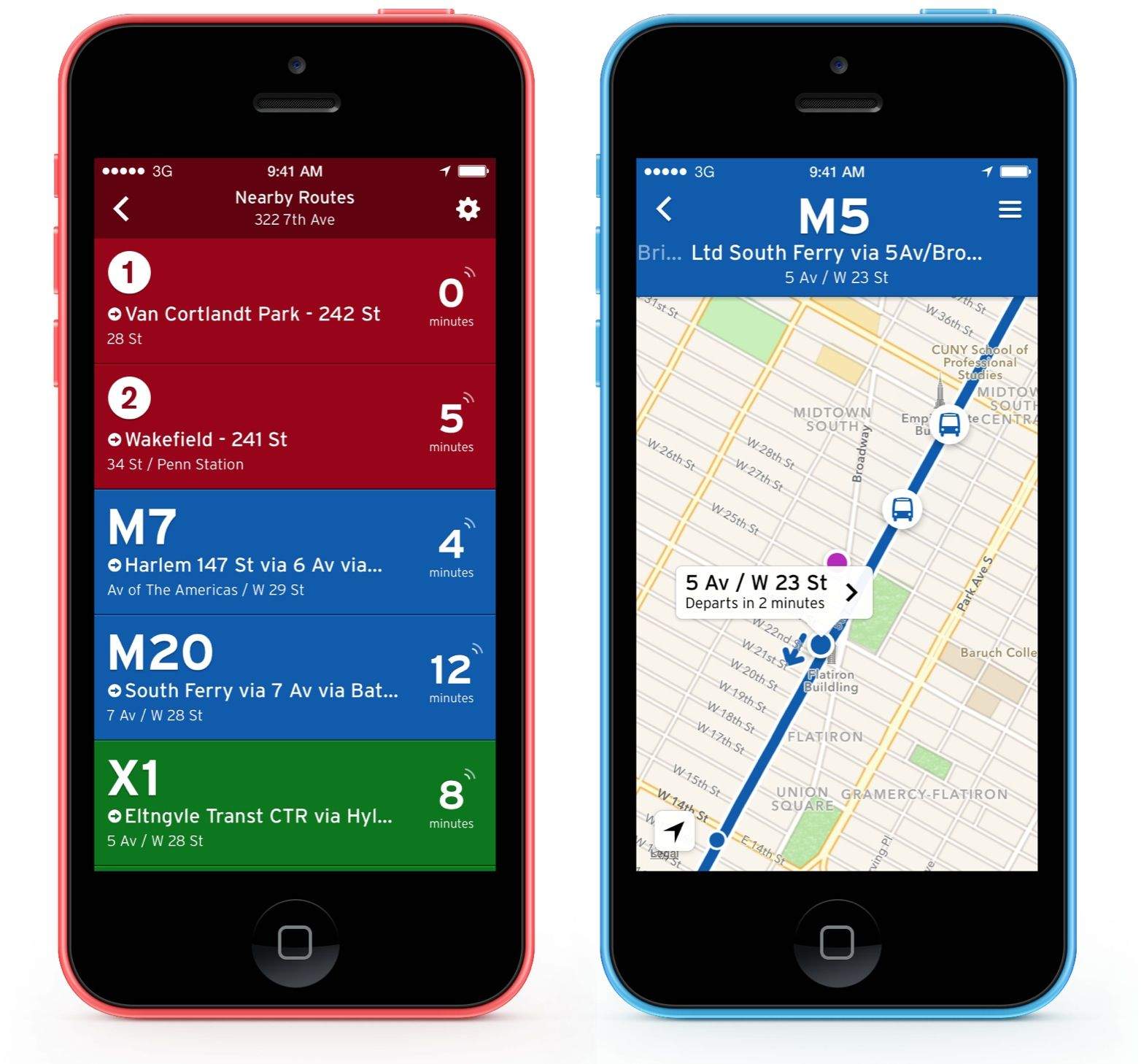
The appropriately named Transit app for iPhone has already gotten a lot of love in the App Store, including Editor’s Choice, and it is getting featured again because of a major update that’s out today.

Transit is designed to provide you with realtime data on public bus and train systems in 62 metropolitan areas around the world.  Today’s update includes a more streamlined way of figuring out the right route to take, the ability to search locations using stop codes, a drastically improved offline mode, and more.

Here’s the full list of changes:

How To Add A Keyboard Shortcut To A Duplicate Menu Item [OS X Tips]

By

defaults Pages

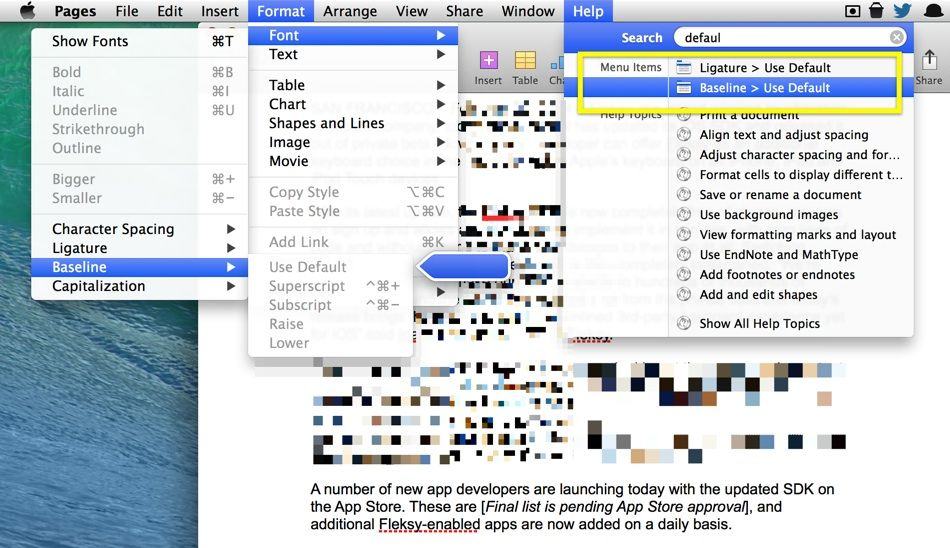
Creating your own Keyboard Shortcuts is a great way to keep your productivity high. To make a shortcut for a menu item that doesn’t already have one, you simply drop into System Preferences > Keyboard, hit the Shortcuts button at the top, and then add your shortcuts (more below). You have to add the full menu path for the shortcut to work, though, and there’s the rub.

Some apps have menu items that are named the same thing. For example, in Pages, there are two submenus named Use Default: one in the Baseline submenu, and one in the Ligature submenu. How can you tell your Mac which menu you want to activate with your new shortcut?

DreamShot: One Keyboard Shortcut For All Your Screenshot Needs [Deals]

By

redesign_ds_mainframe

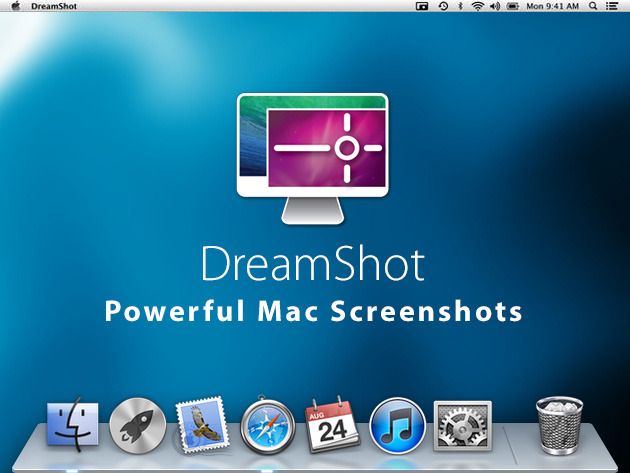
Getting a screenshot on your Mac using the default keystrokes can be adventure in dexterity to say the least. This Cult of Mac Deals offers you a one stroke solution to this dilemma…and at a price that’s tough to beat.

DreamShot uses just one keyboard shortcut to take and send screenshots to all apps, services, and destinations on your Mac that deal with images. Keeping your current system in place, DreamShot is the brain of your screenshot workflow, tying it all together into one seamless experience. And Cult of Mac Deals has it for 50% off – just $4.99.

iDraw 2 Now Imports And Edits Photoshop Files

By

IDraw, the iPad vector-based drawing app, has just gone v2.0, and turned from a great drawing app into a crazy full-featured pro-level app. Here’s a taster of the new features:

Photoshop PSD Import/Export:

  • Import layered PSD files with vector paths and effects
  • Shape layers are imported as editable vector paths
  • Layer effects are imported as fully editable drop shadows, glows, etc.
  • Export designs as layered PSD files

How iOS 7 Helped Me Kick My Jailbreaking Addiction

By

Cydia
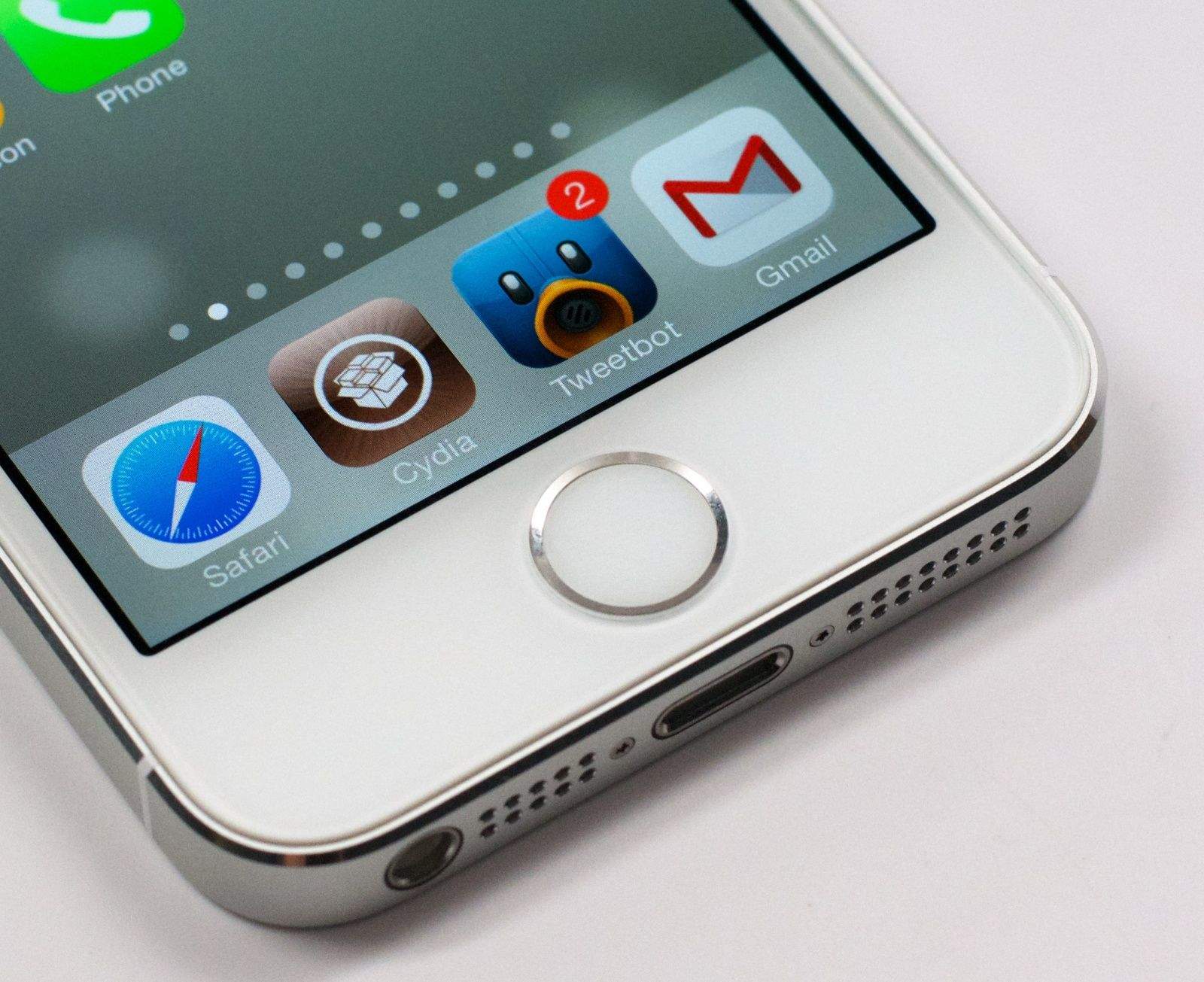
We haven't Cydia on our iPhones in forever.
Photo: Alex Heath

I’ve had iPhones for years, but I’ve never really been keen on using one that wasn’t jailbroken. As much as I love iOS, some of Apple’s decisions always kept my iPhone from working exactly how I wanted it to.

Jailbreaking gave me the ability to sidestep those limitations and make iOS my own. I could experience some of the freedom that Android users have grown to love while retaining the reliability, stability and polish of iOS. While I was frustrated that Apple wasn’t making major changes to improve its platform, I was happy that I could make them myself using unauthorized third-party tweaks.

Then I started using iOS 7, and everything changed.

1 91 92 93 94 95 121