Mobile menu toggle

Search results for: shortcuts

Low prices on new Mac apps now: Audio mastering, interior design, more! [Deals]

By

CoM_DSPQuattro4

Your Mac is a formidable machine. You can get the most out of it by supplying it with useful Mac apps that simplify your life and open new doors that you didn’t even know existed.

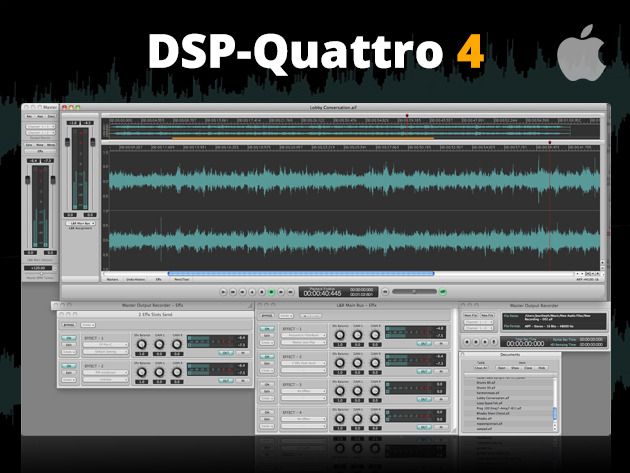
Today we highlight 3 such Mac apps that will transform your life: DSP-Quattro 4, Live Interior 3D Standard Edition, and TextExpander 4. All three are available for a limited time at 50% off their normal retail prices at Cult of Mac Deals.

Save big on killer Mac apps like TextExpander, TuneUp, Flip PDF, and more! [Deals]

By

CoM_TextExpander

Your Mac is a productive device. What makes it even more productive is having killer Mac apps that will open new doors and make your life better.

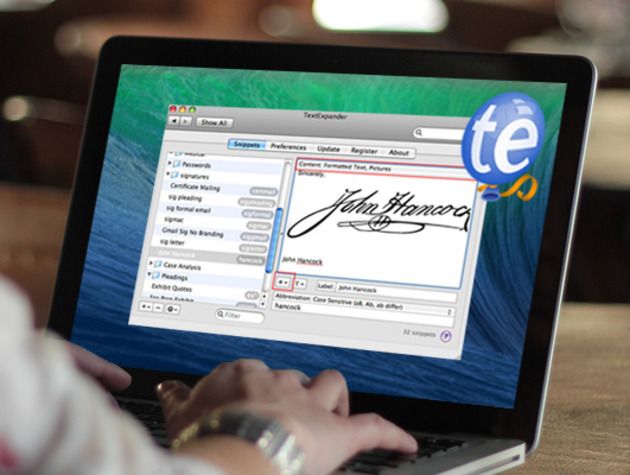
Today, we feature 4 Mac apps that you just cannot live without. Check out TextExpander 4, TuneUp, Flip PDF, and iMedia Converter Deluxe. What’s even better than those Mac apps? Saving money on those Mac apps. All are heavily discounted at Cult of Mac Deals now.

Simple 2.0 for iPhone is the most gorgeous banking app ever

By

simple-2_0-hero.CREAM-6186bdb11d27ed3a

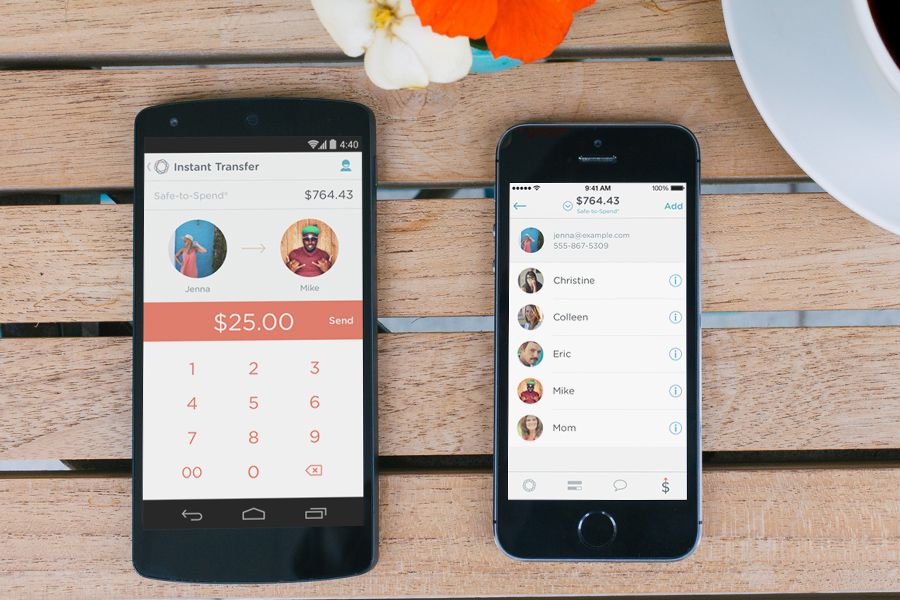
Simple is the bank that refuses to be just a bank. Existing entirely online through its web and mobile apps, Simple offers slick budgeting tools, instant money transfers between accounts, and a great design.

Today Simple 2.0 for iOS and Android was released with a beautiful, iOS 7-inspired redesign and a couple other features.

Filco MiniLa Air Bluetooth: Clackety keyboard on the go

By

filco keyboards
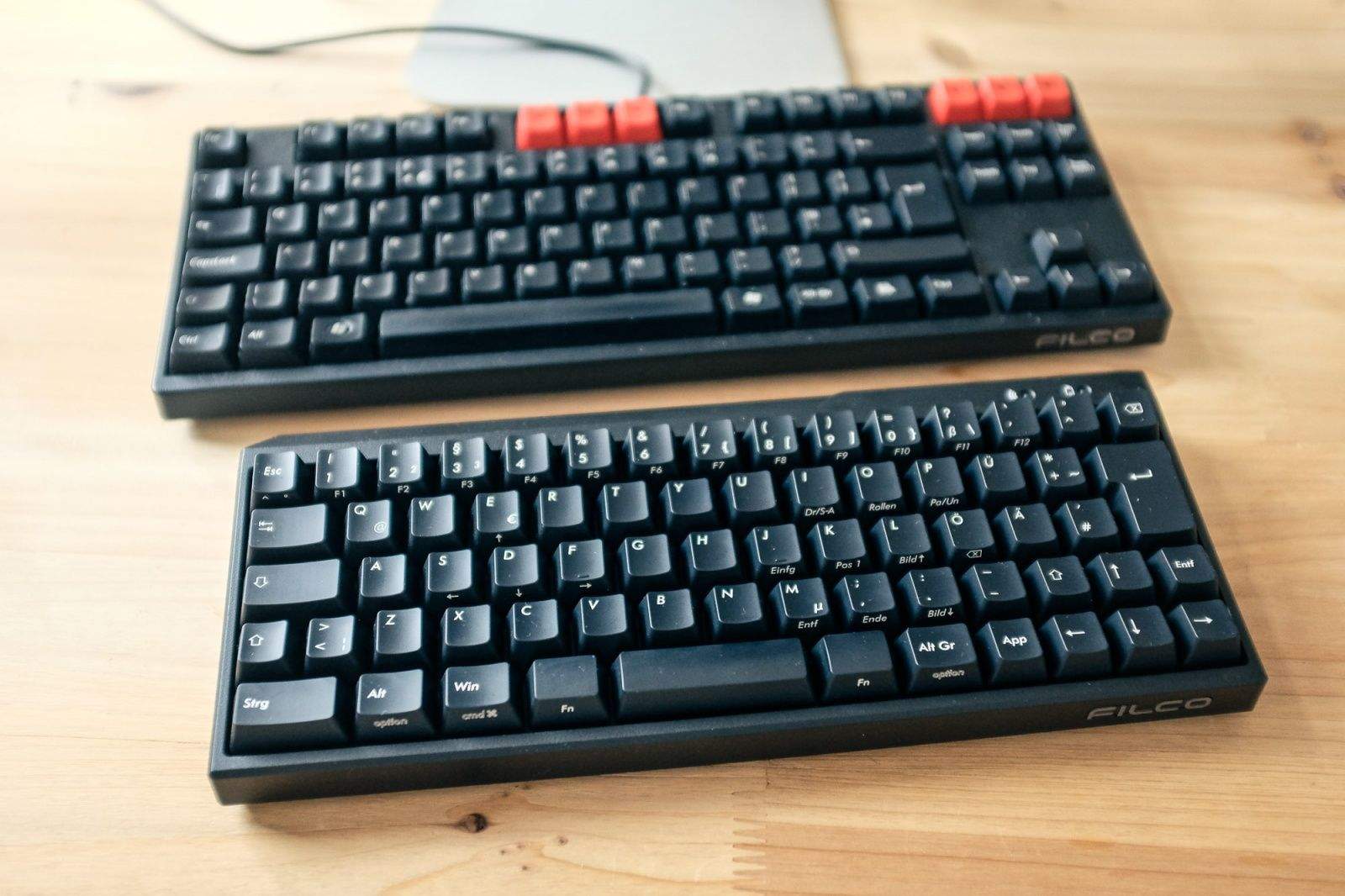
The Filco MiniLa Air Bluetooth, alongside my own tenkeyless Filco Majestouch. Photo: Charlie Sorrel/Cult of Mac
Photo: Charlie Sorrel/Cult of Mac

I took the Filco MiniLa Air Bluetooth keyboard with me on vacation this year to use with a MacBook Air propped up on the fantastic Roost stand. I use the tenkeyless Filco Majestouch at home, and I was hoping for the same super-accurate, clicky-key action in this battery-powered, portable wireless version.

And I almost got it. But for one major flaw, the MiniLa is almost as good as the desktop version. The good news is, that flaw might just be a personal quibble.

How to turn your Mac’s trackpad into the ultimate timesaver

By

post-290809-image-67bac554106b2e9e842ee4a3c2ae8b7b-jpg

Mac are incredibly complex machines, but thanks to Jony Ive and the rest of the creators, they’re also incredibly simple to use. Mose Mac users know to use keyboard shortcuts to make daily tasks even quicker, but not many know how to turn your Mac’s trackpad into one of the best time-saving tools you’ll ever use.

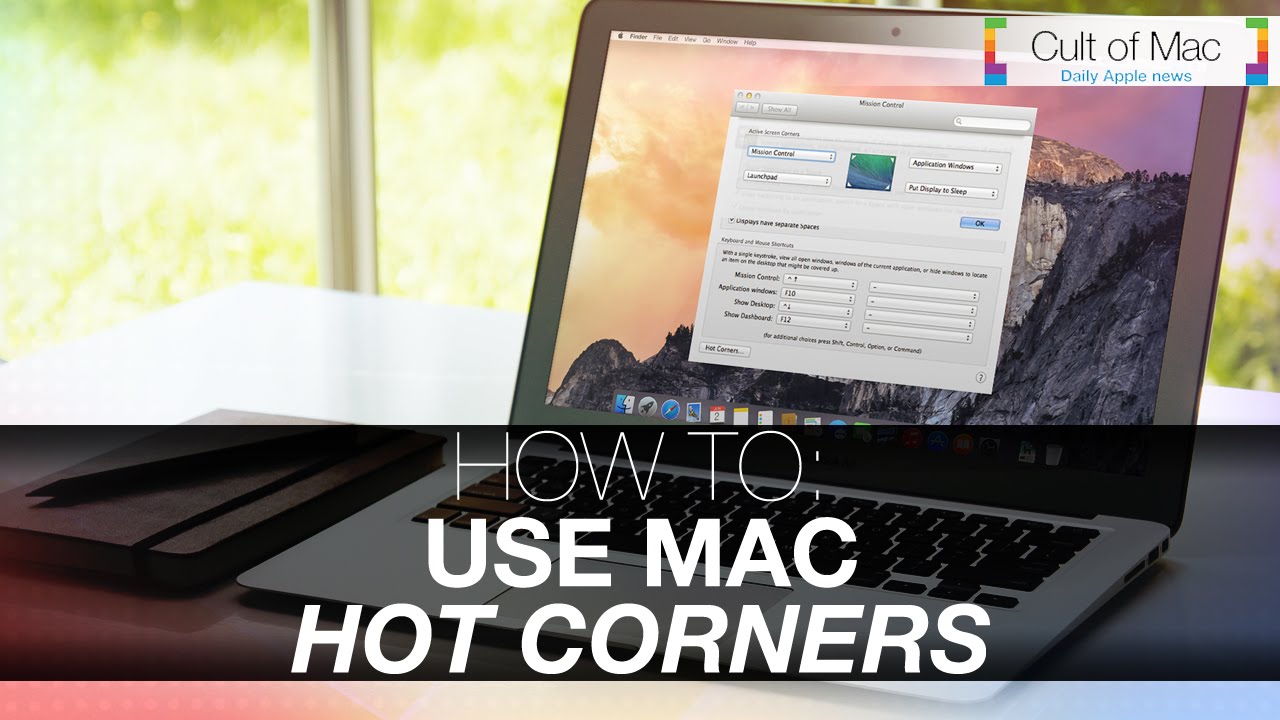
In today’s video, we’ll take a look at a little known feature called Hot Corners. We’ll teach you how to set them up and how to use them. How to Put your display to sleep, clear your desktop and do even more useful actions, now with just a few quick flicks.

Subscribe to Cult of Mac TV on YouTube to catch all our latest videos.

Dropzone 3, the best way to drag-n-drop on your Mac, just got even better

By

screen800x500

AirDrop, the wireless file sharing technology built into OS X, is fantastic when it works for the occasional file, but it can be a bit finicky.

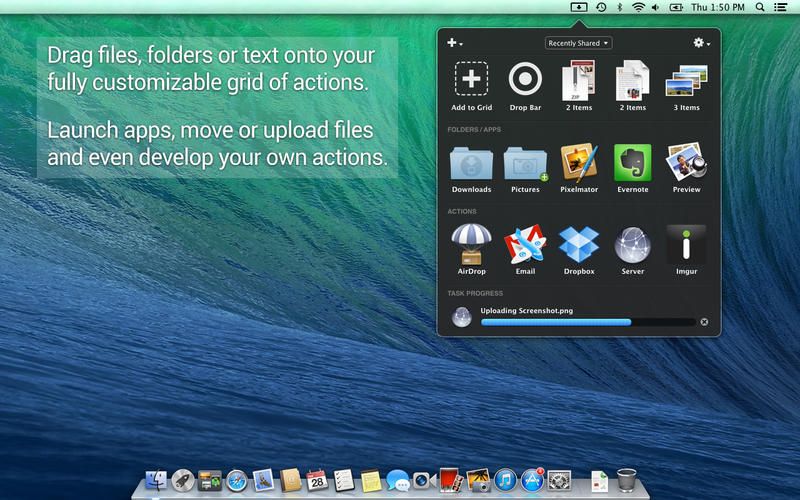
For power users who constantly find themselves sharing files online, we recommend Dropzone, a great little Mac App that can significantly boost the ease with which you share files between computers, and drag-and-drop files in general.

Now, Dropzone has gotten even better. With Dropzone 3, the app gains a new Drop Bar for temporarily storing files, AirDrop support, as well as integration with Imgur.

iOS 7.1.2 released with iBeacon improvements, small bug fixes

By

Photo Jun 30, 1 03 14 PM

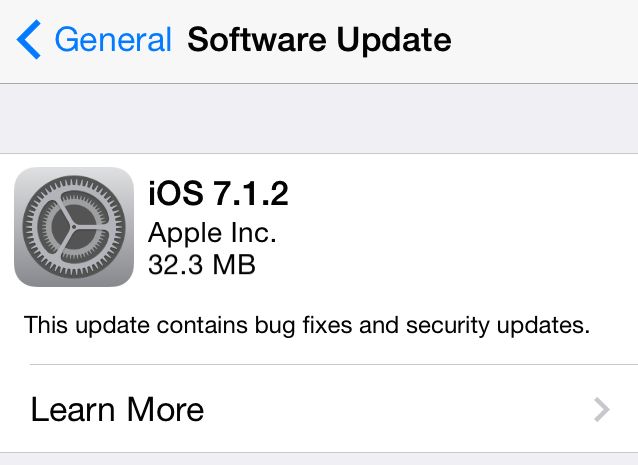
Today Apple released iOS 7.1.2, a small update that includes several bug fixes, including enhanced “iBeacon connectivity and stability.” The update is available through Software Update on iPhones, iPads, and iPod touches running iOS 7.

Here are the changes in the update, as noted by Apple:

Maybe tablets were better than desktops all along

By

wpid-Photo-24-Sep-2012-1439.jpg

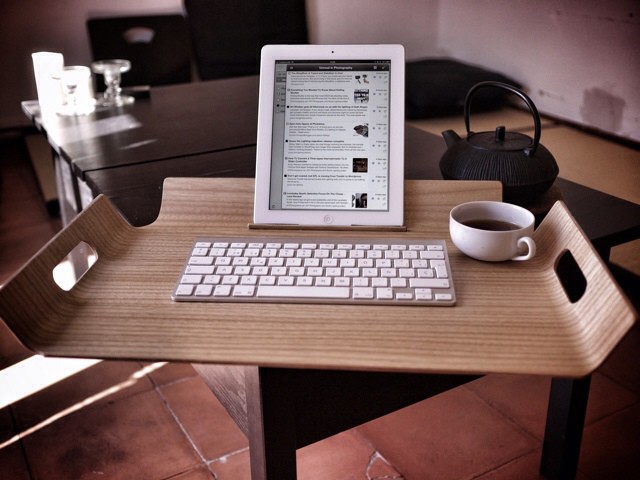
With Apple’s mobile and desktop platforms growing closer in iOS 8 and Yosemite, I started wondering: Is the laptop inherently better for computing than a tablet, or does it just seem that way because we’re so used to the folding form factor?

Could it be that, if the iPad had launched before the Mac and we’d spent the last 30 years using touchscreens, we would balk at using keyboards, mice and dumb screens to do our computing work? Or, in my time-reversed world, if Apple unveiled the Mac in 2010, would we all cling to our iPads and claim Cupertino was nuts for foisting OS X upon us?

Why Steve Jobs replaced the Mac’s  key with ⌘

By

Screen Shot 2014-06-23 at 7.42.40 AM

Graphic designer Susan Kare is iconic — literally. The mastermind behind the friendly 32 x 32 and 16 x 16 icons used in the original Mac operating system, Kare’s work has reached more people than almost any other graphic designer on Earth.

Yet the way she stumbled into designing the icons for the Mac operating system was pretty much a lark, and in a recent presentation at the EG conference in California, Kare spoke a little bit about how she stumbled into the job.

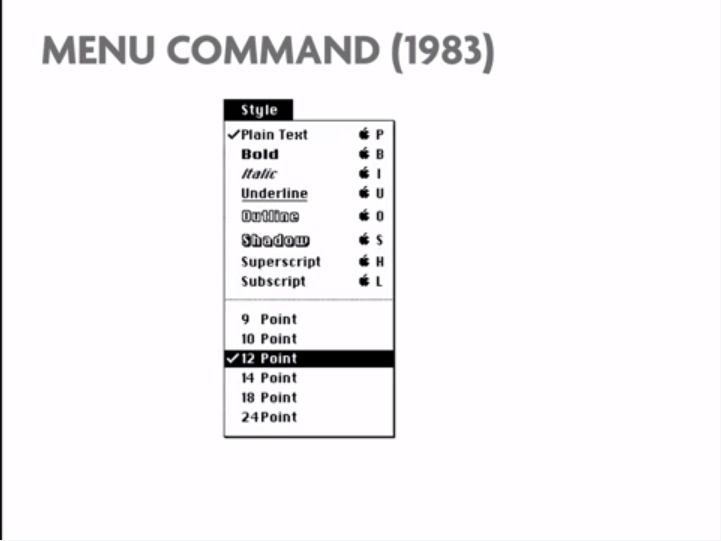
It’s a fascinating talk, not just for the details she shares about early Mac operating system development, but also because Kare finally reveals why Apple switched from the Apple symbol to the Command key.

New LaunchBar proves Apple hasn’t killed app launchers yet

By

wwdc_2014_258

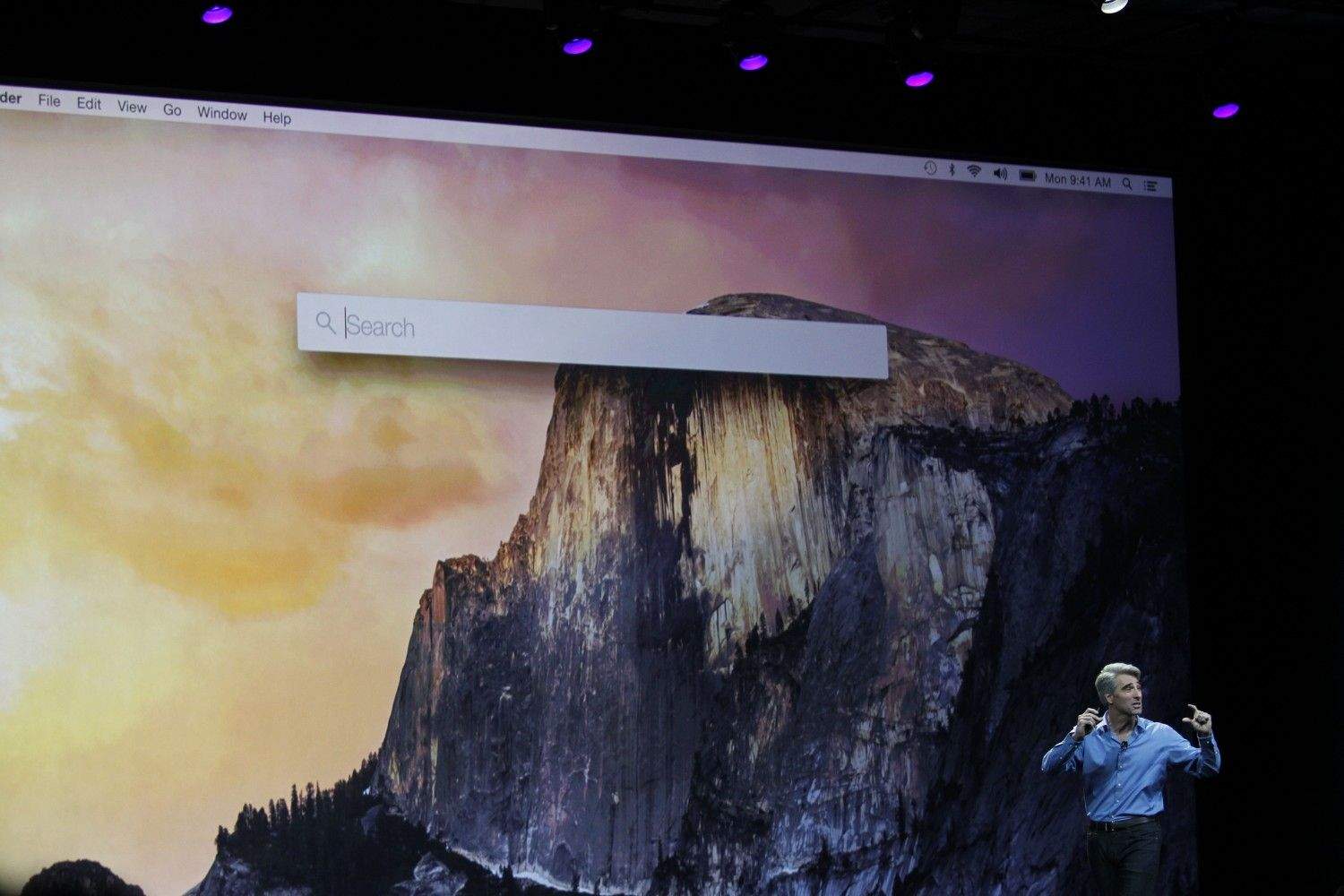
App launchers on the Mac have always been geared toward power users, and lately tools like Alfred have become even more sophisticated, with user-created scripts and extensions. When Apple debuted the new Spotlight in OS X Yosemite at WWDC, it took many of the best features from existing launchers, like the ability to find any app you have installed with a couple keystrokes.

LaunchBar was the original app launcher on the Mac, and today a brand new version was released with a themable interface and new features.

Will tools like LaunchBar and Alfred live on when millions of Mac owners start using the new Spotlight this fall? Now that Apple has capitalized on the more consumer-friendly aspects of what makes a good launcher, third-party alternatives are going after power users like never before.

1 89 90 91 92 93 121