Mobile menu toggle

Search results for: shortcuts

A definitive guide to third-party keyboards in iOS 8

By

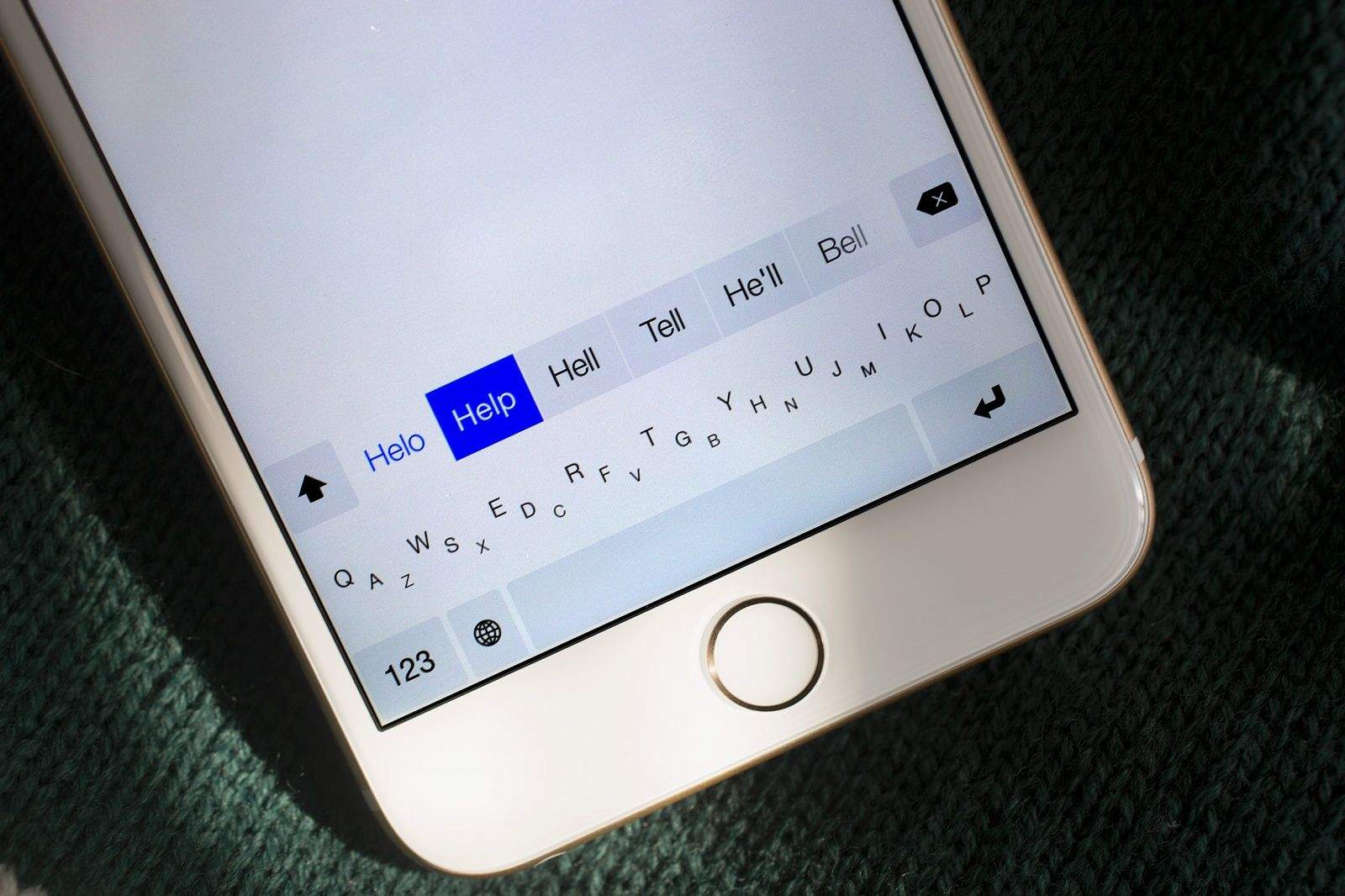
Minuum is one of the many third-party keyboards for iOS 8. Photo: Jim Merithew/Cult of Mac

With iOS 8, iPhone and iPad owners for the first time ever can replace Apple’s default virtual keyboard with a third-party alternative.

Doing so — with keyboards made by SwiftKey, Swype, Fleksy and others — could vastly improve your touchscreen typing experience. Not only do some of these keyboards make typing easier, but they also boast innovative features, like the ability to type words using simple swipes instead of taps. Many of these keyboards are completely customizable, so you can set their size and color scheme to suit you.

If you haven’t already installed a third-party keyboard, you’re missing out on one of iOS 8’s best features. In this guide, first we’ll tell you about the best keyboards available from the App Store right now. We’ll also run through the features that make them unique, show you how you can customize them and make them work for you, and explain some important concepts, such as “Full Access.”

10 tips for setting up your new iPhone 6 the right way

By

iPhone 6s
The iPhone 6s and 6s Plus are ten weeks away.
Image: Apple

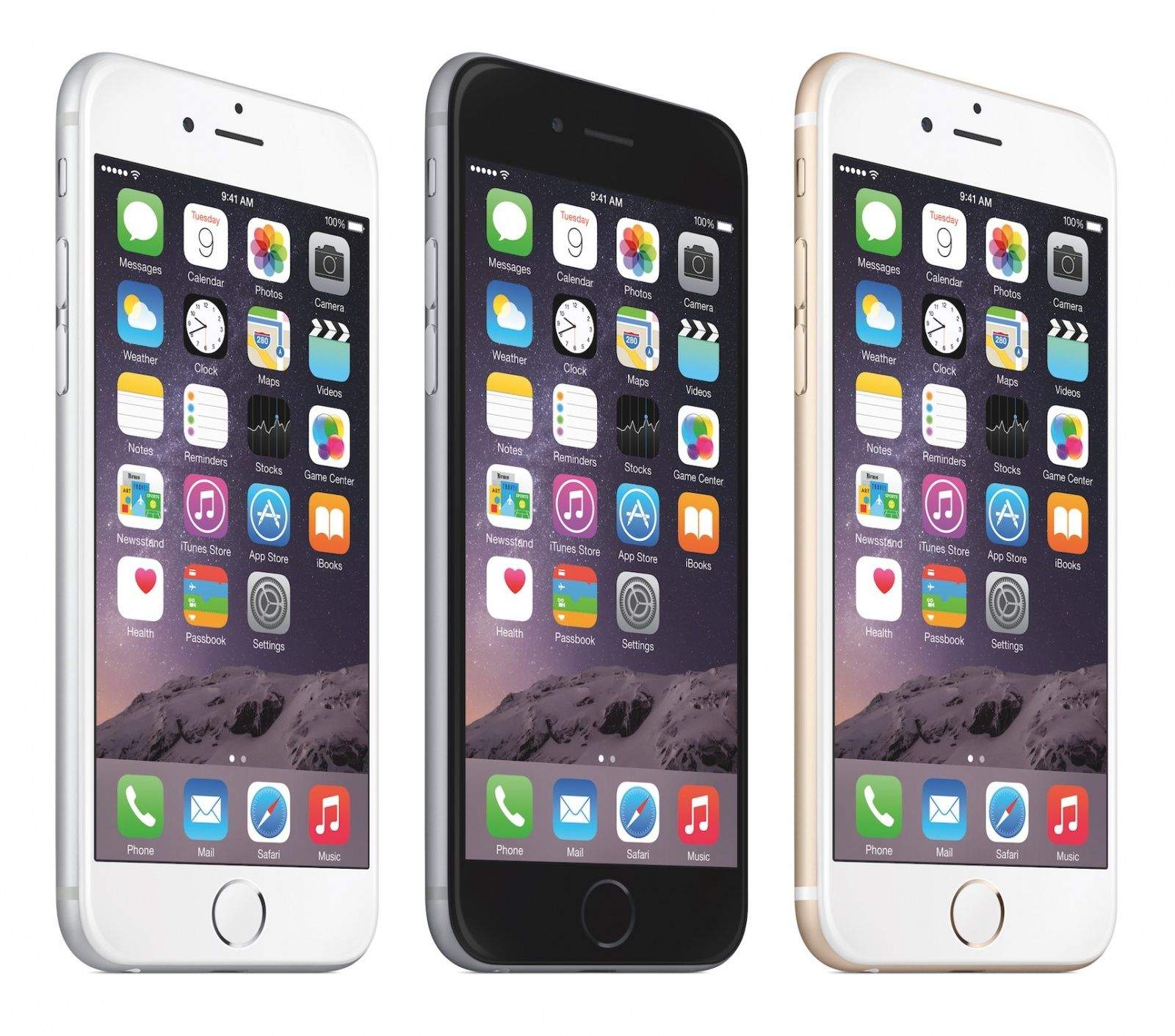
So you’ve gotten your lucky hands on a new iPhone 6 or 6 Plus. Now it’s time to set it up the right way. Apple has done a pretty good job of making the setup process straightforward in recent years, but there are still some things you should know about.

Here are 10 of the best tips for setting up your new iPhone on iOS 8:

18 hidden iOS 8 features you probably didn’t know about

By

iOS8

iOS 8 is the biggest release from Apple ever, with hundreds of new APIs and features that will completely change the way you use your iPhone. Features like Handoff, Health and Messages will be huge draws for customers looking for something new from iOS, but Apple’s engineers have also crammed dozens of new little features throughout the mobile OS.

Improved camera tools, battery statistics, new Safari tricks and more are included in today’s gigantic update, but you need to know where to look to find the true gems. Here’s a rundown of 18 incredible iOS 8 features you probably didn’t know about.

Get big discounts on TuneUp, CleanMyMac, FlipPDF, TextExpander and more [Deals]

By

CoM_DSPQuattro4

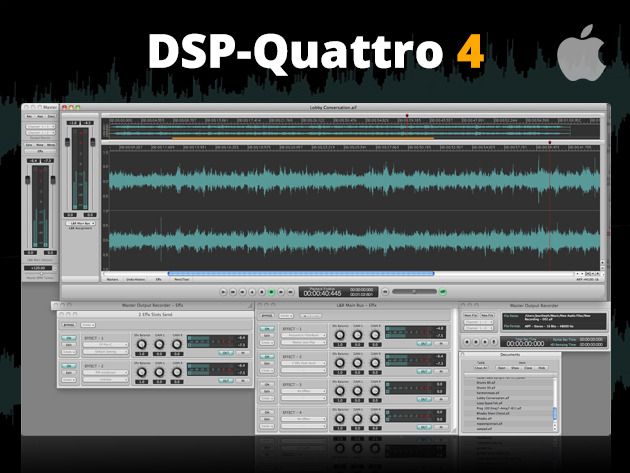
It’s time for Mac App Madness, where we bring you great deals on popular Mac apps to increase your productivity and make your life easier.

Today we feature deals for DSP-Quattro 4, CleanMyMac 2, TuneUp, FlipPDF for Mac, and your last chance to pick up the immense time saver, TextExpander 4.

Last chance to enter The PlayStation 4 Battlefield Bundle Giveaway [Deals]

By

CoM_PS4

The next generation of console gaming is here and the best of the bunch is the new Playstation 4. It can learn what types of games you like, lets you compare stats with friends, and post to social media sites like Facebook. With popular titles such as Battlefield 4 in its constantly expanding library, the Playstation 4 is definately the console of choice.

Now you can have a new Playstation 4 of your very own with a copy of Battlefield 4 with The PlayStation 4 Battlefield Bundle Giveaway from Cult of Mac Deals. Enter soon, though, because this contest has to end soon.

How to make typing  on iOS as easy as :)

By

AAPL

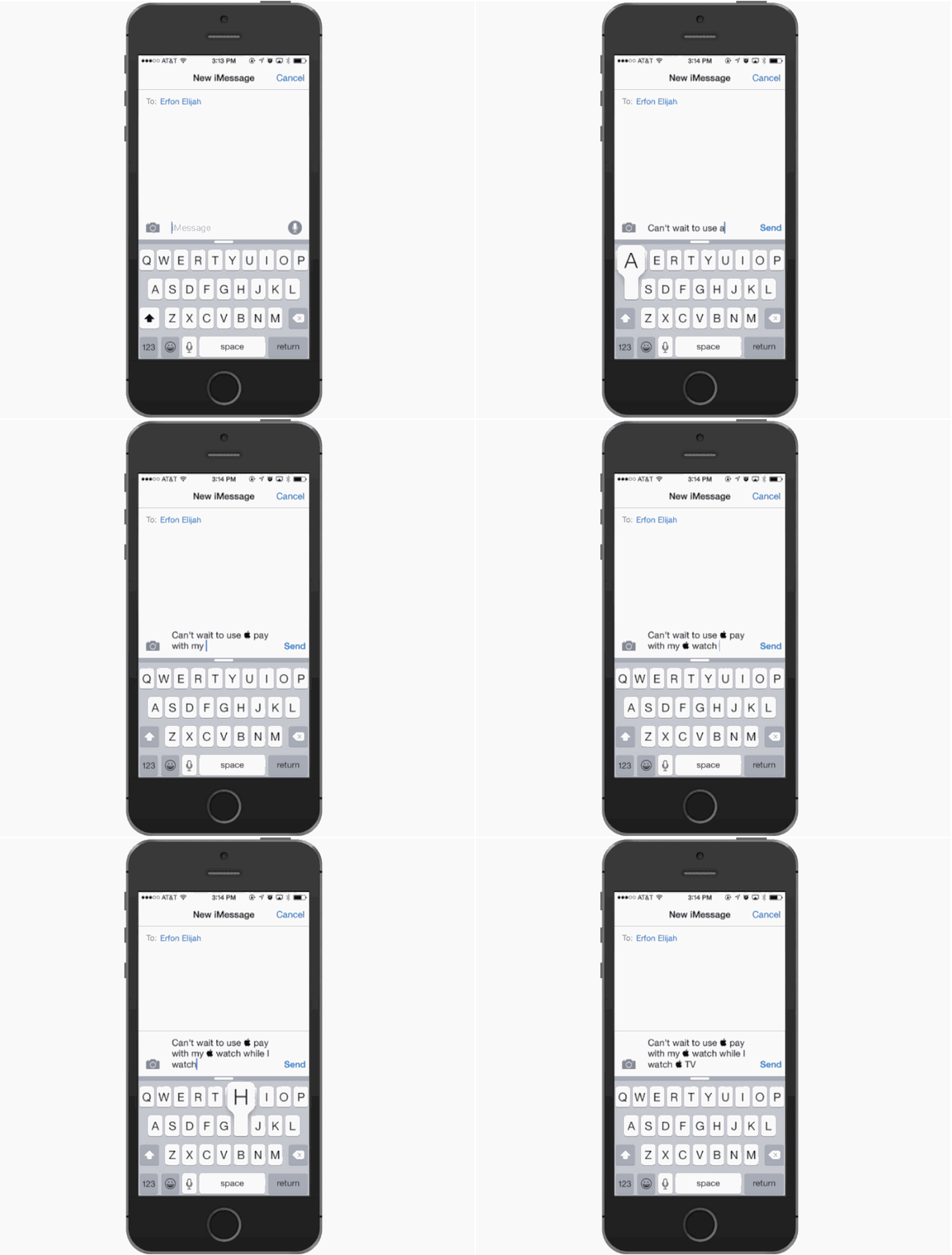
Apple Watch. Apple Pay. Apple TV. Apple has gone crazy for, uh apple.

Not a single new “i” product was revealed on Tuesday, which is a good thing according to the guy that invented Apple’s i-conic naming structure, but kind of annoying when repeatedly referring to Apple Watch in texts.

Apple’s own marketing materials shorten the name by using “Watch”, which is super easy to type on OS X  by pressing Option + Shift + K to pull up the  character, but typing it on an iPhone or iPad is literally impossible. Luckily, our friend Adam Christianson at MacObserver has a quick tip that puts the  on your iPhone keyboard with simple shortcut.

Everything you need to know before pre-ordering your iPhone 6 tonight

By

iphone6preorder

Apple hasn’t exactly confirmed the exact time yet, but iPhone 6 and 6 Plus preorders will likely begin tomorrow morning at 12:01AM PT, exactly… the same time iPhone 5S preorders started last year, and every other year.

Tim Cook thinks the iPhone 6 will trigger an avalanche of upgrades, making it Apple’s most wildly in-demand phone yet, and while Apple is attempting to balance the crush on their website by starting preorders in the middle of the night, it will, in all likelihood, still be a madhouse when Apple starts selling iPhones later tonight.

Hence this guide. We’re going to walk you through the best ways to make absolutely sure you get your iPhone 6 or 6 Plus pre-ordered right at the stroke of midnight and in your hands next Friday when it officially launches in the minimum amount of time, so you can go right back to sleep.

[Editors note: this post has been stickied to the top of Cult of Mac, but you’ll find new Apple goodness by scrolling down]

Know which iPhone you want

iPhone-6-vs-6-Plus

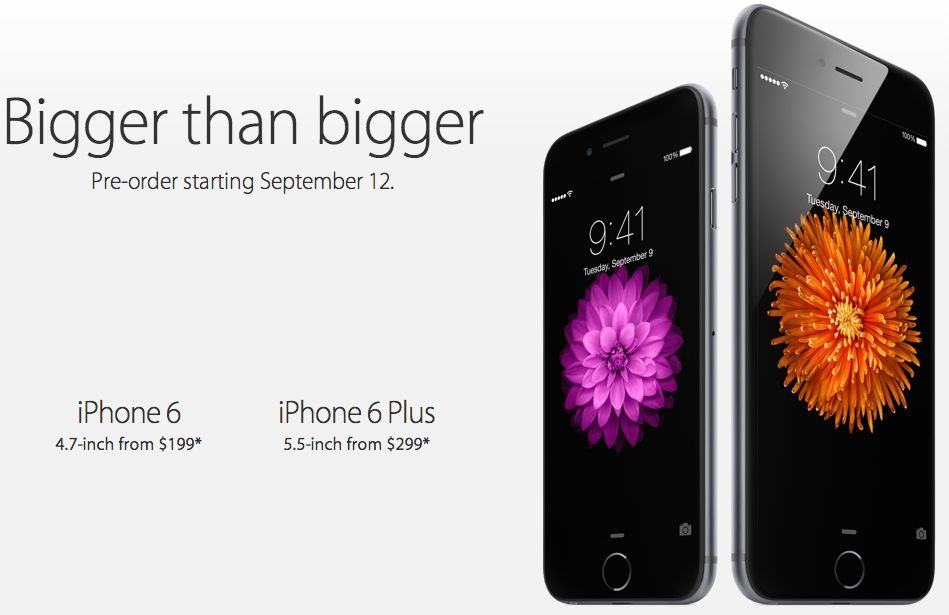
Big or bigger? The choice between iPhones this year isn’t as easy as just picking a color and storage option. The iPhone 6 and iPhone 6 Plus have a number of differing features when it comes to the screen, battery, camera and even software. You better have your mind made up before pre-orders start.

For those who are still undecided, Killian is ready to guide you through the pros and cons of both the 6 and 6 Plus, but if you need a little extra convincing to go bigger, I’ve got 8 reasons why the 6 Plus is the best iPhone for your pocket, or fanny pack.

Give your keyboard a rest with Dragon Dictate for Mac 4 [Deals]

By

‘A keyboard, how quaint,’ said Star Trek’s Chief Engineer, when it was suggested he should use a keyboard to enter data into a computer instead of voicing commands. How quaint indeed.

Now, with Dragon Dictate for Mac 4, you can give your ‘quaint’ keyboard a well deserved rest. Get this revolutionary software for your Mac at a low price point, just $99.99, for a limited time at Cult of Mac Deals.

The iOS @@ shortcut is so useful, you’ll never use your iPhone the same way again

By

Screen Shot 2014-09-08 at 8.01.38 AM

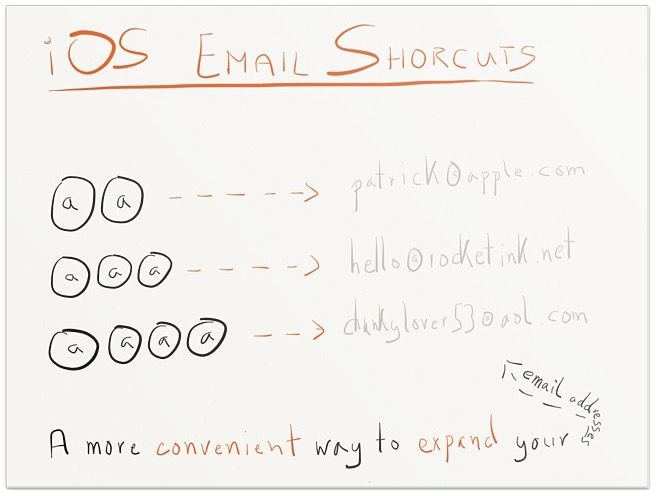
Text shortcuts are one of the most useful settings in iOS. Having the potential to just hit a couple of keys to input an entire string of text is a wonderful time saver… as long as you have the foresight to set them up first.

Alas, most of us never delve into text shortcuts on iOS 8. But here’s a shortcut anyone can take advantage of: a text shortcut that allows you to cycle rapidly through your email addresses with just a single keypress.

Best deals of the week: Xcode & Swift, TextExpander, Bluetooth speaker, more [Deals]

By

CoM_Mammoth Xcode

So ends another week at Cult of Mac Deals. Every day we put a spotlight on a gadget, software, or training that will enrich your life.

Today, we highlight a few of those deals so that you don’t miss out. Read on to see the best of the very best that we offer right now. Of course, you can peruse all of our current offers at the Cult of Mac Deals page.

1 88 89 90 91 92 121