Mobile menu toggle

Search results for: shortcuts

13 mind-blowing iOS 26 shortcuts with Apple Intelligence

By

Shortcuts using Apple Intelligence
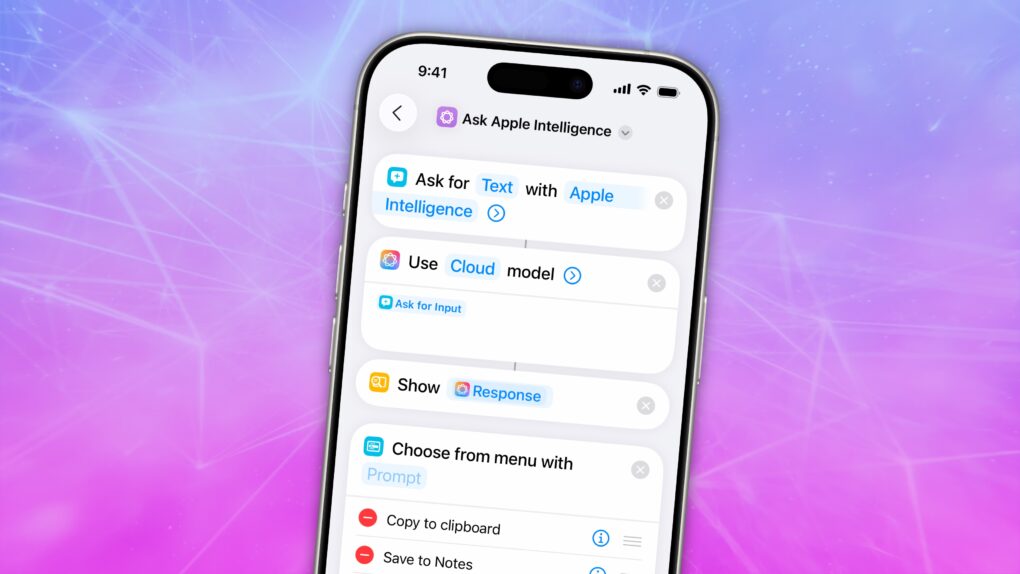
Simplify tasks using Apple Intelligence-powered Shortcuts in iOS 26.
Image: D. Griffin Jones/Cult of Mac

Shortcuts are more innovative than ever in iOS 26, thanks to Apple Intelligence. They now support LLM-based actions and automations that can make quick work of various time-consuming tasks. You can streamline audio transcription, movie streaming, food tracking and more.

Best of all, Apple users are sharing an increasing number of user-created shortcuts that you can try out for free. I compiled a list of the 13 most exciting shortcuts powered by Apple Intelligence to give you a taste of just how useful they can be.


OpenAI acquires ex-Apple Shortcuts team to supercharge ChatGPT for Mac

By

OpenAI acquires the team behind Sky
The team behind Shortcuts will now work on the ChatGPT app.
Photo: OpenAI

ChatGPT maker OpenAI has acquired Software Applications Inc., a company founded by former Apple employees who worked on Workflow, the software Apple acquired in 2017 and renamed “Shortcuts.”

At Software Applications, the team has been hard at work on Sky, an AI-powered assistant that can perform actions across any app on your Mac. The acquisition should give OpenAI a leg up when it comes to integrating ChatGPT into Macs.

Type faster with these essential Mac keyboard shortcuts

By

magic keyboard refurb
Learn how to get around the keyboard and edit text faster.
Photo: Cult of Mac Deals

You want to get faster at typing? Sure, you can hold down the Backspace key or mash it really fast. But there’s a better and more precise way to backspace and delete text on the Mac, using the Option (⌥) and Command (⌘) keys. These Mac typing shortcuts can make editing text lightning-fast and seamless. Here’s how you can be a keyboard wizard.

All of these work on the iPad, too, if you have a physical keyboard connected.

Automate your iPhone by voice alone via Vocal Shortcuts

By

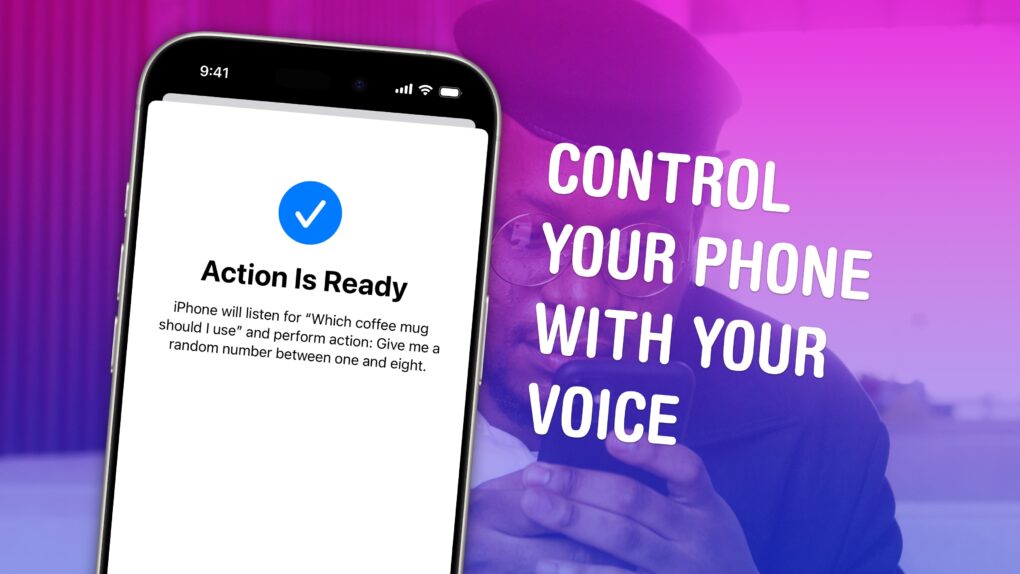
Control Your Phone With Your Voice
Vocal Shortcuts can feel like a superpower.
Image: D. Griffin Jones/Cult of Mac

Vocal Shortcuts let you control your phone by speaking a command out loud. Think “Hey Siri,” but for running your own custom actions from Apple’s Shortcuts app. (Here’s a quick rundown on Shortcuts, if you’re not familiar with this powerful tool.)

Using Vocal Shortcuts is a versatile way to automate tasks on your iPhone with the power of your voice alone. You don’t need to make space on your Home Screen for a Shortcuts widget, type anything into Spotlight or, god forbid, open the Shortcuts app.

You can create a Vocal Shortcut that opens an app you use often, like the Apple TV remote, for instant access with your voice.

You can even use this feature as a roundabout way to use “OK Google” — or whatever your favorite alternative voice assistant may be — instead of Siri.

Watch our quick video or keep reading.

Hidden Mac keyboard shortcuts you might not know

By

Stock photo of someone with their hands on a MacBook keyboard.
Despite what this stock photo implies, I believe your Mac has to be turned on for the keyboard shortcuts to work.
Photo: Fabian Irsara firsara/Wikimedia Commons

Mac keyboard shortcuts are a great way to speed yourself up when you’re using your computer. Mastering them means more time spent getting things done and less time spent moving your hands back and forth between keyboard and trackpad.

There are the basic Mac keyboard shortcuts like Command-C and Command-V for copy and paste; Command-B, Command-I and Command-U for bold, italics and underline; Command-Z and Shift-Command-Z for undo and redo. But for a lot of people, that’s where their knowledge ends.

You can do so much more than you may know. Here’s a guide to the best Mac keyboard shortcuts.

8 super-cool things you can do with iPhone Action button shortcuts

By

What Else Can You Use It For?
The Action button opens a world of possibilities.
Image: Apple/D. Griffin Jones/Cult of Mac

You can go beyond the basics if you customize the iPhone’s Action button with shortcuts. You can make a fart sound, or get ChatGPT to help you write an email, or just about anything else you dream up.

Apple lets you assign the iPhone’s Action button to one of eight preassigned things — but if you choose Shortcut, you can do much more. Shortcuts offer a way to reach inside an app and automatically run a feature without opening it. With the iPhone 16’s Action button, you have a physical button you can press no matter what you’re doing on your phone, adding quick access to custom actions.

Some power users use the Action button to do incredibly useful (or frivolous) things. I’ll show you how to do the same — and also how you can trick your phone into assigning two or more shortcuts to the single Action button.

The 8 best iPhone shortcuts to get you started

By

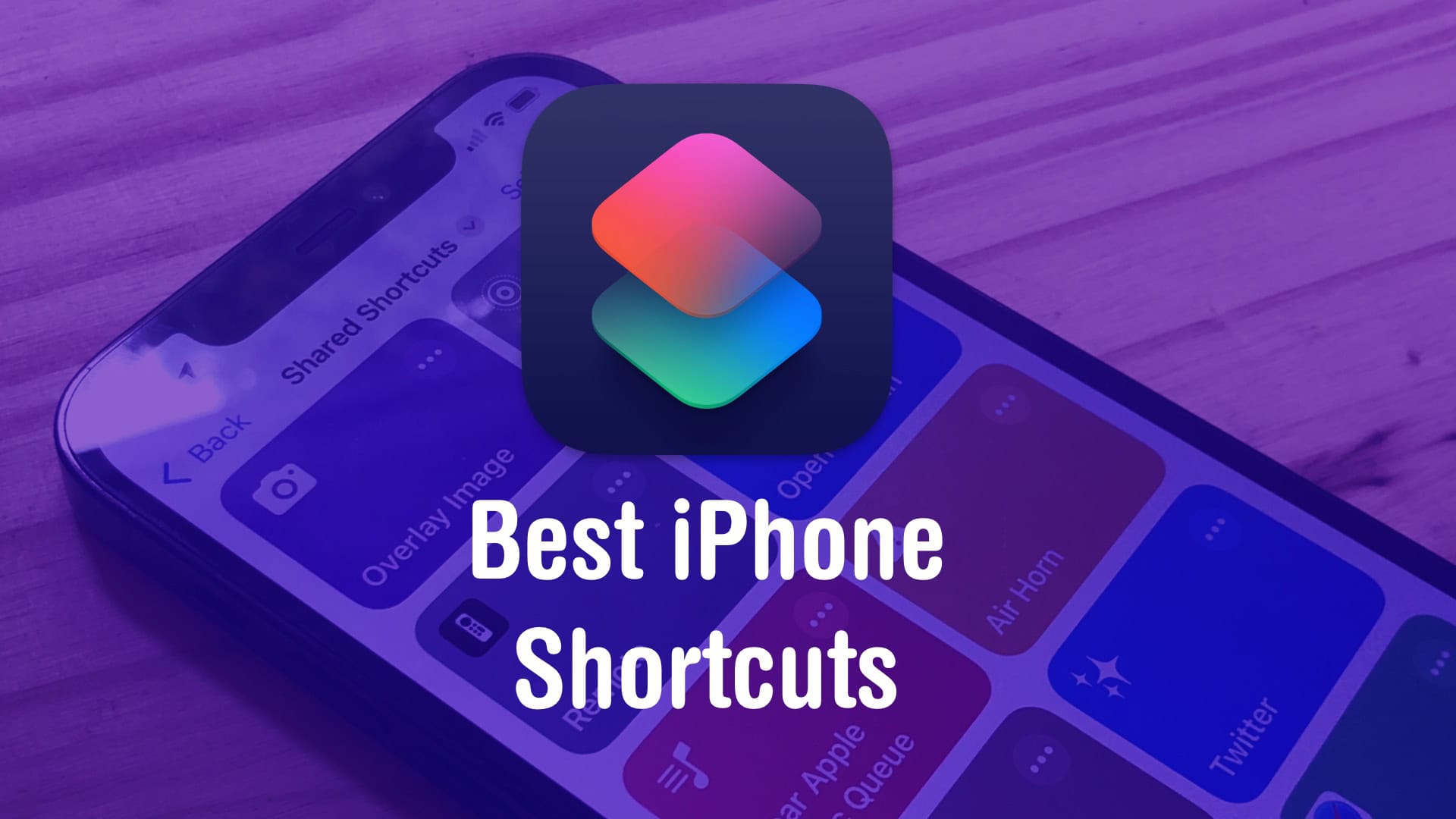
Best iPhone Shortcuts
If you don’t know where to start, here’s a taste of what’s possible.
Image: D. Griffin Jones/Cult of Mac

If you’ve never tried making your own Siri Shortcuts, I’ve compiled a short list of the best shortcuts for iPhone to introduce you. Shortcuts can quickly run automated actions on your phone (and on your iPad or Mac). They’re made using Apple’s Shortcuts app, where you can visually piece together actions offered by the apps installed on your device.

You can run a shortcut by asking Siri or by putting a widget on your iPhone’s Home Screen. Not a lot of people know this powerful feature exists — or what it can do for them. For eight examples of what you can do with shortcuts, keep reading or watch our video.

Save Home Screen space with two shortcuts in one small widget [Pro Tip]

By

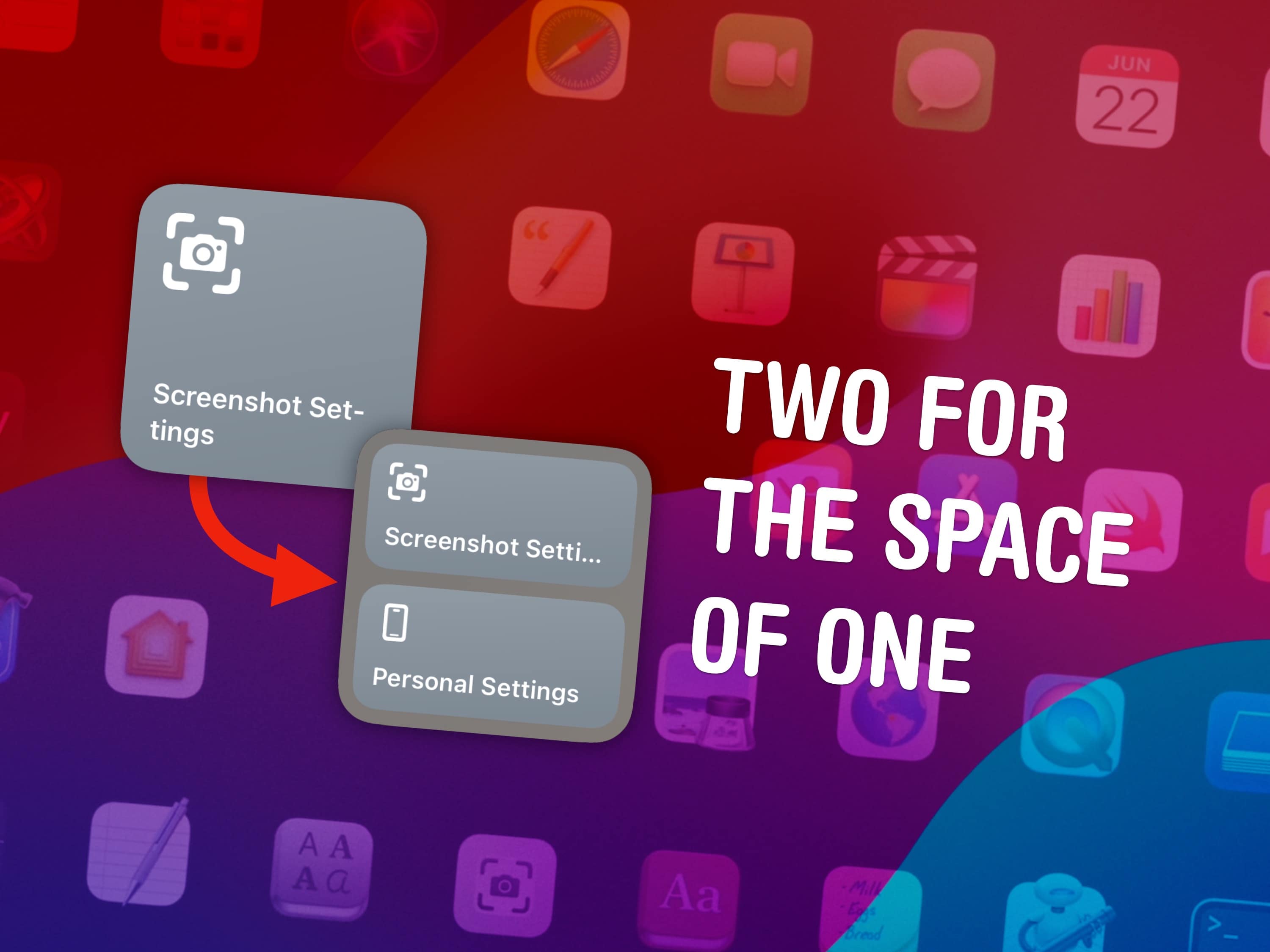
Two for the space of one
Double the shortcuts in the small widget.
Image: D. Griffin Jones/Cult of Mac

Pro tip bug

You can fit two shortcuts into one small widget in iOS 17, a significant change for power users of Apple’s time-saving Shortcuts app. A lot of shortcuts I make are in pairs — and now, you can put two shortcuts of a kind in one small space on your Home Screen.

Shortcuts, if you’re not aware, let you automate the things you do most often on your iPhone, Mac, iPad or Apple Watch. For instance, you can create a shortcut that sets a Focus mode when you get to work, one that suggests easy-to-remember passwords, one for converting units — the possibilities are endless. (Read Apple’s helpful Shortcuts guide if you want to familiarize yourself with the powerful app.)

Home Screen widgets are a great way to launch the shortcuts you use every day. On the iPhone, where space is limited, fitting twice as many shortcuts without losing any icons could be a game changer for your Home Screen. Let me show you how to set it up.

First Final Cut Pro update for iPad adds support for new keyboard shortcuts

By

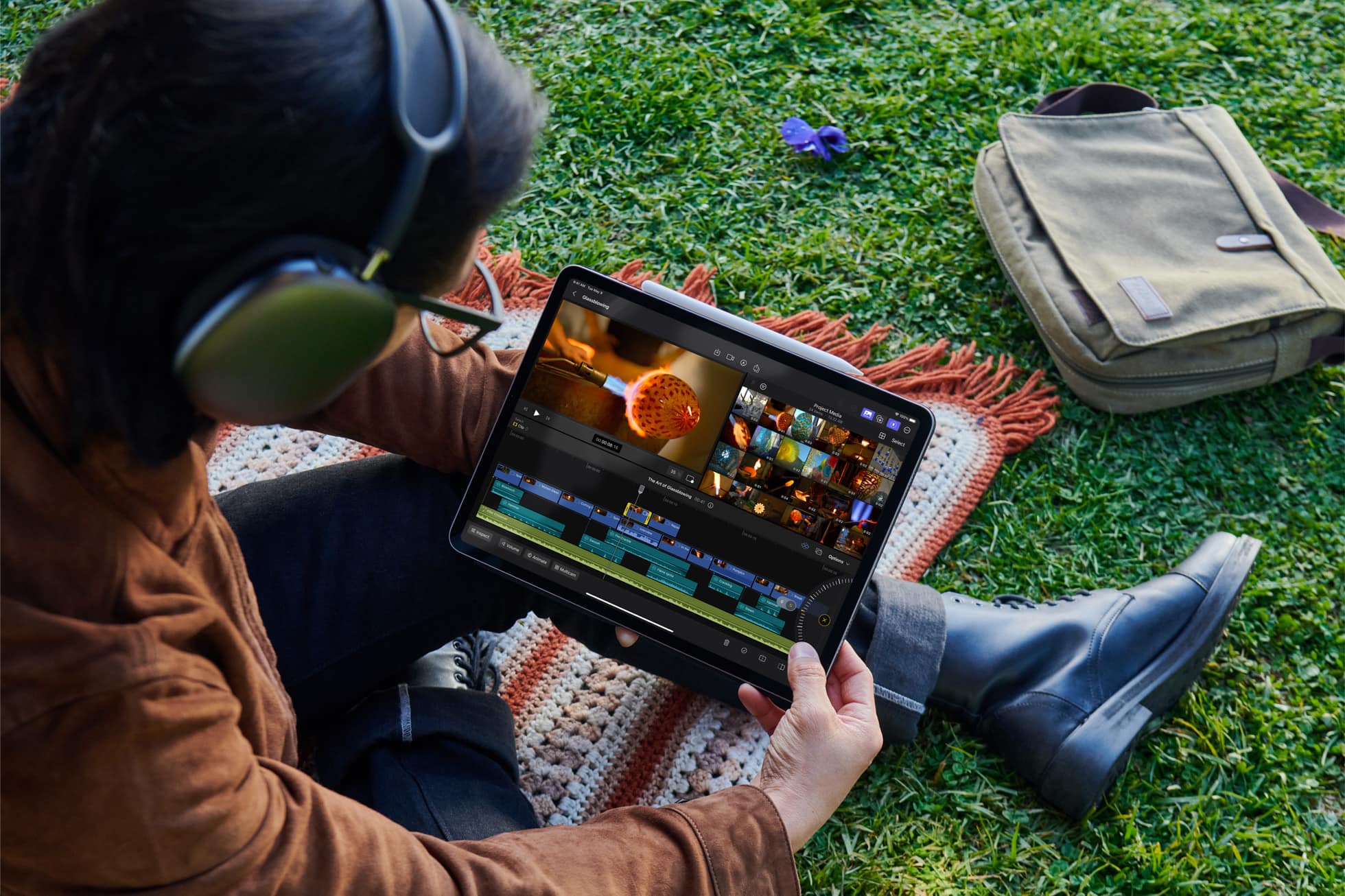
Final Cut Pro for iPad gives users the ultimate mobile studio for all their video and editing needs — no matter where they are.
Final Cut Pro for iPad's first update is here.
Photo: Apple

Apple on Tuesday rolled out the first update for Final Cut Pro for iPad since its release in May this year. The v1.1 release adds support for new keyboard shortcuts and improves the app’s overall stability and performance.

Final Cut’s iPad version is not as feature-rich as its Mac version. Apple is working on reducing that gap, with the latest update taking a small step in achieving this.

Facebook Messenger adds a bunch of handy, Slack-like shortcuts

By

Facebook Messenger shortcuts
It's now easier to send silent messages, GIFs, payments, and more.
Image: Meta

Facebook Messenger? Meta Messenger? Just Messenger? We don’t know what it’s supposed to be called these days. But we do know it just added a bunch of useful, Slack-like shortcuts that help you get things done faster.

You can use them to silently deliver messages without notifications, to find the perfect GIF, to send payments and more — all without having to fiddle around inside menus. And Meta says even more are coming later this year.

1 2 3 121