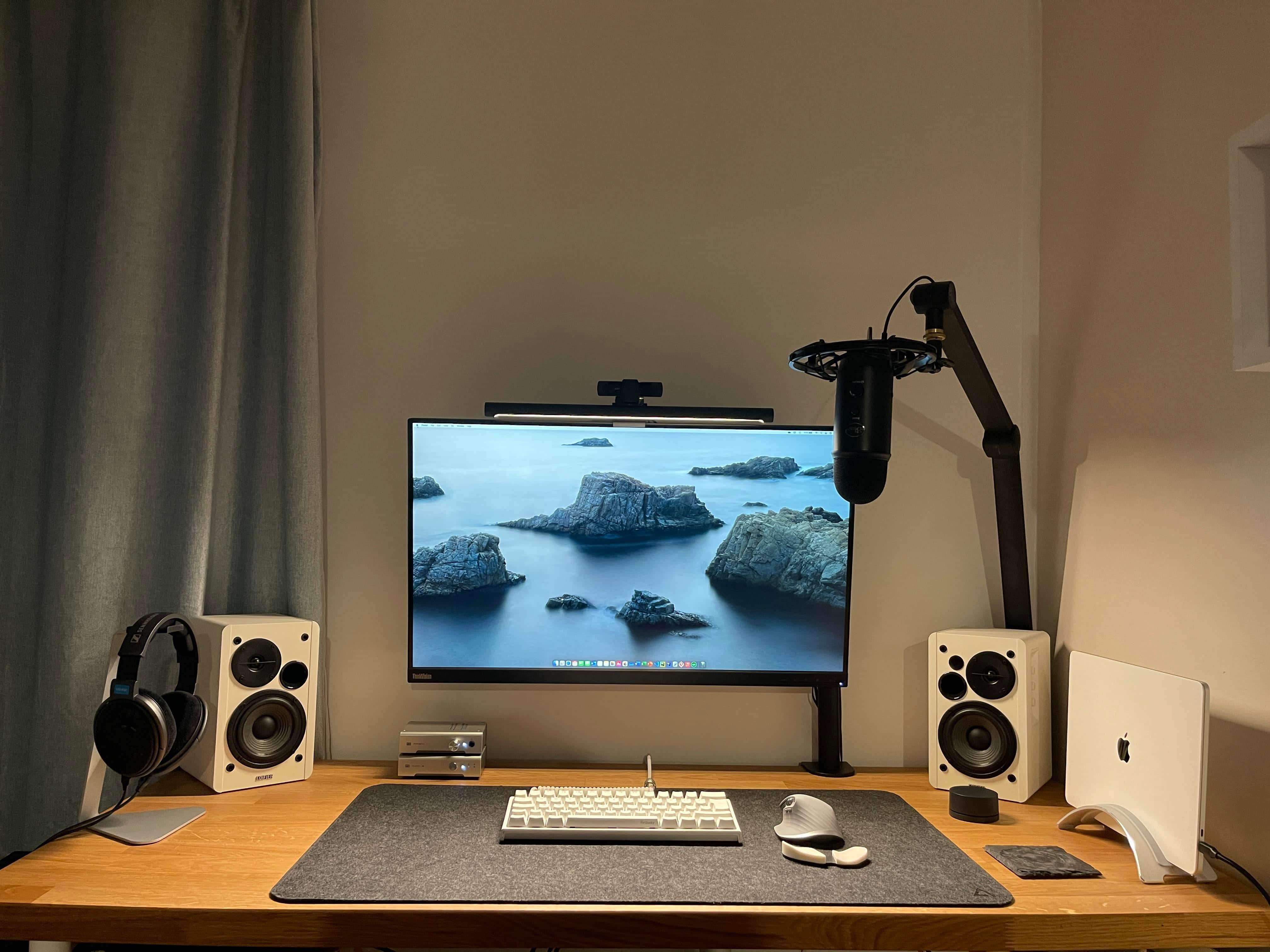
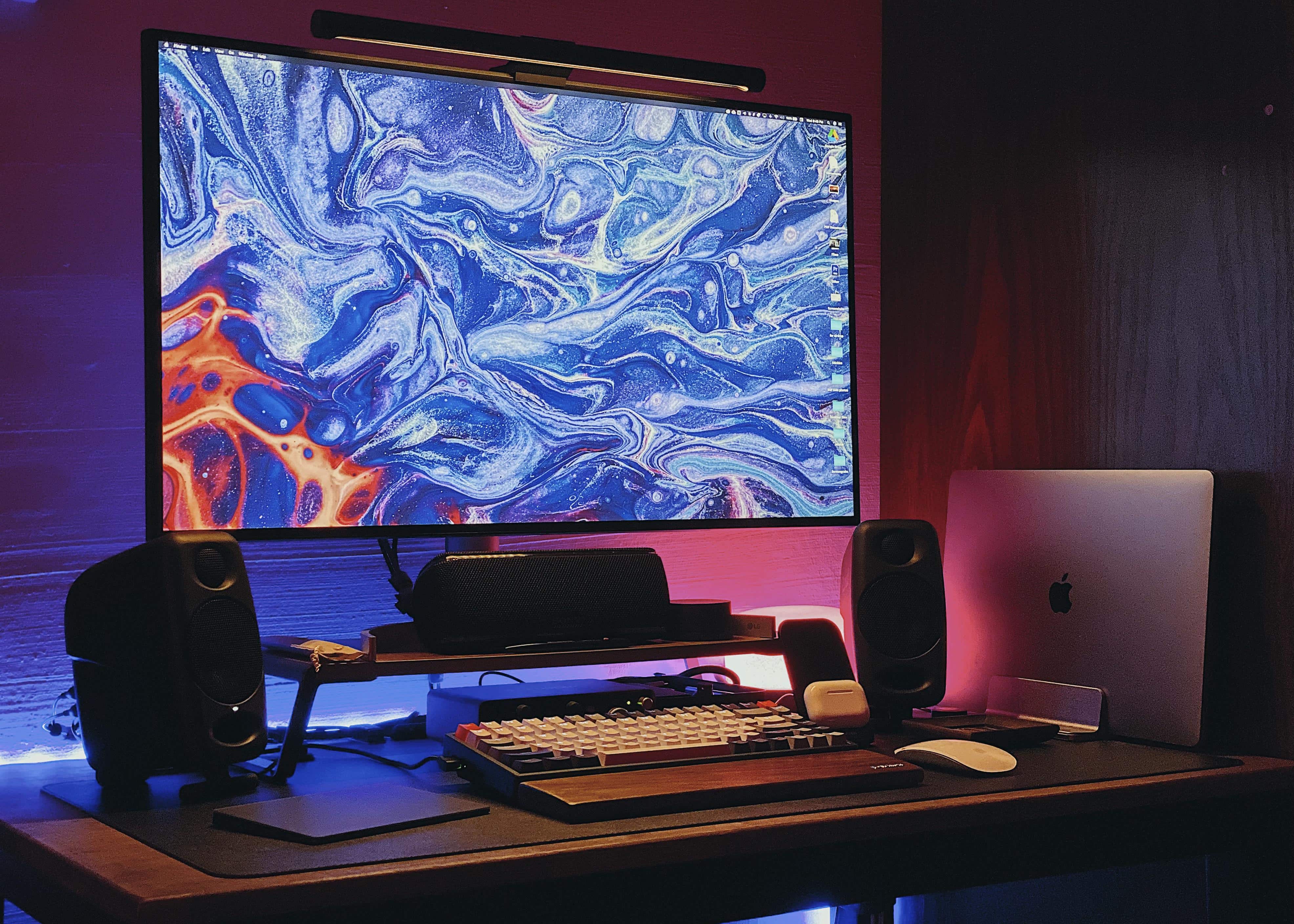
This MacBook Pro M1 setup is all about quality audio. Photo: The-deluxe@Reddit
Call it a “nice pile of Schiit.” Or a “Schiit stack.” That’s what admiring commenters said about computer science student and Redditor the-deluxe’s M1 MacBook Pro-centered setup.
“You fulla Schiit,” one audiophile enthused.
Why? Well, people who are into Schiit audio components are really into them. Game recognize game, after all.
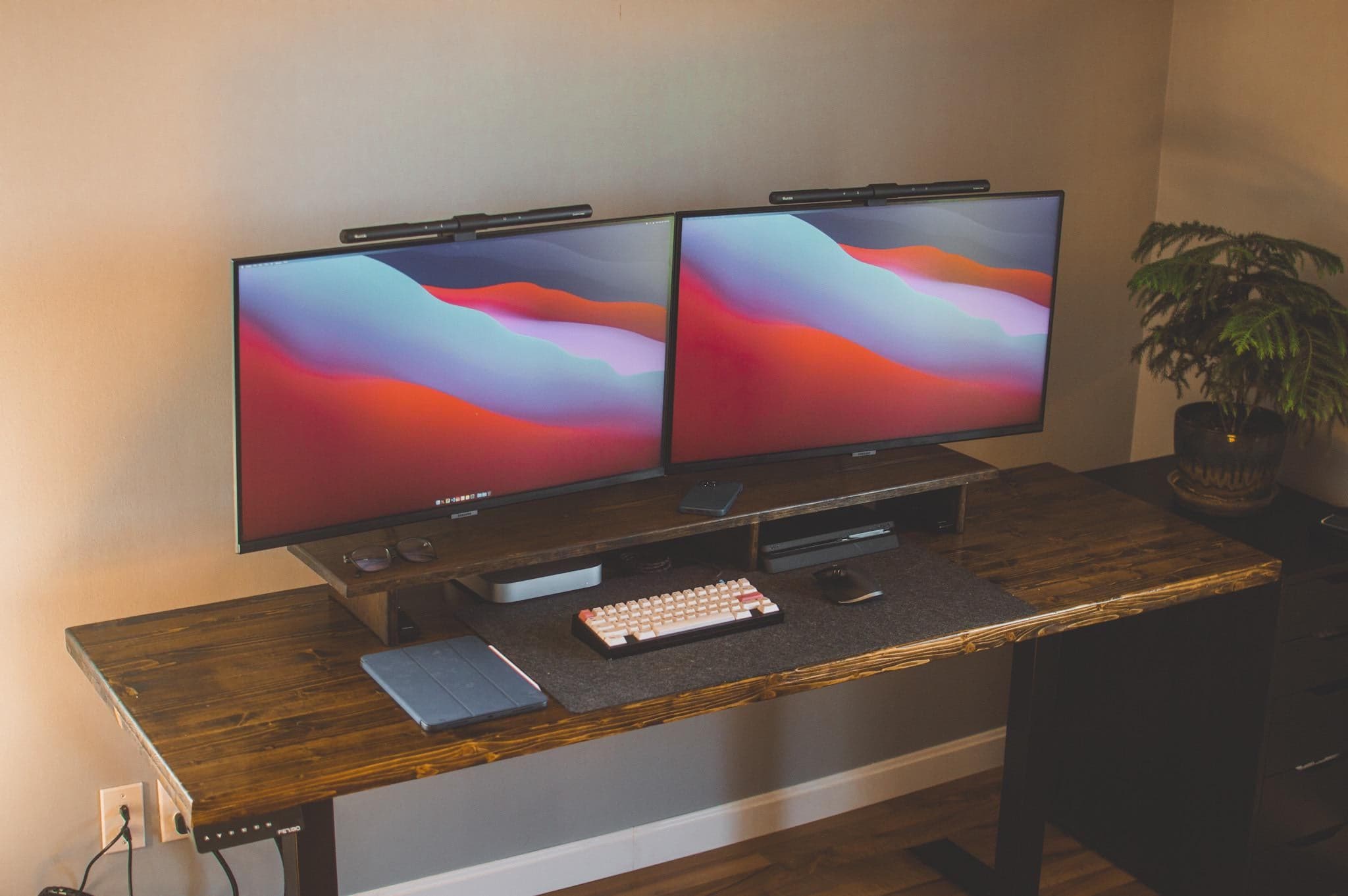
Two smart monitors with matching light bars easily run off a Mac mini M1. Photo: TimTheEnchanterz@Reddit
You see it every year. Accomplished, vibrant computers that still have a lot to offer are cast aside in favor of hard-charging young upstarts more than willing to take somebody’s job.
In the case of React developer TimTheEnchanterz (on Reddit), a MacBook Pro from just last year lost its job to a bright new Mac mini M1 boasting 16GB of unified memory and effortless connection to two external displays.
Such a shame. It’s not clear from the post, but the poor 2020 MBP probably had to shuffle off in search of a new taskmaster on r/hardwareswap, eBay or — say it ain’t so — Craigslist.
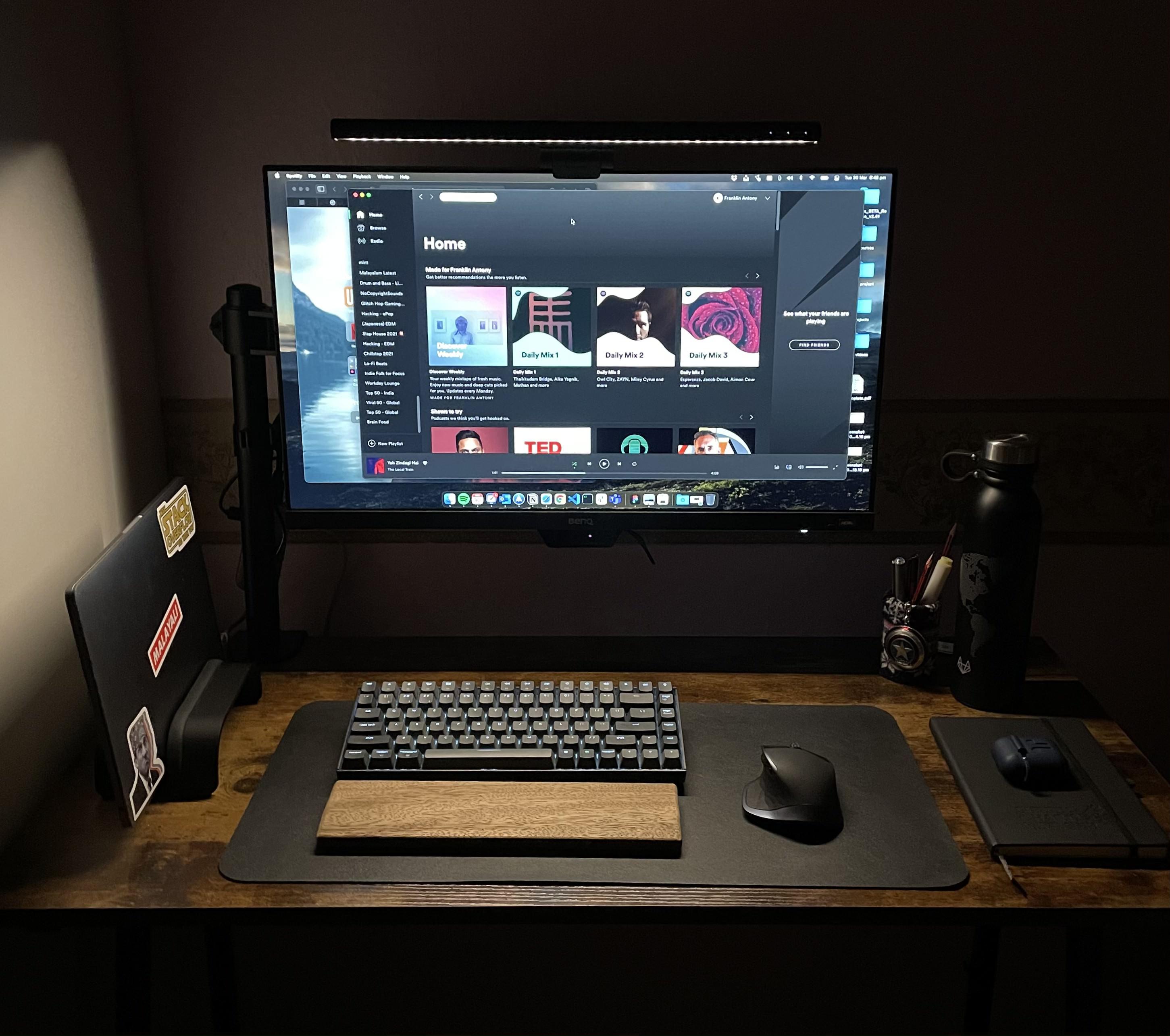
With lockdown savings and a little thrift you can put together a solid setup. Photo: franklinrockz@Reddit
Redditor franklinrockz makes no bones about the minimalist setup he bought with lockdown savings for online classes, calling it “pretty basic” and “nothing fancy.” But it gets the job done and looks good doing it.
A testament to that are the three dozen comments his post had by day two online. Lots of folks liked what franklinrockz did with the workstation and wanted to know about its components.
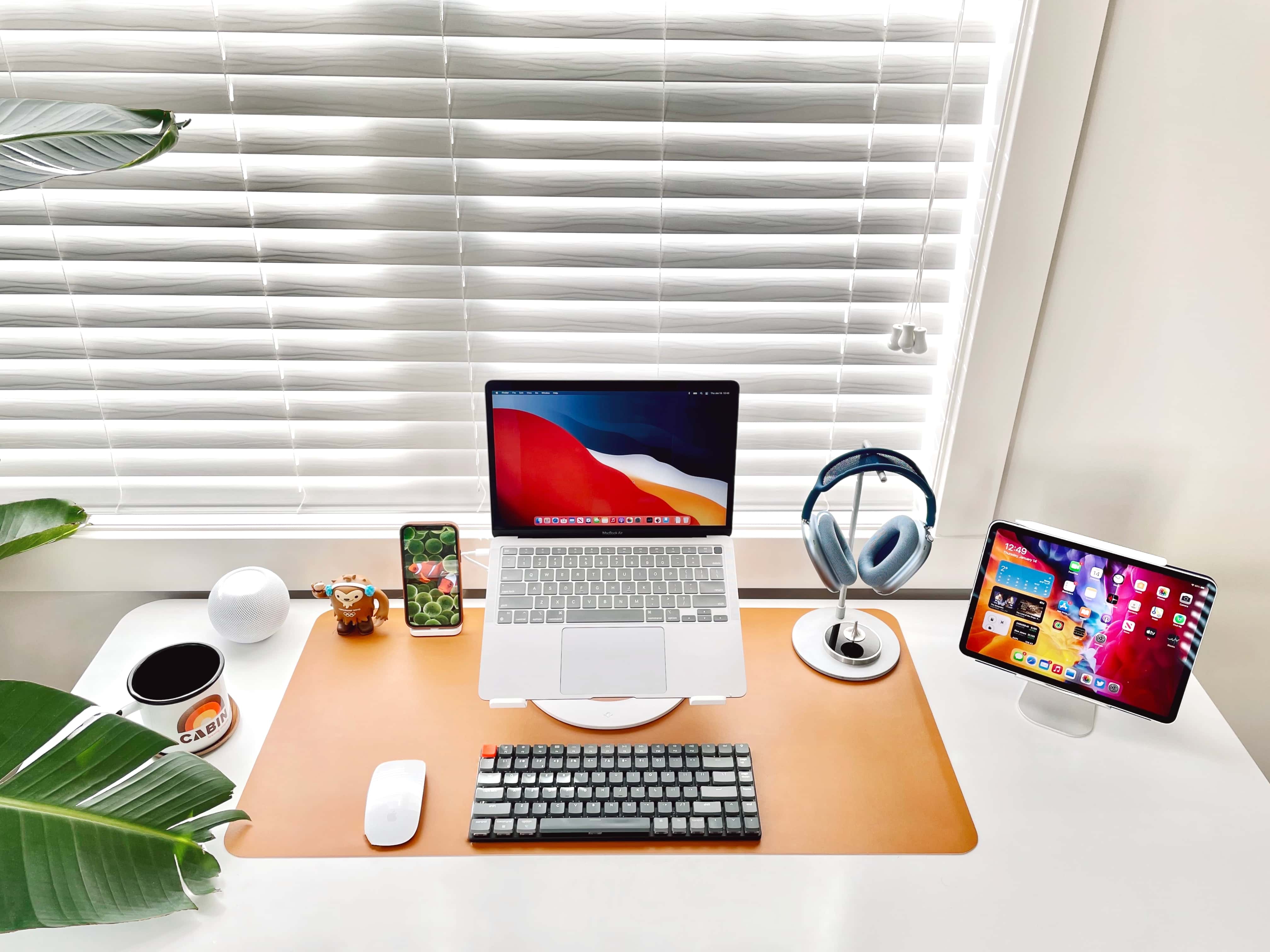
Do you really need both a MacBook and an iPad? Of course you do. Don't ask silly questions. Photo: BasicAppleGuy@Reddit
The setup showcased in a recent Reddit post consists of just a MacBook Air, an iPad, an iPhone and some peripherals and accessories, but it brings up a puzzling conundrum: Should you use both a MacBook and an iPad, even though their functionality overlaps to a great extent?
According to most of the comments, the answer is yes — even if it makes you feel like a sucker.
A small desk and a small room need not necessarily mean a small setup. Photo: vostok91@Reddit
After toiling for many months to get it right, Southeast Asia-based Redditor vostok91 finally finished fitting a vibrant computer setup on a small desk in a small room. The result may be a small setup compared to some, but that doesn’t make it a “small setup.” It’s plenty feisty.
A 15-inch MacBook Pro paired with an LG 32UL950 Ultrafine 4K LED Monitor make up the setup’s core.
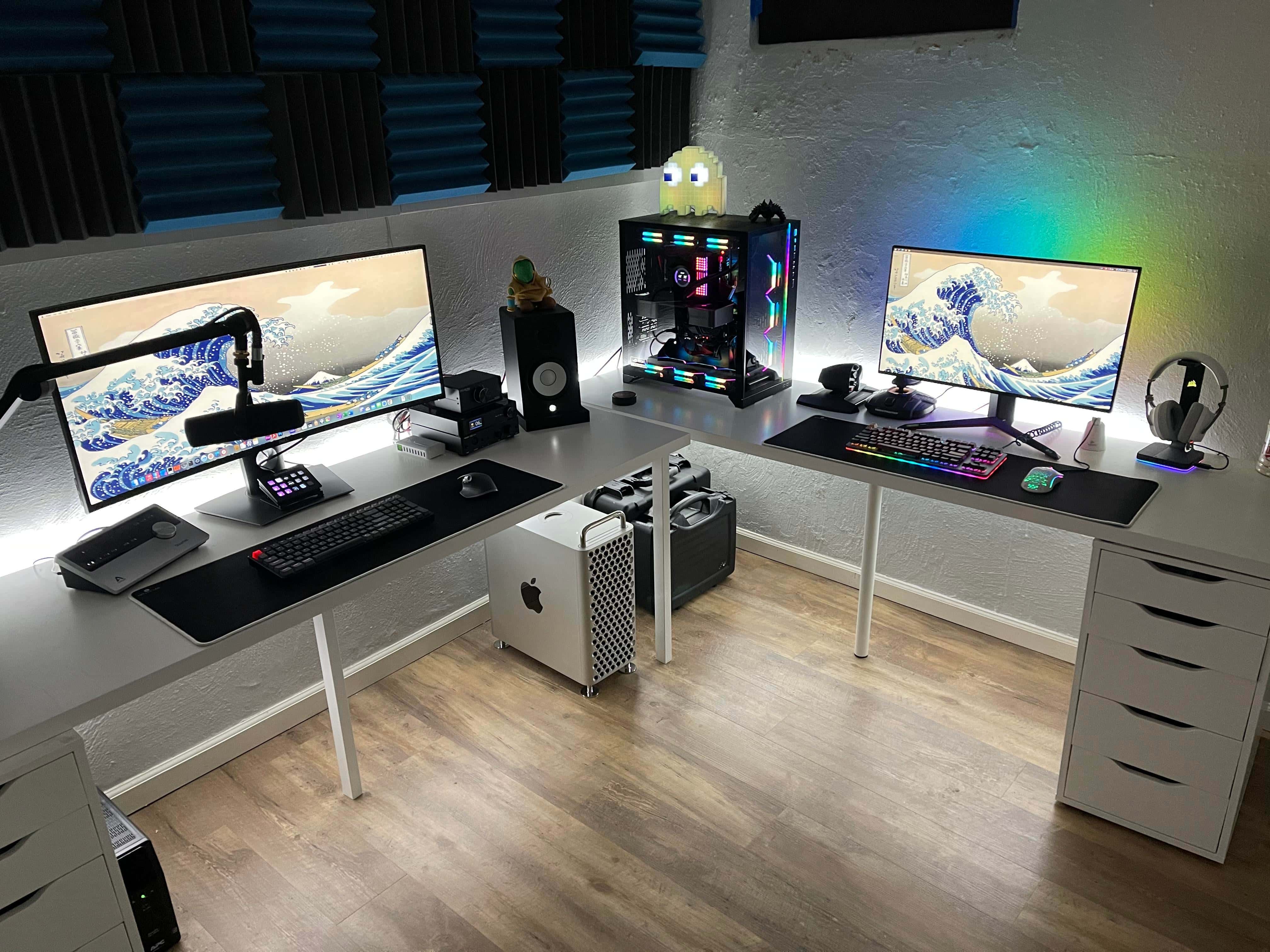
Best of all worlds? A powerful Mac and PC combo crushes work, gaming and podcasting. Photo: Liquidsama@Reddit
Redditor Liquidsama’s setup is popular on the social media app not just for the adorable Pac-Man Ghost Light in the corner (see photos), but for its awesome computing power for work and play.
The LED ghost light phases through nine colors and reacts to music, by the way — which is neat — but the real draw here is a bulked-up Mac Pro for IT work and a heavily modded PC for gaming. Not to mention a great audio rig for podcasting.
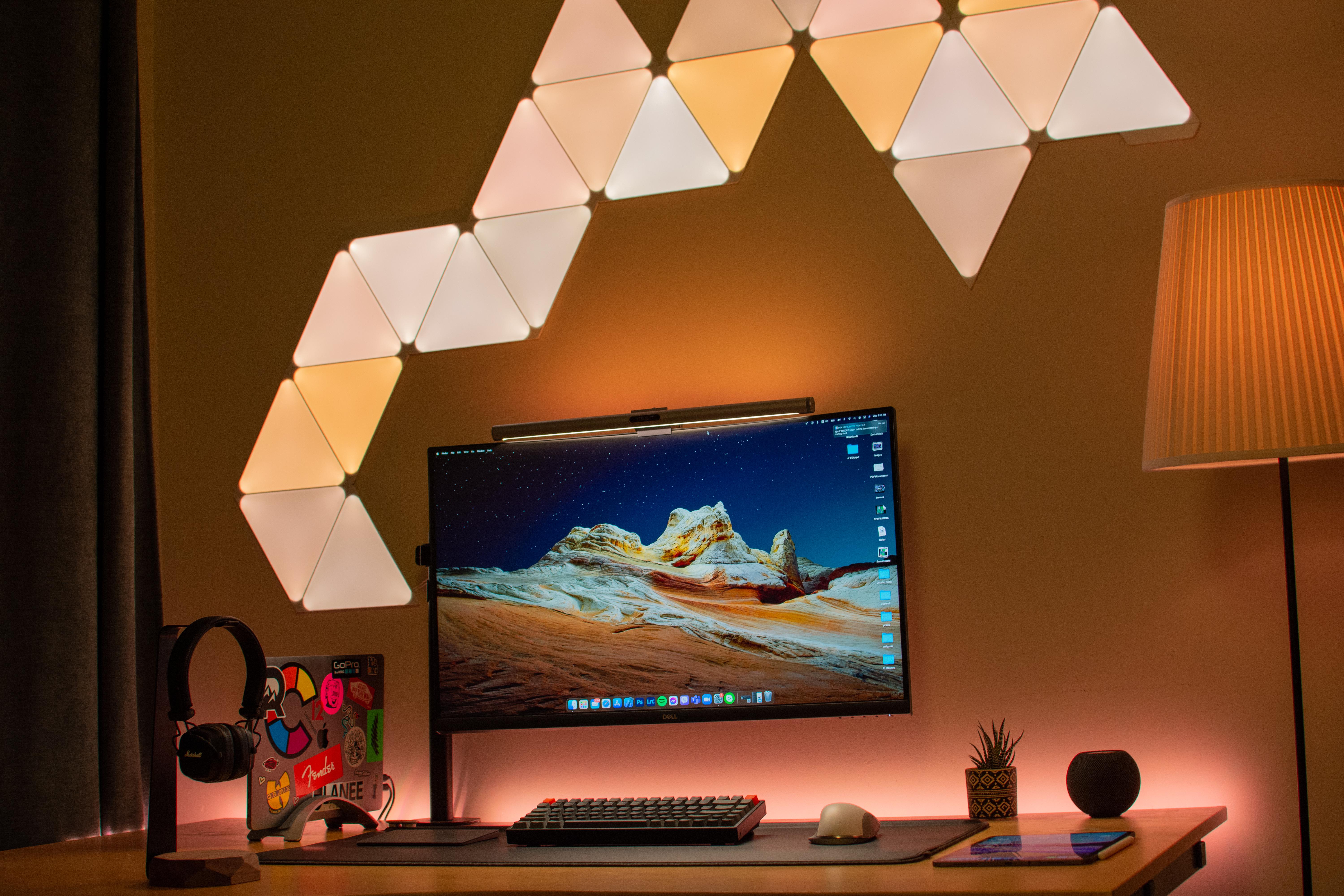
Nanoleaf Shapes give you interesting lighting options. Photo: arnaki_gkioulmpasi@reddit
If one thing catches your eye first about Redditor arnaki_gkioulmpasi’s setup, it’s probably the interesting light show on the wall behind it. That array is made up of Nanoleaf Shapes that can be arranged any which way.
Those cool-looking lights, along with a Yeelight Screen Light Bar Pro atop the Dell 32-inch curved 4K monitor and a standing lamp next to the desk, keep eyestrain to a minimum.
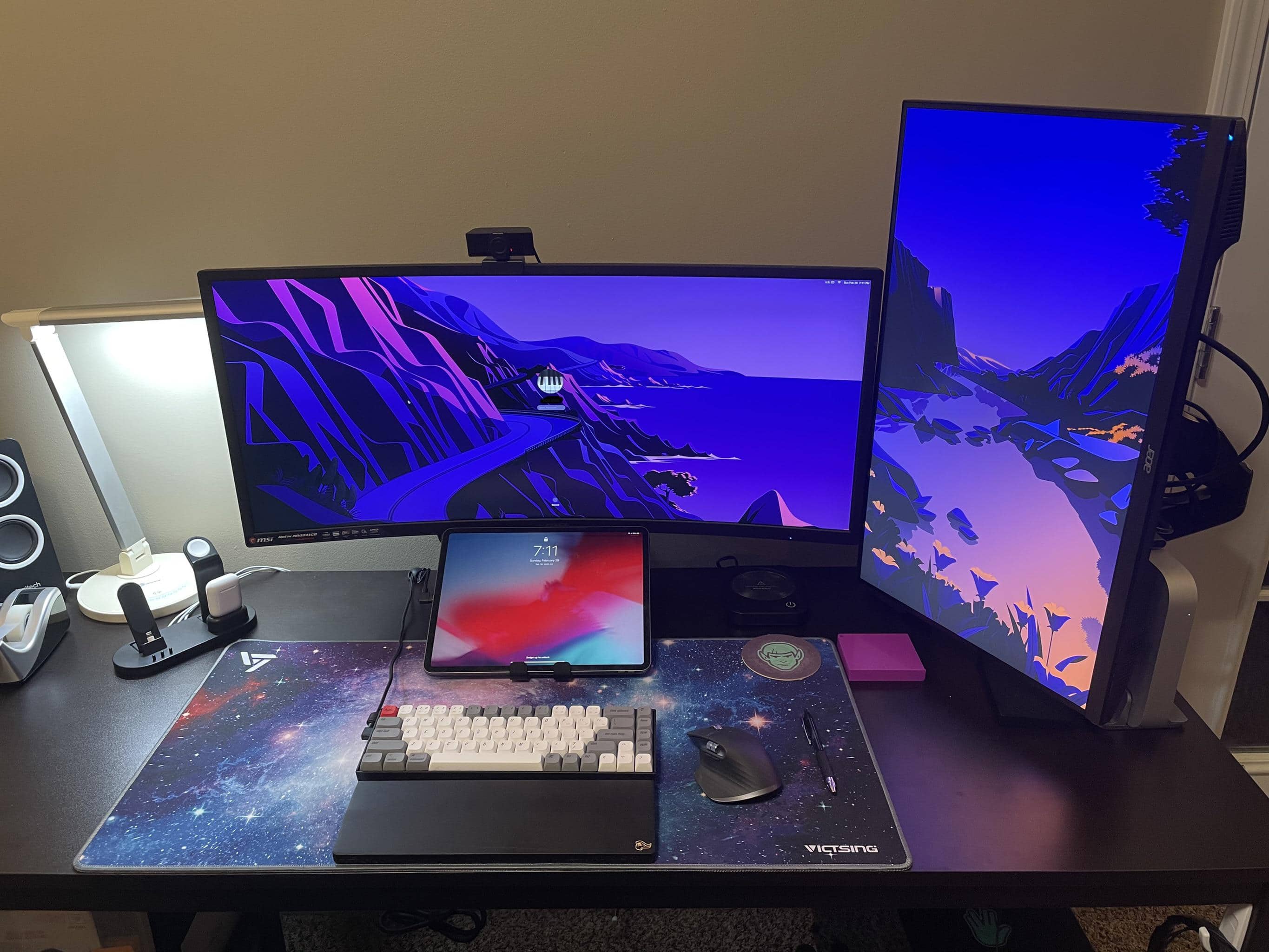
An ultrawide monitor and a vertical one can be a good look. Photo: CompilingTheFuture @ Reddit
Reddit is a great place to seek advice about computer setups. Redditor CompilingTheFuture did well recently when puzzling over replacing the triple-monitor display running off his M1 Mac mini.
The problem? One of the main issues was that three screens were so wide that peering into the corners required a lot of “neck twisting.” Sounds painful.
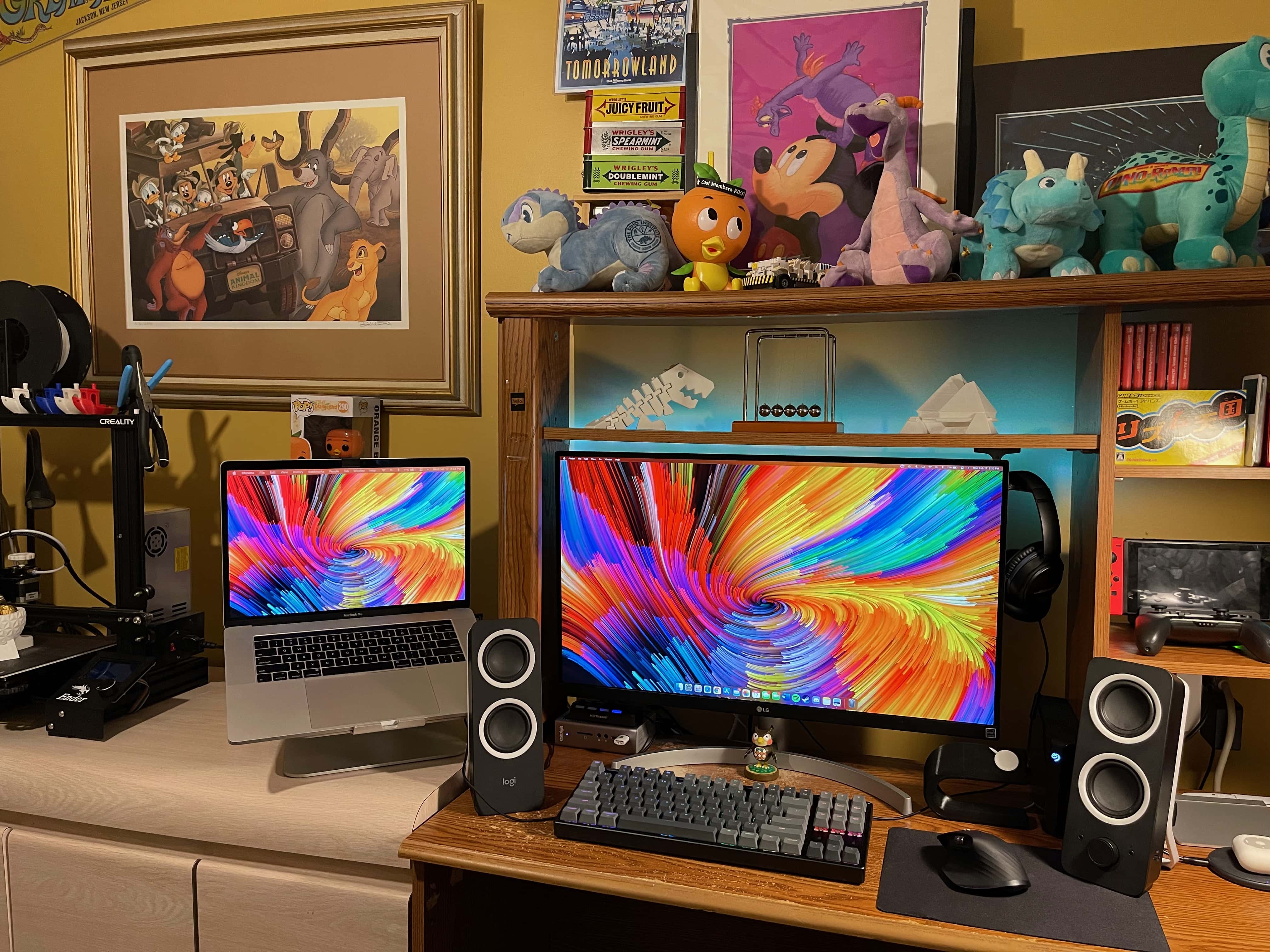
This setup includes 3D-printed elements and Nintendo-inspired decorations. Photo: Vincent Belotti
Vincent Belotti, a mechanical engineering student at Farmingdale State College on Long Island, New York, has a colorful setup — and we’re not just talking about his screensaver. He 3D-prints some of the components in it himself, and he can’t get enough decor related to his favorite games.
3D printing as a hobby
As an engineering student, Belotti has made 3D printing into a hobby. He uses his MacBook Pro to model and slice prints that become components to enhance his setup. They include an Apple Watch dock, shown on the right side of his desk in these photos, and 3D figurines on the shelf above his monitor.
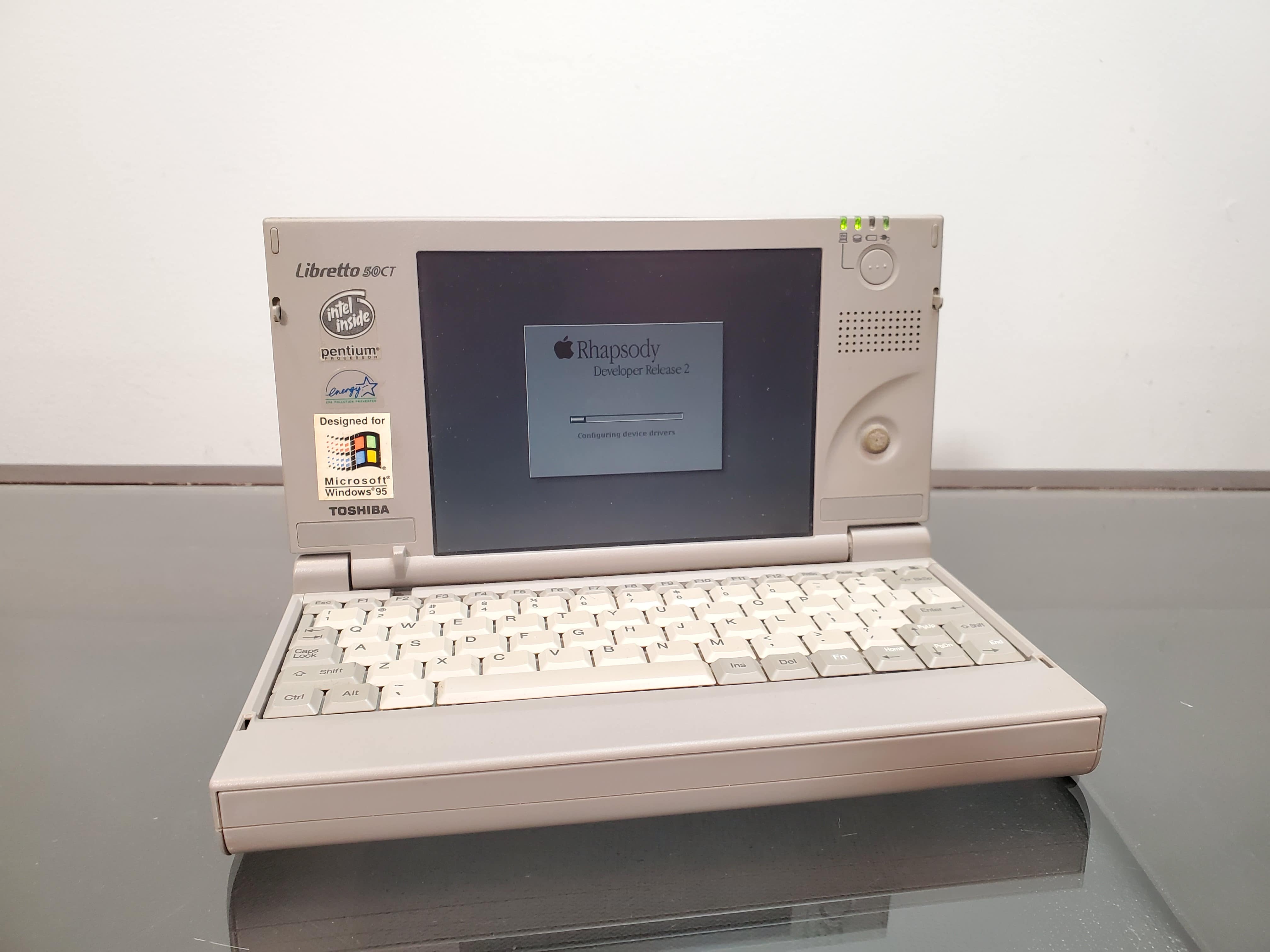
The Apple portable that never was. Photo: Action Retro
Long before we all started carrying around powerful computers in our pockets, there was the tiny Toshiba Libretto. A game-changing device when it arrived in the 1990s, the Libretto downsized the entire Windows PC experience into a subnotebook the size of a paperback.
As the world’s smallest commercially available Windows PC, it certainly proved revolutionary. The only problem is the Libretto was … well, a Windows PC.
YouTuber Action Retro recently set out to right that wrong with an awesome Hackintosh project. After transforming the diminutive Libretto into a miniature Mac, he spoke with Cult of Mac about the experience (and his love of vintage Macs).