Mobile menu toggle

Search results for: mechanical keyboard

M1 Mac mini usurps Mac Pro and tops MBP in super-widescreen rig [Setups]
By

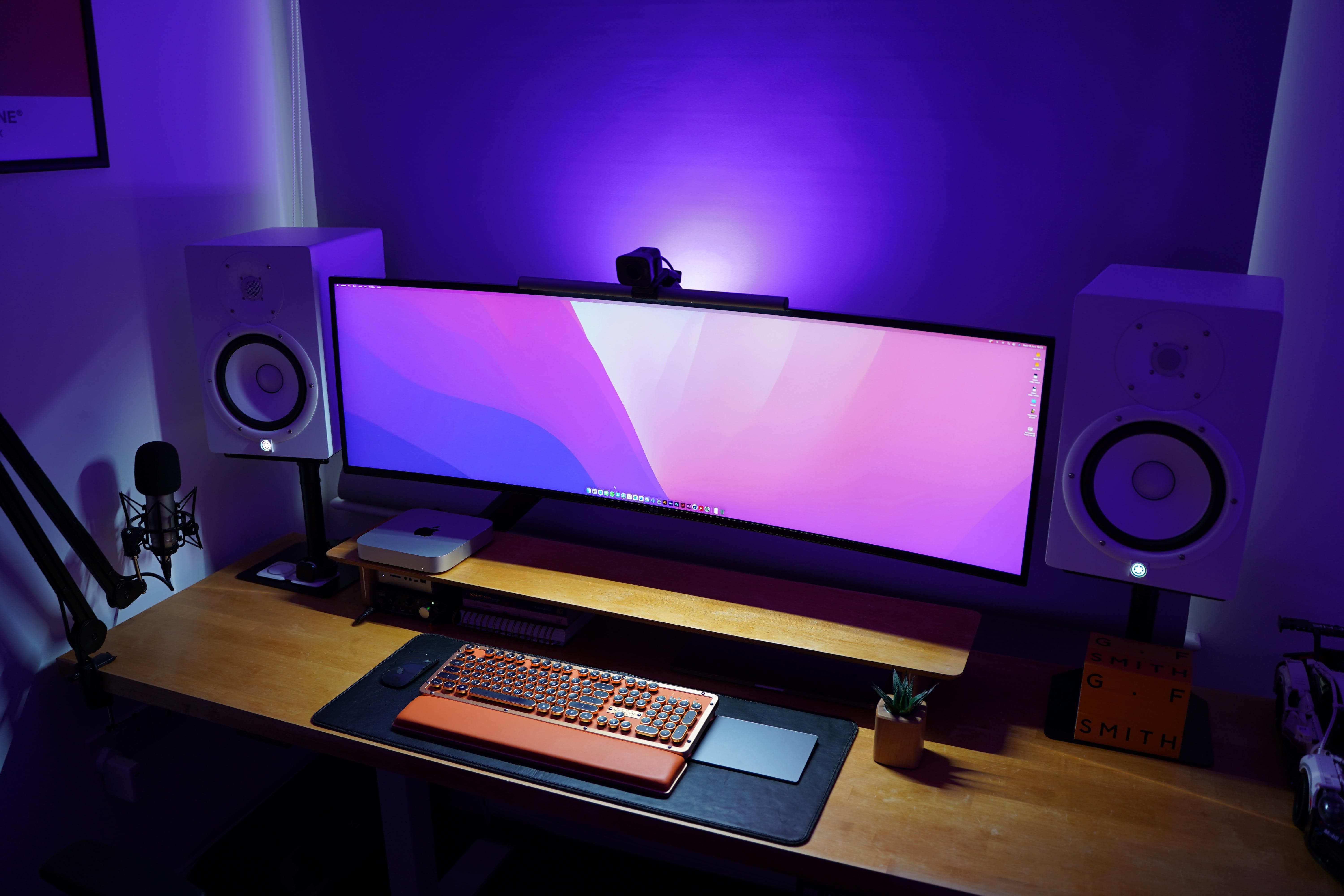
A Mac mini usurped a 16-inch MacBook Pro in this super-widescreen setup.
Photo: OSJdesigns@Reddit

A lot of folks eagerly await new MacBook Pro models, preferably with updated M1 chips. You know, the ones not introduced at WWDC as predicted? In the meantime, plenty of people are snapping up the affordable and reportedly fabulous M1 Mac mini. We’ve seen it over and over again in our far-flung travels among Setups online.

When the only way to go is up [Setups]

By

When you can't built out, built up.
Photo: xelferz@Reddit

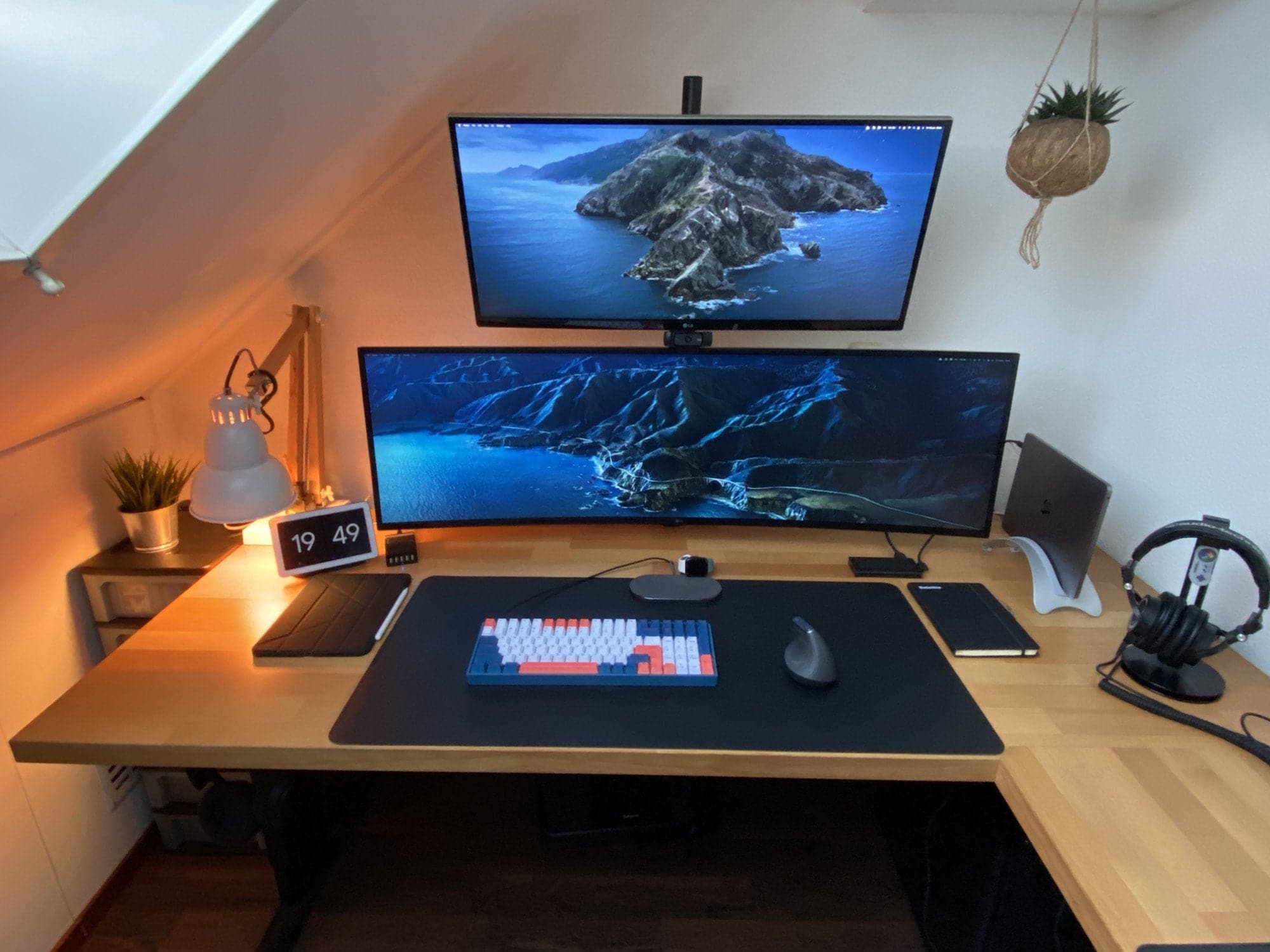
Some computer setups are a little like Manhattan. When you have nowhere else to build horizontally, the only way to go is vertical. Hence the monitor tower seen in Redditor xelferz’s MacBook Pro-and iPad Air-based workstation.

Pressed into the corner of a narrow room with a vaulted ceiling, xelferz’s setup stacks a 34-inch LG ultrawide display on top of a 49-inch, curved ultrawide LG display. A webcam sits on top of the lower screen. The whole thing looks a bit like a tree.

Confessions of a former Mac hater [Setups]

By

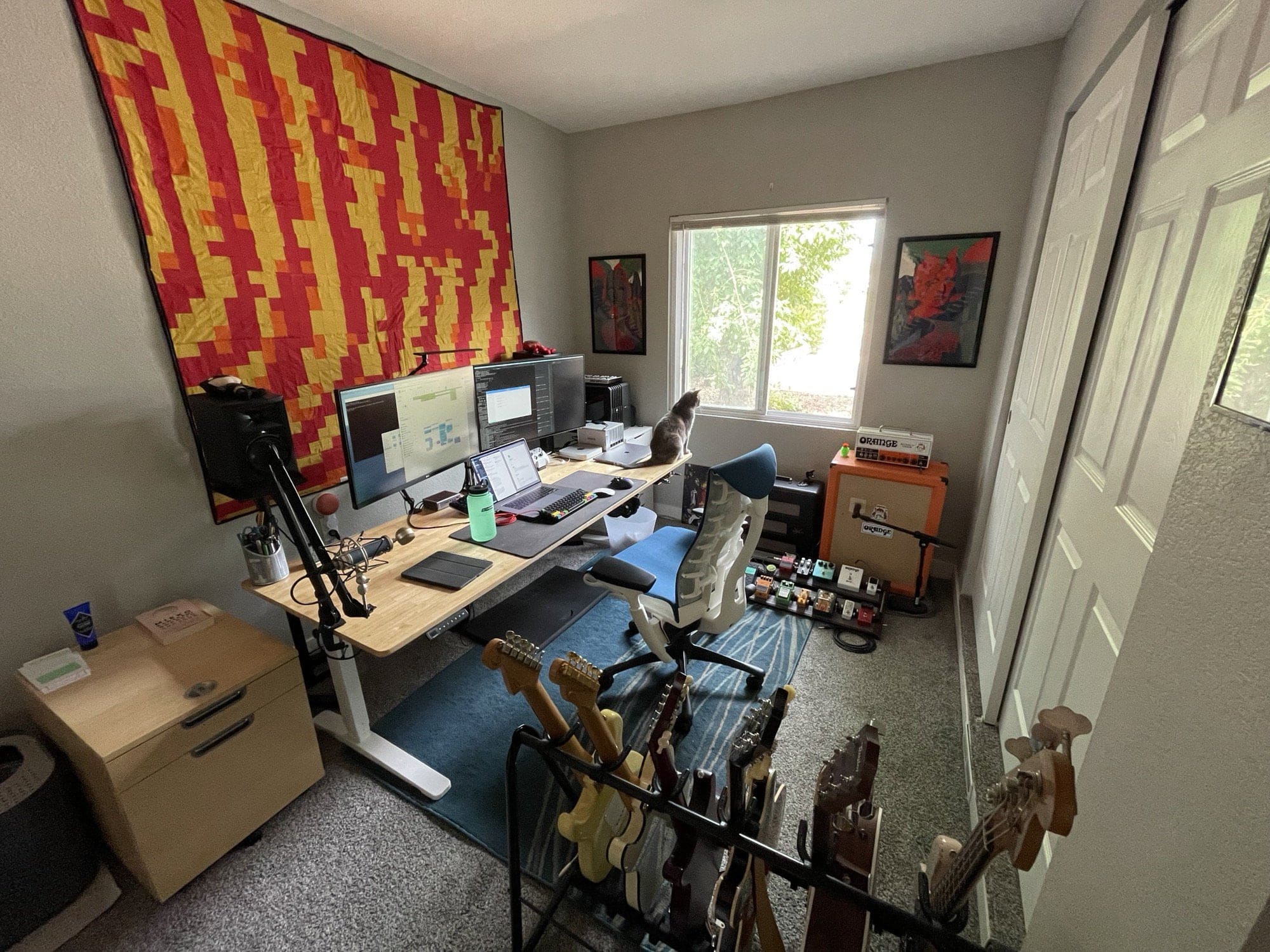
Ignore the electric guitars and amps. Thisis about Macs replacing PCs.
Ignore the electric guitars and amps. This is about Macs replacing PCs.
Photo: gnophy@Reddit

Sure, it may be overstating things to call Redditor gnophy a former “Mac hater.” After all, he only said he used to be “anti-Mac” and he “couldn’t get along with the OS.”

Well, good news for Apple. He’s finally been assimilated. And it only took many, many years to subdue the software engineer and musician.

M1 MacBook Air handles dual external monitors [Setups]

By

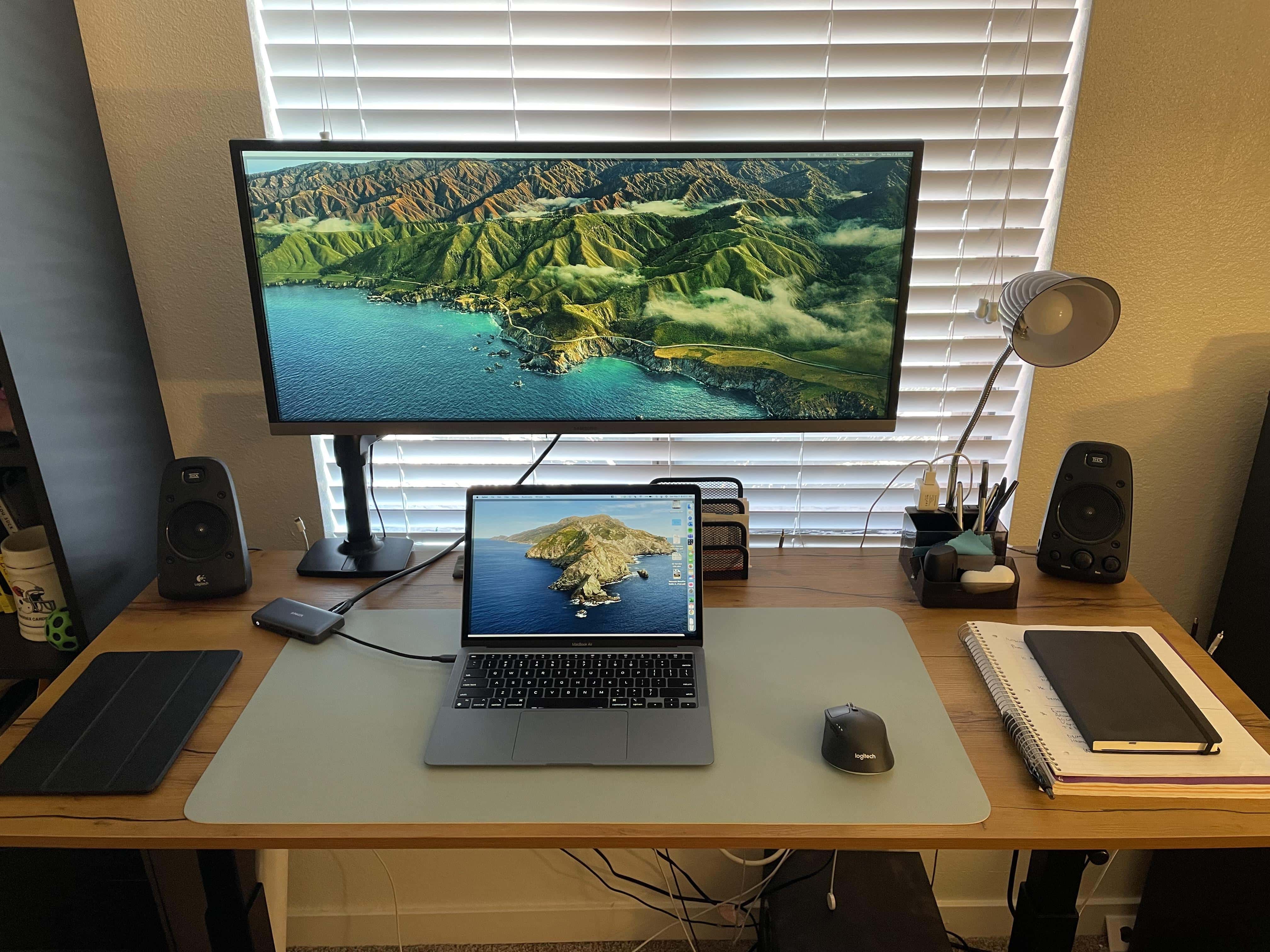
There's a trick to running dual external monitors with an M1 MacBook, but it's not very tricky.
Photo: ImajiiMac@Reddit

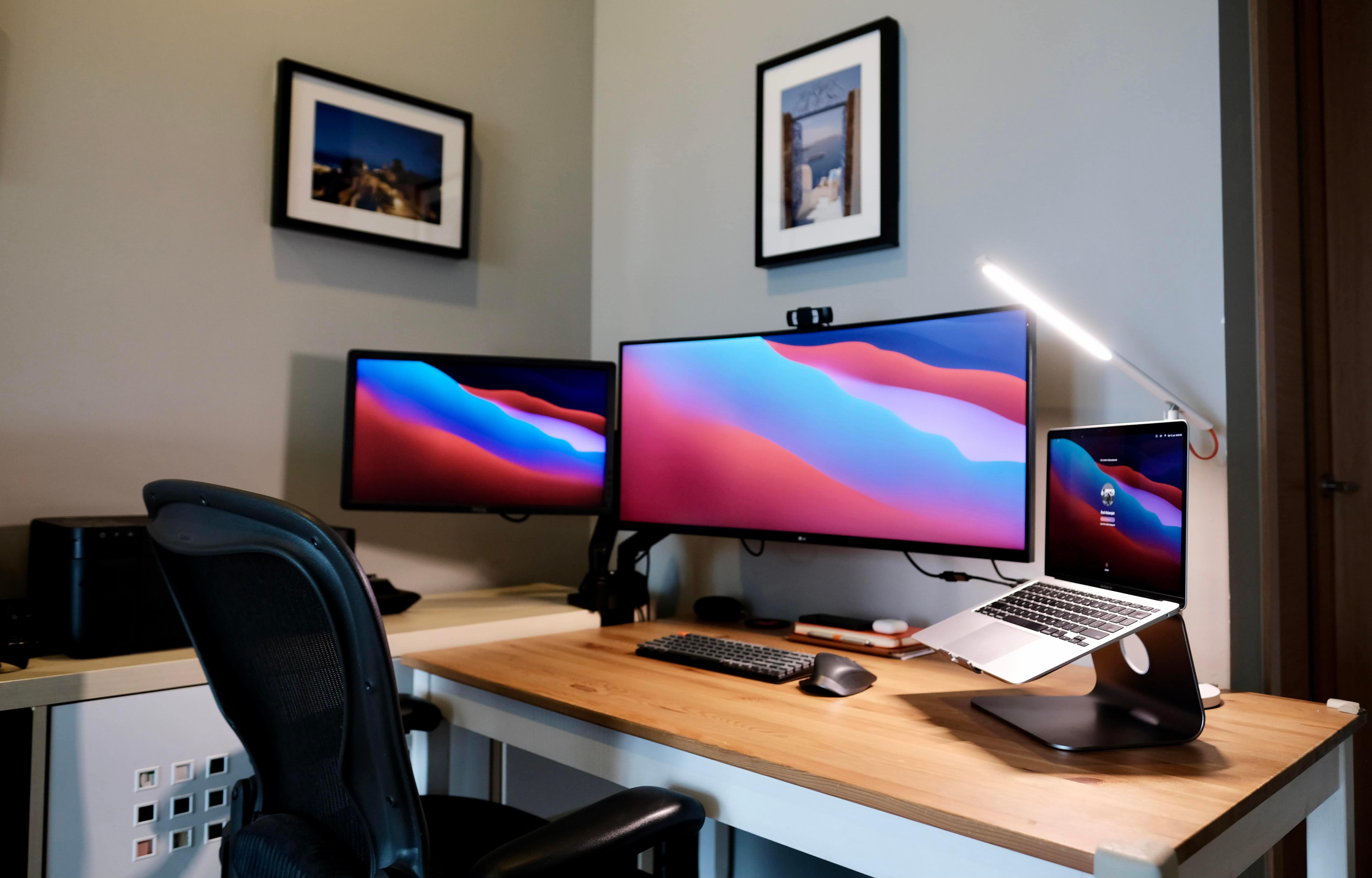
One of the downsides you hear about the M1 MacBook Air and the M1 MacBook Pro is that they officially (natively) support just one external display in addition to the laptop’s screen, not dual external monitors.

Well, that may be true in the user manual. But Redditor ImajiiMac is among those discovering that “official” ain’t everything.

‘Kestrel’ novelist Matt Gemmell embraces extreme minimalism [Setups]

By

Matt Gemmel pares down the setup to distill writing magic.
Photo: Matt Gemmell

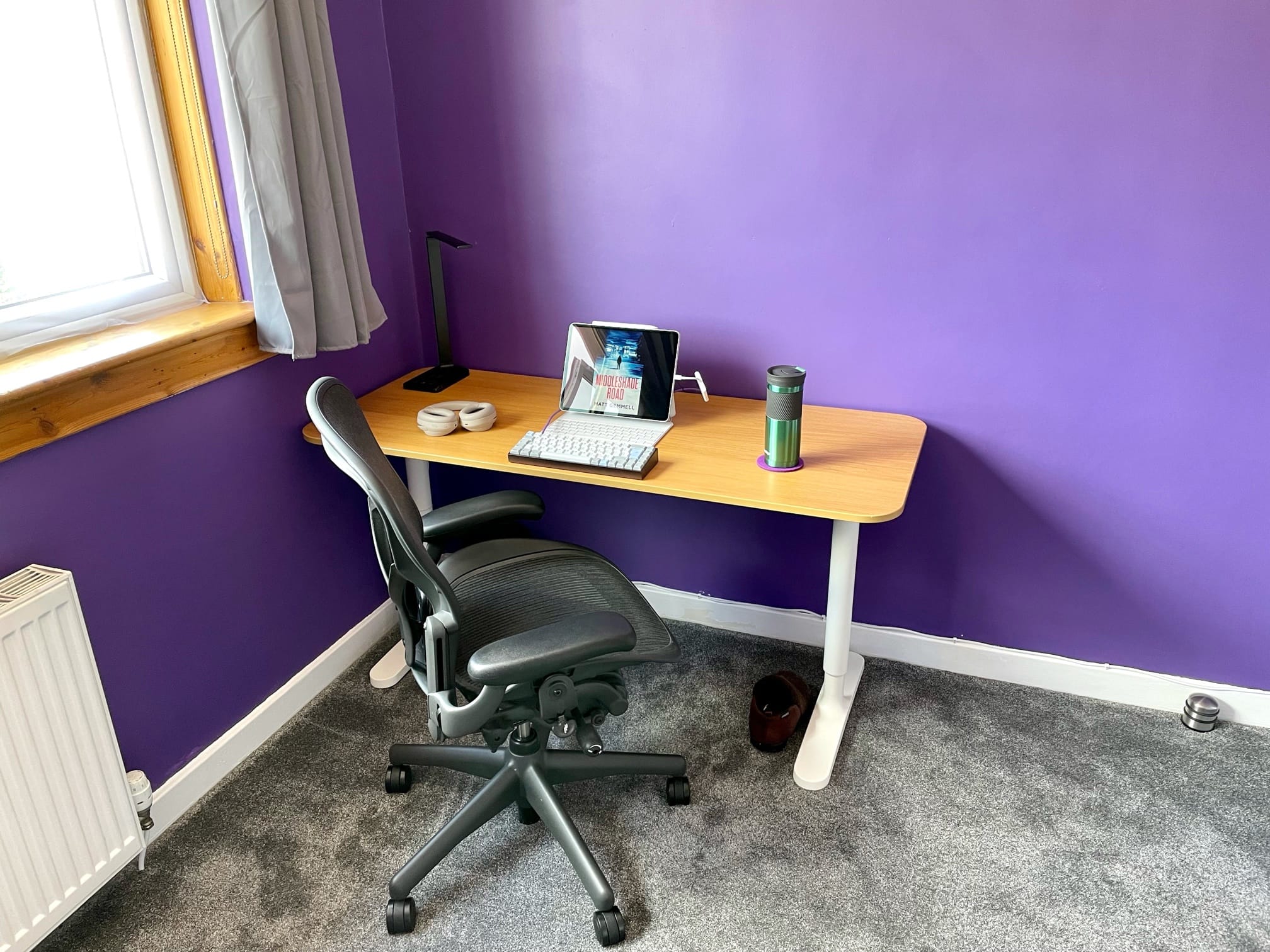
The classic writer’s garret, a small room where a tortured scribe toils over lonely hours to put words on the page — using a quill or a fountain pen or maybe a Smith Corona typewriter — has been tastefully updated.

Now it’s all about a 12.9-inch iPad Pro locked hard into the Ulysses text editor to prevent any distractions. There’s also a highly customized mechanical keyboard and really nice noise-canceling headphones. At least that’s how Scottish novelist Matt Gemmell limits his gear in a minimalistic setup, he told Cult of Mac.

It helps him focus on writing. That, and sitting his ass down in the chair for hours a day. The chair is a Herman Miller Aeron, by the way. The spartan surroundings need not lack comfort, after all. It’s about limiting distractions.

Amazing retro-innovation draws adulation [Setups]

By

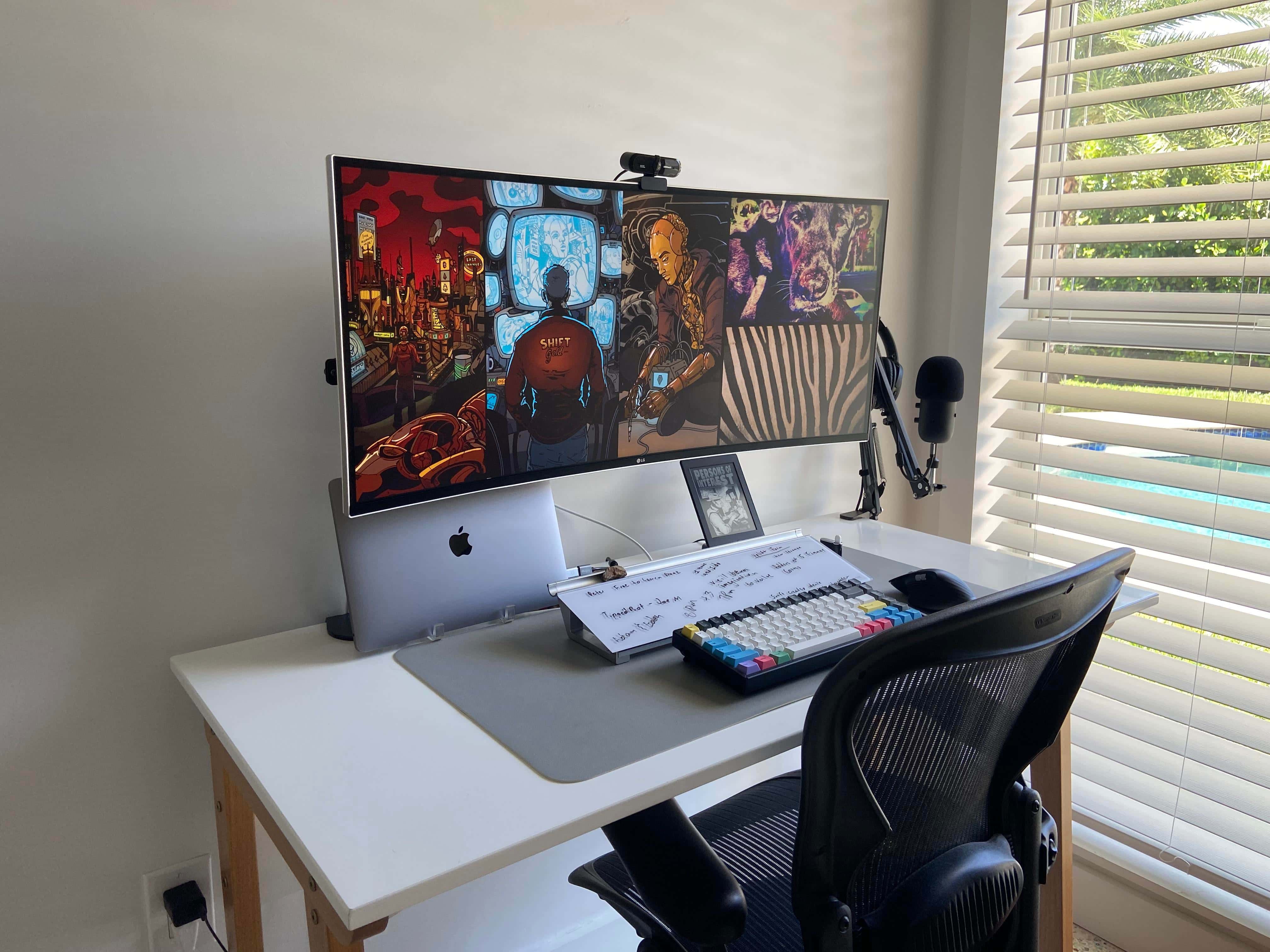
A MacBook Pro and widescreen display setup has a secret weapon: a desktop whiteboard.
Photo: TheCrunks@Reddit

If you look at enough computer setups, you get used to seeing the amazing technology that impresses people on social media sites. But then, sometimes the cool innovation, or let’s say killer retro-innovation, is just an unfamiliar form of whiteboard with dry-erase notes scribbled on it.

Redditor TheCrunks has an admirably capable but compact setup with plenty of tech to like.

Before-and-after pics: Guess which one has the steno machine [Setups]

By

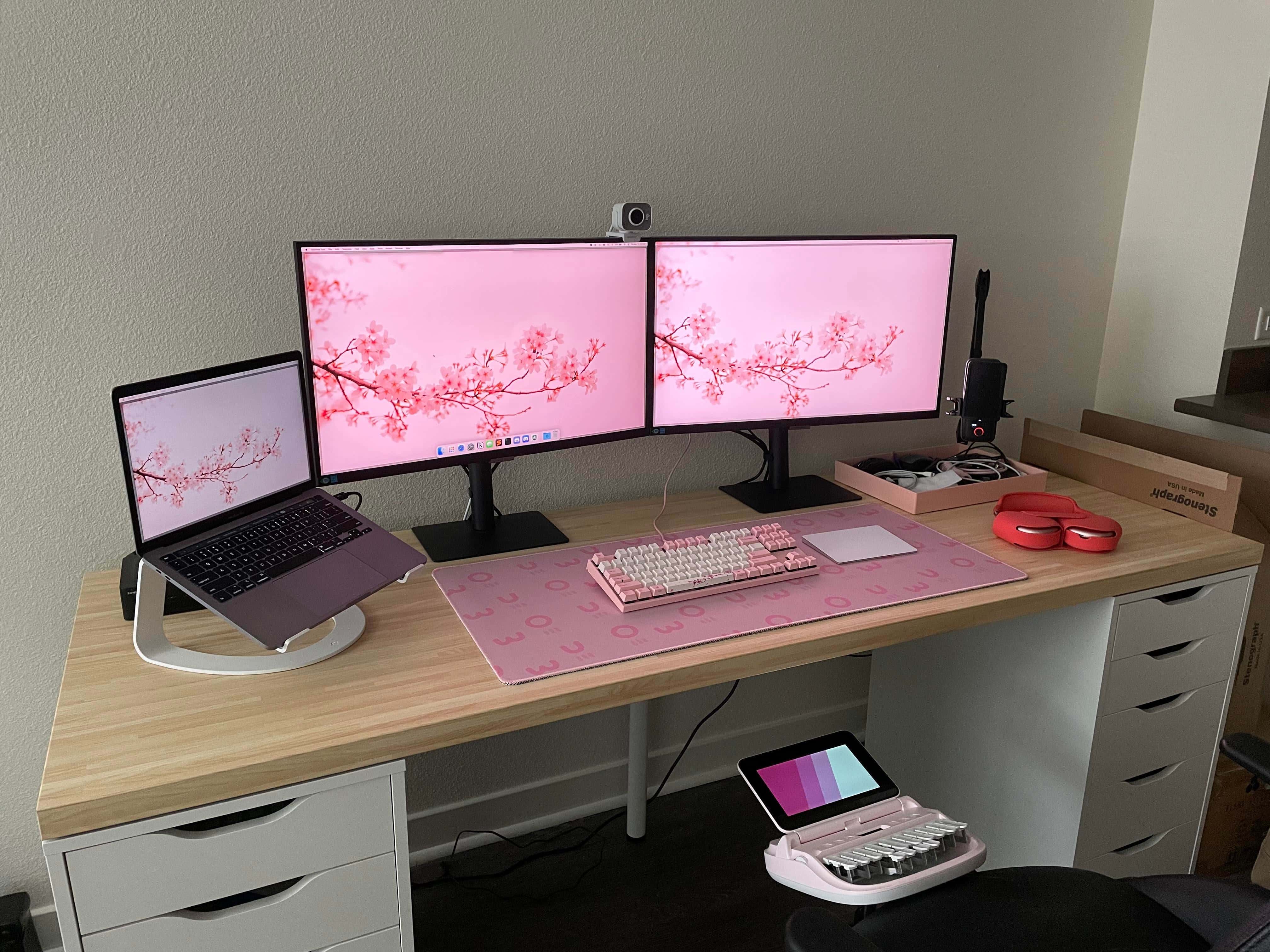
Note the stenography machine in the foreground of this
Note the stenography machine in the foreground of this "after" photo.
Photo: yyzgal@Reddit

In the before-and-after pics of Reddit user yyzgal’s dual-monitor/MacBook Pro setup, guess which one has the stenography machine? Trick question. They both have it.

And it’s what most Redditors admiring the new-and-improved setup wanted to talk about in the comments section of yyzgal’s setup post. Well, that and the Sonnet eGPU Breakaway Puck hidden behind the laptop in the setup’s “after” photo (above).

Dress it up with a deconstructed iPhone, a drone and custom wallpapers [Setups]

By

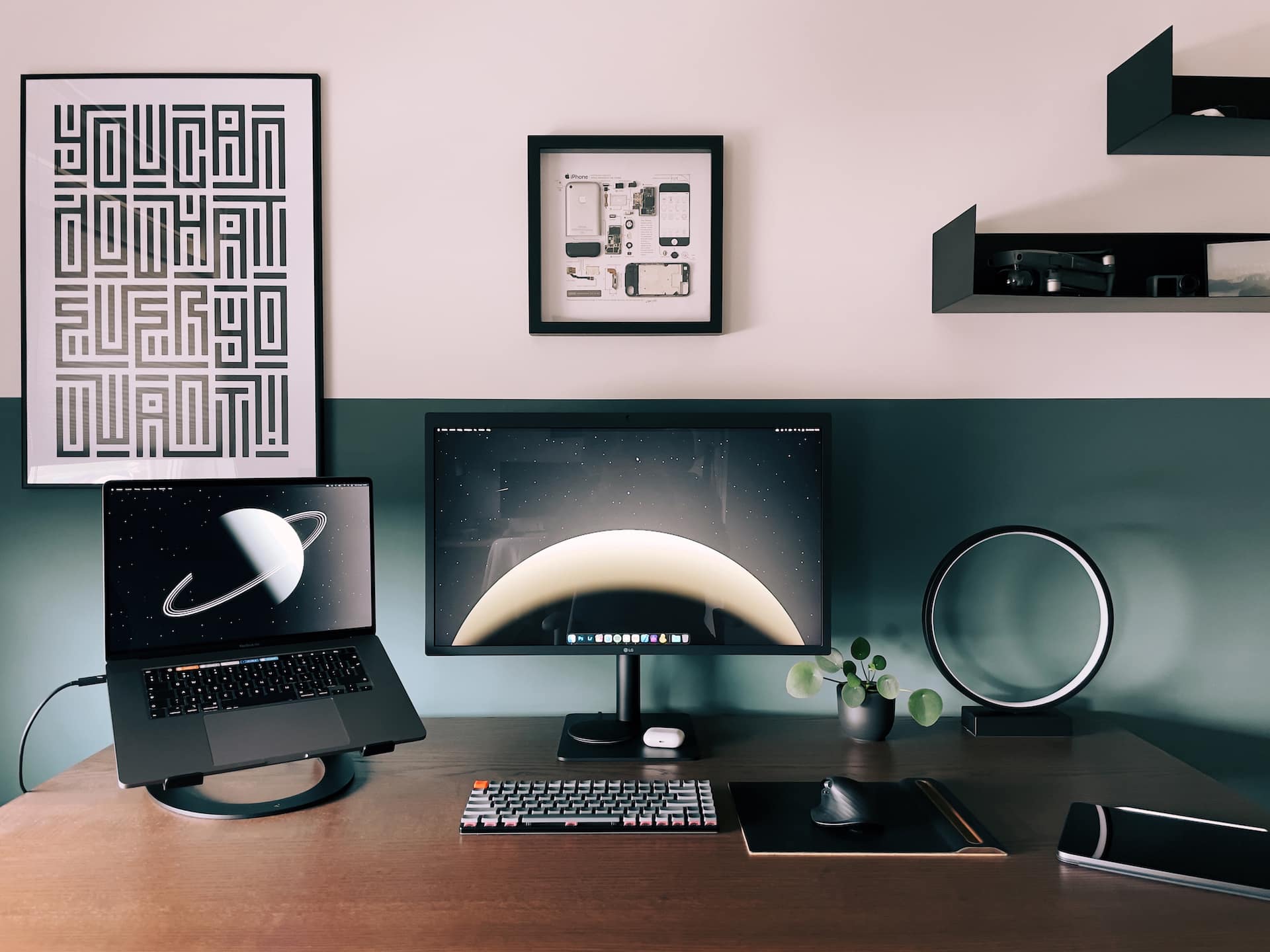
This artfully executed setup is supposedly in someone's home, not a design museum.
Photo: diotav@Reddit

It’s only Monday, but Dutch videographer, designer and web production artist Dion Tavenier probably wins this week’s award for setup design. Cool, spare, architectural — get the Museum of Modern Setups on the phone!

If only there was such a museum. Or such an award.

Massively entertaining setup probably includes some computer gear [Setups]

By

Some room just say
Some rooms just scream "fun," don't they?
Photo: andygigante_82@Reddit

Illustrator and graphic designer andygigante_82 knows how to place his computer setup in an entertaining context. The fantastical space is his “Little Hobby Hole” — which he writes with a trademark symbol — as depicted in his Reddit post.

Looking at his photos, you might not notice the computer gear. That’s understandable, given every shot’s explosion of dynamic graphics, colorful action figures, skateboards festooned with his own graphic designs and more.

1 34 35 36 37 38 48