Mobile menu toggle

Search results for: mechanical keyboard

Hackintosh makes due in lieu of Apple Silicon Mac [Setups]

By

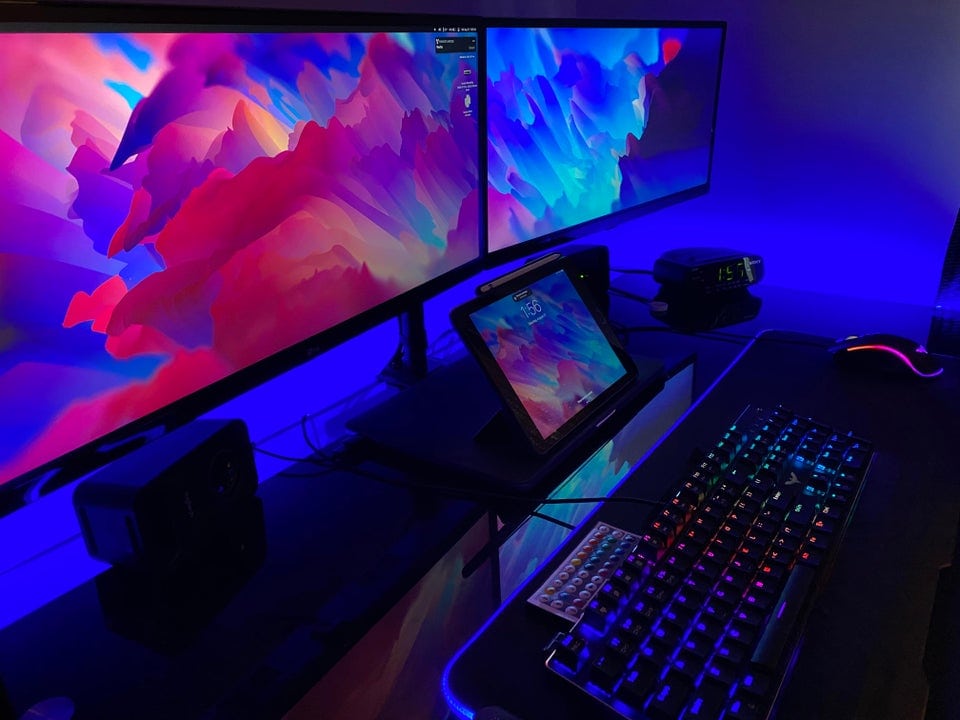
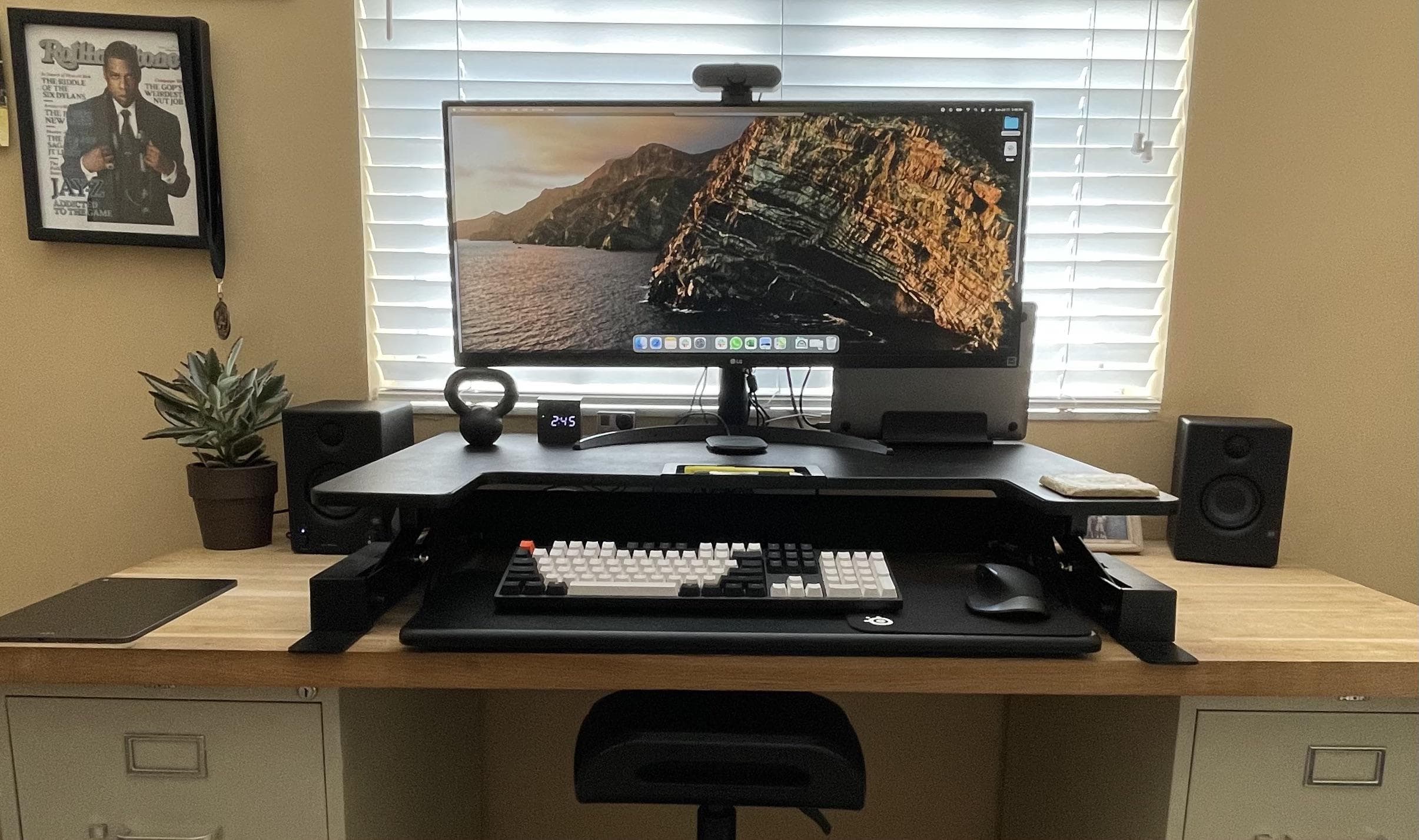
A Hackintosh forms the core of this three-display setup.
A hackintosh forms the core of this three-display setup.
Photo: [email protected]

If you’re out there pimping your computer setup on a Mac social media list, but you don’t have a Mac, what do you do? Well, you could flex your Hackintosh laptop and surround it with some Apple gear to make things look good.

Redditor GrandeNJR took that route with his recent post, “Not a real Mac (Hackintosh), but do my other Apple products make up for it?” Or at least he appeared to take that route.

Dock connects 5 displays to M1 MacBook Pro in ultrawide rig [Setups]

By

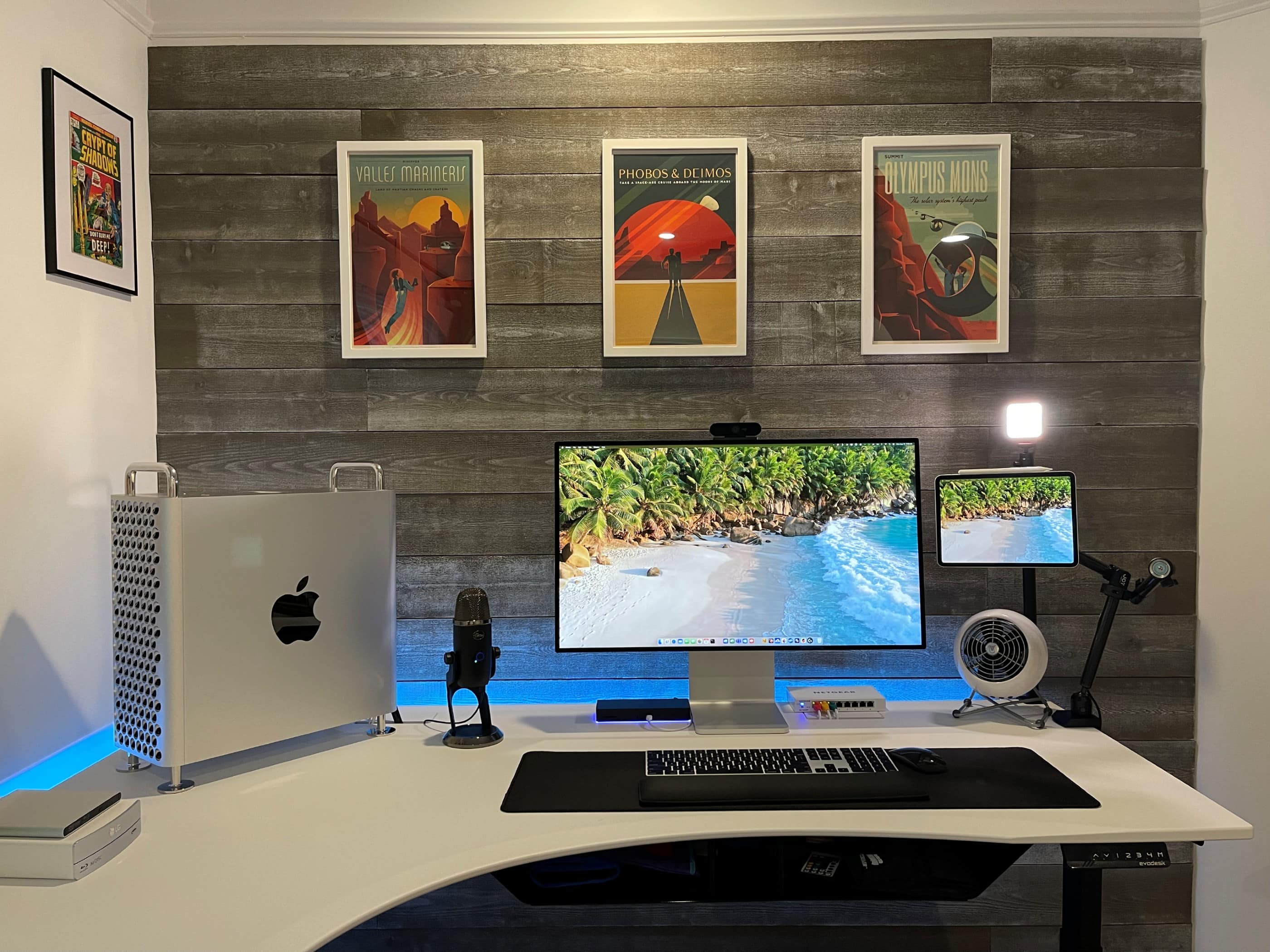
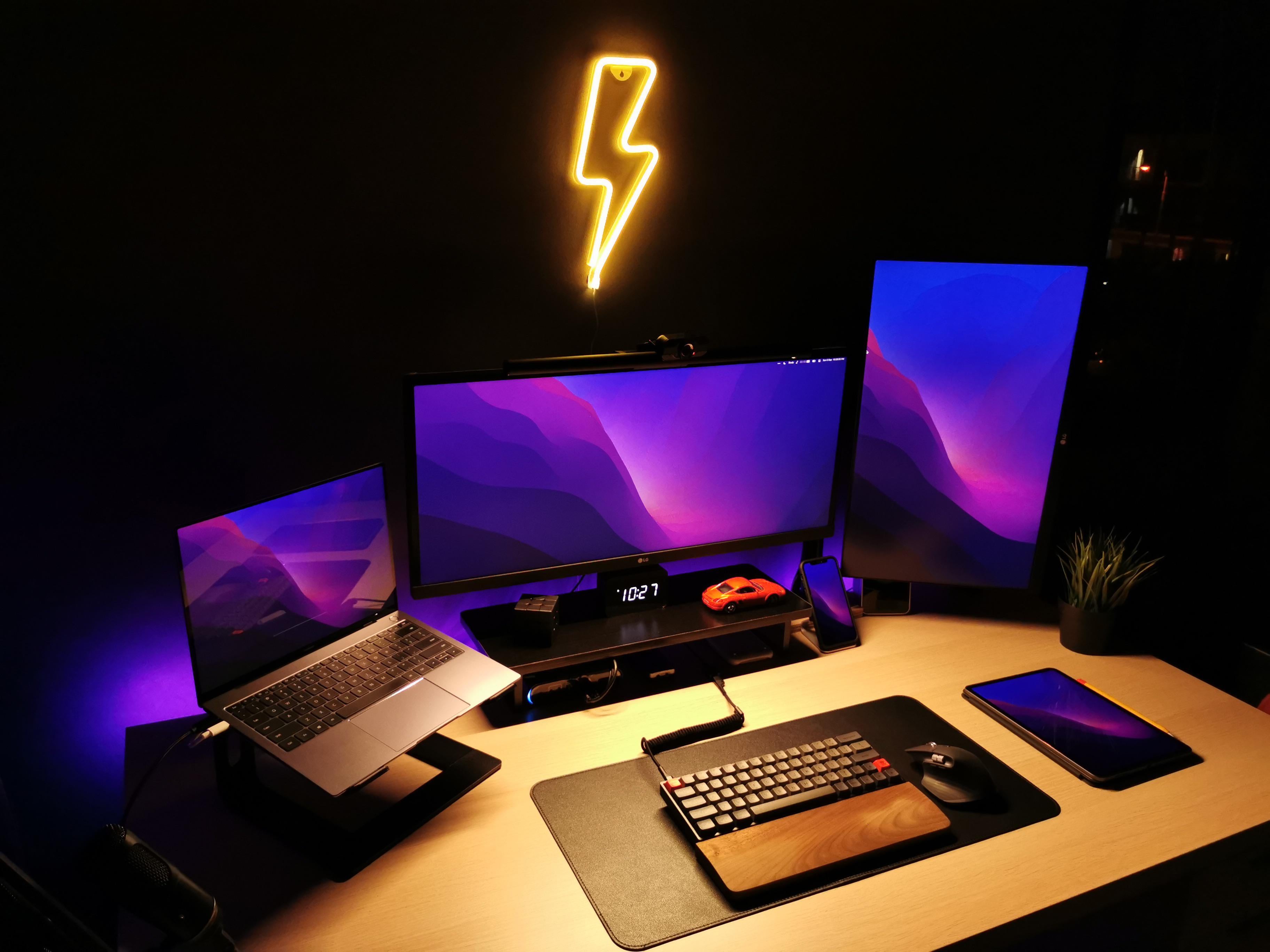
A pair of 25-inch ultrawide monitors and three other displays connect to an M1 MacBook Pro.
Photo: [email protected]

Redditor Parmg100 runs his M1 MacBook Pro with enough displays to make most Mac owners do a doubletake. He said he manages to connect five displays, including two ultrawide monitors. Naturally, Redditors showed some curiosity about how he does it, given the MacBook Pro’s limitation on connecting external displays.

Summertime vibes in the south of Sweden, M1-style [Setups]

By

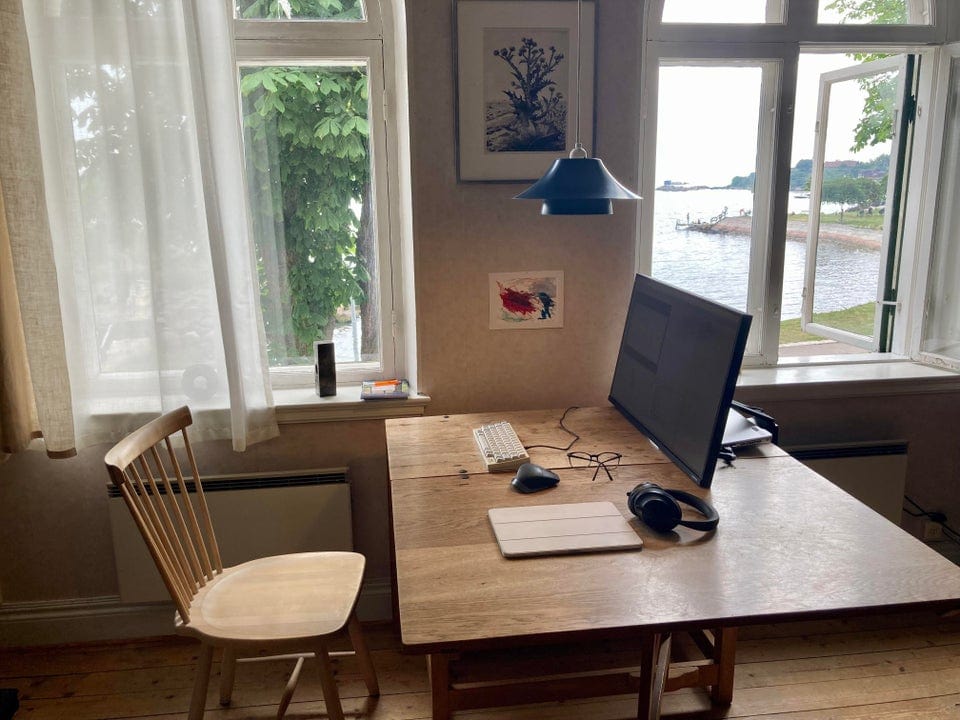
Not summering on the Baltic Sea shoreline in the south of Sweden, are you?
Photo: [email protected]

Redditor N3oPuff drew some attention on the social media platform with a setup photo that flaunts mind-blowing gear not so much as it does natural beauty. It definitely brings to mind the old real estate maxim: “location, location, location.” But an M1 Mac mini always helps.

In fact, it could be the perfect Setup for a summer Friday.

Make your M1 MacBook Air setup as light as, um, air [Setups]

By

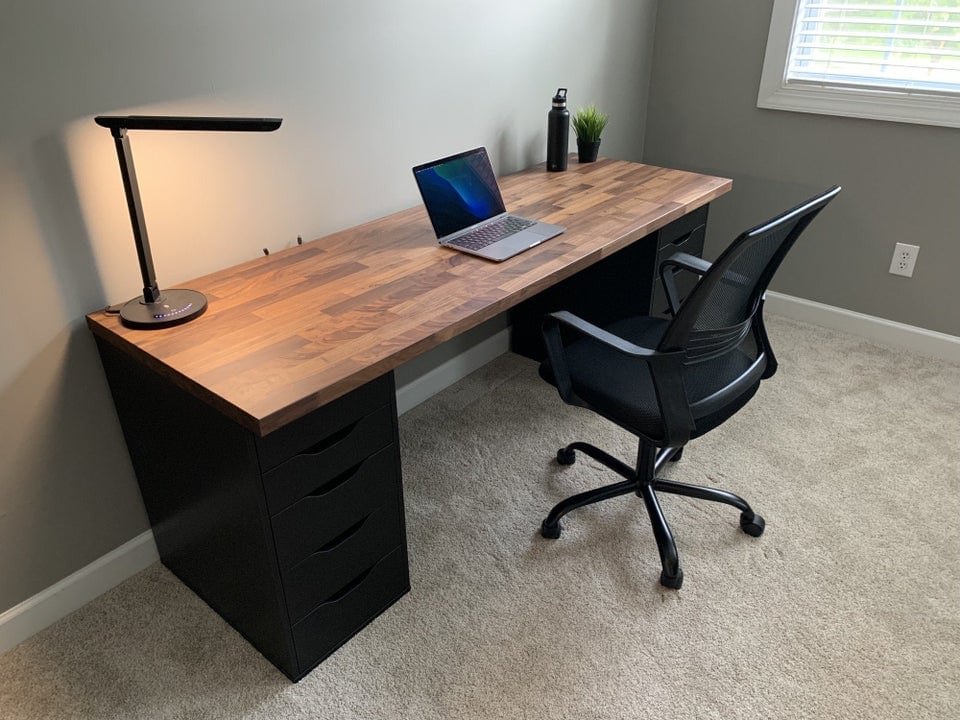
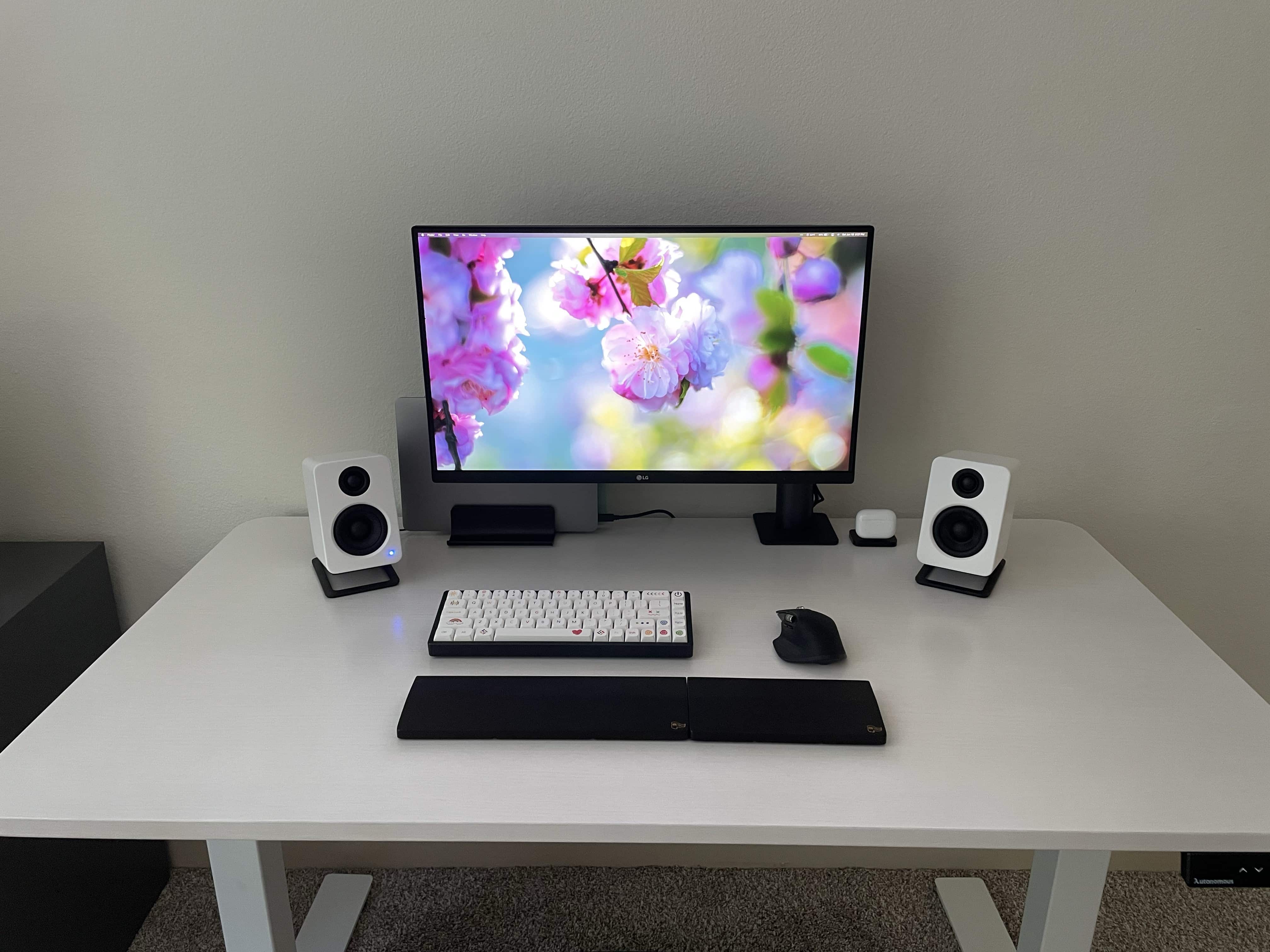
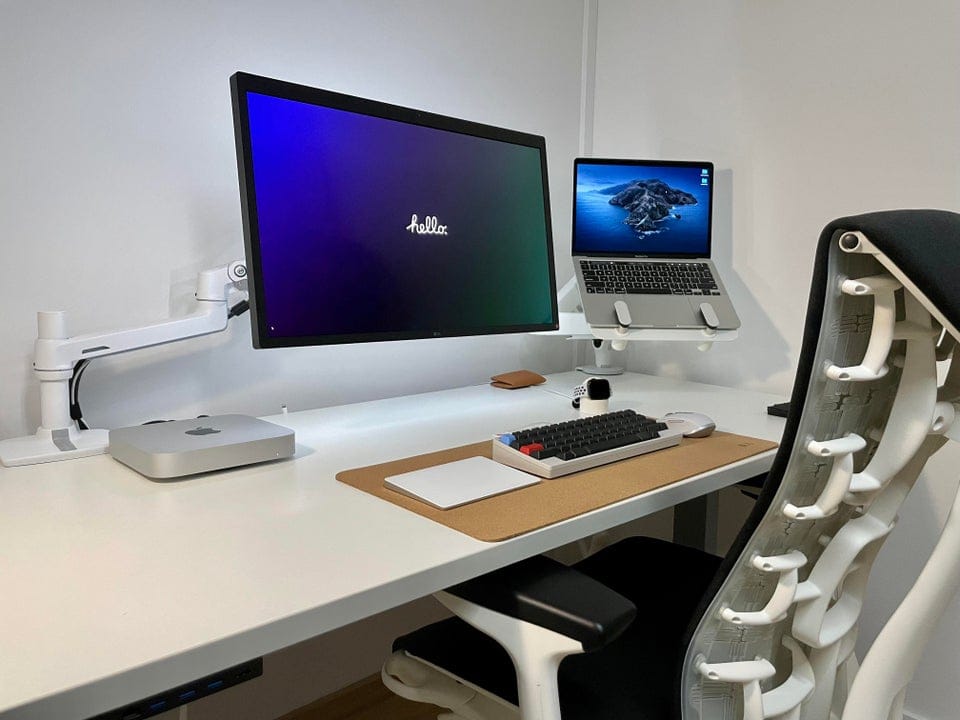
The laptop's not the only thing about this setup that feels light.
Photo: cosmiccrispapple@Reddit

Many people have a thing for clean, simple computer setups where distractions are minimized and productivity — of whatever type — is maximized. Redditor CosmicCrispApple seems to find a Zen-like state simply by emphasizing the color white with some black contrast on the desk.

But it’s really not that simple. You also have to keep things, well, simple. And if you do it right, your setup can look and feel as light as air.

Think you’re productive? Go split-screen ultrawide +1 on the side [Setups]

By

If you would like to see your setup featured on Cult of Mac, send some high-res pictures to info+setups@cultofmac.com. Please provide a detailed list of your equipment. Tell us what you like or dislike about your setup, and fill us in on any special touches or challenges.
If you would like to see your setup featured on Cult of Mac, send some high-res pictures to [email protected]. Please provide a detailed list of your equipment. Tell us what you like or dislike about your setup, and fill us in on any special touches or challenges.
Photo: randomo_redditor@Reddit

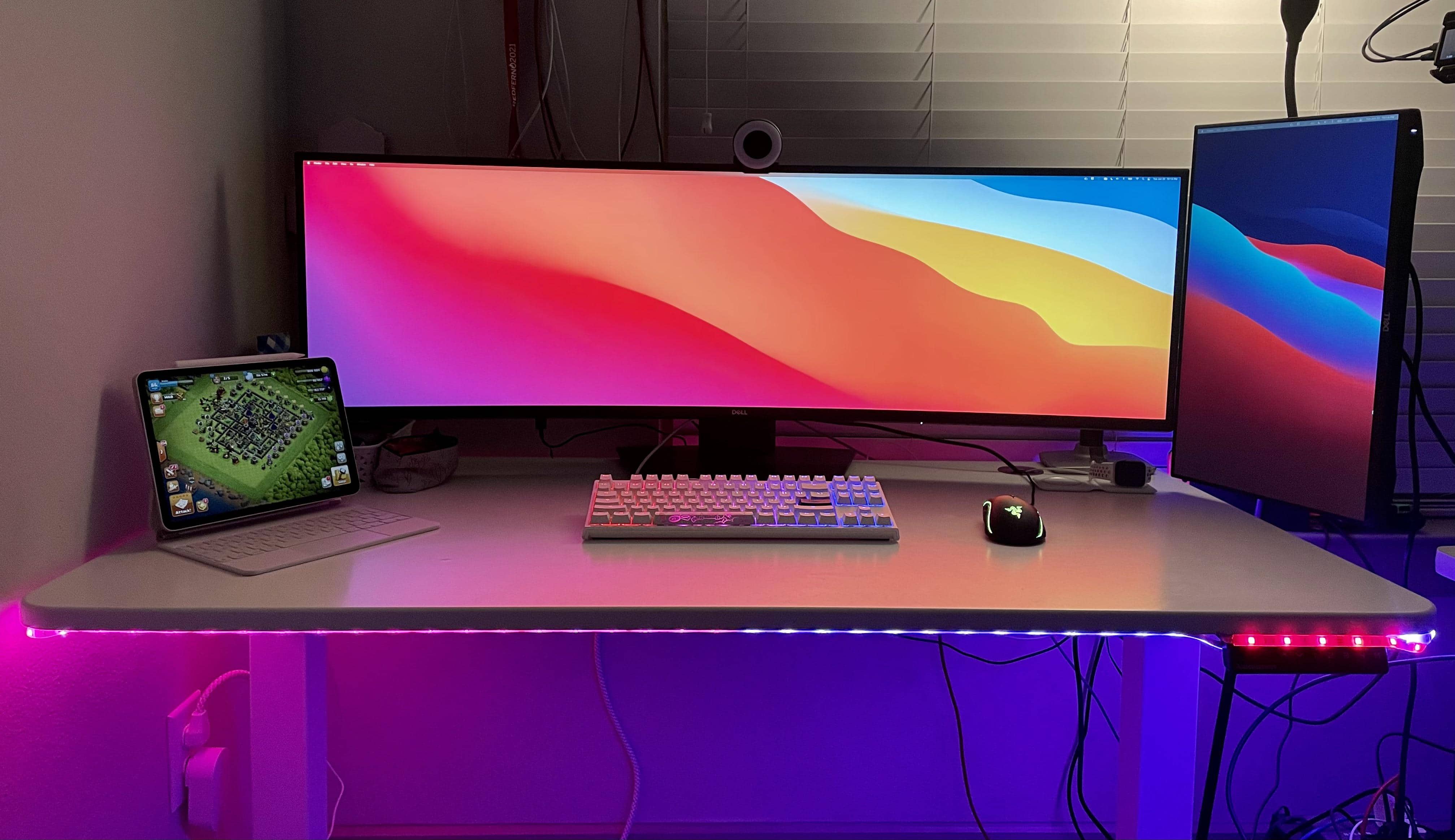
Randomo_redditor runs her MacBook Pro and iPad with a monstrously wide Dell monitor, at 49 inches. But even that curved showstopper fails to provide enough real estate for all she does. So she added a 27-inch Dell display in portrait mode on the side. If you’re searching for the best monitors for Mac Mini, you might find this Samsung ultra-wide monitor setup to be a great option.

Now she can fit everything on the screens. And we do mean everything. Randomo already made the most of her widescreen by using an app to split the screen into thirds, for different uses.

1 33 34 35 36 37 48