Mobile menu toggle

Search results for: mechanical keyboard

Colorado finance pro likes his (indoor) open spaces [Setups]

By

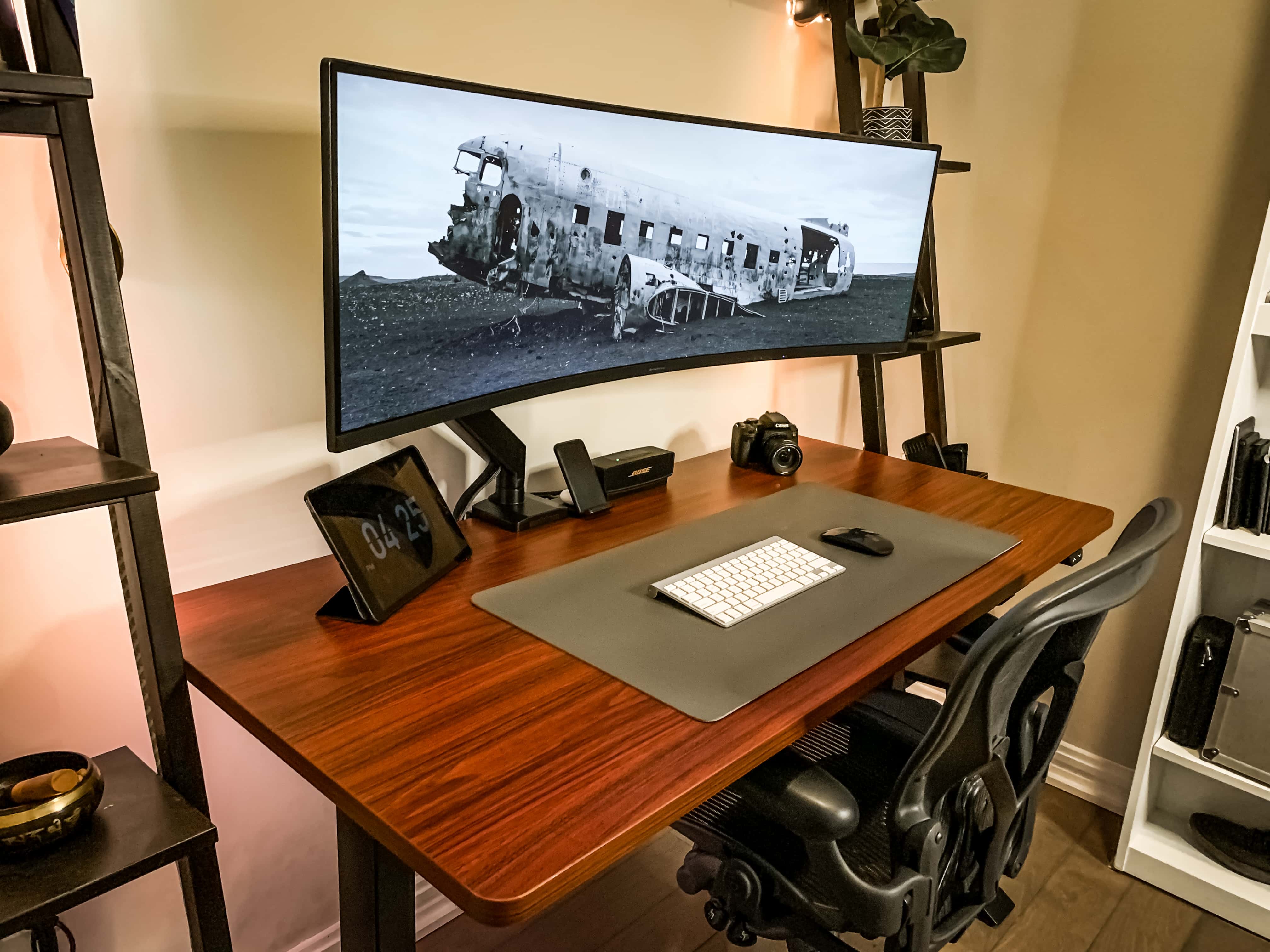
Ryan Brookes likes open spaces in and around his setup.
Photo: Ryan Brookes

Ryan Brookes, who works in sales for a financial services firm in Denver, Colorado, likes his open spaces. That includes indoor ones, like a spare, clean setup on his desk. Physical space helps him think, he told Cult of Mac.

His Mac mini with an M1 chip tethered to a 49-inch Samsung curved monitor probably help him think, too. Those and his iPad, which he will soon pair with a Keychron K1 Mechanical Keyboard.

A tiny office corner becomes a tiny workspace [Setups]

By

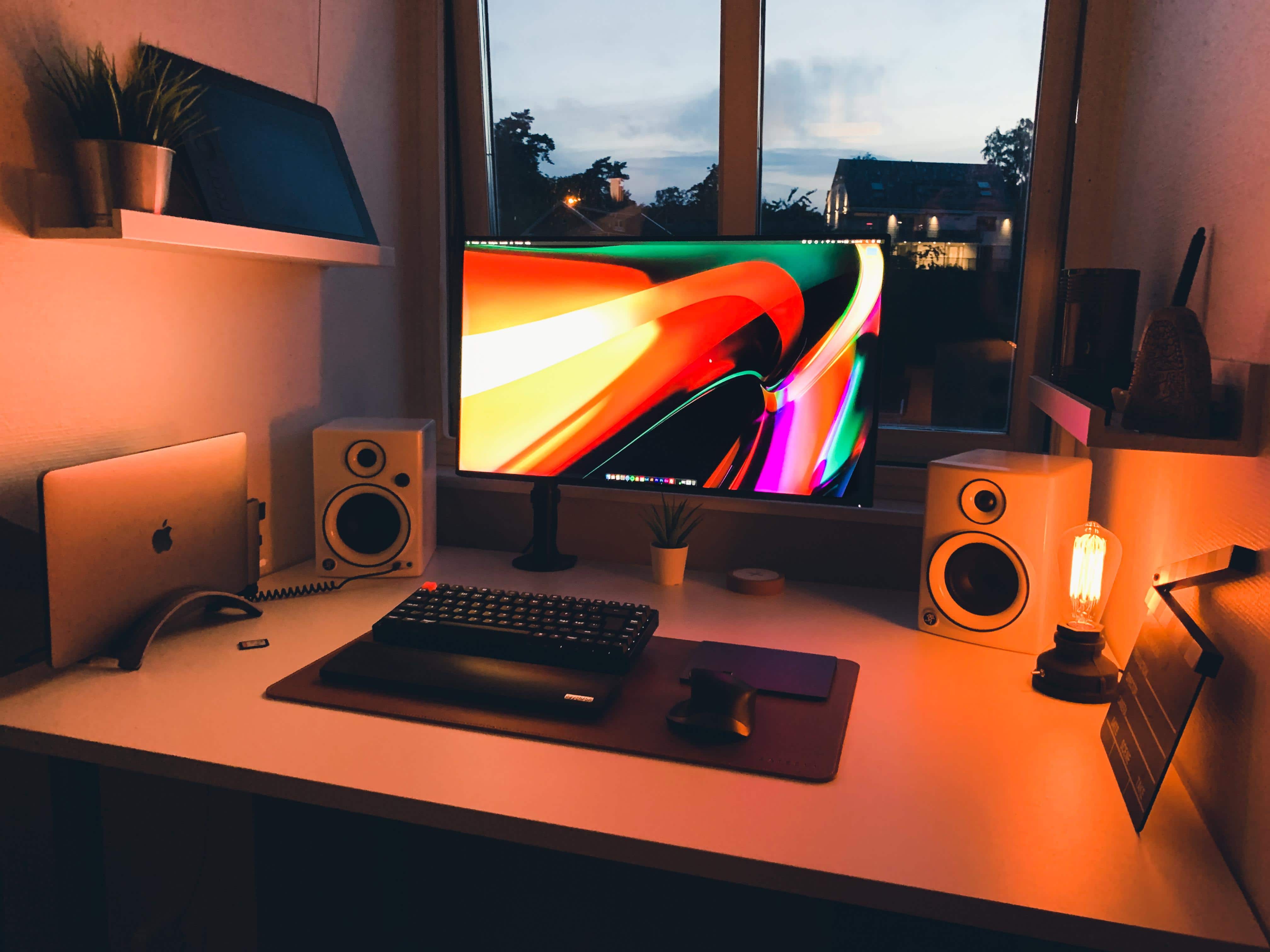
MacBook Pro Setup
This is where Larsson "vibes at night."
Photo: Andreas Larsson

Andreas Larsson is a Sweden-based security technician who converted a tiny corner of his office into a bonafide workspace. He had limited space to work with so he tried to squeeze every inch out of it. His friend, who works at an office furnishing company, custom-built a desk to span 46 inches — the entire length of his office.

This setup will make Luddites want to scream [Setups]

By

Mac Pro Setup
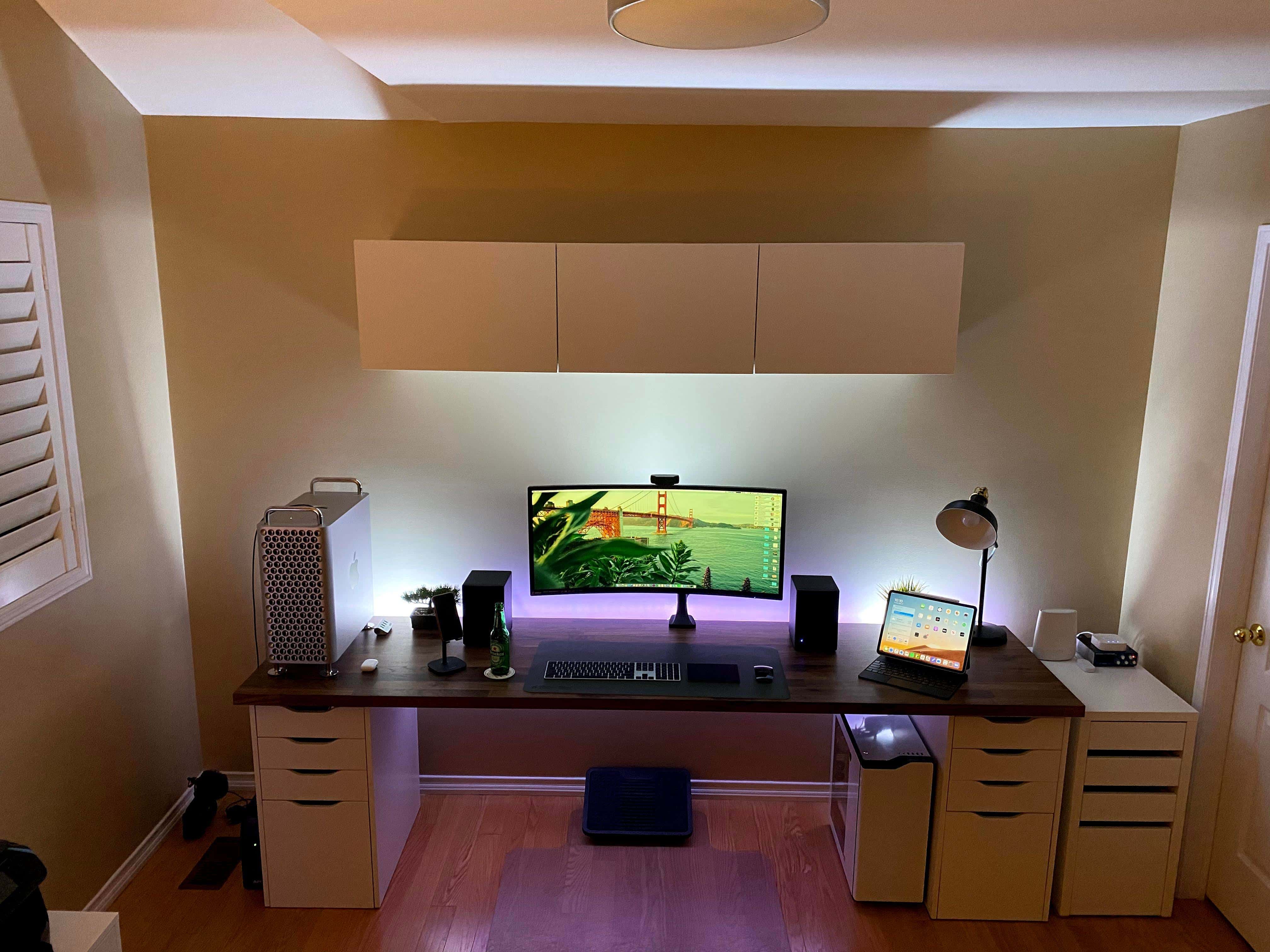
Anthony Ivanovsky's setup features a Mac Pro for work and a gaming PC under the desk.
Photo: Anthony Ivanovsky

Anthony Ivanovsky is a Toronto-based marketing expert and IT manager who has a knack for gadgets, both big and small. In his setup, an MSI Optix MAG341CQ 34-inch UltraWide Curved Gaming Monitor immediately draws the eye. And at $500, it costs considerably less than other ultrawides on the market.

On the left-hand side of his desk, standing like a monument, is the commanding Mac Pro. He uses this beast of a machine for video editing, photo editing and for his day job working for a tech startup. Aside from the base Radeon 580X, he also has two additional Radeon VII graphic cards, which may seem like overkill until you learn that he also runs three different YouTube channels.

This leafy rig will give you total setup envy [Setups]

By

Mac mini setup
This setup is just so inviting.
Photo: u/ilovenyc

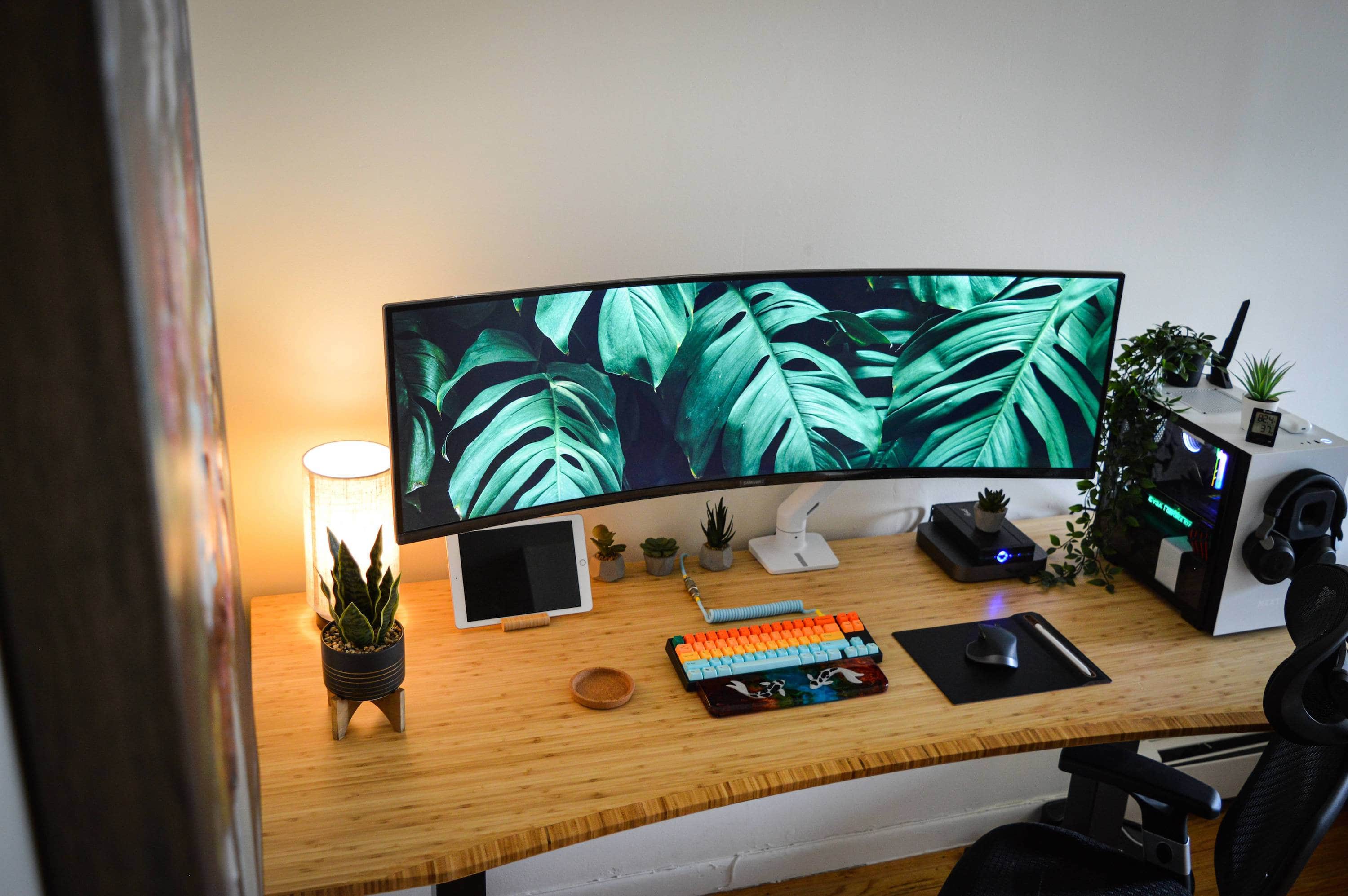
Reddit user @u/ilovenyc’s plant-themed setup is warm and inviting. The favorite part of @u/ilovenyc’s setup is a jaw-dropping, 49-inch Samsung CRG9 Curved Gaming Monitor, which is hooked up to a Mac mini. @u/ilovenyc (who prefers to remain autonomous) says it “never fails to put a smile on my face every time I sit down, whether to work or game.”

Next to the Mac mini, the cybersecurity expert has a PC rig for gaming. It has a AMD Ryzen 7 3700X 8-Core Desktop Processor with a NVIDIA GEFORCE RTX 2080 graphic card. They are encased in a ZXT H210 Mini-ITX PC Gaming Case.

A felt desk pad really ties this setup together [Setups]

By

iMac Setup
In this setup, everything is in its right place.
Photo: @landonbtw

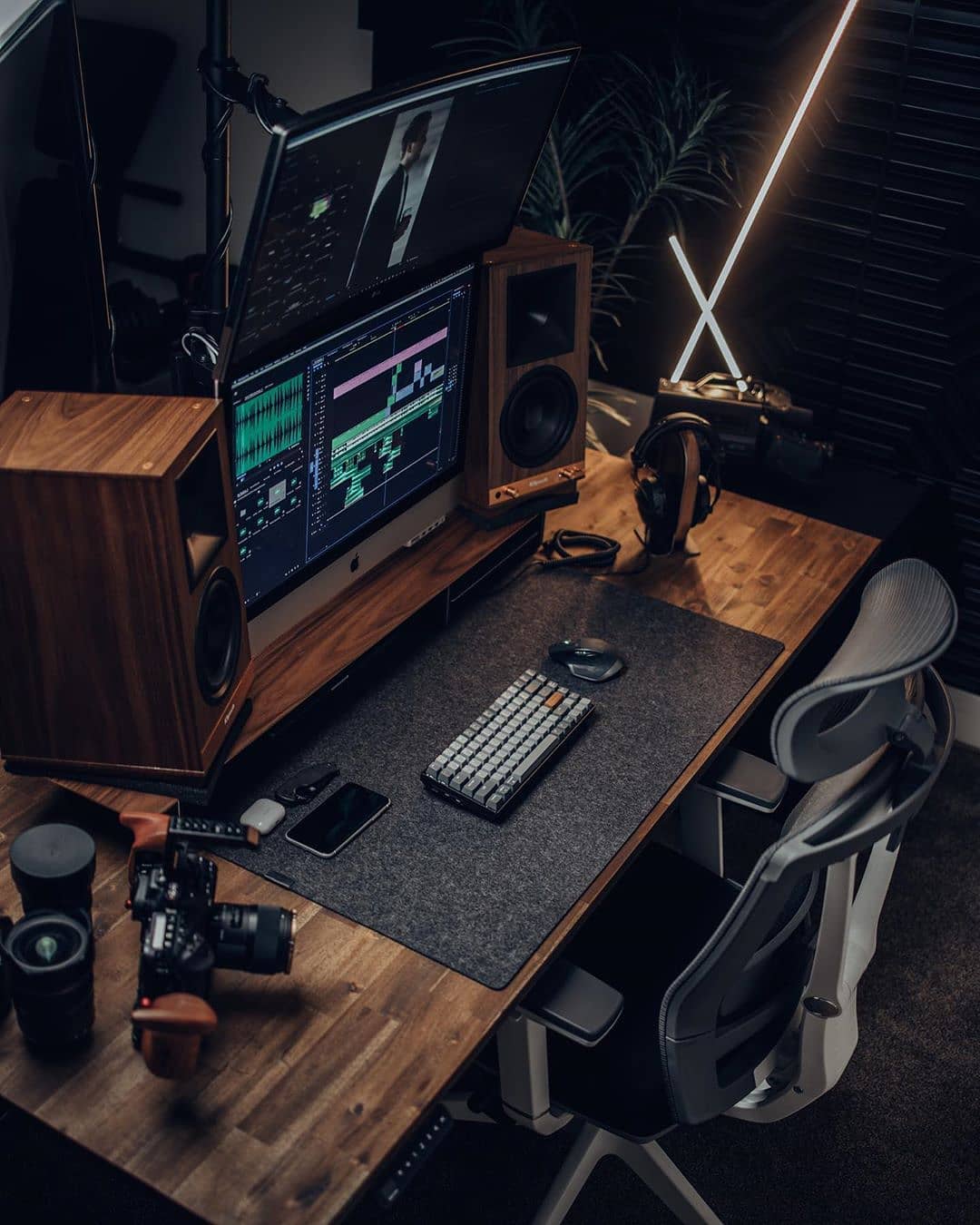
Landon Bytheway is a Salt Lake City-based content creator for Full Time Filmmaker, a crash course on everything film. And his setup is geared for creating top-quality videos.

The linchpin is a 27-inch iMac that rests on top of a Walnut Monitor Desk Stand by Grovemade. Mounted over it is a 34-inch LG Curved UlraWide that takes this rig to the next level. In fact, Bytheway’s only complaint about the setup is the kink he gets in his neck from staring upward so long.

A gaming setup moonlighting as an office setup [Setups]

By

MacBook Pro Setup
This setup is great for gaming and for editing.
Photo: @thejaredbusch

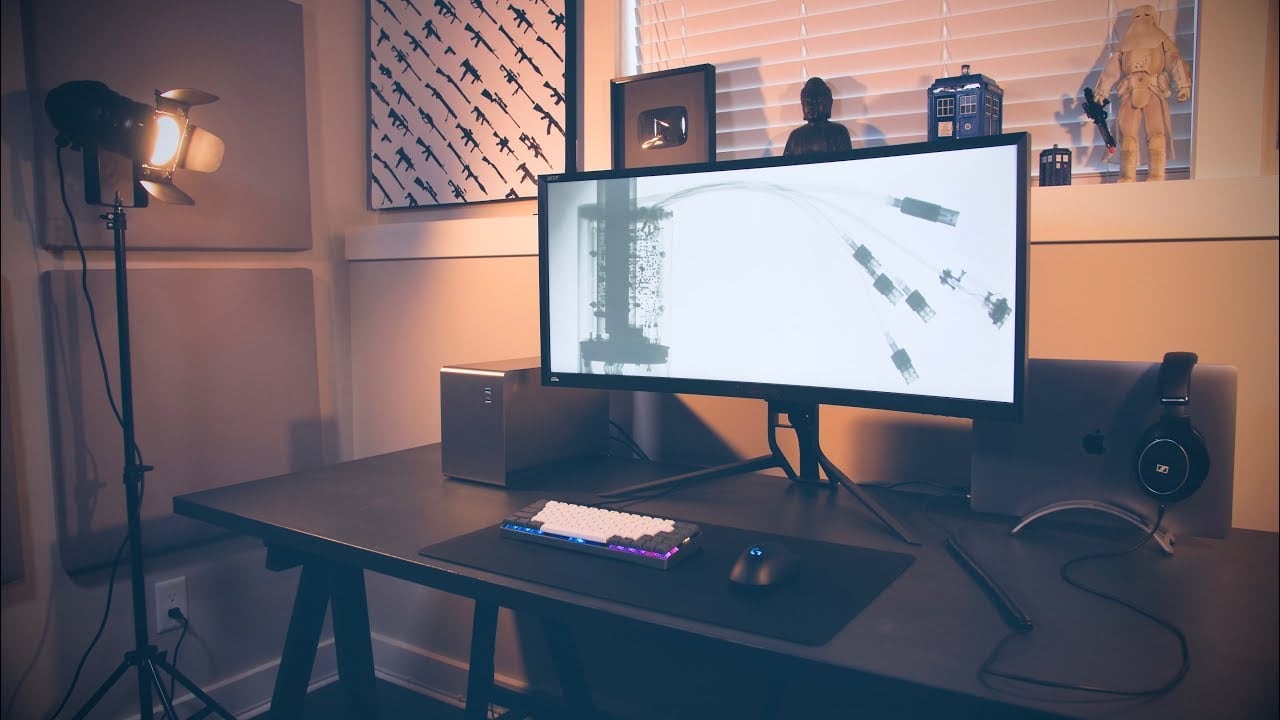
YouTuber Jared Busch is a tech reviewer so when it comes to desk setups, he doesn’t mess around. Most of his gear is for gaming — and for making tech reviews on his YouTube channel.

He runs this setup off a 2016 MacBook Pro. He has a testoserone-filled 35-inch Acer Predator Z35P Curved Monitor, which he calls “one of the best 21:9 gaming monitors available right now!” But he might change it because it has a “bit too much of an aggressive look” to it.

Necessity is the mother of all setups [Setups]

By

MacBook Pro Setup
This setup proves that sometimes less is more.
Photo: @ollieparker_

Last week, a new job forced Ollie Parker to build his work-from-home setup. No small task, but the British accountant made the most of it and he quickly whipped up a cozy setup great for grinding.

“I just finished the build of it all last week as I started a new job working from home,” he said. “And then I have my Xbox connected and play some Warzone in my spare time.”

The heart of Parker’s setup is a 2019 MacBook Pro attached to a 34-inch LG UltraWide Curved Monitor mounted on a Humanscale MW Monitor Arm.

A 49-inch UltraWide is just the beginning of this incredible setup [Setups]

By

MacBookPro Setup
Because a 49-inch UltraWide wasn't enough, he added a second monitor on top.
Photo: @chau_codes

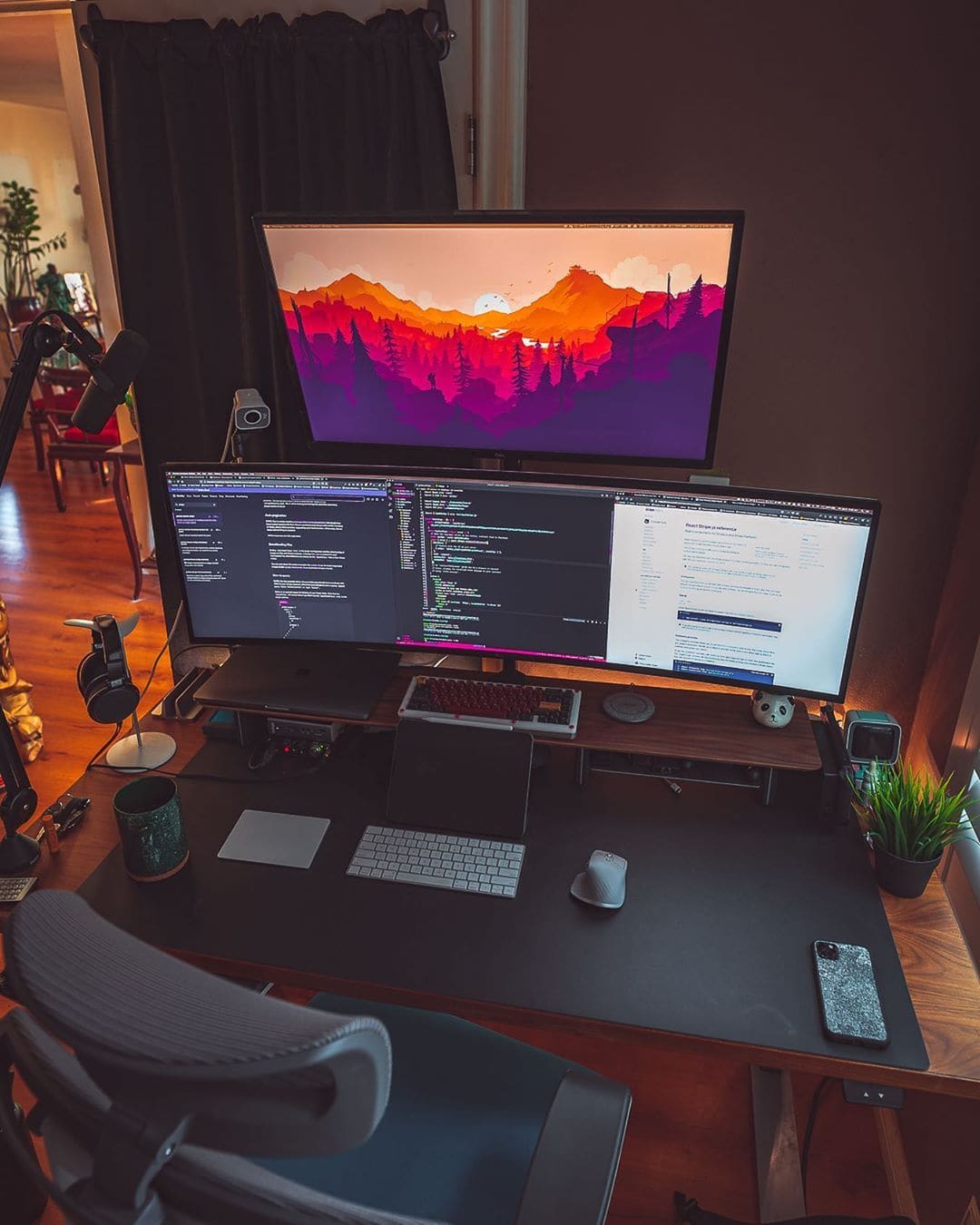
If most UltraWide monitors are impressive, then a 49-inch UltraWide is jaw-dropping. That is just the start of programmer Justin Chau’s amazing setup, which took years to assemble. Above his 49-incher, he has a 32-inch Dell S Series Monitor, which gives him an insane amount of screen real estate.

A MacBook and a whopping big monitor make for an epic rig [Setups]

By

Who says a MacBook-centered setup can't be epic?
Photo: Aral Tasher

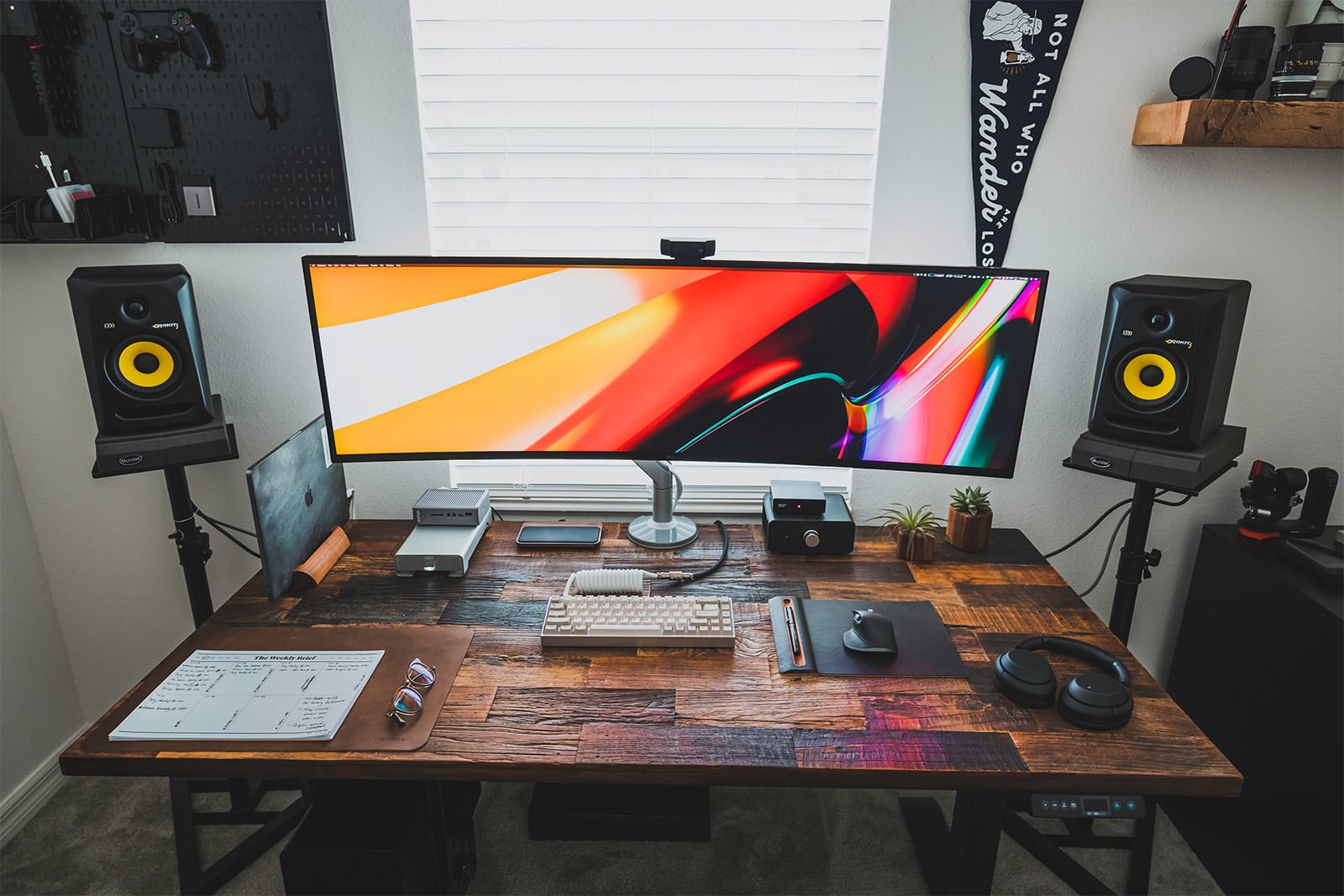
Front-end web developer Aral Tasher’s MacBook-powered rig is minimal but powerful. With just his laptop, a 49-inch monitor and a Thunderbolt 3 cable, he gets desktop-level performance from his humble MacBook.

To hold his MacBook, the nerve center of the setup, he uses a premium wood mount by Grovemade. This is paired with a custom-built keyboard from KBDfans, and a top-of-the-line MX Master 3 mouse from Logitech.

Tasher is also wired for sound. A pair of KRK studio monitors and LG noise-canceling headphones would make any audiophile jealous.

A 49-inch ultrawide monitor dominates this sweet WFH battlestation [Setups]

By

An LG UltraWide monitor (and a second screen on top) take this battlestation to the next level.
An ultrawide monitor (and a second screen on top) take this battlestation to the next level.
Photo: iSetups/Instagram

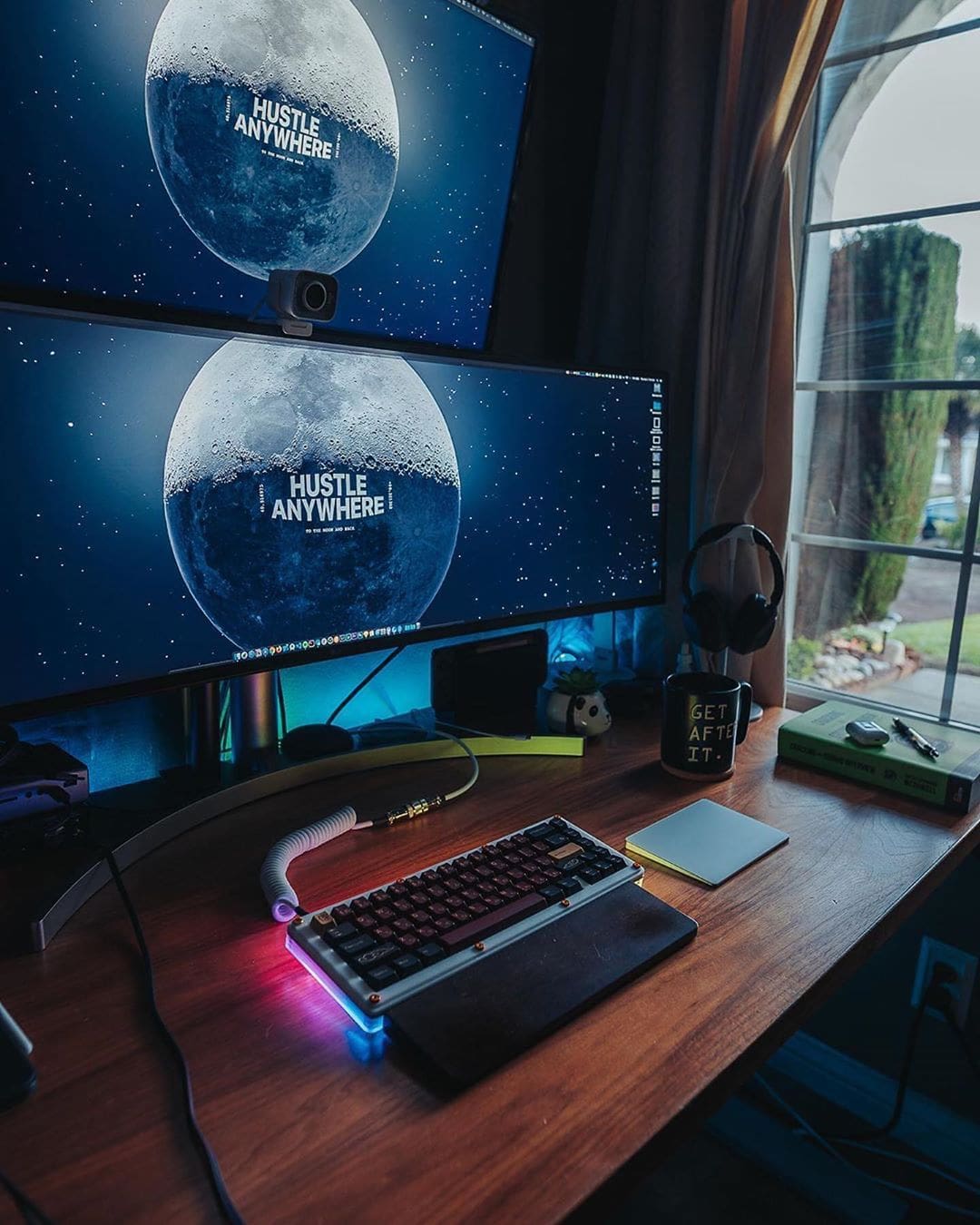
An amazing 49-inch LG UltraWide monitor dominates the sweet work-from-home setup of front-end developer Justin Chua from San Jose, California. A second 32-inch Dell monitor floats above, adding even more screen real estate to this eye-blasting battlestation.

And check out his sweet, custom-made mechanical keyboard!

1 36 37 38 39 40 48