Mobile menu toggle

Search results for: mechanical keyboard

Drool-worthy gear: Former PC gamer goes all-in on Mac conversion [Setups]

By

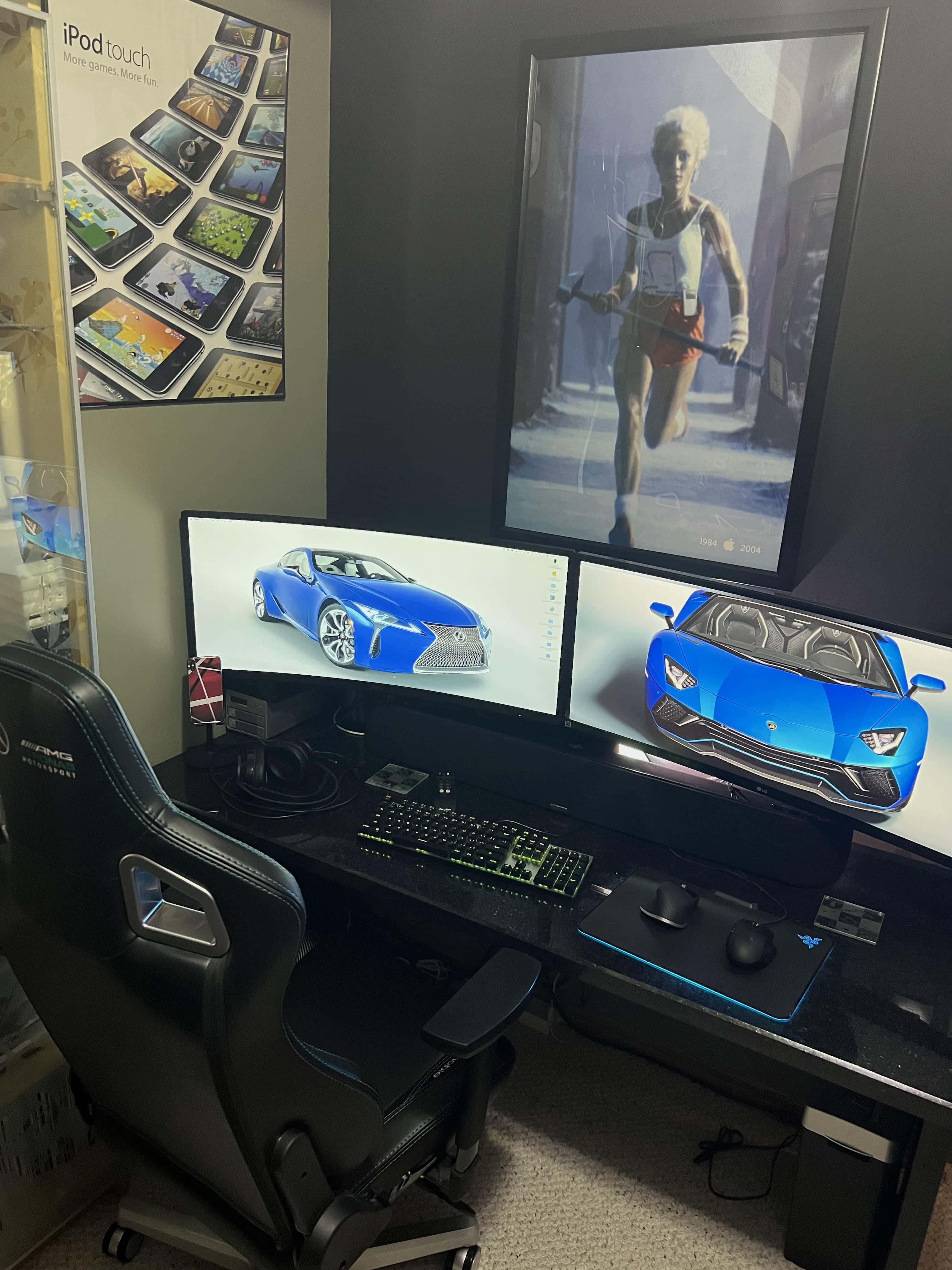
You don't see two Pro Display XDRs in one setup very often.
Photo: [email protected]

When a software engineering manager who works from home decided to leave PC gaming behind, he went all-in on his Mac conversion. In part he did it for work. He slings a lot of native code for macOS in building HR recruitment software. But, working and playing from home full time, in part he did it for himself.

So why wouldn’t he buy a super-tricked out 16-inch M1 Max MacBook Pro, not one but two Apple Pro Display XDRs and pretty much top-shelf everything else?

Can you get work done while using an under-desk treadmill? [Setups]

By

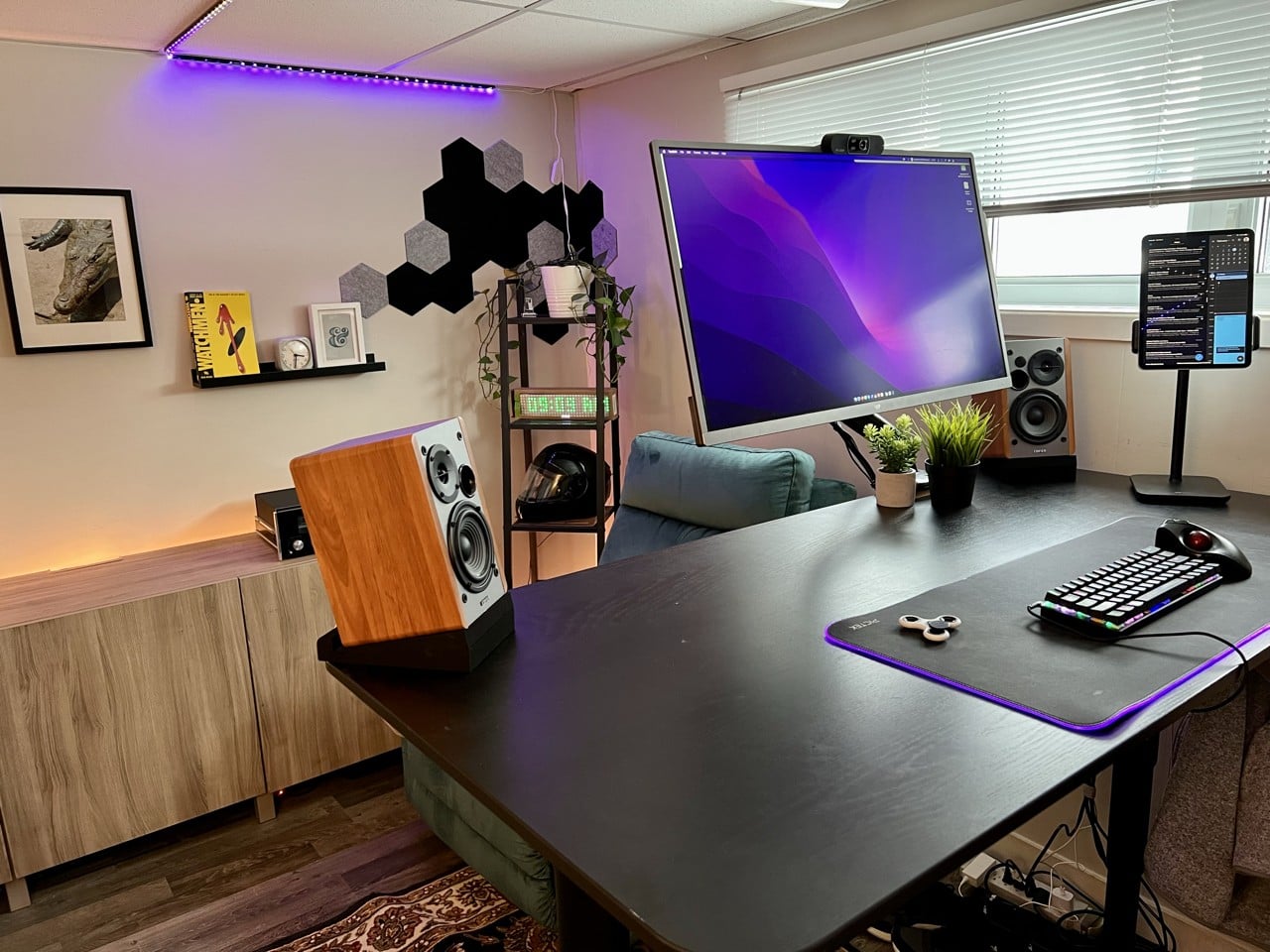
Two items that set this setup apart are the iPad stand and the elevated Edifier speakers.
Photo: [email protected]

When you spend loads of time at a desk, it’s natural to wonder how you might remain chained to it but still somehow get exercise. That’s why under-desk treadmills exist, of course. But can you really get things done while walking in place?

Today’s featured M1 MacBook Pro setup answers the question and offers up a couple of other tantalizing tidbits, like a killer iPad stand and affordable bookshelf speakers with isolation pads.

Got pets? Try protecting your peripherals this way. [Setups]

By

This is the desktop in unprotected mode. Down, Fluffy!
Photo: [email protected]

Anyone with a curious cat knows the desktop can be one of their favorite spots. Sometimes it’s like they’re trying to ensure you can’t work, as they sit or stretch out right on top of the keyboard or in front of the screen. And that’s just when you’re sitting there. Who knows what they do when you’re away. Other than dreaming up other ways to hasten your unemployment.

Lucky for you, today’s featured computer setup shows a simple method for protecting peripherals like input devices — keyboard, mouse, perhaps a trackpad — from pushy pets. And if you’ve got canines, take heart. It also works for dog slobber.

Want to make your monitor float in space? Try this. [Setups]

By

That display is not wall mounted. And it's not levitating, either. It just looks like it is.
Photo: [email protected]

Who doesn’t love good optical illusions? And they’re especially cool when they result from an unexpected action that works as well as the expected action. Today’s featured computer setup surprised us with a floating display.

Thing is, though, the screen is not mounted on the wall. And it’s not levitating, either.

Furby-loving animator trades 3-monitor PC gaming rig for cozy Mac station [Setups]

By

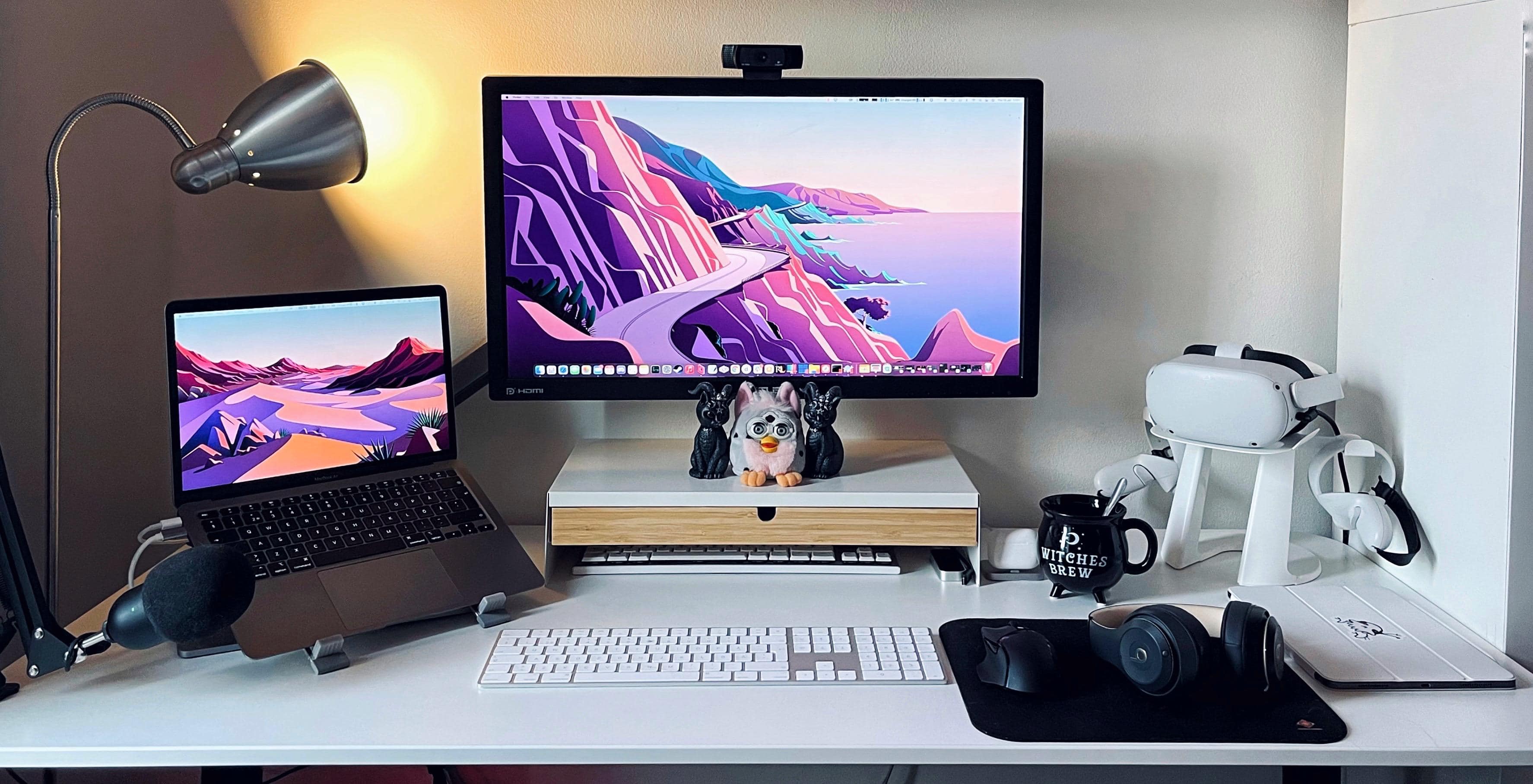
That's a refurbished Furby in the center.
Photo: [email protected]

Gamer and 3D animator Jazinity said she’d been a Windows user for most of her life before M1 Macs caught her eye and she made a nearly wholesale switch, going from a tri-display PC gaming station to a “cozy but productive” M1 MacBook Air situation.

The refurbished Furby in the center of the photo may or may not have been in the previous computer setup, but not much else. She has another Furby at her desk at the office, though she’s working at home for the time being, like many people these days.

When you need a second WFH zone, this is how you do it [Setups]

By

Basic Apple Guy's setup, the
Basic Apple Guy's setup, the "kitchen edition," needs to be easy to clean and move.
Photo: BasicAppleGuy.com

Blogger Basic Apple Guy, whom we’ll call BAG, has been an Apple fan since high school shop class, when he convinced the teacher that making an iMovie on the teacher’s iMac G3 should fit into the curriculum. Now, decades later, BAG’s passion lives on. It showed when he recently shared one of his computer setups, the “kitchen edition.”

Trash can Mac Pro bathes in vintage Apple posters’ glory [Setups]

By

The one harkens back to 1984.
Photo: Michael De Jong

For the first computer setup featured in the new year, we look backward. Not to the recently subsided and mostly loathed 2021, but further back to a controversial Apple product launch from nearly a decade ago. And deeper into Apple’s storied history. Cult of Mac reader Michael De Jong shared some interesting older gear and some iconic imagery with us in his setup photographs.

Connectivity tricks of a multi-display workstation [Setups]

By

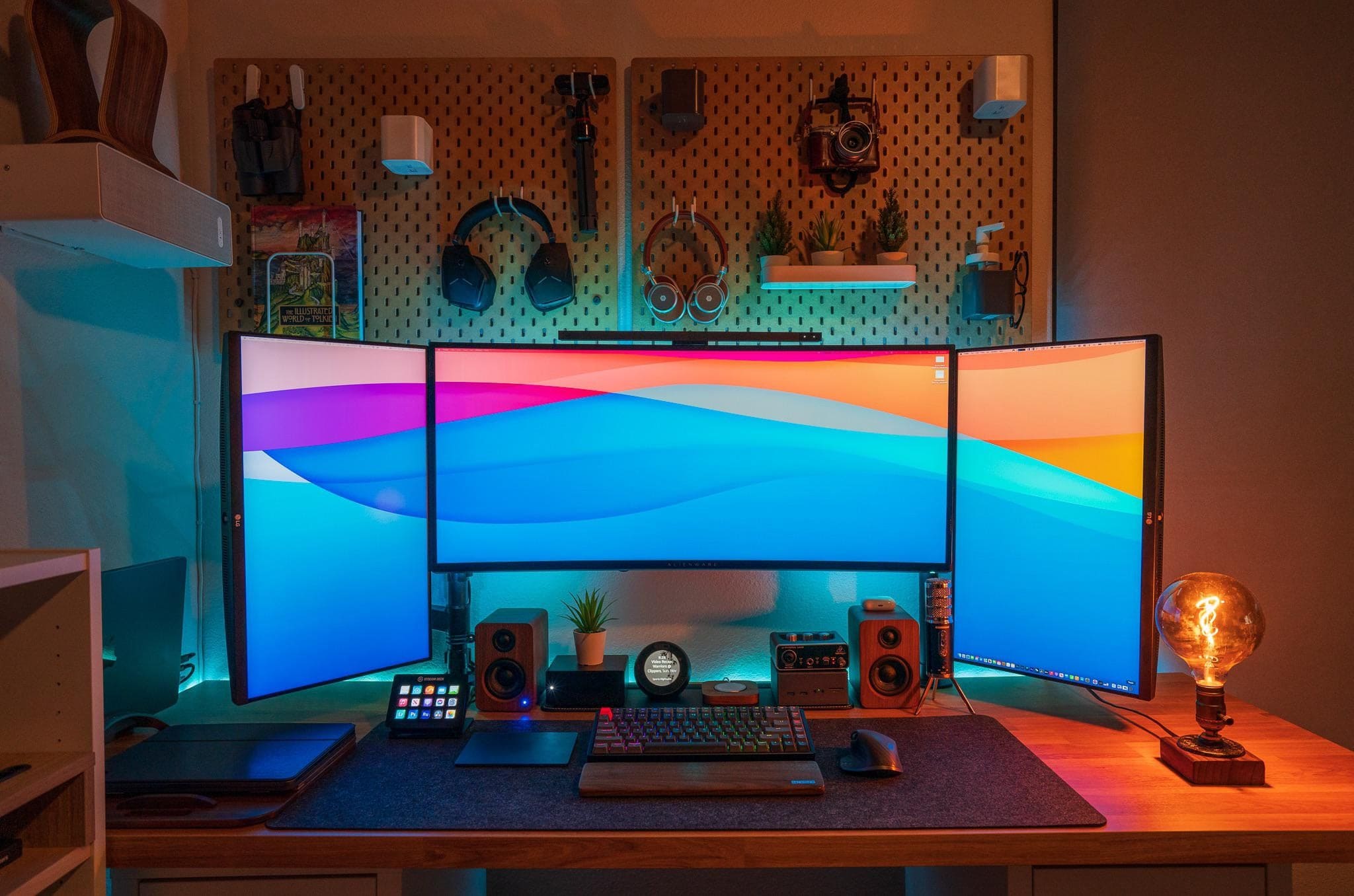
Oh, what a difference three external displays make.
Photo: [email protected]

Not long ago we wrote about a person who fashioned an ergonomically healthy computer setup with little more than an M1 Pro MacBook. At the time, their fancy new display was still to-be-delivered, so they made-do without it. Now all the screens are in place and they make a magnificent workstation, with the MacBook running with one landscape-mode display and two portrait-mode monitors. It took some special connectivity tricks to make it happen.

Part 2: From PC pigsty to prim M1 Pro MacBook workstation [Setups]

By

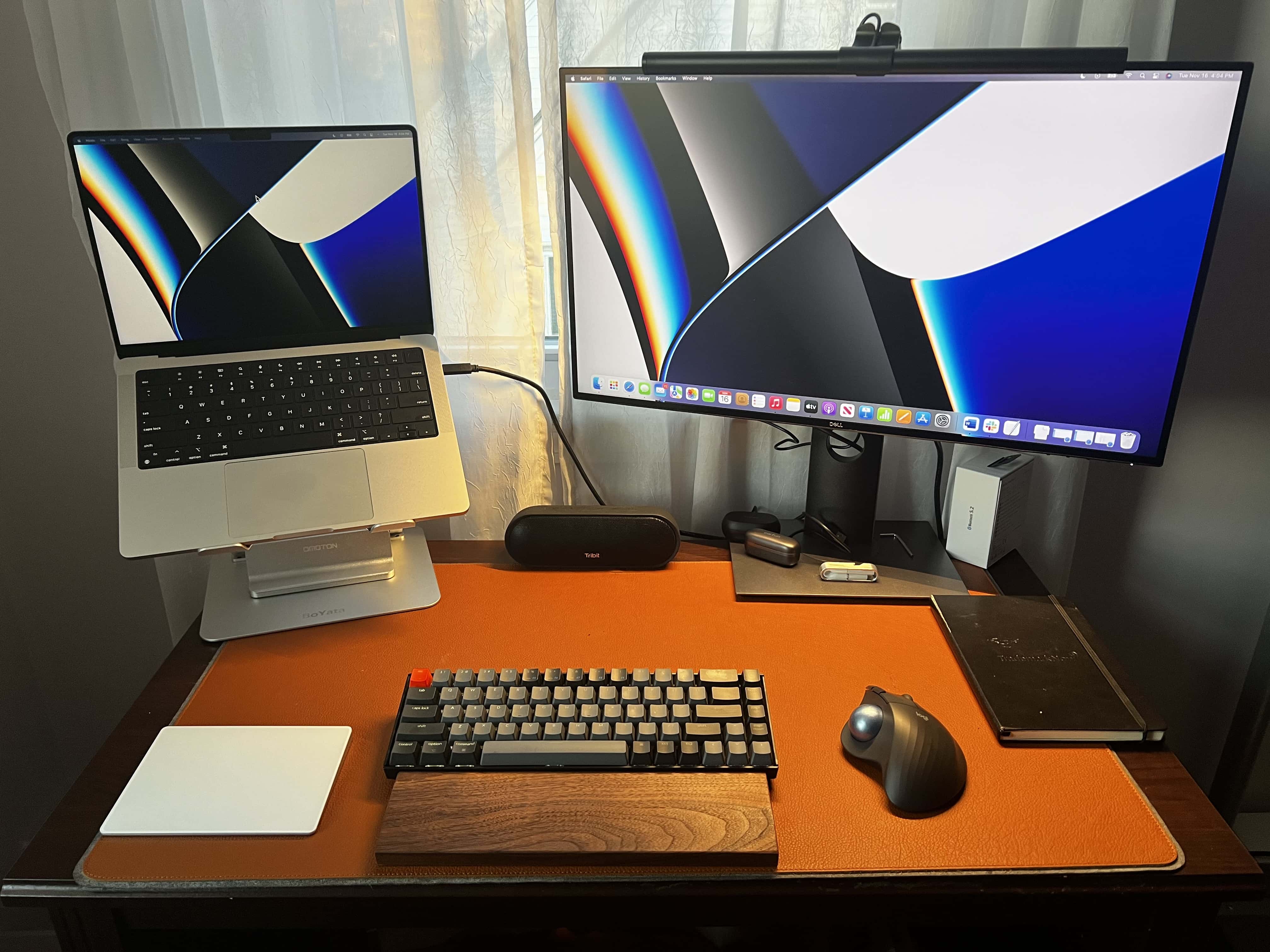
In round 2, I experiment with an open laptop stand, a mechanical keyboard with a wrist rest, a Magic Trackpad 2, an ergonomic mouse with a trackball and a monitor light bar.
Photo: David Snow/Cult of Mac

I wrote recently about the shameful squalor of my previous “setup” — basically a borrowed PC laptop perched on a pile of junk — and my effort to build something worthwhile around a gleaming new 14-inch M1 Pro MacBook. Well, like a lot of people in the throes of building a computer setup, I found that second-guessing haunted me into buying a whole lot of alternative gear.

You know, for testing purposes. Trial and error. Not because of my apparent shopping addiction. Or not much, anyway.

M1 all around: Mac mini and iPad Pro drive developer’s workstation [Setups]

By

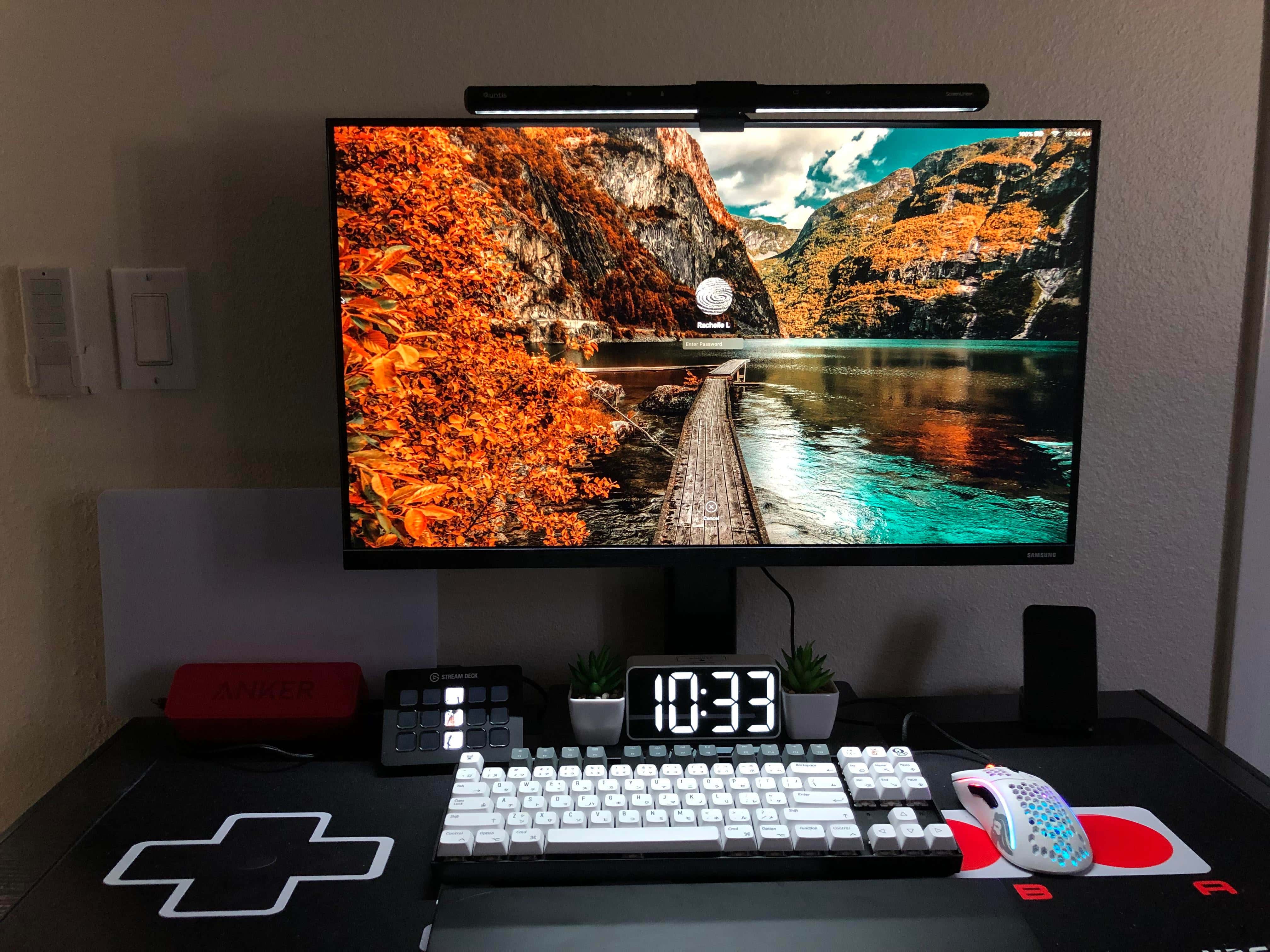
The M1 Mac mini is paired with a 32-inch Samsung 4K monitor, a Keychron Q1 mechanical keyboard and a Logitech MX Master 3 mouse.
Photo: PJ Flordeliz
Sometimes you see a workstation and you can pretty much tell by the gear what its owner does for a living. Today’s featured setup has an M1 Mac mini, a 12.9-inch M1 iPad Pro and an Acer laptop, plus a custom mechanical keyboard, a network switch and a huge external hard drive. That led me to guess the person might be a IT staffer or a software developer. And I was right.
1 31 32 33 34 35 48