Mobile menu toggle

Search results for: mechanical keyboard

This is how you power a home-automation station [Setups]

By

An M1 Max MacBook Pro and Raspberry Pi help make this a home-automation station.
Photo: [email protected]

Most of the time, when we talk about home automation, we’re talking about Apple’s HomeKit system. But today’s featured computer setup, which relies on a formidable M1 Max MacBook Pro and dual displays, goes another route.

The homeowner runs a Raspberry Pi with open-source software to achieve about 50 automations, including Siri integration.

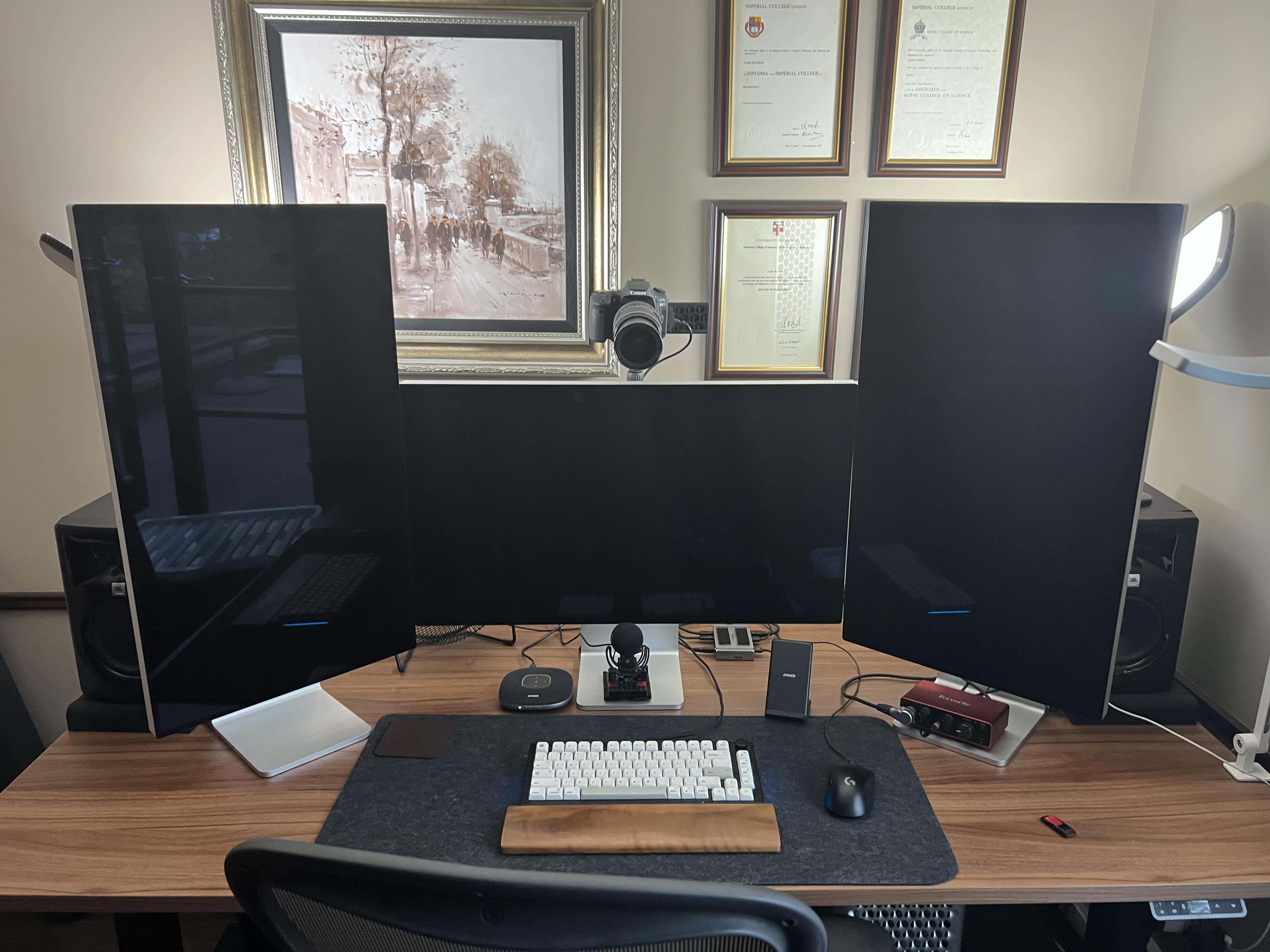
Mac Pro and 3-Pro-Display-XDR workstation is an AV wonderland [Setups]

By

A 2019 Mac Pro is the core of this computer setup, along with a 16-inch M1 Pro MacBook (not pictured).
Photo: Liam Hudson

We can count the number of times we’ve come across a three-Pro Display XDR workstation in our Setups travels on less than one hand — maybe two or three times. And if you throw in a late-model Mac Pro and a pile of great audio-visual gear for professional-level videoconferencing, well, that’s even more rare.

Liam Hudson, CEO of a qualitative electronic trading company, sent his “ultimate computer setup” for at-home work to Cult of Mac. And it’s really something.

Mounts make the most of a home videoconferencing center [Setups]

By

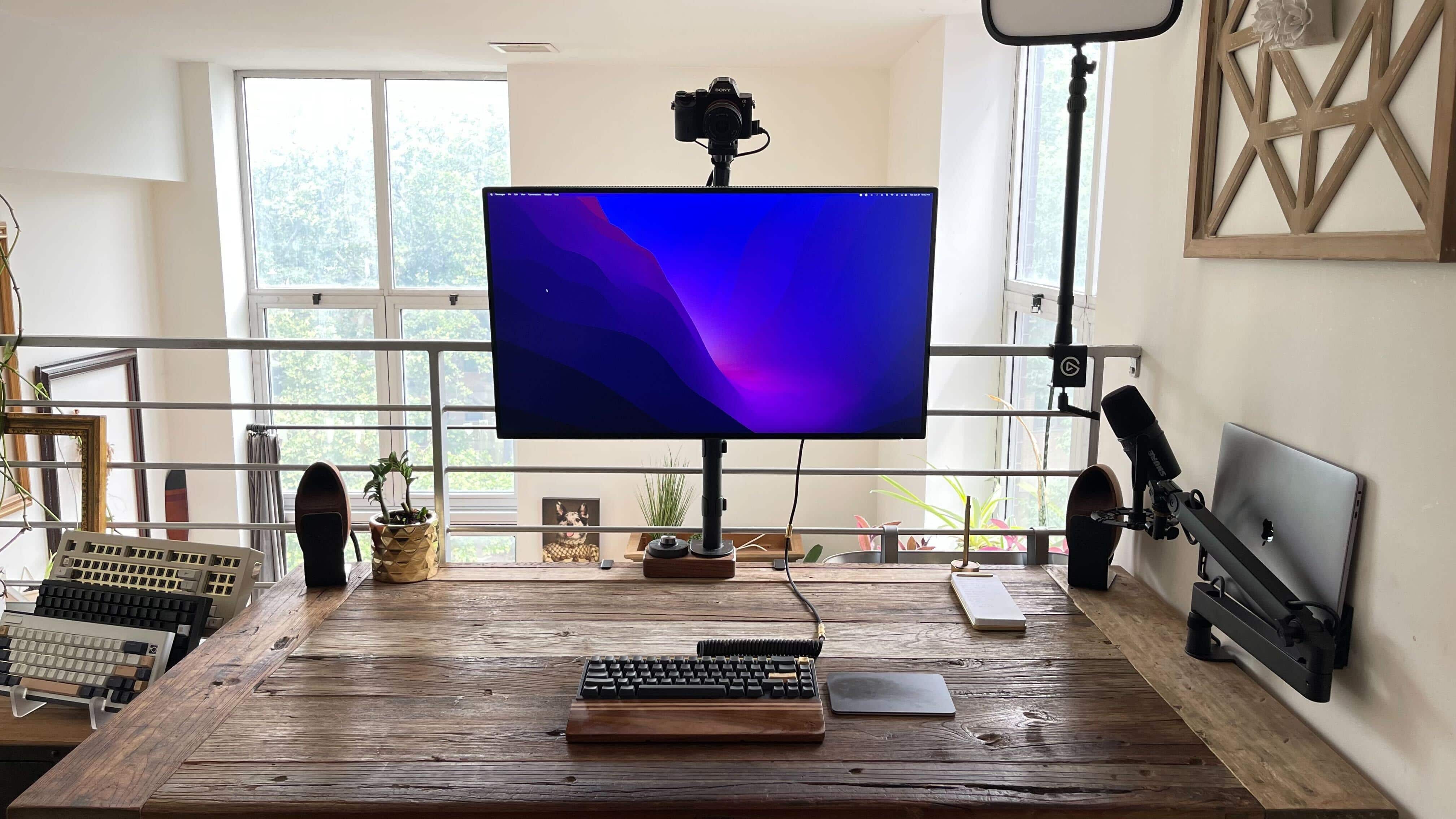
Everything is mounted just so.
Photo: [email protected]

Mounts can make the most of a computer setup. They can mobilize so much of your gear — computers, displays, microphones — so you can use them when you need them and push them out of the way when you don’t, opening up desk space. And you can minutely adjust their positioning, too.

Today’s featured MacBook Pro and Mac Studio computer setup takes advantage of mounts for the computers, display, video camera and microphone.

Super-clean rig boasts stereo HomePods and brilliant 5K display [Setups][Updated]

By

When people talk about a
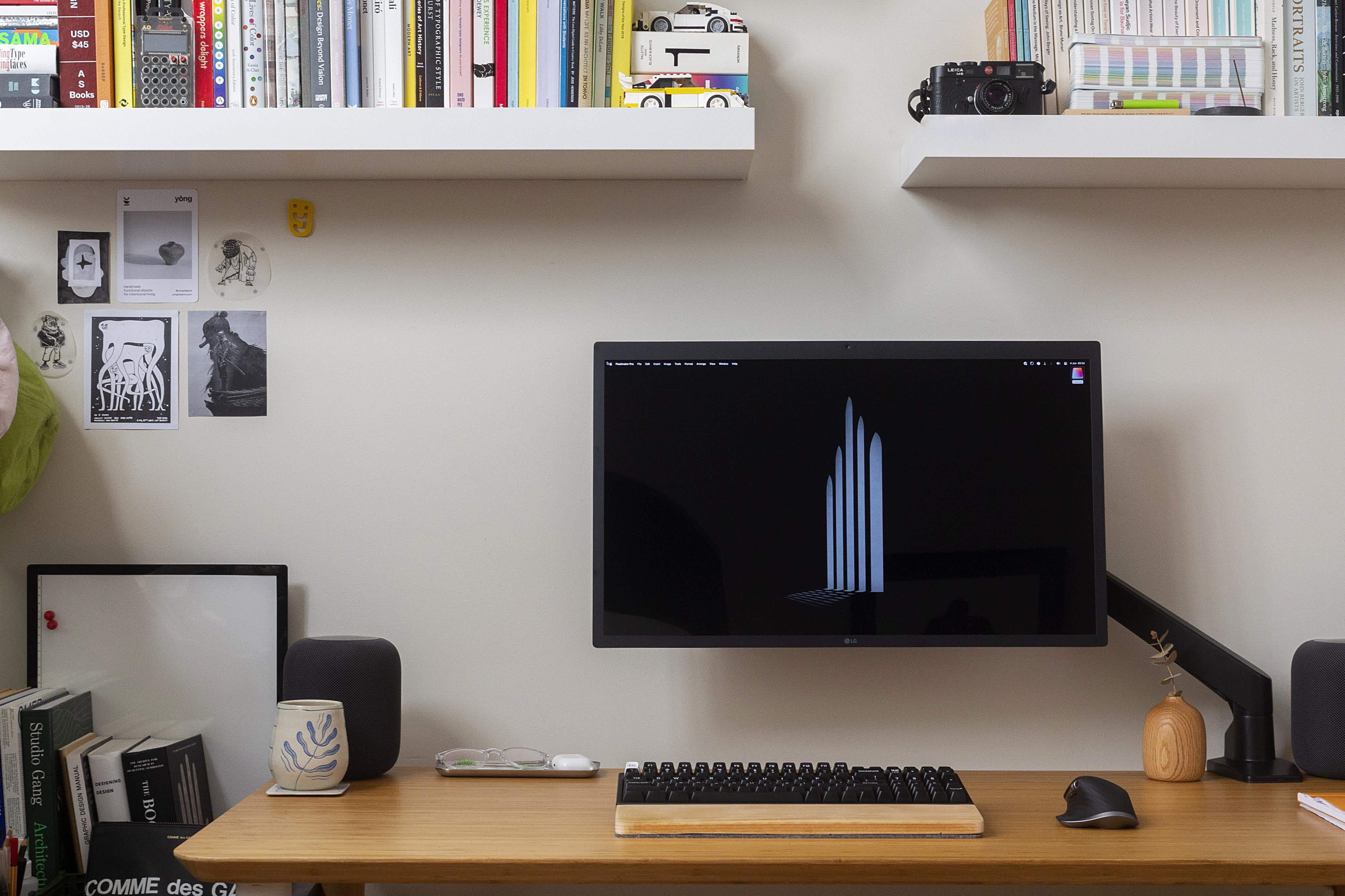
When people talk about a "clean" setup, this is pretty much what they mean.
Photo: [email protected]

We see plenty of paired HomePod minis in our travels online among computer setups, but not many stereo twosomes of the OG HomePods, the big ones Apple discontinued that may one day return in some form.

So today’s featured M1 MacBook Air setup is not only super-clean, it rocks that killer sound system and boasts a pricey 5K monitor that rivals Apple’s Studio Display.

And it’s the first setup we’ve come across where someone hates on the wildly popular Logitech MX Master 3 wireless mouse.

Composer makes beautiful music with 2013 Mac Pro and big Cinema Display [Setups]

By

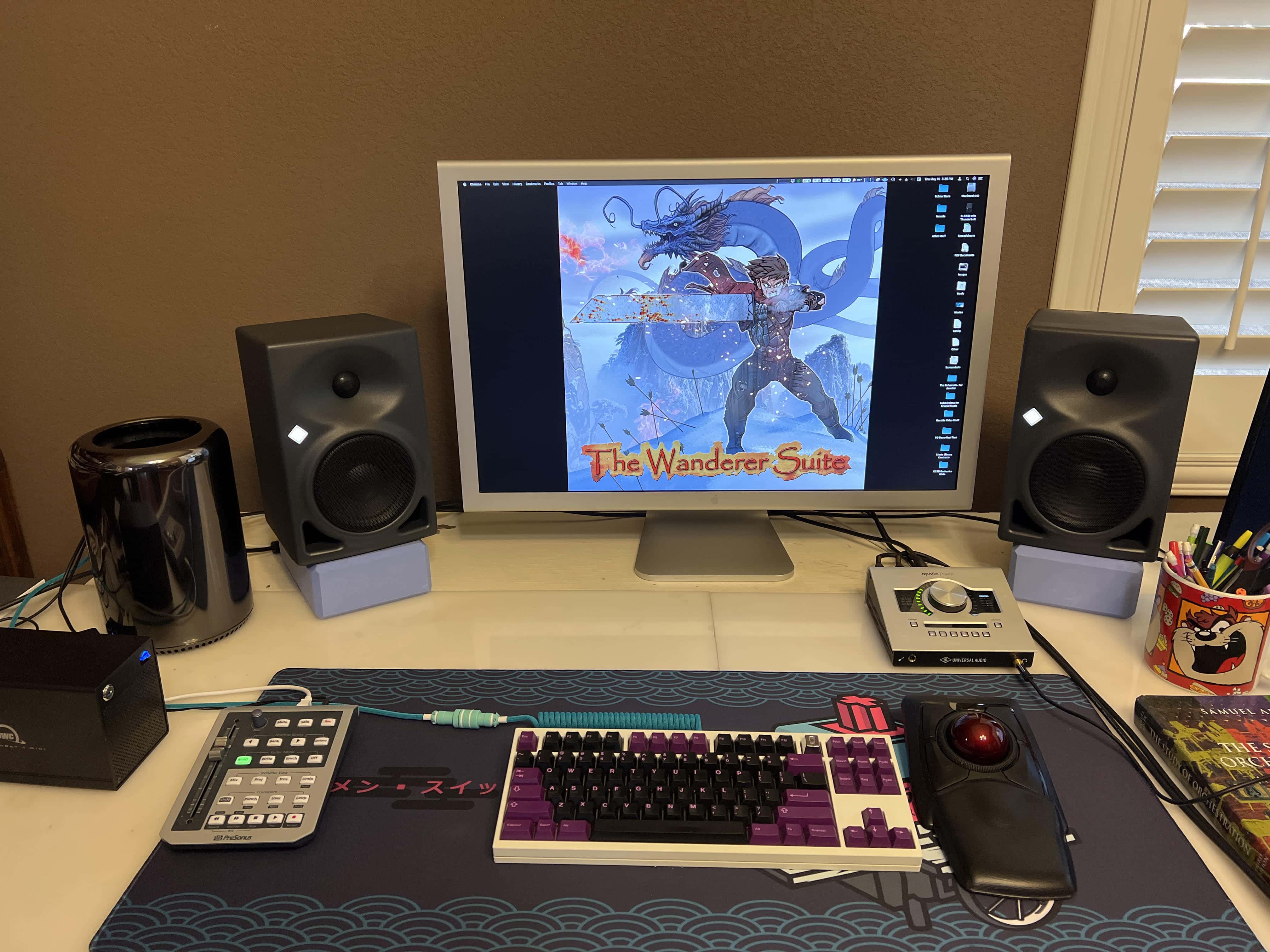
A 9-year old Mac Pro and an even older 30-inch Cinema Display. You don't see those every day.
Photo: Travis Lohmann

Las Vegas-based pianist, composer and educator Travis Lohmann reached out to Cult of Mac recently with an intriguing setup that hearkens back to yesteryear but still gets the job done in the here and now. Or in the “hear and now,” if you like.

It’s not every day you see a 9-year-old Mac Pro and an even older 30-inch Cinema Display getting the job done in 2022, but it happens.

Would this dual Studio Display rig be your ‘dream setup?’ [Setups]

By

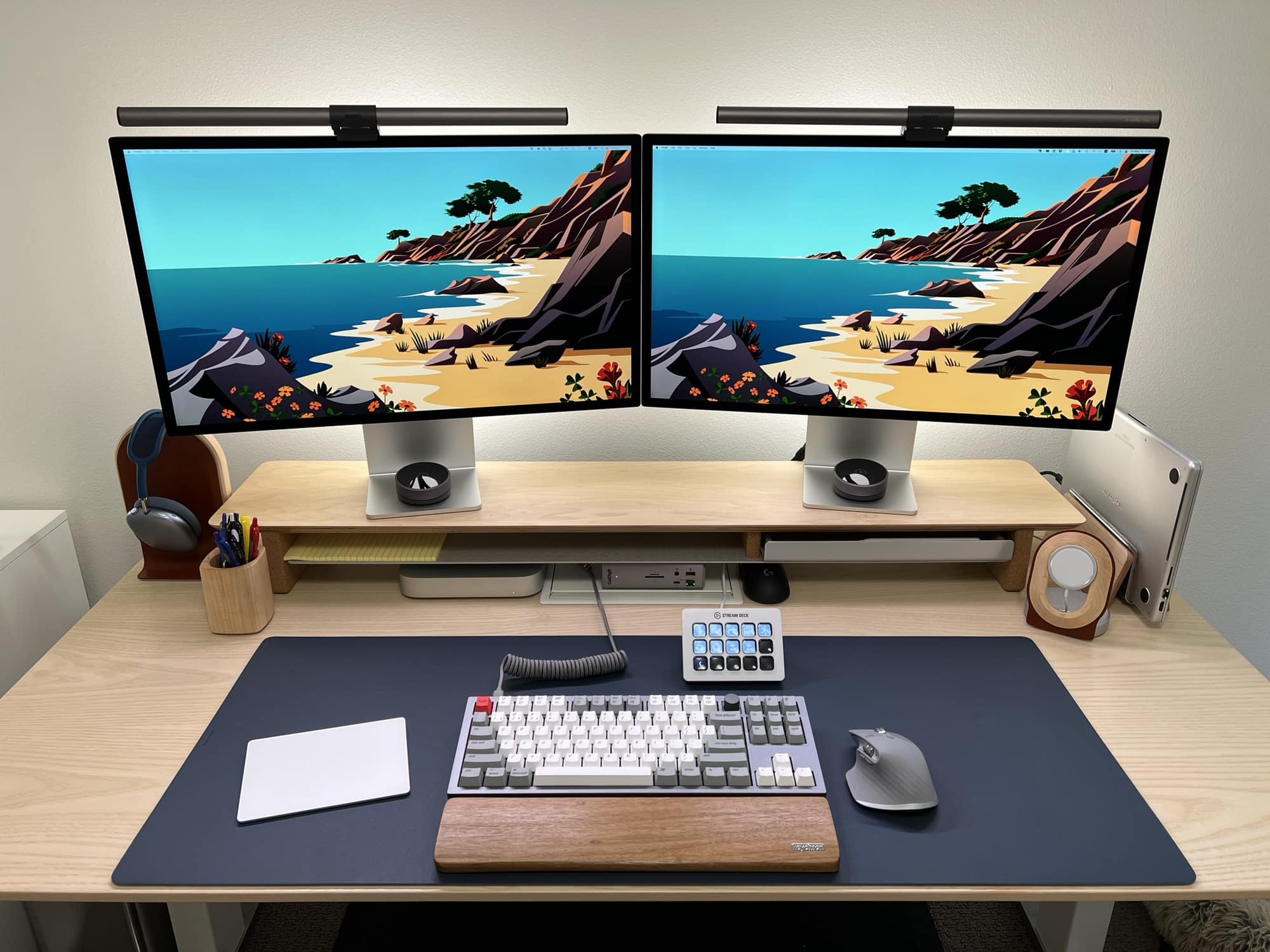
This is someone's dream setup. Is it yours?
Photo: [email protected]

You look at enough computer setups online and you realize people are never really done with them. There’s always something to add. It could be some gear got held up by shipping delays, or the setup’s owner got a sudden urge to try another type of input device or some other gadget. And people often take ages to tame the cable clutter.

So you rarely see people claiming a setup’s done for good. Or it’s the best it can be. Or it’s the proverbial “dream setup.”

But sometimes they say that. Today’s setup got called a “dream setup” by its proud owner. Would you agree?

Recovering PC gamer converts to Mac and loves it [Setups]

By

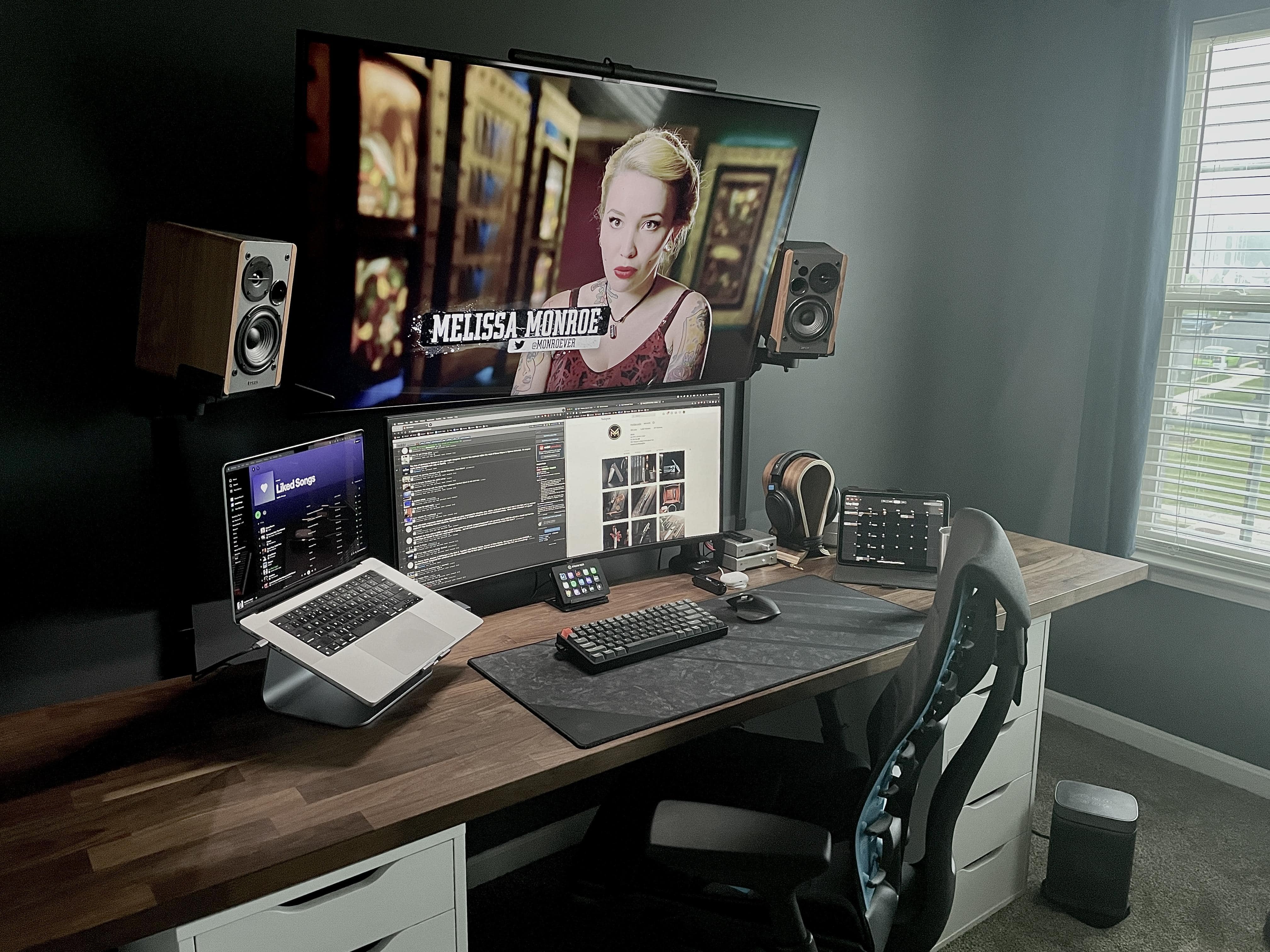
This M1 Pro MacBook rig runs with an ultra-wide display and a 50-inch TV.
Photo: [email protected]

“Conversion” stories are fairly common in computing, with people deciding to switch from one “ecosystem” or another. Given Apple’s recent rash of hugely popular products, a fair number of folks are switching from PC-and-Windows-based setups to Apple-centric ones.

An avid PC gamer — strike that, a former avid PC gamer — owns today’s featured setup. In it, a new M1 Pro MacBook drives a couple of big displays. And an Elgato Stream Deck and killer audio components also enter the mix.

Apple’s ‘controversial’ Mighty Mouse lives on with some TLC [Setups]

By

The Mighty Mouse and the Leopold mechanical keyboard in this MacBook Pro setup are both rarities.
Photo: [email protected]

Here at Setups Central we love spotting people working with gear we rarely or never see. Today’s featured setup includes rarities in the form of its input devices.

One of the peripherals is a high-quality Leopold mechanical keyboard and the other is an original Apple Mighty Mouse, which first came out in 2005. It was the company’s first mouse with more than one button as well as a trackball.

The setup’s owner called the mouse “kind of controversial.” And it was.

Racy MacBook Pro and Xbox rig seeks beefier sound system [Setups]

By

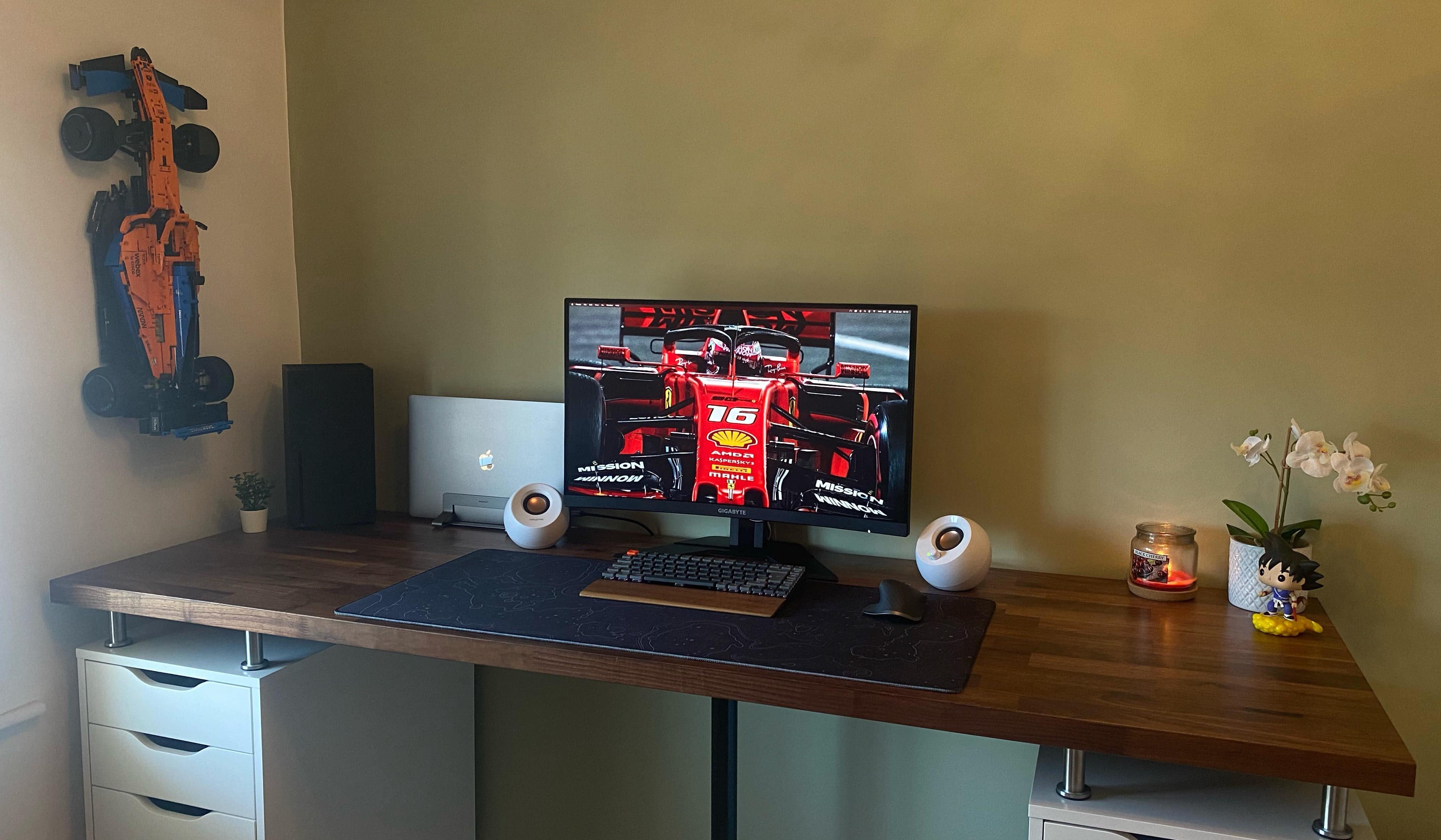
Those white desktop speakers might not be cutting it.
Photo: [email protected]

You can have a lot of good gear in your computer setup but still feel it falls short somehow. Like with today’s featured setup, you could have a recent MacBook Pro and an Xbox Series X gaming console. You could have a sweet curved gaming monitor. You might even have a kick-ass Lego Technic McLaren Formula 1 Race Car mounted on the wall.

But do you have stellar audio or just OK audio? That’s the issue our setup’s owner faces.

Telling a marvelous Mac mini workstation story in pictures [Setups]

By

The computer setup was updated this month and it couldn't be much nicer.
Photo: [email protected]

A picture is worth a thousand words, they say. So today’s M1 Mac mini-driven computer setup, with eight smashing photos, must be roughly equivalent to 8,000 words. But instead of burying you in a horrible cascade of text, we’ll let the pictures tell most of the elegant rig’s story.

The newly updated setup has some exceedingly nice touches. Each of the photos below includes a little commentary.

1 29 30 31 32 33 48