Mobile menu toggle

Search results for: mechanical keyboard

Simple Mac mini workstation packs more than meets the eye [Setups]

By

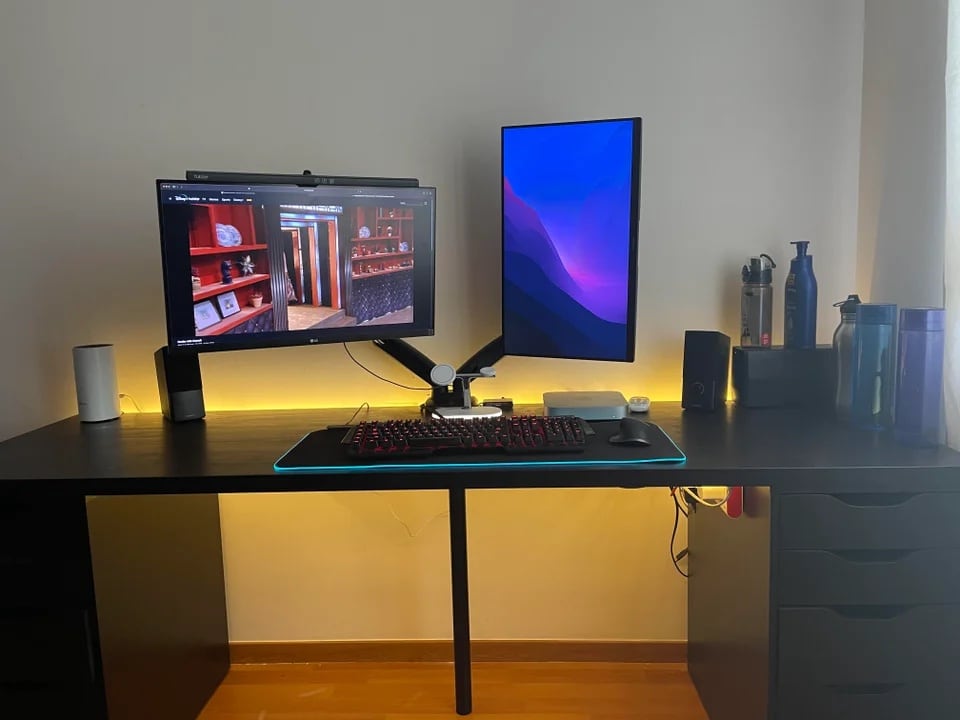
This computer setup simply has more in it than there appears.
Photo: [email protected]

At a glance, today’s featured computer setup appears simpler than it really is. It showcases a Mac mini, a pair of mounted monitors and some typical-looking input devices. A row of water bottles stands to the right because the owner, who lives in India, is big on hydration as summer hits the subcontinent.

But there’s more to the setup than meets the eye. And some of it escapes the camera’s lens.

Hey, maybe you can afford a ‘Mini Pro Display XDR’ with your Mac Studio [Setups]

By

It may be small, but it's a Liquid Retina XDR Display.
Photo: Tom@bytereview@Twitter

Anyone who buys a desktop Mac or wants a desktop feel using their MacBook is going to need a decent-sized external display. And wouldn’t it be grand if we all had $5,000 to spend on an Apple Pro Display XDR? Well, we don’t. In fact, scratching together enough cash to buy a new, more-affordable Studio Display can feel like a stretch for many folks.

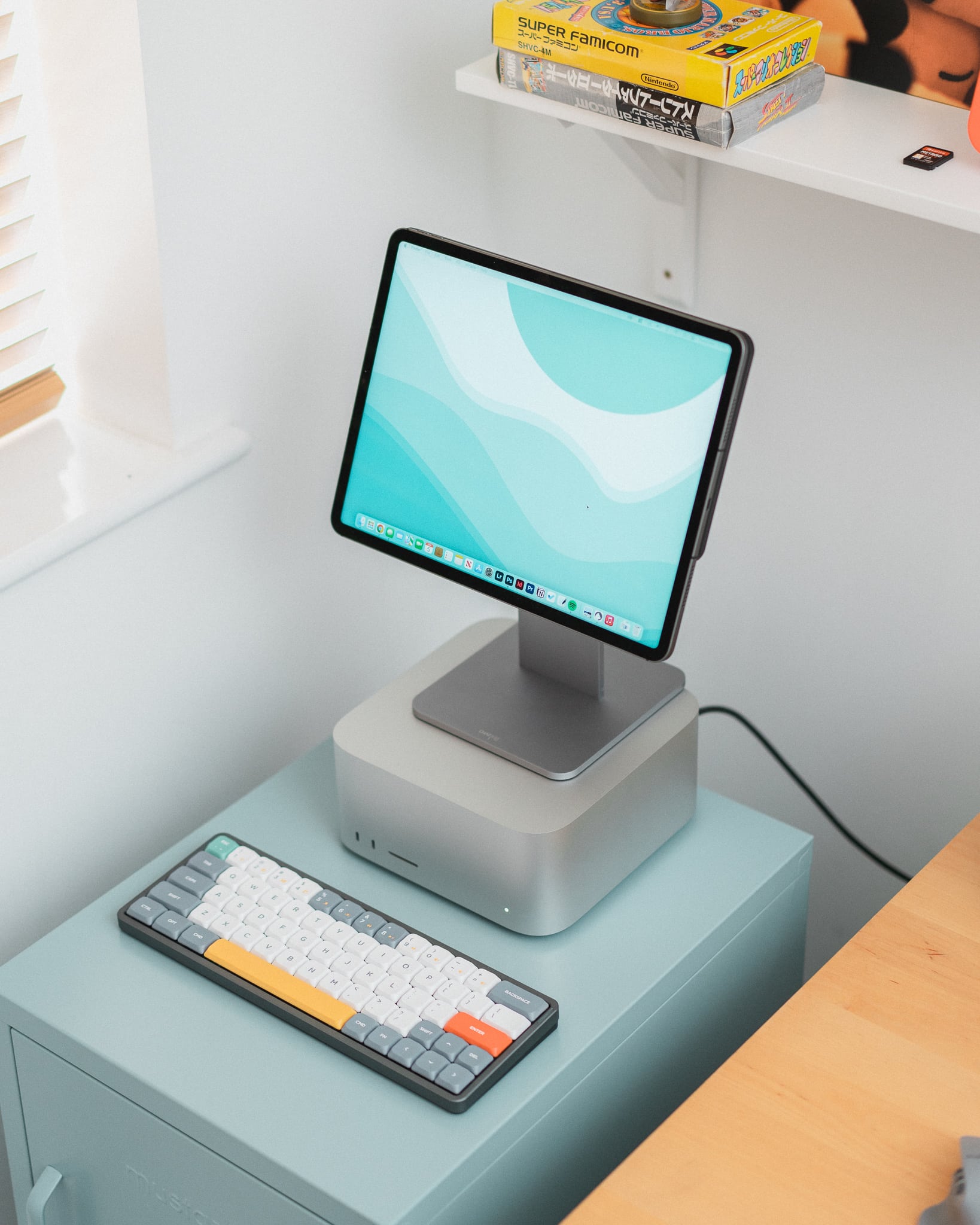
The owner of today’s featured computer setup figured out a clever way to run a brilliant Liquid Retina XDR Display at much less cost with their new Mac Studio. What’s the catch? Well, it’s only a 12.9-inch display. Because it’s an iPad.

New Mac Studio pairs with imposing 5K display in pristine rig [Setups]

By

One wonders how often this setup looks this pristine.
Photo: casey_the_casey

Some computer setups just say “slick.” They declare, in their perfection, “I might actually be staged.” They suggest, without a trace of shyness, much less humility, “There’s no way I look this clean all the damn time.”

Neither a speck of dust nor a stray cable to be seen.

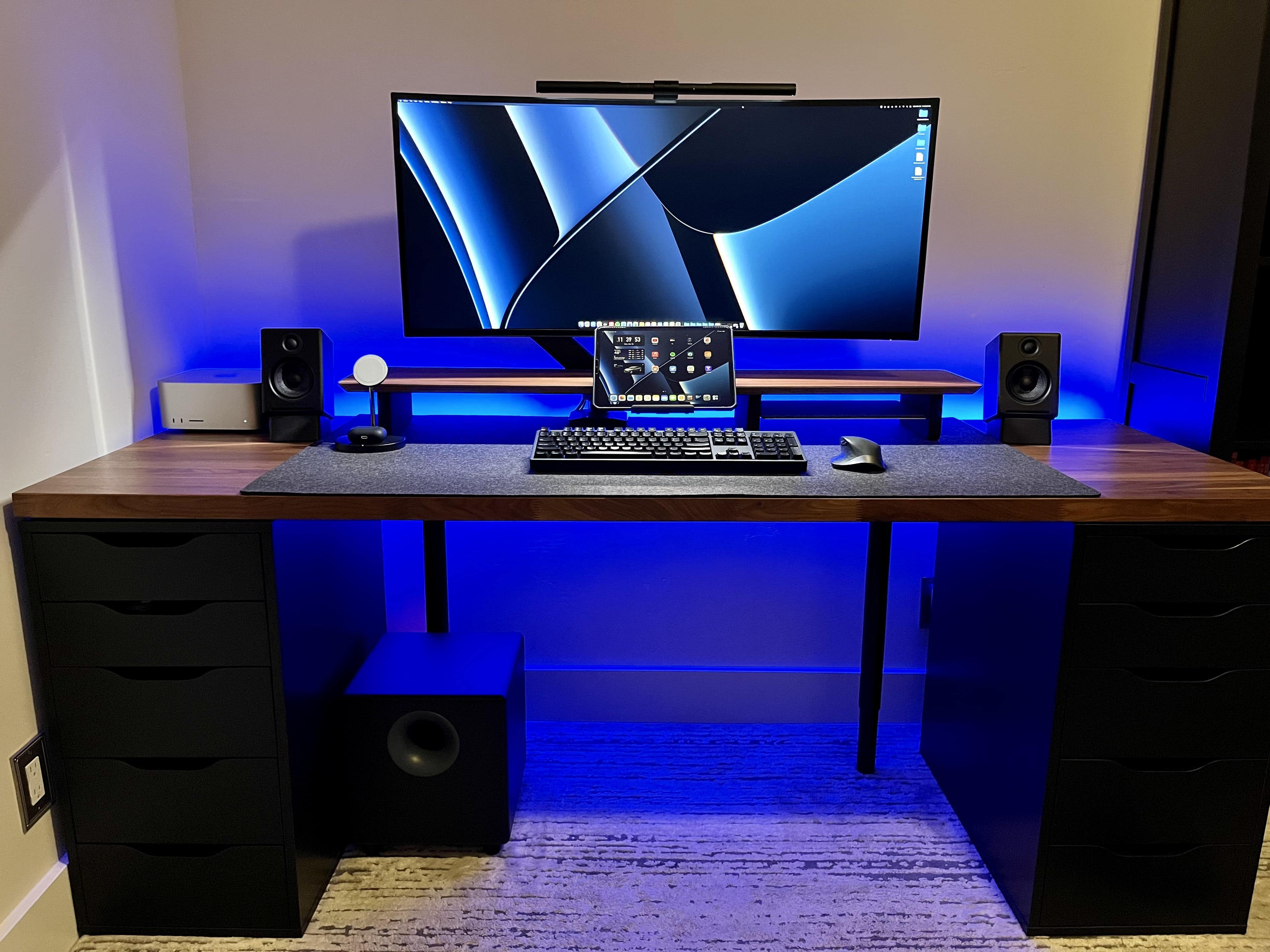
But then again, some workstations are cleaned up with the arrival of a major new addition and made ready for the one photo where they’ll look their Sunday best. That’s likely the case with today’s featured setup, with its dark-stained woods and its lights just so. After all, it just got a brand new Mac Studio.

‘Mac setups are cool but Lego Technic is cooler’ [Setups]

By

Those Lego Technic race cars flying across the wall in the back are almost as complicated as real cars.
Photo: [email protected]

Who doesn’t like to have a little fun on a Friday, especially when it’s also April Fools’ Day? Not that today’s featured setup is a joke or fake in any way. It’s real. It’s serious. Not as serious as a heart attack, maybe. But it’s a working setup that likes to have a good time, let’s say.

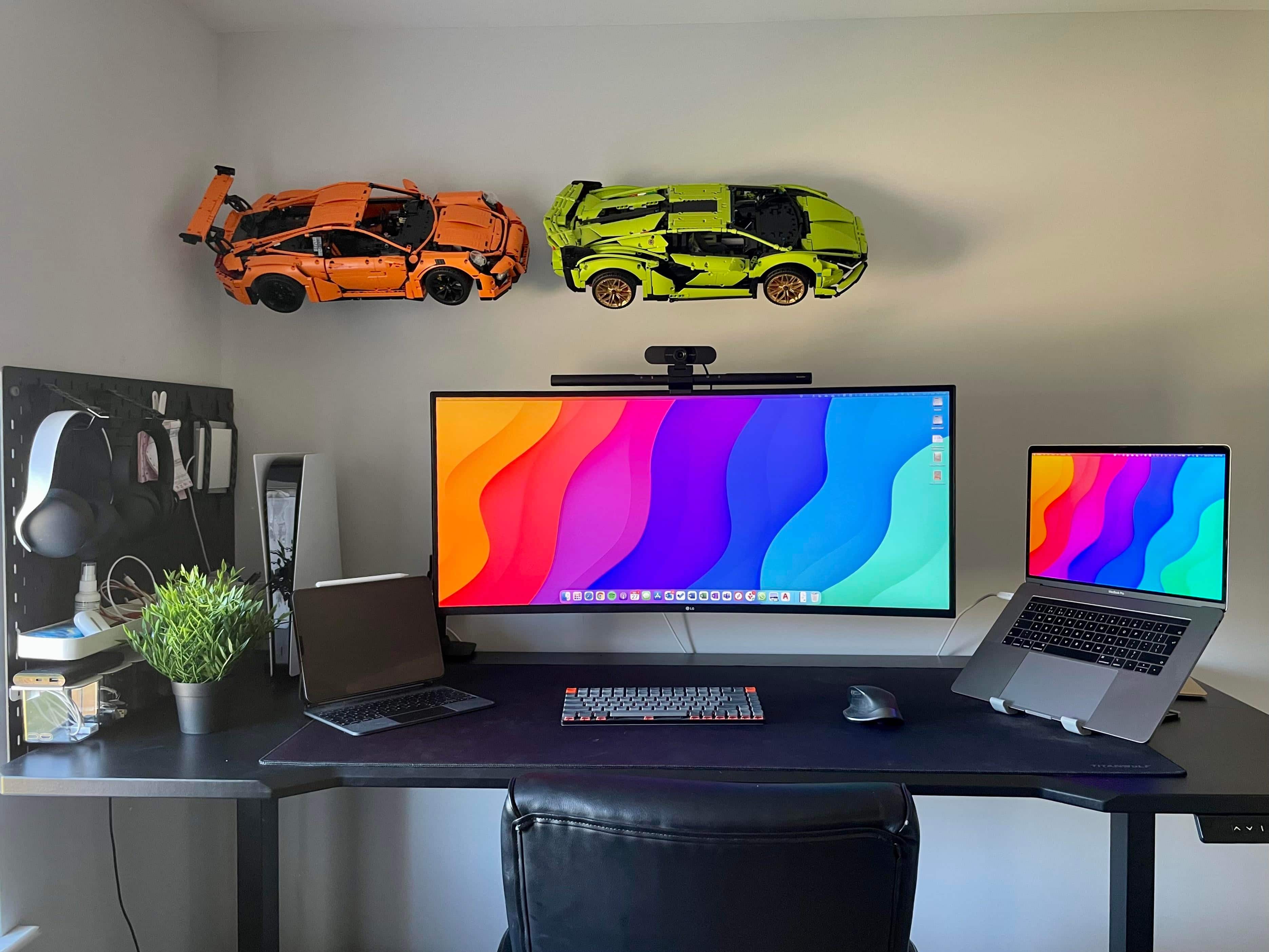
The seriousness stems mainly from a late-model MacBook Pro and a killer ultra-wide LG display. The good time comes from the super-cool Lego Technic racing cars on the wall — two for now, with a third to come. Each one of these things has thousands of pieces.

Here come the Mac Studio-powered workstations [Setups]

By

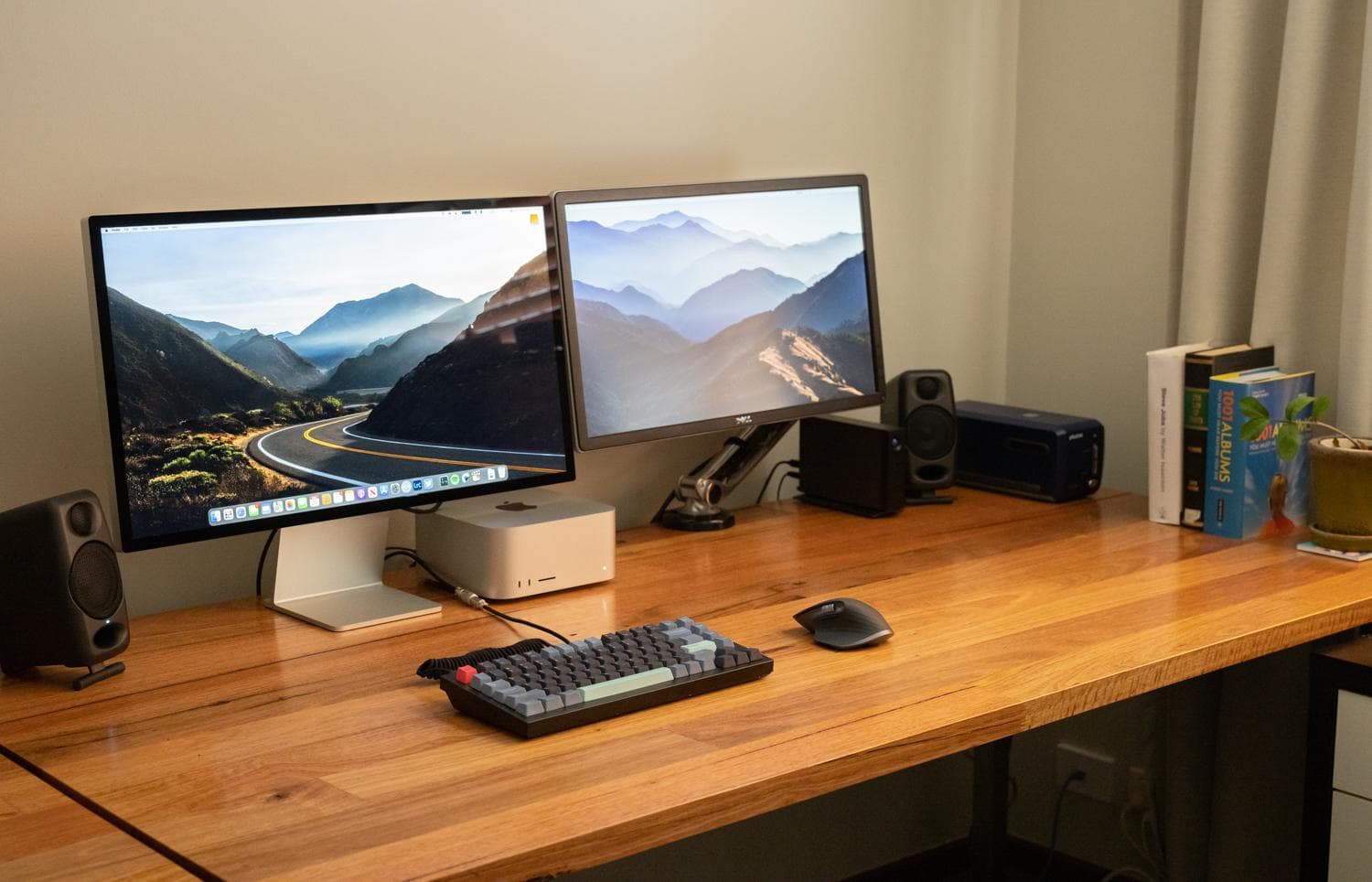
A new Mac Studio desktop and Studio Display anchor this setup.
Photo: [email protected]

With Apple’s big “Peek Performance” event only just past and deliveries of newly release products in progress, we see computer setups with new Mac Studio desktops and Studio Display monitors cropping up on social media sites.

Checking in with real people and their first impressions about the gear — and their answers to others’ questions about it — can be a pretty good early look at how things are going with Apple’s latest products.

Let’s take our workstation outside today [Setups]

By

Working al fresco can be refreshing. Except for the downpours. And the lizards.
Photo: [email protected]

There’s nothing like taking your work outside on a nice day, especially if it’s a Friday — if you live somewhere that allows it, weather-wise. The sounds of the birds. The feel of the breeze. The smell of exhaust fumes from nearby traffic.

But sometimes it’s not about half-playing hooky while working on your tan and pretending to work. Today’s featured setup, looking quite complete and perfectly productive, was driven out of the house by renovations.

3D-render wunderkind Ian Zelbo jacks up performance [Setups]

By

Ian Zelbo works on renders on a tricked-out PC in New York City.
Photo: Ian Zelbo

We last wrote about the computer setup of 17-year-old concept creator and render artist Ian Zelbo back in May 2021. As then, the young New Yorker’s 3D renderings of Macs and other leaked tech products continue to amaze viewers online.

But he recently switched things up a bit with the gear he needs to get the job done. Along with a big step up from a 13-inch M1 MacBook Pro to a 14-inch M1 Pro version, he custom-built a PC to do a lot of the heavy lifting in his resource-intensive work.

Blowing half your budget on headphones and Lego sets [Setups]

By

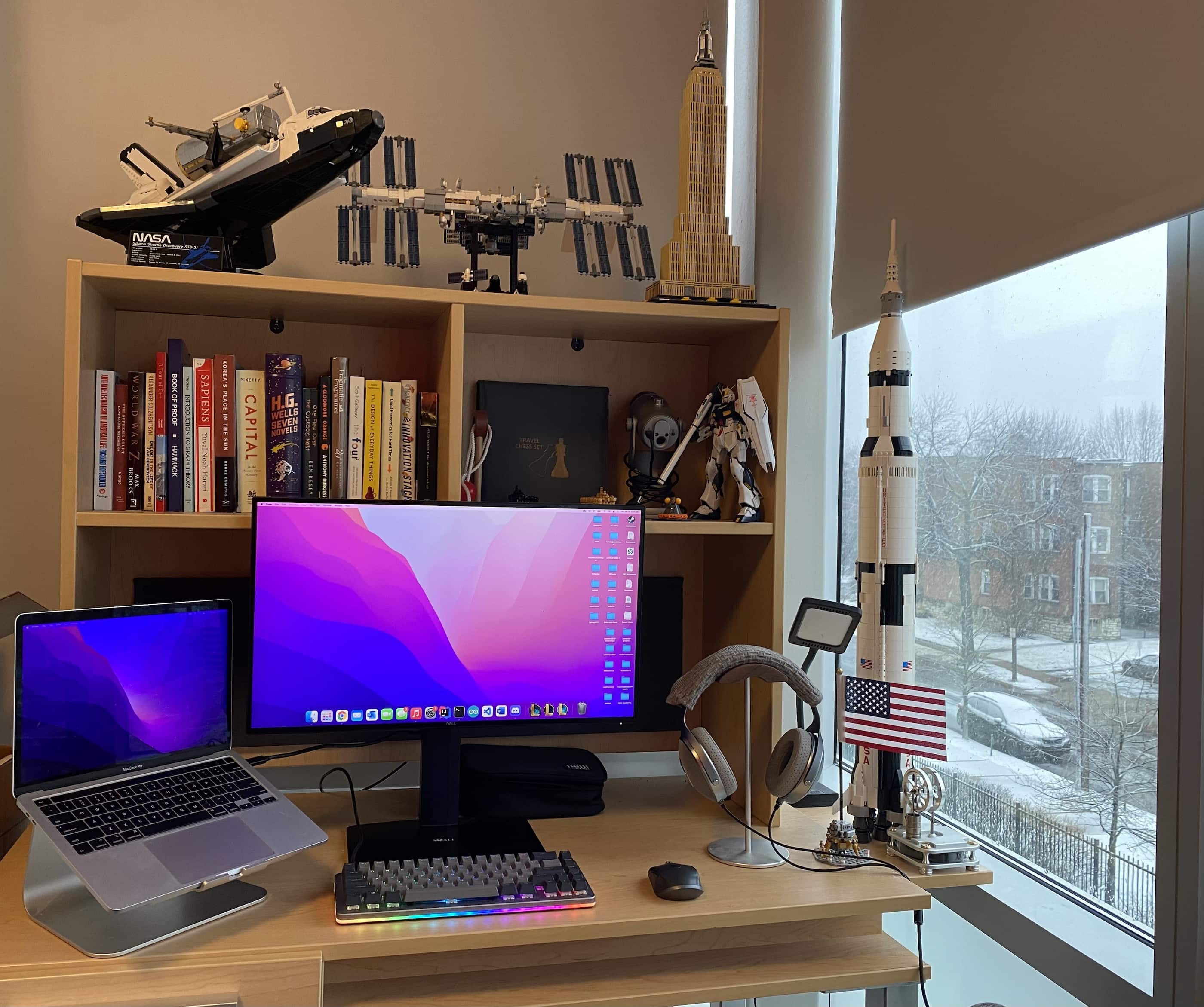
The college kid who owns this computer setup might be headed for an aerospace-related career.
Photo: [email protected]

College students, often not exactly made of money (yet), usually feel obliged to be super-thrifty. Their setups might feature entry-level gear, hand-me-down equipment, doors on cinderblocks serving as desks — that sort of thing.

But today’s featured setup, owned by a college student, comes with some frills. They’re courtesy of a lucrative internship the computer science major completed last summer.

This dual-display trick is not for everyone [Setups]

By

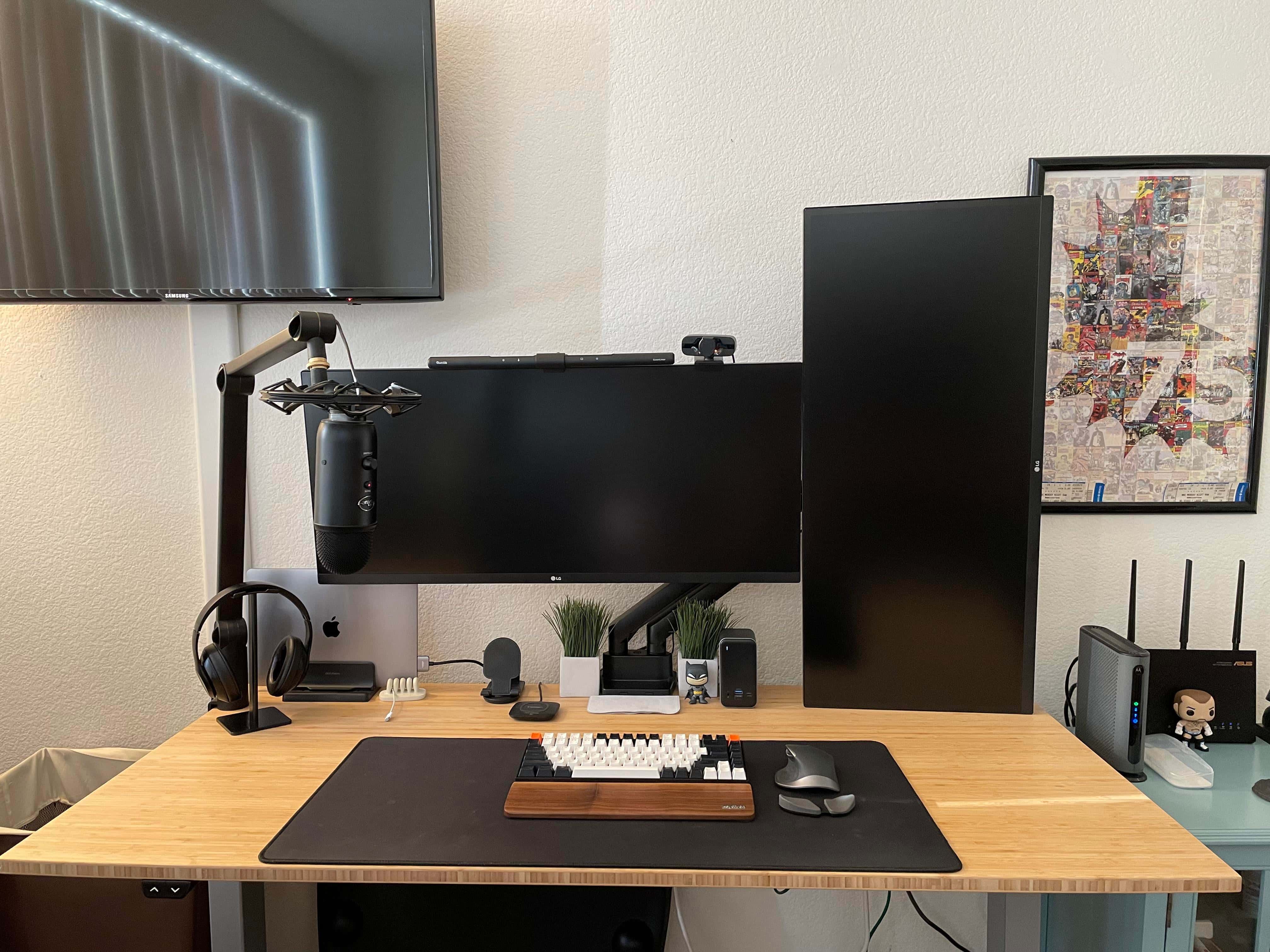
You get a tall and narrow display when your portrait-mode (vertical) monitor is an ultra-wide.
Photo: [email protected]

As we know from looking at lots of computer setups, having at least two monitors is popular, and so is having at least one of those in portrait mode (vertical). But what if you have dual displays and both are ultra-wide screens? Turned on end, isn’t the one in portrait mode going to be awfully tall?

Today’s featured setup provides an answer to those questions. Here the MacBook Pro-centered setup features two 34-inch displays in different orientations.

Should every workstation have a 3D printer? [Setups]

By

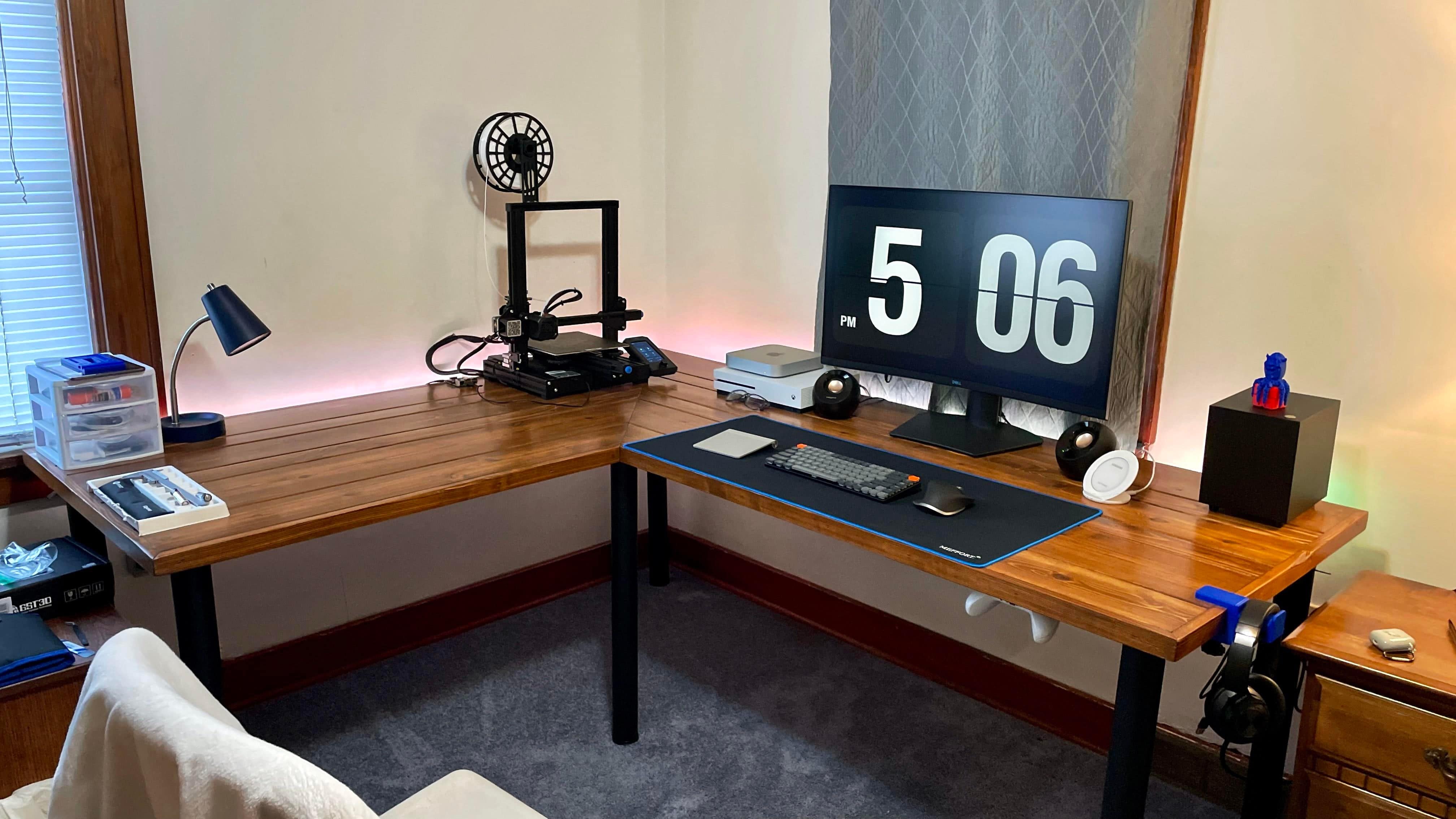
The 3D printer at left helped make other parts of this computer setup.
Photo: [email protected]

You still rarely see a computer setup with a 3D printer in it. Today’s featured setup is an exception. You can see the printer against the wall on the left in the photo above.

Probably more workstations in the near future will have them. Why? Not only are they becoming more affordable, you can use them to make parts of the setup!

1 30 31 32 33 34 48