Mobile menu toggle

Search results for: mechanical keyboard

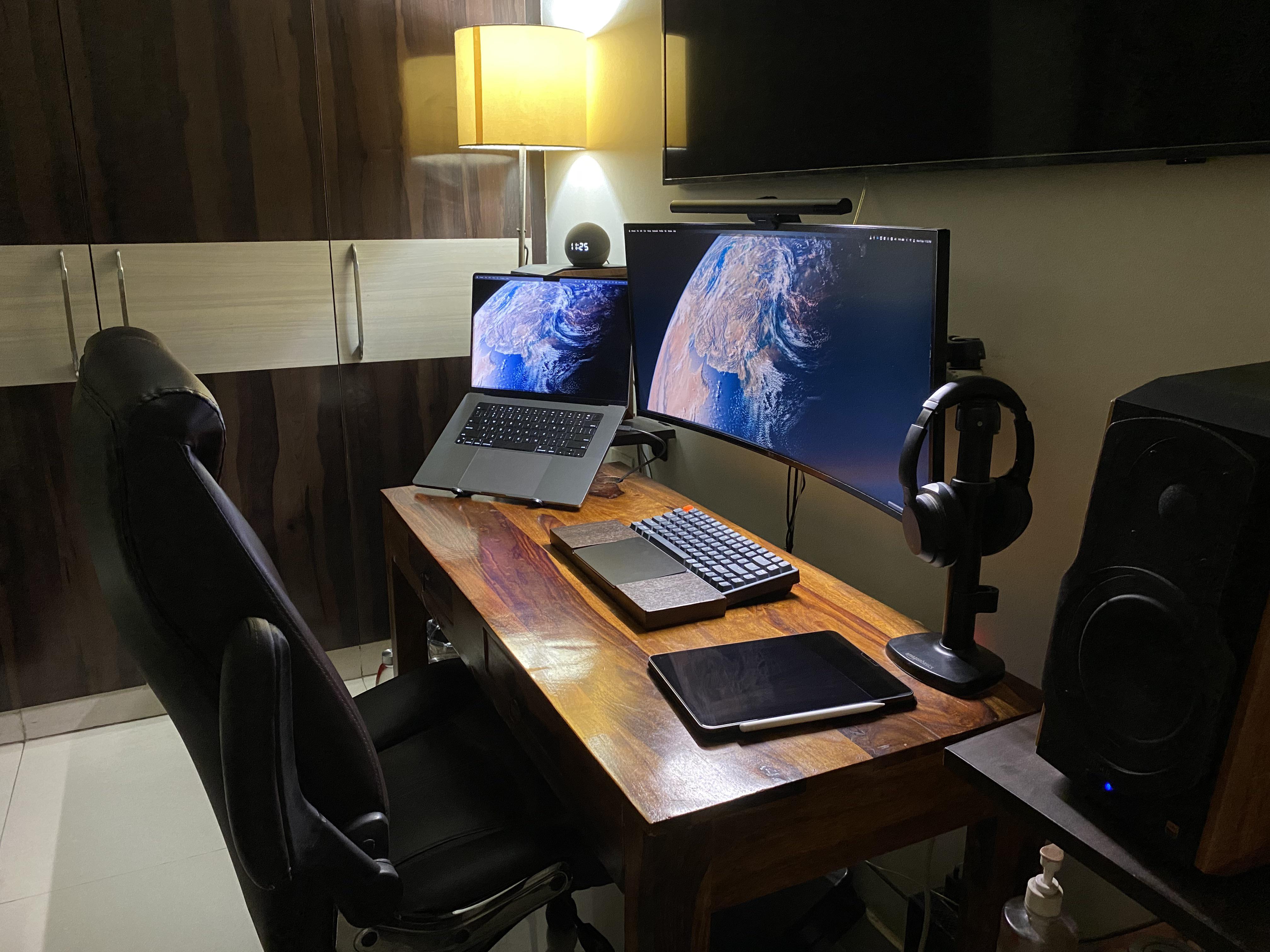
Magic Trackpad nestles in developer’s cool custom wrist rest [Setups]

By

There's nothing like polished wood. And did you notice the custom wrist rest?
Photo: [email protected]

Today’s featured computer setup displays an innovation we’ve seen from time to time, but not as often as we’d expect. It’s a custom keyboard wrist rest built to fit a Magic Trackpad or other trackpad in its middle section.

This one’s on the tall side, suitable for a mechanical keyboard. The developer who had it made to his specifications finds it — and the Magic Trackpad 2 — more than adequate for his needs.

Sleek, dual-display MacBook Pro rig gives off serious Tron vibes [Setups]

By

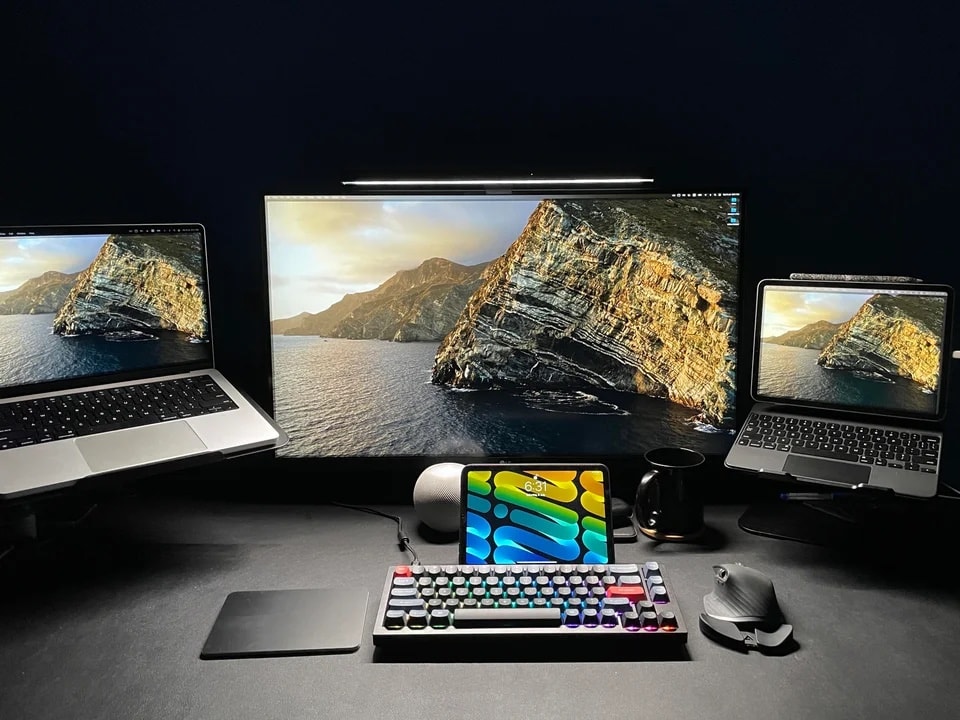
This is how you take a picture of a setup if you want people to think it's an ad.
Photo: [email protected]

When you look at a lot of computer setups showcased on social media, it’s not difficult to see that many of them are staged. They’re so well put together and photographed, you just can’t see normal slobs owning them.

But sometimes the internet tricks you with a surprisingly slick photograph of a real person’s setup. That seems to be the case in today’s featured dual-display MacBook Pro setup, photographs in a cool-gray wash.

“This looks like a render advertising the mouse or something,” one commenter said. “Tron vibes,” added another, referring to the 1982 sci-fi film known for its then-cutting-edge computer animation.

‘The perfect computer doesn’t exist’ [Setups]

By

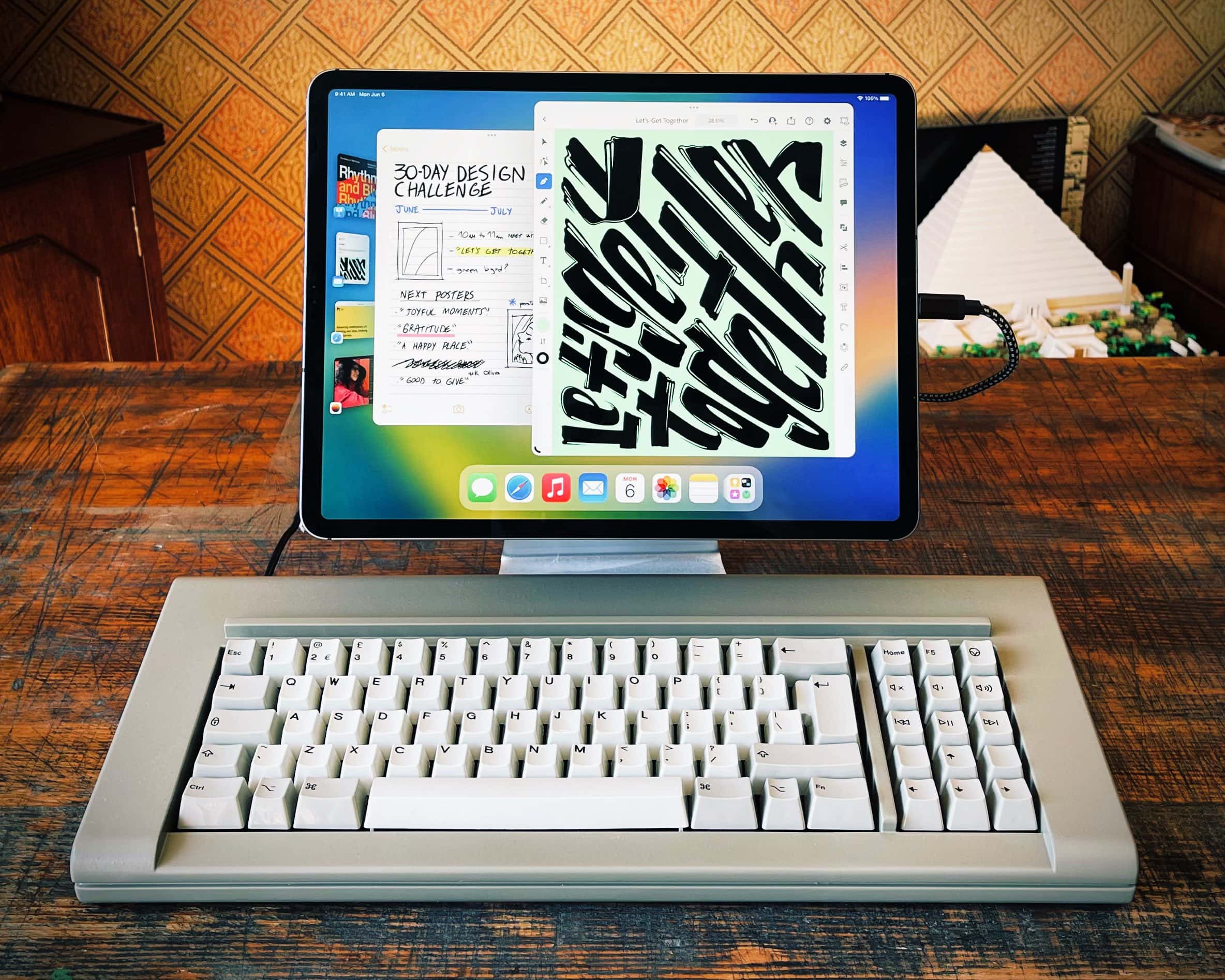
The biggest iPad doesn't look so big next to that mechanical keyboard.
Photo: Steve Troughton-Smith

App developer Steve Troughton-Smith raised a few eyebrows recently when he tweeted a photograph of his iPad Pro propped up on a stand and hooked up to a mechanical keyboard that dwarfed it in size. It looked like some ungainly desktop machine of yesteryear.

“The perfect computer doesn’t exist,” the title read.

It would be a stretch to say Troughton-Smith does all his work on that iPad setup, but he does some of it via the tablet, he told Cult of Mac.

Dual Studio Displays dole out killer color consistency [Setups]

By

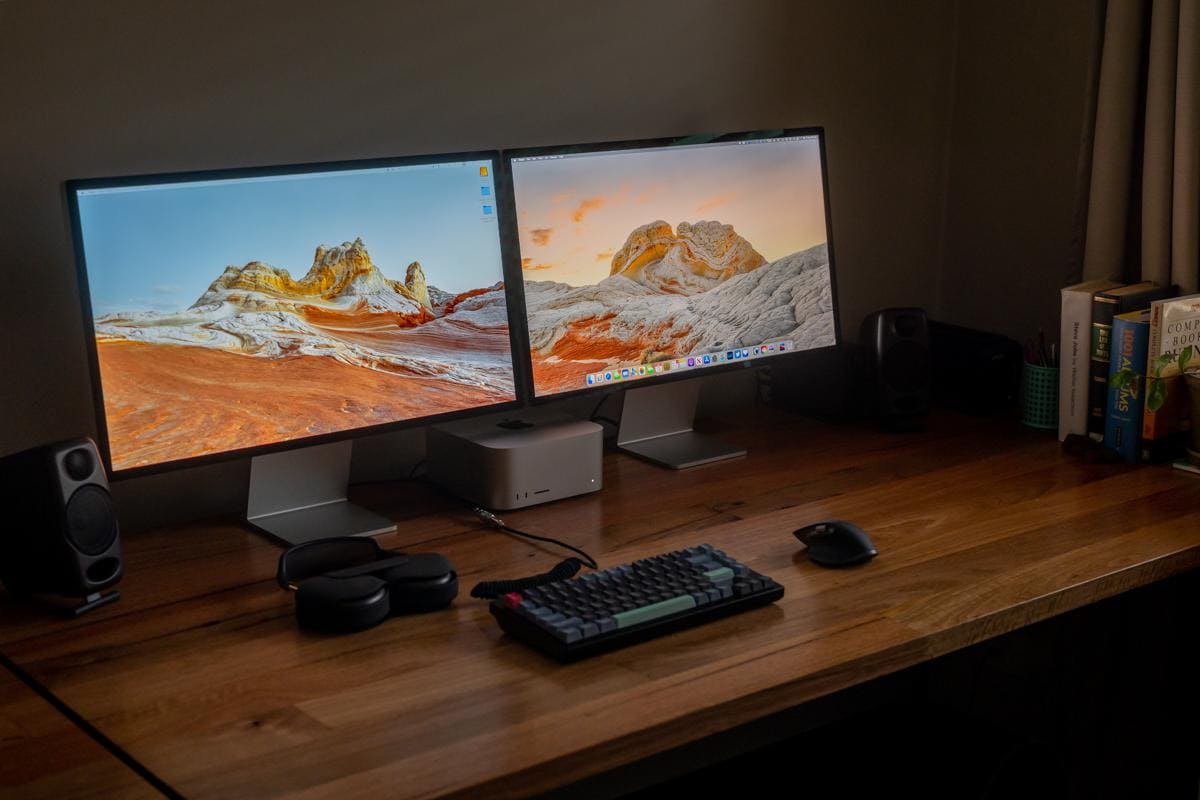
Two Studio Displays offer identical color consistency.
Photo: [email protected]

If there’s one thing Apple displays are known for, it’s high prices. OK — all joking aside — if there are two things they’re known for, it’s crisp, accurate colors and being worth the price for that level of quality.

After all, those who work or play with graphics, photos, video or animation need great color.

And if you go dual-display, it helps if they’re the same model. Today’s featured Mac Studio setup, for example, corrected mismatched displays and the resulting color inconsistency by adding a second Studio Display.

Mac Studio workstation makeover enhances whole room [Setups]

By

In an
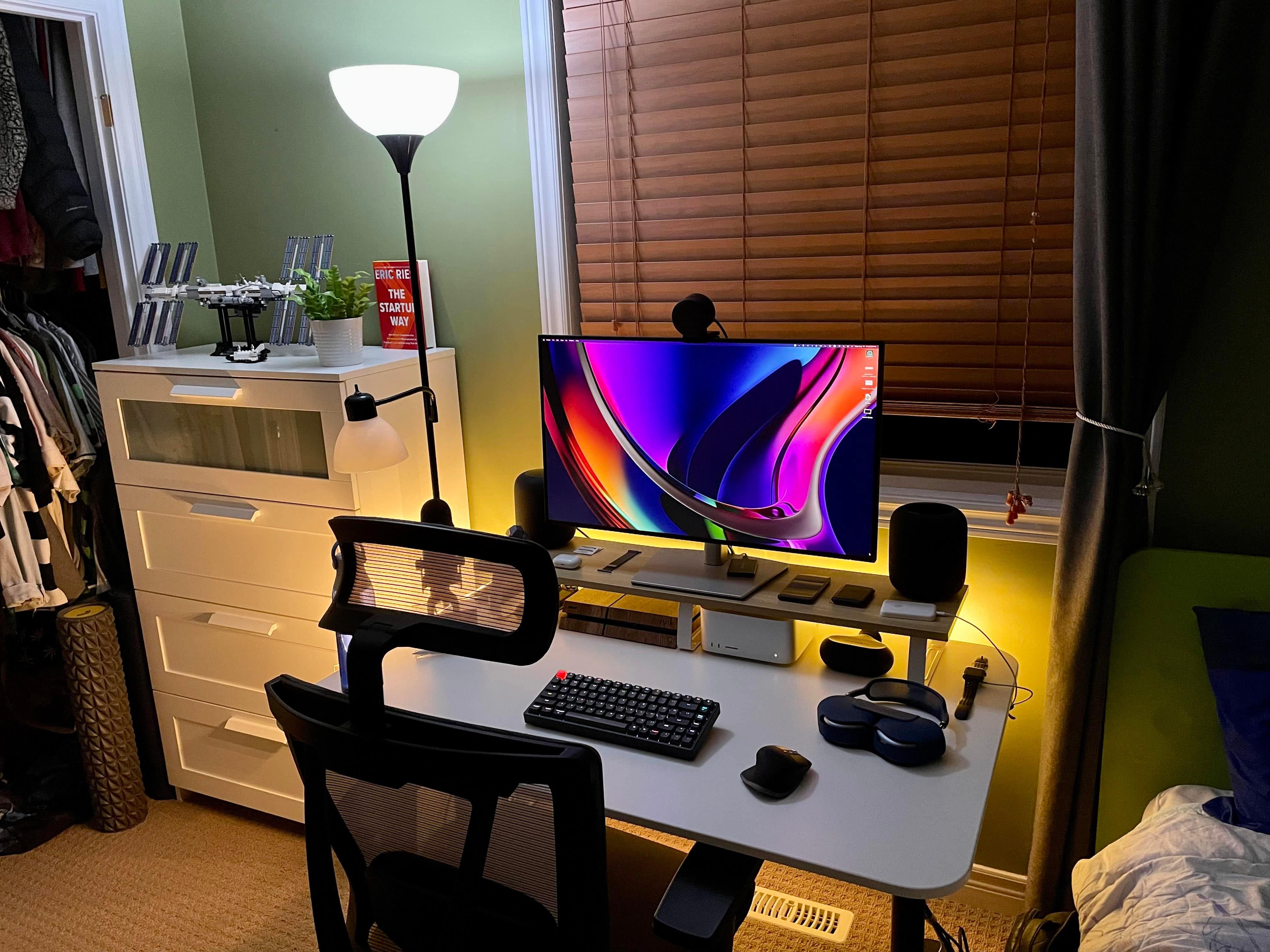
In an "after" picture, one larger monitor on a desk shelf instead of two on the desk opens up the space nicely.
Photo: [email protected]

With so many people working from home these days, a whole lot of them spend much of their life in one room — wherever the computer setup is, that is. And that’s all the more the case in apartments and small homes. So improving the setup can have a pretty big impact.

In today’s featured Mac Studio setup, swapping out two smaller displays for one bigger one, adding a desk shelf and making a few other changes made quite a difference in enhancing the workspace.

M1 MacBook Pro and custom PC split dual gaming displays [Setups]

By

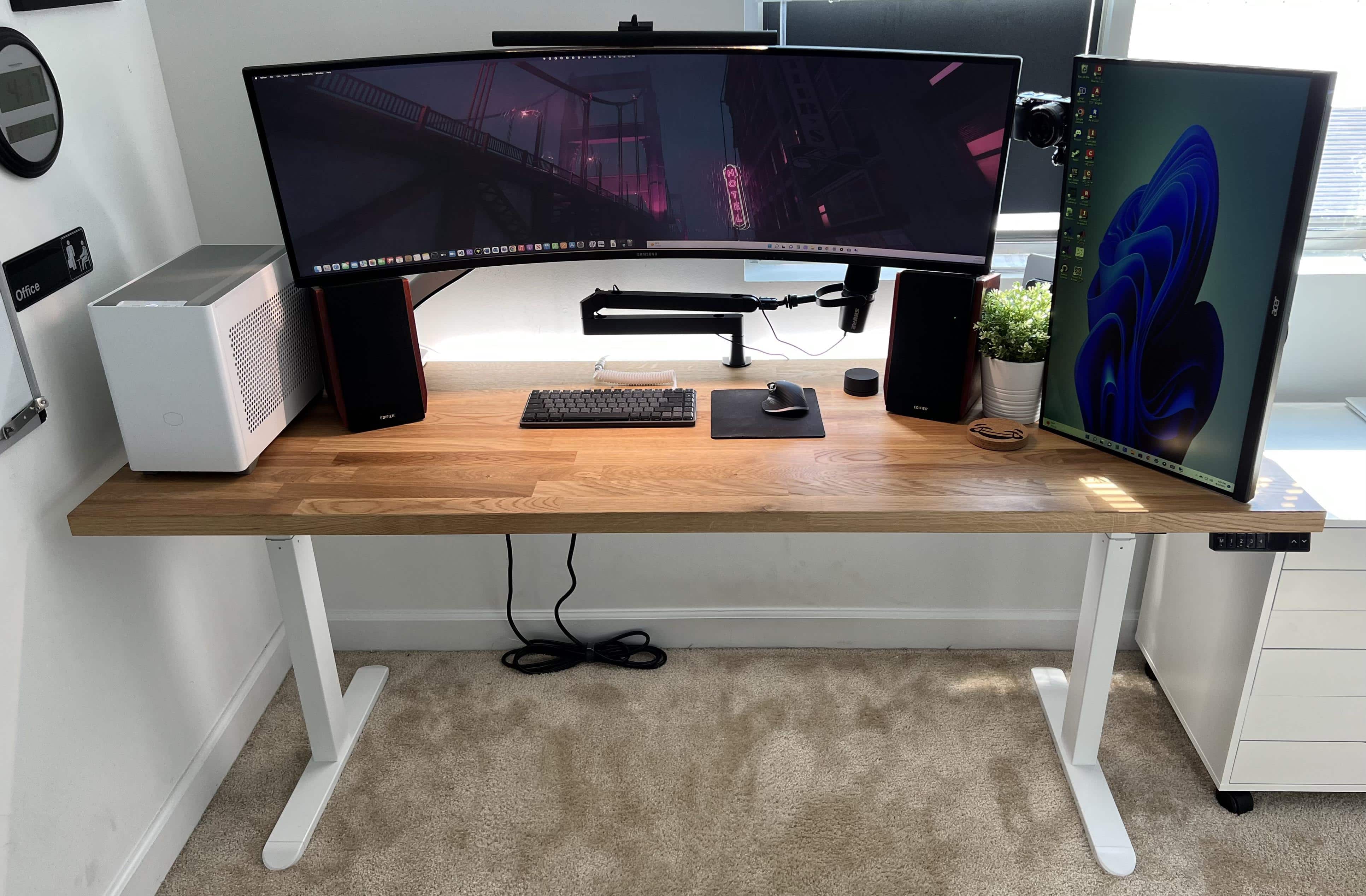
The owner tried to set this whole thing up to roll into another room.
Photo: cjeffe10

Some computer setups will make you green with envy, considering their gear’s quantity as well as quality. Take today’s featured setup, a delight for both gamers and podcasters.

It sports not just a new M1 MacBook, but also a powerful custom gaming PC. It boasts not just a solid 27-inch full HD display, but a monster 49-inch super-ultra-wide screen. And it relies on not just a good webcam, but a premium mirrorless digital camera.

And the list goes on, extending to audio and even a new mechanical keyboard. Read on.

This is how you maximize space and fill it with sound and light [Setups]

By

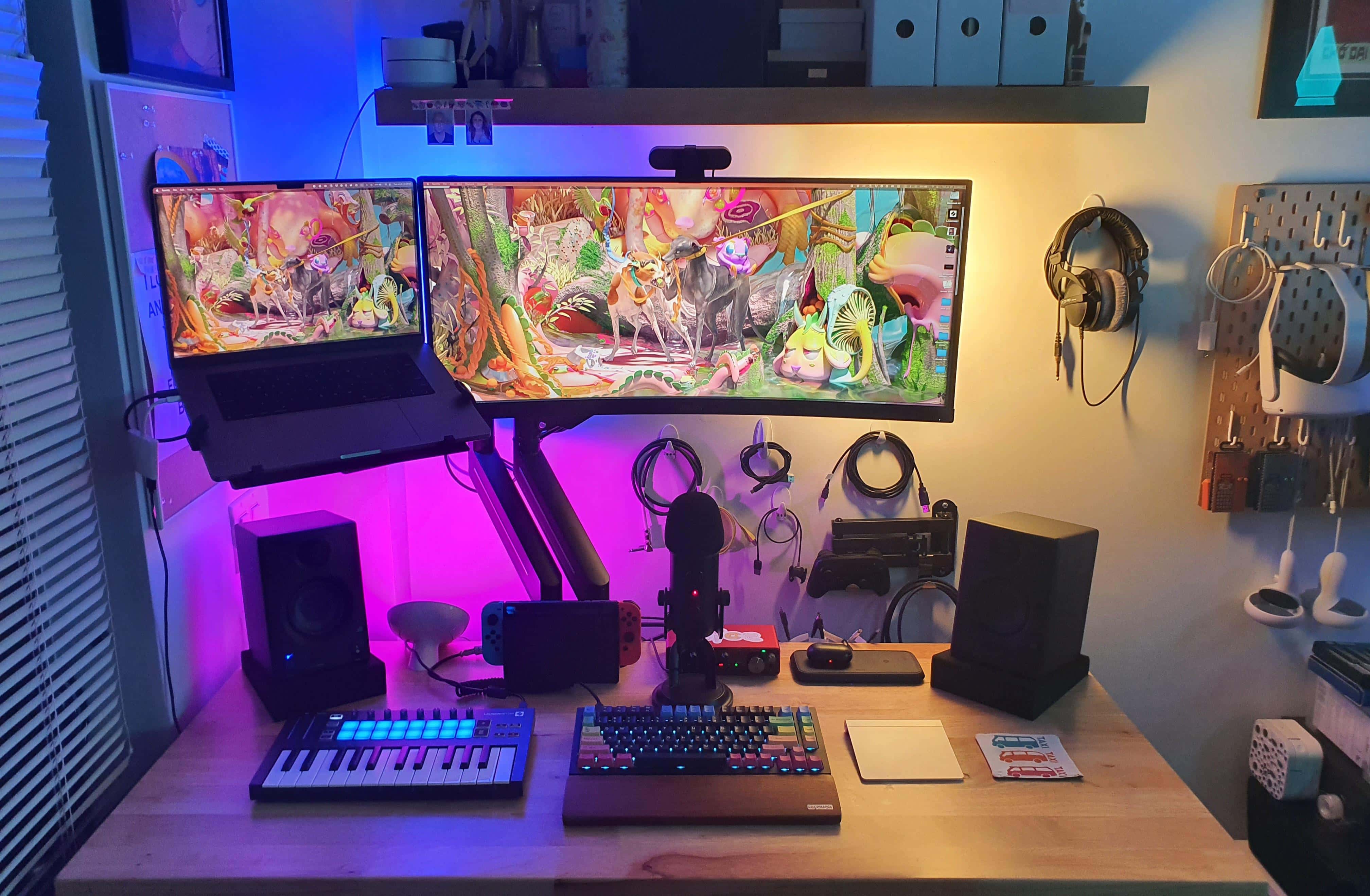
This excellent use of space is brought to you by a standing desk, a mounted ultra-wide display and MacBook Pro, and inventive wall storage.
Photo: [email protected]

Not everyone has a huge desk with ample room for their computer setup and loads of associated gear. But with a few smart moves, anyone can make the most of a small desk in a cramped space.

Today’s featured setup is a good example. It takes advantage of a standing desk, displays mounted on arms and ample wall-mounted storage to maximize limited space.

And the audio gear and lighting don’t disappoint, either.

Why downgrade from a massive, curved ultra-wide monitor? [Setups]

By

Sometimes it makes sense to walk back your choice of a massive monitor.
Photo: [email protected]

You might think you’d give your right arm for one of those stunning, 49-inch curved ultra-wide monitors to use with your Mac. But then again, you might end up begging for your appendage back, as well as your old display. Or at least something a little less colossal.

Minus the stray arm — as far as we know — that’s more-or-less what happened with today’s featured MacBook Pro-based setup.

If you’re anti-mouse and anti-trackpad, what device can you use? [Setups]

By

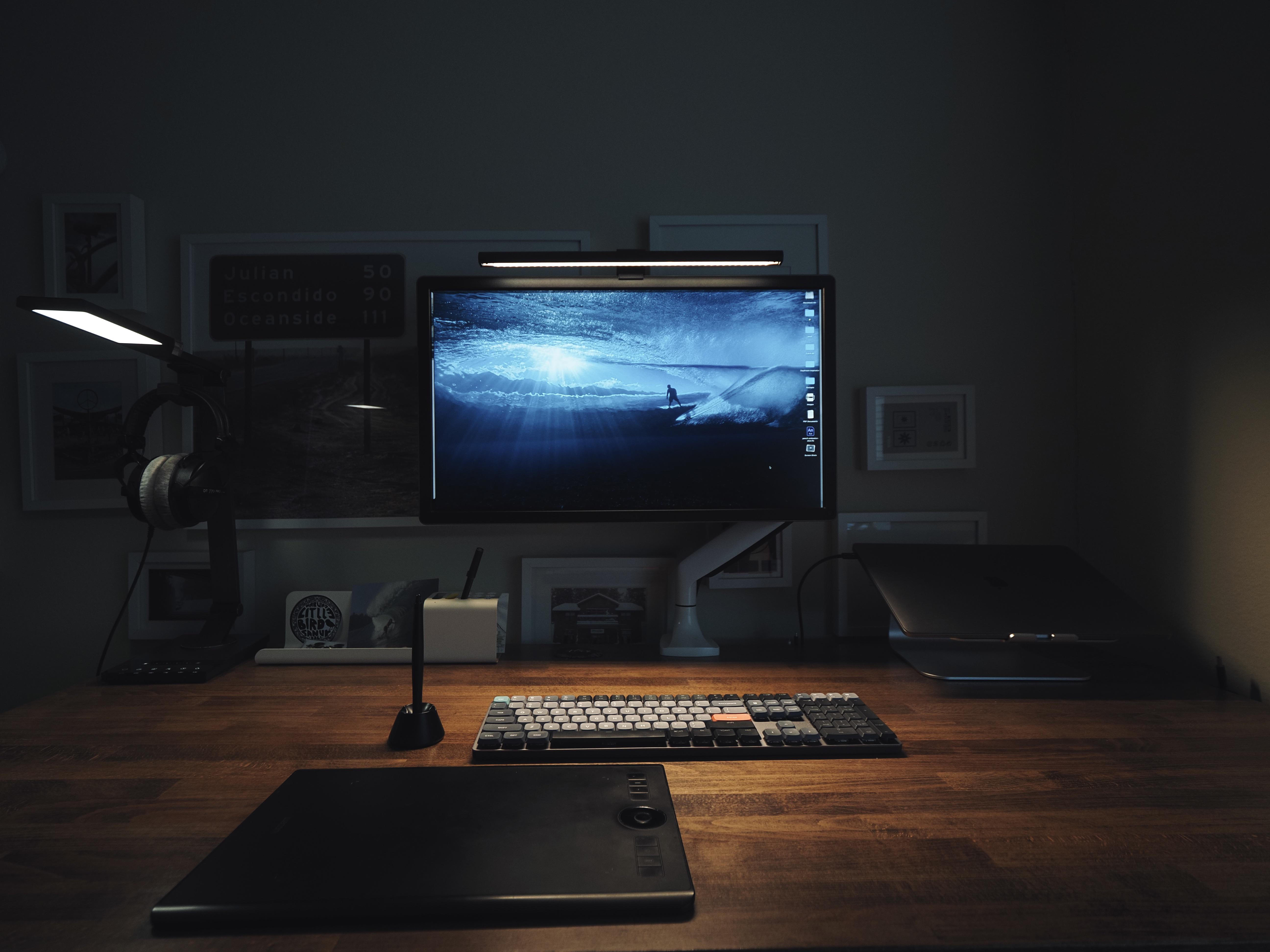
That thing in the foreground is a Wacom Intuos Pro M tablet.
Photo: happy_haircut

Some people dislike using a mouse. Others can’t fathom a trackpad. And believe it or not, some folks hate both. So what do they do to get their brilliant thoughts onto the computer screen?

Knowing it’s hard to get by in life on just a keyboard, what input device can they use in addition to it? As today’s featured computer setup illustrates, they might try using a certain tablet like it’s a cross between a trackpad and a mouse.

New Studio Display gives LG 4K monitor the boot [Setups]

By

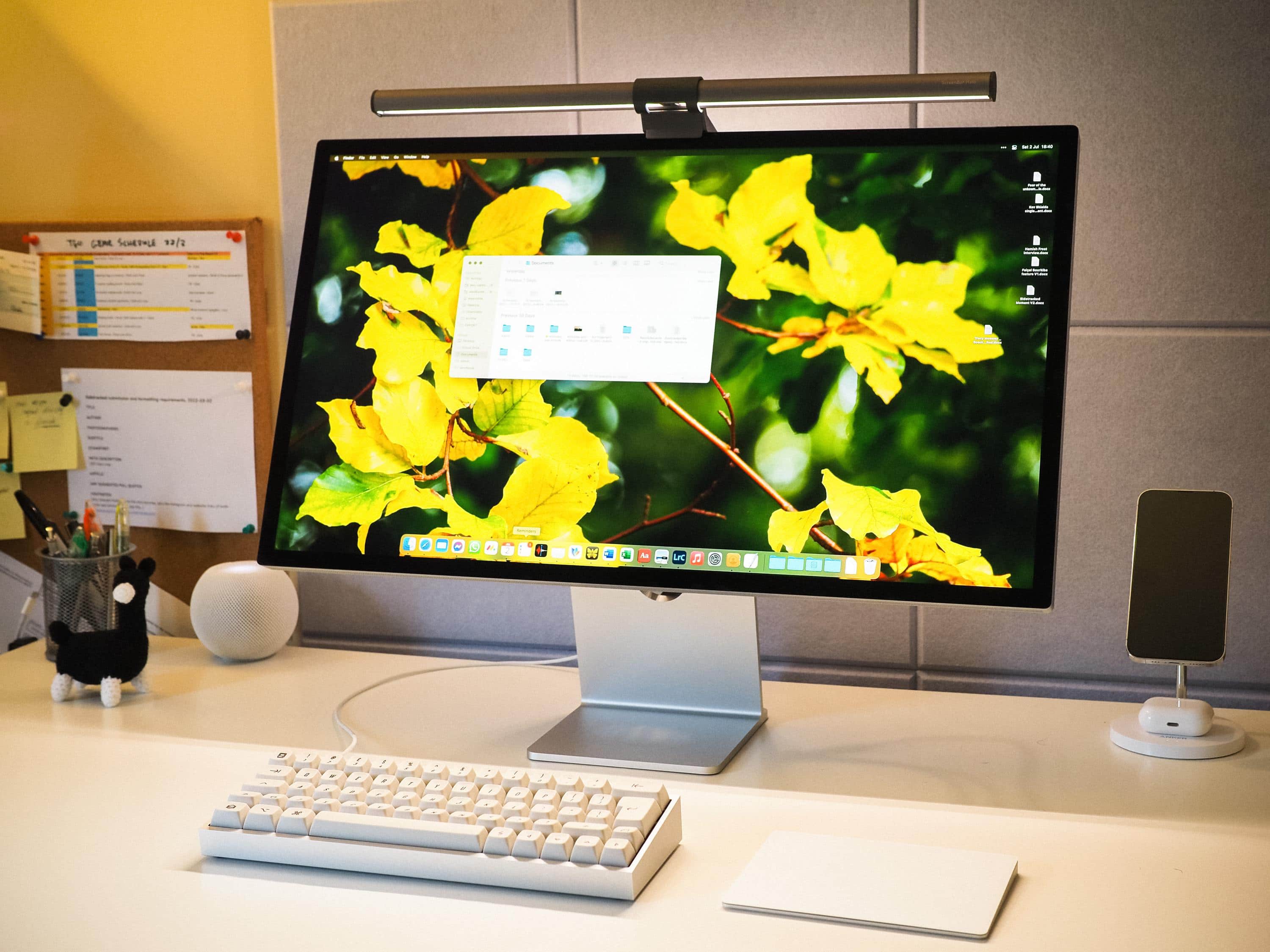
Another satisfied customer: New Studio Display pairs with an M1 MacBook Air and a homemade keyboard.
Another satisfied customer: New Studio Display pairs with an M1 MacBook Air (not shown) and a homemade keyboard.
Photo: Asleep_Painting6103

Another week, another bunch of new Studio Displays shipped. They’re cropping up in Setups far and wide as replacements for until-recently-good-enough 4K monitors by the likes of LG and Dell.

Today’s featured M1 MacBook Air setup runs a new Studio Display in place of a 4K LG screen. And for input devices, the user opts for a Magic Trackpad over a mouse, using it with a pretty nifty homemade mechanical keyboard.

1 28 29 30 31 32 48