Mobile menu toggle

Search results for: mechanical keyboard

Flexible device and display mounts make this home office [Setups]

By

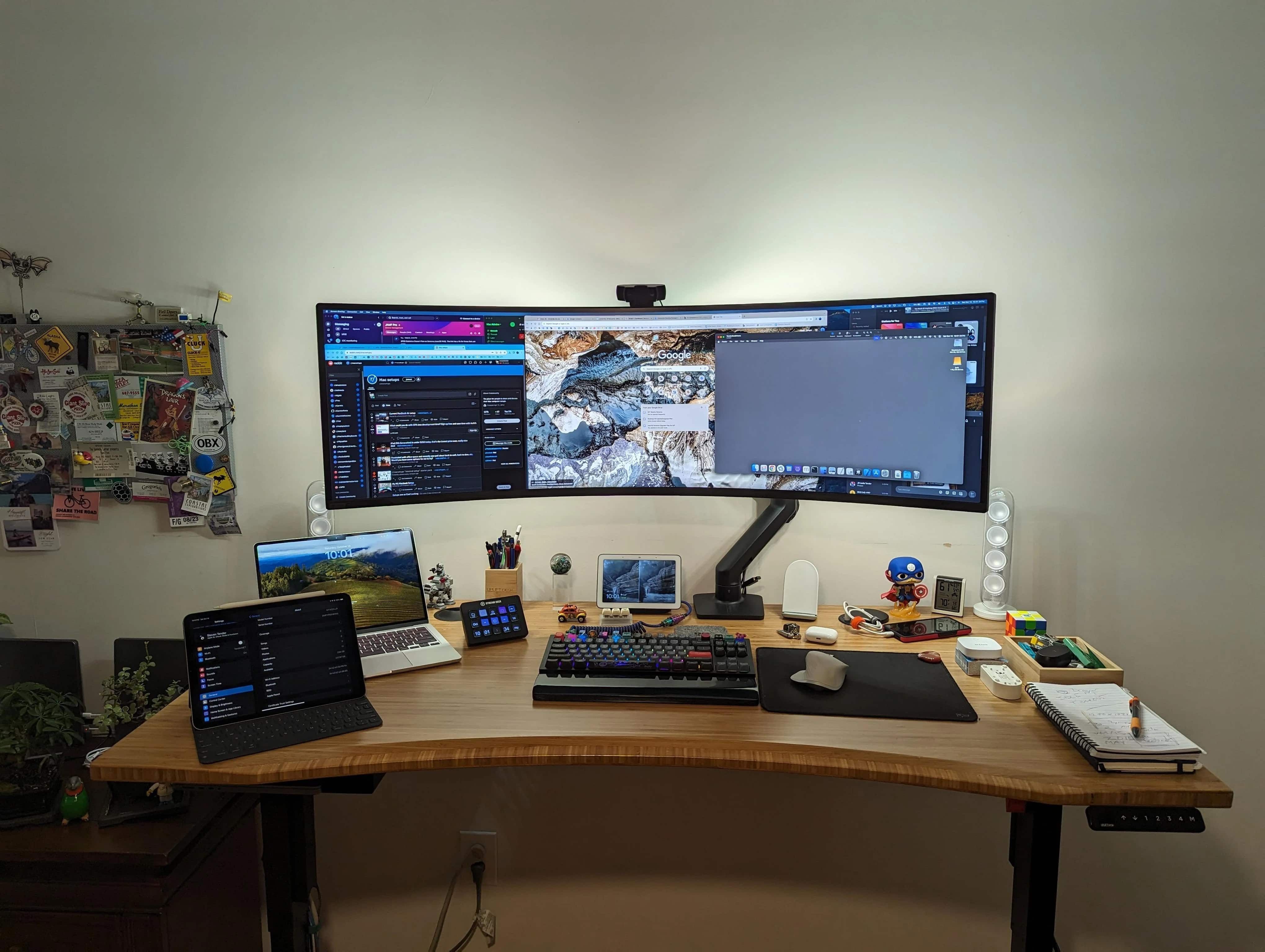
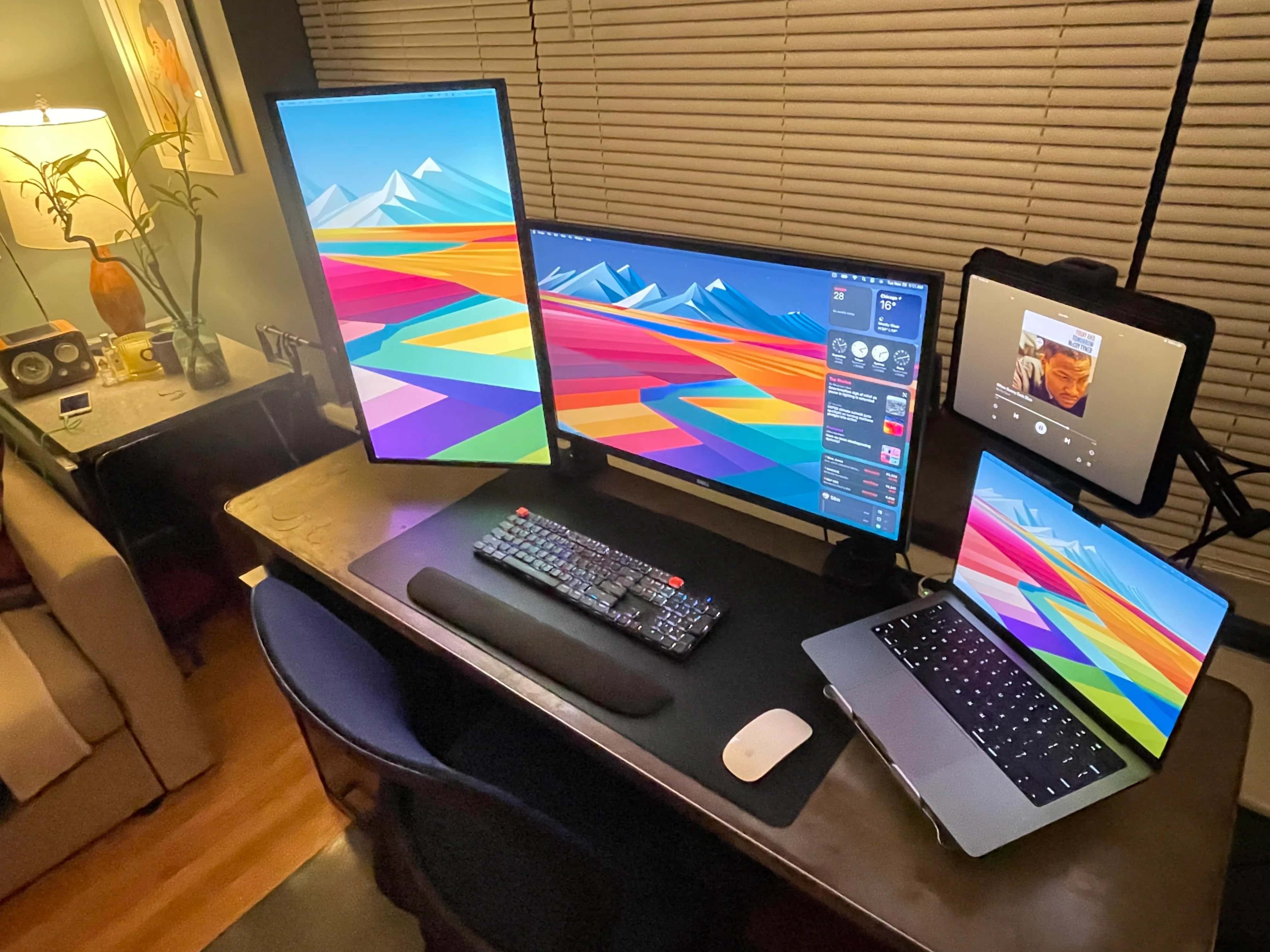
MacBook Pro setup with mounted devices and displays
Everything in this setup but the keyboard, wrist rest, mouse and desk mat is mounted.
Photo: [email protected]

I’ve said it before and I’ll say it again: If you’re not elevating your laptop, iPad and displays on mounts and arms, you’re limiting your computer setup. Today’s feature MacBook Pro and iPad setup illustrates the point well by putting those devices and dual displays on four separate mounts, some with moveable arms.

That makes all of those devices more flexible, and much easier to move around than they would be on stationary stands. It also frees up space on the desk.

Cheap LED strip lights give coder’s MacBook rig a moody vibe [Setups]

By

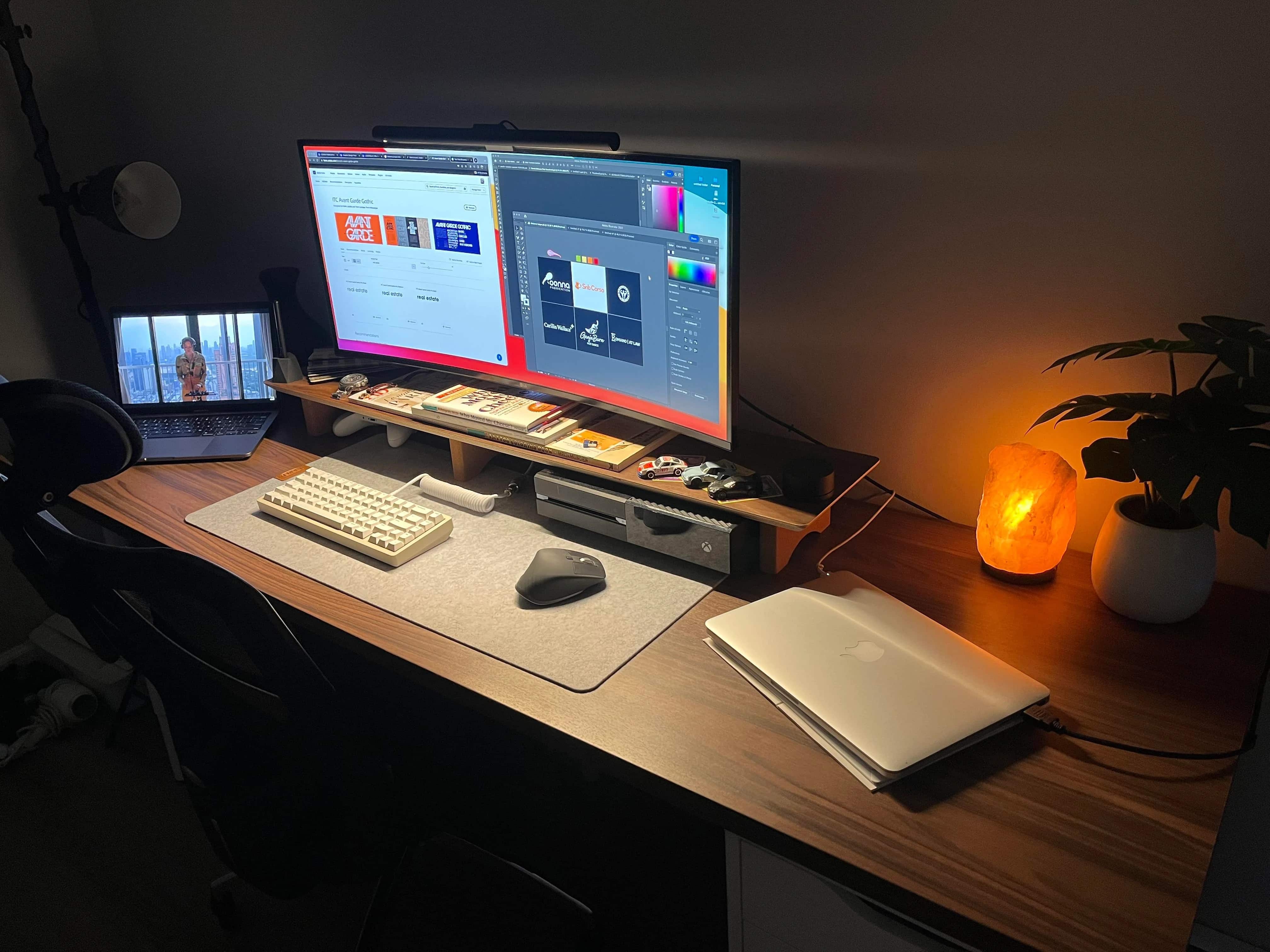
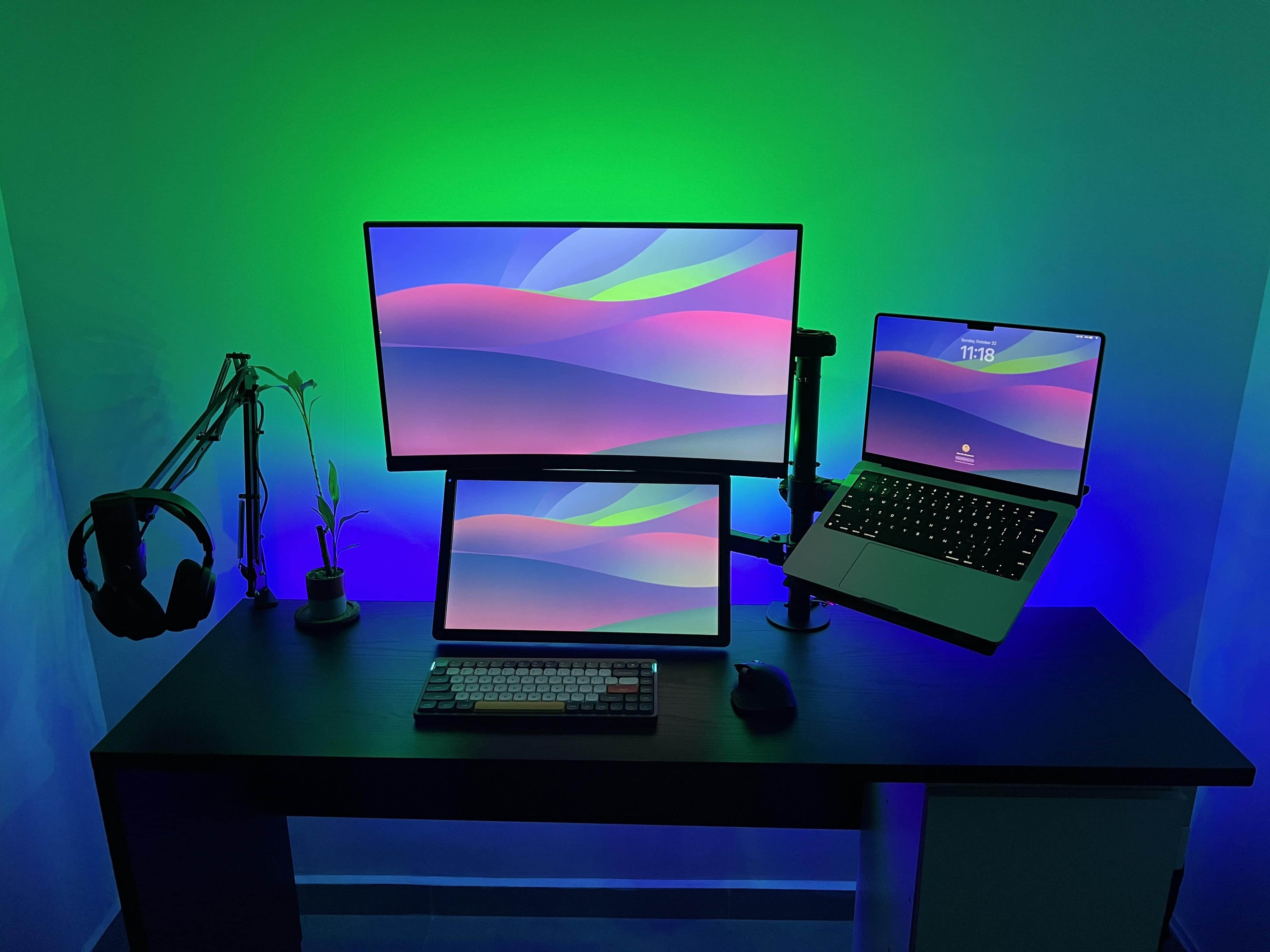
Two cheap LED lights strips create that whole effect, and with many light strips the colors can change endlessly.
Photo: [email protected]

Deliberate lighting choices, especially those featuring vibrant colors, can do a lot for a computer setup. They can improve mood and vision, and they can even give humdrum gear in a boring room a dazzling look and feel.

Today’s featured MacBook Pro setup belongs to a coder in Panama who used some basic, cheap LED strip lights to transform his workstation into a light show — to the delight of viewers on social media.

Apple admin runs clinic with formidable M2 MacBook Pro rig [Setups]

By

Start with a new 16-inch M2 MacBook Pro, a CalDigit Thunderbolt 4 dock and a huge Samsung display, and go from there.
Photo: [email protected]

Perhaps you’ve heard an expression often used in sports commentary — “so-and-so is running a clinic on this,” meaning showing anyone and everyone how it’s done.

Today’s featured computer setup comes from an Apple administrator who clearly knows how it’s done, if “it” is setting up a rock-solid and highly functional workstation.

Old and new MacBook Pros work in harmony [Setups]

By

This setup features an M2 MacBook Pro, but it still uses a 2015 Retina model, too.
Photo: [email protected]

Who says an 8-year-old MacBook Pro is too old? Today’s featured setup relies on a new M2 MacBook Pro for most of the real work, but a 2015 Retina model still contributes regularly.

“Used it for school but recently graduated in May, only use for it now is YouTube/visuals until it dies,” graphic designer and Redditor izzyontheweb said. “Could you believe it’s a 2015 model and still works amazing?”

New home calls for new-and-improved workstation [Setups]

By

Just a few years ago I worked on a laptop on whatever messy desk I found. Now I have dual-monitor M1 MacBook Pro setup with a standing desk and a proper office chair.
Photo: David Snow/Cult of Mac

I moved to a new home over the weekend, and in it I’ve already built a new workstation. What better time to revamp things? Actually, it’s more like another stage in my computer setup’s herky-jerky evolution.

I went from just a PC laptop a few years ago to various iterations of a MacBook Pro workstation to my new rig, featuring dual monitors, a standing desk and a proper office chair for the first time in ages.

You wish your workstation looked this clean [Setups]

By

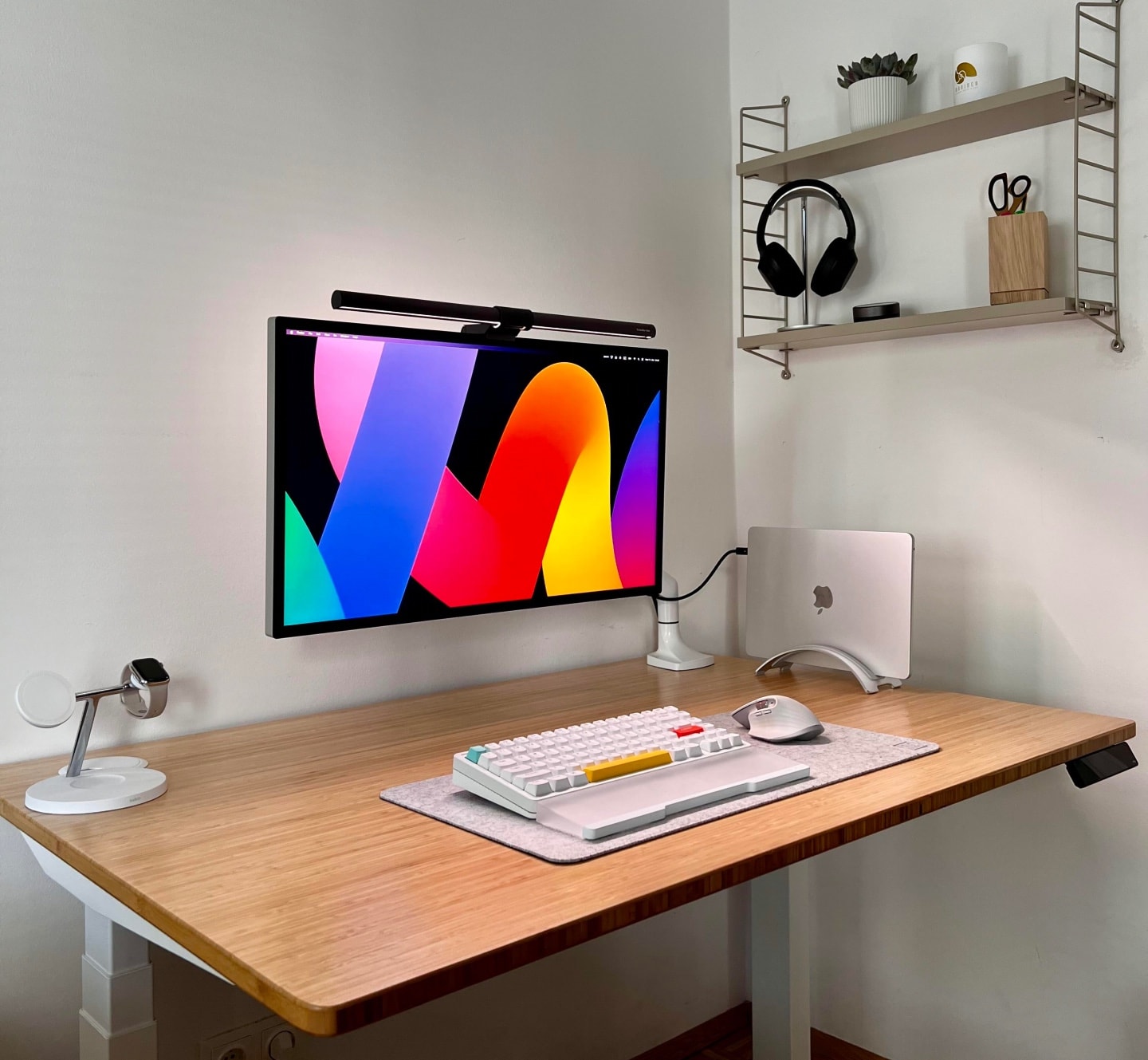
This M2 MacBook Air and Studio Display setup is well-equipped for such a clean and simple-looking rig.
Photo: [email protected]

Some computer setups look “clean” and “minimal” because they’re, well, empty. Under-equipped. Not all there. But today’s featured M2 MacBook Air setup with Studio Display actually brings enough gear, it just does so in a beautifully clean way that has the rest of us slobs drooling with envy.

Hell, our setup is practically a waste dump half the time, compared to this thing.

Best Prime Big Deal Days sales on Apple gear and accessories [Updated]

By

Best deal on Apple gear and accessories for Amazon Prime Big Deal Days.
These are the Prime Big Deal Days you don't want to miss.
Image: Rajesh Pandey/Cult of Mac

Did you miss buying your favorite Apple gear or accessory during Prime Day earlier in the year? Worry not, as Amazon is back with its Prime Big Deal Days, offering hefty discounts on a hoard of Apple products and accessories.

There are great deals on MacBooks, AirPods, Apple Watches, iPads and other Apple accessories that make your favorite products much more affordable.

‘My setup would make Steve Jobs roll in his grave’ [Setups]

By

That's an HP Pavilion desktop machine running macOS.
Photo: [email protected]

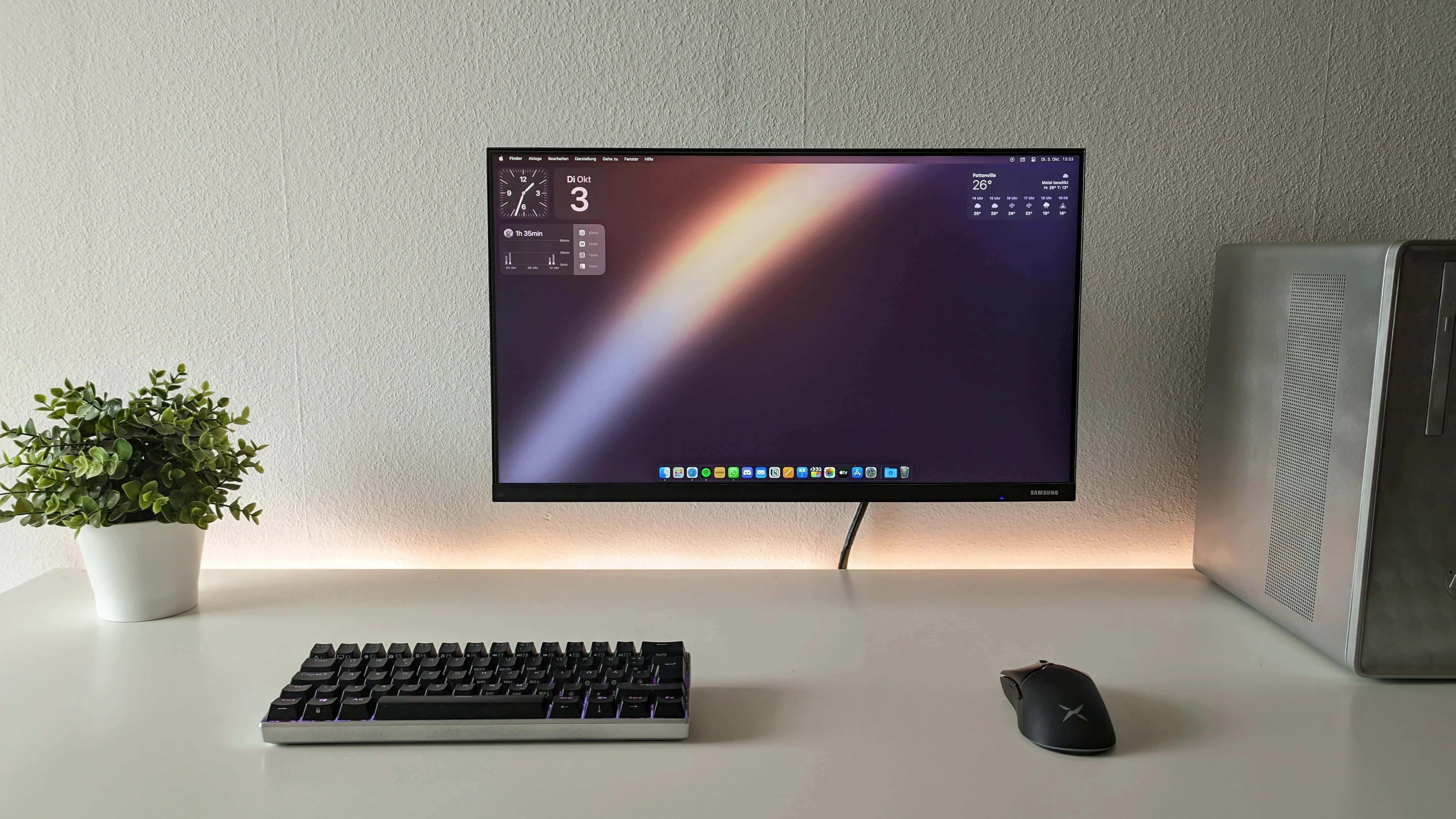
The quote in the headline above may be overly dramatic. Steve Jobs might not give a hoot that someone’s running macOS on an HP desktop machine. But the discussion on social media about whether it’s even worth it to bother with a hackintosh anymore is pretty interesting.

And if you’re into gaming, check out this guy’s mechanical keyboard and mouse.

Tricked-out Mac Studio pairs well with curved OLED display [Setups]

By

This nicely composed frame shows the M2 Mac Studio as a plant stand.
Photo: [email protected]

If you want to see a good example of high-end Mac computing, look no further than today’s elegant featured setup. Its powerful M2 Mac Studio desktop computer works alongside a PC gaming rig as they drive a curved OLED display for maximum contrast.

Throw in a rarely seen mechanical keyboard and a standing desk with a big Grovemade desk shelf, and we’re in business.

Bring new life to an old Intel-based iMac or Mac mini [Setups]

By

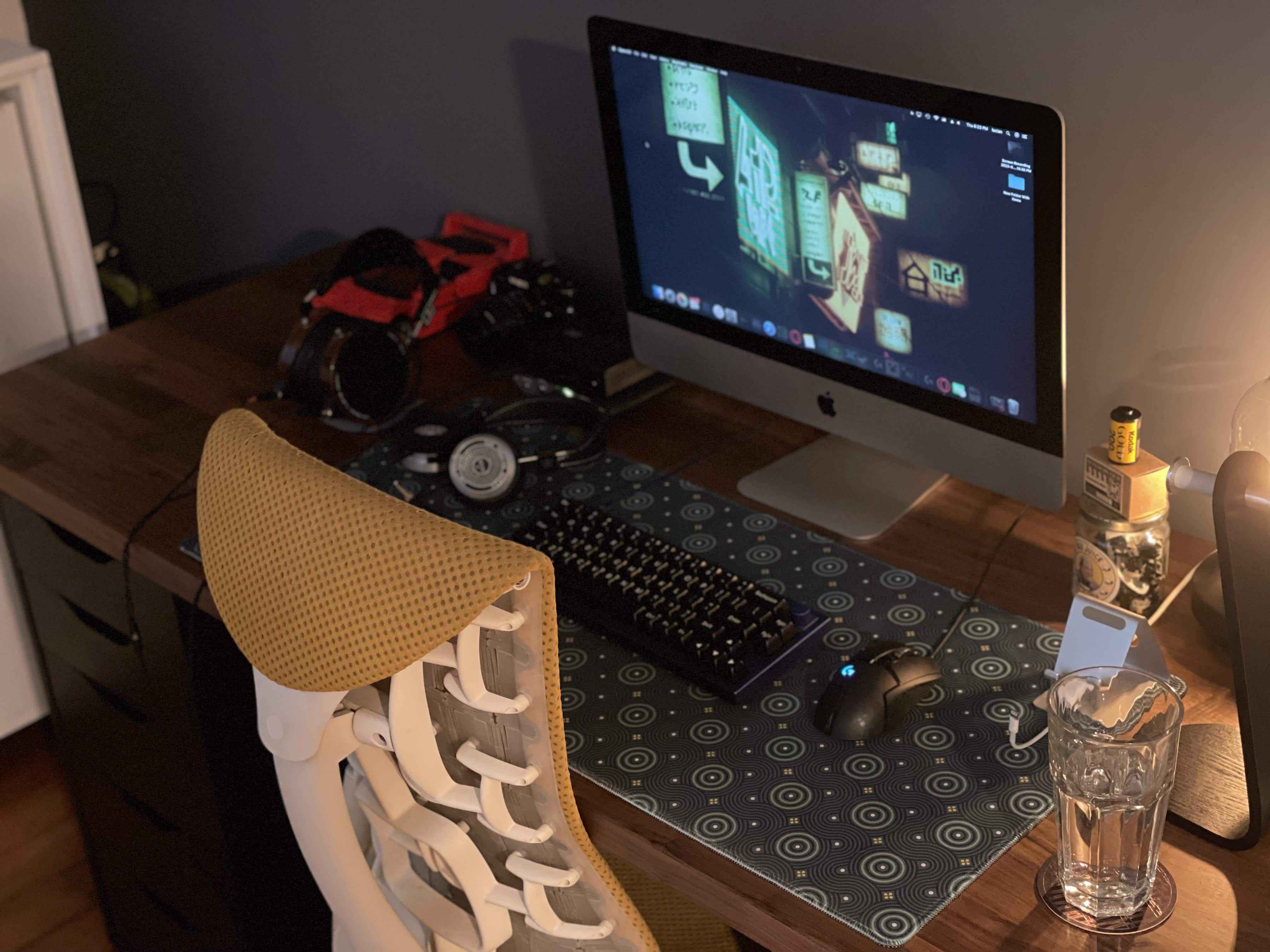
Commenters offered good advice on speeding up this Intel-based iMac setup.
Photo: [email protected]

If you have an aging Intel-based iMac or Mac mini that’s slowing down like an old codger, today’s featured iMac setup shows a relatively simple way to revitalize your machine and keep using it.

All you need is an external solid state drive (SSD) and the knowledge, below, to make it your computer’s replacement startup disk.

1 21 22 23 24 25 48