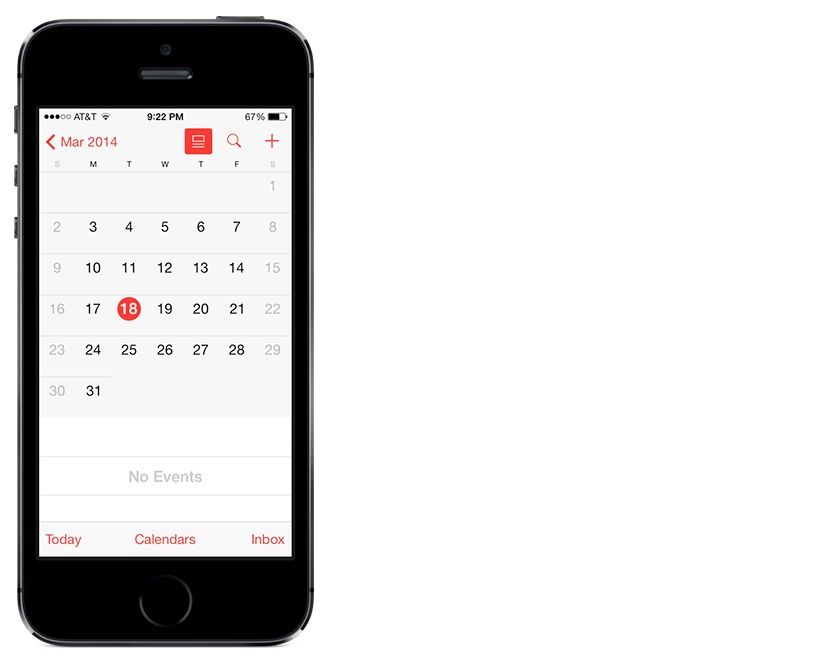
One of iOS 7.1’s major changes was a new Calendar app that added such features as the ability to see a full list of events while in your Calendar’s month view, as well as a more complete list of nation-specific holiday.
If you use your iPhone as an organizer, the new Calendar app is enough to update to iOS 7.1 on its own right. Unfortunately, iOS 7.1 also broke the popular evasi0n jailbreak, meaning that to get the new Calendar, you had to abandon your jailbroken device.
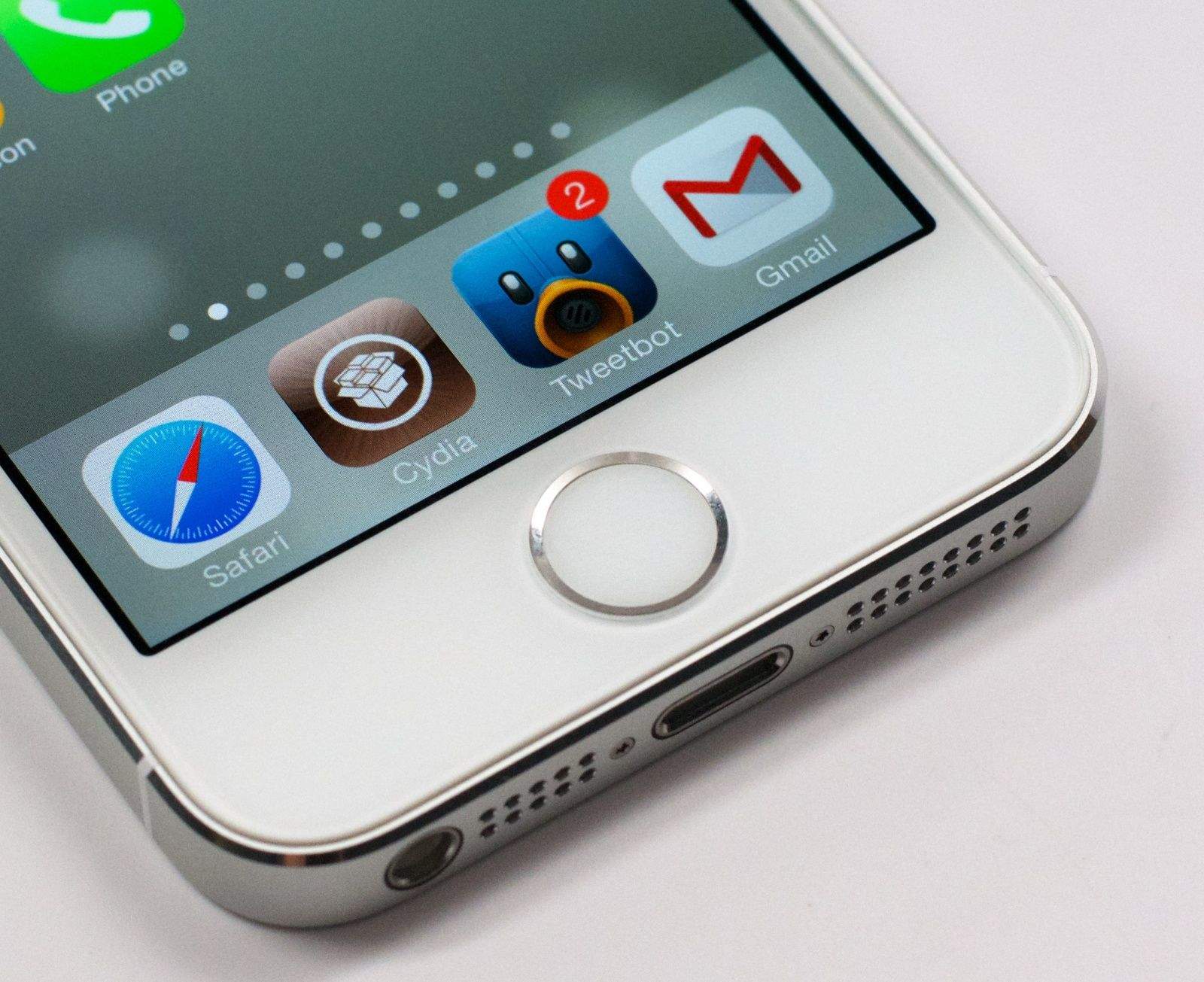
No longer. If you have a jailbroken iOS device, you can now download a new app that patches the iOS 7.1 calendar into iOS versions 7.0 and 7.0.6. Called Gregorian, it can be downloaded through Cydia from the https://rpetri.ch/repo/ repository.
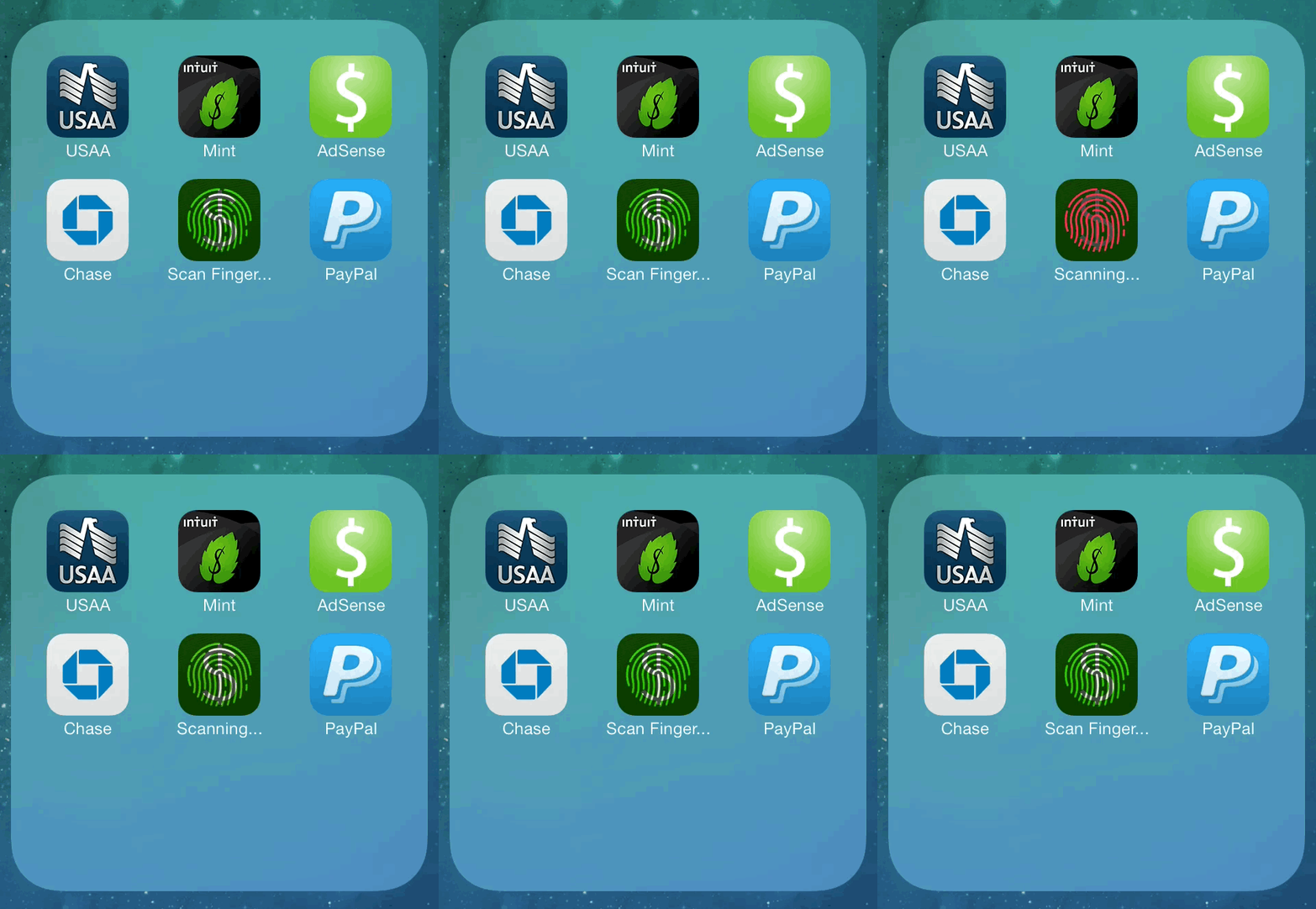
Most of the apps on my iPhone that I would want password protected already are, but what happens when I want an added layer of security? That’s where Asphaleia comes in, a new jailbreak tweak from the same designer behind the Auxo multitasking switcher for iOS 6.
Not only does Asphaleia let you use Touch ID on the iPhone 5s to secure any app, but it adds other important security options to iOS with a level of polish that is unprecedented for a jailbreak tweak of its kind.
While Asphaleia is probably a little overboard in terms of catering to the security paranoia some of us deal with, it’s a good example of improvements Apple could make to Touch ID in the future.
It’s a tale as old as time (and, perhaps, a song as old as rhyme): Apple releases a new version of iOS, hackers immediately get busy finding security vulnerabilities to exploit, eventually claw together a jailbreak, only for Apple to then find out about the flaws and fix them for the new iOS version.
Rinse and repeat.
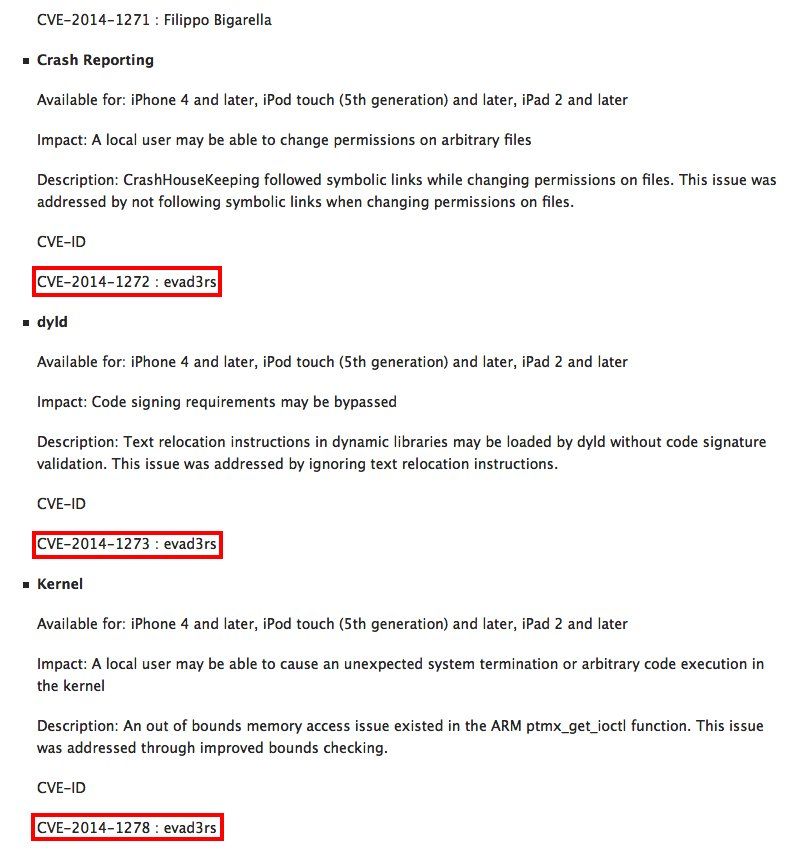
Having released iOS 7.1, Apple has also released a list crediting the individual researchers and companies who helped spot security issues with the previous version of iOS — including jailbreak specialists Evad3rs, the team behind the iOS 6 and 7 jailbreaks.
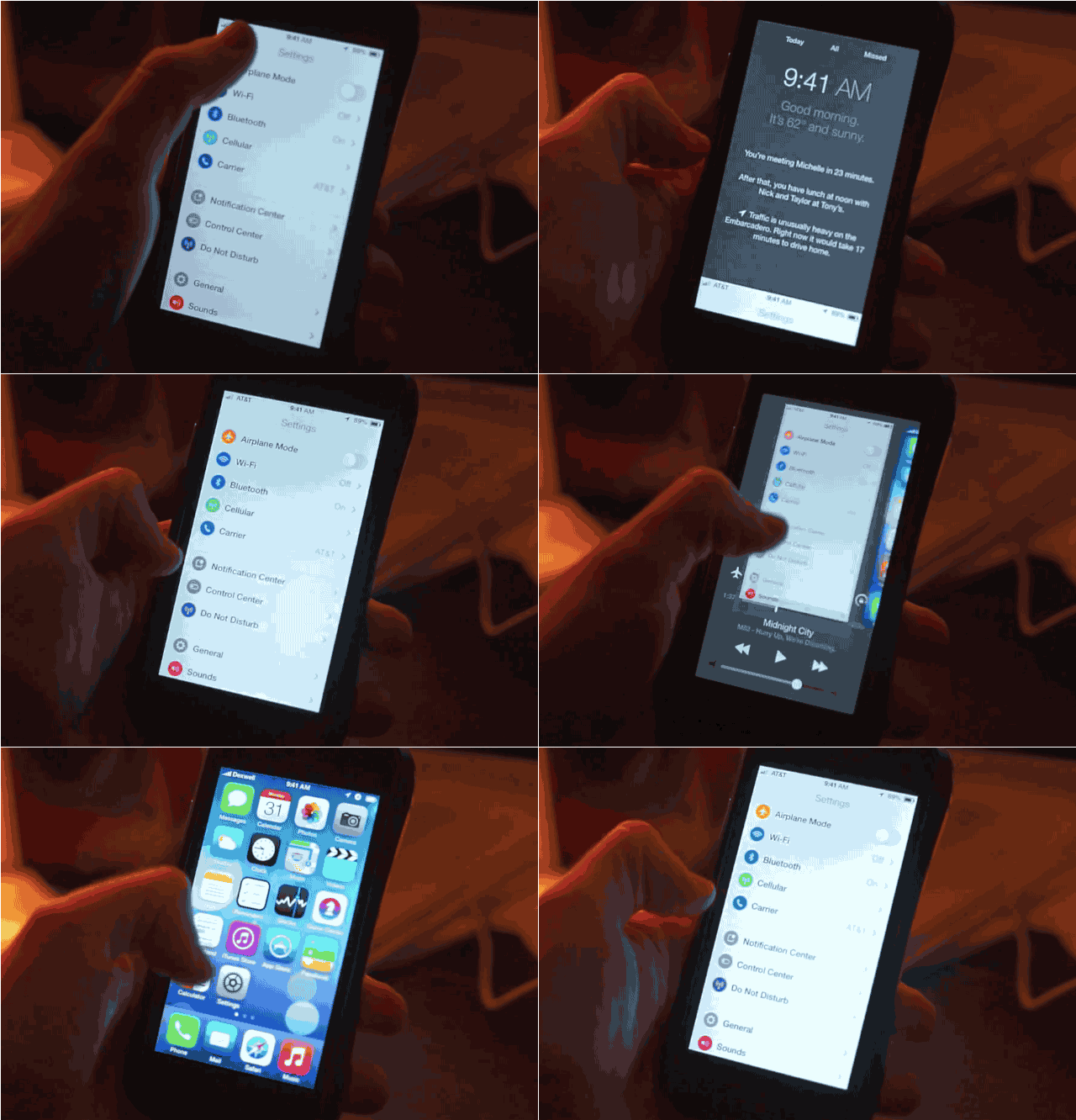
Do you remember that gorgeous iOS 8 concept from last week that merged multitasking with control center? It’s coming soon to a jailbroken iPhone near you.
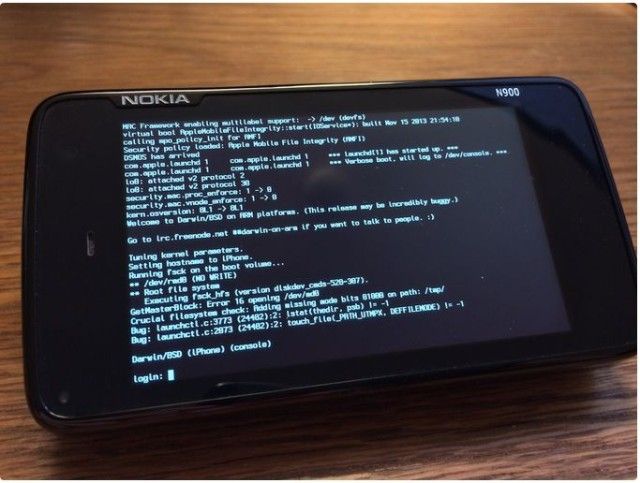
A Nokia N900 running the core of iOS and OS X, courtesy of winocm.
Well-known jailbreaker “winocm” announced today that he will be taking a job at Apple later this year.
When reached for comment, the 17-year-old hacker declined to elaborate on what his new role at Apple will entail. He also declined to provide his real name, which is a common theme amongst high-profile jailbreak hackers who prefer to hide behind their online pseudonyms.
While winocm did not work on the recent iOS 7 jailbreak, his expertise in reverse engineering iOS will undoubtedly make him a valuable asset at Apple.
Every time, the game of cat-and-mouse between Cupertino and jailbreakers goes like this. Apple releases a new version of iOS, patching existing jailbreak exploits. Jailbreakers poke and prod at the code for a few months, until they find a new exploit. They hold off on revealing the nature of this exploit to anyone for as long as humanly possible, lest Apple get wind of it and close the hole in a point release. Then, when the finished jailbreak is finally released, Apple’s programmers sniff out the exploit, patch it, and the whole game starts anew.
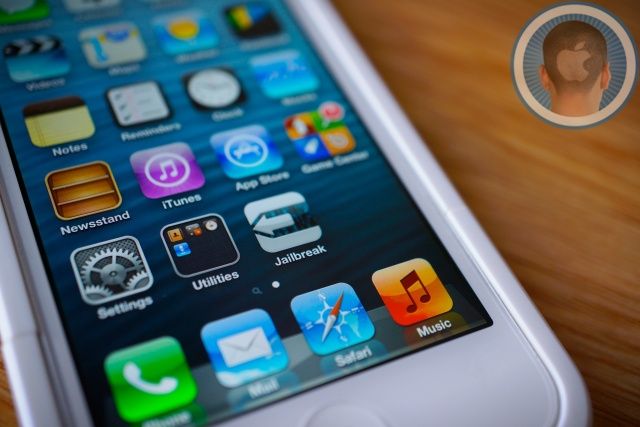
When Team Evasi0n released the iOS 7 jailbreak, then, it was only a matter of time before Apple fixed the exploit that allowed it to happen to begin with. Surprisingly, though, Cupertino did not patch Evasi0n in the developer betas of iOS 7.1… until now.
I’ve got a confession to make. I don’t like iOS 7’s new app switcher. Sure, it looks pretty, but the screenshots it provides are functionally useless, and closing apps is a much finnickier and hit-or-miss proposition than in iOS 6. It’s one of my least favorite changes in iOS 7.
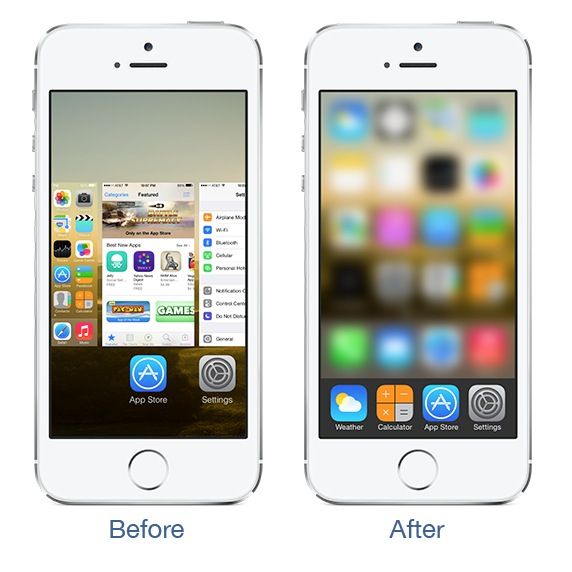
But now that we’ve got a proper jailbreak thanks to Team Evasi0n, there’s no reason to live with any aspect of iOS 7 you don’t like. So I’m delighted to know that a new jailbreak tweak by iOS Developer Thomas Finch called ClassicSwitcher has brought the good old iOS 6 app switcher back, without its useless screenshots and “swipe up to close” functionality.
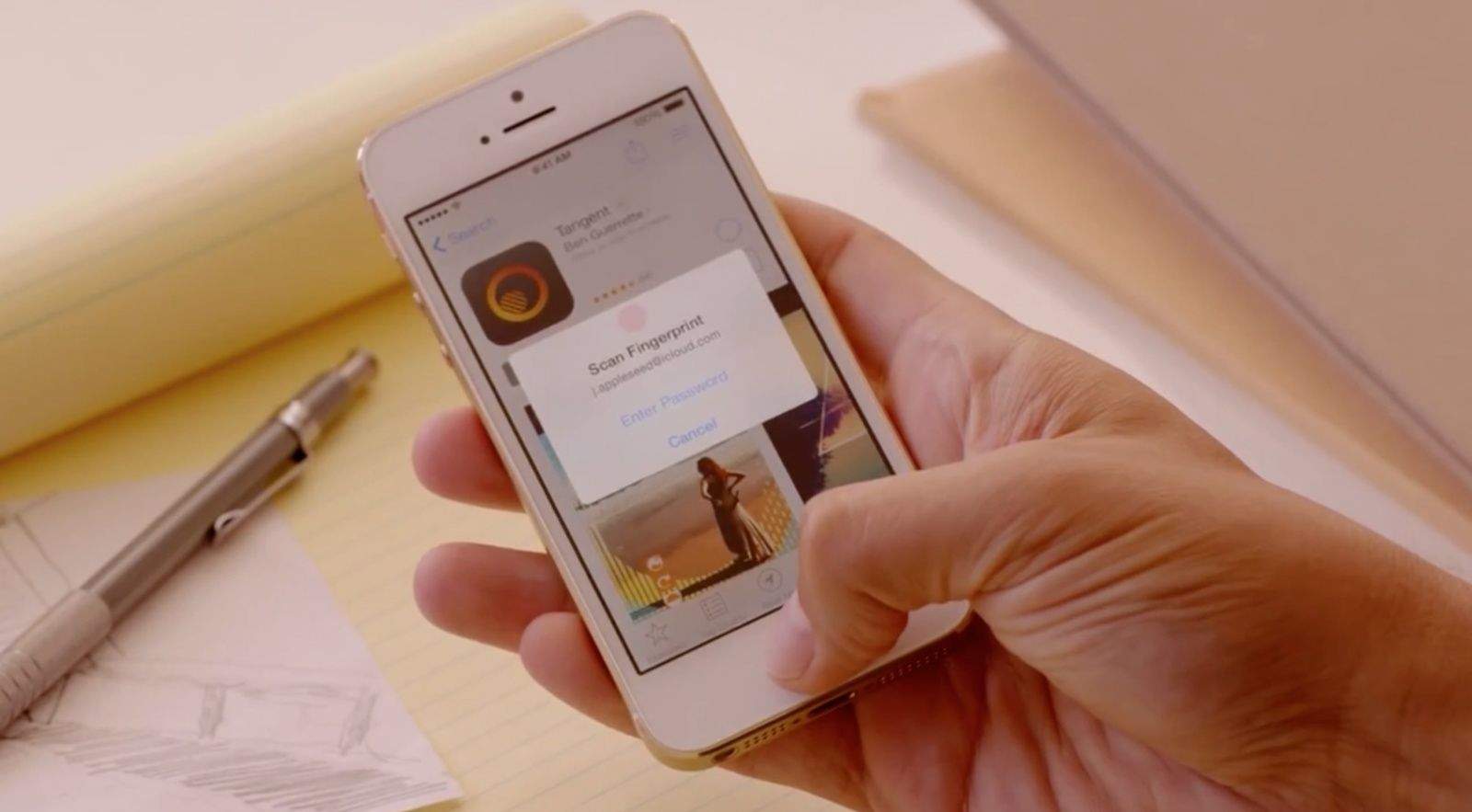
Apple lets Touch ID be used to unlock the iPhone and make purchases through the iTunes Store, but jailbreakers have other ideas.
Since the iOS 7 jailbreak came out, one of the hottest new iOS hardware features that hackers have been looking to utilize is Touch ID in the iPhone 5s. For example, a tweak was just recently released that allows jailbreakers to use Touch ID to simulate pressing the home button.
The coolest use of Touch ID I’ve seen in a jailbreak tweak so far is AppLocker, which was updated to version 2.2 today in Cydia with 64-bit and iPhone 5s support. The premise is simple: AppLocker lets you lock individual iOS apps (stock or third-party) with a password. On the 5s, you can now use Touch ID to unlock.
This is Cult of Mac’s exclusive column written by an actual Apple retail store genius. Our genius must remain anonymous, but other than “Who are you, anyway?” ask anything you want about what goes on behind that slick store facade.
Answers will be published first in Cult of Mac’s Magazine on Newsstand. Send your questions to newsATcultofmac.com with “genius” in the subject line.
This week we cover the perks of being an Apple Store Genius – as far as discounts are concerned – as well what to do if you have a jailbroken device that needs repair and the most facepalm-worthy moments from behind the bar.
1. What was your greatest facepalm moment with a customer?
I hear some pretty interesting stories from people about what happened to their broken product. Recently, someone told me their iPad got thrown from a hotel roof in Las Vegas. I would have liked to hear the rest of that story. He took responsibility for the damage and I let him know his options. The stories that make me facepalm are the ones people make up about their damaged device. While it’s pretty obvious when someone is lying, I can’t just call them out on it.
I had a customer who came in recently irate because his iPhone would not power on. His story was that he woke up one morning and the screen was black and wouldn’t power on. After trying to connect the iPhone to power, I noticed a rice grain in the lightning port (urban legend has it that this household staple can “dry” your waterlogged device) and then saw the liquid contact indicator was tripped. I asked if the iPhone had been damaged by liquid and he insisted nothing happened. Opening the device, it was clear it had been submerged in liquid and I was able to show photos of the corrosion. He insisted it was our fault and we should replace it under the warranty. *facepalm* (We didn’t replace it.)
2. Do you check to see if a phone is jailbroken before you give warranty services — even if it is something as simple as replacing broken headphones? How do you check?
We really aren’t seeing too many jailbroken iPhones these days. If I determine a device is jailbroken, it voids the warranty. However, with some issues there really isn’t a way to tell if a device is jailbroken. If the device won’t power on for whatever reason or users restore it with iTunes and then bring it in for service there’s really no way to tell.
3. What kind of discounts do you get?
I get a personal discount on Apple products and a smaller discount for family and friends with some limitations. We receive varied discounts on third-party products. Every three years we can also buy a Mac for $500 off or an iPhone (device only) or iPad for $250 off including our personal discount. There are also the perks of Apple’s software and many third-party software discounts or freebies. 50 Gigabytes of free iCloud space makes it a little easier to say yes to backing up my iOS devices on iCloud. I wish I used the discounts more often, but when I do I save big.