iOS 18.2 brings a range of new AI features. AI image: ChatGPT
iOS 18.2 will make searching on Apple Music and Apple TV much easier with natural language support. This means you can use natural language to describe and search for TV shows or music you are looking for.
The revamped Photos app gained support for similar search capabilities with the iOS 18.1 update.
After a thrilling MLS postseason, the championship promises to be a good watch (and free!). Photo: Apple
The culmination of a Major League Soccer postseason filled with upsets and comebacks, the MLS Cup championship unfolds Saturday as LA Galaxy hosts the New York Red Bulls. And you can watch the MLS Cup final for free on various Apple TV platforms via MLS Season Pass, the streamer said Thursday.
Lionel Messi’s Inter Miami is headed for the MLS playoffs, and the first game can be watched free. Image: Apple
Soccer superstar Lionel Messi will take the field in his first MLS Cup playoff match on Friday, and it’ll be available free for anyone to watch via the Apple TV app.
He’ll lead Inter Miami CF against Atlanta United FC.
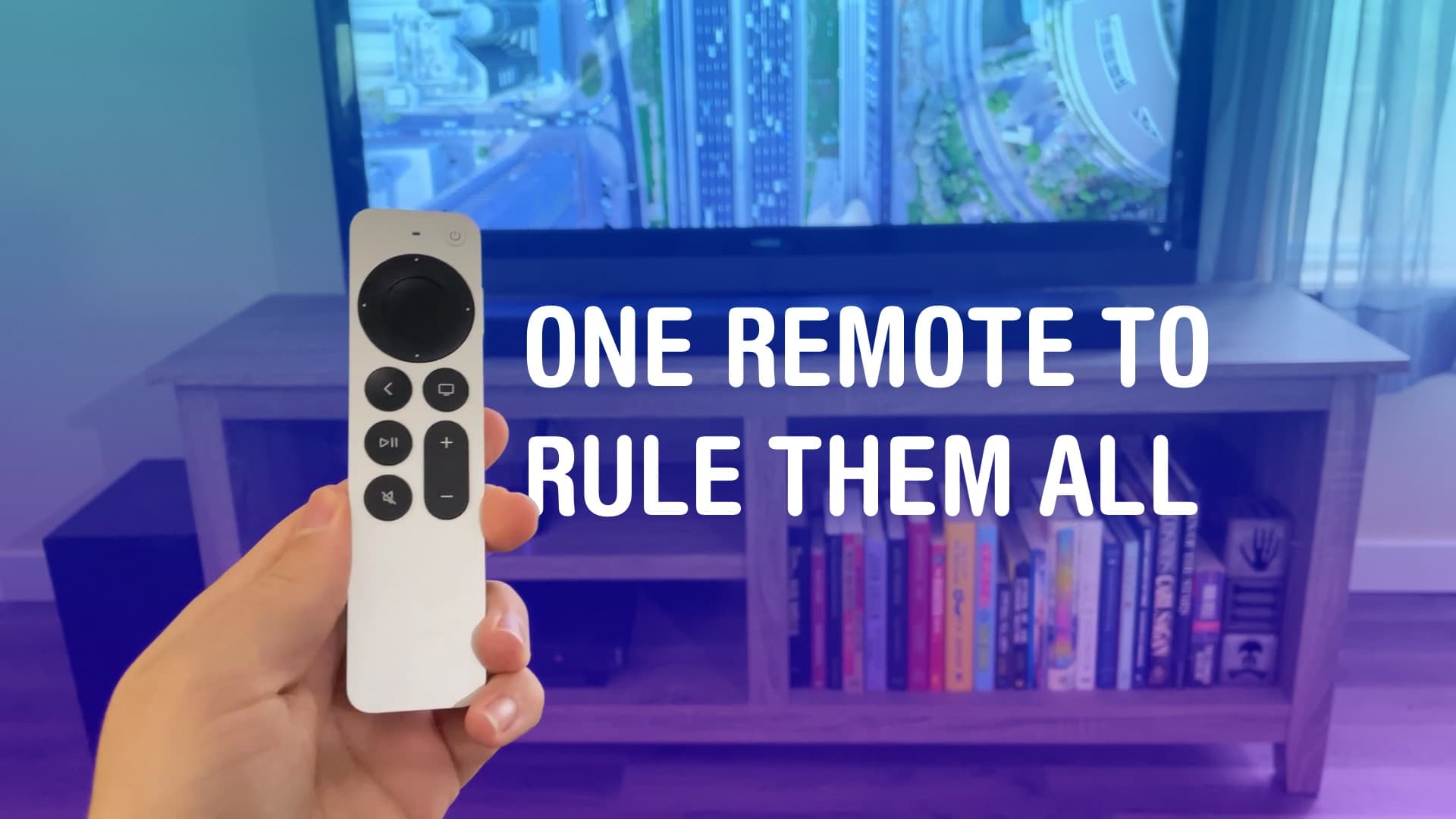
All hail the mighty Siri Remote. Image: D. Griffin Jones/Cult of Mac
You can set up your Apple TV to control volume on a separate sound system, like a sound bar. It may not work out of the box, but poking around in Settings, you can use the convenient volume buttons built into the Siri Remote.
If you have a separate sound system or an older television, the volume buttons on your Apple TV remote may not work directly. You don’t have to keep two or three remotes sitting around — you can make it all work from just one. It just takes a little setup.
Fix the remote, the Home Screen, and those pesky sports notifications. Image: Davidbspalding/Wikimedia Commons/D. Griffin Jones/Cult of Mac
There are three Apple TV settings I always tell people to change as soon as they set theirs up. While I heartily recommend the Apple TV over the clunky and ad-infested experience of Roku and other smart TVs, it’s not perfect. You’ll want to change a few things to make it right.
First of all, you can put one of the Siri Remote buttons to better use. The TV button, by default, opens the Apple TV app — but you can have it take you to the Home Screen instead. Also, you’ll want to change the Home Screen to show your Continue Watching list, not its recommendations. And finally, you can turn off those annoying Apple TV sports notifications to stop the interruptions while you’re watching your shows.
Then, you’ll have the perfect TV experience. Keep reading or watch our video.
A modern solution to an age-old problem. Photo: D. Griffin Jones/Cult of Mac
Whether it’s wedged between the cushions or kicked far under the couch, a handy-dandy feature in iOS 17 and tvOS 17 lets you find your lost Apple TV remote using your iPhone.
The mind races when one imagines how many hours of human life might have been saved if everyone had this feature 30 years ago. Let me show you how to find your AWOL Apple TV remote with your iPhone.
Your pre-2015 Apple TV is about to lose access to Netflix. Photo: Brad Gibson / Cult of Mac
The Netflix streaming service will soon stop working on second- and third-generation Apple TV models. It’s not a shocking development as both are over a decade old.
If you’ve been looking for a reason to buy a newer tvOS device, it may have just arrived. (By coincidence, Verizon currently offers the Apple TV 4K for just $89.99.)
★★★★☆
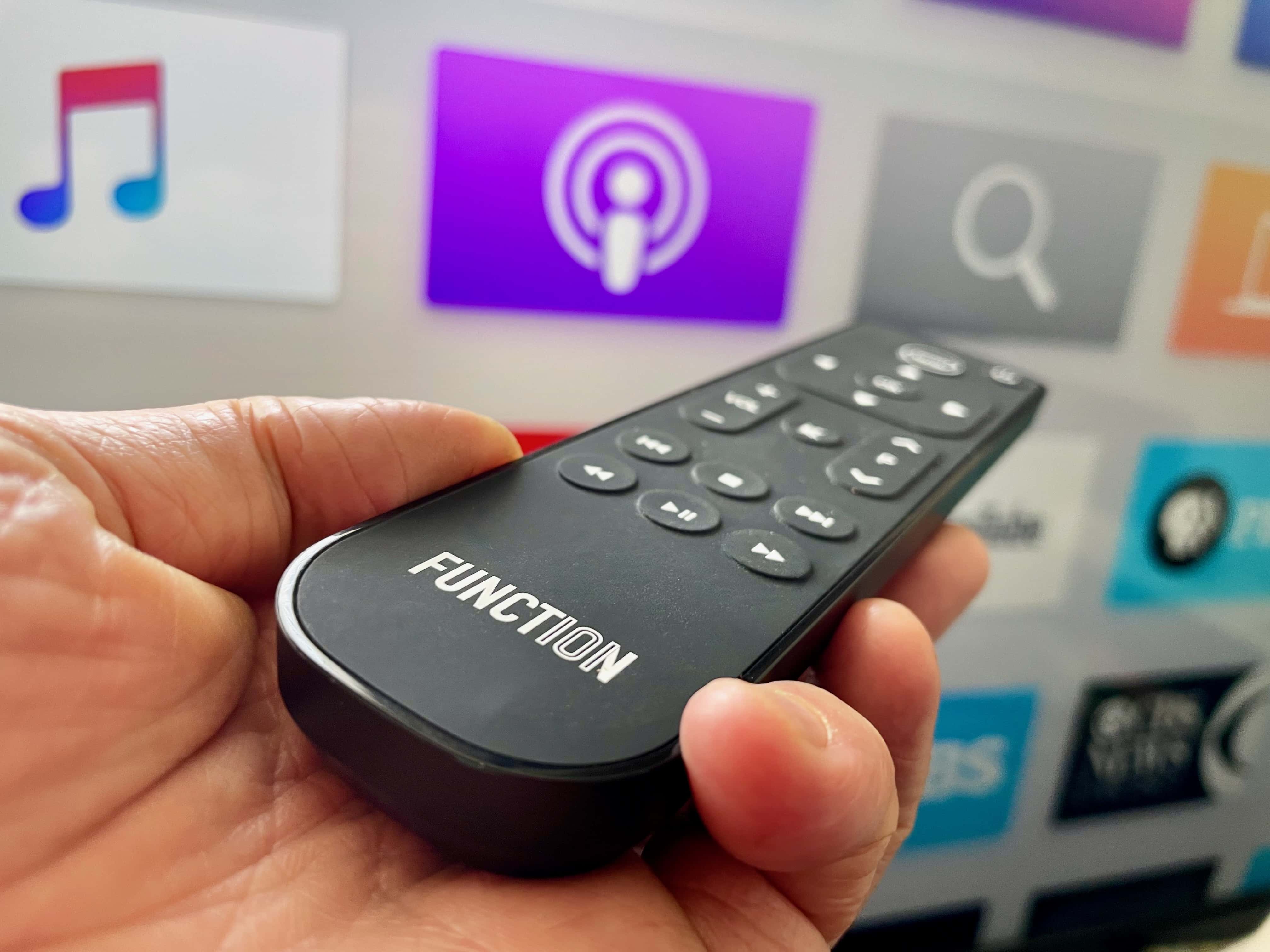
This Apple TV remote has what others lack -- buttons! Photo: Leander Kahney/Cult of Mac
Update: Function 101’s Button Remote for Apple TV has been upgraded with Bluetooth, allowing the multibutton remote control to work without direct line of sight to your Apple TV. This proves essential if you mount the streaming box behind your TV or hide it away in a cabinet. Otherwise, the remote looks and works the same, and is an excellent replacement remote for your Apple TV.
If, like me, you hate the fiddly Apple TV Siri Remote, Function 101’s Button Remote for Apple TV is a good replacement remote.
It’s a traditional infrared remote control — and now with added Bluetooth — with 18 simple buttons, hence the name. Thanks to its familiar design, it’s perhaps the easiest way to use your Apple TV.
It works with most TVs and home theater components out of the box, works with regular batteries, and isn’t as easy to misplace as Apple’s remote. There’s a lot to like, and it’s on sale for 25% off exclusively for Cult of Mac readers over the Memorial Day weekend. Use code CULTOFMAC25 (code applies to sitewide to all Function 101 products).
Could it be? Yeah, I think so. Image: D. Griffin Jones/Cult of Mac
Comparing the Apple TV vs. Roku vs. other smart TV products, there are a lot of good reasons to stick with Apple’s offering — even though it’s more expensive.
Roku is the more popular product, selling plug-in devices for as little as $30. And if you buy a new TV today, it’s probably running Roku or Google TV software. Although the latest Apple TV 4K is a pricey $129, it offers better privacy protection, it’s easily controlled with your iPhone and Apple Watch, makes FaceTime calls, plays better games and runs faster.