Mobile menu toggle

Search results for: SSD

How to get free TV in any hotel

By

Hook that giant hotel TV up to your iPad
Hook that giant hotel TV up to your iPad.
Photo: Paul Postema/Unsplash

Switch on a hotel TV, and you’ll likely run into its paywall very quickly. You probably don’t want to view any of the hotel’s stupid pay channels, but maybe you do want to hook up your iPad and watch some of the shows you brought along with you.

You’re typically still out of luck, though. These locked-up TVs won’t let you access their HDMI ports. Nor will they let you connect via AirPlay, if they even support Apple’s streaming protocol. However, there’s an absurdly easy way to disable all this dumb “security” and watch video from your iPad or iPhone to a hotel TV.

MacBook vs. iPad: Which one is right for you?

By

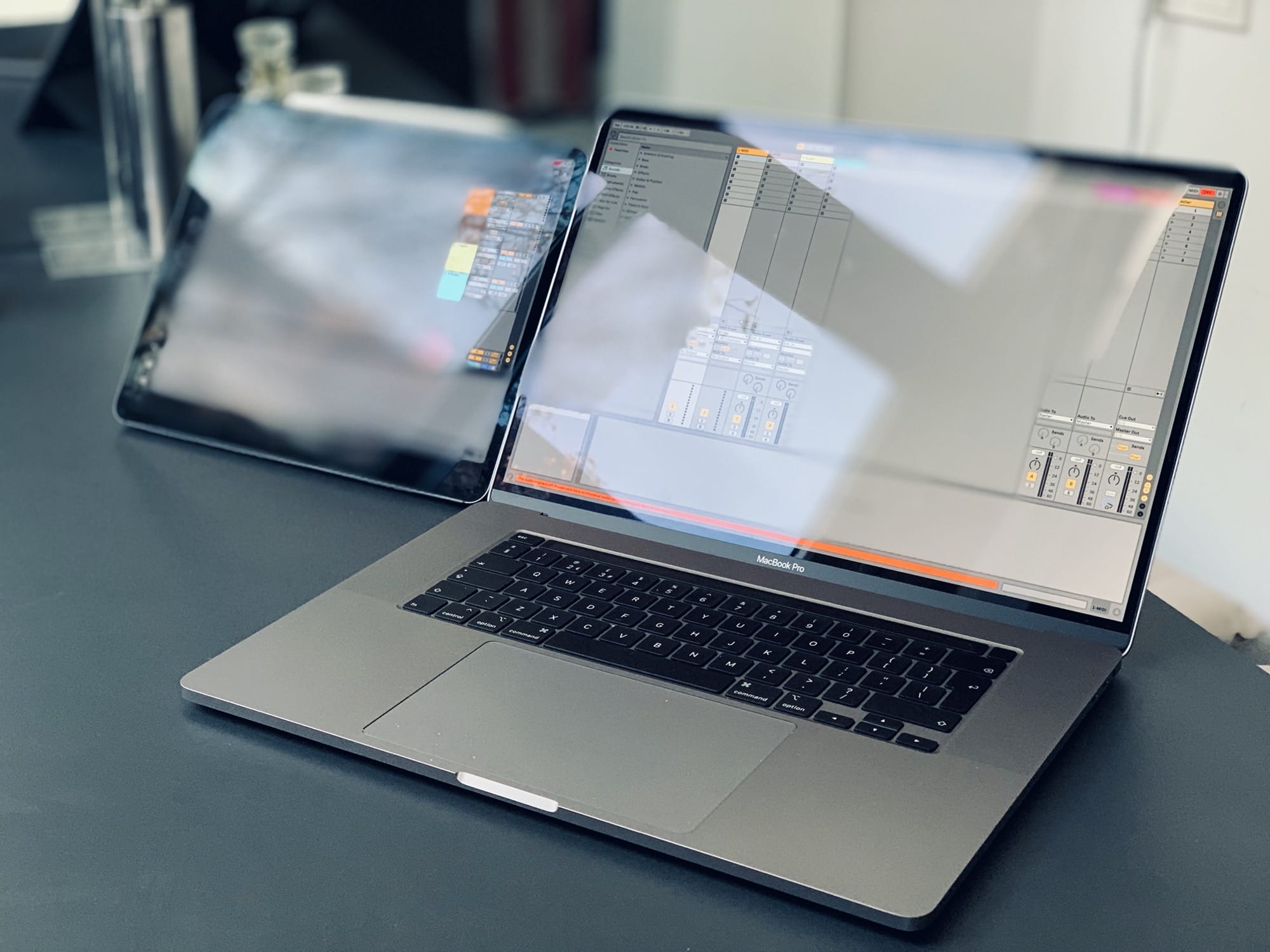
Ableton on Mac and iPad.
iPad vs. MacBook: Which platform is better for your needs?
Photo: Charlie Sorrel/Cult of Mac

Looking for a portable Apple computer? You have two choices — a MacBook or an iPad. Both excel at different things. The iPad is super-portable, silent and cool. The Mac is more flexible, offers more connections, and can run much more complex software.

It may be that you already know whether you need a Mac or an iPad. If you use apps that only run on the Mac, or if you need to hook up a lot of extra hardware, then a Mac is your only option. But if you desire the ultimate in portability, or you want to use a touchscreen or an awesome Apple Pencil stylus, you need an iPad.

If you’re on the fence, wondering which portable Apple computer best fits your needs, this article will help you decide. The MacBook vs. iPad battle is on …

Unmount noisy hard drives to stop them driving you crazy

By

A hard drive, fully
A hard drive, fully "unmounted."
Photo: Vincent Botta/Unsplash

If the main disk in your Mac is a spinning hard drive, you should probably upgrade to a solid state drive. Swapping in an SSD is the cheapest way to make your old computer feel like a brand-new Mac. But for backups, and for lesser-used internal storage in a Mac Pro or iMac, a hard drive still gives you the best value. You will pay far less per megabyte of storage.

The problem is that hard drives are noisy as well as slow. If you’re used to enjoying the silence of an SSD-based computer environment, then those whirrs, whines clicks and pops will drive you nuts. Which is why you should unmount your noisy hard drives. That way they’re still available to the apps that need them, but otherwise they’re sleeping.

Apple and Genius team up to bring Verified episodes to Apple Music

By

Apple and Genius team up to bring Verified episodes on Apple Music
Artists like Billie Eilish have dissected their own lyrics on previous episodes of Verified.
Photo: Apple

Digital media and lyrics company Genius (previously Rap Genius) has teamed up with Apple to show its popular video series Verified on Apple Music.

Genius has produced more than 800 episodes of the show since 2016. The show features popular artists breaking down the lyrics to their own songs. Artists who have appeared include Billie Eilish, Sting, and Chance the Rapper.

This Command key shortcut will change how you use your Mac

By

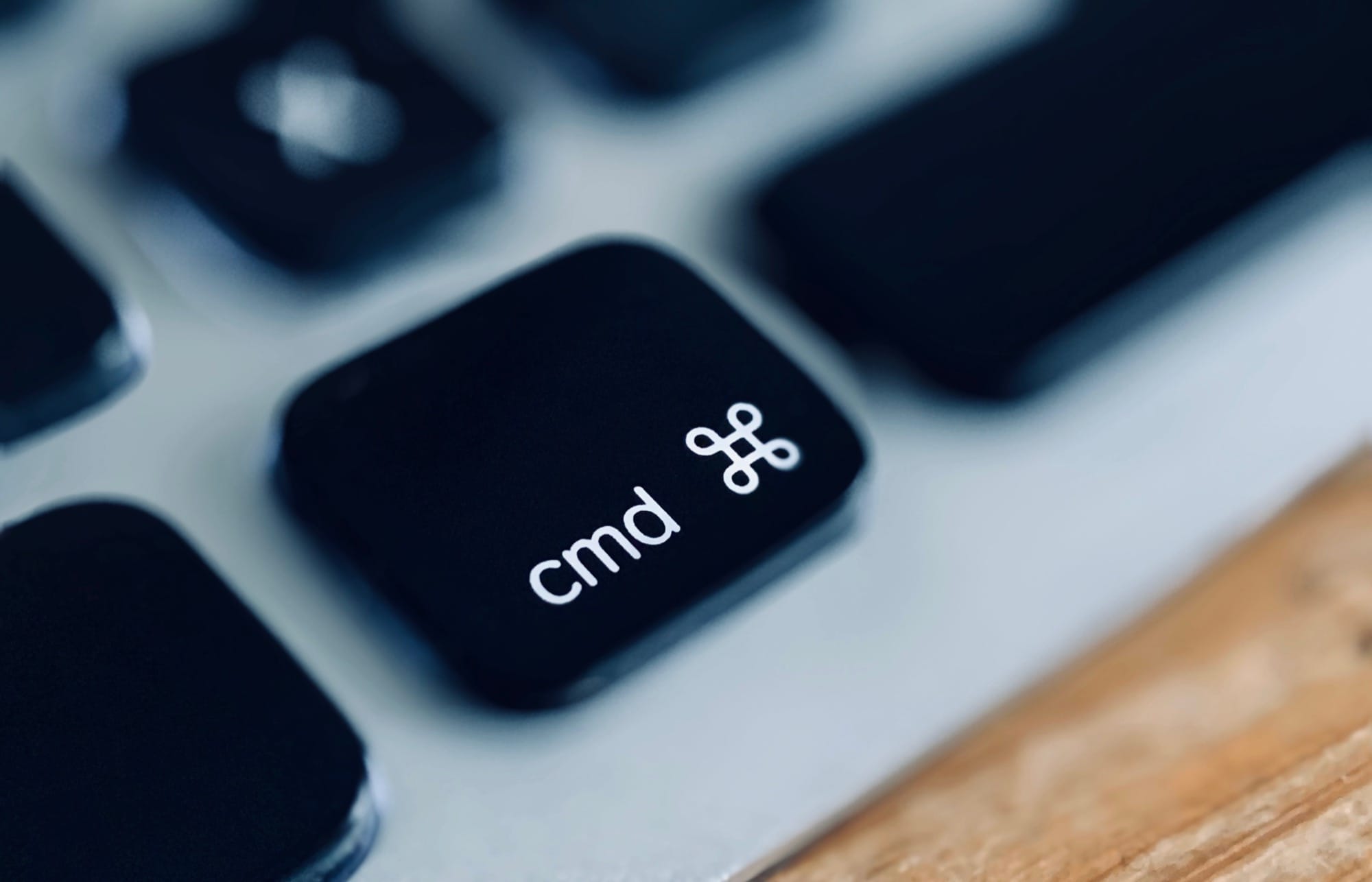
command key
Take command.
Photo: Charlie Sorrel/Cult of Mac

There are two kinds of Mac users. The sad, harried folks who don’t know how to use this easy, essential, life-changing Command key trick. And the happy, efficient, relaxed people who learned it years ago. If you’ve seen the movie Back to the Future, it’s like the difference between the two 2015 versions of George McFly, before and after Marty screws around with the 1950s. This trick will change your life.

Are you ready?

YouTube’s Luke Miani reveals lessons on buying old MacBooks by the dozen

By

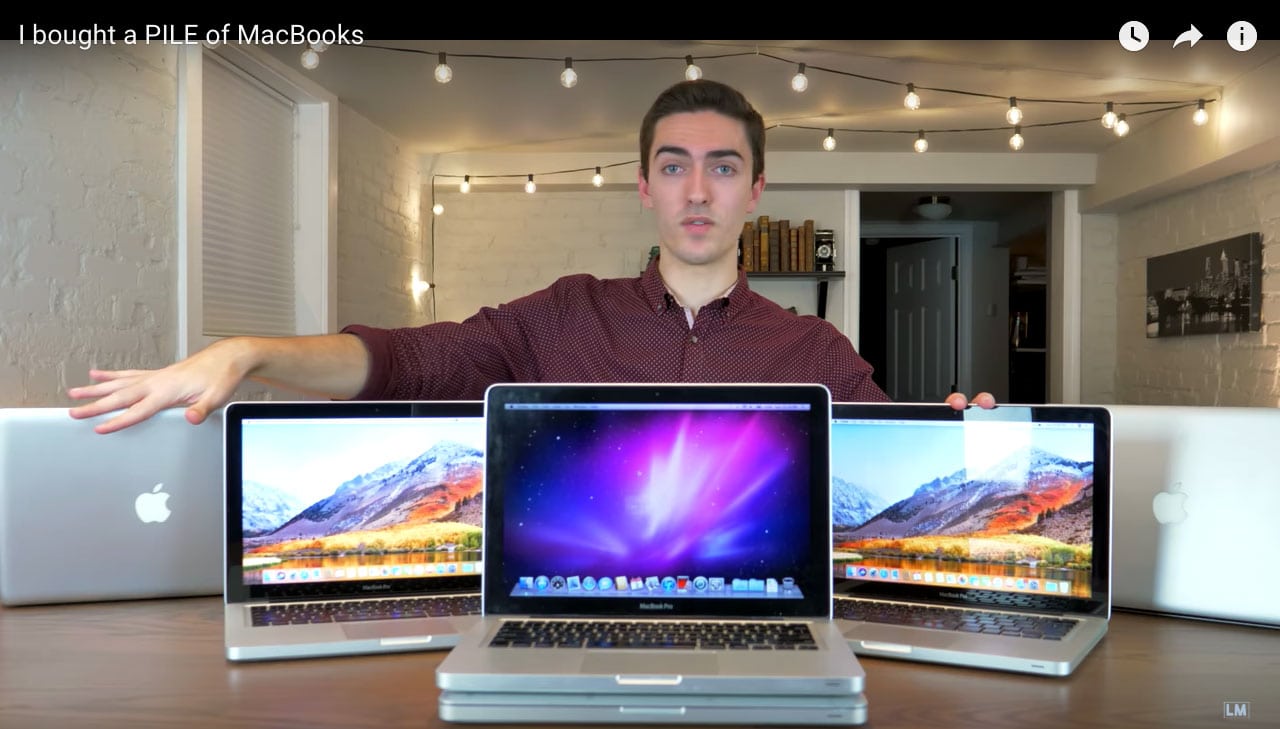
YouTuber Luke Miani and his pile of MacBooks video
Luke Miani doesn't think you should buy 12 used MacBook Pros. But he will to prove a point about buying used Apple computers on eBay.
Screenshot: Luke Miani/YouTube

Search YouTube for Apple-related content, and you will easily find hosts who unbox, hosts who hack, hosts who fawn, and, of course, plenty who throw snark and shade.

Then there’s Luke Miani, whose Apple-centric videos with a rising number of views fall under a different category: useful.

This is how easy it is to add RAM to the 2019 Mac Pro

By

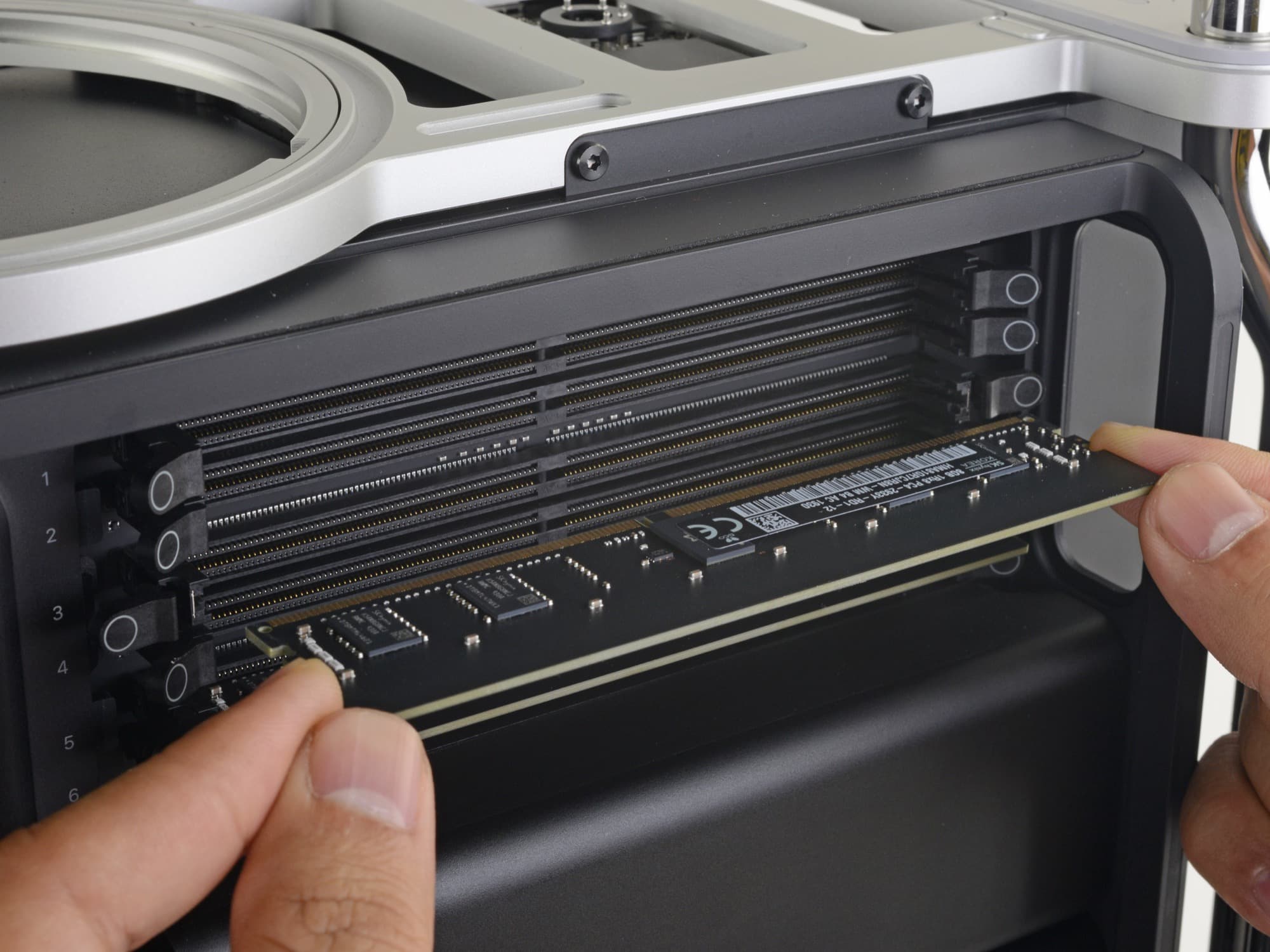
Mac Pro ram
I want a Mac Pro, just so I can ram in some RAM.
Photo: CC iFixit

The whole point of the new Mac Pro is to make it easy to add more stuff inside it. Well, that, and to keep everything cool without sounding like a washing machine on spin cycle. The modular, standard nature of the Mac Pro’s design also means that you don’t have to pay Apple’s prices for RAM and storage upgrades. You can just buy them from somewhere like OWC or Crucial, and pop them in yourself. And I mean “pop.” It’s hard to imagine how adding RAM to the new Mac Pro could be any easier.

In fact, the hardest part might be unplugging all the cables on the back, so you can lift off the lid.

What will Apple’s ARM iMac look like?

By

Might a new ARM iMac look like this?
Imagine an iMac that looked like this.
Photo: Cult of Mac

The iMac is far overdue for a redesign. The current “tapered edge” design dates back to 2012, and was itself mostly a slimming-down of the original aluminum iMac from 2007. Viewed from the front, the iMac looks the same today as it did 13 years ago. You could say that the iMac doesn’t need to change its look, and that’s a valid point. But it’s showing its age in other areas too, and that’s more of a problem. Could we soon see an ARM iMac? If so, what might it look like?

1 95 96 97 98 99 144