Mobile menu toggle

Search results for: SSD

Part 1: From PC pigsty to prim M1 Pro MacBook workstation [Setups]

By

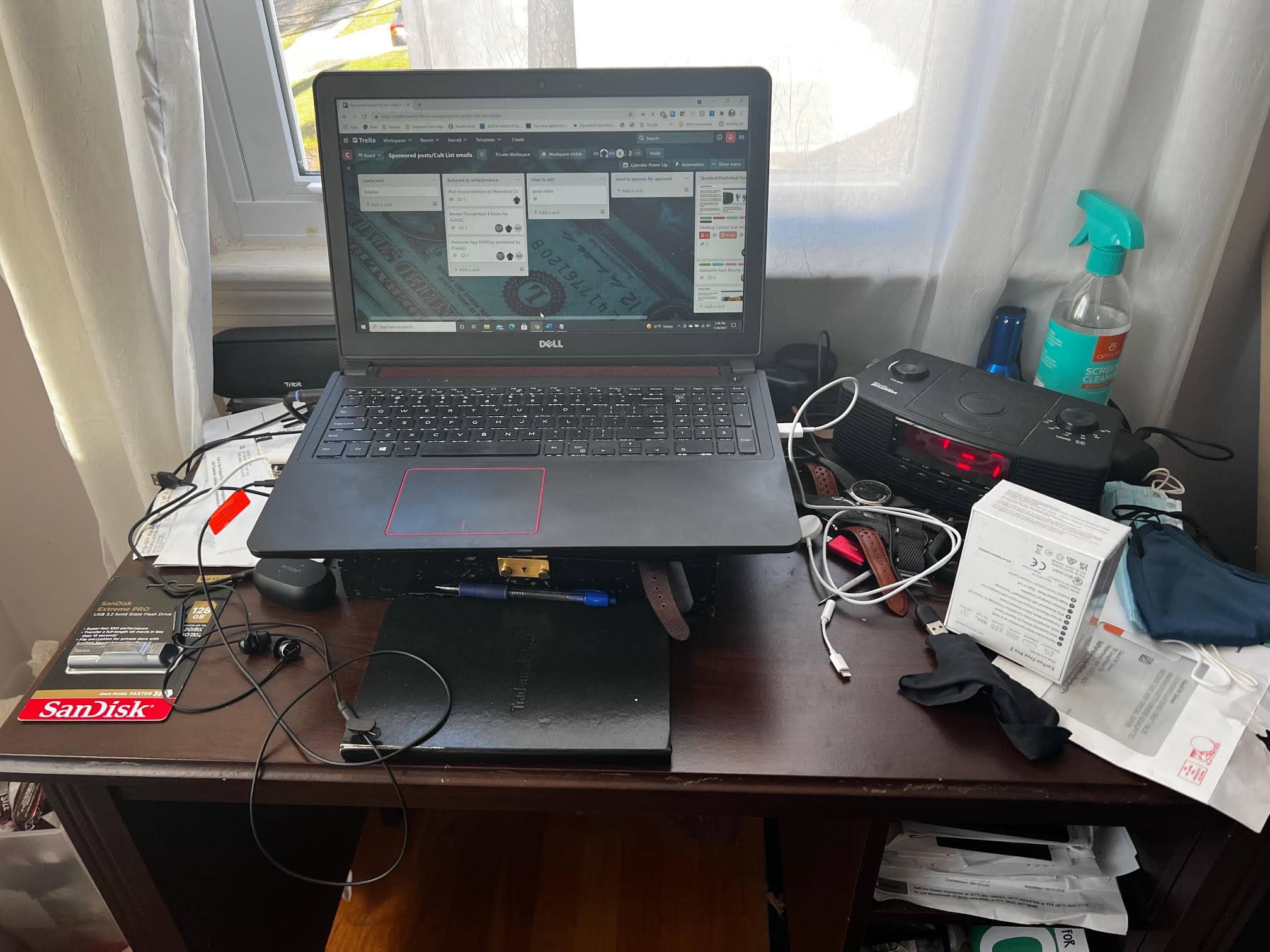
Before: A fine Dell Inspiron laptop perched atop a mess.
BEFORE: A fine Dell Inspiron laptop perched atop a mess.
Photo: David Snow/Cult of Mac

Not long ago I sold, gave away or trashed most of my possessions and moved across the U.S. Soon after arrival, I found my computer unresponsive. The ol’ HP Pavilion laptop stopped powering on reliably. So I borrowed a perfectly good Dell laptop from my brother and kept on writing, mainly for Cult of Mac. I just happened to be “between Macs” at the time. But now I have a brand new 14-inch M1 Pro MacBook.

Thanks to the swanky new Apple laptop plus a few other bits and pieces I quickly acquired, as of today I no longer wallow in a PC laptop pigsty (yeah, the photo above is genuine, though I swear it wasn’t always quite that messy). I’ve got a proper Mac computer setup for the first time in a while.

Going ‘ergo everything’ with an M1 MacBook Pro rig [Setups]

By

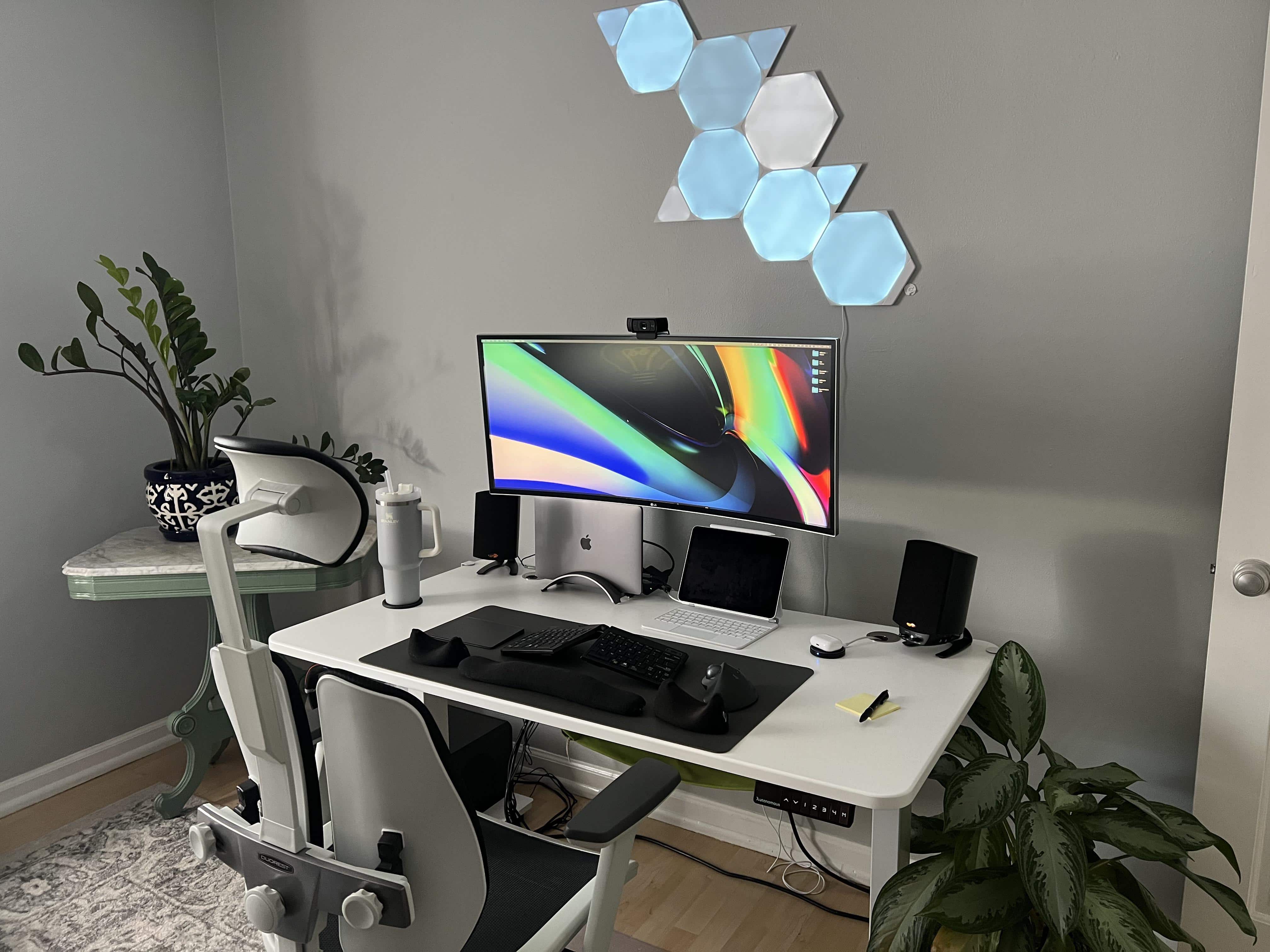
Ergonomic furniture and peripherals plus pleasing decor equal comfy setup.
Photo: [email protected]

Coincidentally, our last Setups post concerned itself with proper ergonomics, and today’s sticks with the theme. On Friday we wrote about a person making a comfortable and productive workstation out of little more than a laptop. This time, someone has gone “ergo everything” on an M1 MacBook Pro rig with a big external monitor and a nice set of peripherals, furniture and accessories.

No external monitor? Build an ergonomically correct setup around your laptop. [Setups]

By

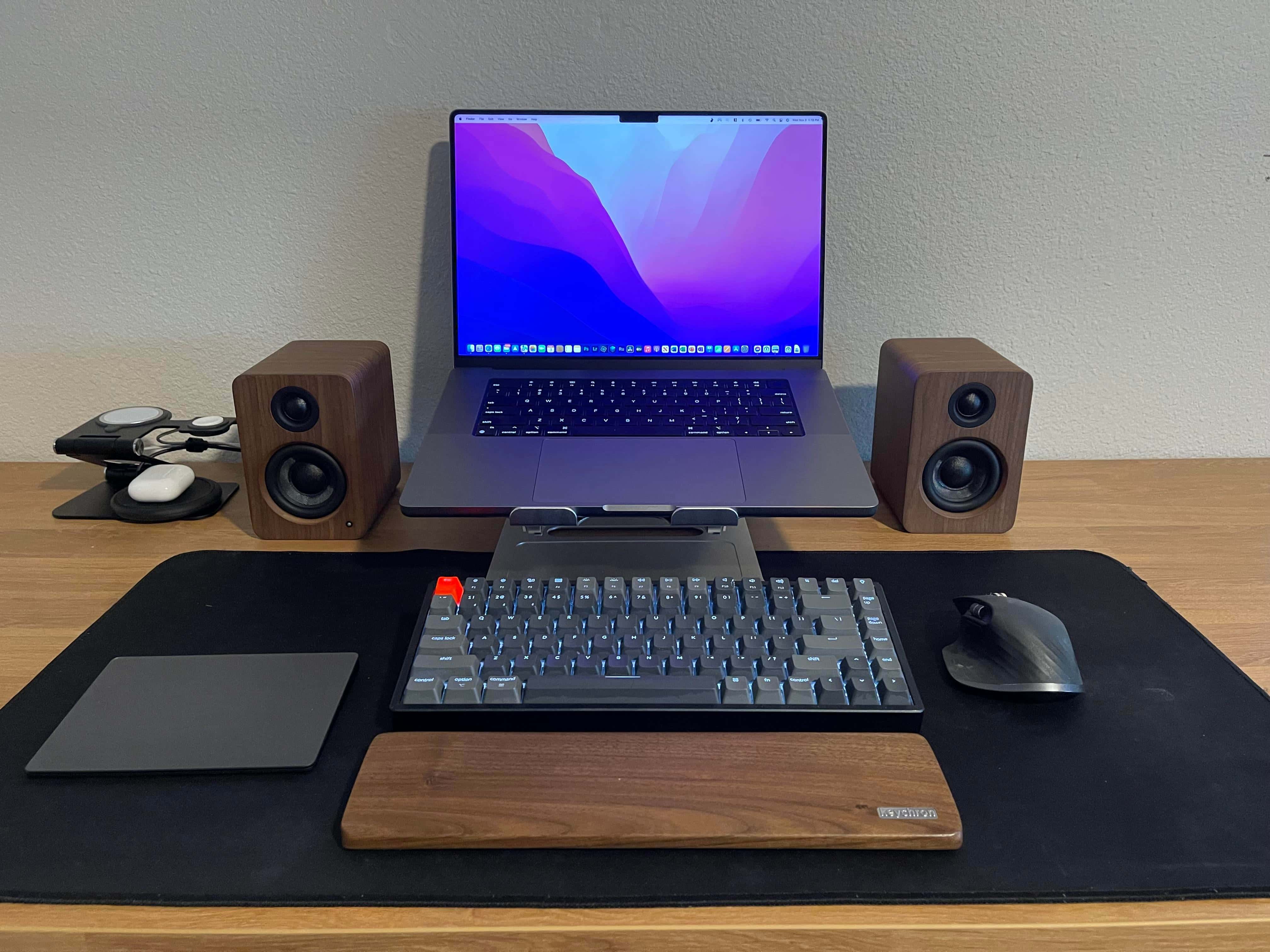
It may look complete, but this M1 MacBook Pro setup is waiting for a big secondary display.
Photo: [email protected]

From time to time, as you work on making your computer setup all it can be, you order new equipment. And maybe it takes a long time to arrive. Perhaps “supply chain” issues intervene. And if that piece of equipment is your workstation’s visual centerpiece — the magnificent display, placed just so for graphical and ergonomic bliss — then what do you do, when you have no external monitor?

Do you hunch over your laptop until your neck and your back and everything else hurts? Not necessarily.

Apple quietly ditches the 21.5-inch iMac with Intel chip

By

21.5-inch iMac 2020
It was the company's most affordable all-in-one.
Photo: Apple

Apple has quietly discontinued its most affordable iMac model. The 21.5-inch device with Intel chip remained available to order following the introduction of the 24-inch M1 iMac in April, but it has now been removed from the Apple Store.

The lower cost all-in-one, which usually starts $1,099, is still available from third-party retailers while stocks last. And if you act fast, you can get yours at a sizable discount right now.

Plugable’s new universal dock makes ‘hot-desking’ easy

By

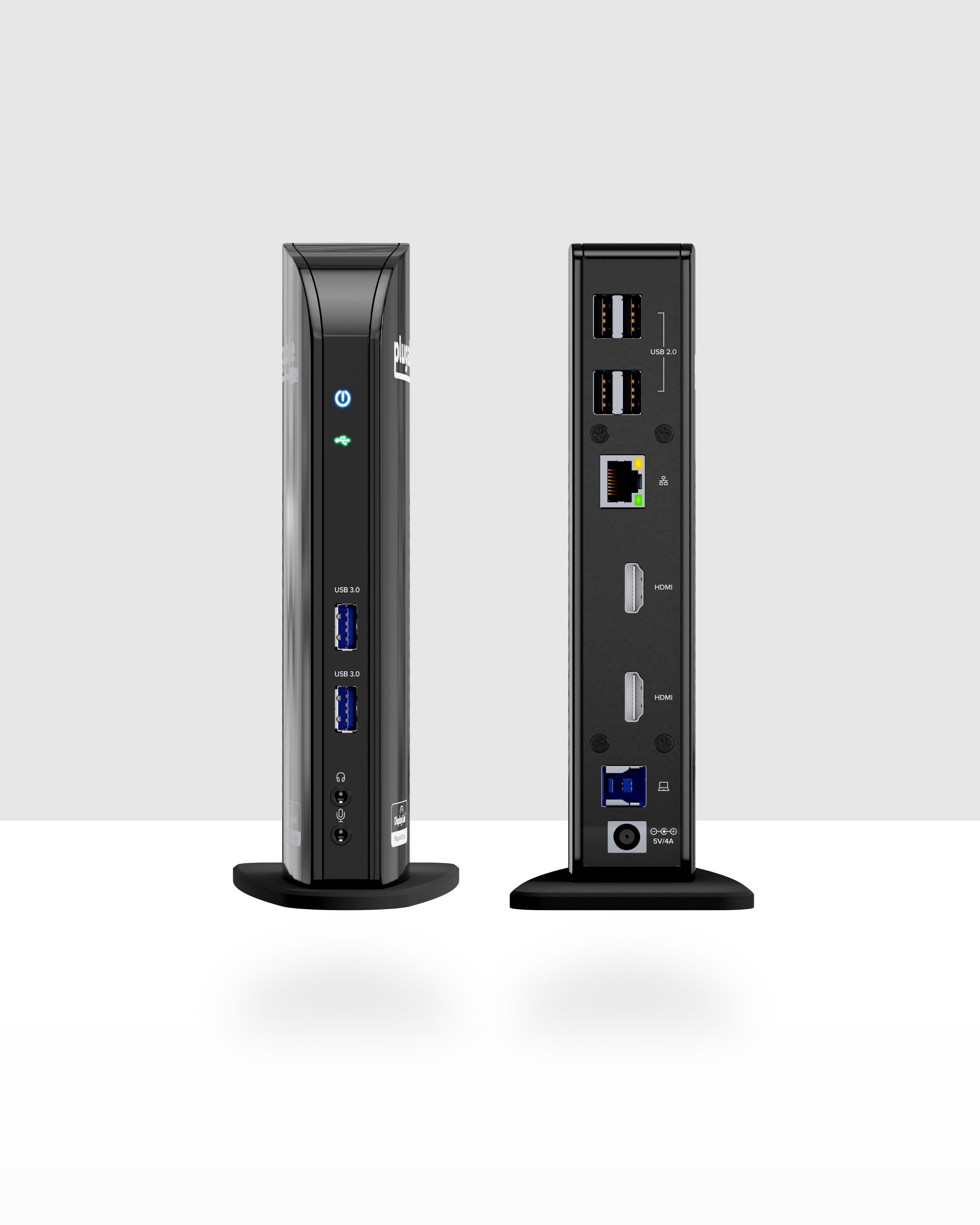
The Plugable UD-3900C makes it easy to get right to work.
Photo: Plugable

The new Plugable UD-3900C universal docking station is a reasonably priced means of “hot-desking” with Macs and PCs. That allows hybrid workers to easily connect and get right back on the job when they come back to the office, even if they always use a different desk.

All blues: Sweet iMac finds itself in a cool-toned Satechi situation [Setups]

By

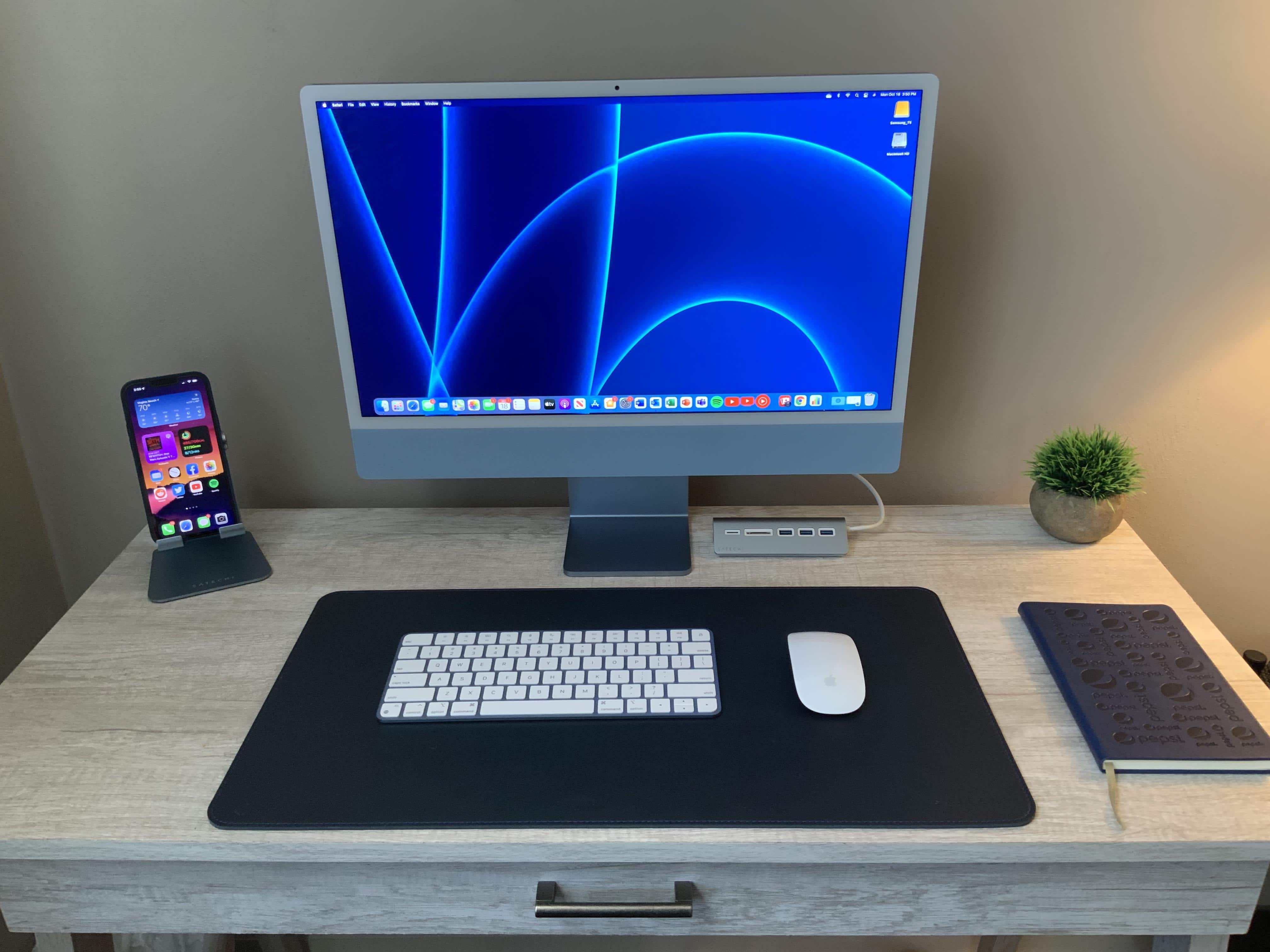
A lovely blue iMac depends upon a raft of Satechi accessories.
Photo: [email protected]

Jazz great Miles Davis probably never imagined one of his classic song titles, “All Blues,” would end up in a headline about an M1 iMac-based computer setup. And it’s not every day you see a completely color-coordinated workstation that’s not just “Kind of Blue” (to drop another title), but drenched in blue hues.

These are strange times.

Drool-worthy M2 MacBook Air concept shows off super-slim design

By

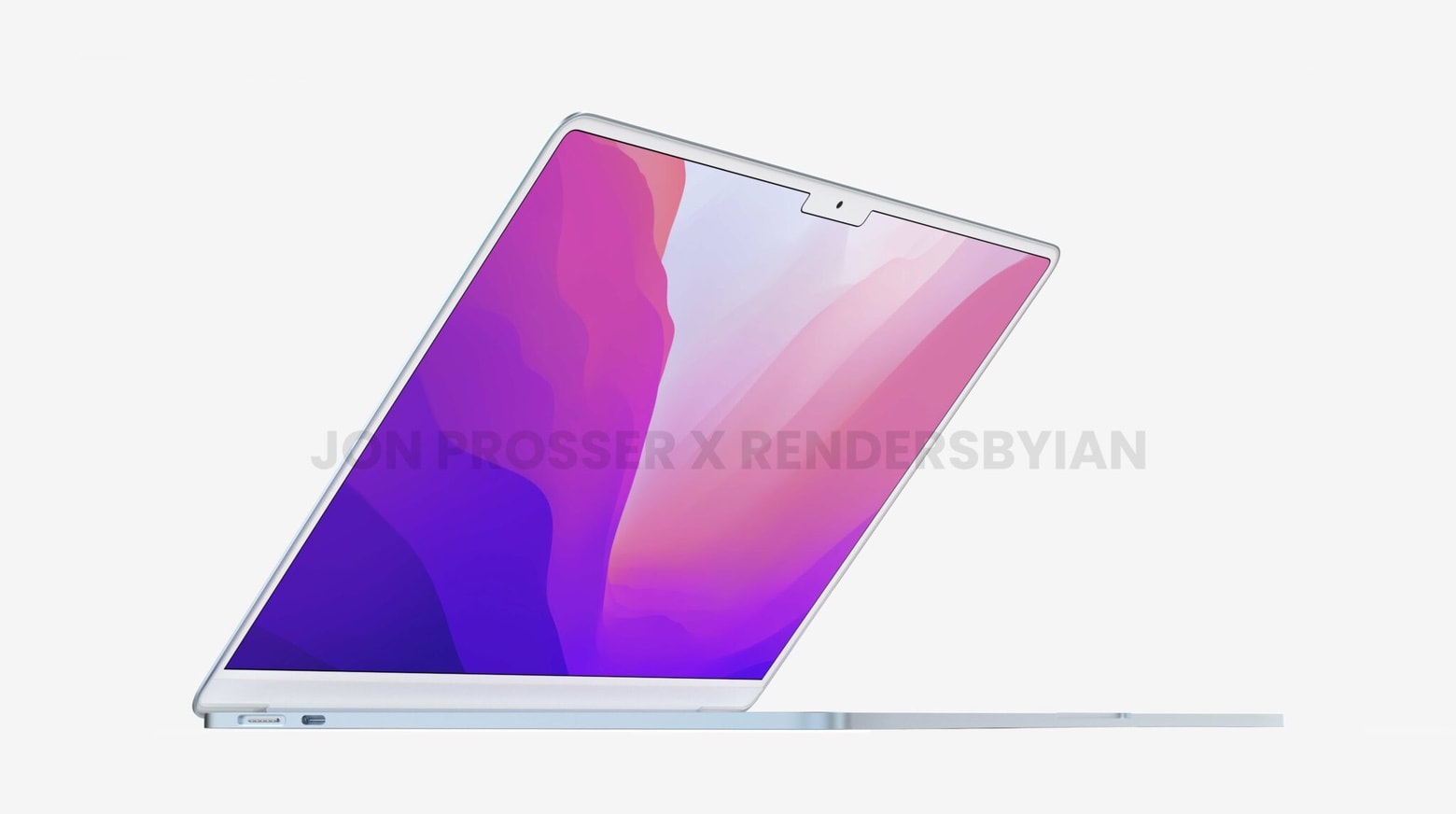
Drool-worthy M2 MacBook Air concept shows off super slim design
The 2022 MacBook Air could be the crazy slim macOS notebook many people have been hoping for.
Photo: Front Page Tech /Renders by Ian

A new series of renders based on rumors about the 2022 MacBook Air show just how slim it might be. And how it might borrow many of the features of the recently announced MacBook Pro.

The upcoming model reportedly will include an M2 processor, a MagSafe connector and a mini-LED display with a screen notch. But not the wedge design of previous MacBook Airs.

M1 Mac mini and gaming PC share massive screen real estate [Setups]

By

Who says a Mac mini and a gaming PC can't get along just fine?
Photo: [email protected]

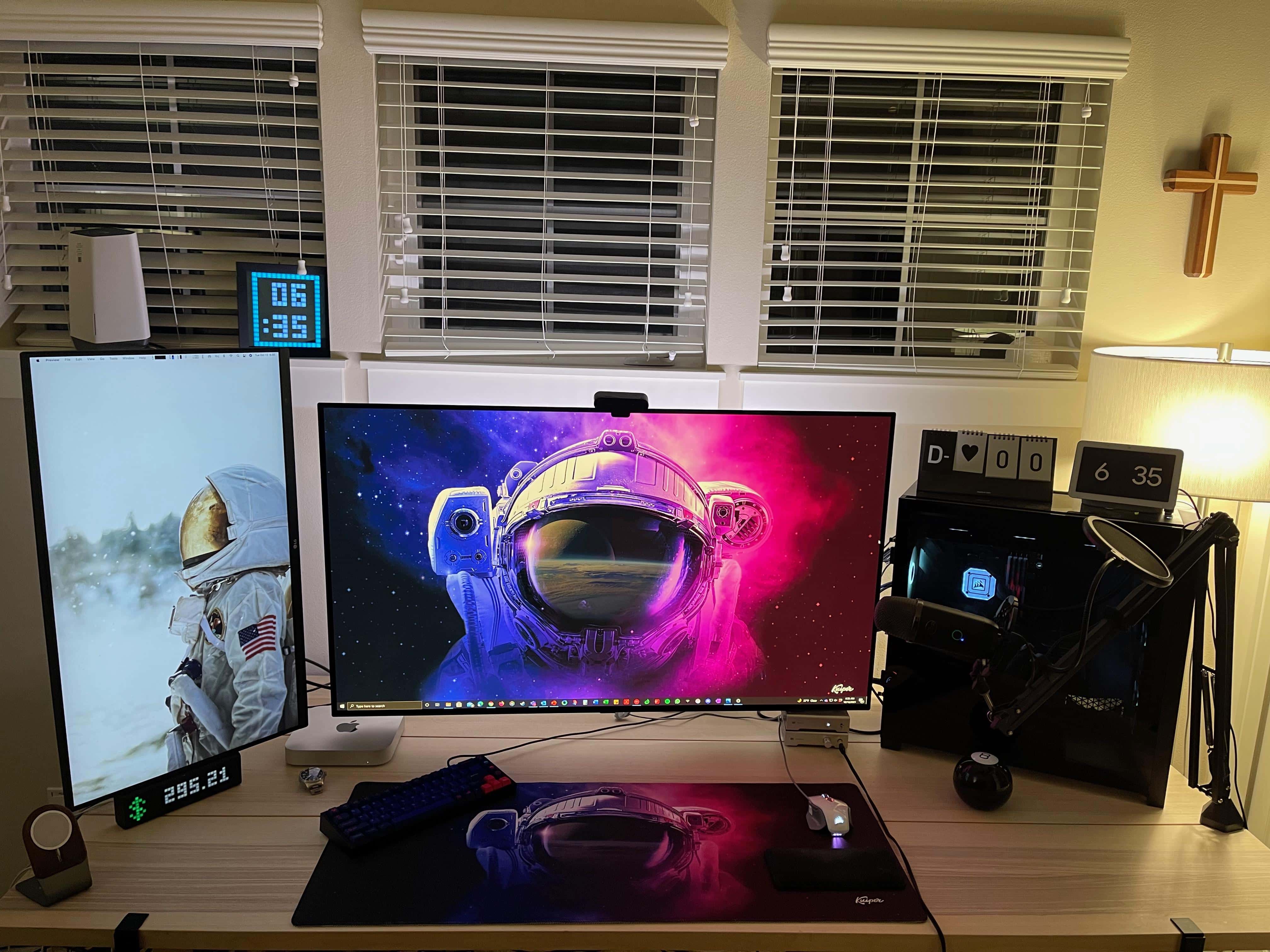
Who says an M1 Mac mini and a revved-up gaming PC can’t get along? Macs aren’t known to excel at gaming, so it’s natural for many folks to keep a Mac alongside a tricked-out gaming rig. These days, it’s easy to switch back and forth, as we’ll see in today computer setup featuring a massive TV screen and a slightly more modest monitor.

Some MacBook Pro wait times stretch nearly to Christmas

By

Some MacBook Pro wait times already stretch nearly to Christmas
You can still get the 16-inch MacBook Pro before Christmas, if you hurry.
Photo: Apple

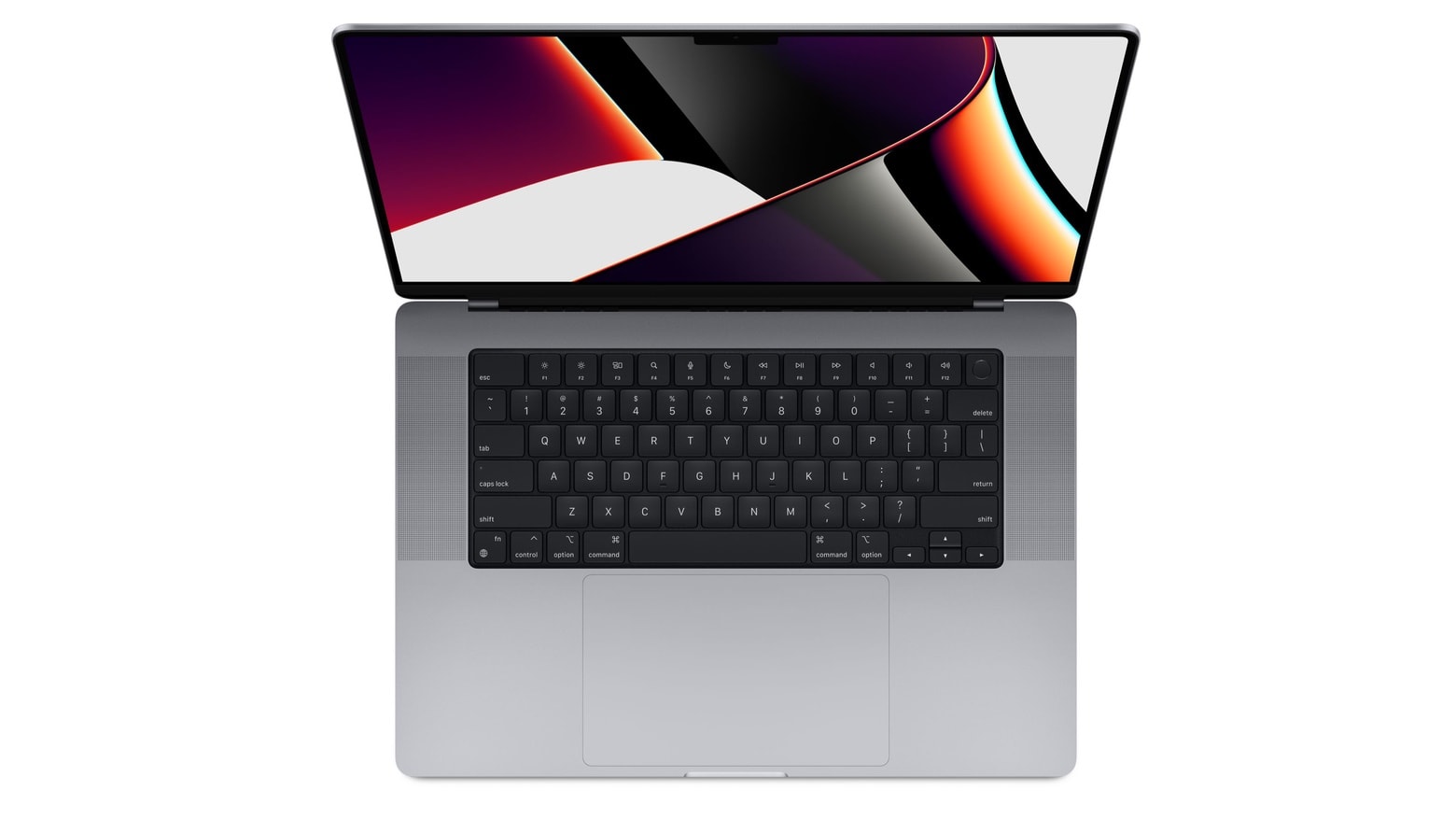
Apple Unleashed event bugYou might find yourself waiting months to get the just-announced MacBook Pro. Order one of the standard configurations and it’ll arrive in this month or November at the latest. But upgrade the configuration and the wait time slips back to mid-December.

Anyone hoping to get a redesigned 14-inch or 16-inch MacBook Pro with the powerful new M1 Pro or M1 Max processor with a minimal wait should get their order in soon. Those who want a top-of-the-line configuration before Christmas really ought to hurry.

Why go with stacked displays? [Setups]

By

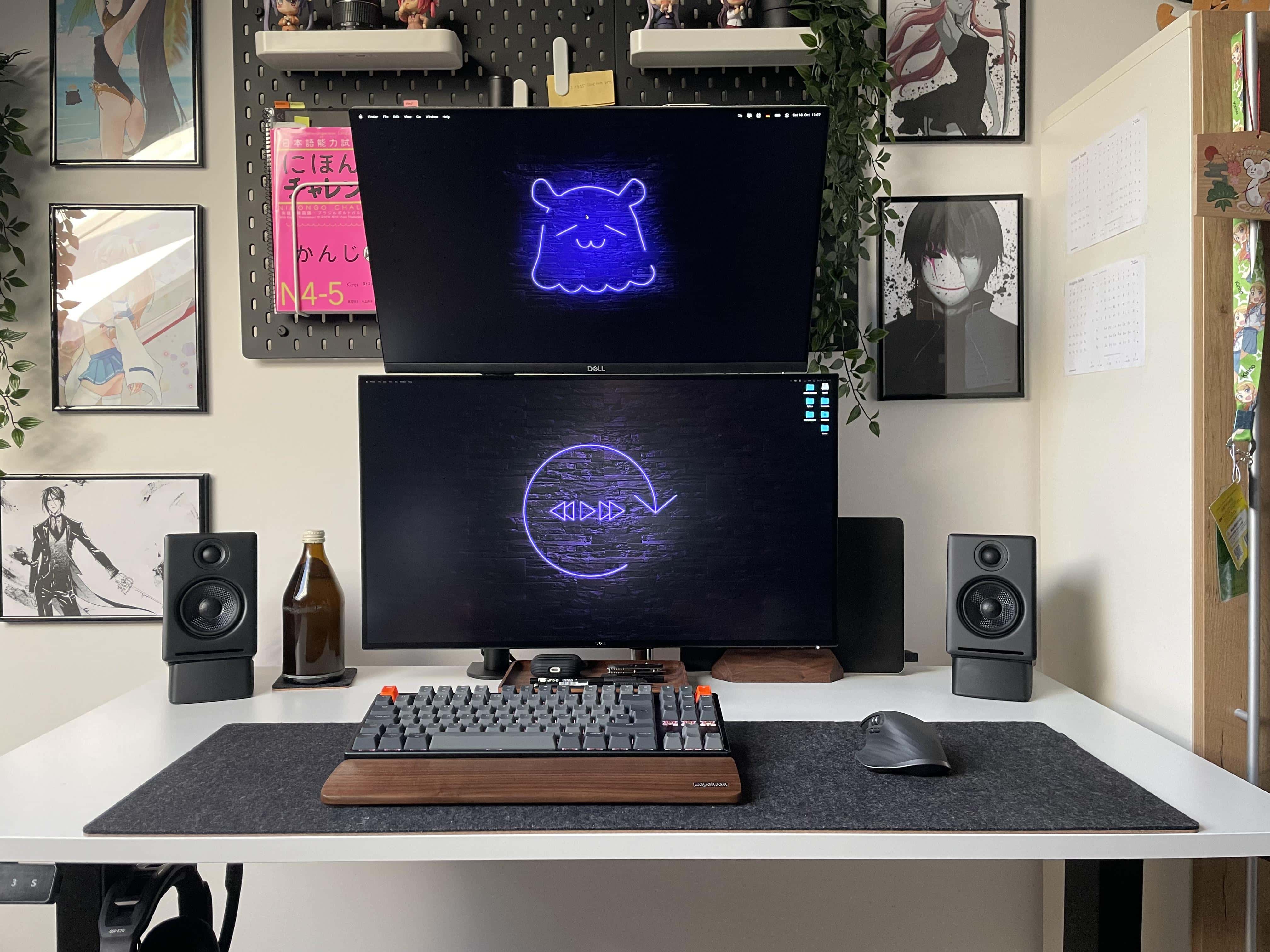
People wonder why one monitor isn't set vertically (portrait) rather than way up high. Well, there's a reason for that.

When you see people online showing off their computer setups with dual displays, you often see side-by-side horizontal monitors (landscape mode). Sometimes you see a horizontal screen and a vertical one (portrait mode). And sometimes you see stacked displays, with one landscape-oriented monitor mounted on top of another.

Sometimes you see the stack because of space issues, where there’s simply no room to either side of the setup. Other times you see a stack when someone wants to run four or five displays. And there are cases where the user couldn’t get one monitor to work in portrait mode, so they had to have both screens in landscape mode.

1 76 77 78 79 80 144