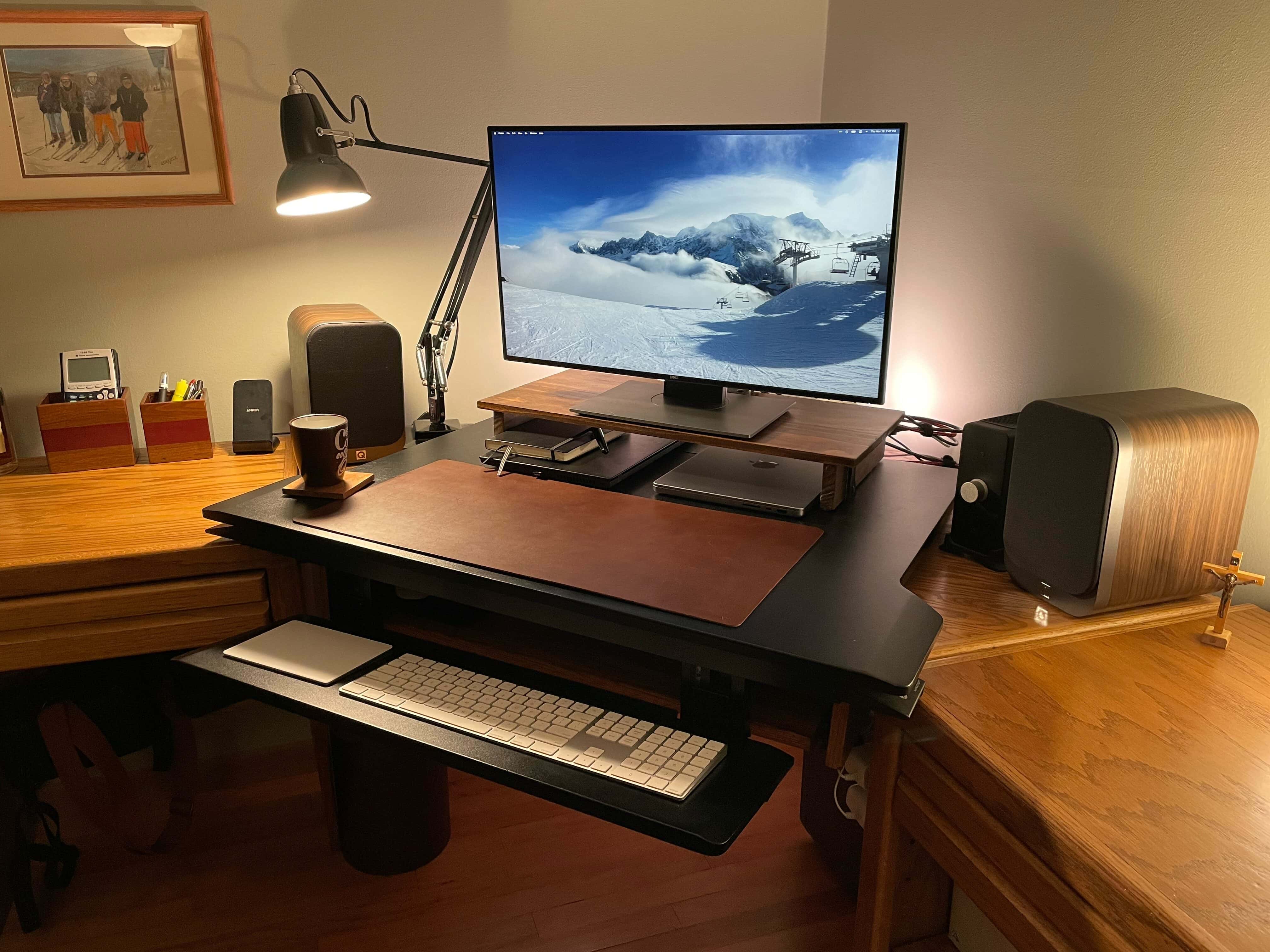
A souped-up Apple SE/30 and a Portrait Display are core to Ciprian's vintage setup. Photo: Bacioiu Ciprian
Bacioiu Constantin Ciprian, known online as “Zapa,” was born in Buzau, Romania, in 1991, not long after a revolution toppled communist rule there. He loved technology as a kid, but it was expensive and hard to get. And soon enough he realized how much he loved Apple products — especially those around in his youth.
Now a longtime resident of Bucharest, he designs and develops games to run on vintage equipment. And get a load of that retro setup!
Host, manage and customize your website(s) with iBrave. Photo: Cult of Mac Deals
If you’re creating a space online, then you need to figure out how you’re hosting it. Some web-hosting services will give you the bare minimum, which is setting yourself up for a lot of frustration and lost traffic.
Not so with iBrave Hosting. With a lifetime subscription to this all-inclusive web-hosting service, you can easily manage your website. And, during our Pre-Black Friday Doorbusters, hosting for one, 10 or unlimited sites costs just $17.49 (regularly $597), $34.99 (regularly $1,797) or $69.99 (regularly $2,997) respectively with coupon code APPS30.
This M1 Pro MacBook setup uses a 27-inch Dell monitor and a pumped-up audio rig. Photo: Andrew Michletz
Andrew, a customer service experience manager for an internet service provider in Minneapolis, shared his computer setup with Cult of Mac after a big revamp. He replaced a 27-inch 2017 iMac with a 14-inch 2021 M1 Pro MacBook, which he runs alongside his work laptop, a Lenovo ThinkPad T480S. He uses his Apple gear mostly for photo editing and music production.
“With work from home, I needed the ability to use the screen with both my personal computer and my work device,” Andrew told Cult of Mac (he requested we use only his first name). “I had been running Windows on the iMac via Boot Camp and using Miracast to wirelessly extend to the iMac screen from my ThinkPad. When it worked it was great, but it became unreliable over time, and I decided that a monitor with multiple inputs are the way to go.”
Andrew said the Miracast connection with the iMac became unreliable when he got a mesh network. It would sometimes work great, but often fail to connect, despite rigorous troubleshooting. So it was time to do a little shopping.
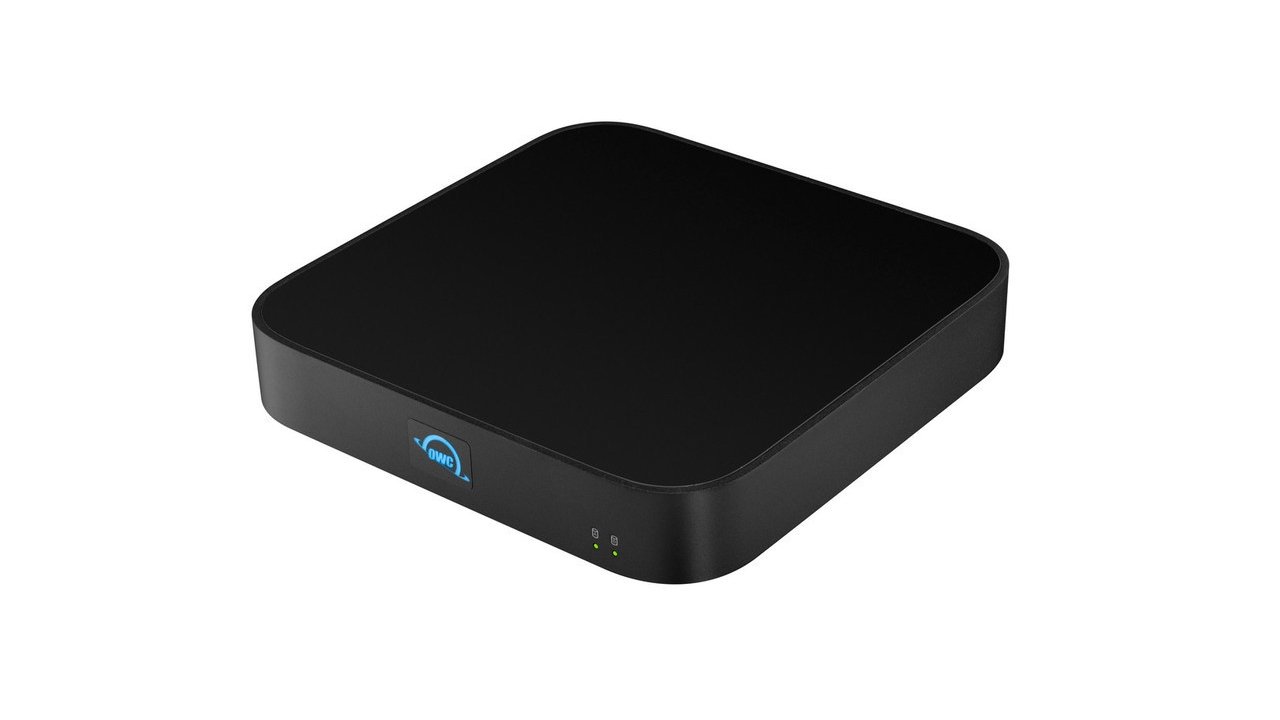
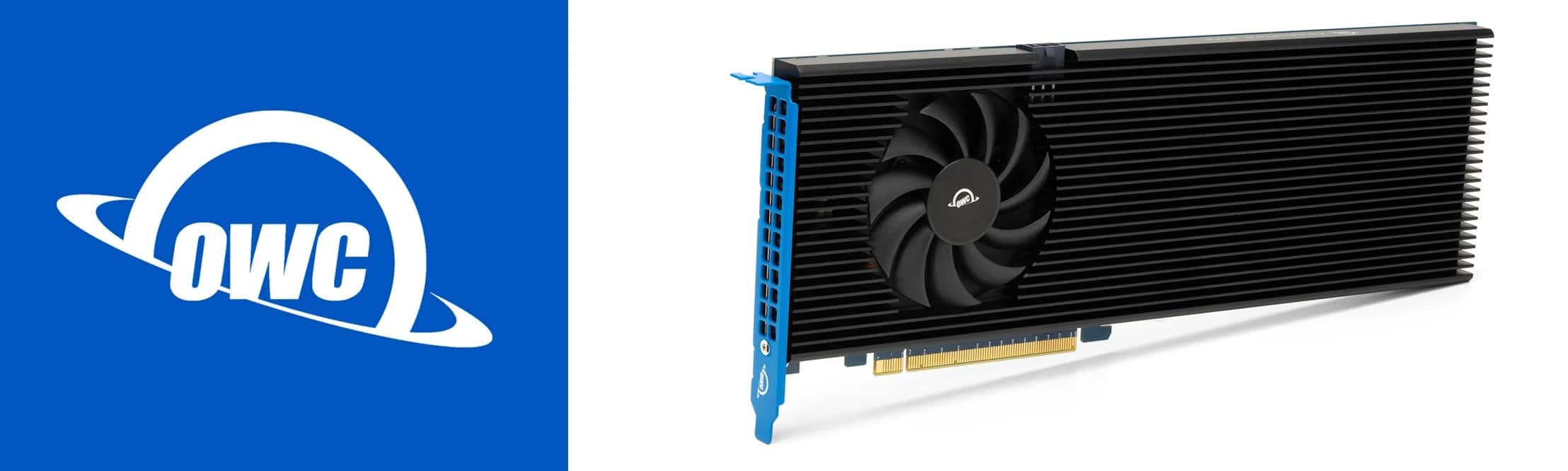
The new OWC miniStack gives your Mac mini (or any Mac) three Thunderbolt 4 ports and additional storage options. Photo: OWC
The new OWC miniStack STX hub stacks seamlessly with a Mac mini, adding storage capacity and a trio of Thunderbolt 4 ports. But it can be used to expand connectivity and add storage space to any Mac or iPad.
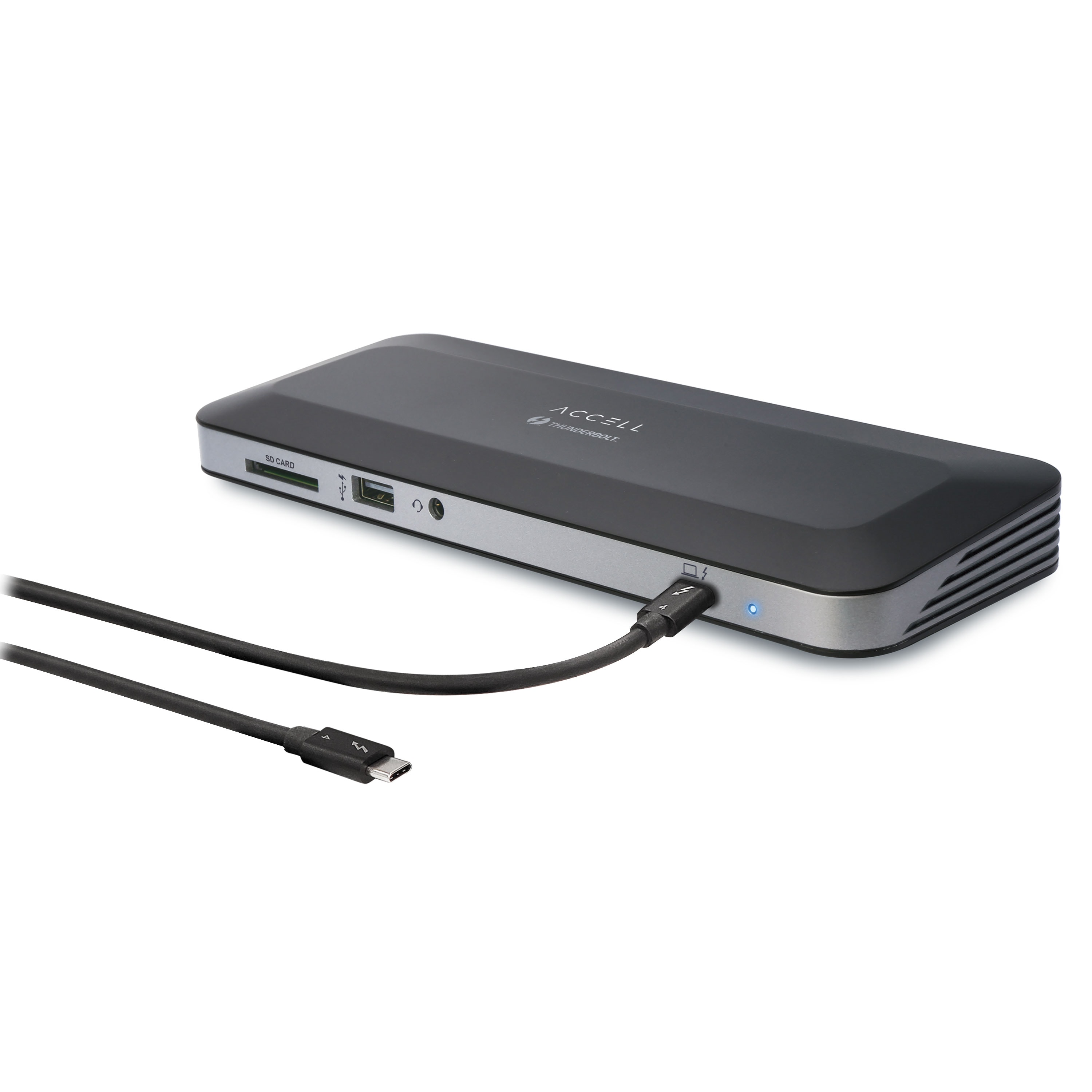
The new Access Thunderbolt 4 Docking Station expands your laptop or desktop's connectivity. Photo: Accell
Accell launched its newest Thunderbolt 4 Docking Station on Wednesday. The company said the Intel-certified hub provides high speed data transfer, dual 4K or 8K external display capability and 96W of power delivery (PD) to quickly charge multiple peripherals.
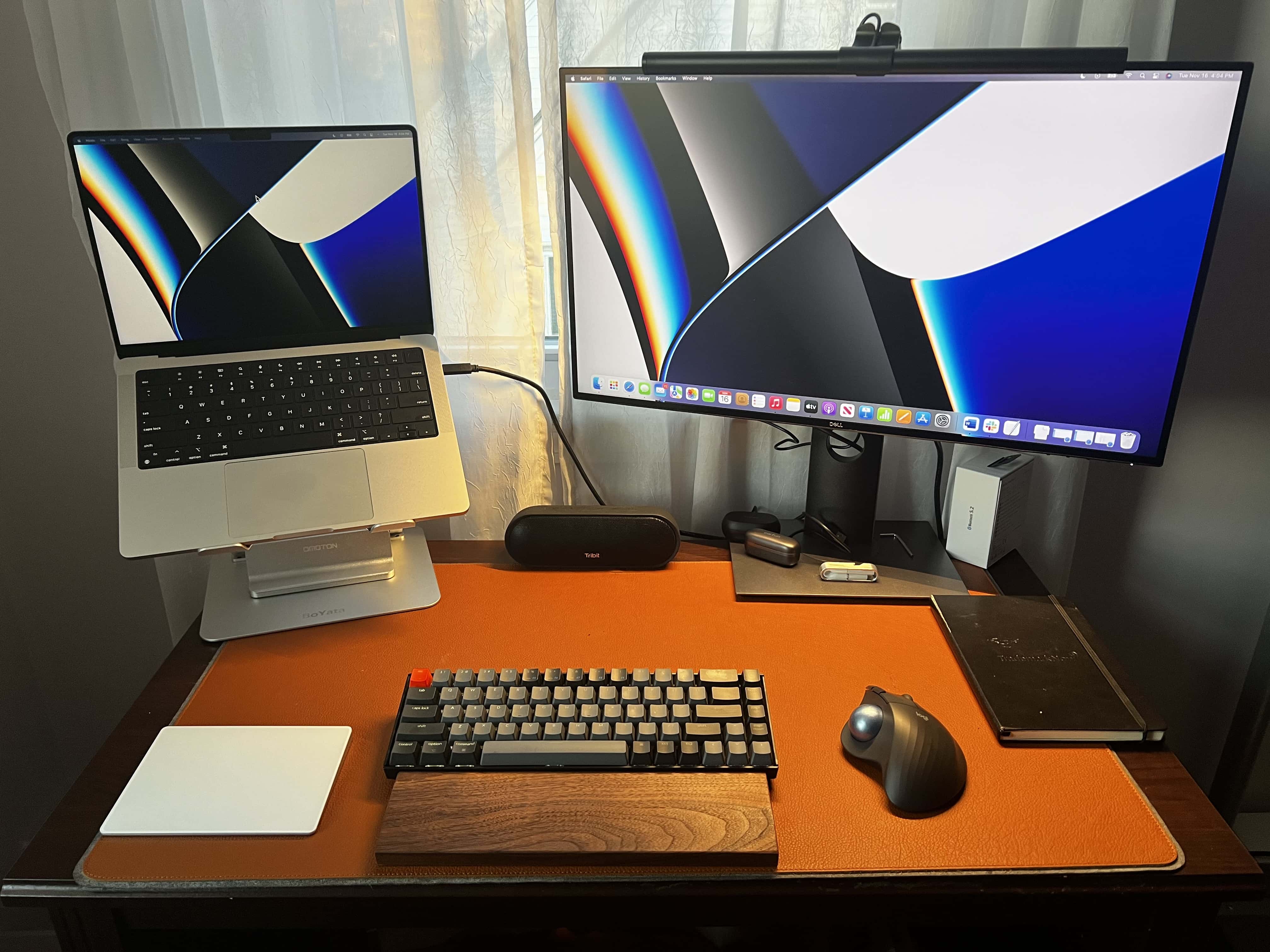
In round 2, I experiment with an open laptop stand, a mechanical keyboard with a wrist rest, a Magic Trackpad 2, an ergonomic mouse with a trackball and a monitor light bar. Photo: David Snow/Cult of Mac
I wrote recently about the shameful squalor of my previous “setup” — basically a borrowed PC laptop perched on a pile of junk — and my effort to build something worthwhile around a gleaming new 14-inch M1 Pro MacBook. Well, like a lot of people in the throes of building a computer setup, I found that second-guessing haunted me into buying a whole lot of alternative gear.
You know, for testing purposes. Trial and error. Not because of my apparent shopping addiction. Or not much, anyway.
Memory and storage provider OWC rolled out its new Accelsior 8M2 PCIe solid state drive (SSD), calling it the “world’s fastest and highest capacity” storage system of its kind for your 2019 Mac Pro, or any Windows, Linux or PCIe expansion system.
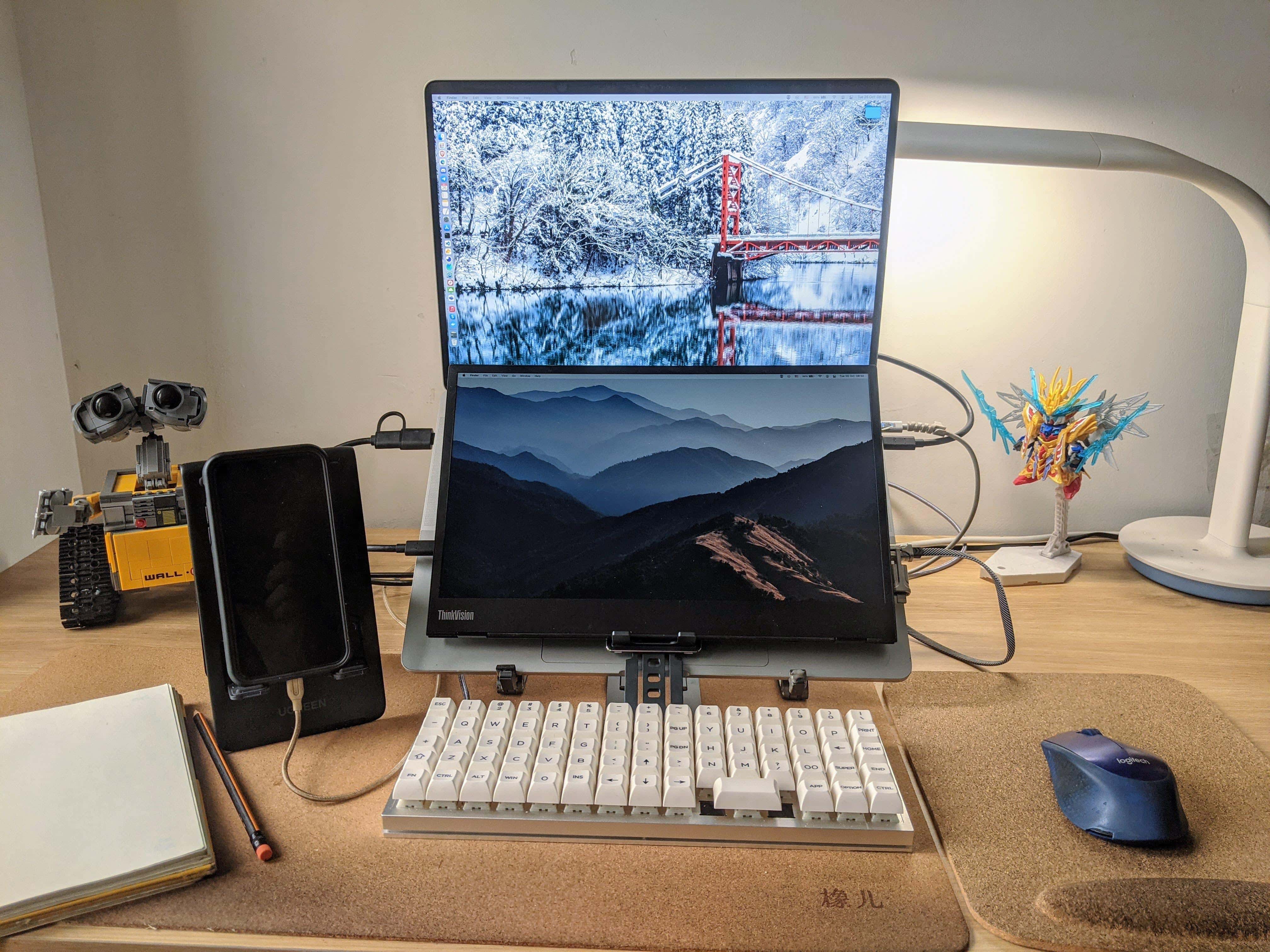
A portable monitor is mounted over the MacBook Pro's keyboard and an ortholinear-layout keyboard is the main input device. Photo: [email protected]
We see a lot of dual- and multi-display workstations here at Setups Central, but we can’t recall seeing a “dual-display laptop” or a “laptop monitor stack.” Those are terms we made up for a second portable display mounted under a laptop’s screen and on top of its keyboard, as in today’s featured setup.
The M1 Mac mini is paired with a 32-inch Samsung 4K monitor, a Keychron Q1 mechanical keyboard and a Logitech MX Master 3 mouse. Photo: PJ Flordeliz
Sometimes you see a workstation and you can pretty much tell by the gear what its owner does for a living. Today’s featured setup has an M1 Mac mini, a 12.9-inch M1 iPad Pro and an Acer laptop, plus a custom mechanical keyboard, a network switch and a huge external hard drive. That led me to guess the person might be a IT staffer or a software developer. And I was right.
The Pre-Black Friday Sale is the perfect time to grab these Mac apps.
Photo: Cult of Mac Deals
Friendship, love, awesome deals on software — some of the best gifts you can give a person can’t be put in a box. If you’ve been trying and struggling to find a gift for the Apple fanatic in your life, then we finally have the answer for you, and it isn’t expensive new hardware or a fancy phone case. Check out these digital deals for the Apple lovers in your world. During the Pre-Black Friday Sale, everything here is on sale if you use code SAVE15NOV. And if the techies in your life won’t be satisfied with only software, you can take a peek at even more awesome deals for hardware and wearables.