Mobile menu toggle

Search results for: SSD

Curved 40-inch HD display is too much monitor for some [Setups]
By

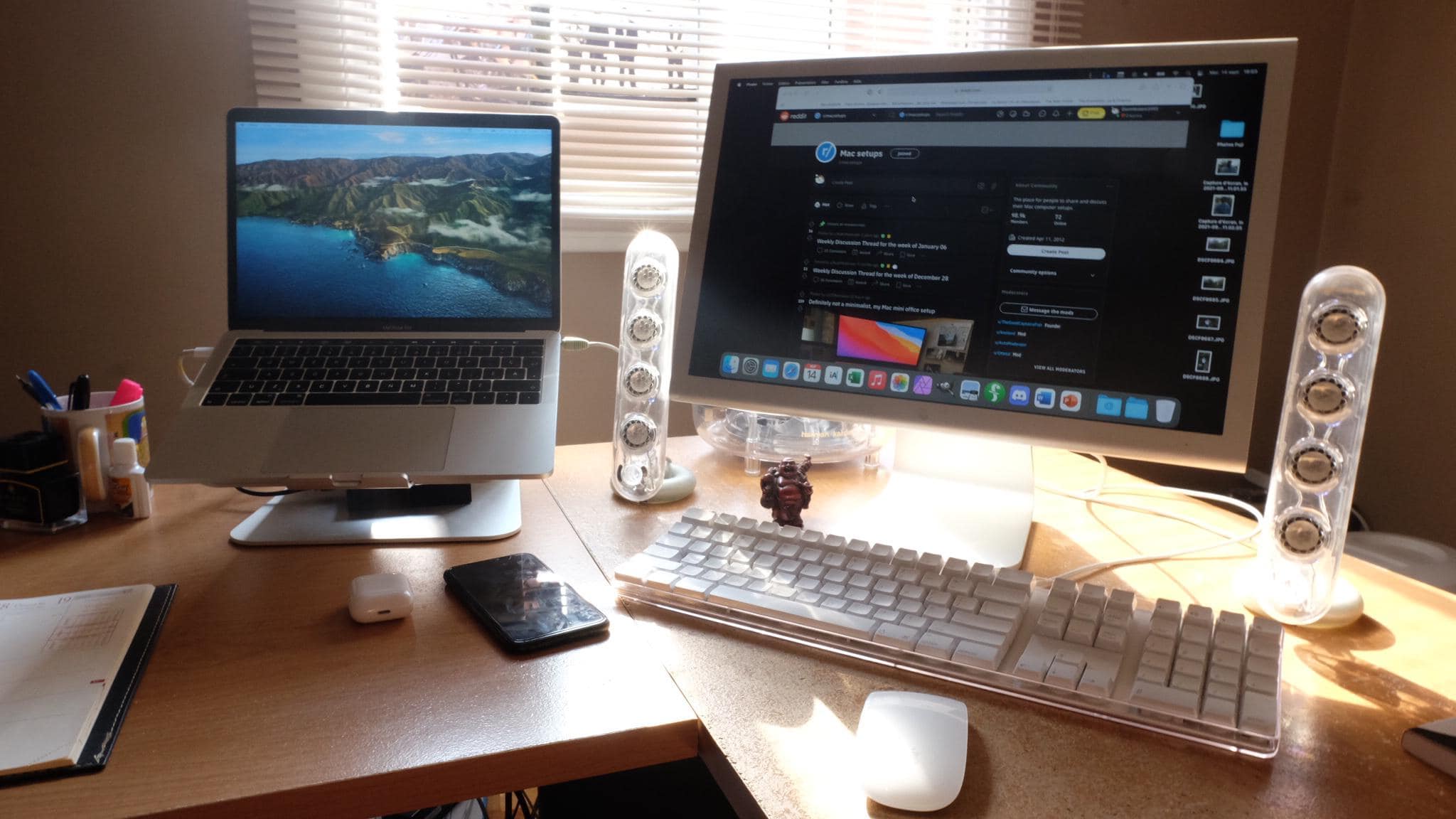
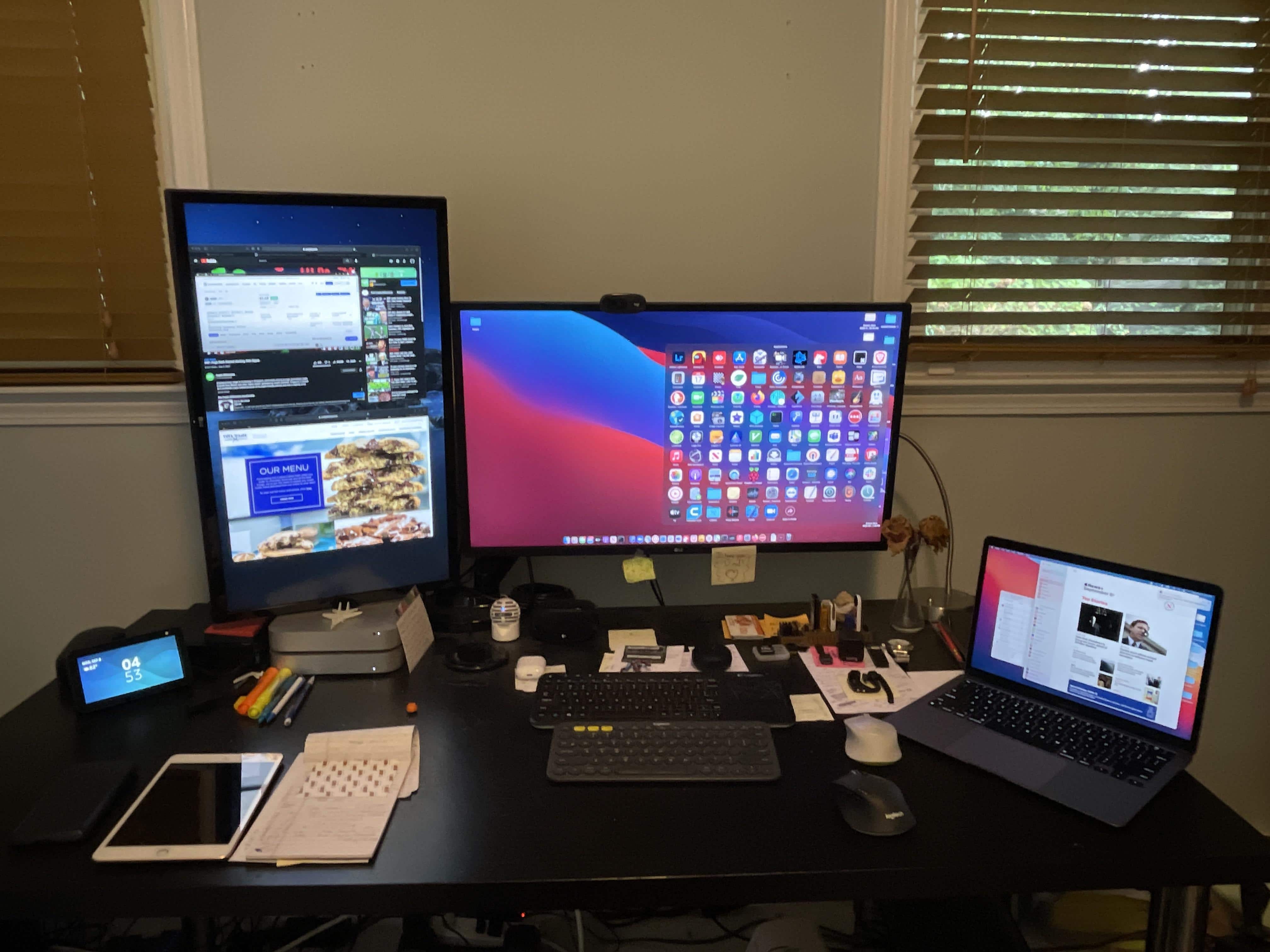
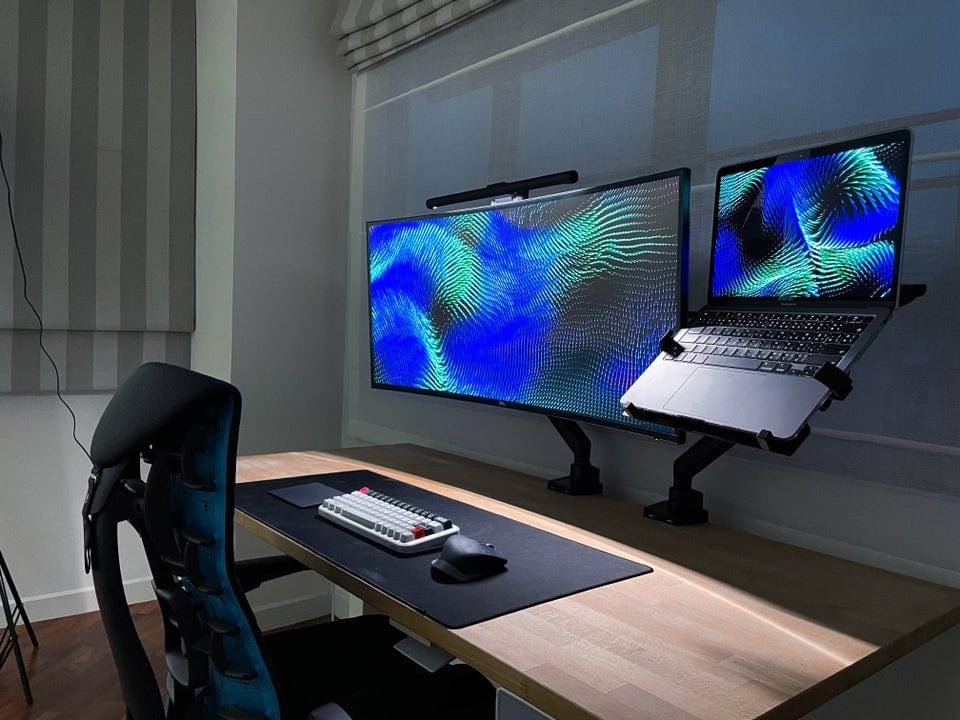
Not bad for something stashed in the corner of your kid's room.
Photo: [email protected]

In the ongoing discussion about whether a gargantuan ultra-wide monitor beats dual monitors or vice versa, some people still chime in favoring one modest display to either of the above choices. Of course, these days, “modest” can mean in excess of 30 inches, plus a lot of bells and whistles.

When you need something to dwarf your 24-inch iMac display [Setups]

By

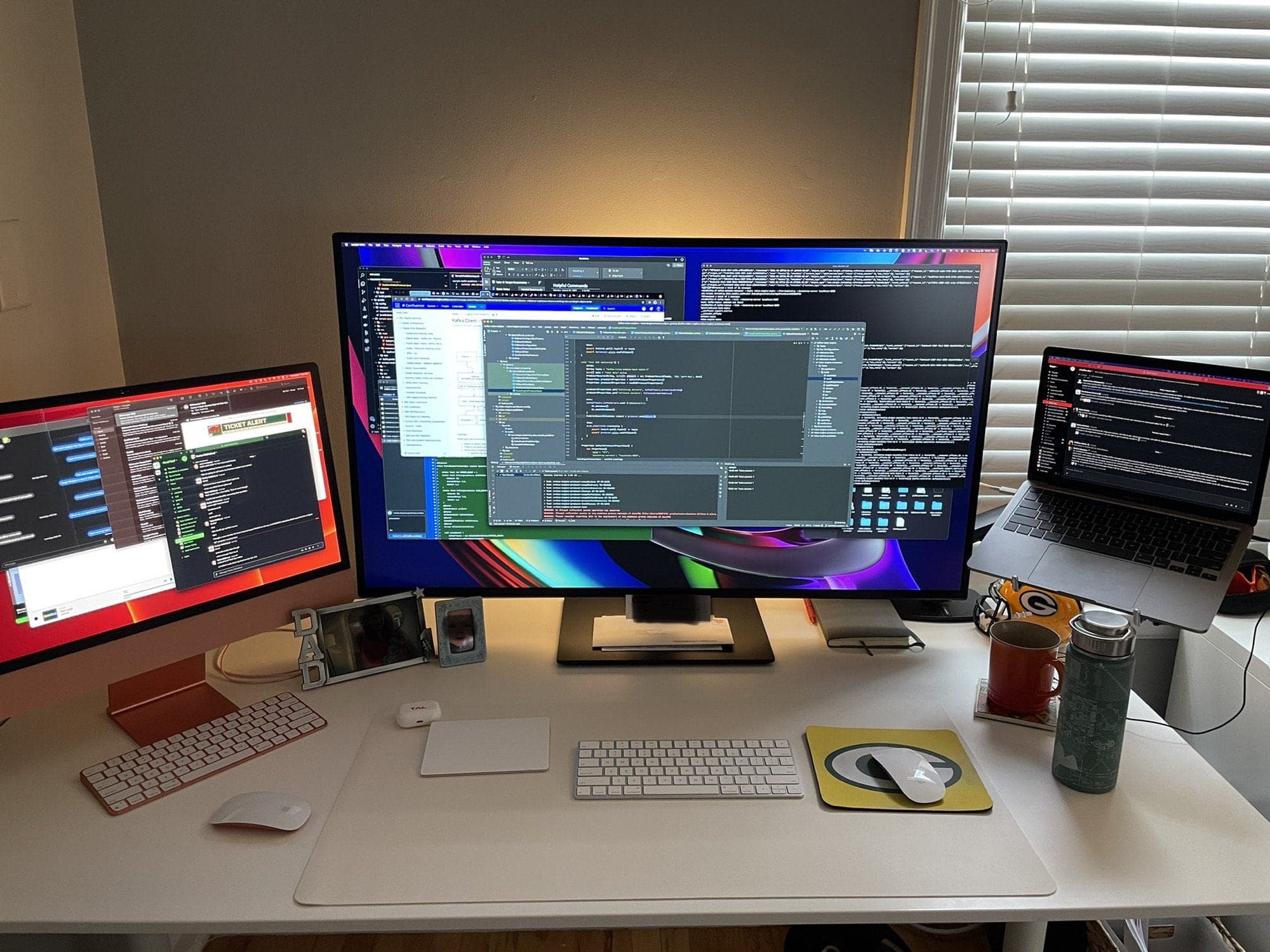
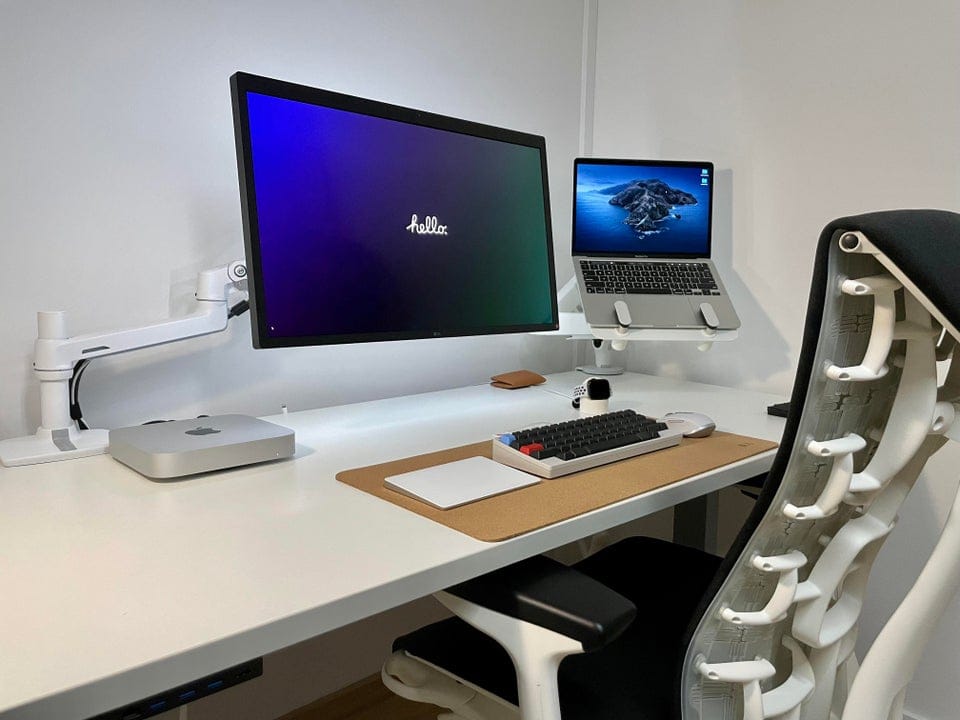
iMac and MacBook Pro, check. Massive display, check. Le Creuset mug, check.
Photo: [email protected]

Redditor Doyniish runs a Mission Control-looking workstation, thanks a gargantuan monitor in between a substantial 24-inch iMac display on the left and a MacBook Pro on a stand to the right. In the shot, they’re all festooned with open windows, making it look like all the work in the world is in progress at that particular desk.

Dual-display home office relies on built-in cable management [Setups]

By

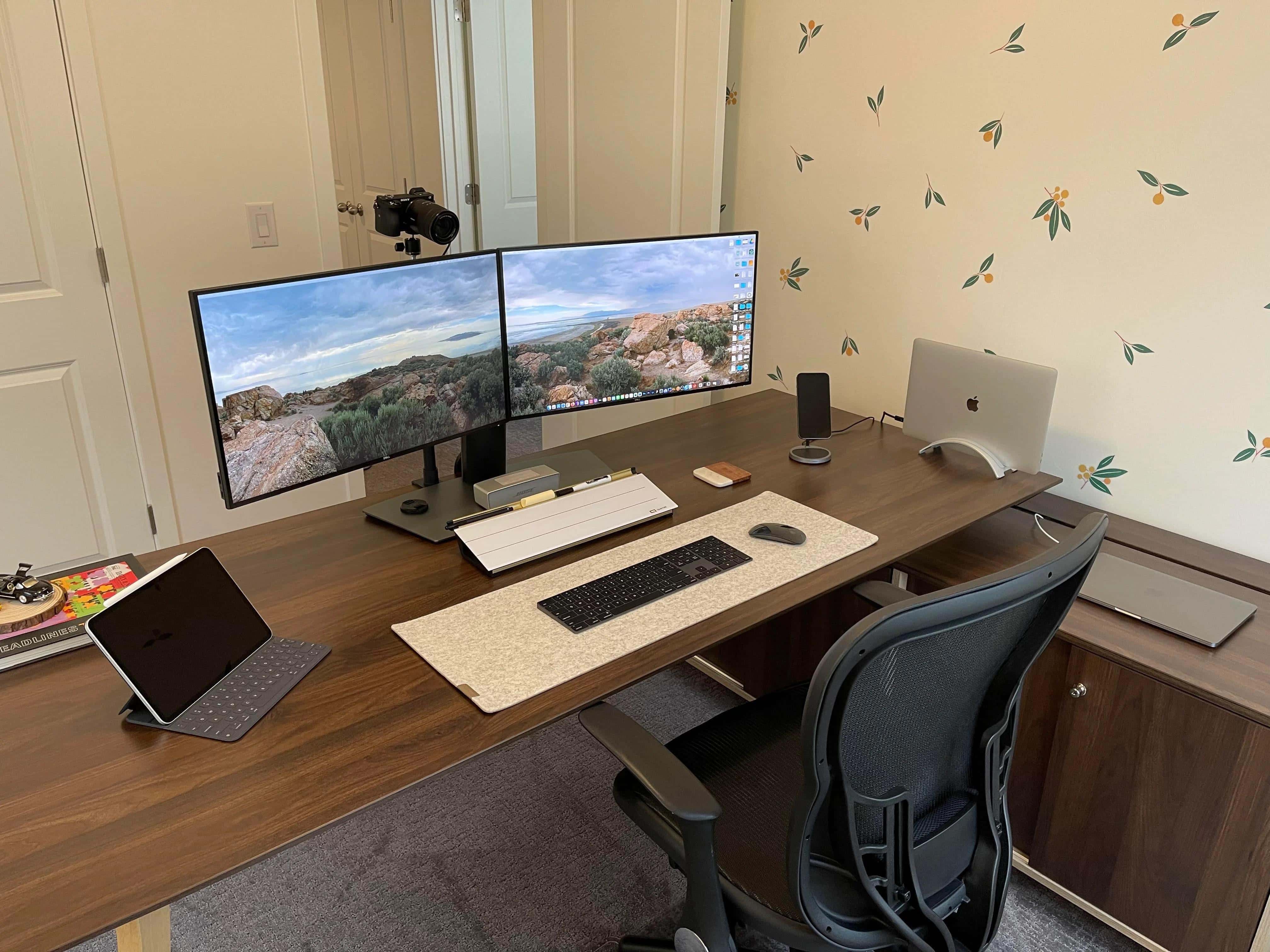
A dual display, dual MacBook Pro home office relies on built-in cable management.
Photo: [email protected]

Redditor baby-yoda-stan — Stan for short, let’s say — posted pics of his home office computer setup, which features dual Dell displays and a couple of Intel-powered MacBook Pro laptops. He credits the clean look to built-in cable management in some of his setup’s components.

Connect 4 USB-C accessories to your Mac with Satechi’s handy new hub [Review]

By

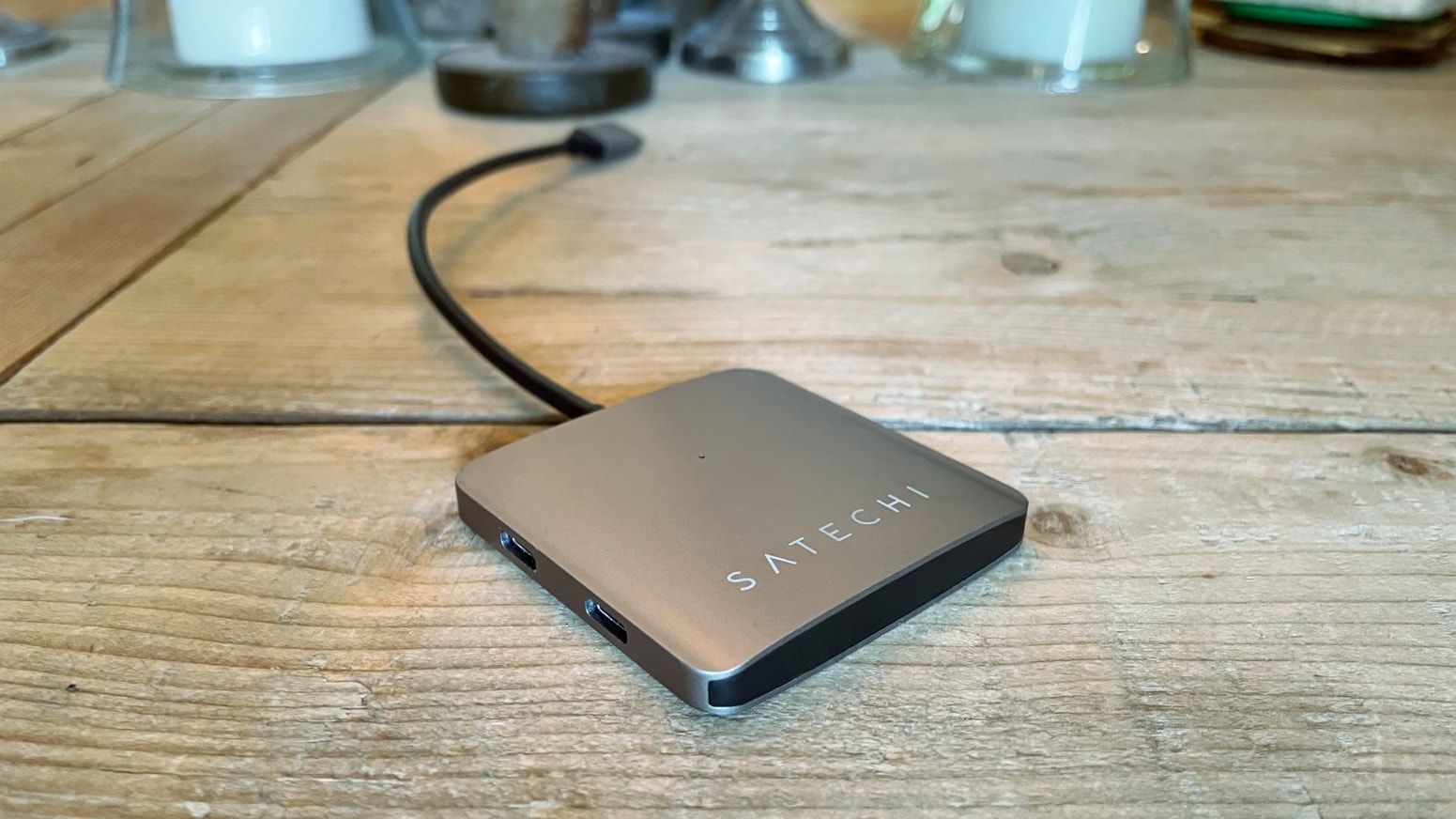
Satechi 4-Port USB-C Hub review
With the Satechi 4-Port USB-C Hub, you can add USB-C ports to your computer quickly and easily.
Photo: Ed Hardy/Cult of Mac

The Satechi 4-Port USB-C Hub adds a quartet of useful USB-C ports to your Mac or iPad. The days of struggling along with too few ports are over — you can finally connect as many accessories to your computer as you need.

I put Satechi’s new hub through some real-world testing. Here’s how well it works.

Ancient iBook, The Cult of Mac hardcover, Lego cars — what’s not to like? [Setups]

By

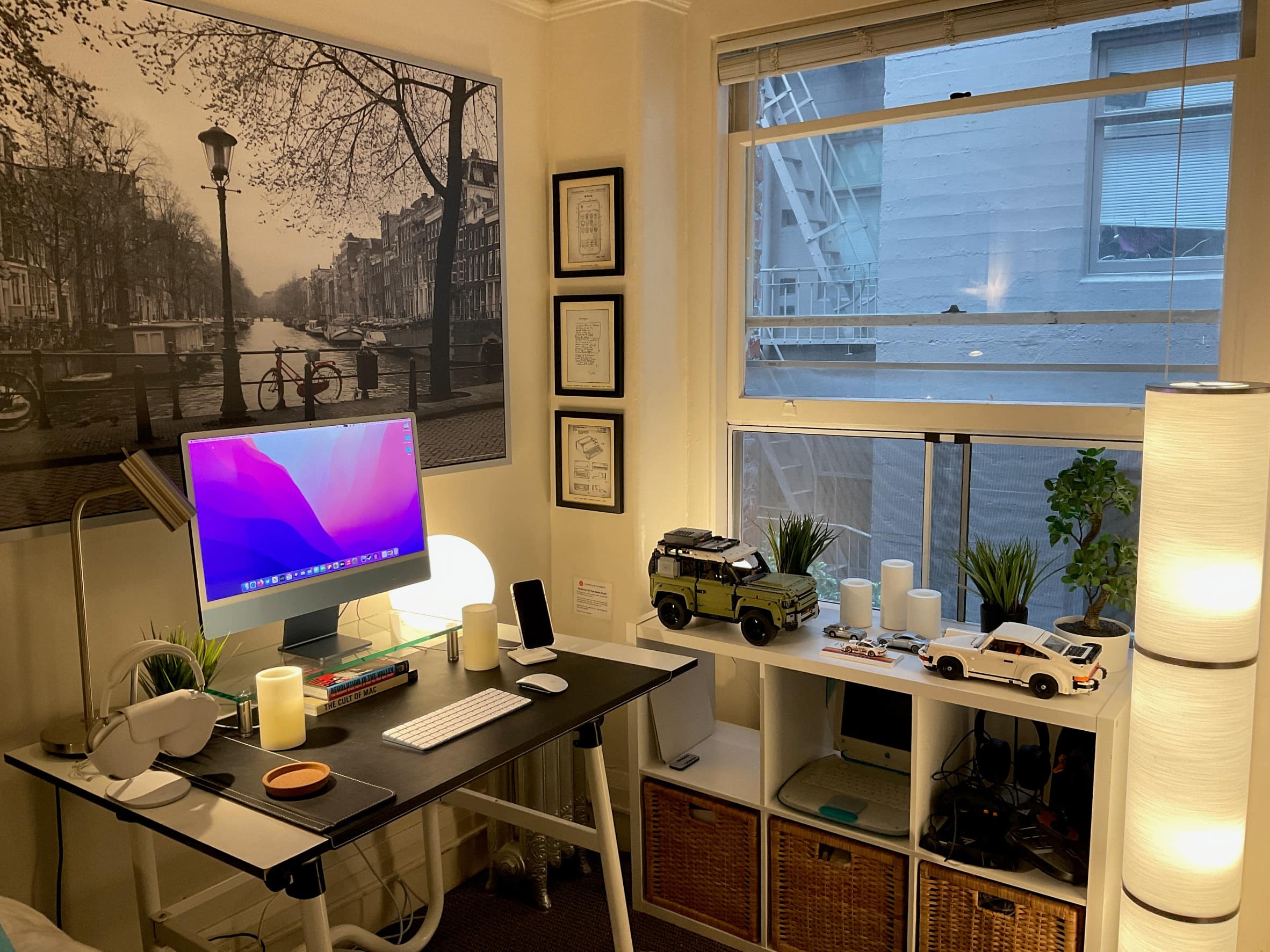
Spot the old iBook on the shelf to the right and The Cult of Mac hardcover under the display.
Photo: [email protected]

We last saw Redditor 17parkc after they took delivery of their lovely new blue 24-inch iMac in May. Now it looks like they moved to a new studio apartment with a few new toys. Actually, in one case, an old toy — an iBook from back in the day, sometime around the turn of this century.

Dock connects 5 displays to M1 MacBook Pro in ultrawide rig [Setups]

By

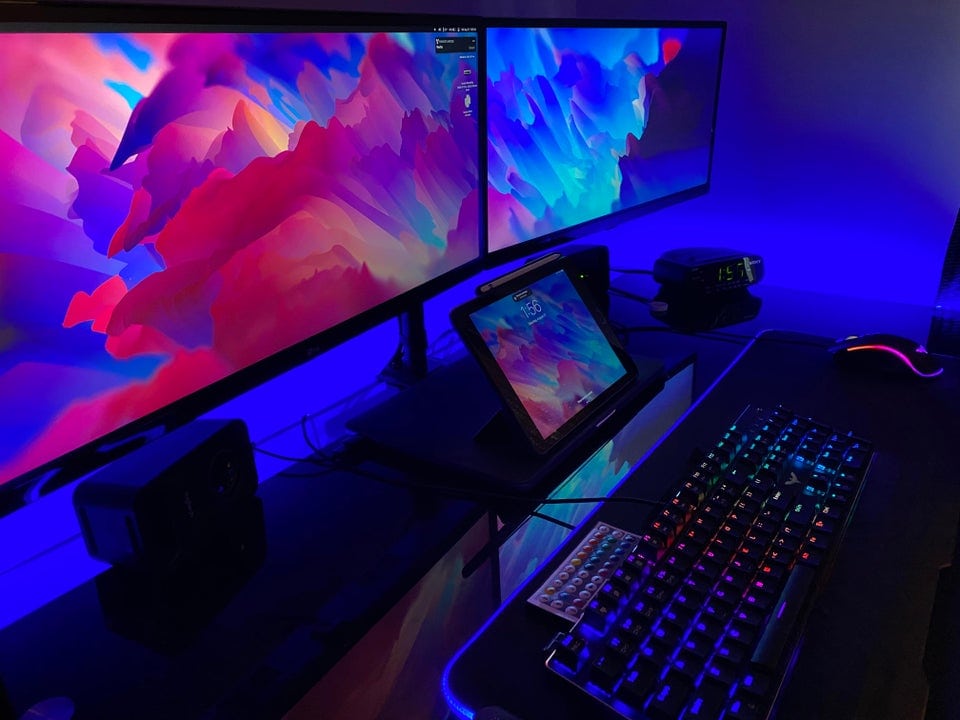
A pair of 25-inch ultrawide monitors and three other displays connect to an M1 MacBook Pro.
Photo: [email protected]

Redditor Parmg100 runs his M1 MacBook Pro with enough displays to make most Mac owners do a doubletake. He said he manages to connect five displays, including two ultrawide monitors. Naturally, Redditors showed some curiosity about how he does it, given the MacBook Pro’s limitation on connecting external displays.

1 78 79 80 81 82 144