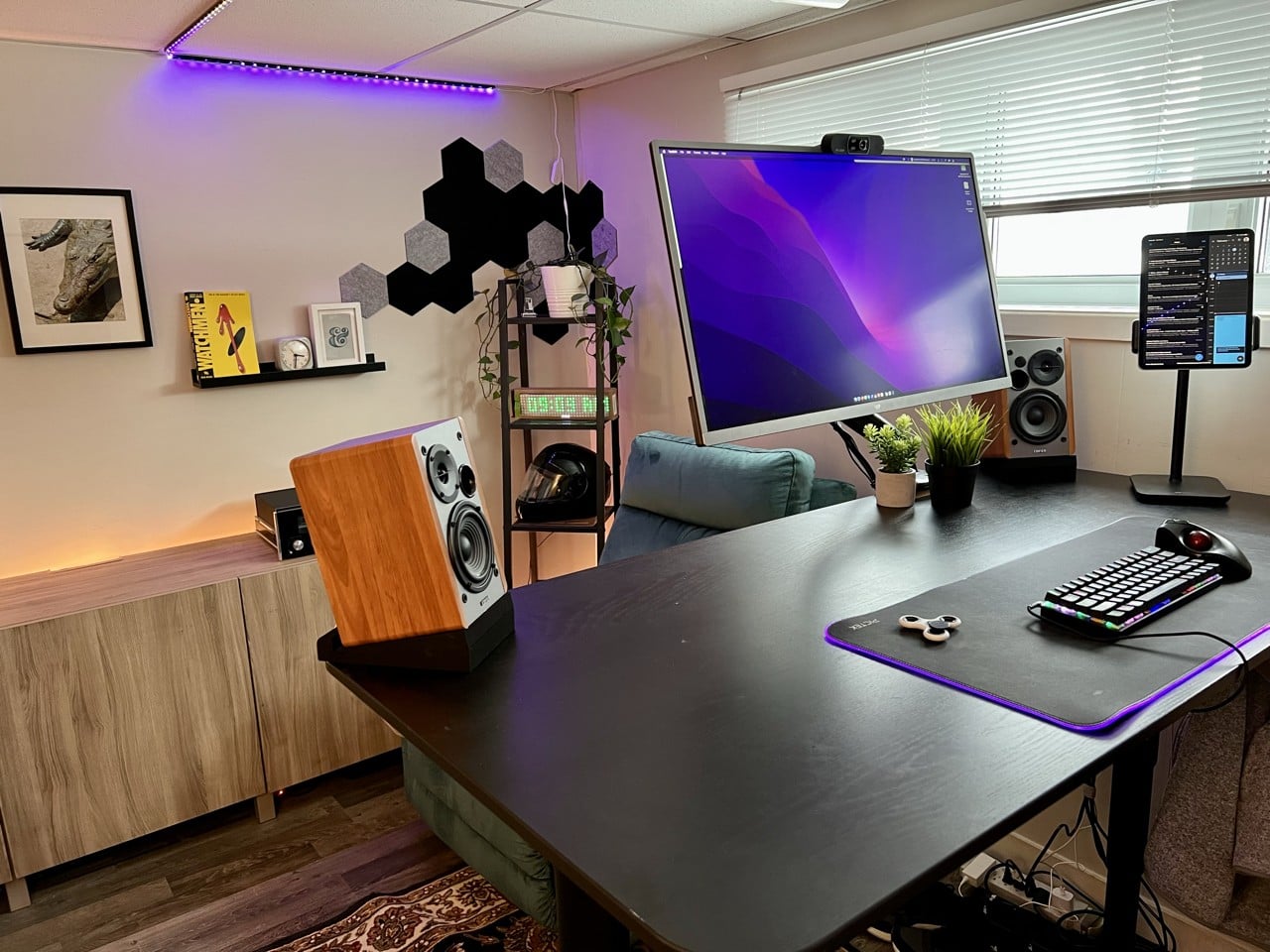
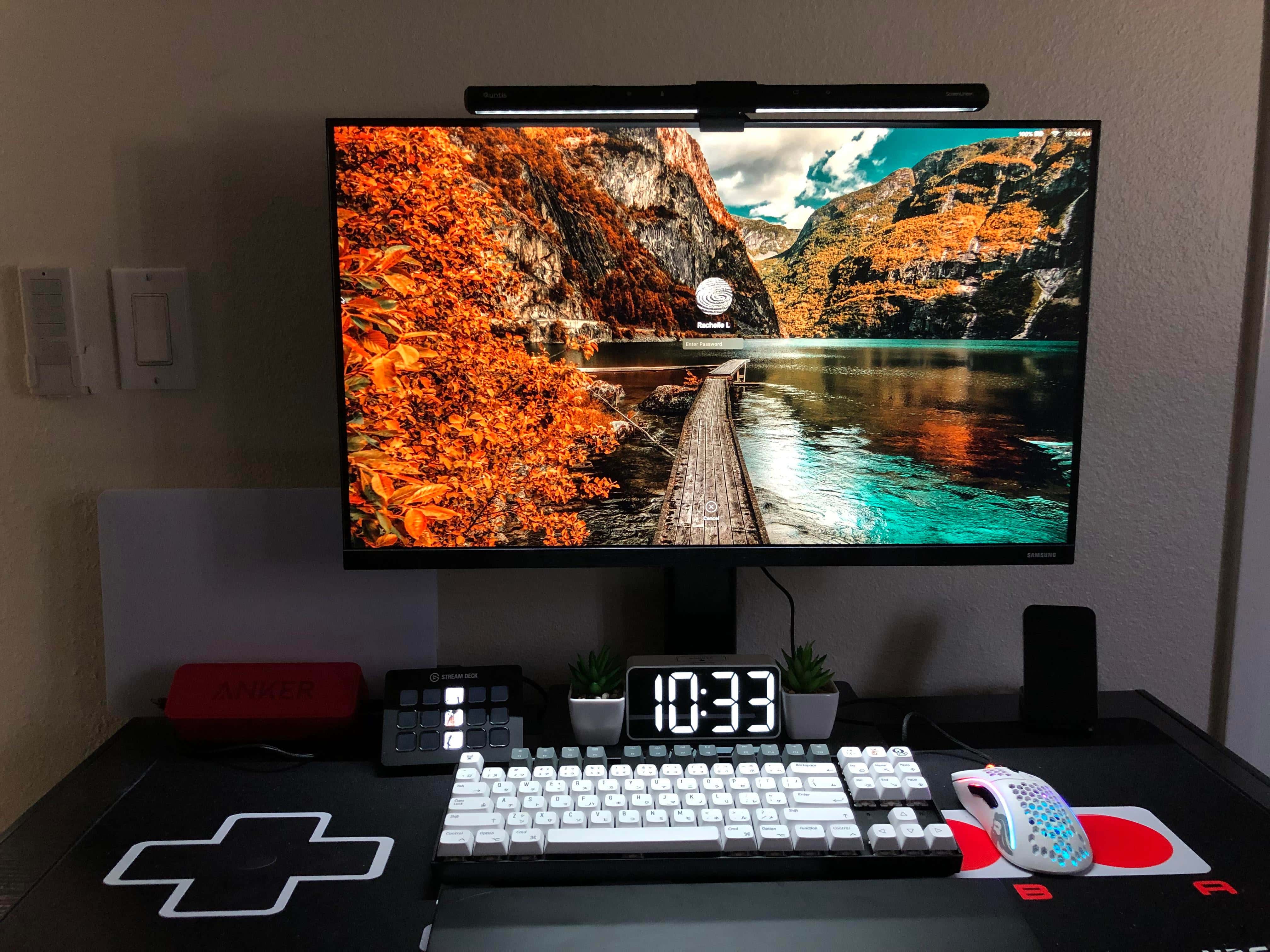
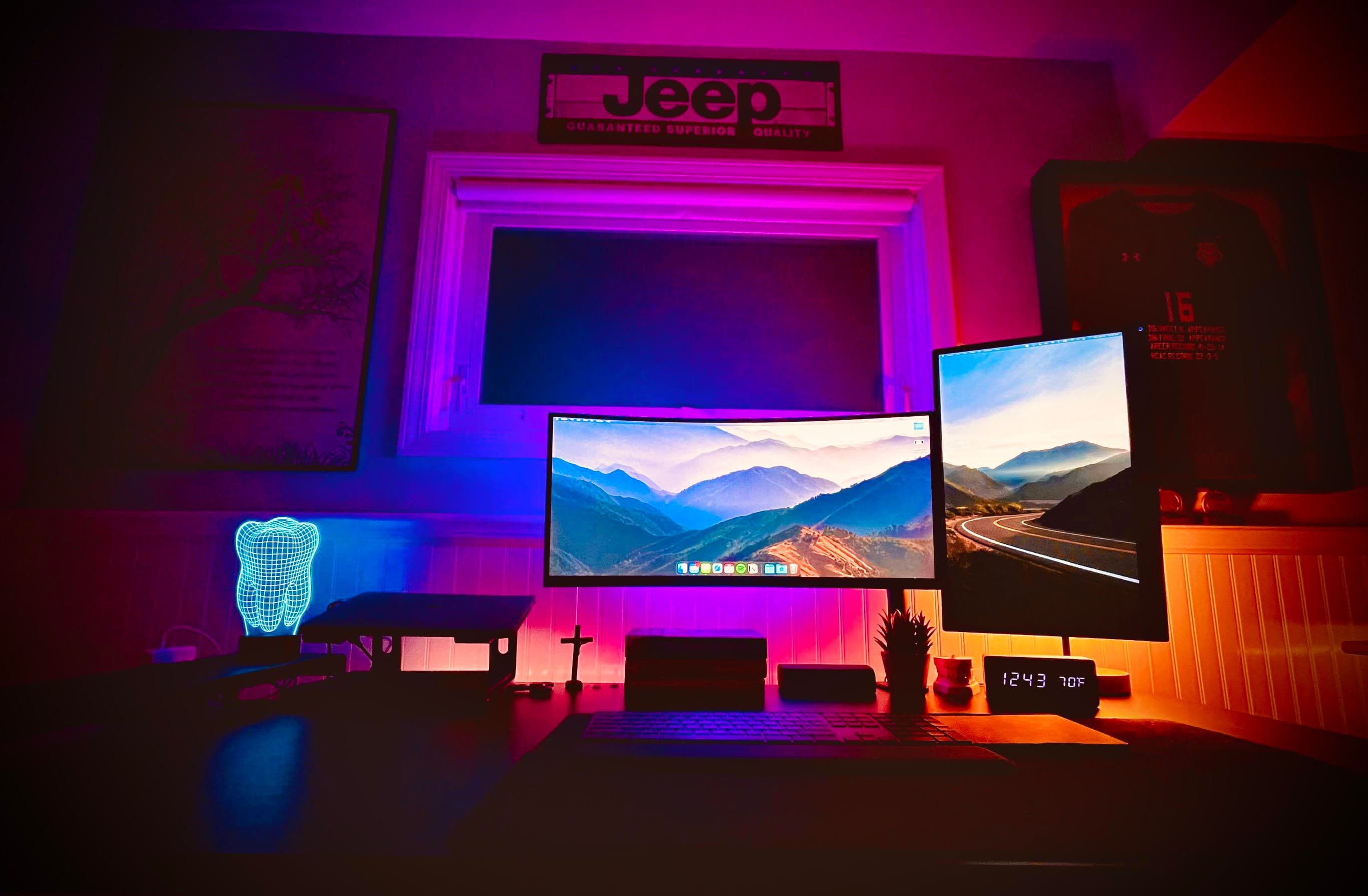
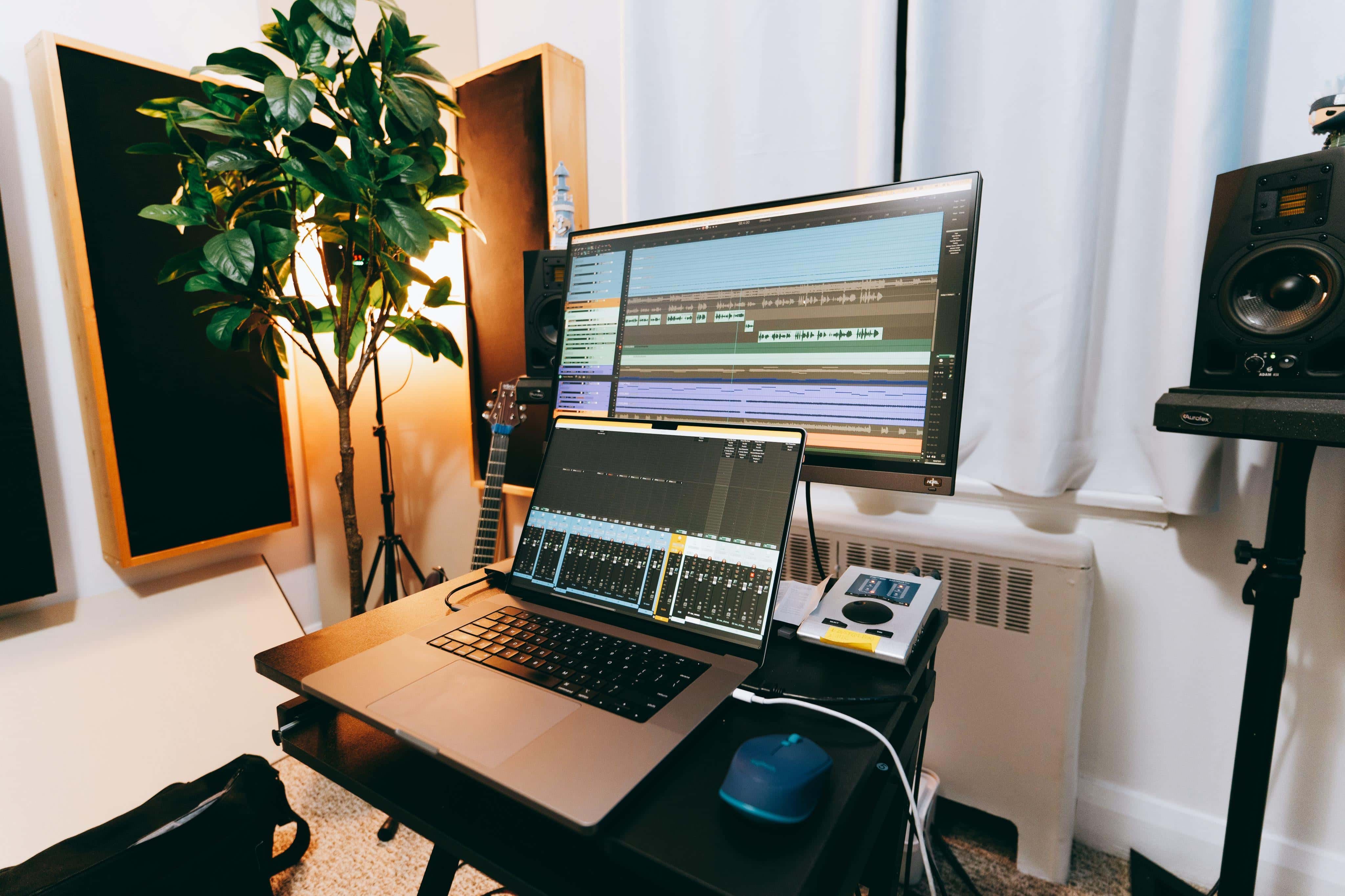
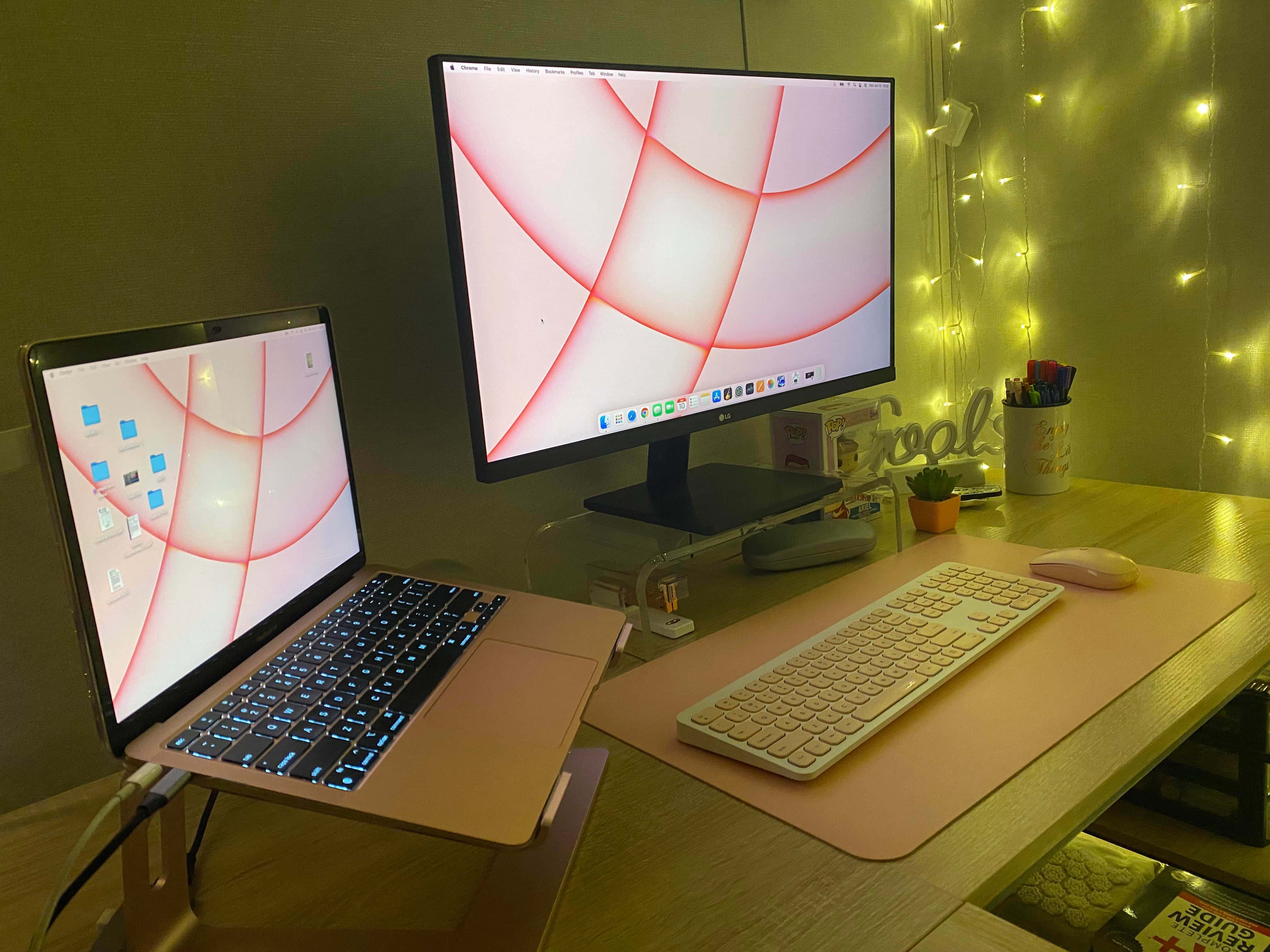
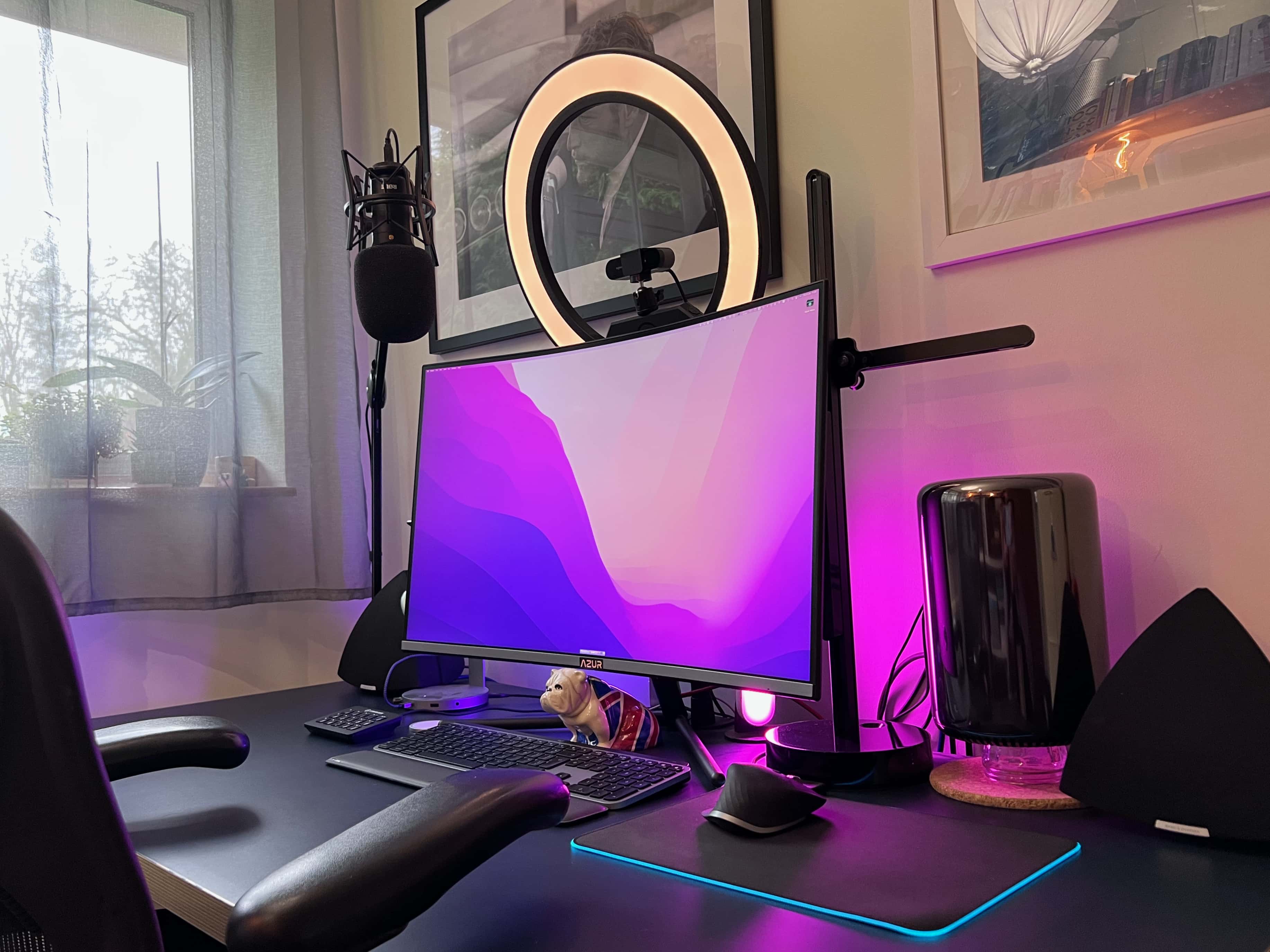
After seven years working at home, Derek Seaman built this computer setup. Photo: Derek Seaman
Blogger Derek Seaman may be an IT systems architect in his day job, but he also designs and builds advanced computer setups. That is, if his home office is any indication. Which it is.
He shared his MacBook Pro-driven workstation — actually, the whole room — with Cult of Mac recently.
Two items that set this setup apart are the iPad stand and the elevated Edifier speakers. Photo: [email protected]
When you spend loads of time at a desk, it’s natural to wonder how you might remain chained to it but still somehow get exercise. That’s why under-desk treadmills exist, of course. But can you really get things done while walking in place?
Today’s featured M1 MacBook Pro setup answers the question and offers up a couple of other tantalizing tidbits, like a killer iPad stand and affordable bookshelf speakers with isolation pads.
This is the desktop in unprotected mode. Down, Fluffy! Photo: [email protected]
Anyone with a curious cat knows the desktop can be one of their favorite spots. Sometimes it’s like they’re trying to ensure you can’t work, as they sit or stretch out right on top of the keyboard or in front of the screen. And that’s just when you’re sitting there. Who knows what they do when you’re away. Other than dreaming up other ways to hasten your unemployment.
Lucky for you, today’s featured computer setup shows a simple method for protecting peripherals like input devices — keyboard, mouse, perhaps a trackpad — from pushy pets. And if you’ve got canines, take heart. It also works for dog slobber.
This web hosting subscription is a no-brainer choice for your site. Photo: Cult of Mac Deals
If you’ve been shopping around for the ideal web hosting platform, look no further than this Bono Host Unlimited Plan: Lifetime Web Hosting Subscription. It offers a comprehensive way to host unlimited domains, with a feature-rich control panel that offers the most robust capabilities while also providing the best bang for your buck.
Thanks to Edison bulbs and Govee light strips for all these colors. Photo: [email protected]
Some computer setups knock your socks off with lighting. It can be tasteful, warm, welcoming and conducive to work without eye strain. It can be bright, inventive and dazzling, like fantastic decorations. Or, as in today’s MacBook Pro-based featured setup, it can be either one of those, depending on both choice of settings and time of day.
The light show in today’s workstation derives from two sources, or schemes. One involves two very different table lamps. The other involves LED light strips.
In terms of proper ergonomics, the "before" photo set off some alarm bells. Photo: [email protected]
If your computer setup had three screens, including a MacBook Pro, an iPad and a 32-inch external monitor, would you make the iPad the center screen? Would you put your screened devices on stands, or leave them at or near table level? Today’s setup saw a transition that might actually save its owner from years of physical therapy.
“This is what neck pain would look like if it were a setup,” someone said about the “before” photo, above.
The audio engineer who uses this setup calls their 16-inch M1 Max MacBook "an absolute beast" on the music production front. Photo: [email protected]
Here at Cult of MacSetups Central, we’ve looked fairly closely at quite a few audio-centric workstations used by the likes of sound designers, video mavens and plain ol’ music fans. Today’s featured setup, with a souped-up 16-inch M1 Max MacBook at its core, belongs to an out-and-out audio engineer from Canada named James.
Basic Apple Guy's setup, the "kitchen edition," needs to be easy to clean and move. Photo: BasicAppleGuy.com
Blogger Basic Apple Guy, whom we’ll call BAG, has been an Apple fan since high school shop class, when he convinced the teacher that making an iMovie on the teacher’s iMac G3 should fit into the curriculum. Now, decades later, BAG’s passion lives on. It showed when he recently shared one of his computer setups, the “kitchen edition.”
You don't have to spend a lot to have a highly functional and attractive computer setup. Photo: [email protected]
With all due respect to some of the whiz-bang, over-the top computer setups we’ve looked at here at Cult of Mac, you don’t have to spend a zillion bucks and a year of your life putting together a highly effective workstation.
Today’s featured setup is not without flair and it gets the job done — all for the price of an M1 MacBook Air plus a few hundred bones, more or less.
Another trash can Mac Pro is still doing its thing. Here you see it elevated to help with cooling. Photo: Andrew-UK
Reader and technologist Andrew (last name redacted, so to speak) runs a “boutique AV, IT [and] cyber systems integration company from a home office” in London — though he supports sites worldwide. Clearly, he has a lot to do.
And he does it using a late-2013 Mac Pro he fondly said should be on the Death Star from Star Wars, plus a 2017 MacBook Pro he described to Cult of Mac as “perhaps the worst-constructed laptop I have ever owned.”