Mobile menu toggle

Search results for: SSD

What to check before you power on an old Macintosh

By

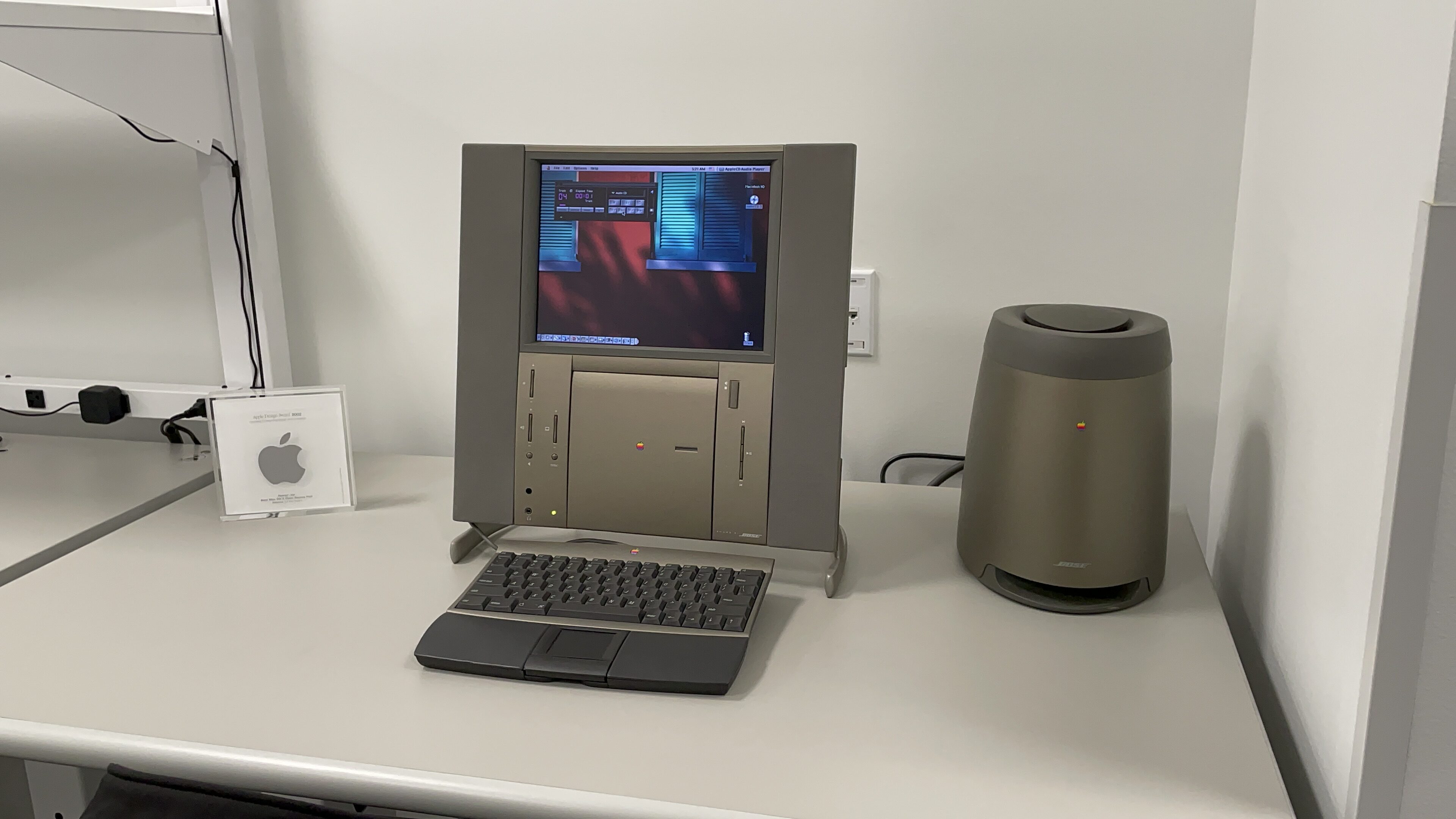
An unexpected find in this room was a Twentieth Anniversary Macintosh.
Hold up, you don’t want to ruin a rare Twentieth Anniversary Macintosh — take some precautions first.
Photo: D. Griffin Jones/Cult of Mac

When you pick up a classic Macintosh (or a vintage computer of any kind) that hasn’t been used in a while, you need to check it out before plugging it in and turning it on. Capacitors on old motherboards fail and leak over time; you DO NOT want to run power to a computer if this has happened; you could easily fry the motherboard.

Collecting old computers is a lot of fun. You can use old versions of Mac OS in emulators online, but it’s nothing compared to the experience of setting up a heavy machine on your desk, hearing the fans and disk drives whir to life and watching a fuzzy CRT display fade in from black. If you’re new to this (rather expensive) hobby, you can also check out my earlier piece on how to get started — what to look for, what to watch out for and where to shop.

So, you are the new custodian of a classic computer. What should you do before you power it on for the first time?

Friday only: $300 off 14-inch 2021 MacBook Pro with 32GB RAM

By

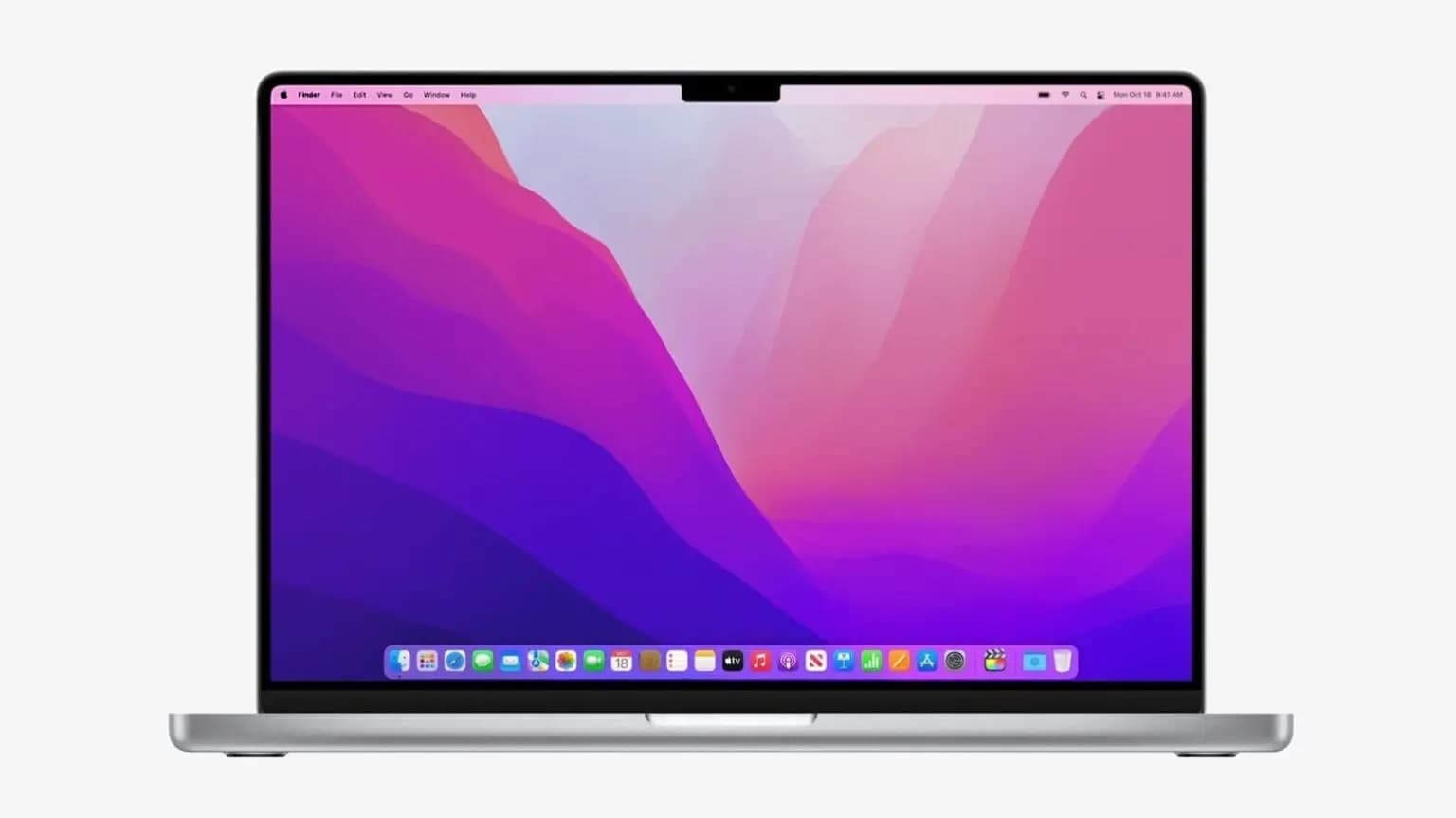
The 2021 M1 Pro MacBook Pro will last you even longer with 32GB of RAM.
Photo: Apple

The 2021 14-inch M1 Pro MacBook Pro with added memory is a popular choice, and Friday you can get a configuration with 32GB of RAM for about $300 less than usual prices at Woot!, owned by Amazon.

The configuration is a winner because folks know you can’t easily add integrated memory later to most Macs, so why settle for the base 16GB for that model?

Beware, though, the sale ends just after midnight in Saturday’s wee hours.

eGPU helps keep Intel Mac mini afloat in shipshape workstation [Setups]

By

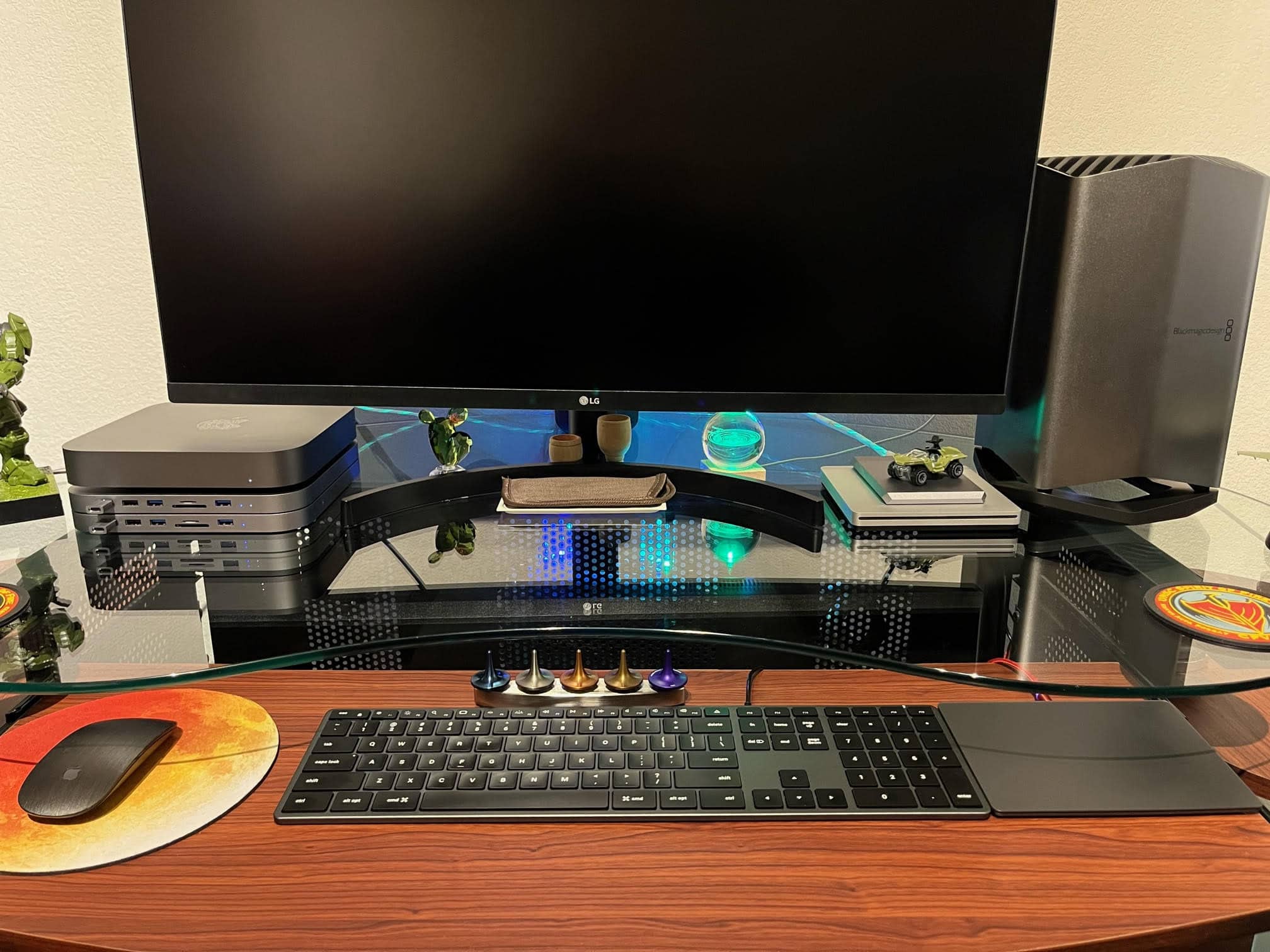
An Intel Mac mini sits atop Satechi hubs to the left of the LG 4K display. An eGPU with a potent graphics card stands to the right.
Photo: Hal Howell

Retired Navy Chief Petty Officer Hal Howell recently shipped his computer setup to Cult of Mac for inspection, so to speak. He emailed photos and words, anyway.

He runs an Intel Mac mini with an outboard engine of sorts on it for extra graphics processing power, plus Satechi USB-C hubs with extra ballast (er, storage).

Check out the full manifest of the Navy man’s gear below.

Grab an M1 Max 16-inch MacBook Pro at a steep discount before they all disappear

By

Apple preps subscription service for iPhone, Mac and more
Save your money and get the M1 Max MacBook Pro instead of the M2 model.
Photo: Apple

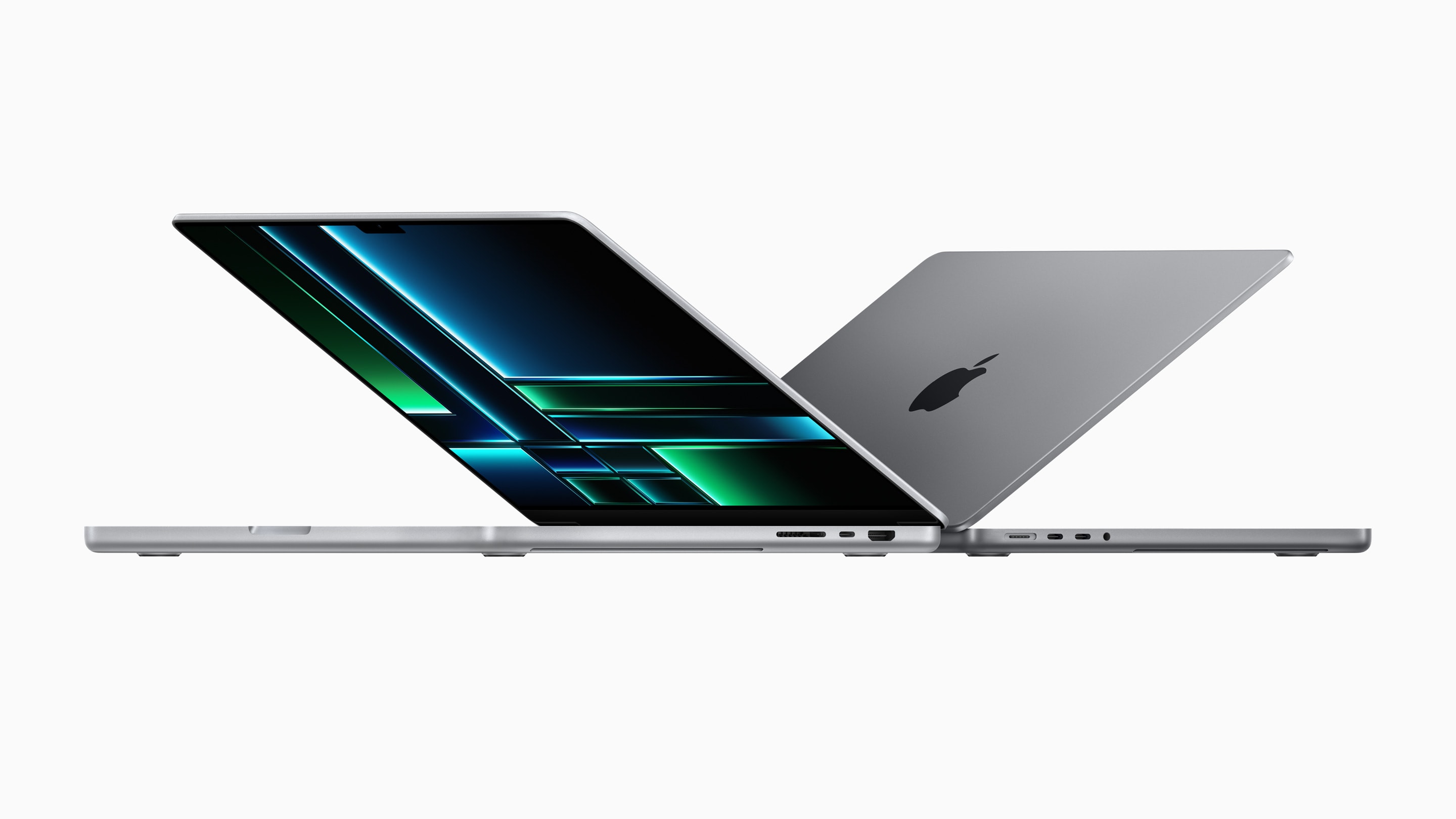
Apple’s 2023 16-inch MacBook Pro featuring its M2 Pro/Max chips are blazing fast. But if you don’t need all that power, you can save up to $500 by opting for the 2021 16-inch MacBook Pro.

Amazon is selling the 16-inch MacBook Pro with M1 Pro and M1 Max chips at a steep $500 discount.

Save sweet $50 on your 2023 MacBook Pro pre-order

By

2023 MacBook Pro.
Apple's M2 Pro MacBook Pros are available with a $50 pre-order discount.
Photo: Apple

Apple’s new M2 Pro MacBook Pros are already available with a sweet $50 pre-order discount on Amazon. The deal is available on the entry-level 2023 14-inch and 16-inch MacBook Pros.

The discount drops the price of the 14-inch MacBook Pro to $1,949 from $1,999. Similarly, you can get the 16-inch MacBook Pro for $2,449, down from $2,499.

Souped up MacBook Pro centers super-symmetrical setup [Setups]

By

There's nothing like a warmly lit, super-symmetrical setup.
There's nothing like a warmly lit, super-symmetrical setup -- especially if it has two Studio Displays.
Photo: [email protected]

When it comes to computer setups, social media loves symmetry. People often praise perfectly symmetrical setups and plenty of folks kind of freak out if anything’s even slightly askew, often supplying their own joking references to obsessive-compulsive disorder, or OCD.

In today’s warmly lit and well-organized workstation, a high-spec MacBook Pro drives dual Studio Displays. And pairs of other items in the room contribute to the overall symmetry.

Apple silicon Mac Pro might not feature user-upgradeable RAM

By

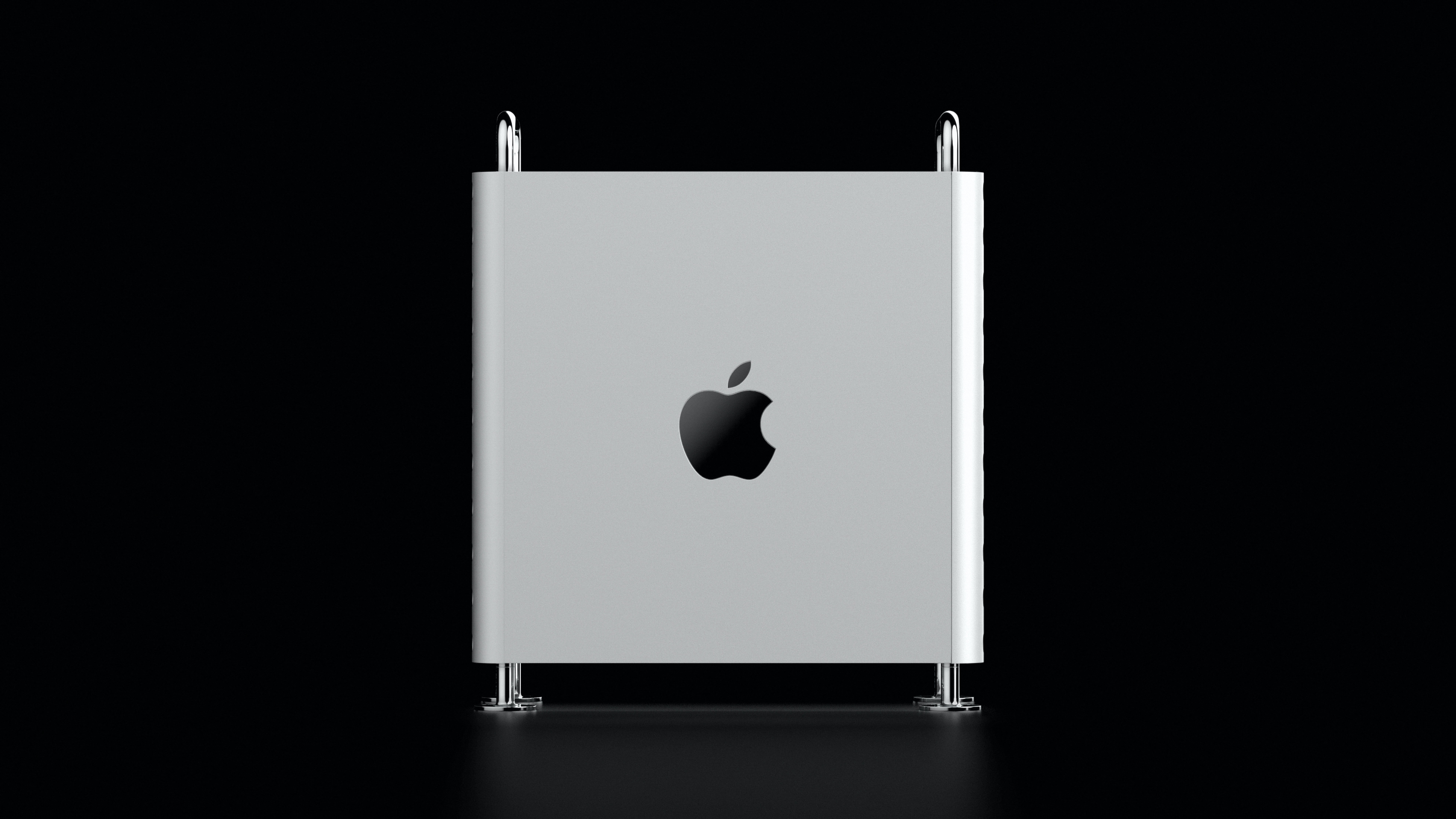
Side look at 2019 Intel Mac pro
The upcoming Mac Pro could look like this.
Photo: Unsplash

Contrary to rumors, the upcoming Apple silicon Mac Pro might disappoint many in the design department. A new report suggests the forthcoming Mac Pro refresh will have the same design as the 2019 Intel-based model.

The Apple silicon Mac Pro is widely expected to launch later this year. It would stand out in the Mac lineup by offering a certain degree of user upgradability but come with non-upgradeable system memory.

New Satechi Thunderbolt dock scores CES Innovation Award

By

New Satechi Thunderbolt dock scores CES Innovation Award
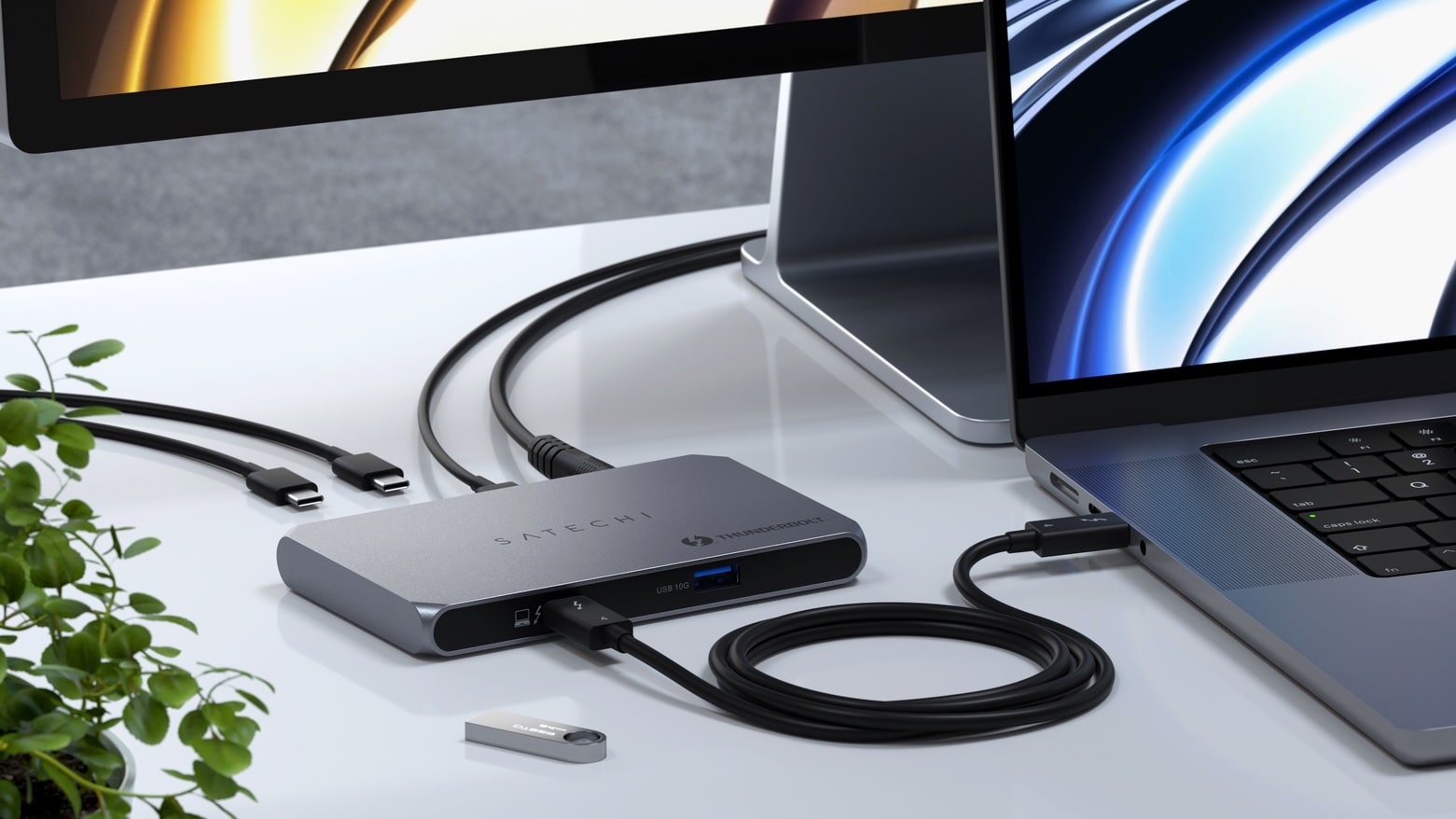
You can never have too many Thunderbolt 4 ports.
Photo: Satechi

The Satechi Thunderbolt Slim Hub brings a trio of very high-speed ports to a Mac, plus it has a USB-A port for other accessories. It’s good enough to earn a CES Innovation Award.

Satechi also used the Consumer Electronics Show to announce a 6-port charger and a USB4 NVMe SSD enclosure.

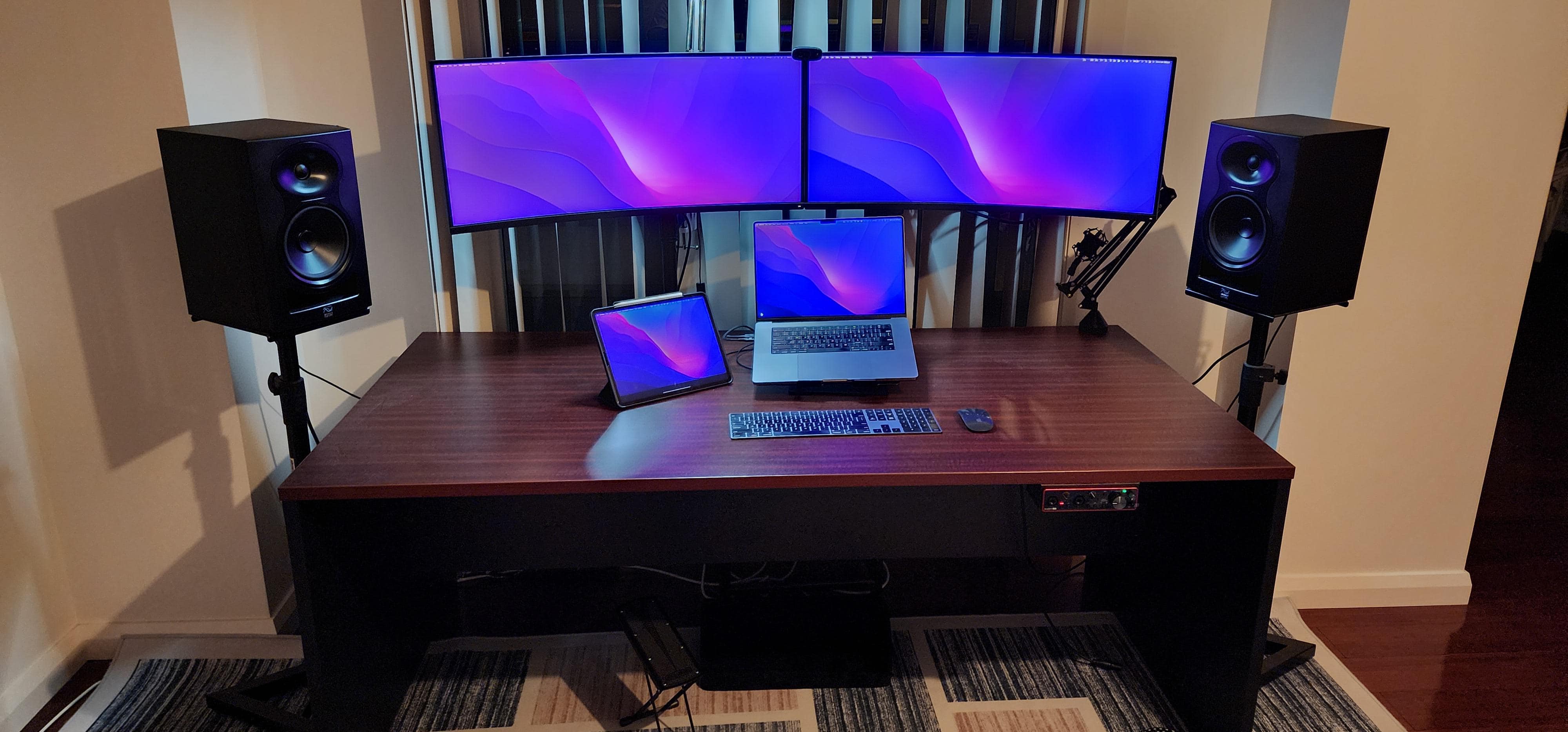
M1 MacBook Pro conducts ‘ultra-minimalist’ home audio ensemble [Setups]

By

Does this computer setup look
Does this computer setup look "ultra-minimalist" to you?
Photo: [email protected]

Some computer setups are simply music to our ears — almost literally, in some cases. Today’s featured setup sees (and hears) an M1 MacBook Pro playing frontman to a band that includes a few pieces of key audio hardware and software as well as dual curved ultra-wide external displays.

And whether or not it’s “ultra-minimalist,” as stated by the user — it’s not, by almost any definition of computing minimalism — it appears relatively spare and effective.

1 60 61 62 63 64 144