Mobile menu toggle

Search results for: SSD

‘Mac setup in a box’ is a dual-Mac Studio powerhouse [Setups]

By

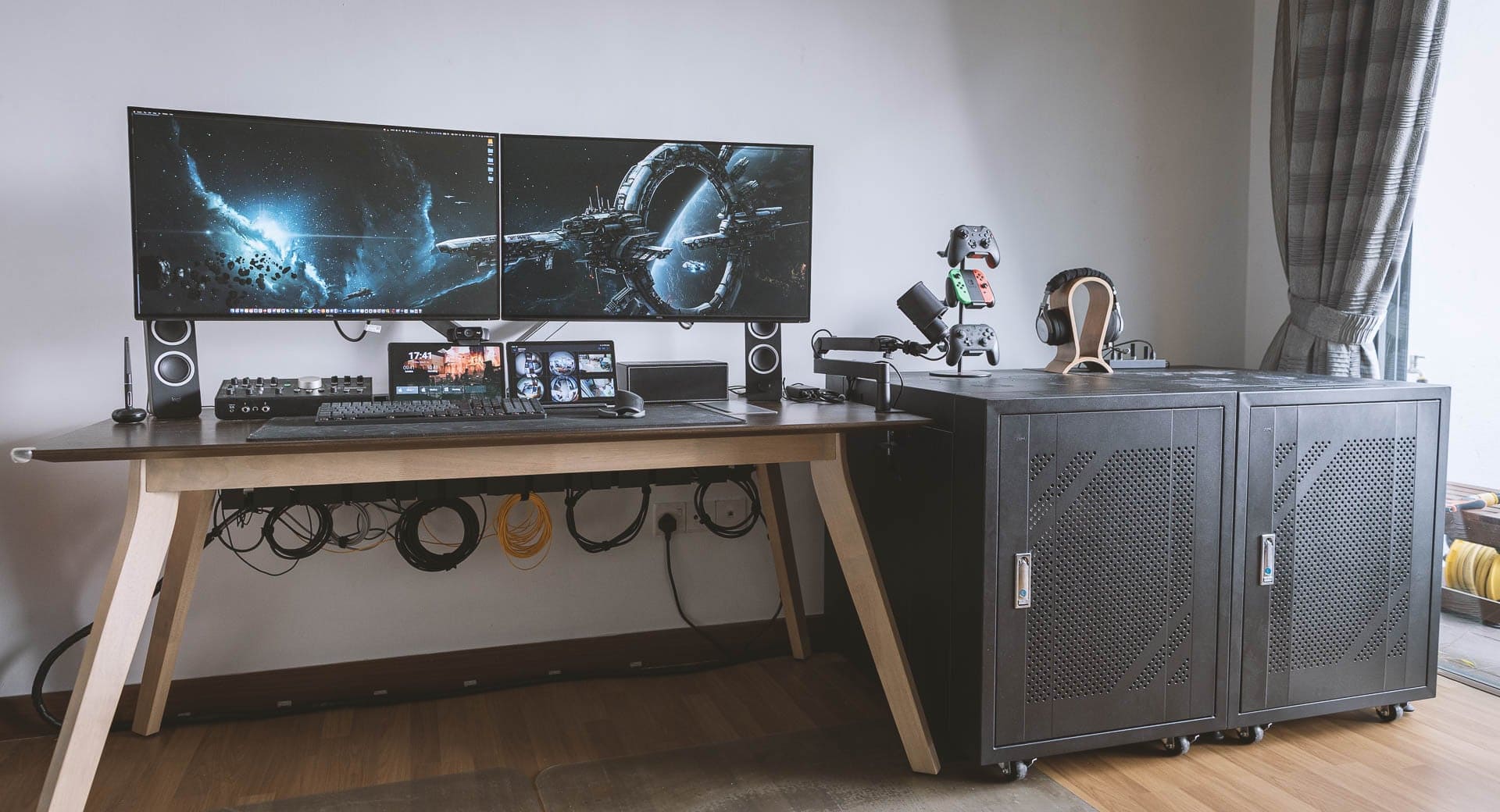
The cabinet on the right holds the computers and more.
Photo: [email protected]

We enjoy a lot of variety in our computer setups coverage, from the ultra-minimalist to the mega-maximalist. Today’s featured rig sports two pumped-up Mac Studios, two old Mac Pro “trash cans,” a gaming PC, dual displays and a tremendous array of audio gear.

It falls in the latter category, obviously (“mega”). The lengthy gear list below doesn’t even cover everything in the powerhouse workstation, but it covers all the key elements.

2023 16-inch MacBook Pro drops to lowest-ever price

By

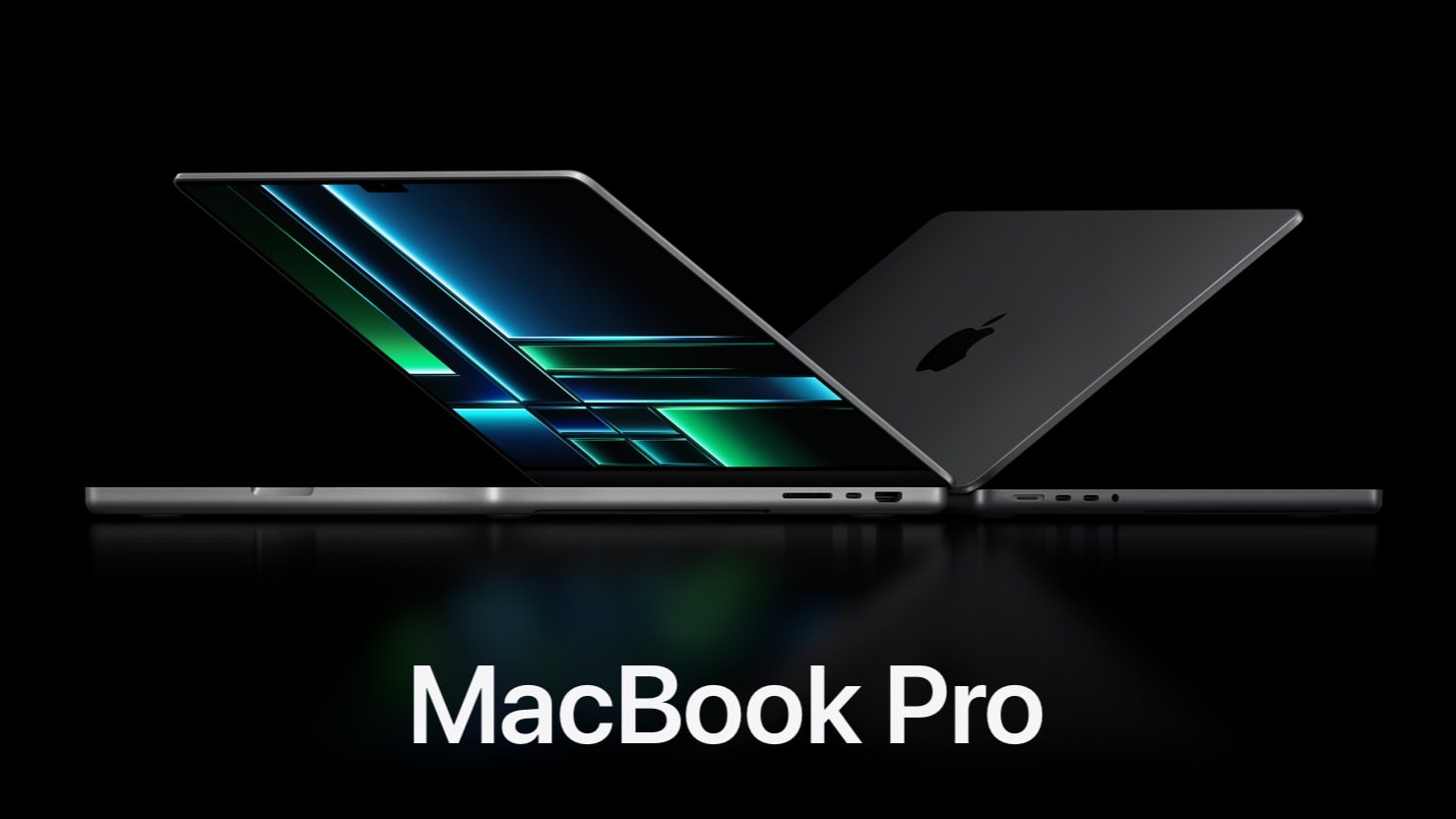
2023 MacBook Pro in 16-inch and 14-inch sizes
Apple's 2023 16-inch MacBook Pro gets a massive $200 discount.
Photo: Apple

Just two months after its release, the 16-inch MacBook Pro is down to its lowest-ever price after a $200 discount

Right now, you can get the entry-level 16-inch MacBook Pro for $2,299, down from $2,499. A similar deal is available on the 1TB and M2 Max models.

An overpowered gas arm is ready to launch this MacBook Pro [Setups]

By

The bass player running this rig said the mount's gas arm is a little over-eager.
Photo: [email protected]

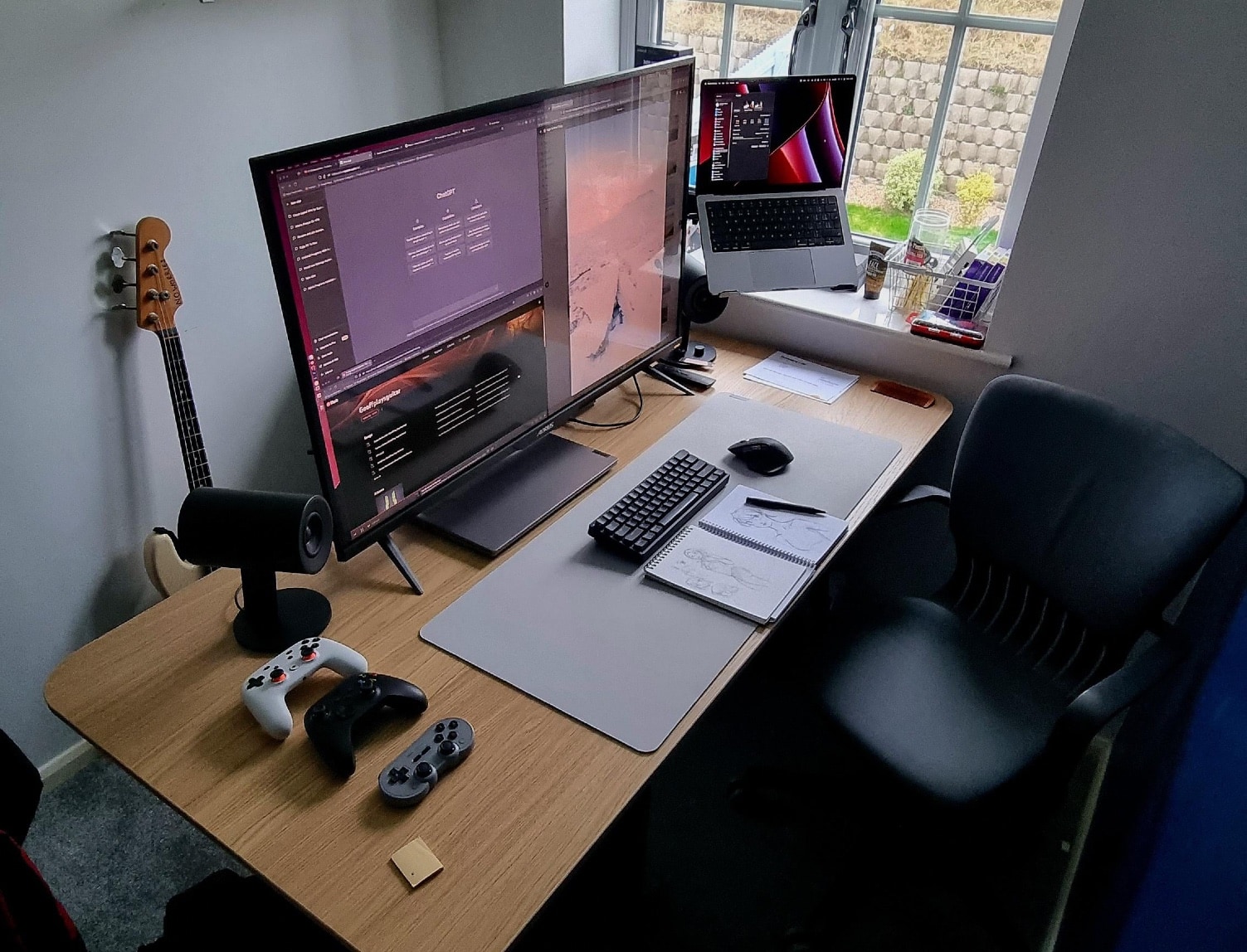
We recently talked about what a boon to computer setups stands and mounts usually are — but not when they cause problems. Today’s featured M1 MacBook Pro setup is an interesting example. The bass player who runs it said the gas-powered arm of the mount where the laptop sits is so hair-trigger it can “randomly launch it into the air.”

That’s not ideal when you have $2,000 laptop not designed for flight. The user also has a PC laptop for work, a massive 4K display and a compact mechanical keyboard and badass speakers we haven’t seen elsewhere.

Dual-display outfit splits the keyboard and goes mouse-free [Setups]

By

How do you navigate without a mouse?
Photo: [email protected]

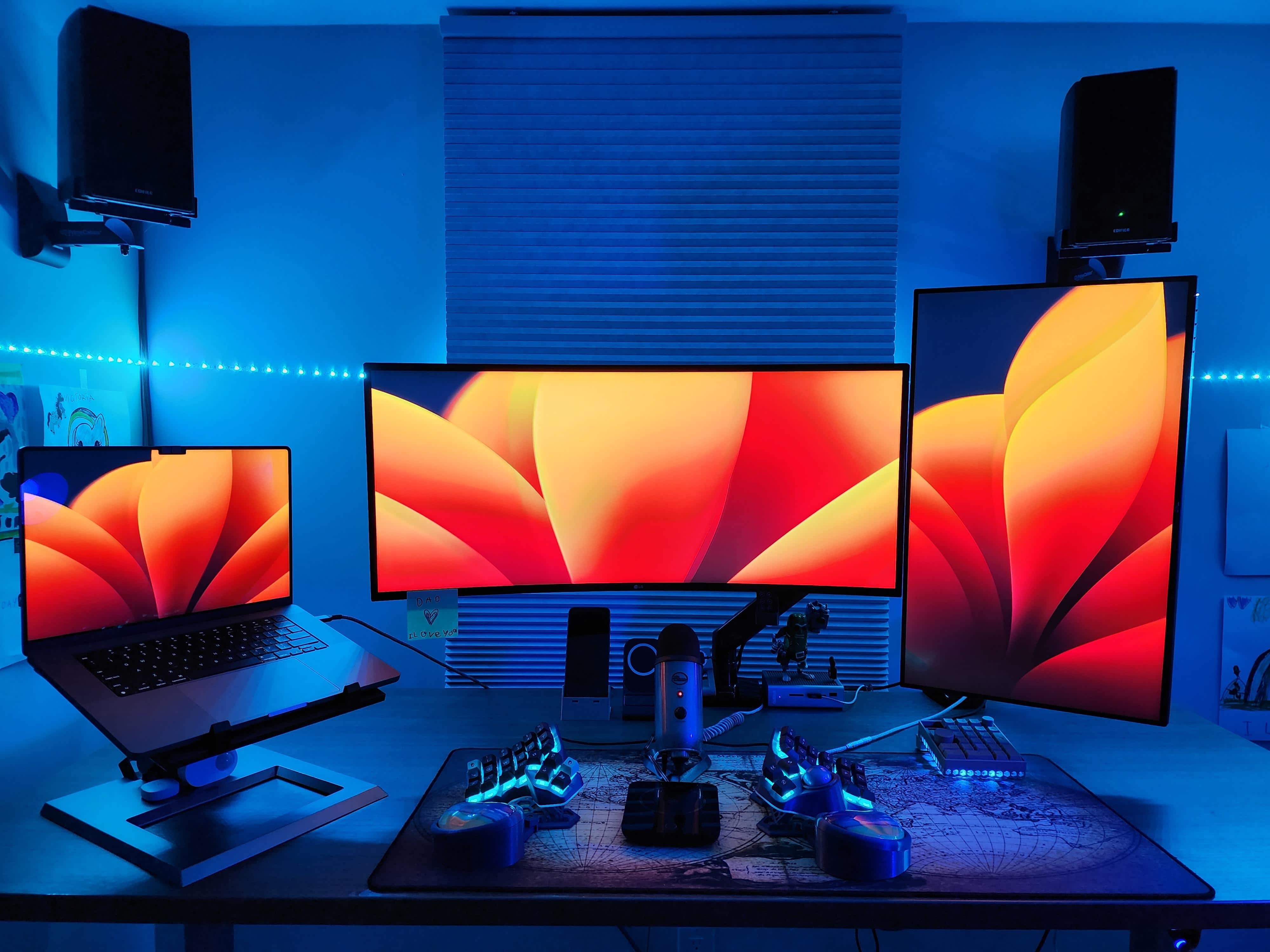
Do you dream of ditching your mouse? Maybe you have the wrong one. Or maybe you’re onto something, like the software developer who works sans rodent with today’s featured M2 MacBook Pro setup featuring dual external displays in different orientations.

Instead of a mouse for input, she relies on a radically split keyboard with a trackball, plus a macropad. See those and all of the other gear in the cool setup below.

Here’s how you put together a tight triple-display rig [Setups]

By

Mounted devices make for a space-saving triple-display setup.
Photo: [email protected]

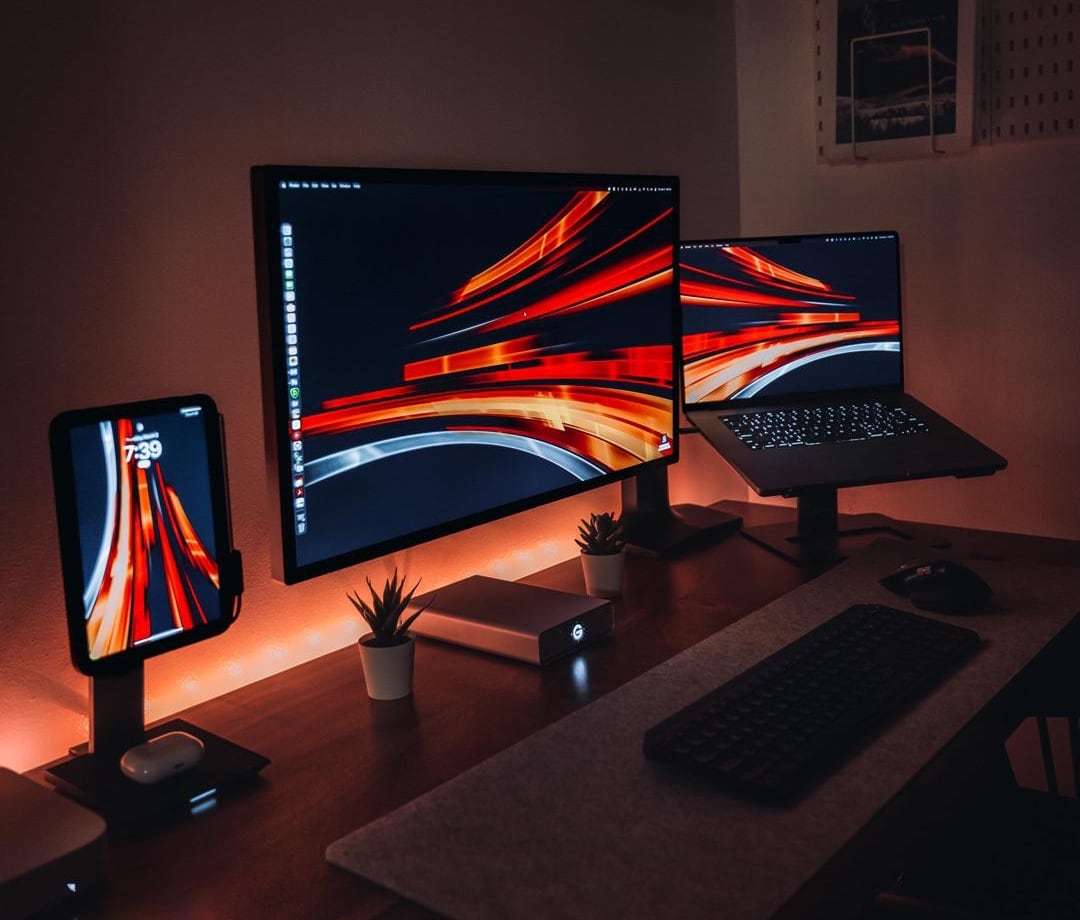
The sometimes-overlooked heroes of computer setups are stands and mounts. They make a big difference. They free-up space on the desk. They bring screens to eye level for better ergonomics. And they can even help turn a one-display setup into a three-display workstation, as they do in today’s featured MacBook Pro and iPad mini rig.

The user relies on one main external monitor — a Studio Display — but raising the MacBook and the iPad up to eye level and using Universal Control gives him three prominent screens. And that’s without having to buy and make room for multiple external monitors.

How to choose a desktop computer

By

A gaming PC keyboard with colorful RGB lighting sits in front of a computer monitor in a darkened room.
PCs come in all shapes, sizes and configurations, offering plenty of options for customization.
Photo: Ahmed Atef/Unsplash License

At a time when mobility is so highly valued, desktop computers somewhat surprisingly have not decreased in popularity at all. If you are searching for the best desktop PCs check out, what features should you consider while looking for the best equipment?

SPONSORED
This post is brought to you by RTV Euro AGD.
While most Cult of Mac readers probably have a soft spot in their hearts for Apple computers, in certain scenarios a Windows PC can make more sense (and might cost less). Read this buying guide for tips on choosing a desktop computer.

M2 MacBook Air with 512GB storage drops to lowest-ever price

By

2022 MacBook Air with M2 processor
Apple's M2 MacBook Air with 512GB storage is irresistible after a $199 discount.
Photo: Apple

Apple’s M2 MacBook Air provides terrific value for money. And with a massive $199 discount that Amazon is offering on the machine, it is an even better deal.

While the M2 MacBook Air is frequently on discount, this is the lowest price its 512GB configuration has hit so far.

3 loaded iMacs and a PC pump up 8-display workstation [Setups]

By

Three of the displays are iMacs and five are Dell 4K monitors.
Photo: Hoa Mai

In Monday’s featured computer setup we showcased four tall displays and mentioned we sometimes see six-display setups. But how about eight displays in one setup? That’s today’s outfit.

Hoa Mai, who works in post production on documentary films in Los Angeles, sent Cult of Mac his massive setup. It features three iMacs, a PC and five Dell 4K monitors. Talk about Mission Control.

Low-cost M2 Mac mini gets an even nicer price

By

The Mac Mini with M2
M2 Mac mini gets its first discount on Amazon.
Photo: Apple

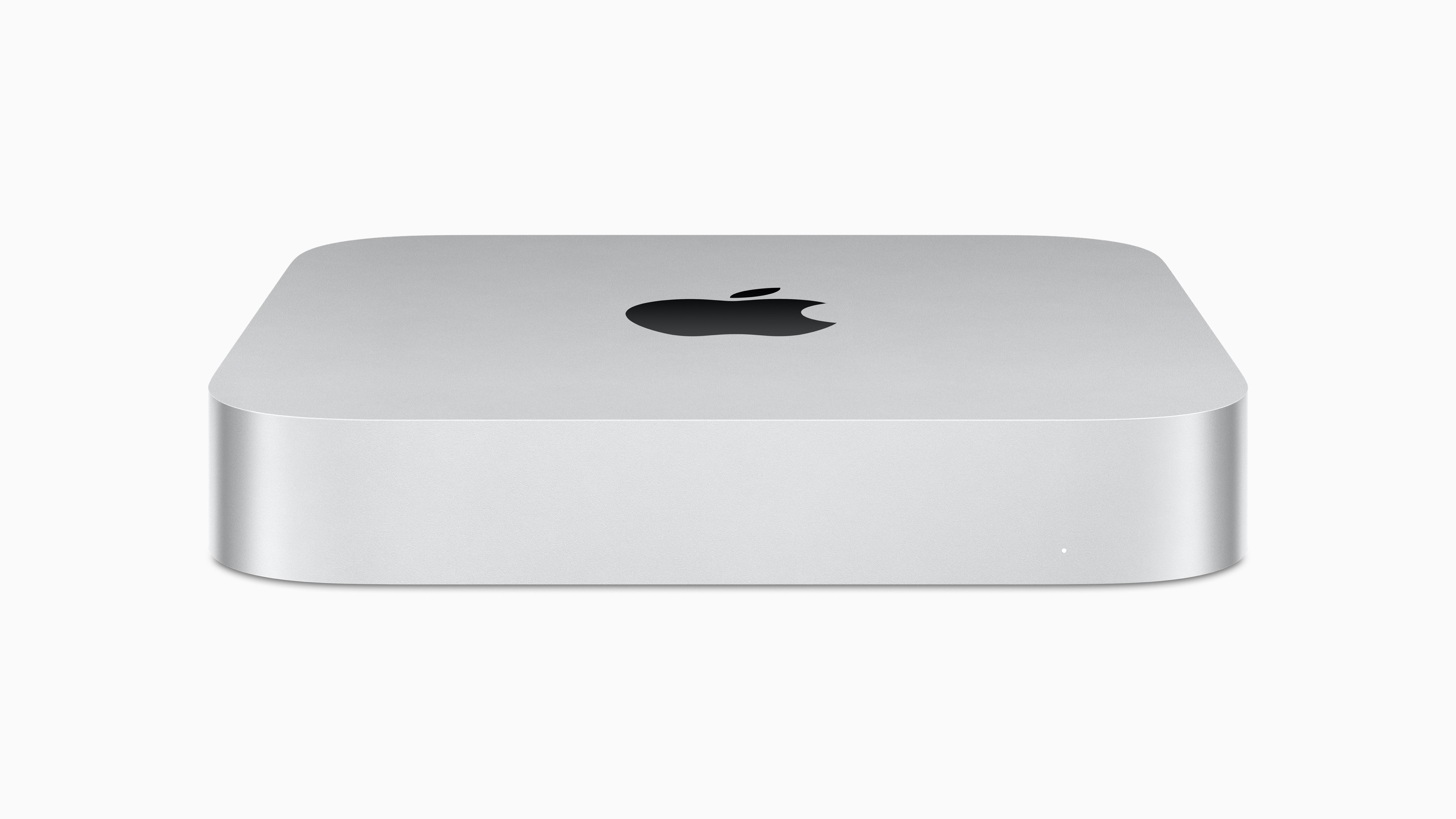
Apple’s powerful M2 and M2 Pro Mac mini are available with their first-ever discount since launch. Depending on your configuration, you can save between $19 to $49 on the 2023 Mac mini.

Amazon is providing a modest $19 discount on the entry-level M2 Mac mini. On the more powerful M2 Pro Mac mini with 512GB storage, you can save $49.

1 58 59 60 61 62 144