Mobile menu toggle

Search results for: SSD

Apple Magic Keyboard expands M4 iPad Pro to its full potential [Review] ★★★★

By

Apple Magic Keyboard for M4 iPad Pro★★★★
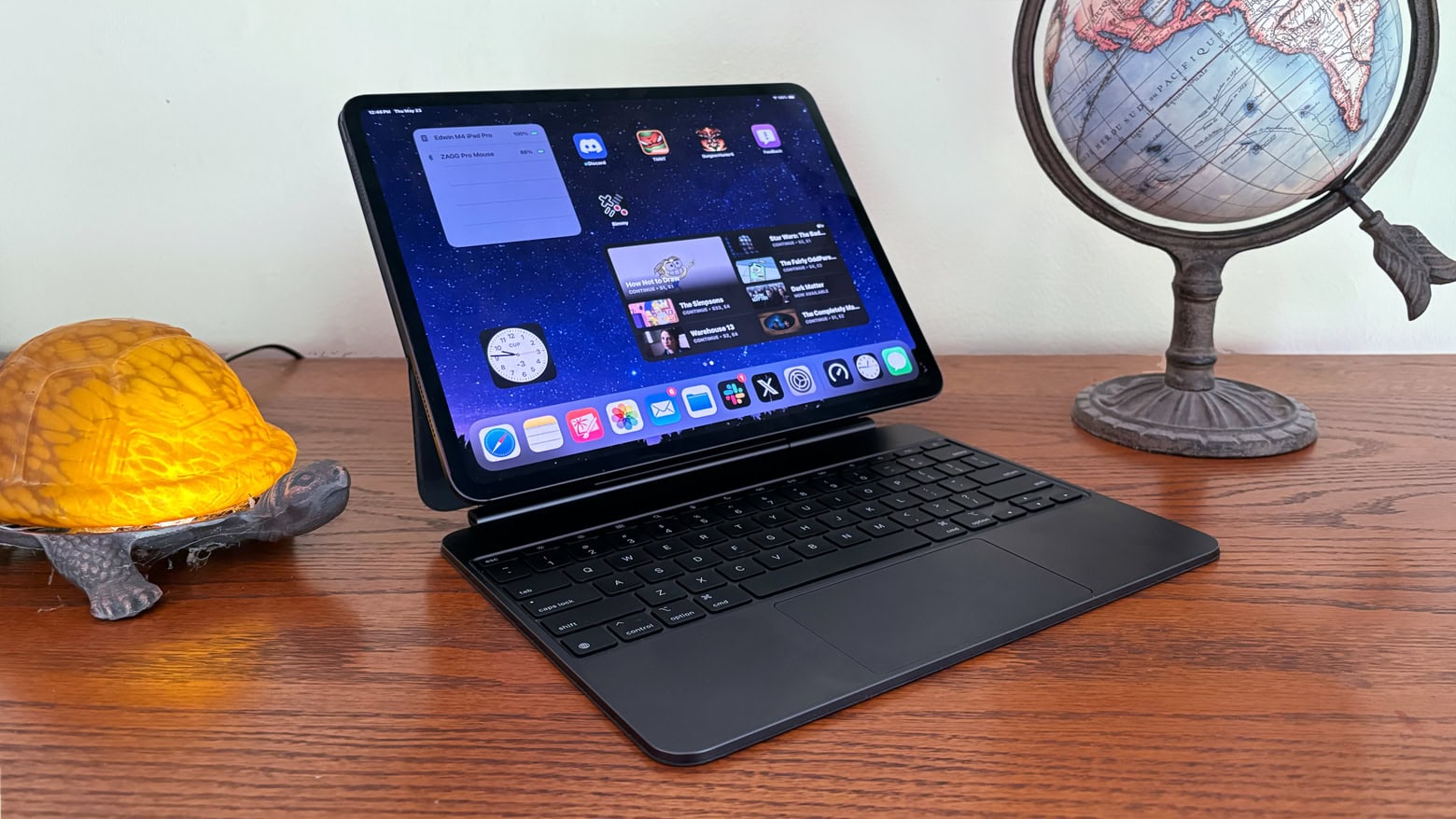
Every M4 iPad Pro buyer should at least consider getting the Apple Magic Keyboard.
Photo: Ed Hardy/Cult of Mac

With its cool cantilever design, Apple Magic Keyboard was a standout iPad Pro accessory even before its recent upgrade. Now that Apple fixed some of the original’s problems by adding a glass trackpad, a row of function keys and an aluminum palm rest, it’s even better. Especially with an improved USB-C port.

But does the functionality (and sheer coolness) justify the epic price of the Magic Keyboard for iPad Pro? Read on to find out.

Snag the best Memorial Day deals on Apple gear and accessories [Updated]

By

Memorial Day deals on Apple gear
Memorial Day weekend is a great time to bag bargains on Apple gear, peripherals and accessories.
Photo: Apple

Memorial Day weekend has arrived in the United States, and you know what that means — widespread sales on Apple gear and accessories (and pretty much everything else you can buy). Memorial Day deals on Apple gear can be irresistible.

We’re building a list, below, of solid deals at major retailers for Apple deals on gear, peripherals and accessories. Check back, because you might find something new.

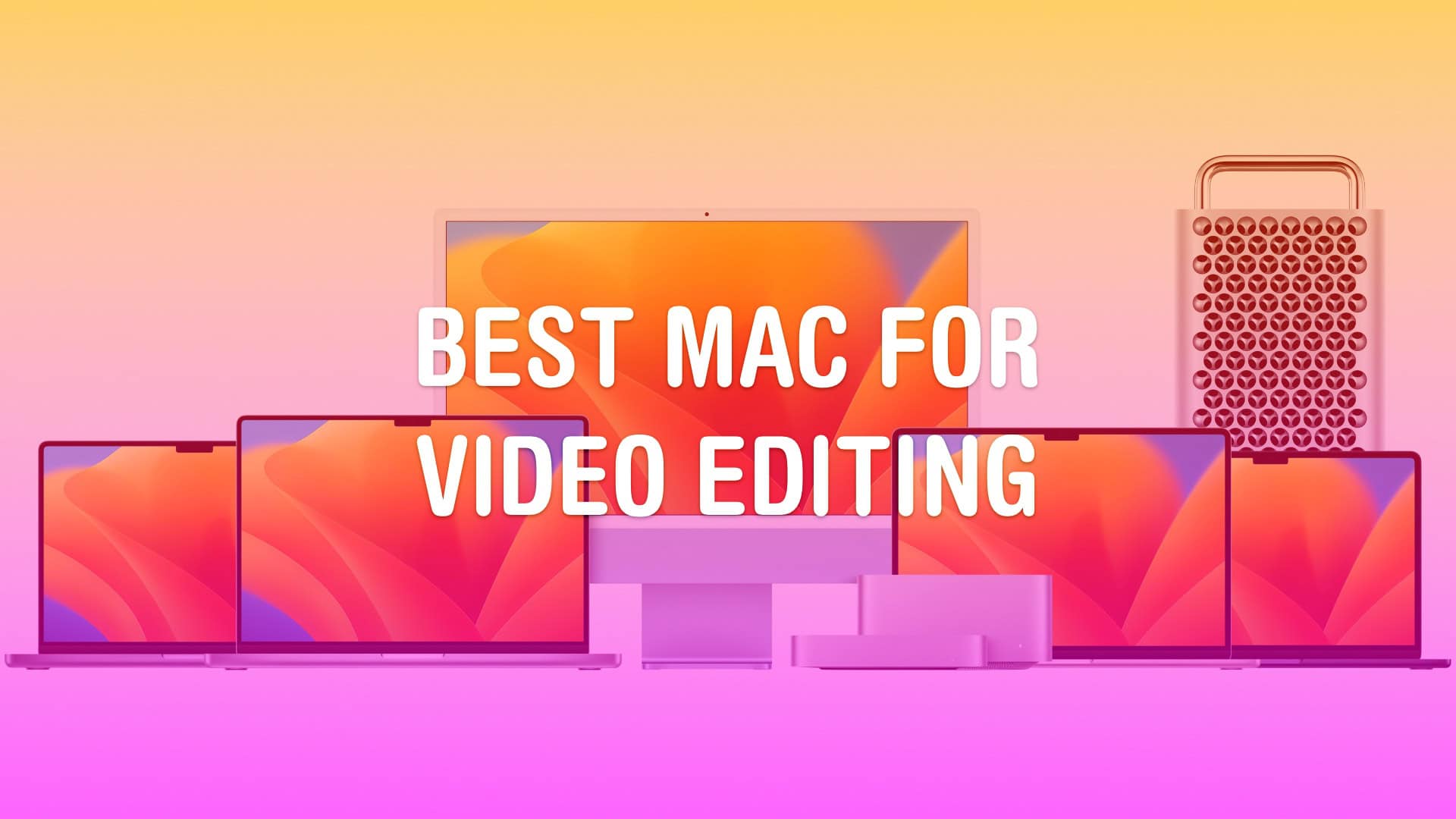
What’s the best Mac for video editing?

By

Best Mac for Video Editing
Really, it’s… all of them.
Image: Apple/D. Griffin Jones/Cult of Mac

Whether you run a video production studio or you’re starting a hobby YouTube channel, you’ll want to make sure you have the best Mac for video editing. 

Video editing is a good stress test for any computer. Cutting together an epic two-hour video essay requires high-speed storage, a lot of memory, processing power and GPU power. Apple silicon delivers all this in spades. Apple’s chips also come with special built-in hardware for processing video — the Media Engine. 

These days, every Mac is capable of 4K video editing. The best Mac for you comes down to whether you want a desktop or a laptop — and the size of your budget. Keep reading or watch our latest video.

Here’s your chance to nab M3 MacBook Pro models for up to $300 off

By

$300 off M3 MacBook Pro
Why wait any longer? Up to $300 off M3 MacBook Pro models is a great deal.
Photo: Apple

If you’re in the market for a new laptop, you can’t do much better than $300 off M3 MacBook Pro models. Both Amazon and Best Buy are offering some smoking-hot prices on 14- and 16-inch versions (though the best deals at Best Buy require membership). Take a look at some bargains below.

Here’s the key to expanding MacBook connectivity [Setups]

By

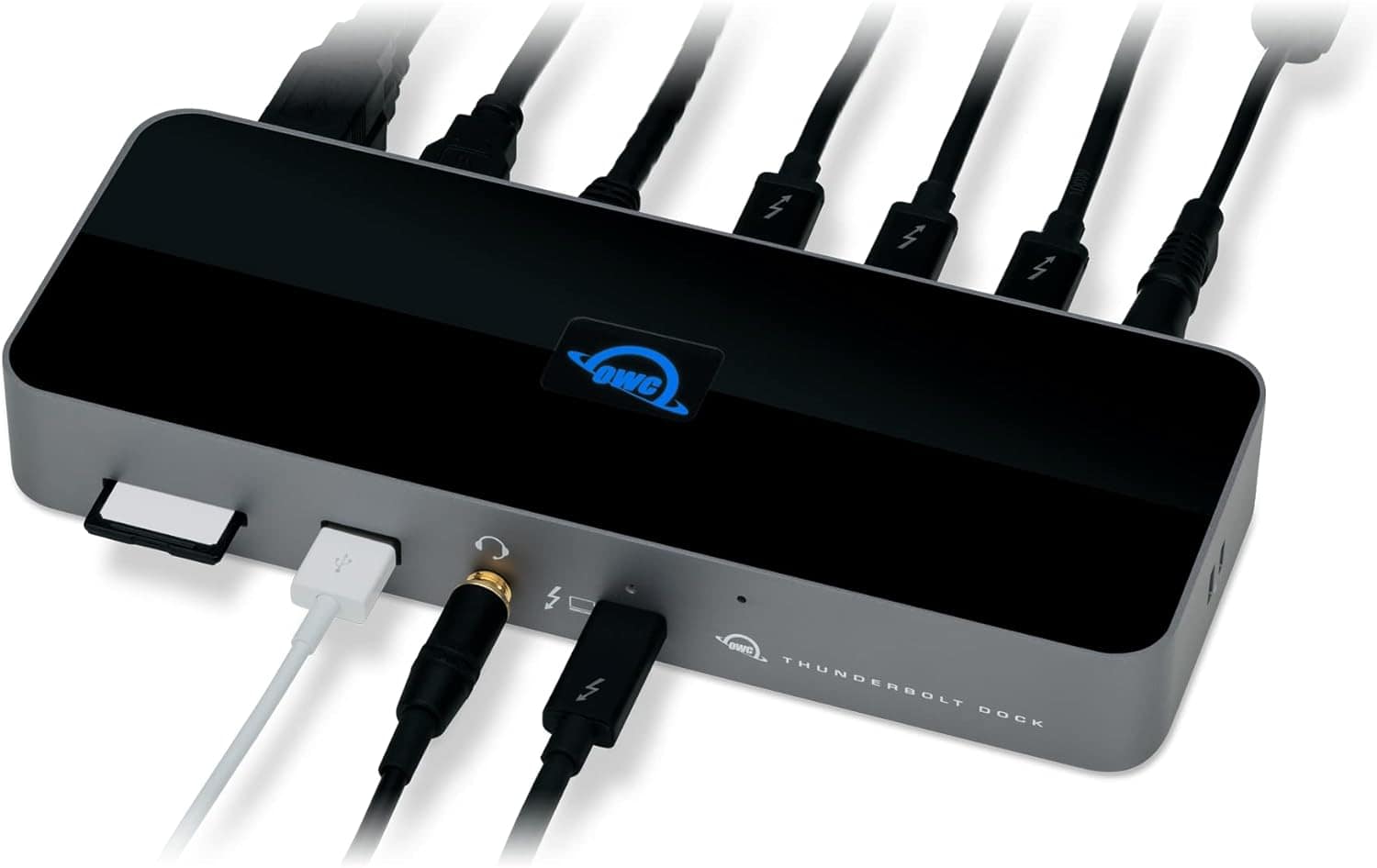
OWC Thunderbolt 4 Dock setup
One of these turns your MacBook into quite the well-connected beast.
Photo: OWC

Today’s MacBook Pro setup boasts a secret weapon many laptop-based computer setups should have — a multiport adapter like a USB-C or Thunderbolt dock. In this case, an iOS and macOS developer runs his M1 Max MacBook Pro through an OWC Thunderbolt 4 dock, connecting the laptop to various peripherals.

A multiport USB-C hub or docking station greatly expands connectivity with peripherals like monitors and storage drives. And it often provides fast data-transfer speeds and even powers devices. In short, for not too much money it enables your setup to do much more.

KRK Rokit 5 speakers excel in music production [Setups]

By

KRK Rokit 5 speakers setup
The developer loves his KRK Rokit 5 speakers when he works on music production. And that's a Madara Funko Pop figure standing guard, by the way.
Photo: [email protected]

KRK Rokit 5 speakers are the crown jewel among the audio gear in today’s M1 Max MacBook Pro setup. The rig belongs to an iOS and macOS developer who only counts music production as a hobby. But we’ll take his vote of confidence in a fine audio product.

We’ve seen the Rokit 5 boxes in setups a few times, not often, but we have no doubt they sound great and look good doing it.

Western Digital launches world’s first 6TB 2.5-inch portable HDDs

By

WD My Passport HDD
WD My Passport HDD is now available in capacities up to 6TB.
Photo: Western Digital

Western Digital expanded its WD, WD_BLACK and SanDisk Professional product lineups with 2.5-inch portable HHDs that, for the first time, can hold 6TB of data.

Despite what some might expect, pricing is not through the roof. The new high-capacity hard drives (not SSDs) are available for under $200,and all cost less than $230.

Developer’s M1 Max MacBook Pro cranks out the work [Setups]

By

M1 Max MacBook Pro setup
A 16-inch M1 Max MacBook Pro drives this developer's setup.
Photo: [email protected]

Our setups coverage often reveals clues to Apple hardware’s functional longevity. An iOS and macOS developer uses today’s setup. Even though two new generations of powerful Apple silicon chips have supercharged more recent MacBooks, he’s still cranking away on an M1 Max MacBook Pro run through an OWC Thunderbolt 4 dock.

In fact, he just updated his setup. But that turned out to have nothing to do with the computer. It was all about adding decorative toy figures, an LED light strip and a new wooden countertop as a desk.

This is a top microphone arm for good reason [Setups]

By

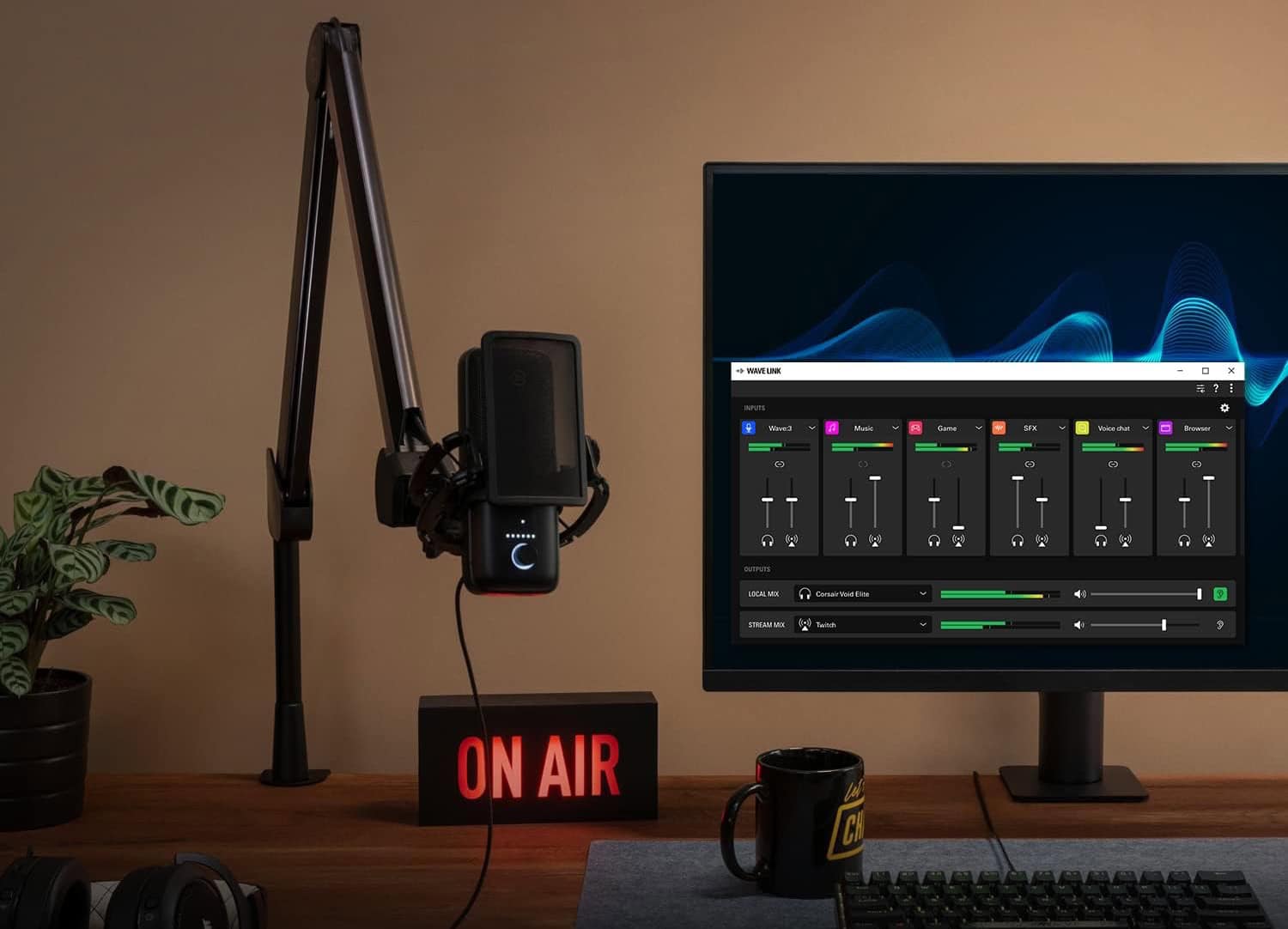
Elgato Wave Microphone Arm
In this shot from Elgato, you get a clear view of its popular suspension boom arm supporting a microphone, as in today's setup.
Photo: Elgato

Streamers and podcasters often worry over their choices of microphones and audio interfaces for sound quality. But they shouldn’t forget to select great co-stars for that gear like the Elgato Wave Microphone Arm.

A good microphone boom arm makes working with the mic easy, especially in a computer setup where you need to move it aside to do other tasks. Today’s MacBook Pro and Studio Display setup makes great use of the extremely popular Elgato Wave Microphone Arm supporting an Audio-Technica mic.

And right now you can get one version of the suspension boom microphone arm for 20% off at Amazon ($99.99 $79.99), and it’s the one our user deploys.

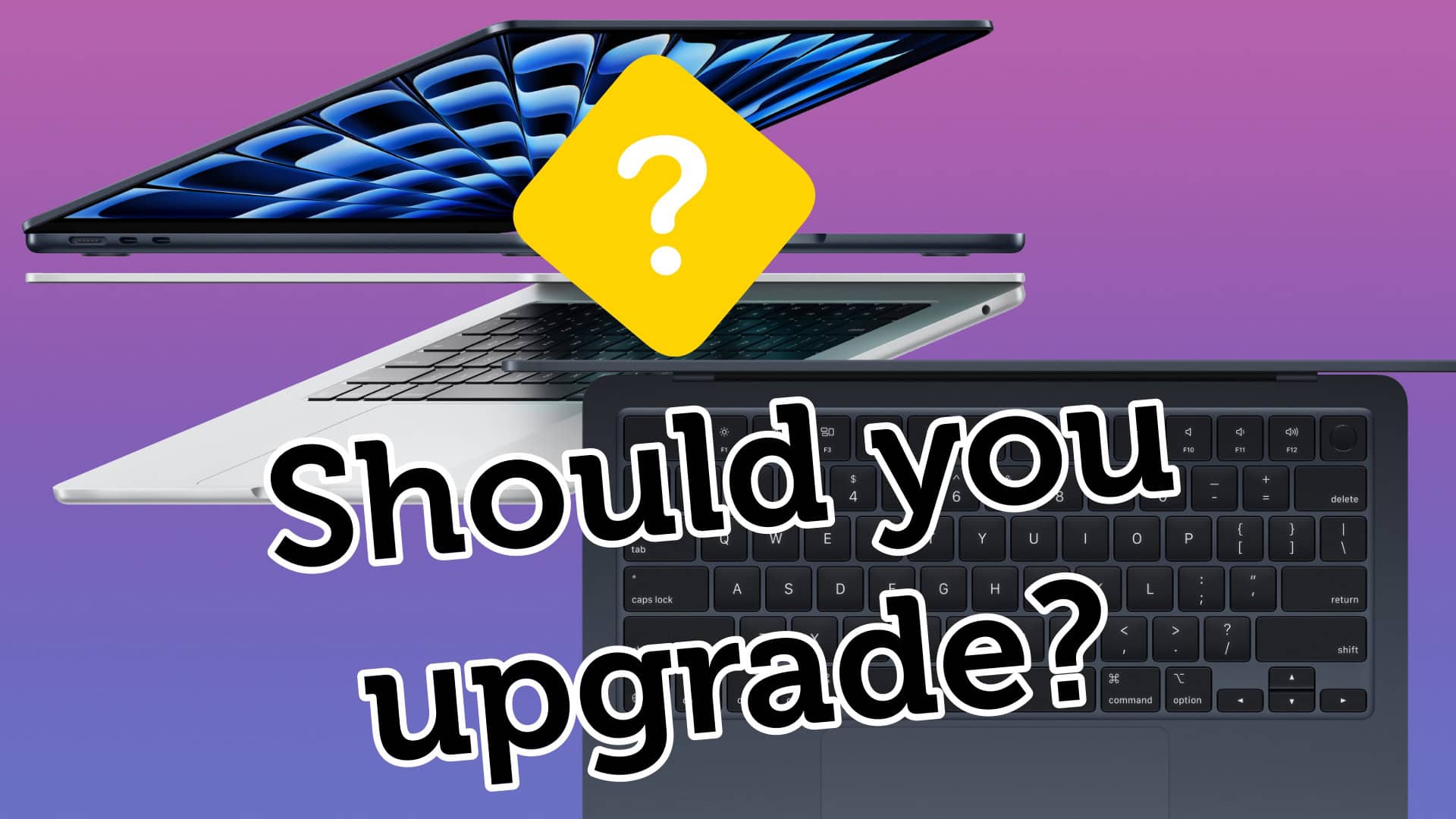
Should you upgrade to the 2024 MacBook Air M3?

By

Should You Upgrade to the M3 MacBook Air?
Is your MacBook old enough to justify buying the new MacBook Air?
Image: Apple/D. Griffin Jones/Cult of Mac

If you still own an Intel MacBook Air, it might be time to upgrade to the new MacBook Air with M3. But what about if you own a MacBook Air running on an M1 or M2 chip? In those cases, it’s not as obvious if you should upgrade to the latest model.

Now that the newer models feature efficient and powerful Apple silicon chips, the MacBook Air is the laptop that strikes the right balance of speed and portability for most people. The thin design is easy to slip into a backpack and the battery will last all day — even when juggling dozens of apps.

How badly you need to upgrade to an M3 MacBook Air depends on which model you’re coming from. Our easy guide will help you decide. Check the infographic below or watch the video.

1 34 35 36 37 38 144