Mobile menu toggle

Search results for: SSD

Find Out How Fast Your SSD Or Hard Drive Really Is [OS X Tips]

By

Geeky, yes. Cool? Yes, again.

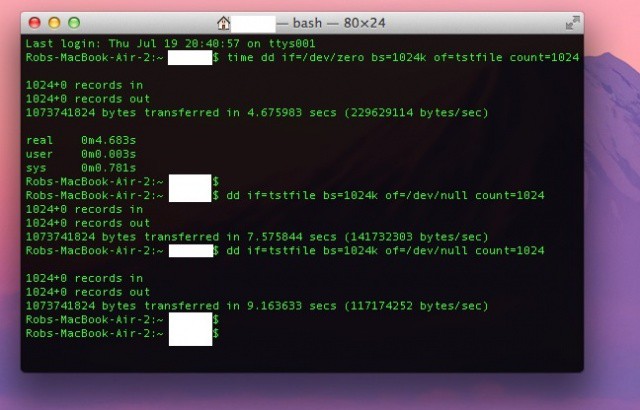
Sometimes, it’s just fun to compare scores with your friends. Without the urge to compete, we wouldn’t have sports, national videogame competitions, or reality television. Now there’s a new way to measure up against those around you – Solid State Drive (SSD) speed.

Ok, so it’s not really a thing, but here’s how you can benchmark your own SSD to compare it with other SSD devices, if you need to know how much faster one computer you own is than another. In fact, it’s a ton of fun to compare the speed of an SSD, say in this here Macbook Air, and that of a hard drive, like in my Mac Mini. Here’s how.

Why Businesses Should Think (And Think Twice) About Going SSD

By

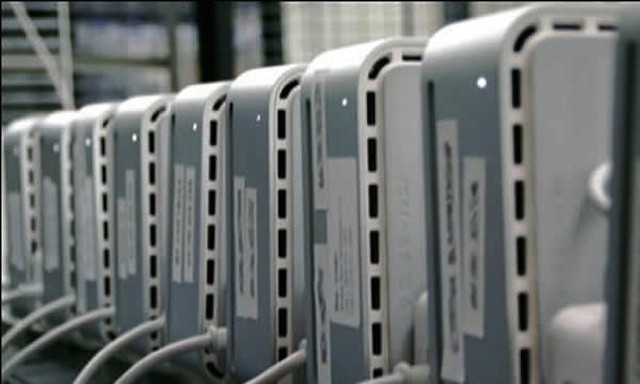
Should businesses consider SSD options for Macs running OS X Server like the Mac mini Server?

Mac and iOS users are strangers to NAND flash storage. After all, Apple has been using flash as a storage medium for years now. iPods, iPhones, iPads, Apple TVs, and some MacBooks all rely on NAND flash as a storage medium of choice. The success of those products has led Apple to be world’s biggest buyer of NAND chips and was no doubt a factor to mention the company’s purchase of Israeli flash memory firm Anobit.

Solid state storage based on NAND flash isn’t Apple-specific. Plenty of other companies offer flash storage in an array of form factors for a huge variety of uses including smartphones and mobile devices. Solid state drives (SSD) drives are available as options for a range of PCs. They’re also becoming common options for servers and network devices. For businesses looking to implement Lion or Mountain Lion, SSDs can be an attractive option. They can also be an expensive prospect, and there may be better ways to spend your business dollars.

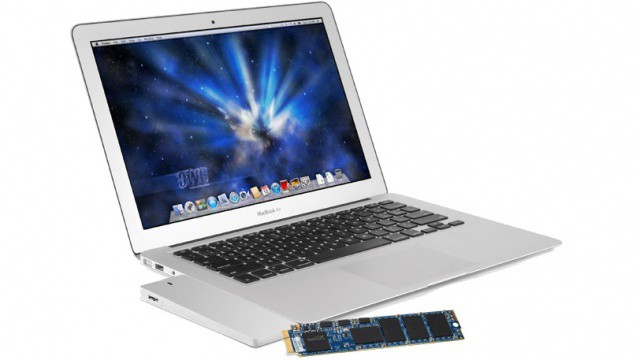
OWC Turns Your MacBook Air’s Old Flash Storage Module Into The Perfect External SSD

By

Recycle your MacBook Air's old SSD module into an external drive.

If you’re planning to upgrade the flash storage in your 2010 or 2011 MacBook Air, don’t just discard your old module or let it go for pennies on eBay. With the Aurora Envoy enclosure from Other World Computing, you can turn that old flash storage into an external drive that’s designed to match your MacBook Air perfectly.

Why Now Is A Great Time To Finally Upgrade Your Mac With An SSD

By

If your Mac doesn't already have one of these, now's a good time to make the upgrade.

Forget RAM, forget a faster CPU, forget a beefier graphics card. If you are still running a Mac with a spinning, physical hard drive, the best upgrade you can possibly make is to drop a solid-state flash drive into the machine. The immediate effect on perceived performance is stunning: it’s the difference between seeing a spinning beach ball every hour and not seeing one for months at a time.

Unfortunately, for a long time, what has kept most people from making this update to their older Macs has been price. SSDs are more expensive than physical HDDs. That’s still true, by the way, but it’s less so now than it ever has been, making this a perfect time to finally take the plunge.

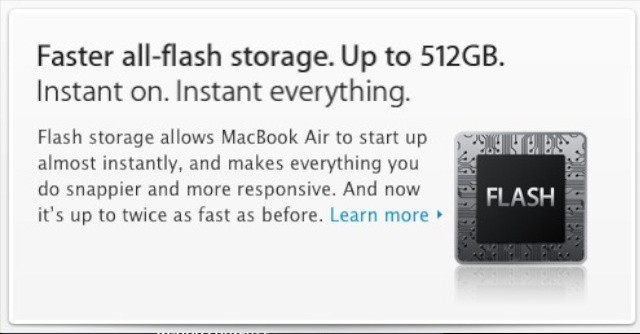
The SSD In The New MacBook Air Is 217% Faster Than Before

By

The new MacBook Air not only has up to 512GB of flash storage, it's also a whole lot faster than before.

The MacBook Air has never been a slouch in terms of performance, but with the 2012 model, SSD performance is scoring a whopping 217% higher than ever before.

In tests run by OSXDaily, read speeds reached a maximum of 461MB/s, and write speeds hit 364MB/s, a dramatic increase over the 2011 model, which scored just a modest 145MB/s read speed and a 152MB/s write speed.

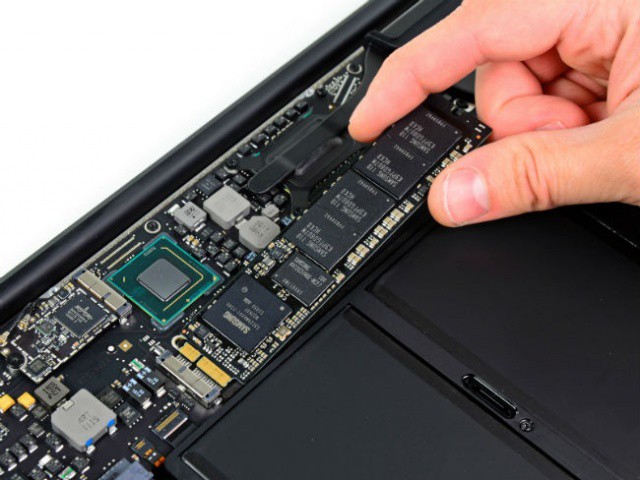
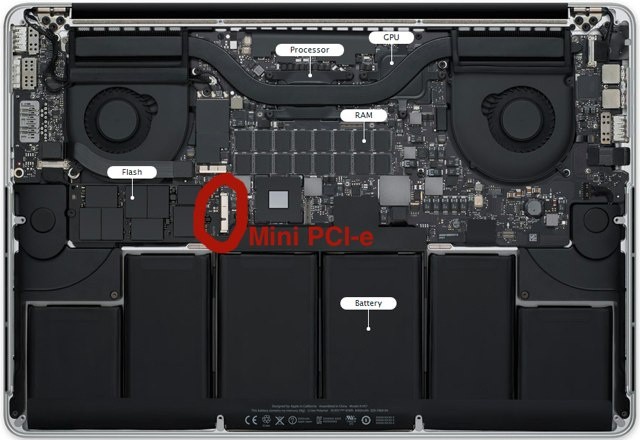
New MacBook Pro’s SSD Storage Can Be Upgraded At Home

By

You'll be able to replace your new MacBook Pro's SSD, but it won't be cheap.

iFixit has described Apple’s new MacBook Pro as the “least repairable laptop” it has ever opened up, and subsequently gave the device a repair score of 1/10. However, just like the MacBook Air, you’ll be pleased to know that it is possible to upgrade the new MacBook Pro’s solid-state storage yourself.

New MacBook Airs Have Ivy Bridge CPUs, USB 3, Up To 8GB Of RAM & 512GB SSDs [WWDC12]

By

apple-wwdc-2012-_0612

Noting that everyone tries to copy the MacBook Air, Phil Schiller says they’re updating their ultraportable line.

The MacBook Air will now feature:

• Updated CPU — Ivy Bridge, up to 2.0GHz dual-core i&.
• Turbo Boost up to 3.2GHz
• Up to 8GB RAM
• 60% Faster Graphics
• Up to 512GB SSD
• USB 3 Support!
• 720p FaceTime camera
• No retina!

Prices now start at $999 and $1099 for the 11-inch, $1199 and $1499 for the 13-inch

(This story is developing.Check back for updates.)

Image: The Verge

Win The World’s Fastest 13-Inch MacBook Pro With A 1TB SSD!

By

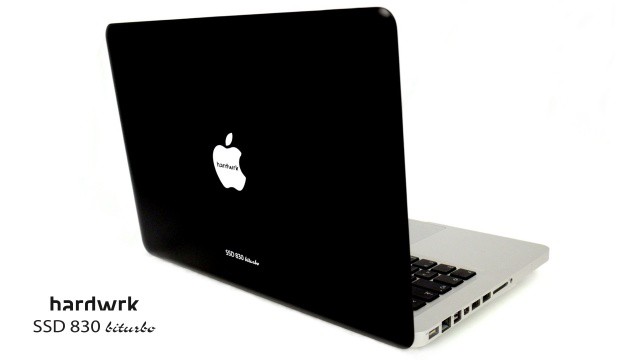
hardwrk-biturbo-6

This is just totally sick. The guys over at Germany’s Hardwrk have taken 16GB of DDR3 RAM and a 1TB Samsung 830 SATA III SSD bundled up in an SSD-RAID-0, slapped it into a 13-inch MacBook Pr running an Intel Core i7-2640M 2.8GHz chip.

The result? A three-thousand euro behemoth of a machine — custom-engraved and covered in a beautiful matte black covering — that they say is the world’s fastest MacBook Pro, and with a 1.7 second PhotoShop boot-up time, we’re inclined to believe them.

Best of all? They’re giving this bad boy away to one lucky winner. All you have to do is leave a comment on their post.

Elgato’s Thunderbolt SSD Drives Are Crazy Fast And Crazy Expensive

By

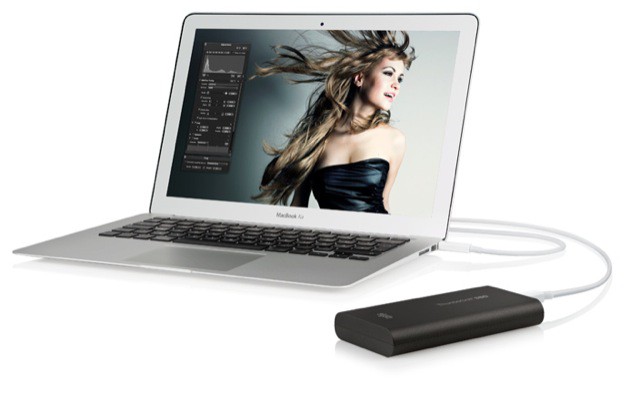
Thunderbolt_SSD_01.jpeg

The MacBook Airs are wonderful machines, let down only by the still-small storage offered by today’s SSDs. Worse, whilst external Thunderbolt drives are finally trickling into stores, they’re neither cheap nor plentiful.

Alas, Elgato’s rather awesome-looking Thunderbolt SSD drive combines the worst of both worlds — a high price and low capacity. Then again, I imagine this things is fast enough to burn a hole in your desk.

Expect To See A Truck Load of SSDs At CES Thanks To Apple [CES 2012]

By

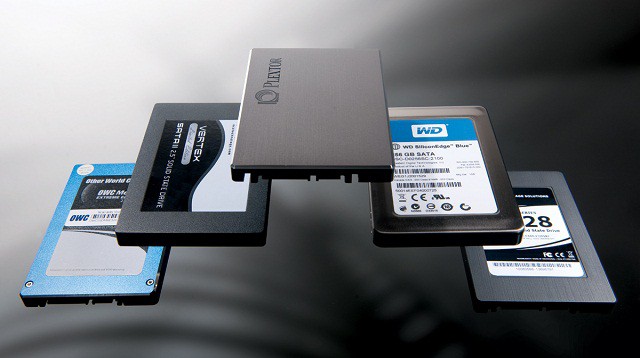
ssd


For years we’ve heard a lot of hype about SSDs and how they’re going to change computing, but their progress has been slow, and the masses have been getting impatient. Well CES 2012 will be the start of SSDs officially entering into mainstream use thanks to Apple Inc. The best purchase I made in 2011 was when I replaced my MacBook Pro with the new 11″ MacBook Air. Not only is the MacBook Air lighter than any laptop I’ve owned, it’s also powerful enough to do some really awesome things I’d never thought possible on a miniature computer (like playing graphic intensive games like Star Wars the Old Republic). Most of these technological marvels are all thanks to Apple’s inclusion on SSDs in the MacBook Air lineup. Of course, Apple didn’t invent the SSD, nor were they the first company to use them, but they’re responsible for bringing SSDs to the masses at an affordable price.

1 9 10 11 12 13 144