Mobile menu toggle

Search results for: SSD

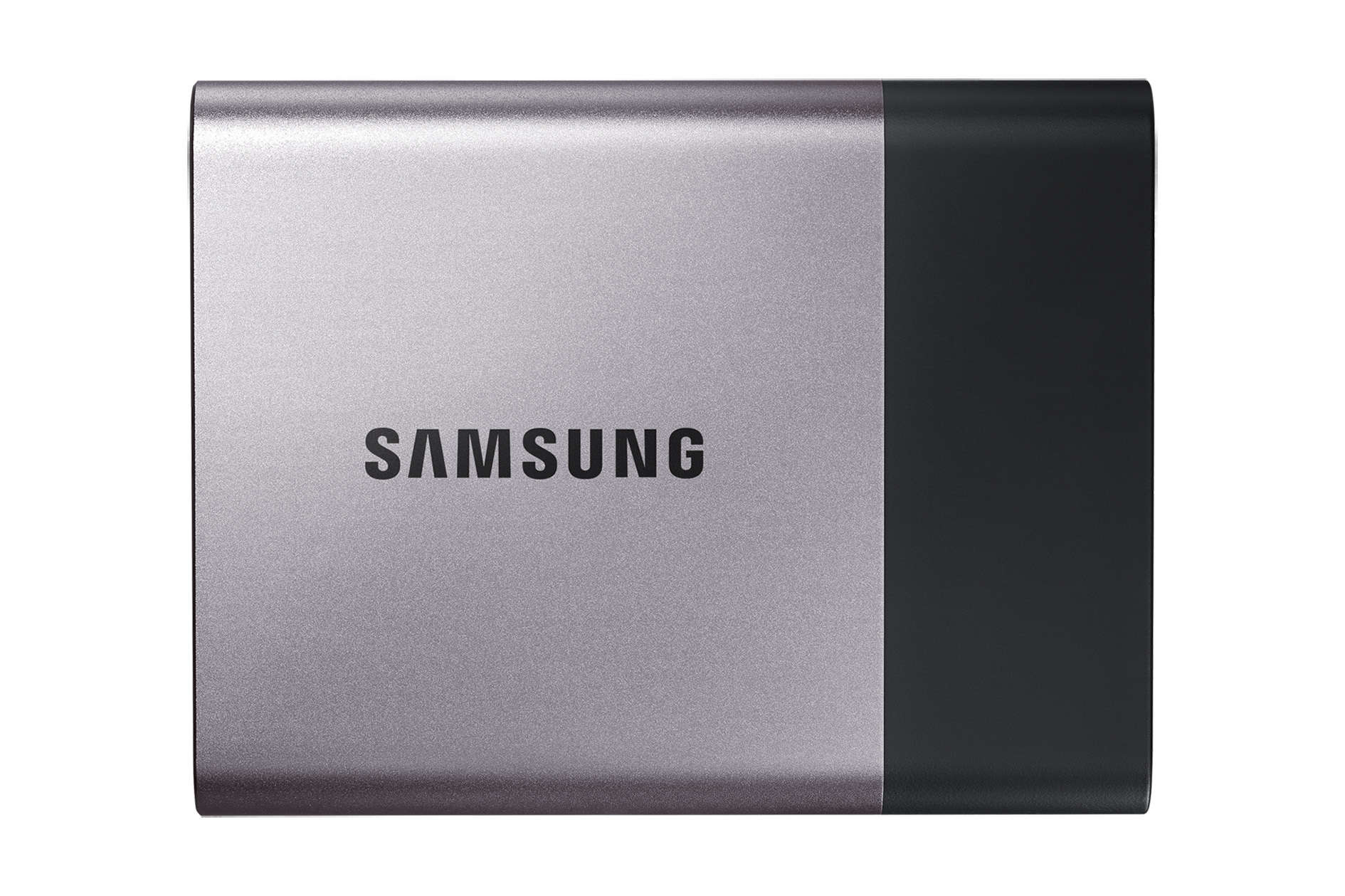
Back up more of your Mac with Samsung’s new terabyte SSD

By

Samsung Portable SSD T3 CES 2016
Bigger, faster, better.
Photo: Samsung

Cult of Mac CES 2016 full coverage If you’re like the rest of us, you’ve got a nice Mac with plenty of video, photos, and apps on it. Time Machine is a fantastic way to keep your stuff all backed up and safe, so you’ll need a high-capacity drive to do that with.

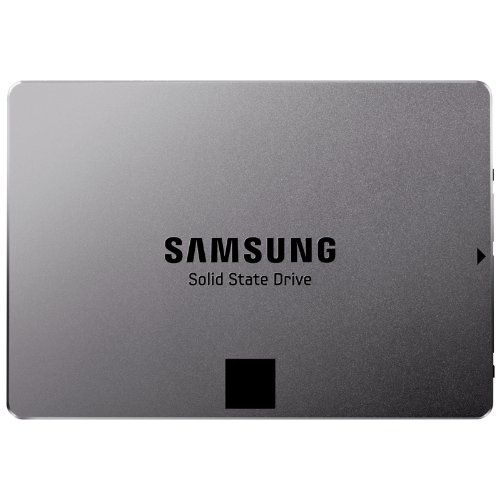
Samsung’s new external solid state drive (SSD), called the T3, has the capacity of multiple terabytes to keep more of your data backed up and the speed to make it easy.

“Following the successful worldwide launch of the Portable SSD T1 in 2015, we made several significant upgrades to the T3 based on the feedback and needs of our customers, which included content creators and business professionals in particular,” said Samsung’s Un-Soo Kim in a statement.

Put an SSD in your pocket and you’ll sail through Boot Camp

By

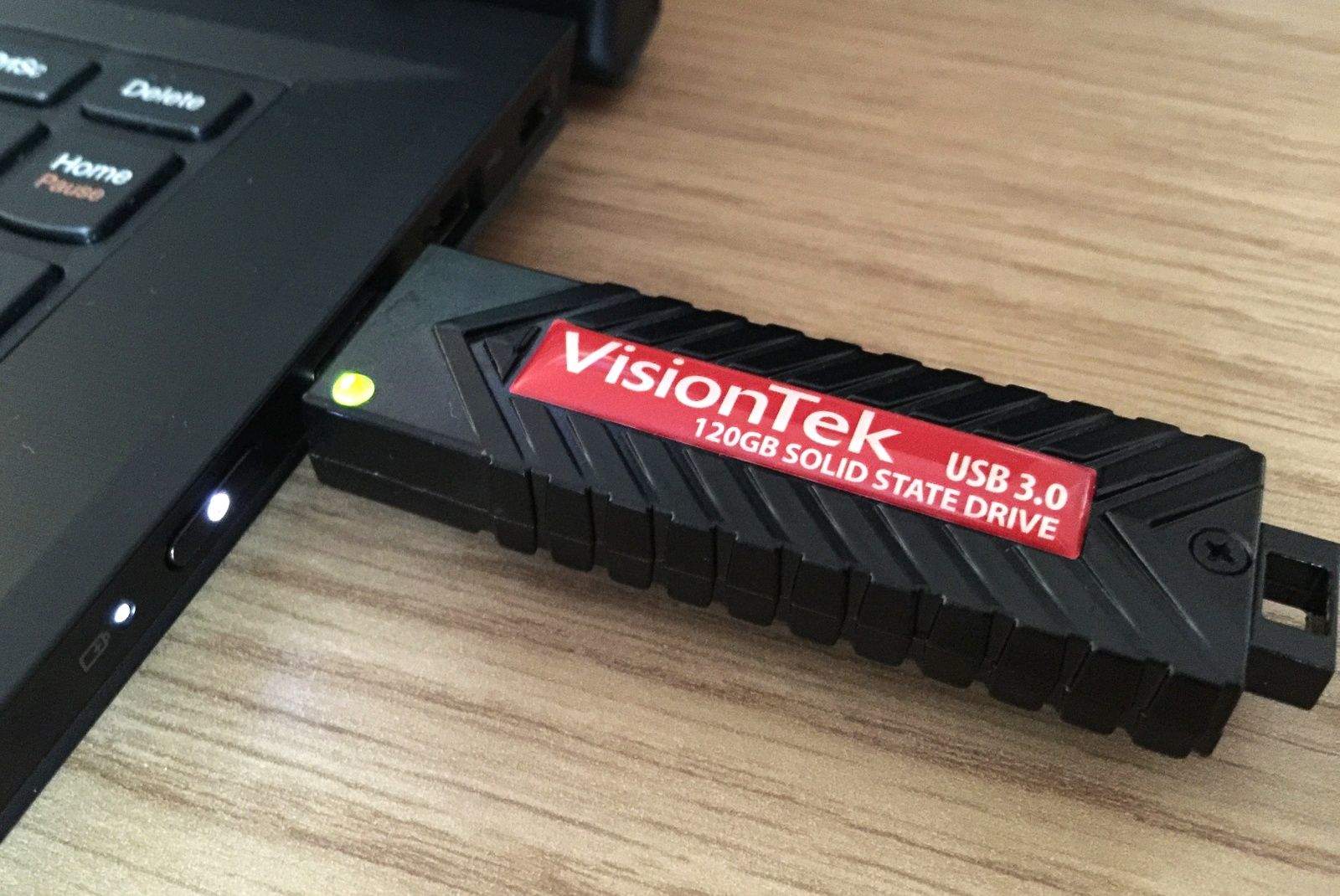
VisionTek's USB Pocket SSD gives you 120GB of super-fast storage. Photo: Killian Bell/Cult of Mac

Need bags of speedy storage you can take with you anywhere you go? With VisionTek’s USB Pocket SSD, you get a bus-powered solid-state drive that’s small enough to fit in your palm, and fast enough for almost anything.

I’ve been using one as a Windows drive for my Mac for the past few months; let me tell you why it’s been great.

OWC Is Working On A Way To Let You Upgrade Your 2013 Mac’s SSD

By

OWC_PCIe

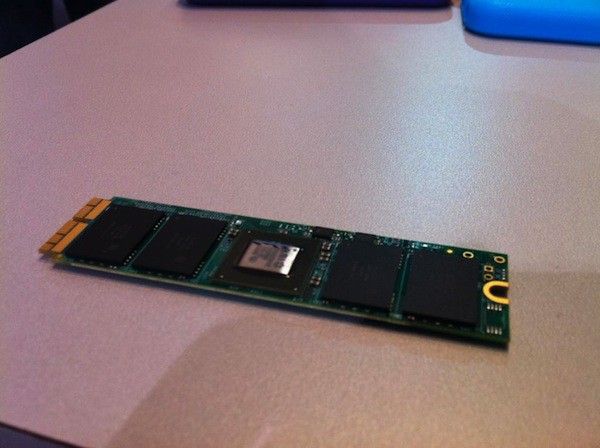
Last year, Apple made an important change to 80 percent of their Mac line-up, including the new iMac, MacBook Pro, Mac Air, and Mac Pro, that changed the type of flash storage of each of those systems to incorporate a PCI Express (or PCIe)-based storage system. It’s a much faster technology than the Serial ATA based storage Apple was using before, but there’s a rub: it also uses a non-standard connector, making upgrading any of these Mac’s flash storage impossible up until now.

At CES this year, however, it looks like Other World Computing (OWC) has made important strides to cracking the problem. They showed off flash storage prototypes that should enable users to upgrade their newer Mac’s SSDs.

OWC Envoy Pro EX Portable SSD Drive Is Gorgeous But Crazy Expensive

By

envoy-pro-ex-keyboard_2.jpg

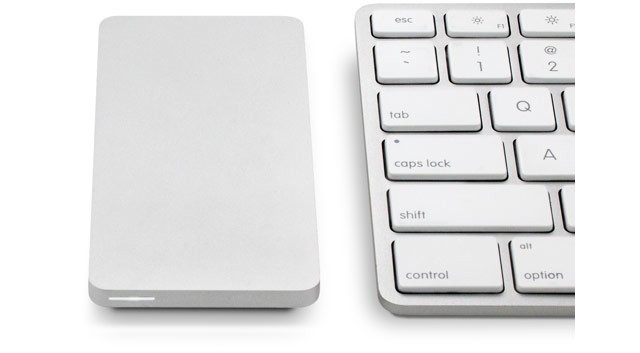
I love the look of OWC’s Envoy Pro EX. It’s a tiny external USB 3 drive which makes even a pocket HDD look bulky, and it packs a 240GB or a 480GB SSD, making it as fast as you’ll ever need.

But there’s one small problem: even the little one is $315, and the 480-gigger is almost $600. Ouch.

Tim Cook Gets A 94 Percent Employee Rating On Glassdoor

By

They like him, they really like him.
They like him, they really, really like him.

Tim Cook is a well-liked CEO, at least according to employee ratings on Glassdoor, a website that allows employees of any company to post reviews, ratings, and other such metadata about the companies they work for.

The current rating of Apple CEO Tim Cook on the service is a high 94 percent, gathered from all the employees who have rated him on the service, a total of 724 as of this writing. While Glassdoor is an opt-in survey system, it is anonymous. If they hated the guy, they’d probably say so. Anonymity plus the internet is anything but overly polite.

Lightroom 5 Beta Adds Offline Editing For SSD MacBooks

By

1366101526.jpg

Lightroom 5 beta has just been posted, and is ready for download and testing. Those of you who read my article last week about using a small, SSD-based MacBook Air for photos will be very interested in one new feature: Smart Previews. This lets you edit your photos using just the previews on your MacBook, and the changes all sync up to your actual photos next time you connect your big external drive.

And there’s more.

Tips For Living Frugally & Saving Drive Space On A Tiny Mac SSD [Feature]

By

5386712834_3a00a0d392_z.jpg
Don't end up like this. Photo Pennuja/Flickr

I recently switched to a MacBook Air for writing, and it is easily the best Mac I’ve owned in terms of speed and comfort. But, like the sports car your friends assume you’ll sell now that you have kids on the way, the Air is also lacking in space1.

Now, I’m using this 128GB (with 4GB RAM) 13-inch MacBook Air primarily for work, but that doesn’t mean I want to ditch my music, TV shows and photos altogether. Luckily, with modern Internet™ Technology™ I don’t have to. I can use cloud services and a little judicious tidying to make my New York walkup-sized MacBook Air feels like a mansion.

You Have Zero Hope Of Cramming An SSD Into The New iMac

By

newimacislikewoahimnotgivinyouanssd

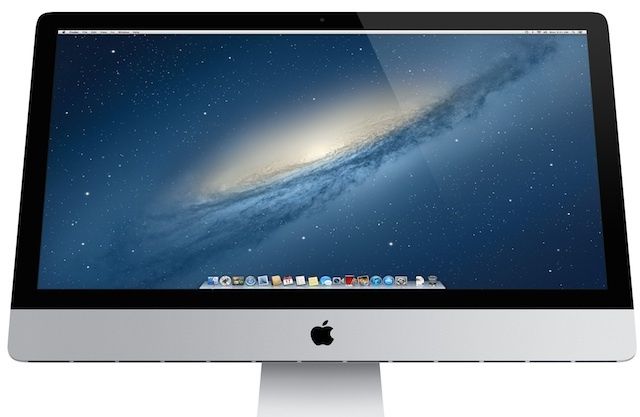
Apple’s new 21.5-inch iMacs are ridiculously thin and gorgeous. They’re also one of least upgradeable/repairable desktop  computers on the market. It’s possible to swap out the RAM on the new 21.5-inch iMacs, but trying to get an aftermarket SSD into the 21.5-inch iMac might be an impossible task.

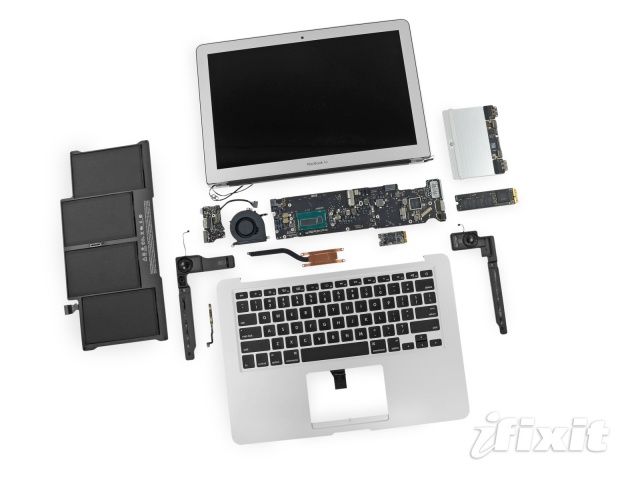
Teardowns of the new 21.5-inch iMac revealed that in order to get to the hard drive users will have to separate the display from the main body of the iMac. That task isn’t too difficult, but gluing the display back onto the iMac’s body will be pretty tough. On top of that, once you get inside the 21.5-inch iMac there’s literally no room for an SSD and nowhere to plug it in.

1 8 9 10 11 12 144