This Mac-style display doesn’t come with a Mac-style price tag. Photo: Philips
The Philips Creator Series 27E2F7901 is an expansive 27-inch desktop display for your Mac that offers a high degree of color accuracy and quality in a crisp 4K resolution.
SPONSORED
This post is brought to you by Philips.
Its specs make it a compelling choice for creative work on a big, beautiful screen. The slim and modern aluminum design will make it an attractive centerpiece to any Mac setup. And it comes at a much lower price than other displays in the same category at an affordable $499.99, with an industry-leading four-year warranty.

★★★★☆
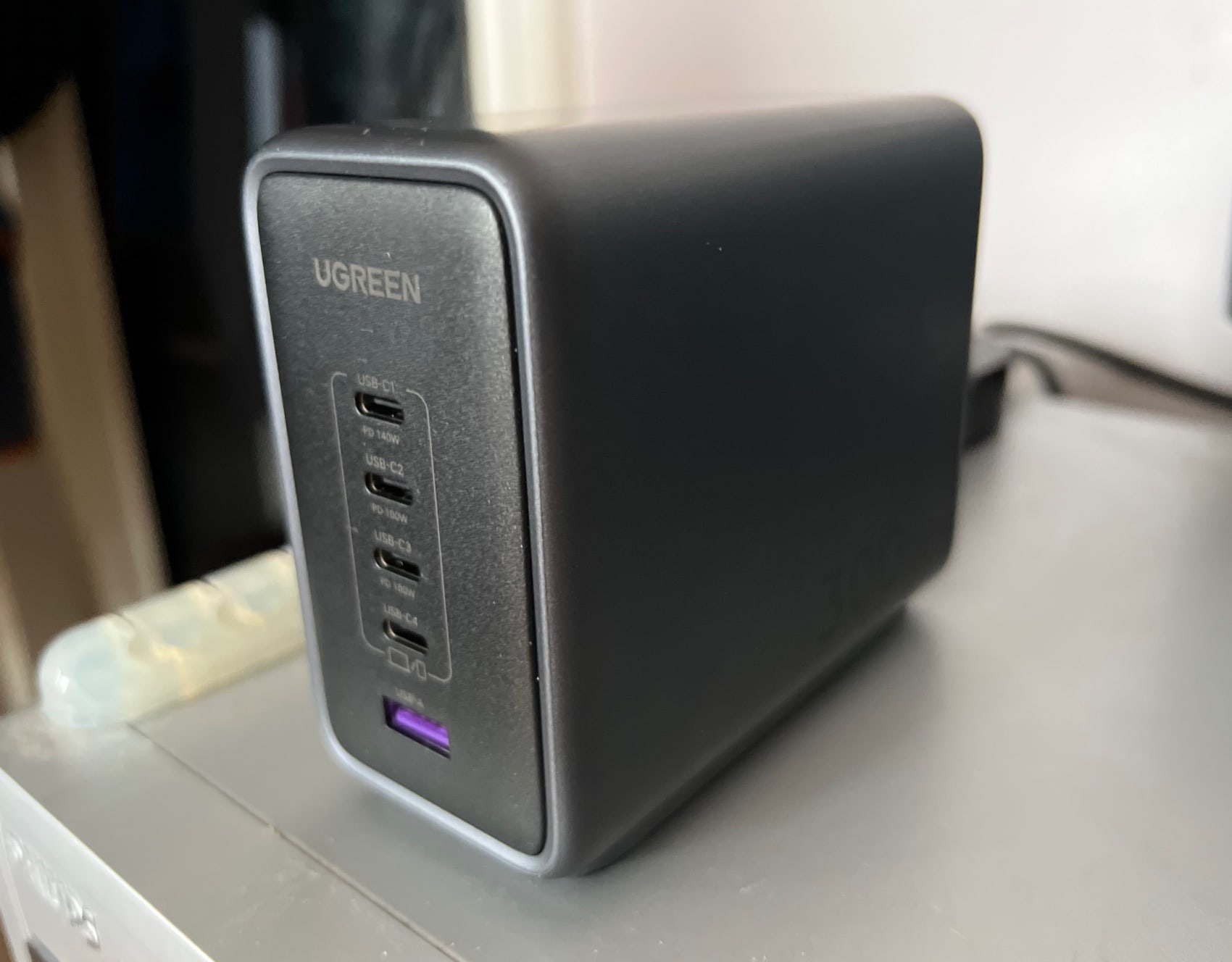
It's a bit big for portability, but Ugreen's new 300W GaN charger easily juices up your devices at home or at work. Photo: David Snow/Cult of Mac
As the world increasingly turns to USB-C connectivity — looking at you, imminent iPhone 15 — Ugreen is there. Its powerful new Nexode 300-watt GaN fast-charger, launched Tuesday, powers up five devices at once — four via USB-C and one via USB-A.
Ugreen calls it “the world’s first 5-Port 300W GaN desktop charger,” and the company sent me the beast to check out. You’ll want to keep this hefty brick in one place, not carry it around with you.
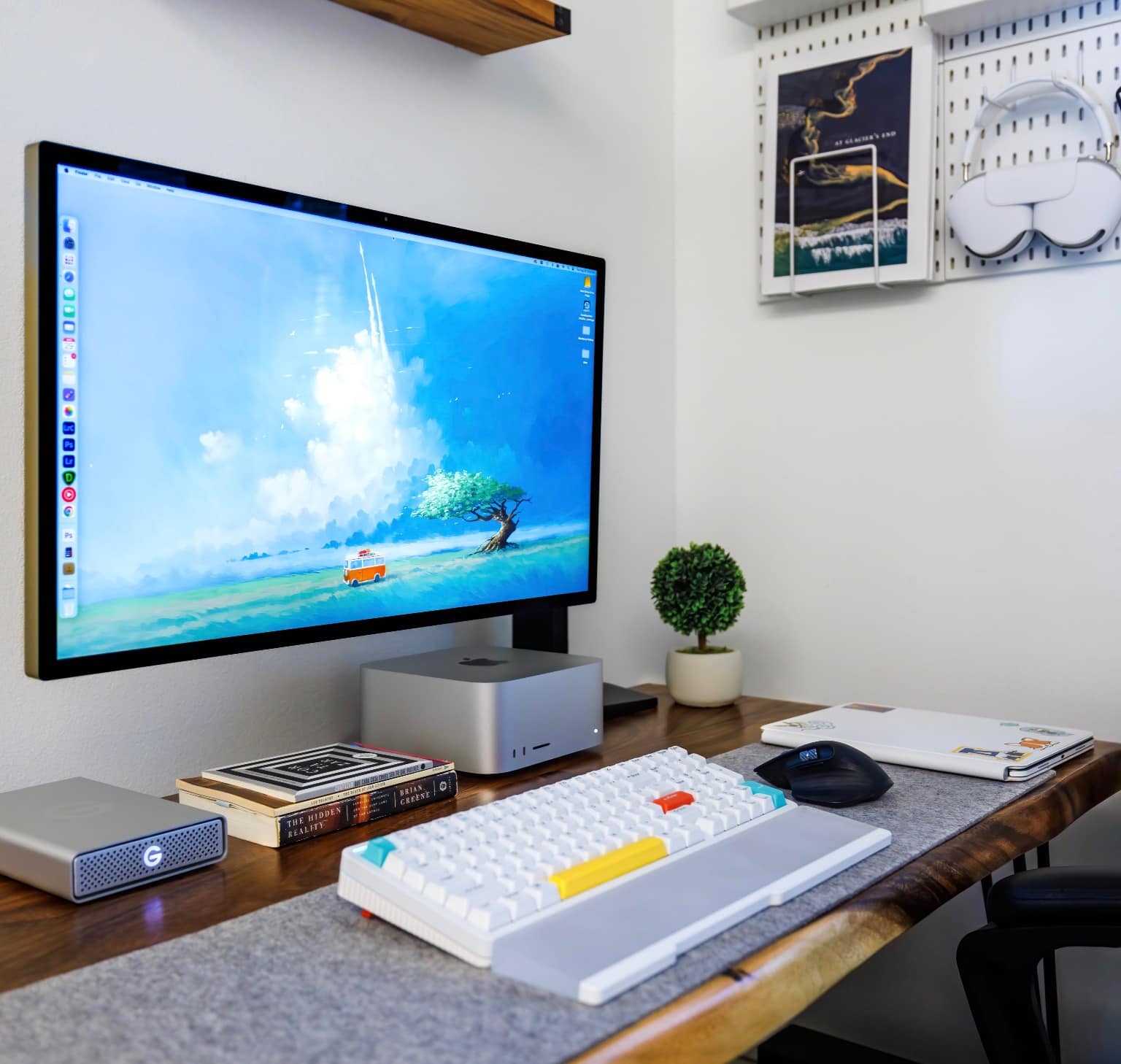
A lot of people want to know what that delightful wallpaper is. See below. Photo: [email protected]
A well-lit and well-equipped computer setup can evoke peace and productivity at the same time. Today’s Mac Studio rig exudes a zen-like calm despite being a total powerhouse.
It features a well-mounted Studio Display, a slick mechanical keyboard with wrist rest, a sleek external drive as well as tidy pegboard storage for AirPods Max.
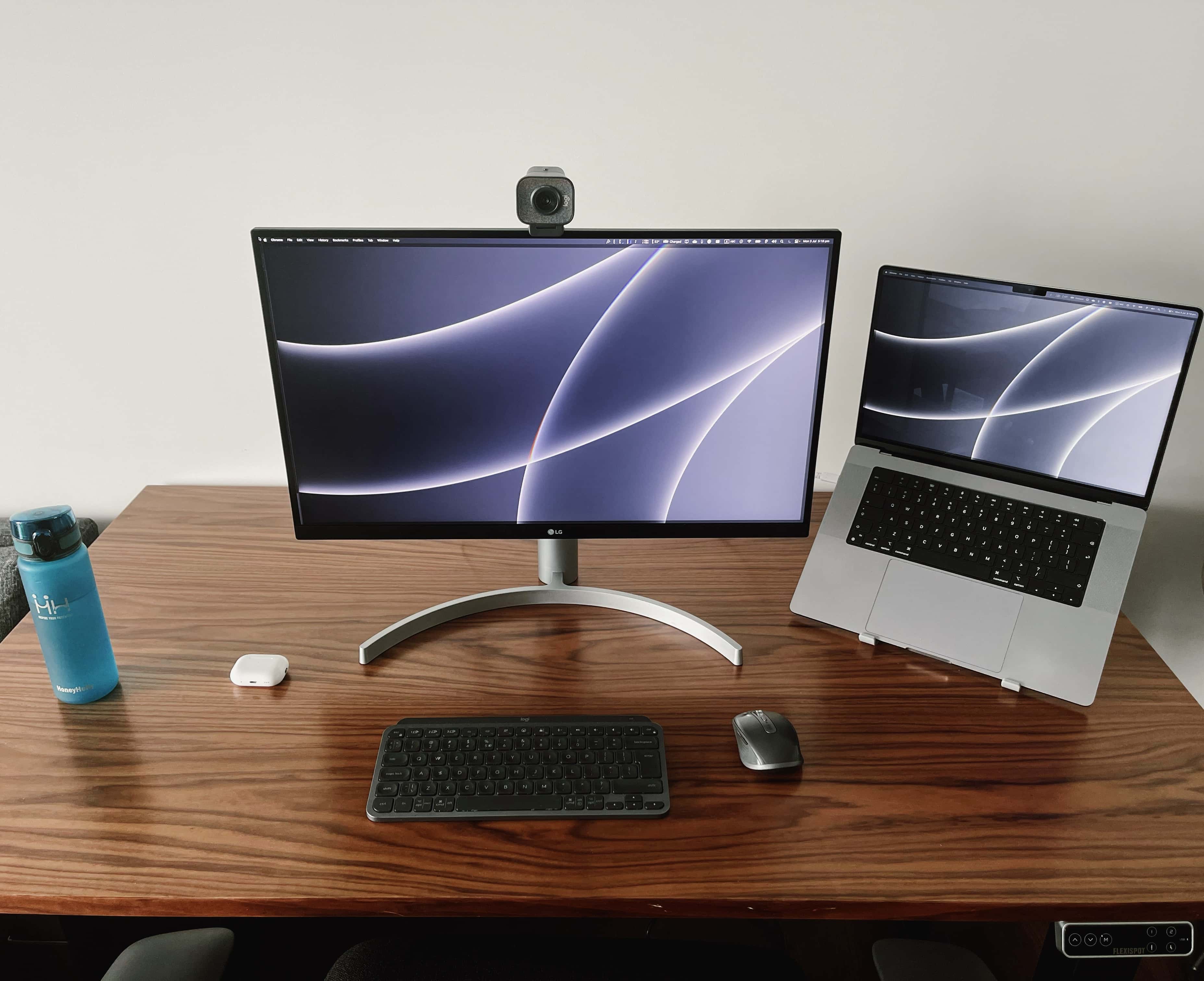
Even if you have a lot more gear than this, a standing desk can make a world of difference. Photo: [email protected]
Maybe you’ve got back pain, or maybe your rear end falls asleep too much when you sit for long periods. Whatever the case, you, like many Apple fans, can benefit from a standing desk in your computer setup.
Today’s featured MacBook Pro setup features an affordable sit-stand desk, but there are many options. We’ll go over some of them below.
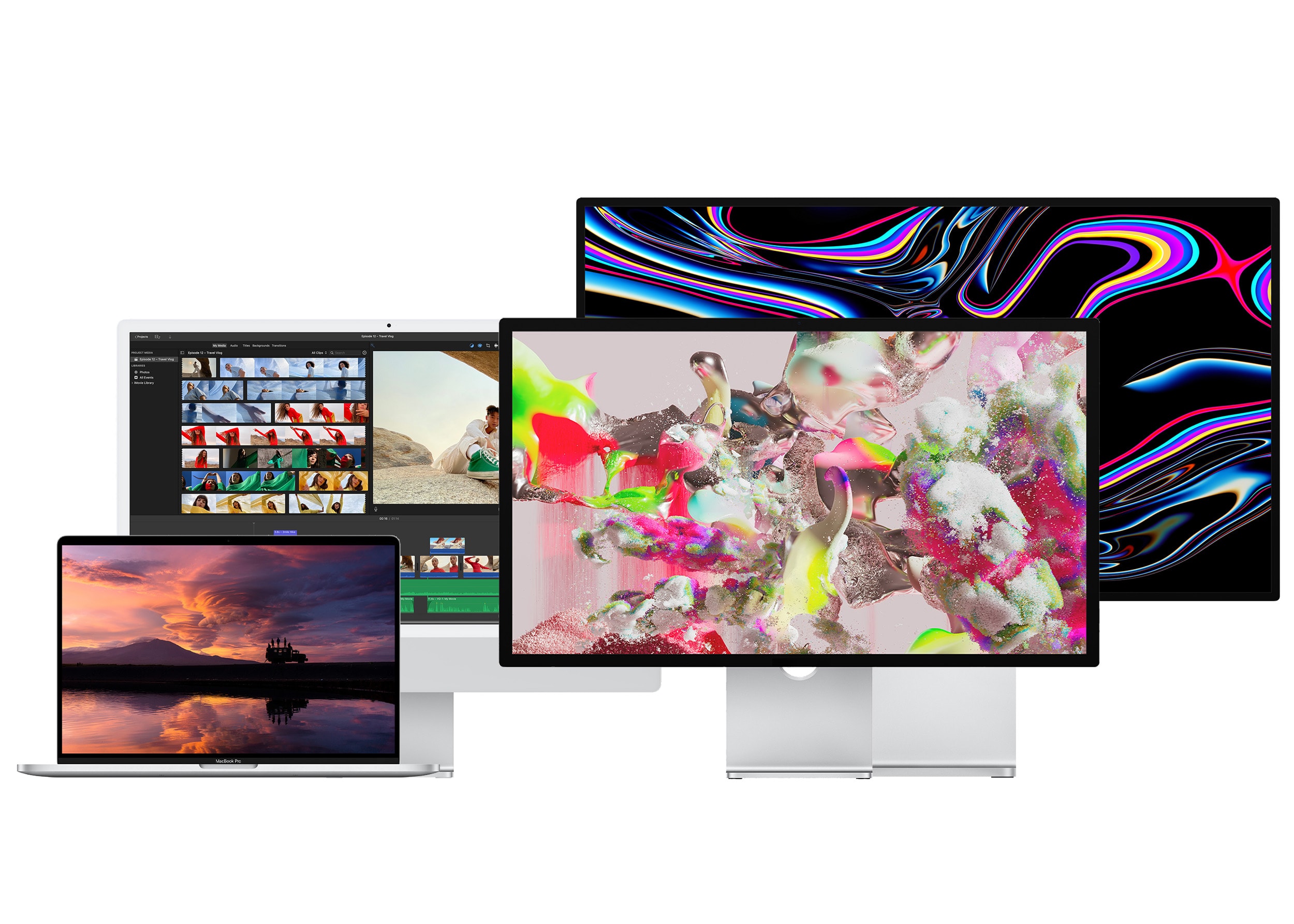
From left to right: The 16-inch MacBook Pro, the 24-inch iMac, the Studio Display and Pro Display XDR. Photo: Apple
If you’ve shelled out hundreds or thousands of dollars on a new computer, you’ll want the best monitor for your Mac to go along with it. There are many different kinds to choose from.
Macs and MacBooks play nicely with Retina displays, which have twice the pixel density and four times the resolution. But they can also be quite pricey — while there are new third-party options that are half the price of Apple’s, the cheapest is still around $800. You can choose from standard 27-inch displays, ultrawide panels with acres of screen space, or even small monitors ideal for a crowded dorm room desk.
Here’s a display buying guide to help you find an appropriate monitor to go with your Mac.
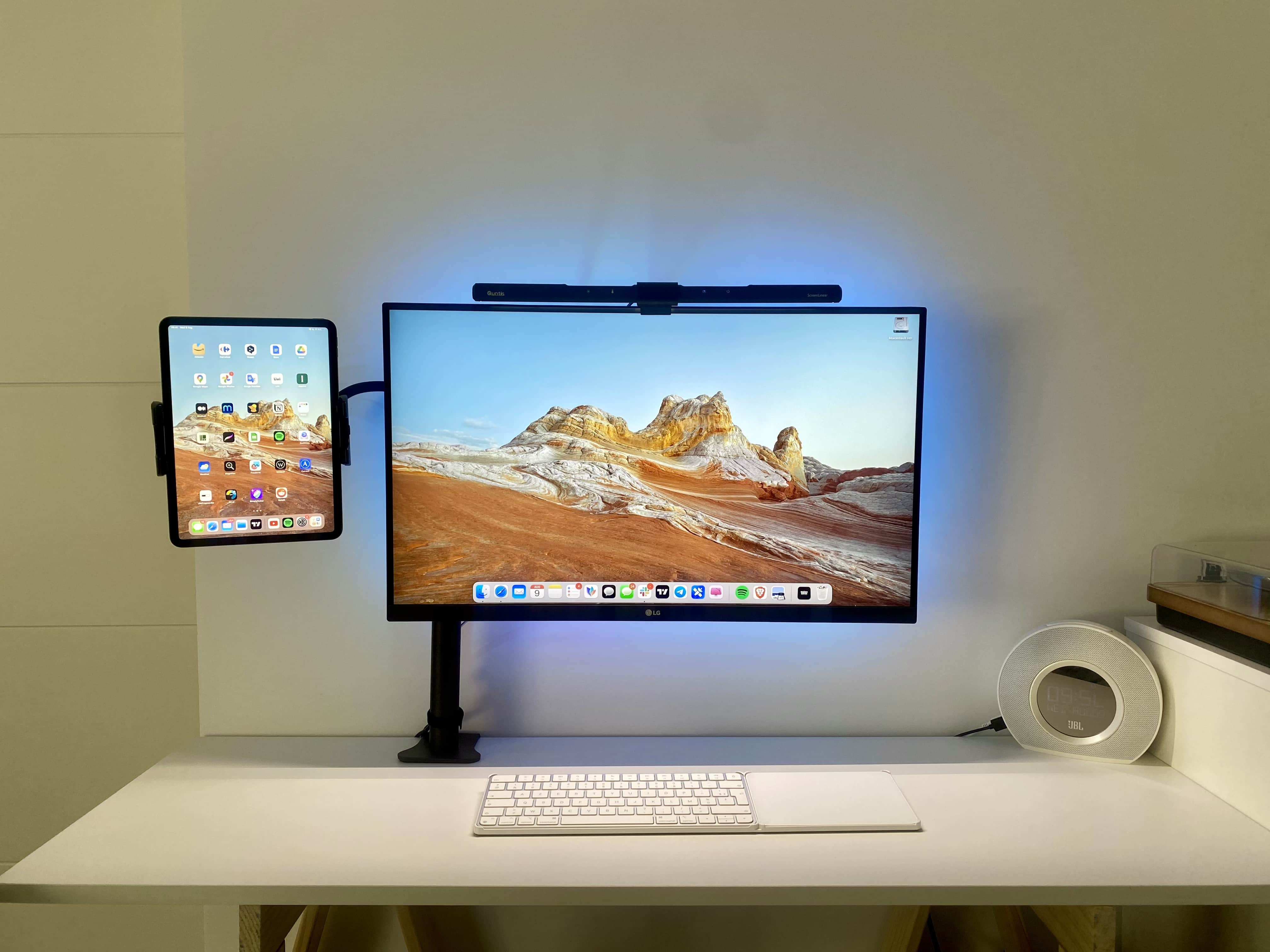
The little iPad holder makes using Sidecar or Universal Control a cinch. Photo: [email protected]
While many folks like to have miles of screen real estate with multiple external monitors, some enjoy simply having their iPad’s screen in tandem with their main screen, especially for use with Sidecar or Universal Control.
Today’s clean and well-lighted MacBook Pro setup mounts an iPad with the main monitor in a neat way while hiding away the laptop.
★★★☆☆
It's a funny-looking critter, but it's useful. Photo: David Snow/Cult of Mac
In a world of ever-more-compact-and-potent chargers, Mobfree launched a surprising and innovative entrant Wednesday on Kickstarter. It’s XuperCable, a three-in-one gadget with three retractable connectors to fast-charge a variety of devices at up to a 100 watts
It’s a funny-looking critter with its tentacles (cables), but it’s quite useful. It sticks to surfaces, it rotates and its three cables unspool and retract — what could possibly go wrong? Not much, as it turns out. The company sent me a XuperCable to try out.
★★★★☆
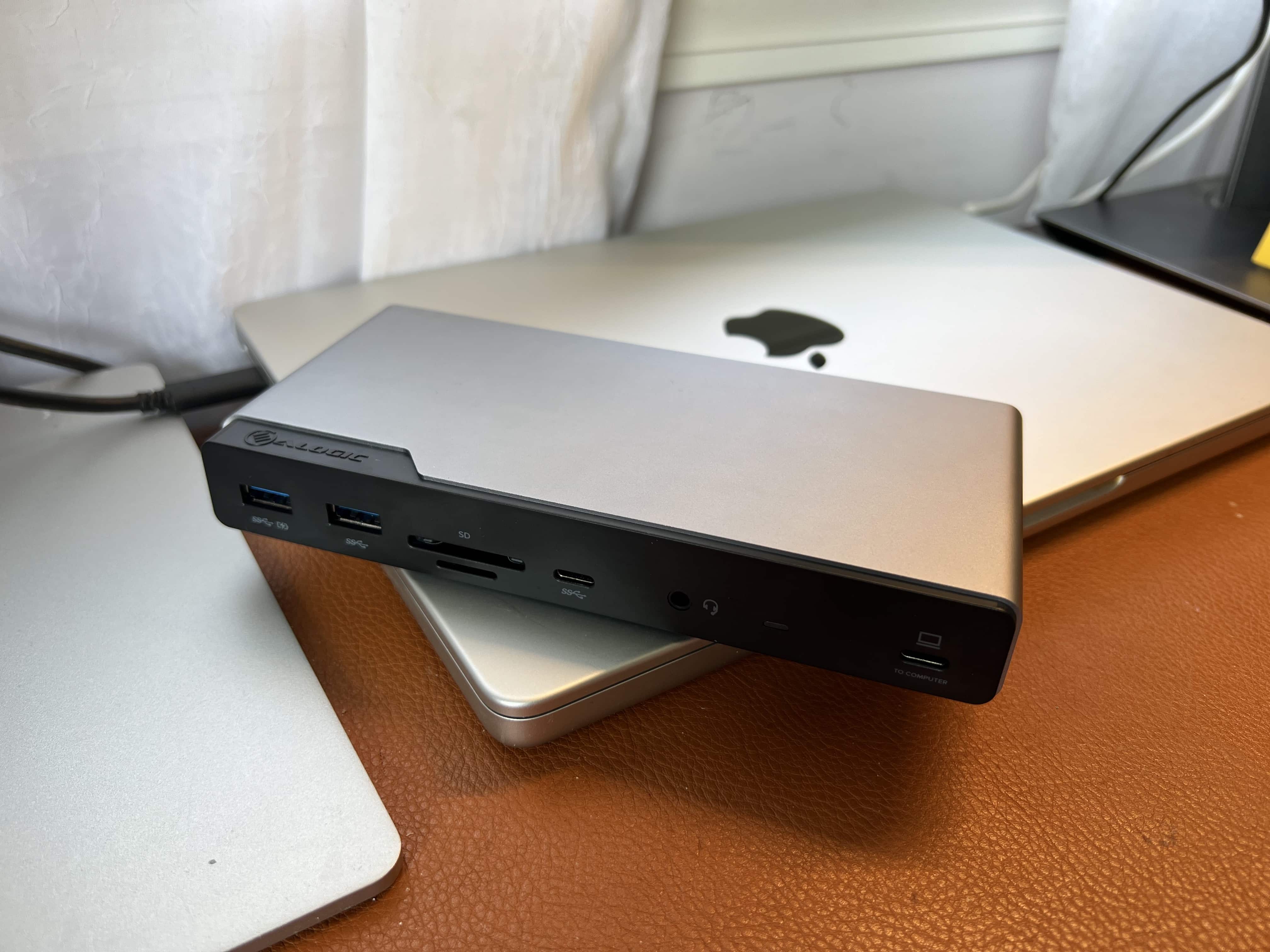
This slim dock does a lot. You can run three external displays with your MacBook and hook up several other peripherals. Photo: David Snow/Cult of Mac
Advanced computer docking stations keep getting better. The new Alogic Quad Display DV4 Universal Docking Station is a fine example, easily connecting up to four screens and several other peripherals to a computer.
That’s important for anyone relying on a laptop with limited ports — like many MacBook Pro and MacBook Air users over the years — who can appreciate a good docking station that broadens limited connectivity options.
Casey Liss, developer of a new app, Callsheet, that makes looking up movie and show trivia trivially easy. Image: D. Griffin Jones/Cult of Mac
Planet of the Apps is a series of interviews with app developers about making, marketing and maintaining apps in the App Store.
Indie developer and podcaster Casey Liss used to hate SwiftUI, Apple’s controversial UI toolkit for crafting apps. A lot of developers have a deep and abiding animus for SwiftUI, including Liss himself. But after using SwiftUI to create his latest app Callsheet, a movie and TV database app, he’s now a huge fan.
“So much of SwiftUI, I love,” he said in a wide-ranging and surprisingly-interesting interview. “I went from nothing to a fully functional app … in the span of a couple of weeks… It was stunningly fast.”
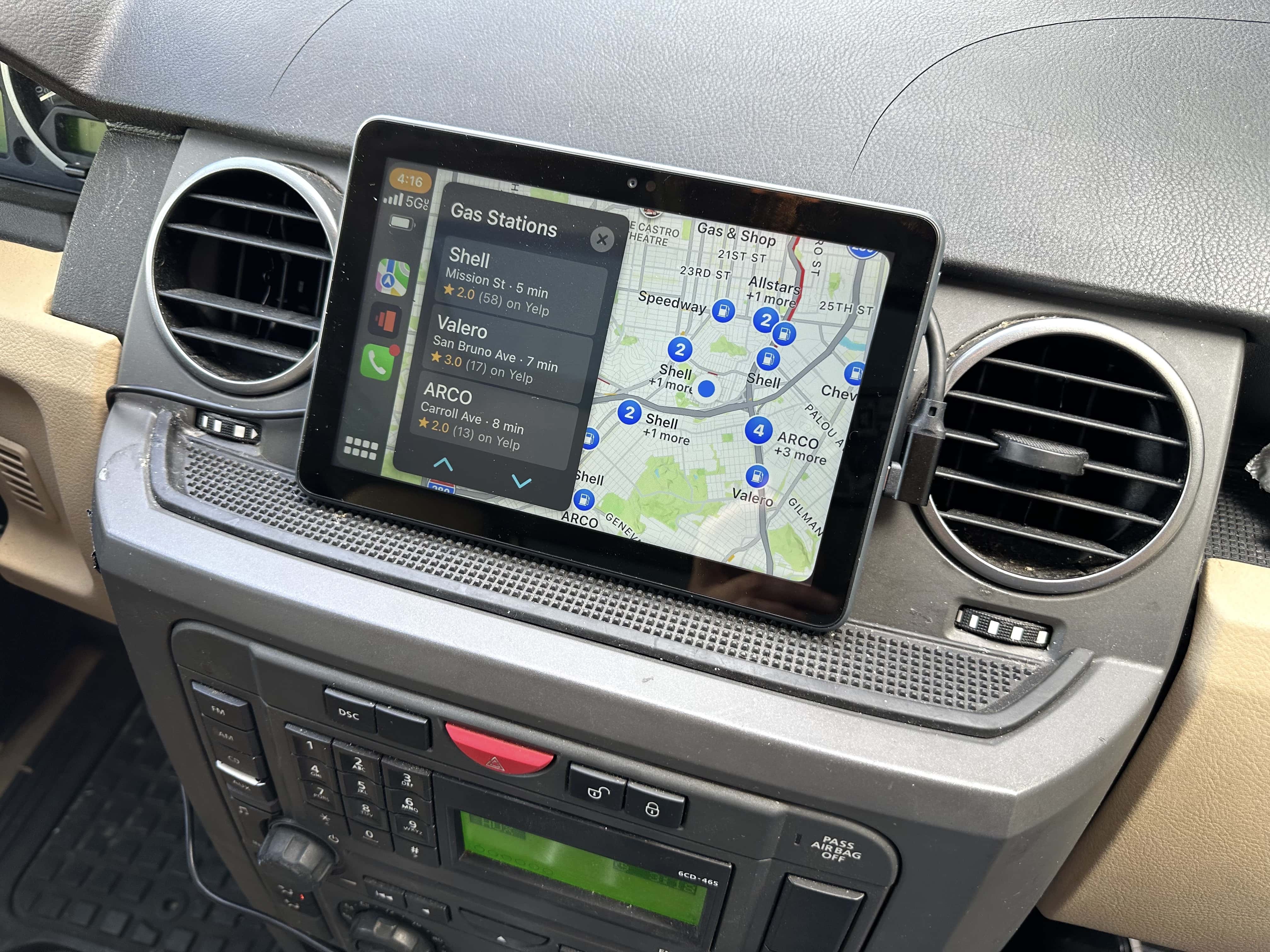
The easiest and cheapest way to add Apple’s CarPlay to any vehicle is with a cheap Amazon Fire tablet and a USB CarPlay dongle.
You don’t need to buy an expensive new car stereo, nor spend the weekend ripping out your dash and fiddling with wiring. Adding a Fire tablet is very plug-and-play, and instantly makes a big difference. It cost me less than $100 and gave my old pre-Bluetooth stereo a new breath of life. Now I have a big, beautiful, 8-inch screen for maps and directions.
However, it took me a while to find the right combination of gear. Plus, you should consider a few things before taking the plunge with this DIY wireless CarPlay hack.