Mobile menu toggle

Search results for: M1 MacBook Air

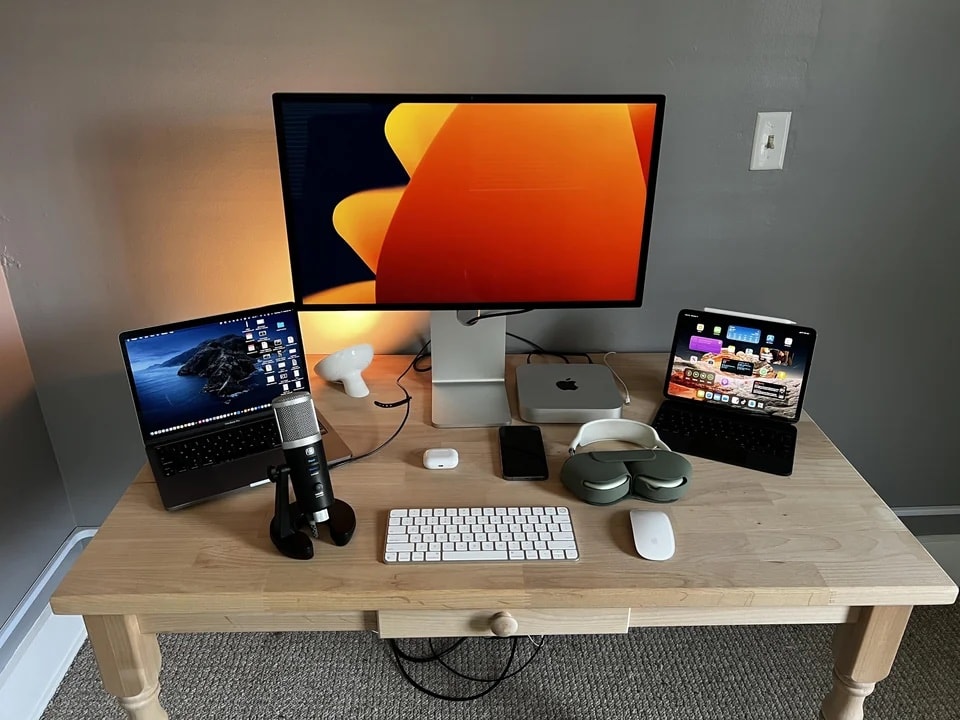
Formidable workstation scores 2 Apple ‘hat tricks’ [Setups]

By

It's pretty much all Apple here, with special appearance by other companies for recording and lighting purposes.
Photo: [email protected]

The only reason today’s featured setup isn’t 100% Apple is that Cupertino doesn’t make its own condenser USB microphones, lighting or desks.

Literally everything else in the setup is from Apple, including a computing “hat trick” of desktop Mac, laptop Mac and Apple tablet, plus a second hat trick for peripherals, with an Apple display, Apple input devices and Apple audio.

Why the Mac Pro lacks upgradable RAM and support for eGPUs

By

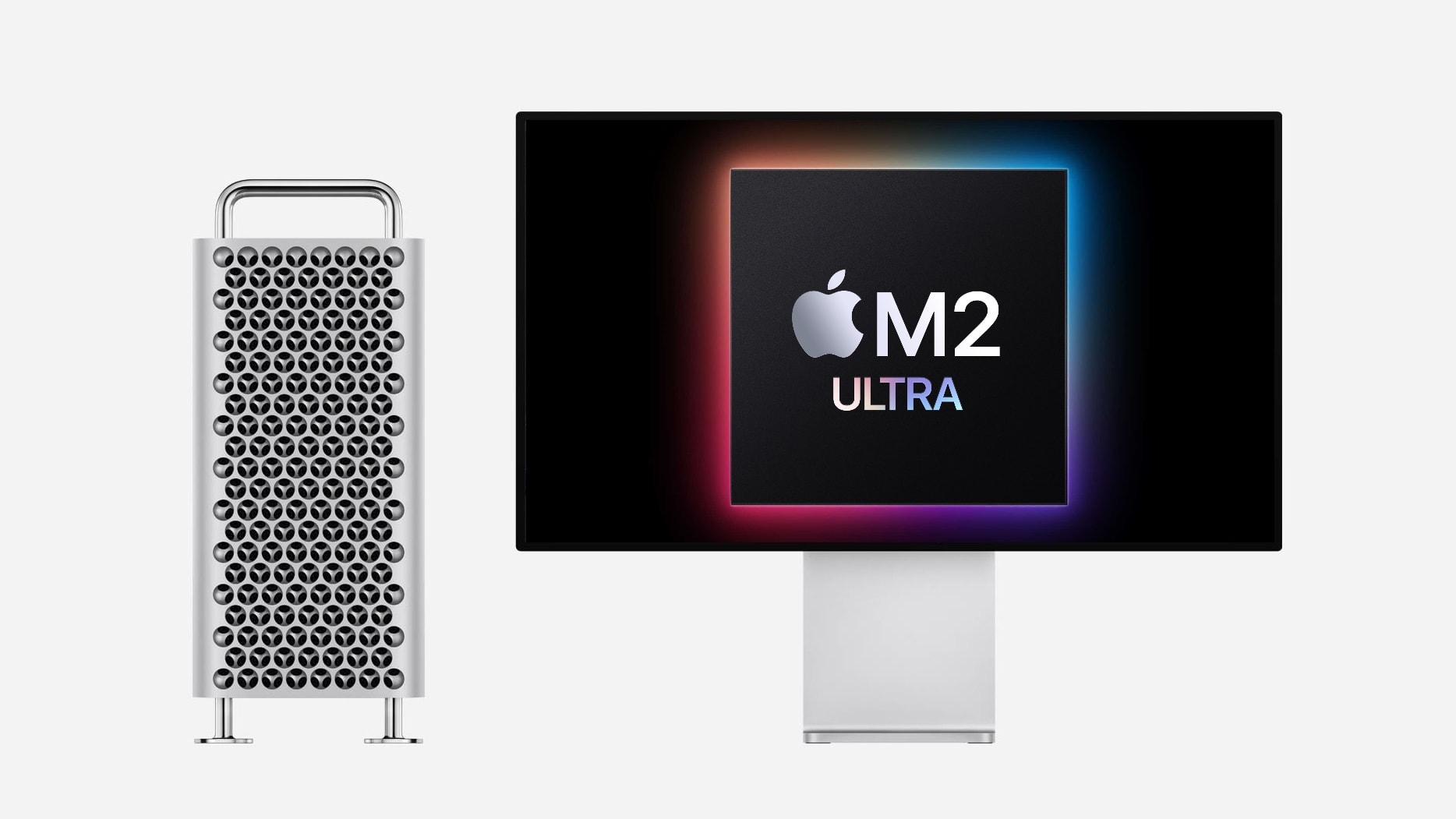
2023 Mac Pro with Apple M2 Ultra
The 2023 Mac Pro has an inescapable limitation.
Photo: Apple/Cult of Mac

The just-launched 2023 Mac Pro lacks features considered critical for workstations: upgradable RAM and support for eGPUs. But this isn’t Apple blindly making an error — it’s an inescapable fact of the M-series’ unified memory architecture.

The limitation isn’t new: it’s been known since the M1 processor was announced. But Tuesday’s release of a top-tier macOS workstation shines a spotlight on the problem.

For those who weren’t paying attention back in 2020, here’s an explanation of why RAM upgrades and plug-in GPU aren’t an option for the 2023 Mac Pro.

New Satechi 12-port dock supports trio of 4K monitors on all Macs

By

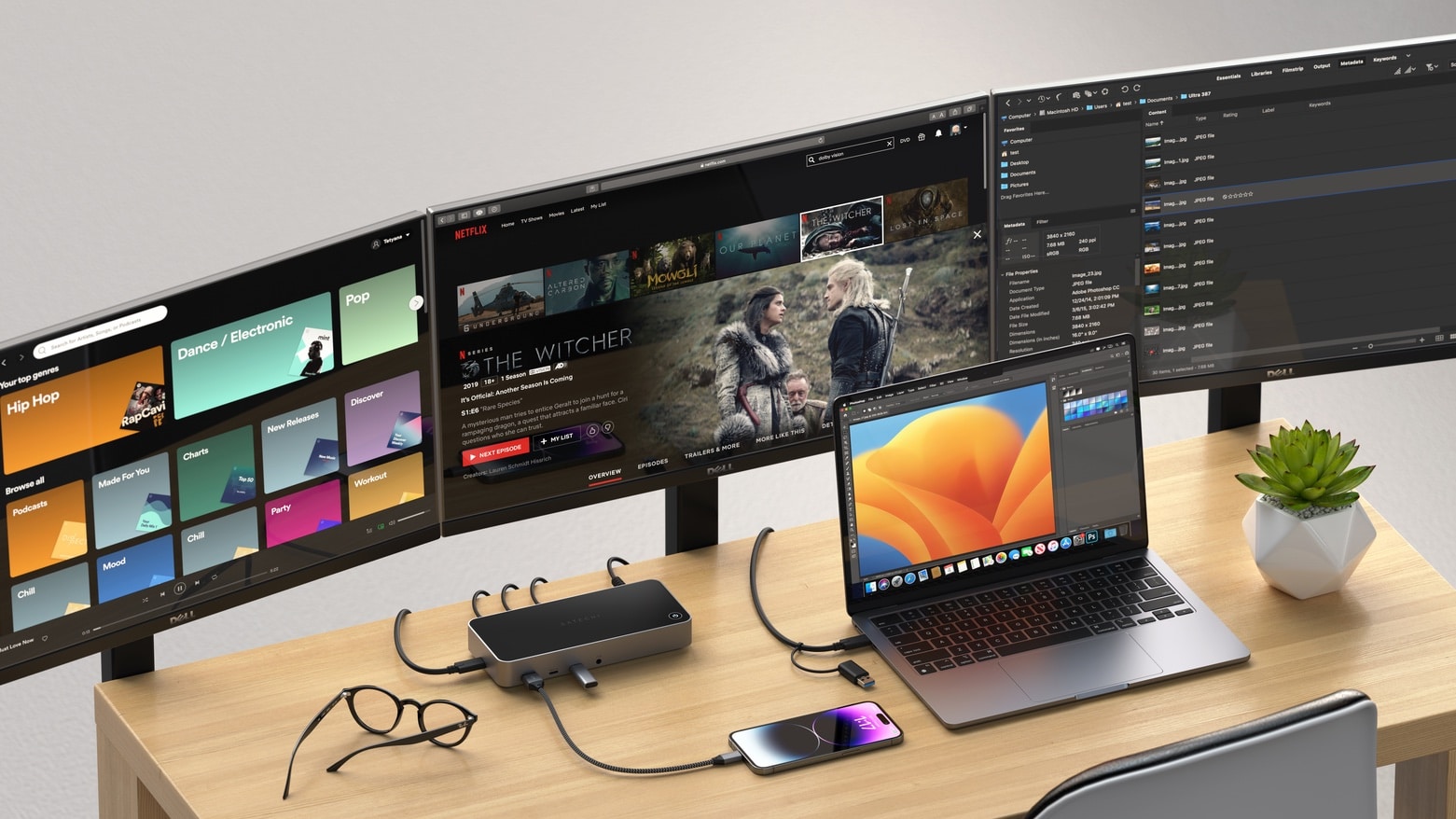
Satechi Triple 4K Display Docking Station
Even if your Mac isn’t supposed to be up to handling three external monitors, it can with this new dock from Satechi.
Photo: Satechi

The Satechi Triple 4K Display Docking Station offers a dozen ports of a variety of types. Among the range of accessories that can be connected are up to three 4K/60Hz displays. And that includes Macs that ordinarily support only one external monitor.

Also included are multiple USB ports and Ethernet.

Apple Back to School deal bundles gift card up to $150 with new Mac or iPad

By

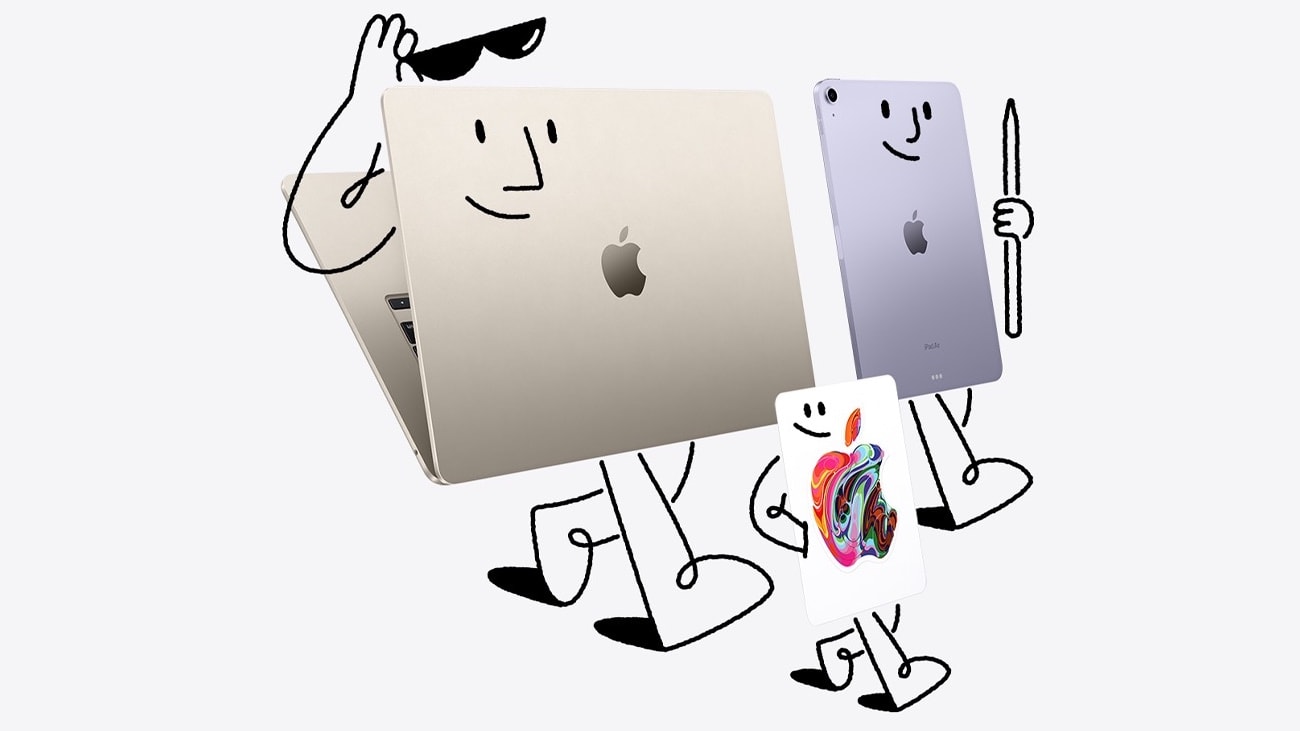
Apple Back to School deal bundles gift card up to $150 with new Mac or iPad
Mac, iPad and gift cards go hand-in-hand in the 2023 Apple Back to School deal.
Graphic: Apple

It’s barely summer and Apple is already thinking about heading back to school in the fall. But at least it’s offering students a $150 gift card with a qualifying Mac purchase, and a $100 gift card with a qualifying iPad purchase.

That’s on top of educational pricing for these computers. And a deal on AppleCare+.

Apple’s biggest reveals at WWDC23

By

Here's everything you need to know about WWDC23, Apple's
Here's everything you need to know from the WWDC23 keynote, the beginning of Apple's "best ever" developer event!
Image: Cult of Mac
WWDC23

The Keynote from WWDC23 was unusually jam-packed with huge announcements. Naturally, the first official details of new iOS, macOS, iPadOS and watchOS versions came to light, as is traditional. But Apple also used its annual developer conference to take the wraps off quite a bit of hardware.

And CEO Tim Cook used Apple’s classic “One more thing” line to unveil Vision Pro, the augmented-reality headset that was the absolute star of Monday’s Keynote.

WWDC23: What to expect from Apple’s blockbuster keynote [Updated]

By

WWDC23: What to expect
Apple has plenty of announcements lined up for WWDC23
Photo/Graphics: Apple/Rajesh
WWDC23

With Apple’s Worldwide Developers Conference just a week hours away, anticipation is building for what looks like one of the company’s most momentous events in years. In addition to the next versions of iOS, iPadOS, watchOS and macOS, Apple reportedly plans to use its WWDC23 keynote on June 5 to showcase some very interesting hardware.

Here’s a roundup of what to expect from the WWDC23 keynote, which streams live at 10 a.m. Pacific today.

New high-end Macs with M2 Max and Ultra chips could debut at WWDC23 [Updated]

By

A table of desktop Macs. Going clockwise around the table, starting at the front: the Mac Studio with Studio Display (height-adjustable stand and nano texture glass), the iMac, Mac Pro with Pro Display XDR (with Pro Stand) and Mac mini with Studio Display (tilt stand).
The 2023 Mac Studio might debut as soon as next week.
Photo: D. Griffin Jones/Cult of Mac
WWDC23

Apple could launch two new high-end desktop Macs at WWDC23 next week. Labeled internally as Mac 14,13 and Mac 14,14, the two machines could be Apple’s most powerful Macs yet.

Likely aimed at professionals, the new desktop Macs — likely updated versions of the Mac Studio — reportedly will feature M2 Max and M2 Ultra chips. The rumored specs point to big performance boosts.

2 key items complete killer workstation [Setups]

By

With a good iPad stand and a DAC/amp added for audio, this setup is finally done. For now.
Photo: [email protected]

Part of the fun of covering computer setups for Cult of Mac is seeing how a setup is never “done.” Blood, sweat, tears and time may go into it, but it will always need something — whether that’s missing functionality, better decoration or the next generation of a key device.

Today’s featured M2 MacBook Air setup is a good example. Since we featured an earlier version of it just weeks ago, the user made important changes. He added two components to maximize crucial iPad functionality and pump up audio.

Dual curved displays set at crazy angles for sane reason [Setups]

By

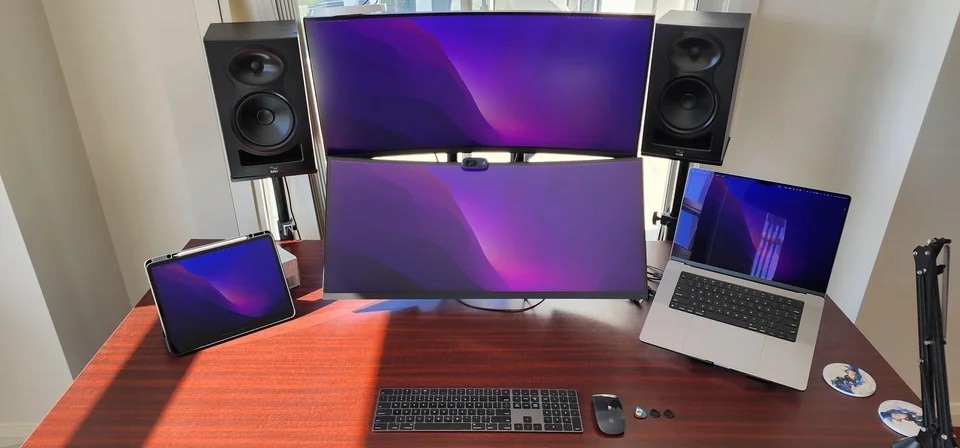
To get a better idea of the screen angles, see the image below.
Photo: [email protected]

If you’re considering going with two external displays in your computer setup, you might find some inspiration in today’s featured MacBook Pro workstation with two slick gaming displays.

The laptop drives two stacked, ultra-wide, curved displays that are mounted — and even carefully angled — for the best ergonomics, resulting no eye or neck strain.

Programmer loves his Logitech peripherals [Setups]

By

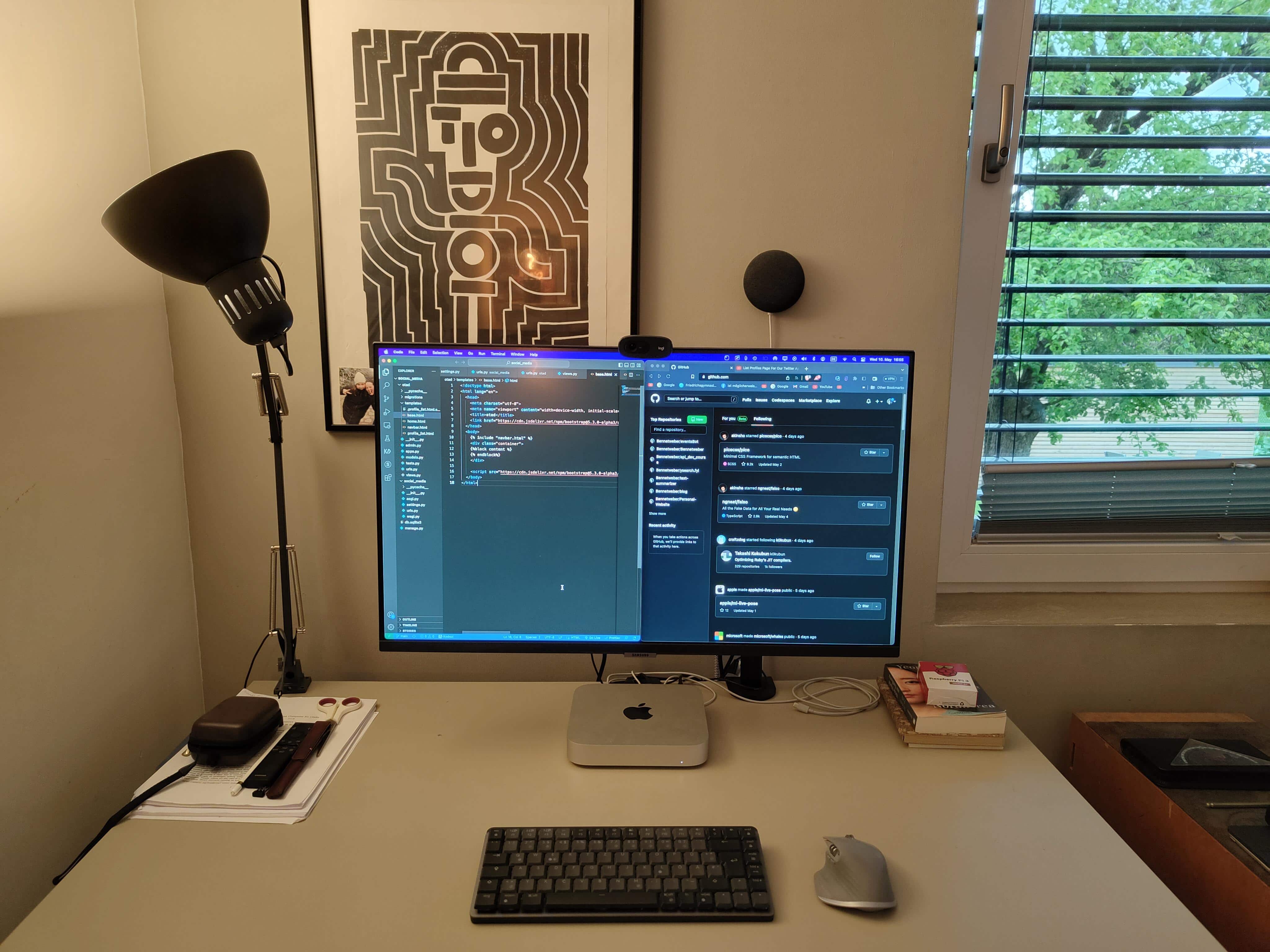
The programmer likes his Logitech Mini mechanical keyboard.
Photo: [email protected]

Before reading past the jump, take a look at today’s featured M1 Mac mini computer setup in the photograph above and see if you can quickly identify the two items that aren’t from peripherals giant Logitech — other than the main computer, display and furniture.

Both items are on the small side, so it might take a hard look to spot them. Answers below in the post and at the bottom just above the gear list.

1 66 67 68 69 70 99