Mobile menu toggle

Search results for: M1 MacBook Air

Best Prime Day deals on Apple gear and accessories [Updated]

By

Best Prime Day deals 2023 on Apple gear, day two.
Amazon's Prime Day event is a great time to find Apple deals. Here are the best we've tracked down so far.
Photo: Brooke Cagle/Unsplash License/Modified by Cult of Mac

Looking for the absolute best Amazon Prime Day deals on Apple gear and accessories? Us too. In fact, the only thing we like more than Apple gear is a great deal on Apple gear.

So far we’ve found cheap MacBooks, AirTag competitors that cost less than $15 a pop, rock-bottom pricing on must-have software like Microsoft Office for Mac, and sweet deals that will save you hundreds on power banks and solar generators to keep your gear powered up. We even put together an inexpensive bundle that can add Apple CarPlay to your ride.

We’ll update this post as we continue to search for the best Prime Day deals — on Amazon and beyond.

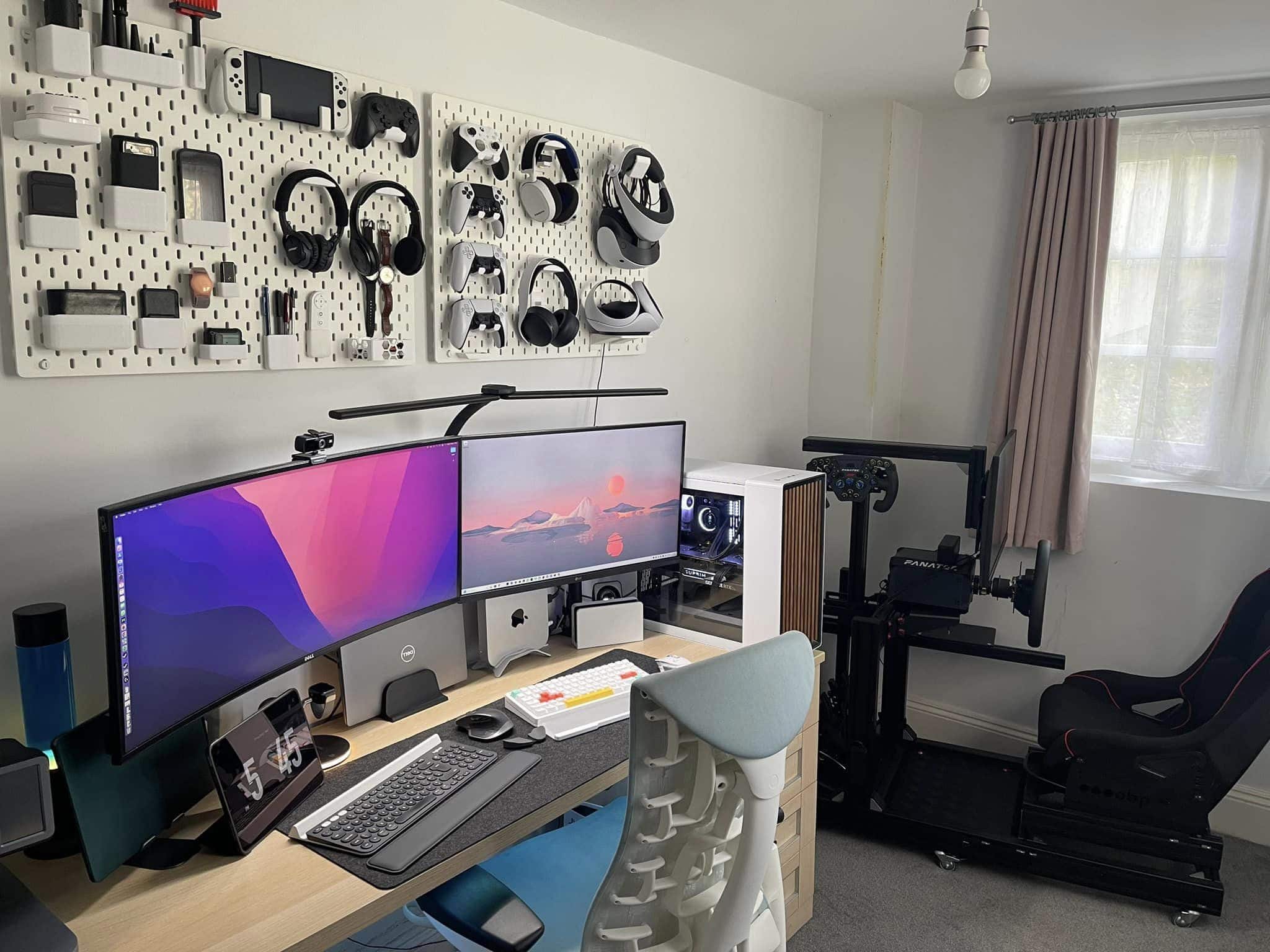
Mac mini and custom PC help make gamer’s paradise [Setups]

By

Just check out those pegboards holding many and varied gaming implements.
Photo: Sajid Kahn

Some computer setups blow you away with the sheer number of components they include. Today’s featured M1 Mac mini rig not only has five computing devices — not counting a whole wall full of gaming systems — its gear list at the bottom of this post includes 33 items.

And that doesn’t even count the 3D printer, smartphones and a bunch of other items the user showcased.

Celebrating the joys of owning 2 Macs [Setups]

By

Some people seem to an M2 Mac mini and an M1 MacBook Air in one setup is overkill. Others wouldn't have it any other way.
Photo: [email protected]

Are two Macs better than one in a computer setup? People’s opinions differ. What’s overkill to one person could be a perfectly sensible use of resources to another.

Until recently, today’s featured setup ran just an M1 MacBook Air. But then the user added an M2 Mac mini. To discover all the reasons why — especially if you need an excuse to add a desktop machine to your laptop setup or vice versa — read on. If you’re looking for ways to streamline your workflow, you might also want to explore how to control MacBook with iPhone, which can enhance productivity and device integration.

Linux is now officially supported on Apple silicon [Correction: No it’s not]

By

The Year of Linux on the Mac
Everyone’s third-favorite desktop operating system comes to the Mac.
Image: PantheraLeo/Wikimedia Commons/D. Griffin Jones/Cult of Mac

Correction: This story was based on a misunderstanding of the facts. We published a correction to set the matter straight. Read that instead of the story below.

Linux has officially added support for Apple silicon in its latest release. Ubuntu and Fedora, two of the most popular distributions of Linux, will soon be integrating this feature.

While it’s still early for Apple silicon support, and not all computers with M-series chips will work, this is a significant milestone for Linux users. Computer scientists, programmers and hobbyists have not yet been able to fully take advantage of Apple’s powerful new hardware.

How old do you have to be to still have a printer? [Setups]

By

You don't see a printer right in the setup all that often. People took notice.
Photo: [email protected]

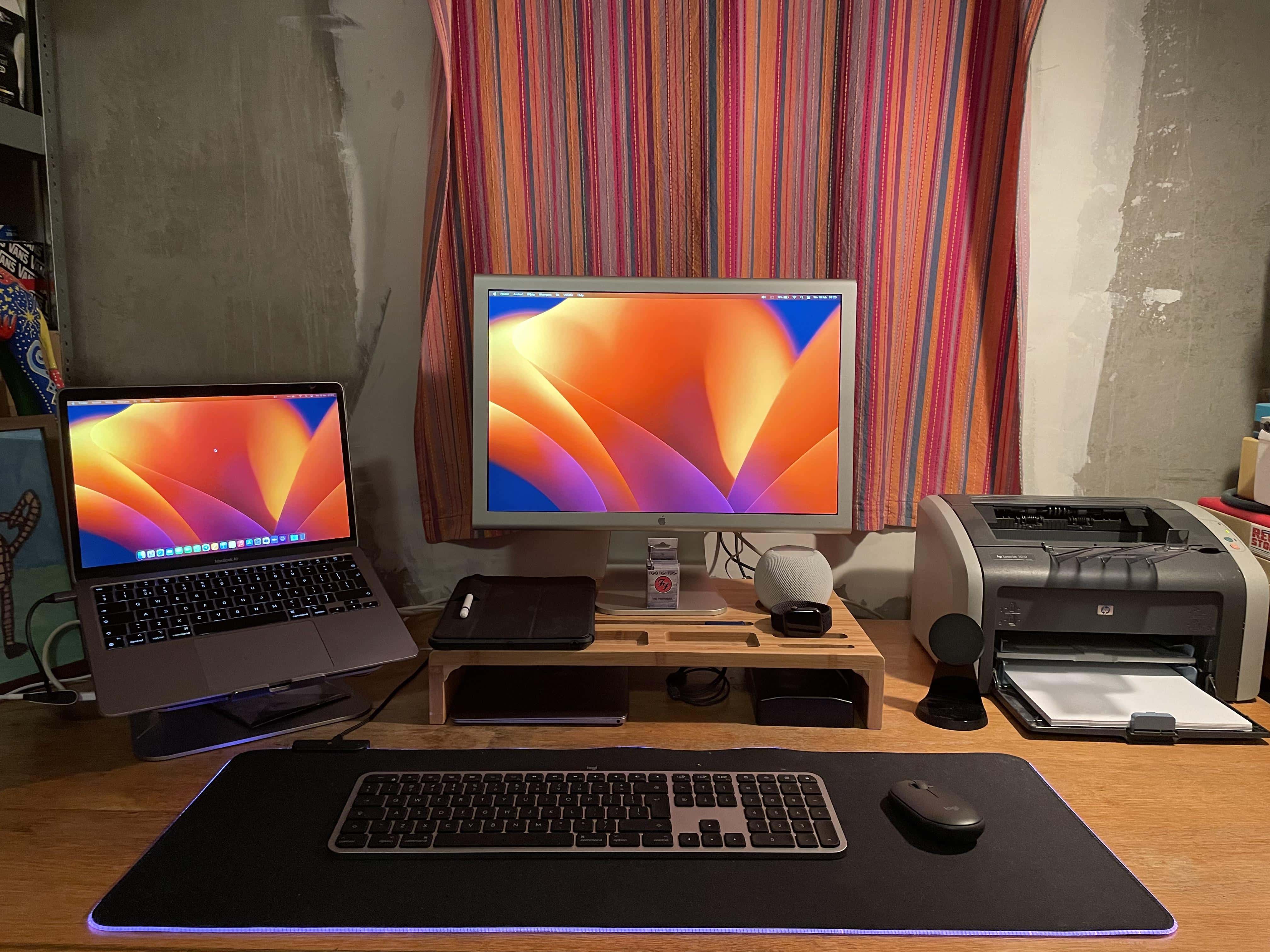
We come across setups with printers from time to time, though they’re usually off to the side and perhaps only occasionally used. But today’s featured setup with a MacBook Air, a 2016 12-inch MacBook and a 20-inch Cinema Display keeps the printer right in the main mix.

This took some commenters by surprise. They noted why they never print anymore and grilled the user about his age, which turned out to be a lot lower number than expected.

3 Macs and KVM switch keep remote worker out of trouble [Setups]

By

Three Macs and a KVM switch with a big external monitor can be the perfect solution.
Photo: [email protected]

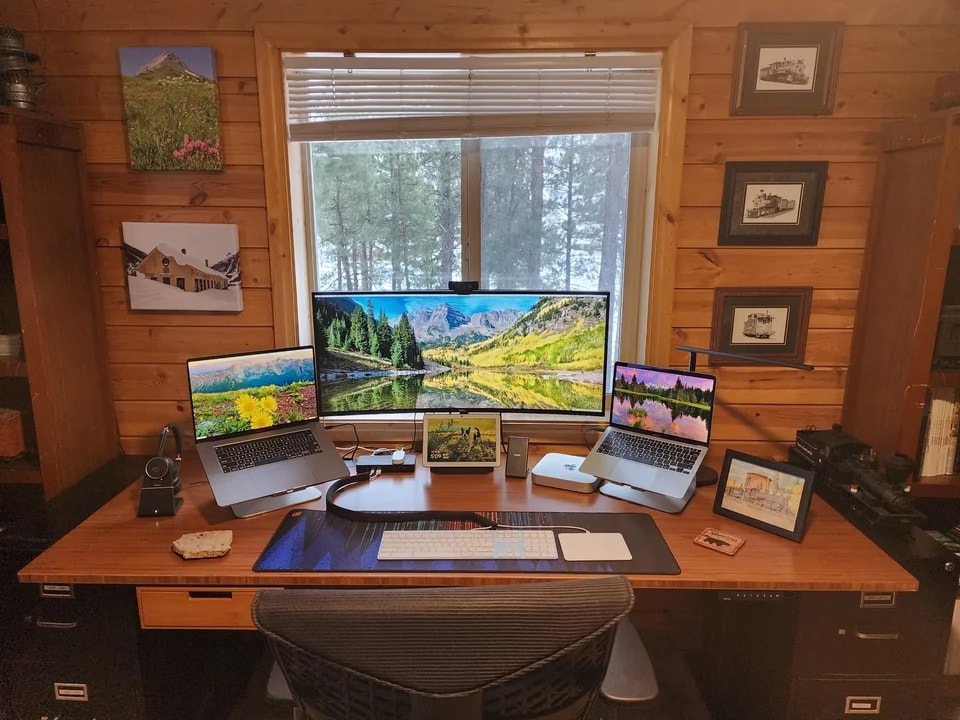
Today’s featured computer setup employs three separate Macs — MacBook Pro, M1 MacBook Air and M1 Mac mini — connecting two of them to a big external monitor using a KVM docking station.

KVM switches are handy when you don’t want to switch cables from different computers using the same monitor and input devices. But there’s another reason the user, Greg Coit, chose the method.

Bare-bones mobile workstation is ready for anything, anywhere [Setups]

By

At home or in a fast-food joint, work is getting done.
Photo: [email protected]

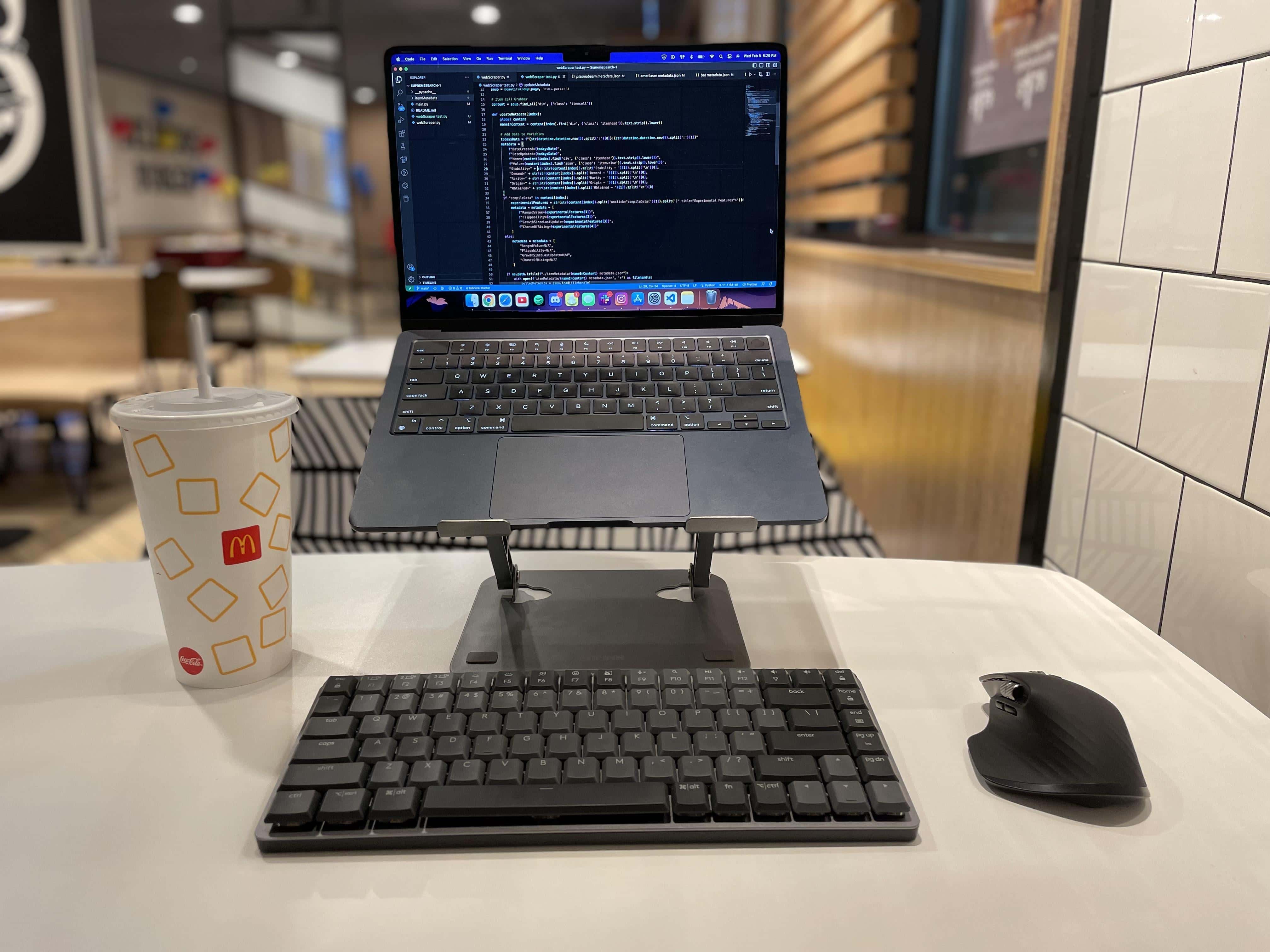
Sure, you only need a MacBook Air or Pro to get things done almost anywhere. Or maybe an iPad with a stand and keyboard. But if you want to be more comfortable (and productive), wouldn’t you want a fuller computer setup? Today’s incredibly spare featured setup gets the job done.

The user is a journalist who takes their work on the road, like the fast-food joint in the photo above. They use just an M1 MacBook Air on a stand, a mini mechanical wireless keyboard and mouse, and sometimes a clamp-on light and iPhone mount to handle quality video calls via Continuity Camera.

These Black Friday deals on Apple gear are still going strong [Updated]

By

Best Black Friday deals on MacBooks, AirPods, and iPads
These are the best Black Friday Apple deals you need to check out.
Photo: Rajesh

Black Friday 2022 is now one for the record books, but you can still take advantage of hefty discounts on Apple products.

So, if you have been looking to buy a Mac, iPad, Apple Watch, AirPods or other Apple products for a while, take advantage of the best Black Friday deals on Apple gear right now. Just bear in mind that these deals can be slippery as an eel. If you see one you like, jump on it ASAP, because there’s no guarantee it will last.

Mac enters third year of two-year transition to Apple chips

By

Mac enters third year of two-year transition to Apple chips
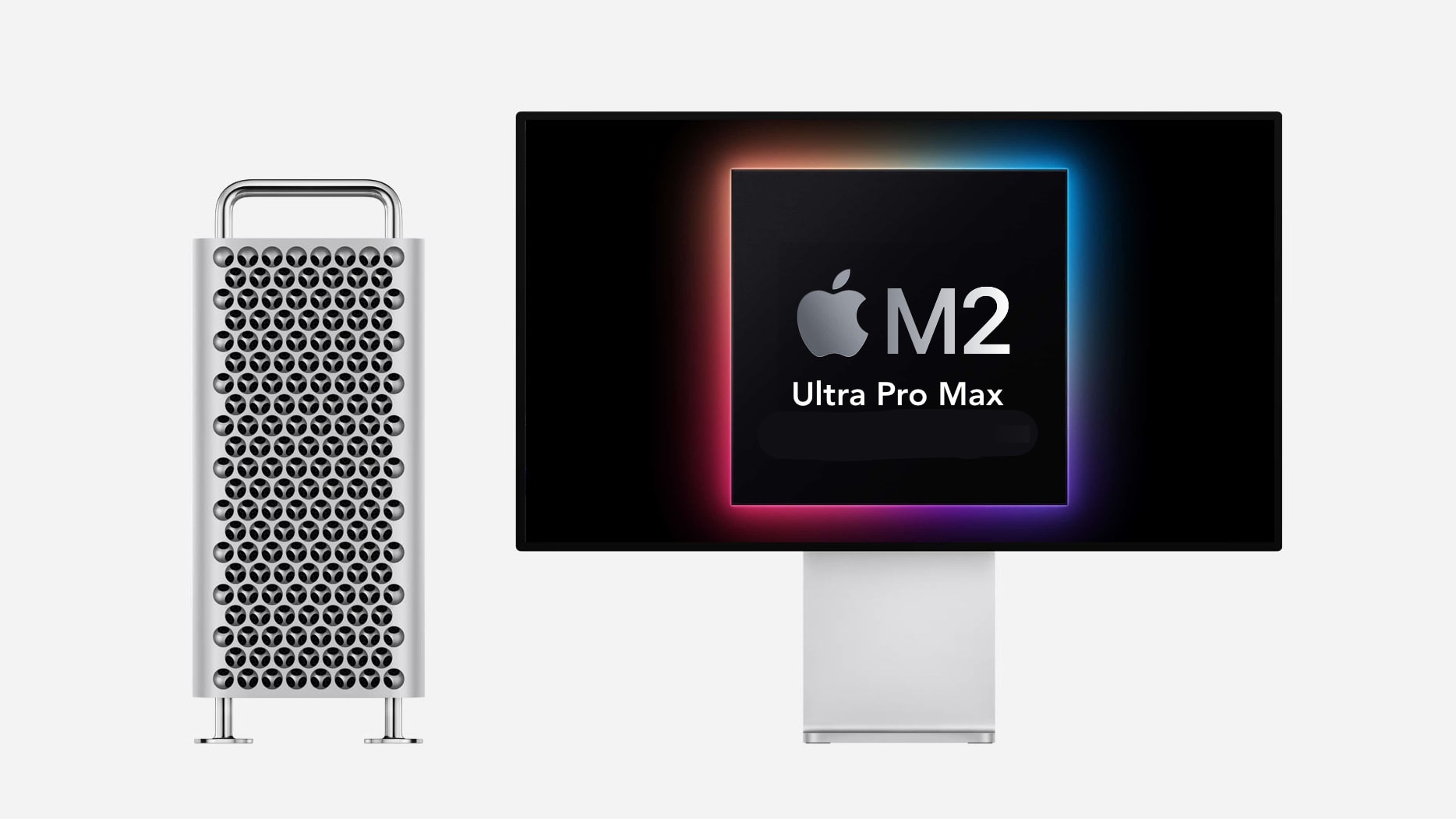
The Mac Pro still runs on Intel. It's overdue for Apple silicon... whatever the chip gets named.
Photo: Ed Hardy/Cult of Mac

At the launch of Apple silicon in 2020, the Mac-maker committed itself to a two-year transition away from Intel processors. Today marks the first day of year three of that transformation but the Mac Pro still uses Intel chips. Apple missed its deadline.

There has not even been a mention from Apple of a replacement macOS workstation with an M-series processor. A few leaked details are all we have.

8 tantalizing tidbits from Apple’s otherwise stultifying earnings call

By

Apple Q3 2022 earnings roundup: The earnings call wasn't that exciting, but Apple still dropped some tantalizing tidbits on us.
The earnings call wasn't that exciting, but Apple still dropped some tantalizing tidbits on us.
Image: Sharon McCutcheon/Unsplash License/Cult of Mac

Apple earnings calls with analysts can offer fascinating glimpses behind the scenes at the iPhone-maker. Most of the time, though, they are dull as toast. That’s true even for the June quarter, when Apple managed to snatch financial success from the jaws of supply constraints.

But we endured the tedium of the call so you don’t have to. Just read on to get the interesting details almost lost in all the talk of basis points and CAPEX.

1 46 47 48 49 50 99