Mobile menu toggle

Search results for: M1 MacBook Air

Where did you get that wonderful wallpaper? Here are 11 sources. [Setups]

By

Fine setup, but where did you get that wallpaper?
Photo: [email protected]

One of the questions you see most in the comments sections of posts about computer setups on social media is: Where did you get that wallpaper? To many folks, the setup may be fine and dandy, but what they really care about is not so much the fancy hardware, but the imagery on the display that they might easily get for themselves.

Today’s setup is a prime example. It made us look back at 10 great wallpaper sources we’ve come across, below. That’s 11, actually, including today’s subject.

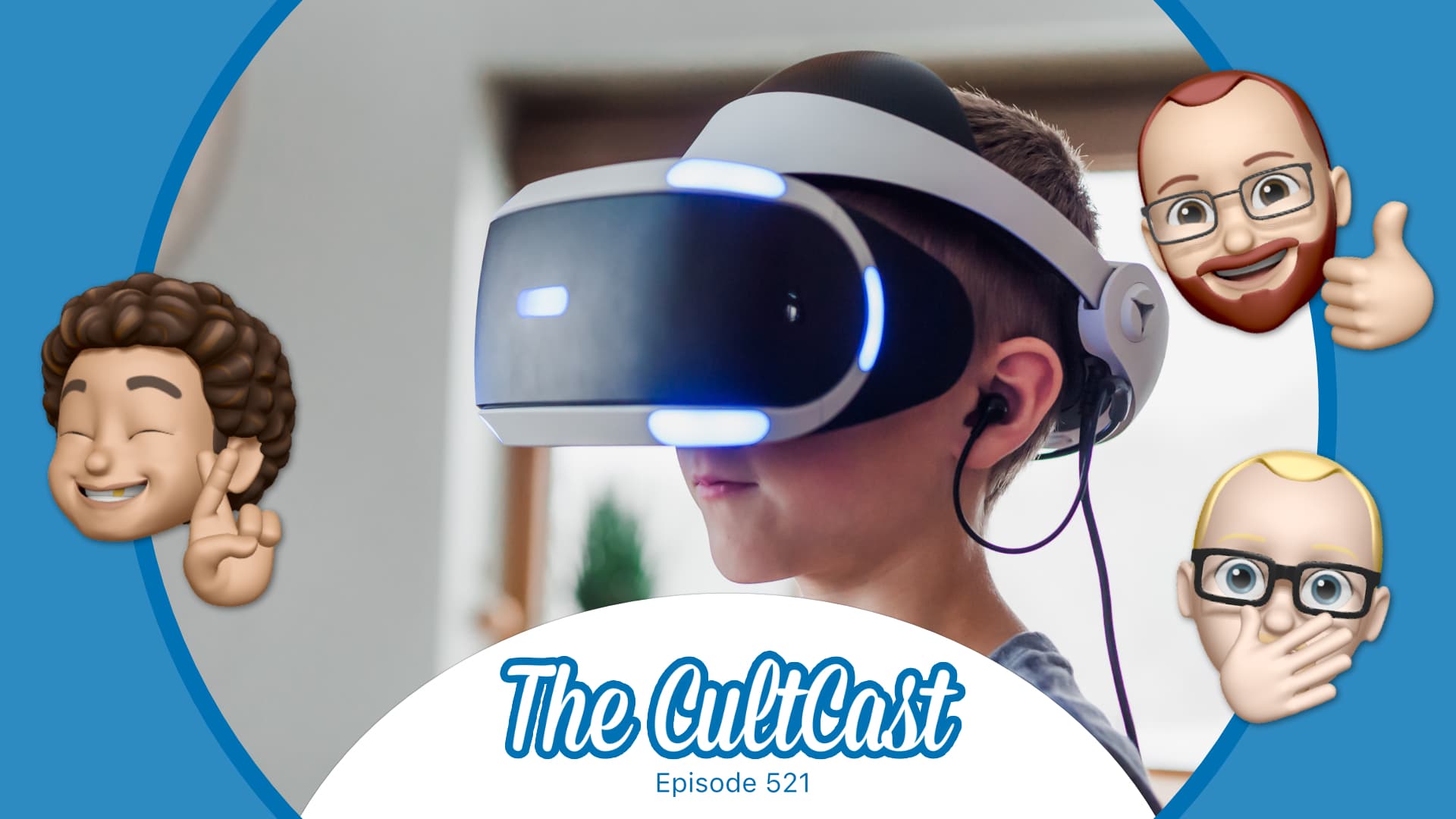
Just how cool will Apple’s VR headset be? [The CultCast]

By

The CultCast: Are you ready for Apple VR headset?
Are you really ready for VR?
Image: Killian Bell/Cult of Mac

This week on Cult of Mac’s podcast: Let’s talk about the virtual reality headset Apple supposedly will unleash next year. Will it happen? What will it do? And do we even want it to happen?

Also on The CultCast:

  • Maybe AirPower isn’t dead — and maybe something even more amazing is on the horizon.
  • Tesla Cyberwhistle FTW.
  • Our first round of Gear of the Year picks.

Listen to this week’s episode of The CultCast in the Podcasts app or your favorite podcast app. (Be sure to subscribe and leave us a review if you like it!) Or watch the video livestream, embedded below.

USB connectivity problems plague macOS Monterey users

By

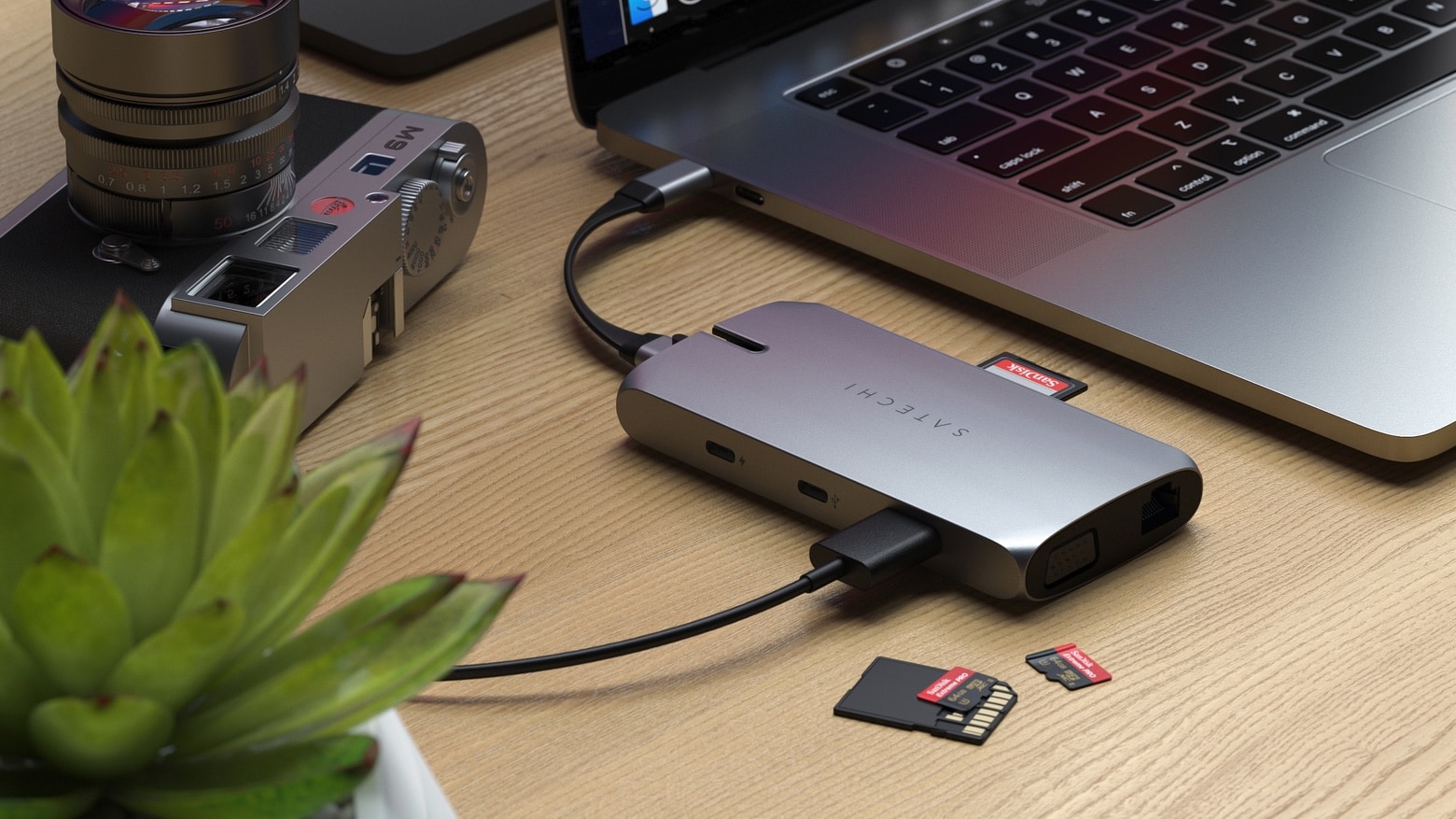
Satechi's portable USB-C hub is designed for home or travel.
Are your USB-C peripherals working properly under macOS Monterey?
Photo: Satechi

A growing number of reports from macOS Monterey users suggest Apple’s newest operating system has issues with USB-C hubs and some other USB peripherals — some of which do not work at all.

Some users say that while there USB-C hub is detected and most ports work as intended, USB 3.0 ports supposedly aren’t seen by macOS.

Why go with stacked displays? [Setups]

By

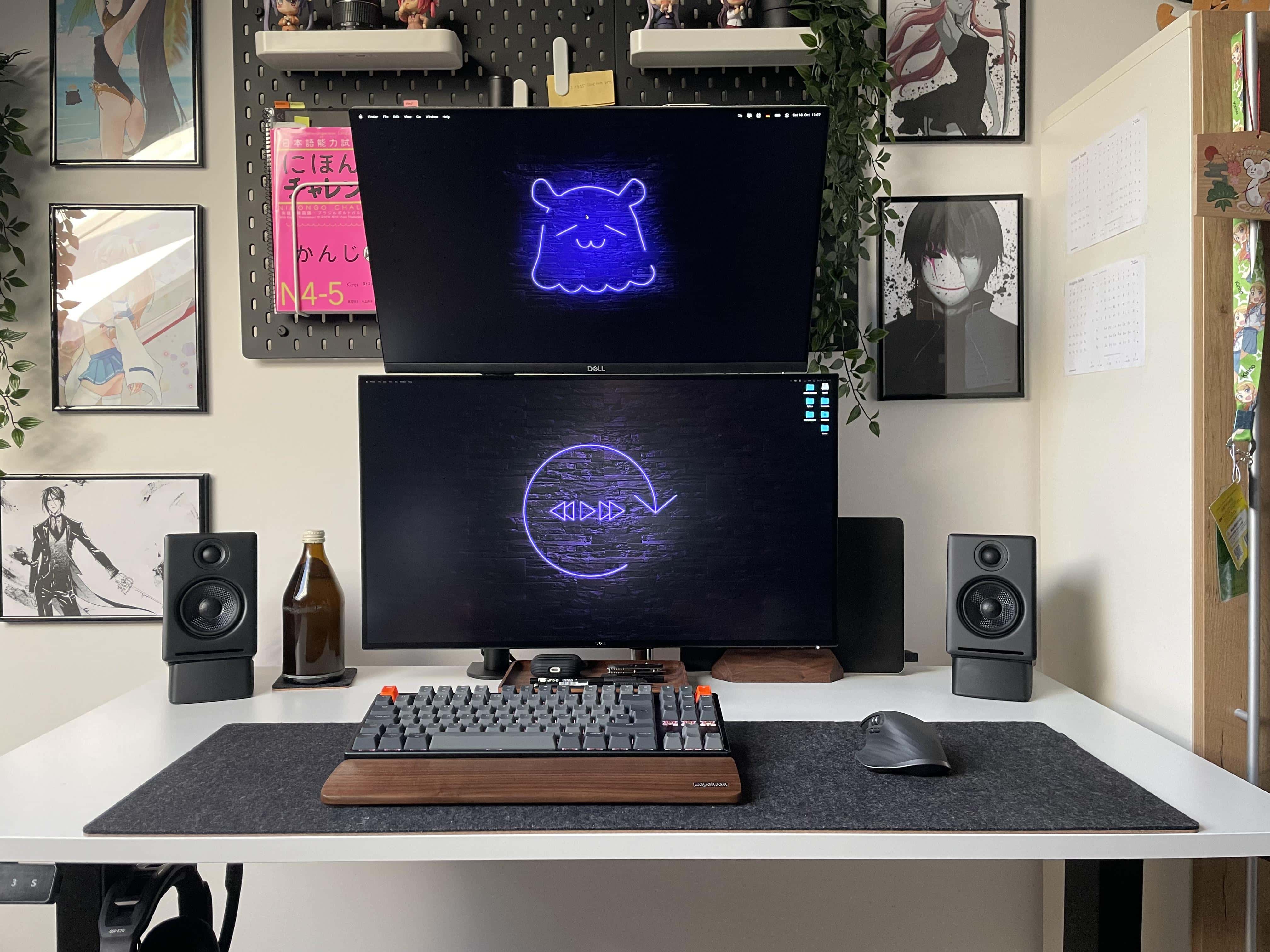
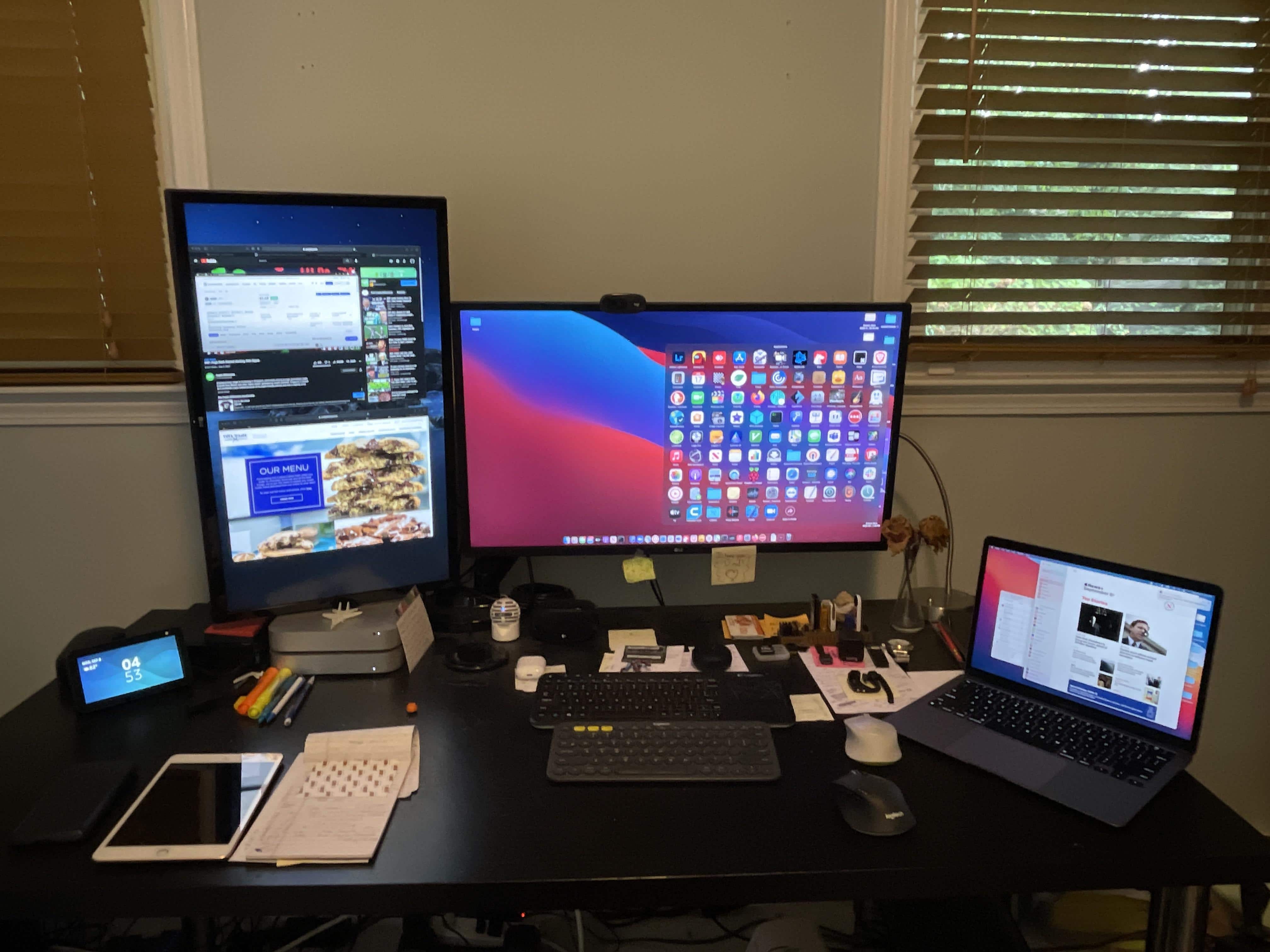
People wonder why one monitor isn't set vertically (portrait) rather than way up high. Well, there's a reason for that.

When you see people online showing off their computer setups with dual displays, you often see side-by-side horizontal monitors (landscape mode). Sometimes you see a horizontal screen and a vertical one (portrait mode). And sometimes you see stacked displays, with one landscape-oriented monitor mounted on top of another.

Sometimes you see the stack because of space issues, where there’s simply no room to either side of the setup. Other times you see a stack when someone wants to run four or five displays. And there are cases where the user couldn’t get one monitor to work in portrait mode, so they had to have both screens in landscape mode.

When your workstation is so clean it ‘looks like a render’ [Setups]

By

You know you have a clean setup when someone says it
You know you have a clean setup when someone says it "looks like a render."
Photo: [email protected]

A lot of computer setups we run across online look staged. They’re so perfectly, well, you know — set up. They boast impressive equipment. Some exhibit a spare beauty one would almost hate to disturb. Others scream hardcore productivity like the fate of all the companies in the Fortune 500 company rest solely upon them.

The beauty of monitor and laptop stands (and a Hulk cord holder) [Setups]

By

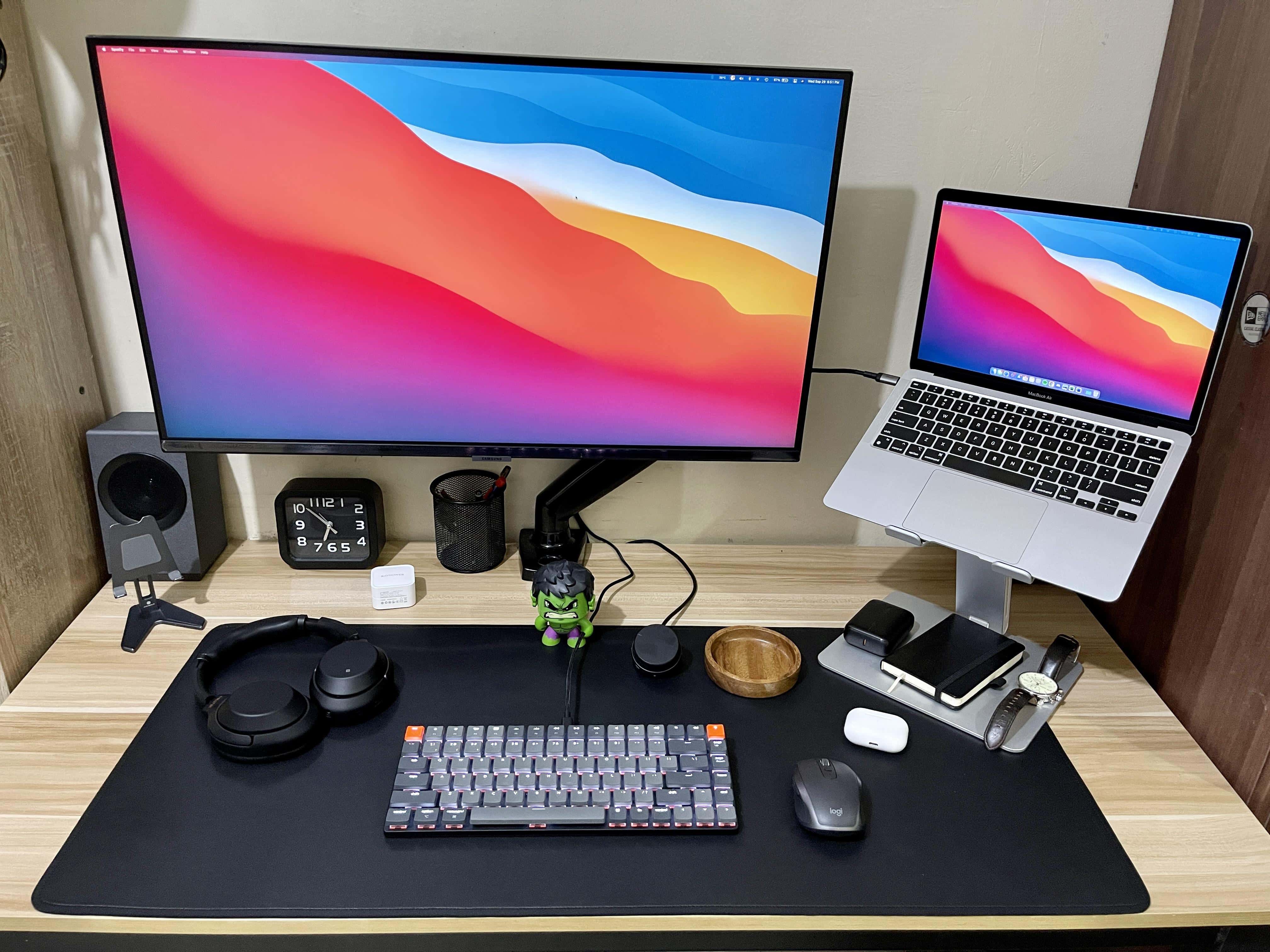
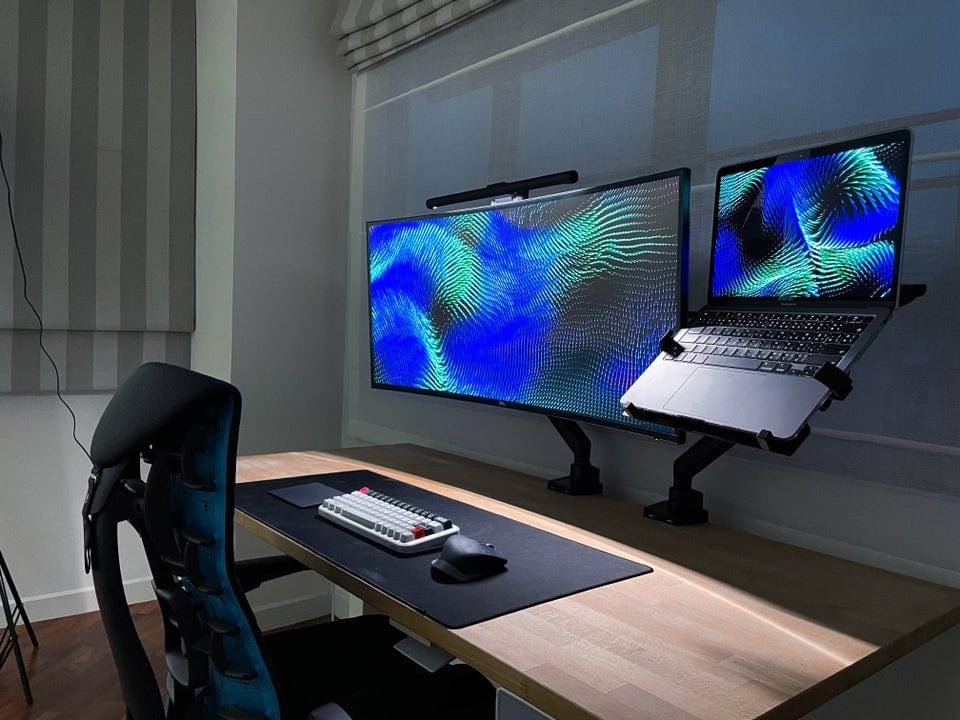
When you don't a big desk, stands for monitor and laptop are great space-savers.
Photo: [email protected]

In the world of computer setups, space is often at a premium. When you’ve got computers, displays, peripherals, gadgets and cables, you need some surface area. But not everyone has a big desk, much less more than one. That’s where certain types of stands and mounting arms come in handy.

Super-clean rig relies on Magic Trackpad and mouse combo [Setups]

By

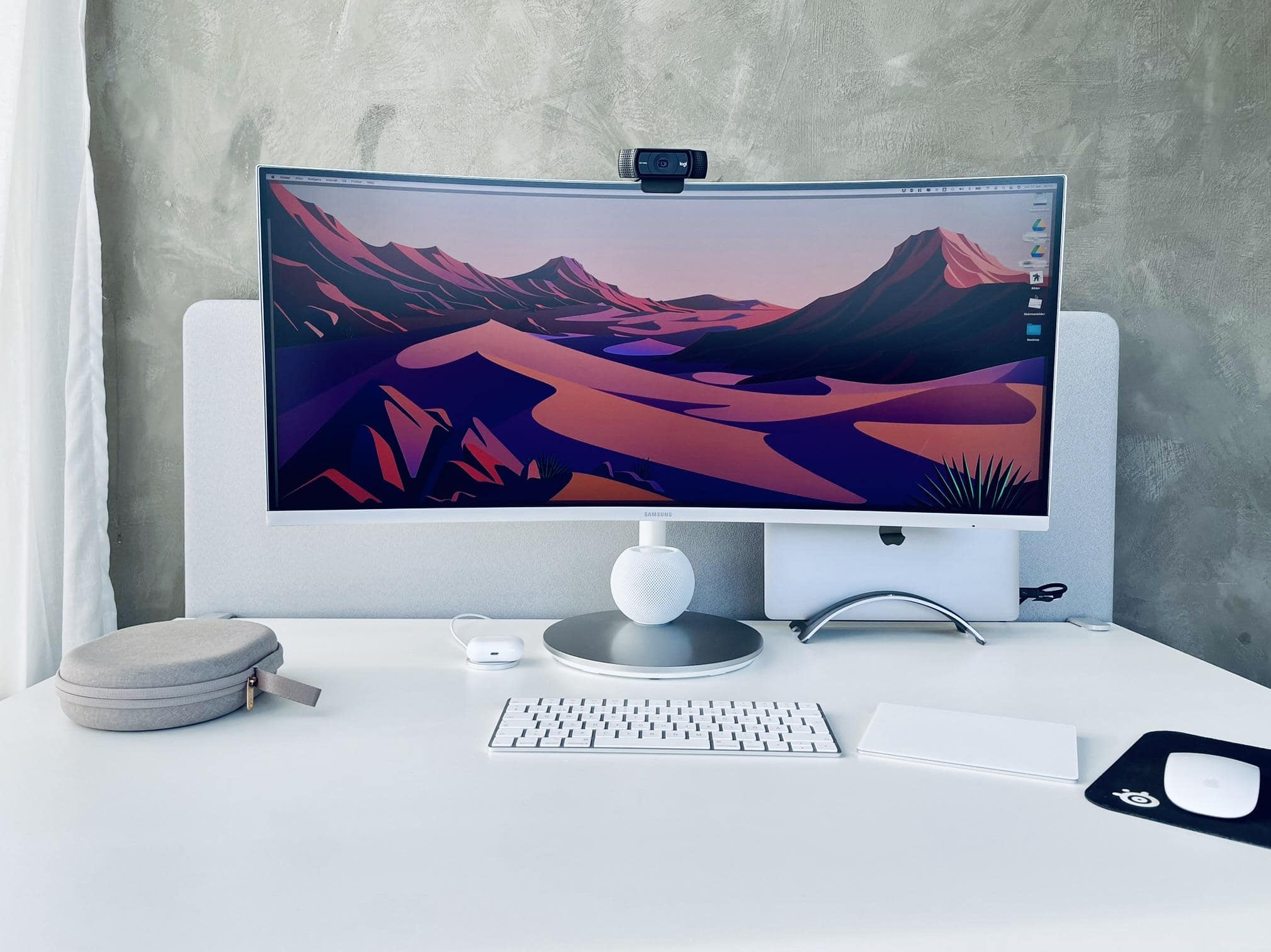
It seems more and more people swear by the Magic Trackpad and Magic Mouse combo.
Photo: [email protected]

When you travel the online highways and byways in search of cool computer setups, you start to notice certain patterns. One is that lots of people seem to love Apple’s Magic Trackpad. Another is that plenty of folks hate the Magic Mouse. And a third seems to see a growing number of people absolutely love using a Magic Trackpad + mouse combo — which some onlookers find mystifying.

Brydge’s new Stone Pro Thunderbolt 4 hub expands your connectivity

By

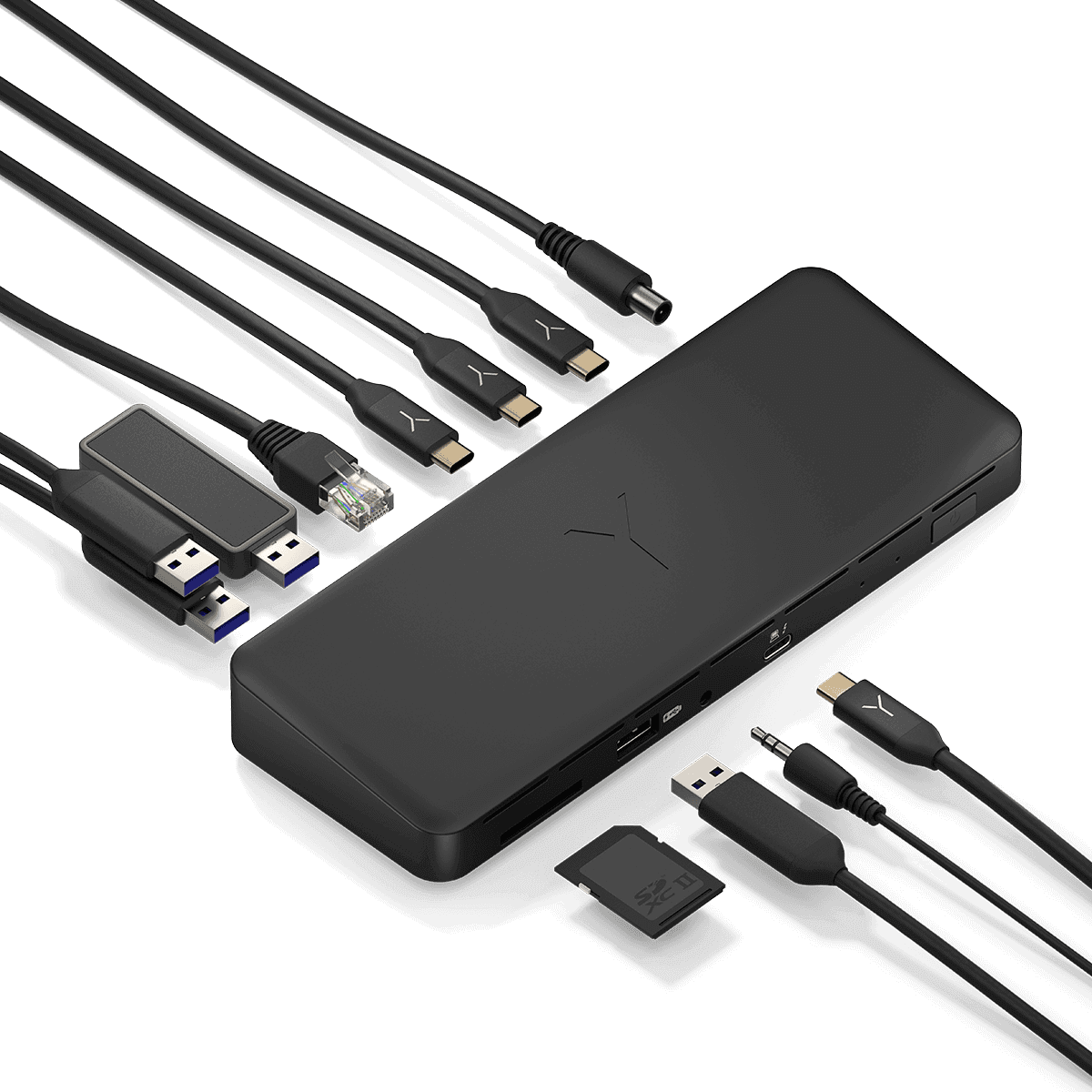
The new Brydge Stone Pro TB4 Docking Station has 12 ports.
Photo: Brydge

Brydge has unveiled what looks to be a formidable, 12-port Thunderbolt 4 hub to expand your laptop’s connectivity. It’s the Stone Pro TB4 docking station. The only catch is you can’t get it just yet.

You may know Brydge more for its iPad keyboards than its docking stations. Recently Cult of Mac‘s Ed Hardy said the Brydge 12.9+ iPad Pro keyboard beats out Apple Magic Keyboard. But the new Stone Pro TB4 is one of several docks the company makes.

Curved 40-inch HD display is too much monitor for some [Setups]

By

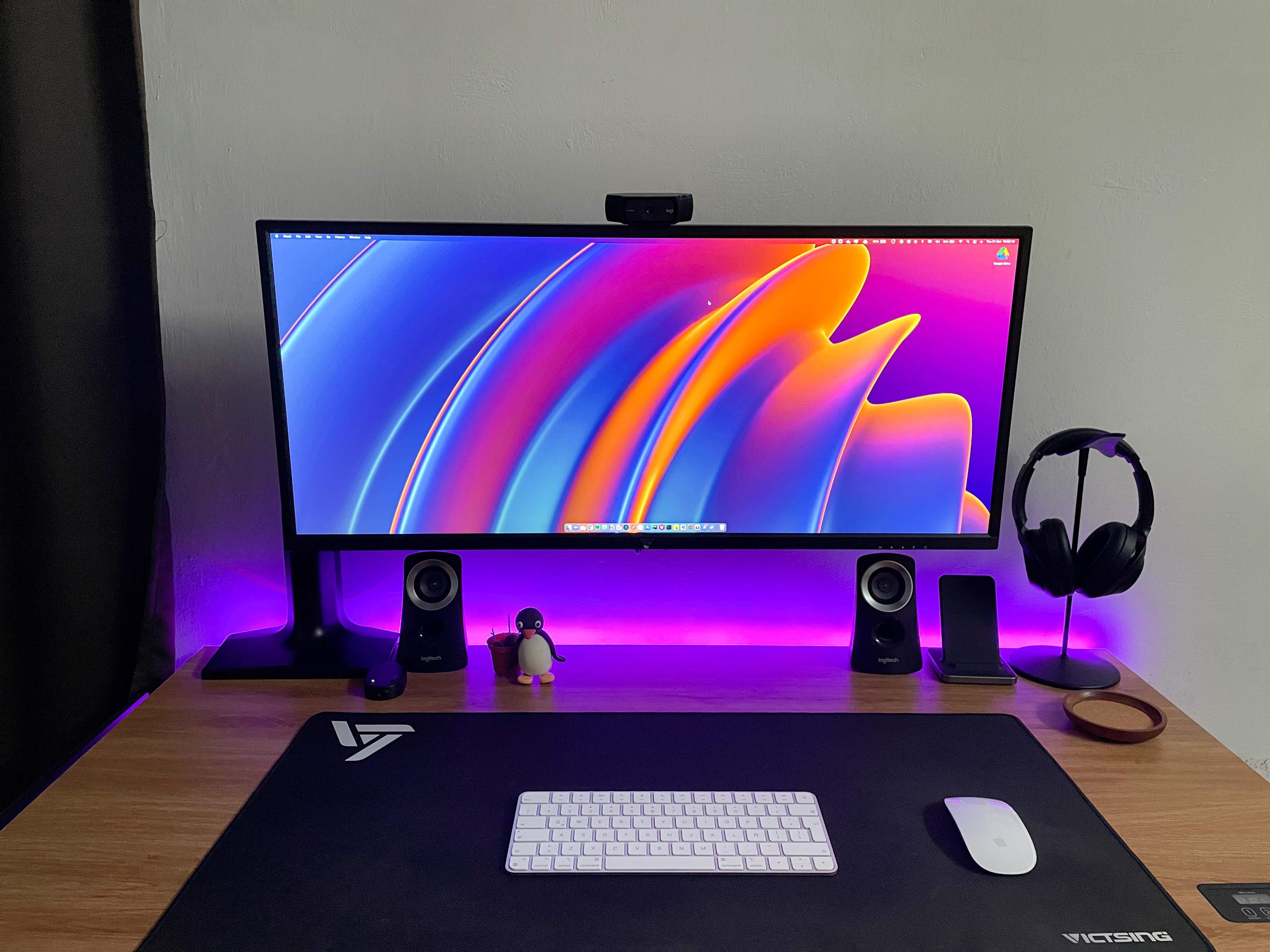
Not bad for something stashed in the corner of your kid's room.
Photo: [email protected]

In the ongoing discussion about whether a gargantuan ultra-wide monitor beats dual monitors or vice versa, some people still chime in favoring one modest display to either of the above choices. Of course, these days, “modest” can mean in excess of 30 inches, plus a lot of bells and whistles.

1 48 49 50 51 52 99