Mobile menu toggle

Search results for: M1 MacBook Air

New Studio Display gives LG 4K monitor the boot [Setups]

By

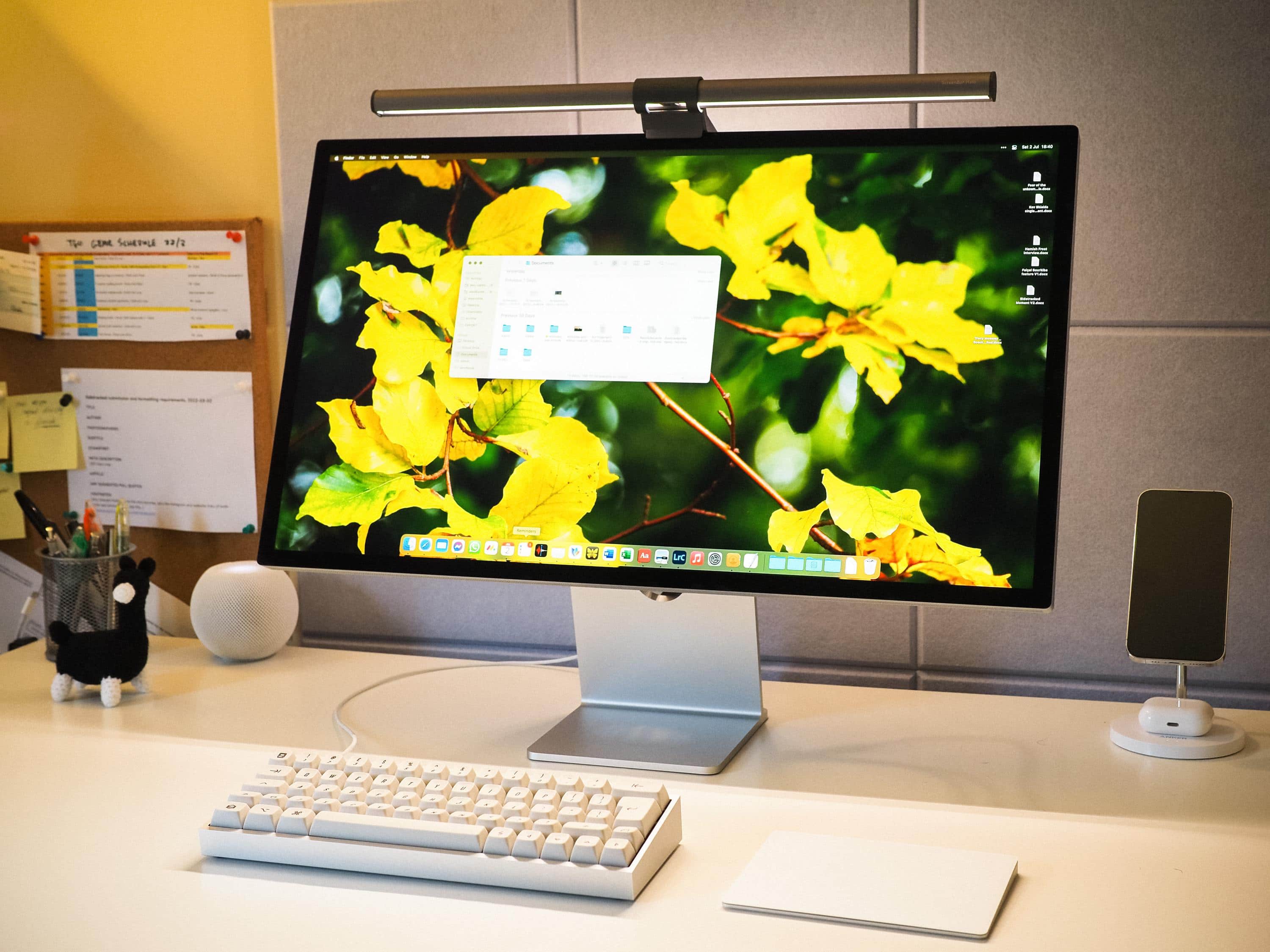
Another satisfied customer: New Studio Display pairs with an M1 MacBook Air and a homemade keyboard.
Another satisfied customer: New Studio Display pairs with an M1 MacBook Air (not shown) and a homemade keyboard.
Photo: Asleep_Painting6103

Another week, another bunch of new Studio Displays shipped. They’re cropping up in Setups far and wide as replacements for until-recently-good-enough 4K monitors by the likes of LG and Dell.

Today’s featured M1 MacBook Air setup runs a new Studio Display in place of a 4K LG screen. And for input devices, the user opts for a Magic Trackpad over a mouse, using it with a pretty nifty homemade mechanical keyboard.


Apple’s Back to School promo bundles gift card up to $150 with new Mac or iPad

By

Get an Apple gift card when you purchase an eligible Mac or iPad.
Apple's Back to School sale includes gift cards worth up to $150.
Photo: Apple

Apple’s yearly Back to School promotion is now live in the United States, Canada, and other parts of the world.

The company is offering a gift card of up to $150 on eligible purchases in the US. Additionally, students can score an extra 20% off on an AppleCare+ subscription.

Epic OLED smart TV and pro audio gear distract from wrong-color keyboard [Setups]

By

Would you have gone with a darker-colored keyboard? Which one?
Photo: [email protected]

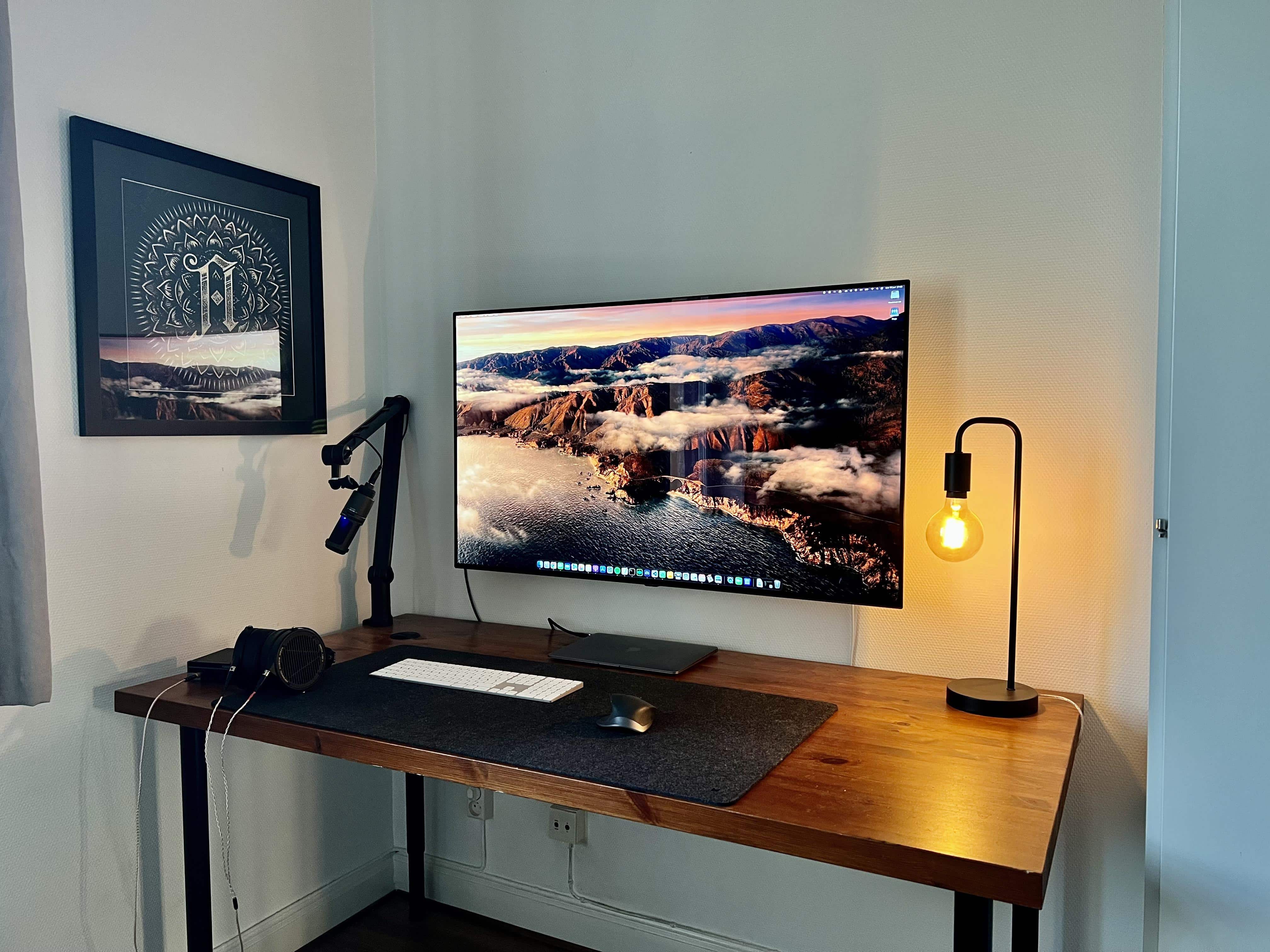
Will you rue the day you choose the wrong color peripherals? Will you ask strangers on social media to help you fix the problem? The owner of today’s striking M1 MacBook Air-based computer setup did just that.

But if you ask us, they could just take solace in the setup’s strengths. Those include an epic OLED smart TV and some top-shelf, professional-level audio gear, plus a cool Edison desk lamp.

But we’ll share some good advice we saw about the keyboard issue. Read more below.

Super-clean rig boasts stereo HomePods and brilliant 5K display [Setups][Updated]

By

When people talk about a
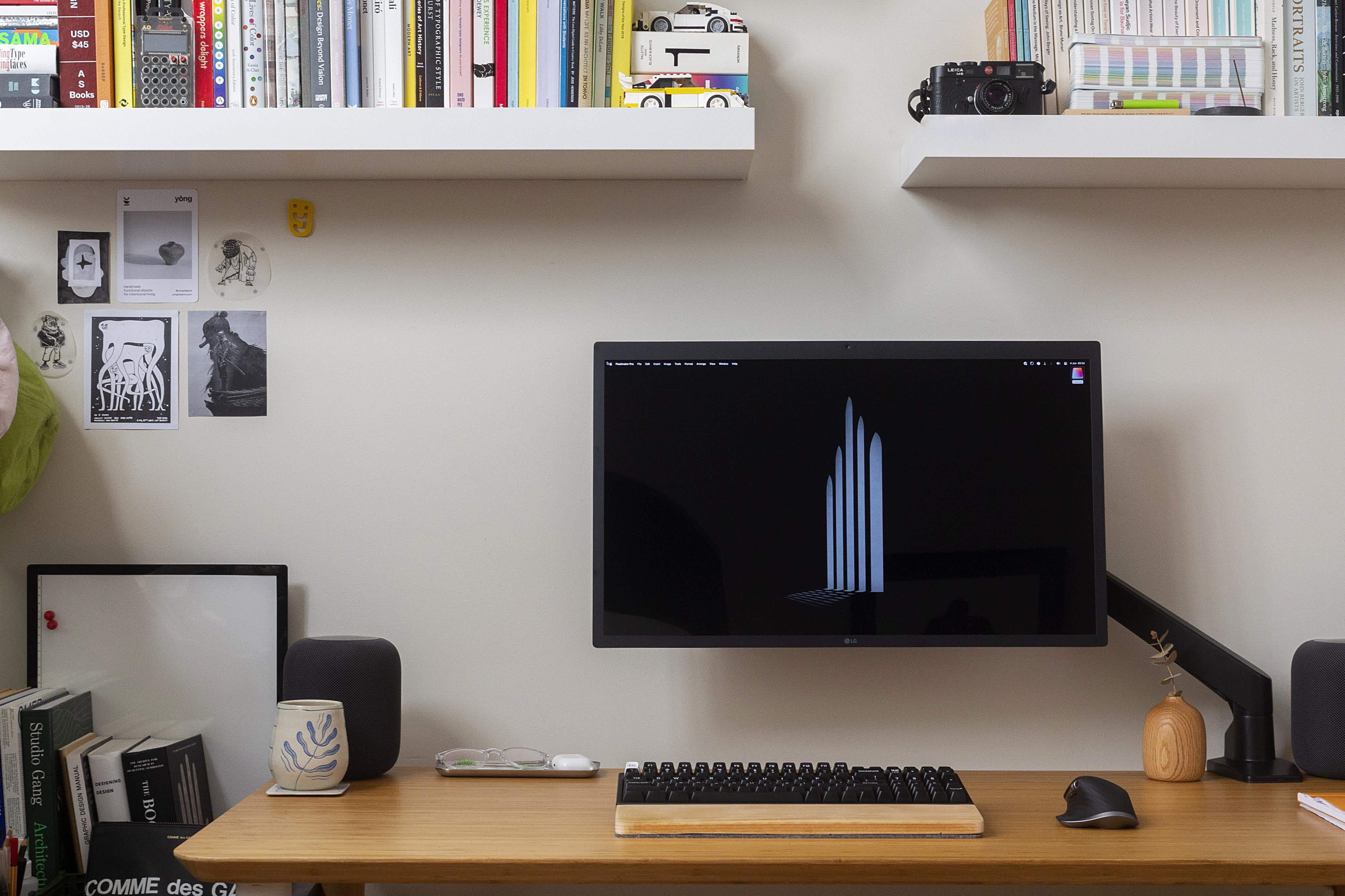
When people talk about a "clean" setup, this is pretty much what they mean.
Photo: [email protected]

We see plenty of paired HomePod minis in our travels online among computer setups, but not many stereo twosomes of the OG HomePods, the big ones Apple discontinued that may one day return in some form.

So today’s featured M1 MacBook Air setup is not only super-clean, it rocks that killer sound system and boasts a pricey 5K monitor that rivals Apple’s Studio Display.

And it’s the first setup we’ve come across where someone hates on the wildly popular Logitech MX Master 3 wireless mouse.

Make switching between 2 laptops on an external display a breeze [Setups]

By

No need to always be plugging and unplugging.
Photo: [email protected]

These days, more people than ever have more than one computer. That’s because many people work from home or do the “hybrid” work thing, toiling at an office part time but working remotely, too. And that means they probably tap away on both a work laptop and a personal one.

Today’s featured setup follows that trend. And its owner succinctly explained how they go about switching between the two machines on the same external display with the press of a button.

Apple now sells Mophie’s tiny but powerful new USB-C GaN chargers

By

Compared to Apple's most similar charger, Mophie's 67W GaN unit is quite small.
Photo: Mophie

Mophie’s latest ultra-compact USB-C wall chargers, containing gallium nitride (GaN), are available exclusively at Apple or Mophie’s parent company Zagg, the companies said Wednesday.

The Mophie Speedport chargers, designed to power up iPhone, iPads and Macs, come in 30W and 67W sizes.

Studio Display is worth the price for the levitation alone [Setups]

By

Oh, you didn't know the new Studio Display levitates? Well, sort of.
Photo: [email protected]

After Apple rolled out its new Studio Display on March 18, the reviews poured in. Many praised the 27-inch 5K display. But some found faults. Ultimately, after the dust settled, a primary question lingered. It’s good, for the most part, but is it worth the $1,600 price?

Today’s featured setup seems to answer the question in the affirmative. See how the Studio Display in the photo floats in the air? When you think about it, it’s really just a matter of factoring in the value of levitation.

Maximum mood indigo: Go crazy with the lighting [Setups]

By

Feel like you're drowning or freezing to death? It could be the lighting.
Photo: [email protected]

Ever wonder how people get crazy-cool mood lighting in and around their computer setups? You see it all the time in folks’ photos on social media sites. The hardware — computer, displays, peripherals, other gear — may be fabulous in its own right, but the lighting just takes it to another level.

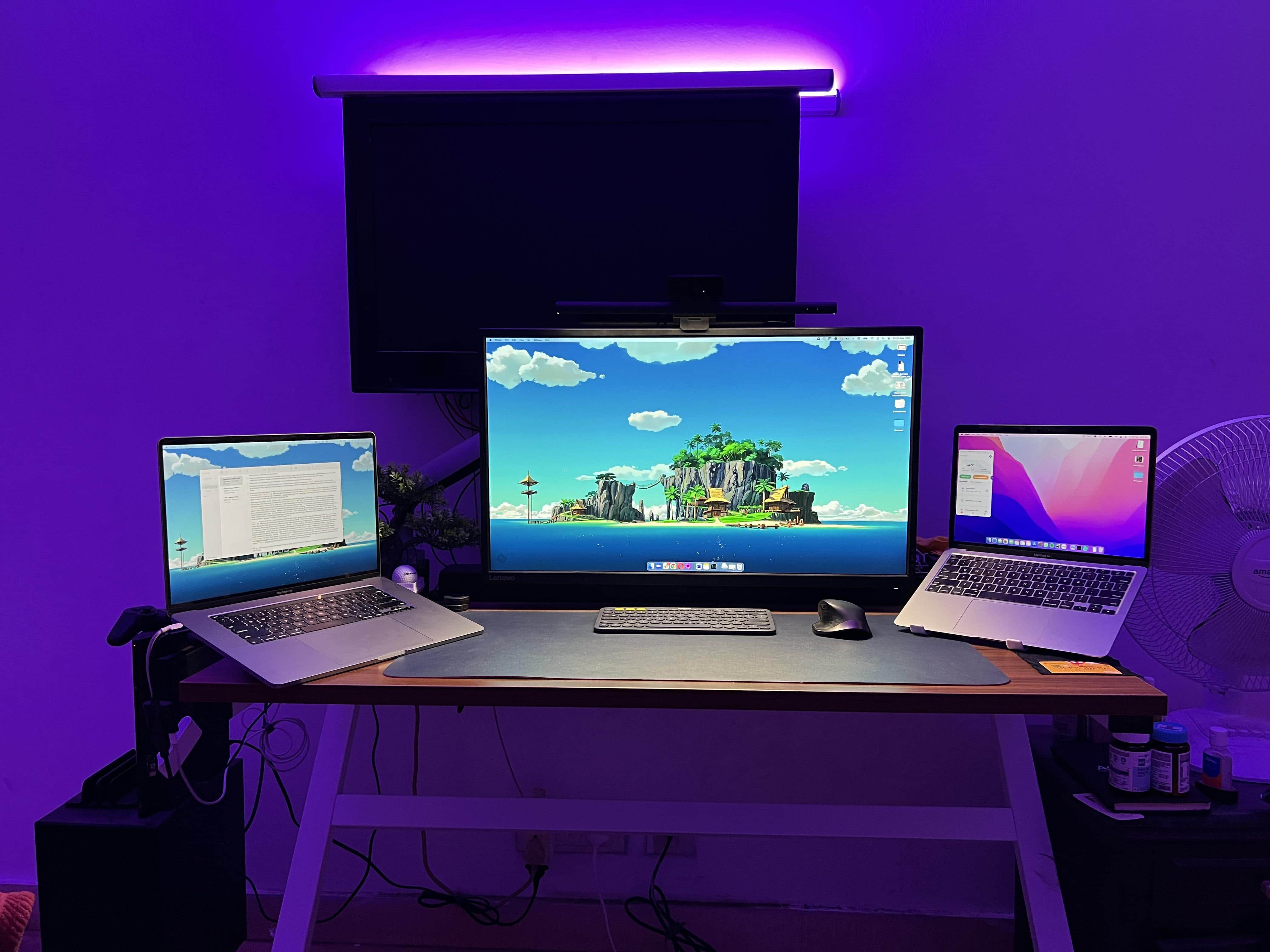
Or not. Sometimes lighting ends up being too flashy — as in, on the verge of fit-inducing. And sometimes it’s just too much of one thing. Today’s featured setup shows a cool blue wash that might just drown productivity. Or maybe it’s just for off-duty hours.

Whatever your preferences, an increasing array of products can help you get your setup light show on.

Furby-loving animator trades 3-monitor PC gaming rig for cozy Mac station [Setups]

By

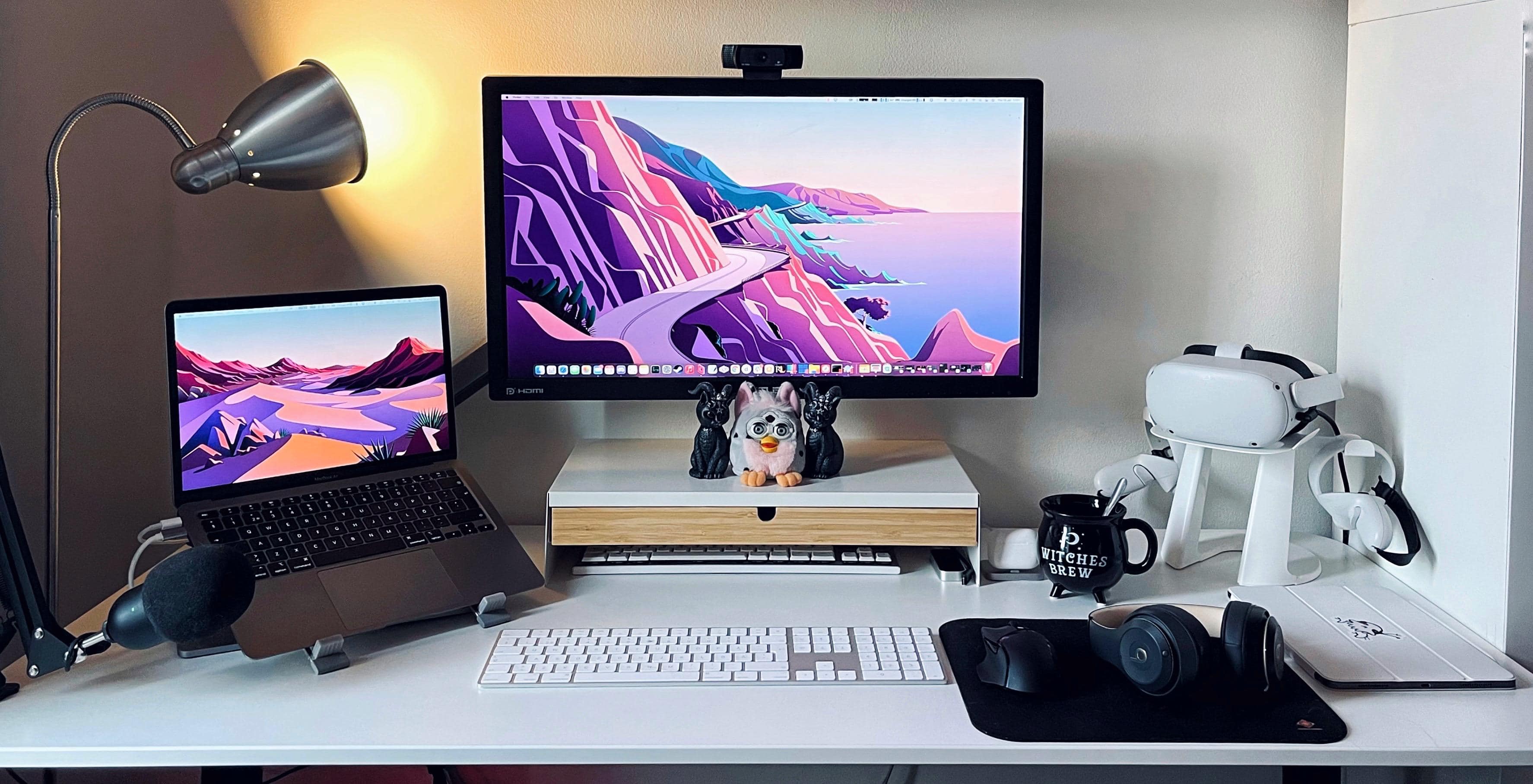
That's a refurbished Furby in the center.
Photo: [email protected]

Gamer and 3D animator Jazinity said she’d been a Windows user for most of her life before M1 Macs caught her eye and she made a nearly wholesale switch, going from a tri-display PC gaming station to a “cozy but productive” M1 MacBook Air situation.

The refurbished Furby in the center of the photo may or may not have been in the previous computer setup, but not much else. She has another Furby at her desk at the office, though she’s working at home for the time being, like many people these days.

And the 2021 award for Most Fastidious Cable Management goes to … [Setups]

By

The Uplift standing desk and its accessories helped a lot with reducing cable clutter.
Photo: [email protected]

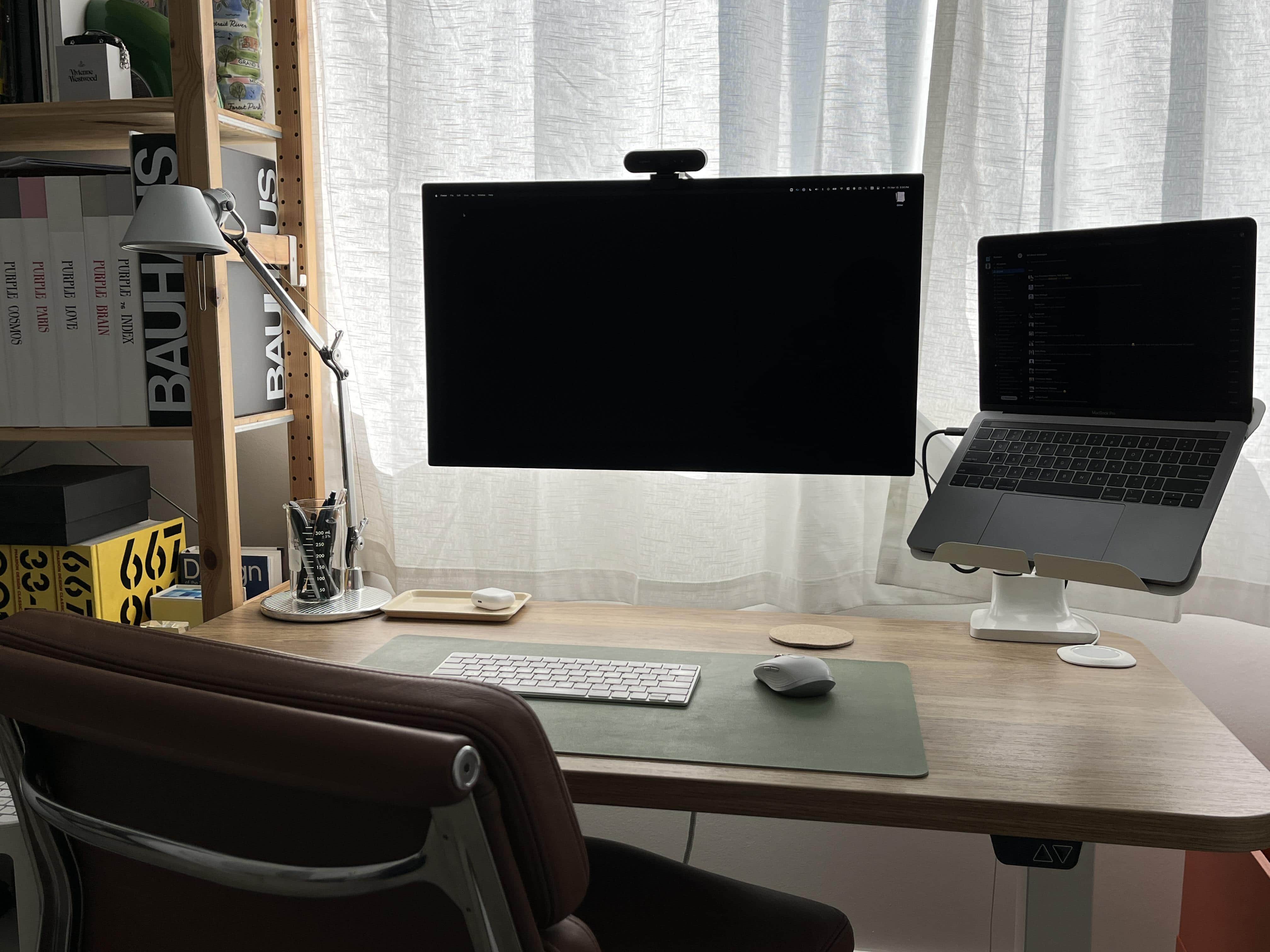
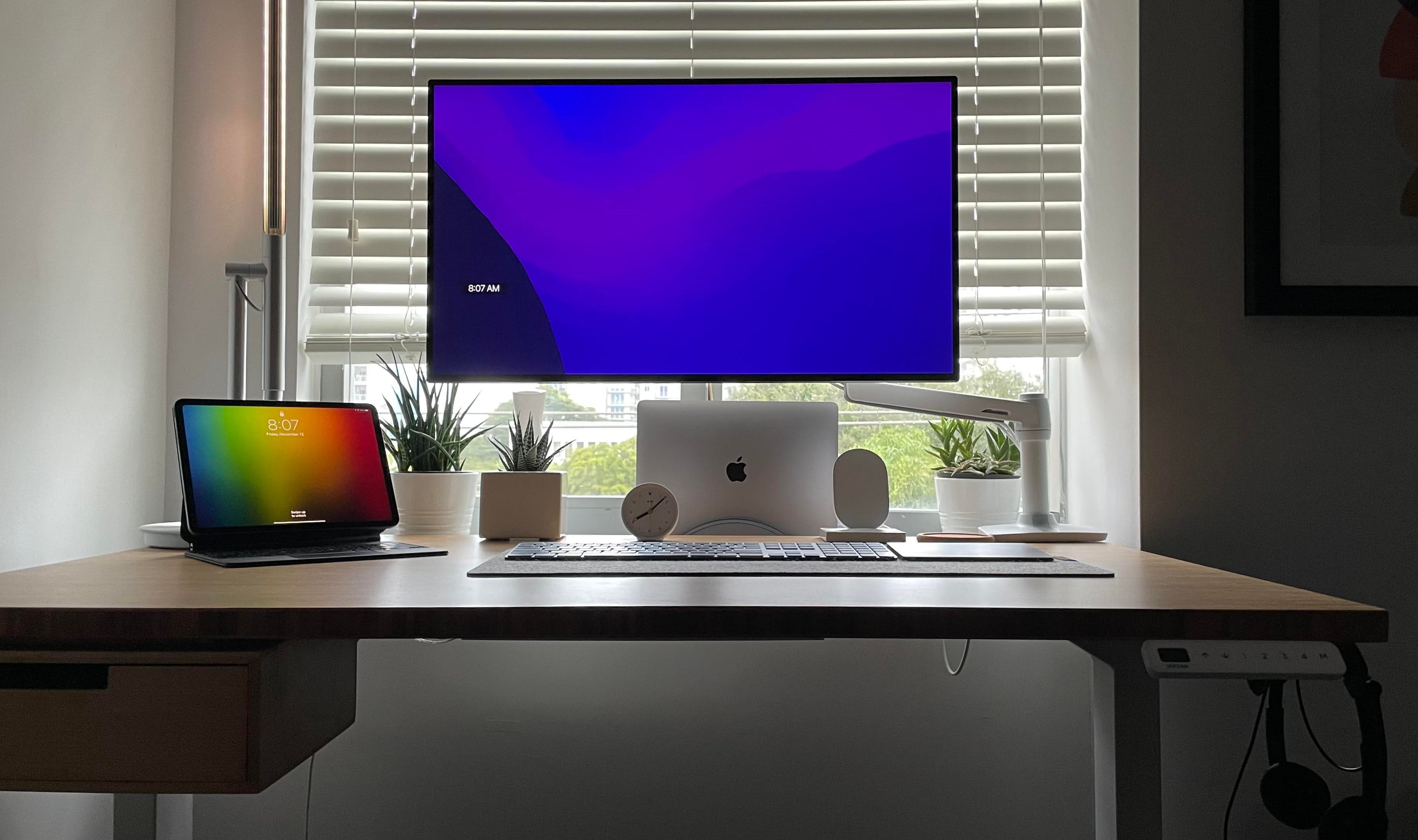
OK, so no 2021 award for Most Fastidious Cable Management, mentioned in this article’s headline, exists — at least not around here. But if it did, we might hand it to the person behind today’s setup.

It centers on a 2020 13-inch MacBook Pro and a 32-inch LG 4K display. And it keeps cable clutter to an extreme minimum.

1 47 48 49 50 51 99