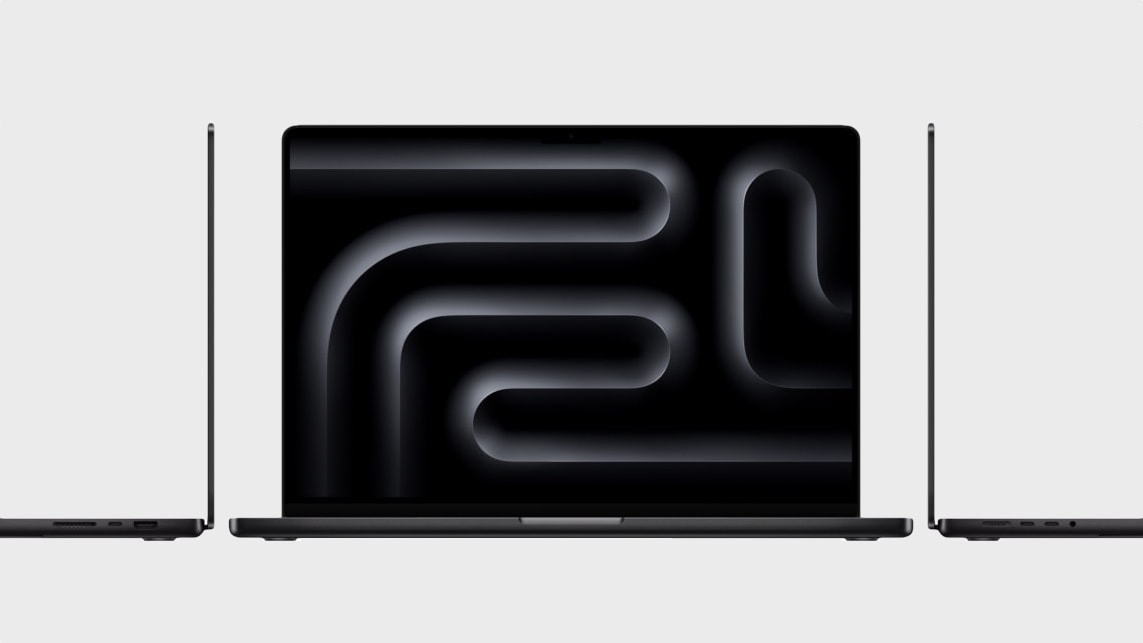
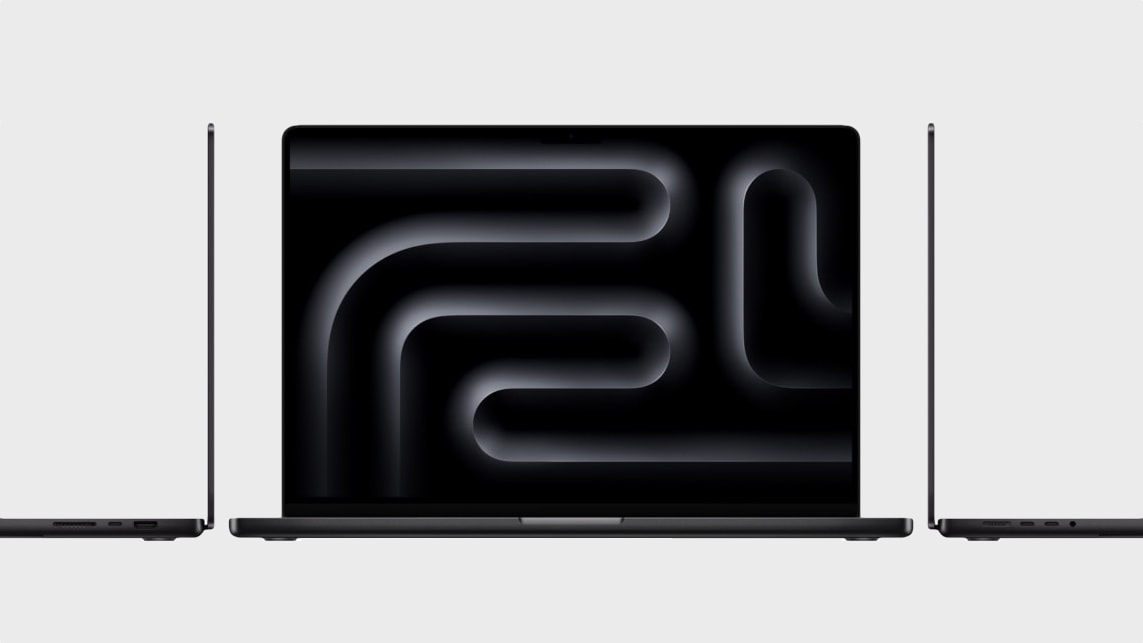
You can now drive dual external displays with the M3 MacBook Pro. Photo: Apple
Apple has finally added dual external display support to the M3 MacBook Pro, nine months after its release. The latest macOS Sonoma 14.6 update enables this feature.
After the update, M3 MacBook Pro users can run two external displays simultaneously, albeit with the lid closed.
The sale at Woot! features older models, but there are M3 MacBook Pro models in the mix. Photo: Apple
Amazon bargain site Woot! currently runs a sale with deals on iPad and MacBooks, including brand new, new (open box) and refurbished models, through August 6. Discounts range up to 31% off. So let it be Christmas in mid-summer with some new (to you) Apple gear.
“Jobs nods his head in approval from the Clouds,” Woot! says at the top of the sale page.
M3 MacBook Air is more than enough machine for this user's setup. Photo: [email protected]
For anyone who thinks of the world’s most popular laptop — MacBook Air — as Apple’s lightweight laptop in more ways than one, like it’s strictly for students and amateurs, it’s probably time to update your view. Today’s attractive working setup from Germany finds its slim-but-powerful M3 MacBook Air provides plenty of computing power.
You can find M2 Max MacBook Pro models in Woot's sale, as well as models with Intel chips. Photo: Apple
Whether you want to spend about $2,200 or only about $220, you can have a MacBook Pro. That’s if you visit Amazon bargain site Woot! by June 27. Its sale on refurbished and new laptops features quite a variety of machines at low prices.
Everything is well-situated on stands in this M3 MacBook Pro setup. Photo: [email protected]
Some computer setups just seem to have it all. Today’s featured workstation sports a new M3 Pro MacBook Pro with hefty amounts of memory and storage, plus a speedy Thunderbolt 4 dock connected to a well-curated selection of peripherals. Even the gear stands and furniture are especially nice.
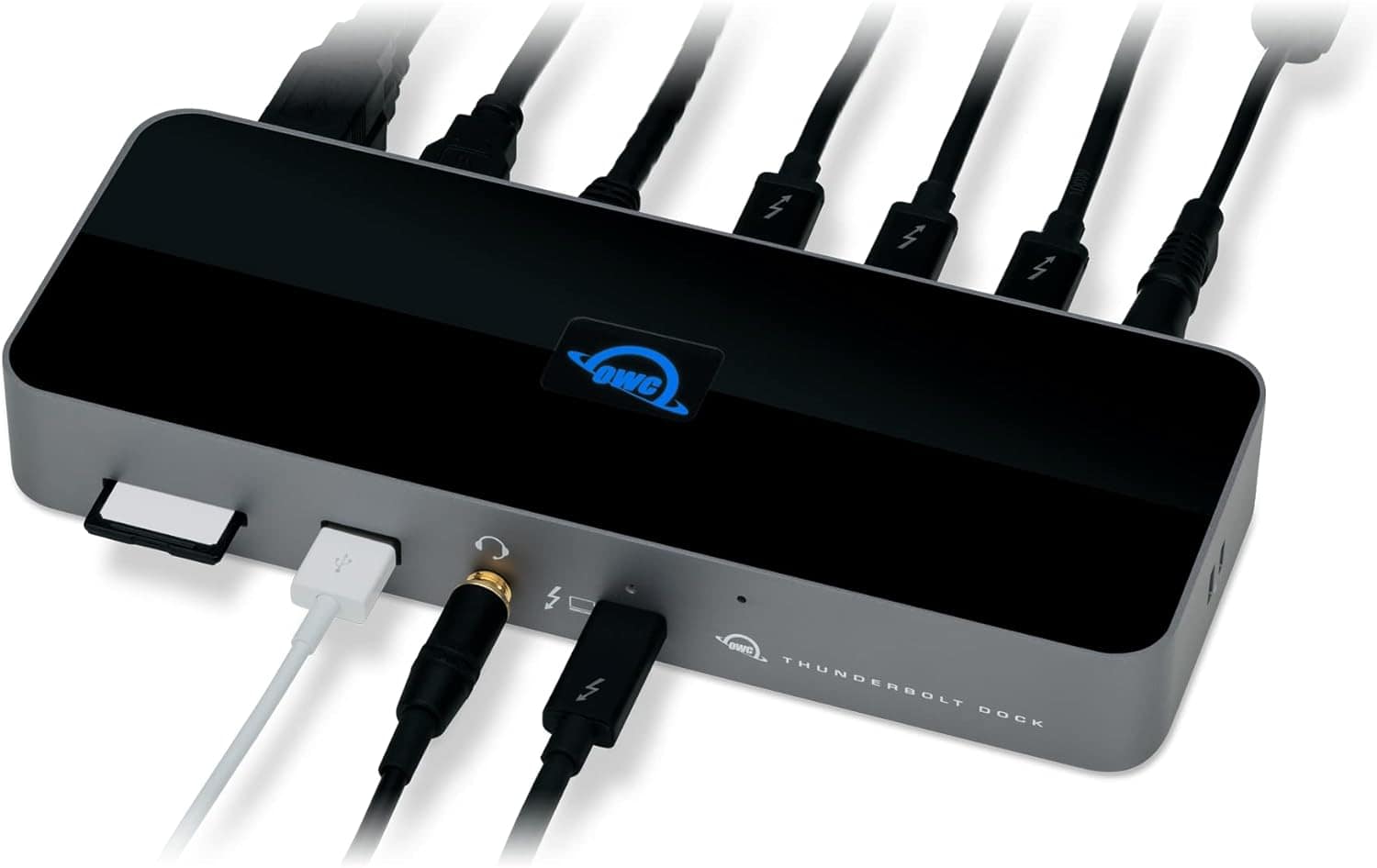
One of these turns your MacBook into quite the well-connected beast. Photo: OWC
Today’s MacBook Pro setup boasts a secret weapon many laptop-based computer setups should have — a multiport adapter like a USB-C or Thunderbolt dock. In this case, an iOS and macOS developer runs his M1 Max MacBook Pro through an OWC Thunderbolt 4 dock, connecting the laptop to various peripherals.
A multiport USB-C hub or docking station greatly expands connectivity with peripherals like monitors and storage drives. And it often provides fast data-transfer speeds and even powers devices. In short, for not too much money it enables your setup to do much more.
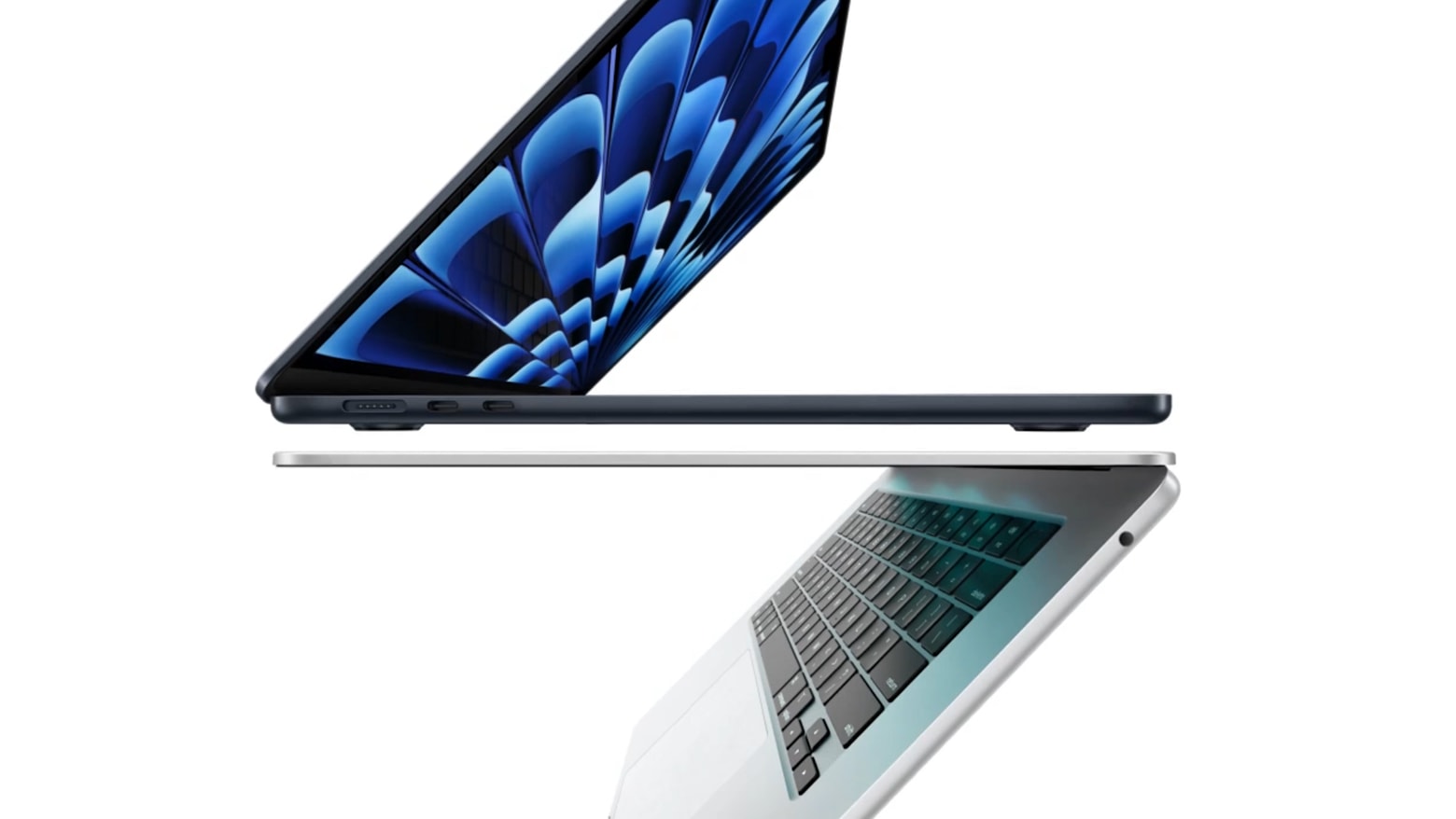
After you’ve settled on a model and the specs you need, there’s still one more crucial decision to make before you buy a MacBook Pro: silver vs. space gray. And with the MacBook Air, you have two more options (starlight and midnight).
If you want an attractive and cohesive setup, the color of your Mac is the centerpiece of the whole look.
Which color is best? I always go with silver — but here are some things to consider before you make your decision.
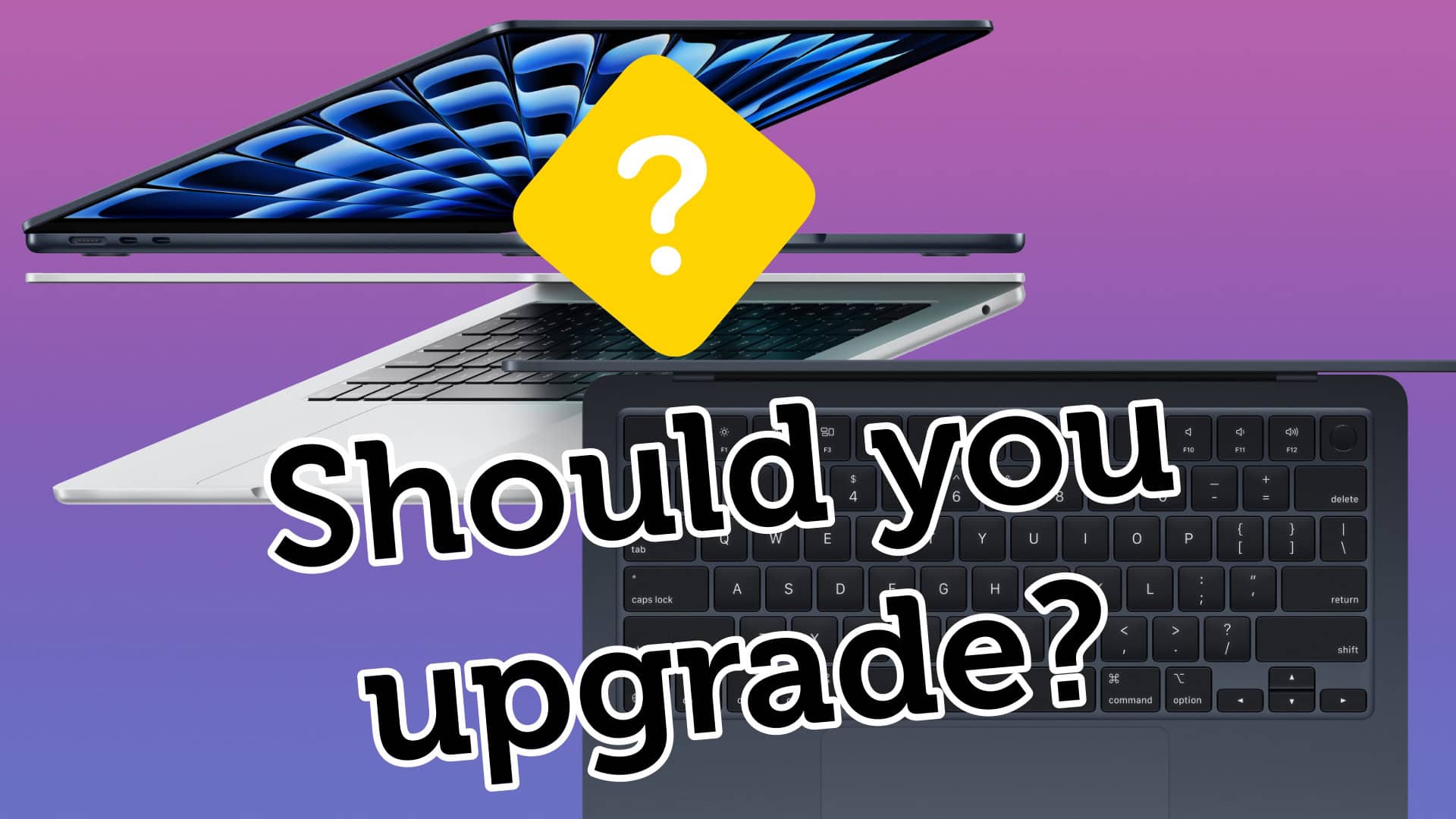
Is your MacBook old enough to justify buying the new MacBook Air? Image: Apple/D. Griffin Jones/Cult of Mac
If you still own an Intel MacBook Air, it might be time to upgrade to the new MacBook Air with M3. But what about if you own a MacBook Air running on an M1 or M2 chip? In those cases, it’s not as obvious if you should upgrade to the latest model.
Now that the newer models feature efficient and powerful Apple silicon chips, the MacBook Air is the laptop that strikes the right balance of speed and portability for most people. The thin design is easy to slip into a backpack and the battery will last all day — even when juggling dozens of apps.
How badly you need to upgrade to an M3 MacBook Air depends on which model you’re coming from. Our easy guide will help you decide. Check the infographic below or watch the video.
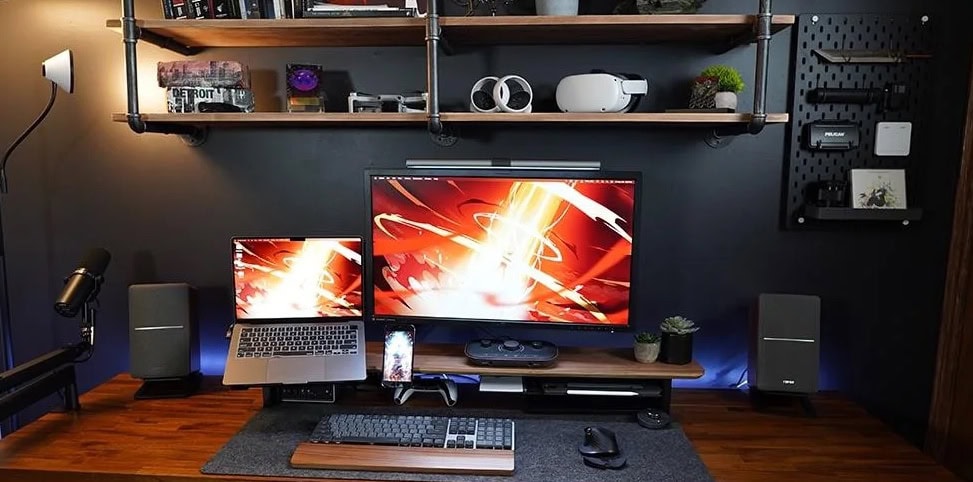
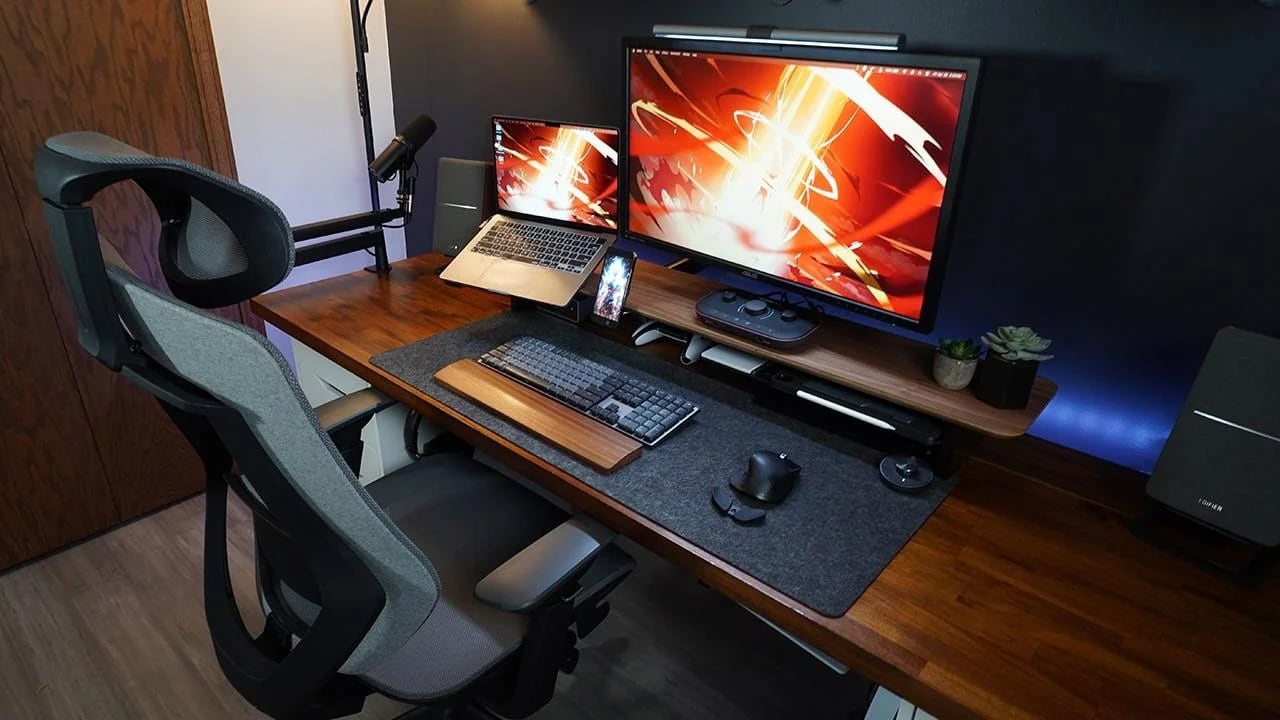
The Edifier R1280T powered bookshelf speakers pump up this MacBook Pro setup's sound. Photo: [email protected]
If you’ve read much of Cult of Mac’s computer setups coverage, you know we love good audio. And we love it more when it’s high-value, where the sound is great despite affordable pricing. Edifier R1280T speakers meet that mark.
Edifier is a brand that has long lived in that space. And today’s MacBook Pro and PC laptop setup makes good use of a pair of powered Edifier bookshelf speakers that even MacBook Pro’s fine set of six can’t really compete with (outside of portability).
A 15-in-one Thunderbolt 3 dock handles a MacBook Pro, a PC laptop and a bunch of peripherals. Photo: [email protected]
Another Mac and PC computer setup stands in the spotlight today — this time a MacBook Pro and PC laptop driving a 4K display and an array of peripherals through an Orico Thunderbolt 3 dock bristling with 15 ports.
The setup emphasizes gaming, too, with a PlayStation 5 mounted under the desk. We’ll take a look at that, too.