Mobile menu toggle

Search results for: M1 MacBook Air

Apple Cyber Monday deals: iPads, AirPods, Apple Watch and more [Updated]

By

A graphic illustrating Apple Black Friday deals.
All the insanely great deals we can find on Apple products on Cyber Monday.
AI image: MidJourney/Cult of Mac

There are plenty of great Apple deals this Cyber Monday 2024—but not from Apple directly. As usual, Apple keeps its discounts minimal (Tim Cook loves his big fat profits!). This year, you can get up to a $200 gift card with select purchases, but the newest products, like the iPhone 16, M4 MacBook Pros, iMac, and Apple Watch Ultra 2, aren’t included.

That said, third-party retailers like Amazon, Best Buy, Walmart, and B&H Photo are offering significant discounts on a ton of Apple gear. From AirPods to iPhones, Apple Watches, and iPads, you’ll find some fantastic deals. Here’s a roundup of the best offers we’ve come across.

Powered studio monitor speakers focus M4 MacBook rig’s sound [Setups]

By

Edifier speakers
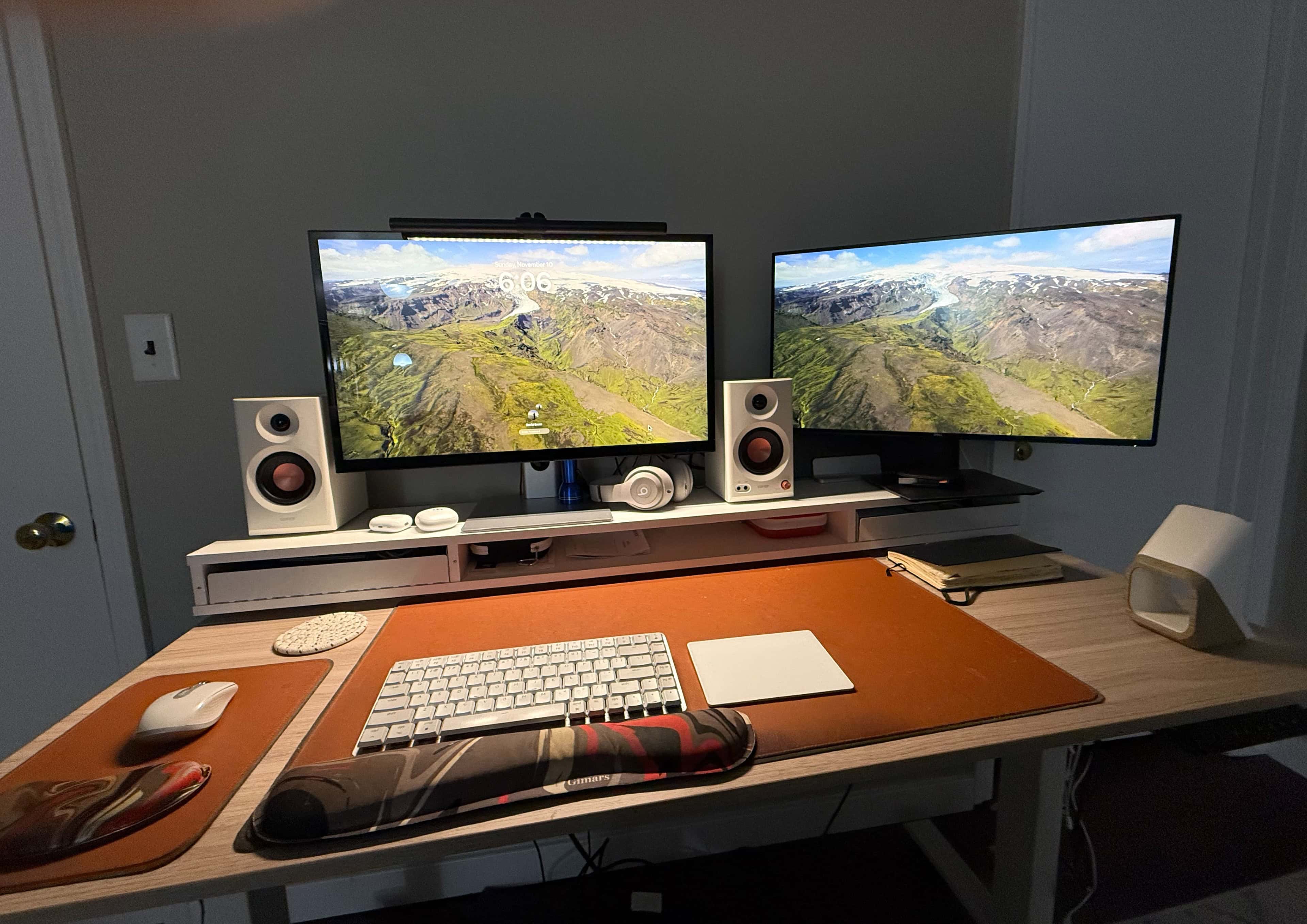
I like that these studio monitor speakers are on the small side and match my desk shelf.
Photo: David Snow/Cult of Mac

After years of writing Cult of Mac setups articles, often with a focus on high-quality audio gear — and after endlessly rearranging my own workstation — I’ve never managed to incorporate a proper pair of speakers into my setup. Until now. Previously, I’ve relied on MacBook Pro speakers, earbuds, over-ear headphones and, occasionally, a portable Bluetooth speaker or two. But now I’ve added a great-sounding and nice-looking pair of very affordable Edifier speakers that just fit right in.

MacBook Pro user finds M4 Mac mini ‘incredibly impressive’ [Setups]

By

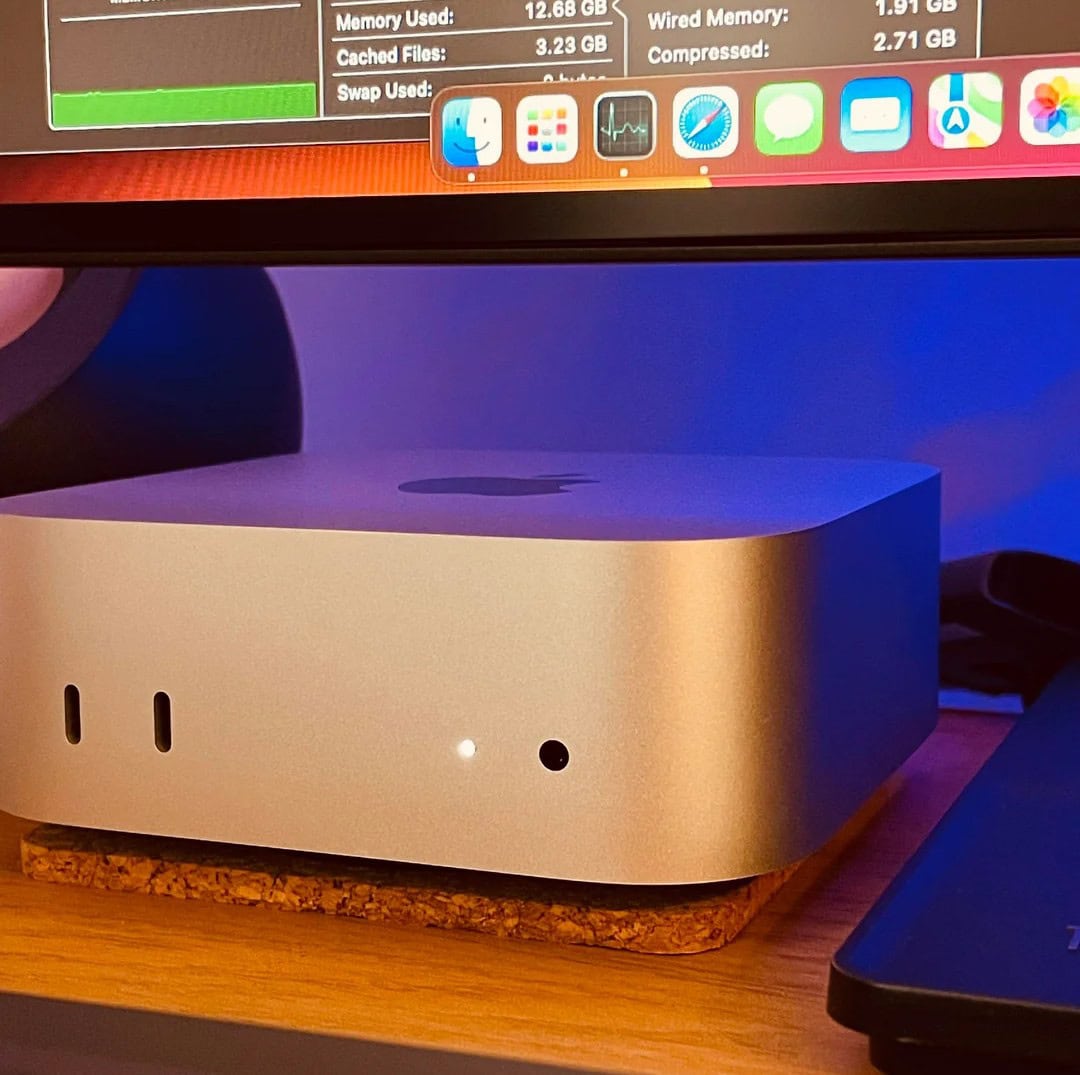
M4 Mac mini setup
It's just the base model, but this user is over the moon so far.
Photo: [email protected]

Now that the new M4 Mac mini editions are even smaller than before but mightier than ever, plenty of other Mac users might migrate. That could include laptop devotees. Today’s M3 Pro MacBook Pro user, who also has an M1 Pro laptop, “couldn’t be happier” with his “incredibly impressive” new M4 Mac mini (the base model, no less). And he’s doing some intense work on his new desktop machine, too.

Powerful M4 Pro MacBook replaces trusty M1 Pro laptop [Setups]

By

M4 Pro MacBook Pro setup
It's a beautiful laptop, and yet I've pretty much hidden it in my computer setup. It's on the vertical stand behind the right-hand display.
Photo: David Snow/Cult of Mac

I’ve focused on my own workstation just a few times in several years of handling Cult of Mac setups coverage (this is setups article number 569 for me, by the way). Well, now it’s that time again, thanks to two major new upgrades in my personal rig. First, I replaced my trusty silver M1 Pro MacBook Pro with a brawny M4 Pro model in space black. And second, I installed a set of bookshelf speakers right in the workstation for the first time.

Should you upgrade to the 2024 MacBook Pro with M4?

By

Should You Upgrade to the New M4 MacBook Pro?
Is it time for a new MacBook Pro?
Image: Apple/D. Griffin Jones/Cult of Mac

Is the new M4 MacBook Pro worth it? The latest models come with impressive power and unbelievable battery life. Even if you bought the M1 model, the new version may be a huge boost in performance.

Is it worthwhile to upgrade? We have a guide below with helpful charts and a video to help you decide.

M4 MacBook Pros deliver big performance and battery life gains

By

The new MacBook Pro is transformed with Apple Intelligence, the blazing performance of the M4 family, an advanced 12MP Center Stage camera, an all-new nano-texture display option, and more.
Aside from powerful M4-series chips, the new MacBook Pros feature a 12MP Center Stage camera, a nano-texture display option and other upgrades.
Photo: Apple

Apple took the wraps off M4-powered MacBook Pros on Wednesday. While the new laptops sport the same design as their predecessors, they deliver faster performance and a staggering 24 hours of battery life, the company said in a press release announcing the M4 MacBook Pro launch.

“MacBook Pro is an incredibly powerful tool that millions of people use to do their life’s best work, and today we’re making it even better,” said John Ternus, Apple’s senior vice president of hardware engineering.

MacBook Pro rig rocks cool NuPhy mechanical keyboard [Setups]

By

Nuphy mechanical keyboard setup
This MacBook Pro setups rocks a NuPhy Air96 mechanical keyboard.
Photo: [email protected]

Run by a software developer, today’s M1 Pro MacBook Pro setup doesn’t just rock two external displays. It also features a very cool input-device duo — the mouse we see more than any other in setups, which is the Logitech MX Master 3S wireless mouse, and the super-cool NuPhy Air96 V2 Wireless Mechanical Keyboard.

Vivo mount lifts external displays and MacBook Pro together [Setups]

By

Vivo Dual Monitor Mount
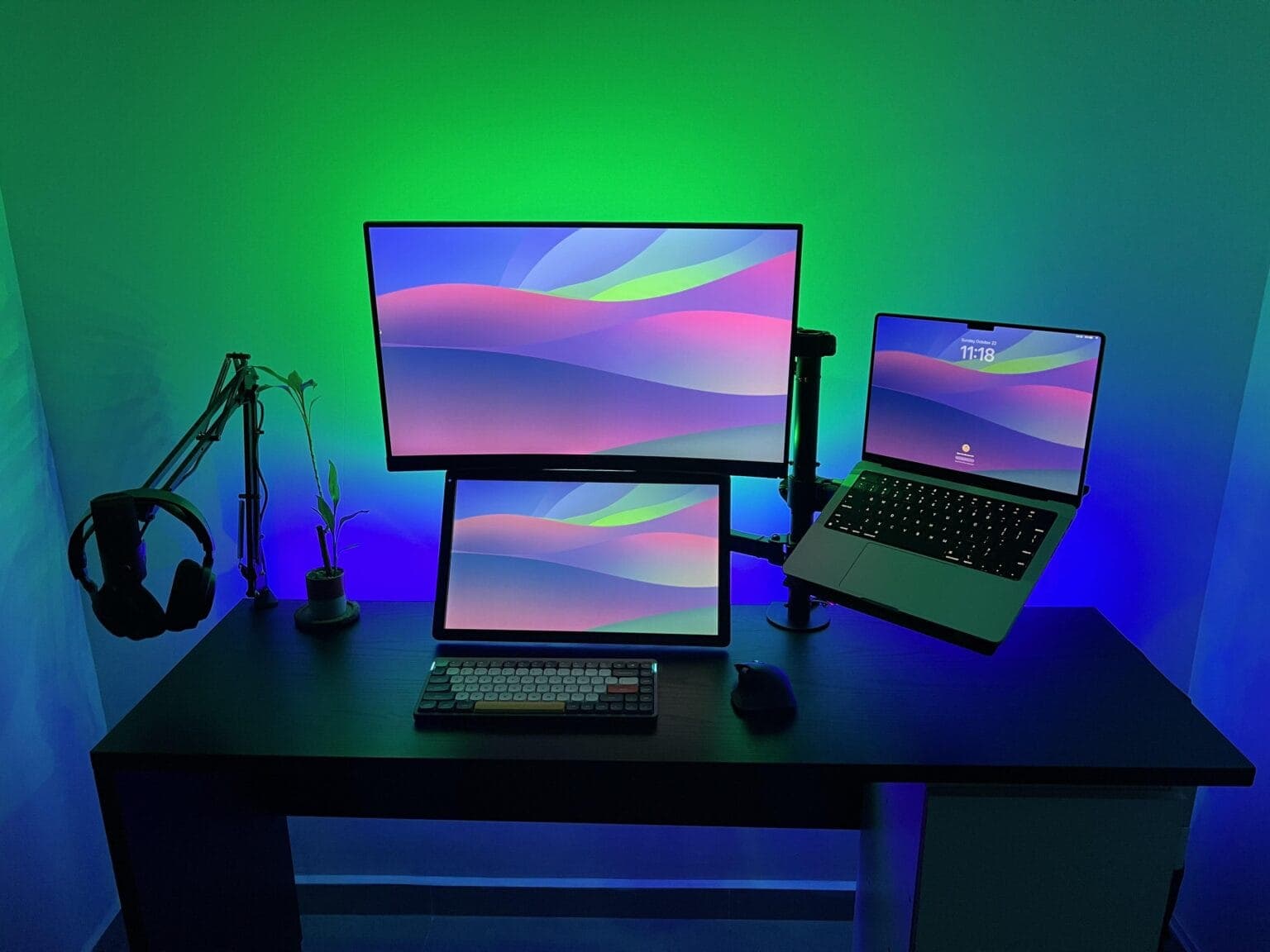
In this setup, one arm mounted on the desk handles the laptop and two external displays.
Photo: [email protected]

Today’s featured MacBook Pro setup belongs to a coder in Panama who uses two excellent stands to lift almost all of his gear off his desk. One’s a microphone arm doubling as a headphone stand. The other, more-substantial rig is a Vivo Dual Monitor Desk Mount that holds aloft two external displays and a MacBook Pro on a tray. That really tidies up the desk.

Killer MacBook Pro rig enjoys awesome audio recording and playback [Setups]

By

Shure MV7 USB microphone setup
A Shure MV7 USB microphone on a nice stand and Audioengine speakers keep the audio clear here.
Photo: [email protected]

If you’re going to sound your best on podcasts, online videos or conference calls, it helps to invest in a USB microphone. Today’s MacBook Pro setup takes advantage of a USB mic from the excellent brand Shure. And the user throws in a nice pair of Audioengine speakers for loud-and-clear playback, too.

1 7 8 9 10 11 99