How you buy iPhone in-app purchases will never be the same after Friday’s ruling from a federal judge. Photo: Ed Hardy/Cult of Mac
Apple has been ordered by a federal judge to allow iPhone software developers to point customers to their own websites to make in-app purchases. Previously, Apple required all these transactions to happen through its payment system. The change will prevent the iPhone-maker from collecting 15% to 30% of the revenue from transactions that go through developers’ direct payment systems.
This is the primary result of the Epic Games v. Apple lawsuit. And it’s exactly what Epic asked for in the first place.
Soon, iOS apps must reveal exactly what they're doing with your data. Photo: Penn State/Flickr CC
What do you do when you pick up some food in the store, and want to quickly check how good or bad it is for you? You glance at the nutrition label, of course.
Throughout the last century, mandated labels on food forced manufacturers to reveal more and more information about the contents of their products — and their effects on people who consume them. Now Apple is bringing that same level of insight to apps in the App Store.
It’s about time!
As apps become ever more central to our lives — with increasing access to our most sensitive personal data — transparency about exactly how developers use that information is becoming more necessary than ever.
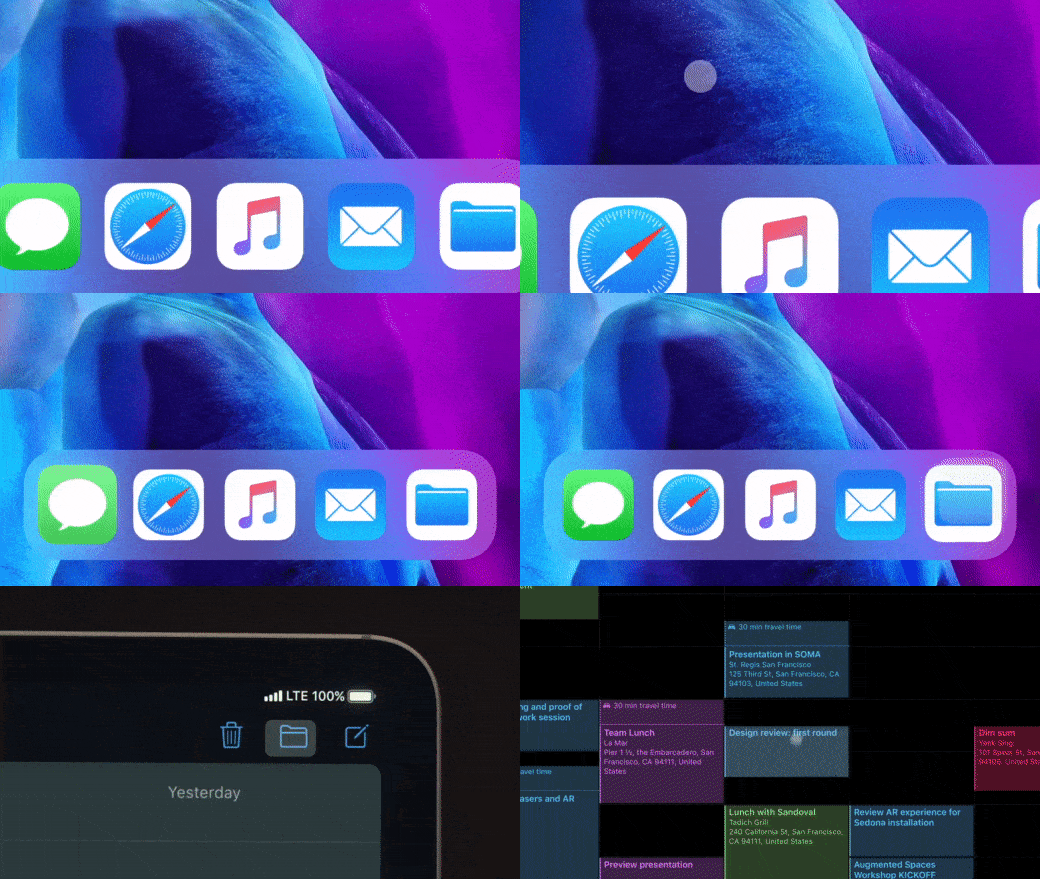
A simple change that makes using a mouse or trackpad even better. Photo: Apple
Apple’s brilliant new pointer for iPhone and iPad was built from the ground up to be perfect for touch devices, but there is a way to make it even better. Disable pointer animations and you’ll enjoy an even smoother tracking experience. Here’s how.
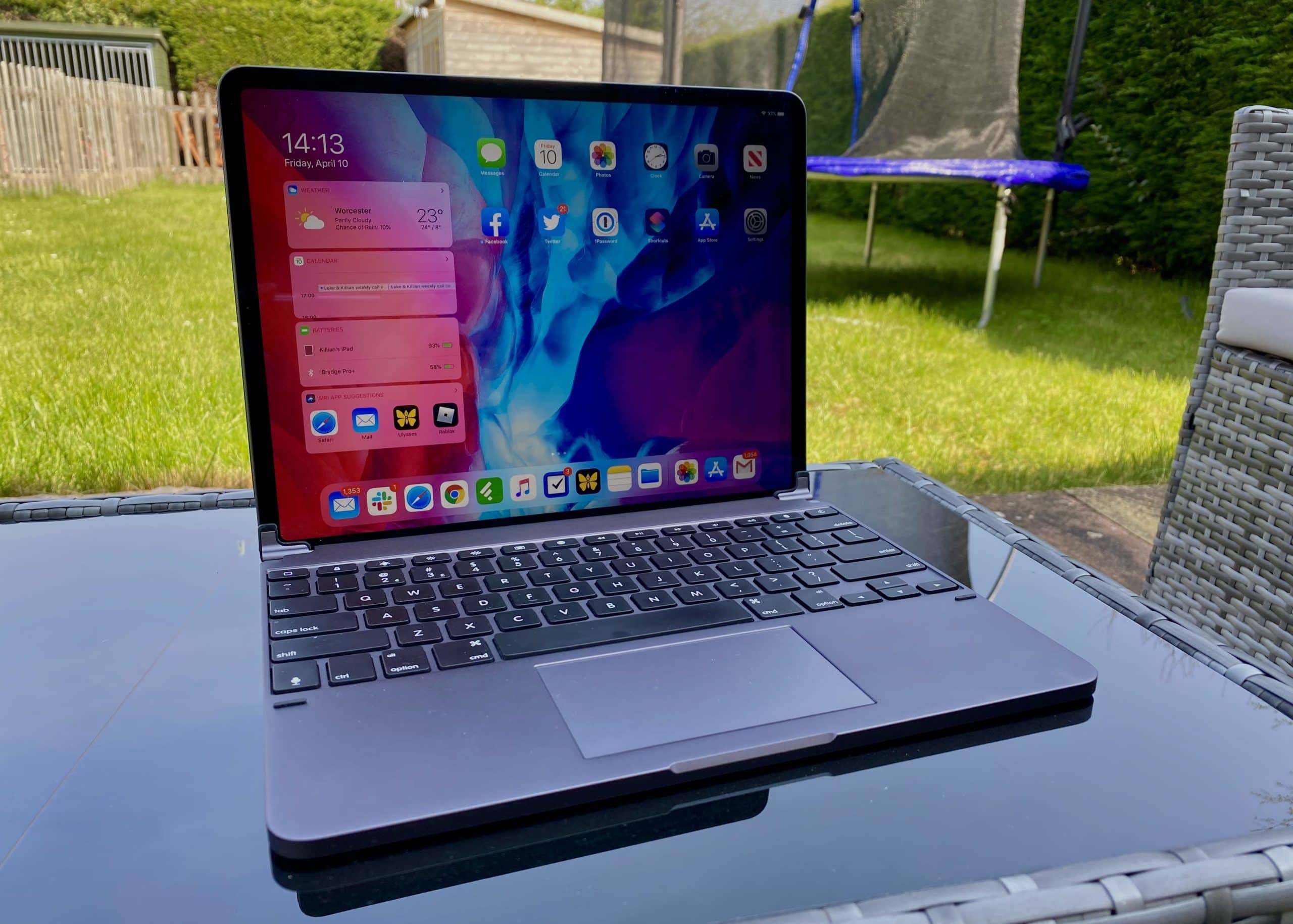
One of the best keyboards money can buy for iPad Pro now comes with a built-in trackpad. The Brydge Pro+ is one of the first to truly embrace mouse support in iPadOS. And it costs a lot less than Apple’s official Magic Keyboard, which won’t debut until May.
Like almost every other Brydge keyboard I’ve used, this one delivers a terrific typing experience that you can rely on every day. It feels superbly comfortable, and it’s brilliantly designed. It makes your iPad feel like a MacBook in the most elegant way possible.
Despite all that — and my appreciation for Brydge as a company — it’s really hard for me to recommend the Pro+. It gets so many things right, but completely misses the mark where it really matters. Here’s my full Brydge Pro+ review after several weeks of use.
UPDATE: February 25, 2021: Brydge is currently preparing a big firmware update for the Pro+ that promises to eliminate its trackpad issues for good by adding native multitouch gestures. That means the Pro+ will soon offer exactly the same functionality as Apple’s own Magic Keyboard.
We have yet been able to test that firmware update, but we have heard that it lives up to Brydge’s promises. Bear that in mind before reading the rest of our original review below.
This is kind of like a metaphor. Photo: Unsplash/Moritz Mentges
Apple’s supply chain is still weathering the effects of the COVID-19 coronavirus pandemic, a report published late Thursday by Bloomberg makes clear.
Even though China has seemingly overcome the worst of the coronavirus spread, Apple products are continuing the suffer the impacts. That is likely to manifest itself in the form of delays for new products and fresh batches of existing ones.
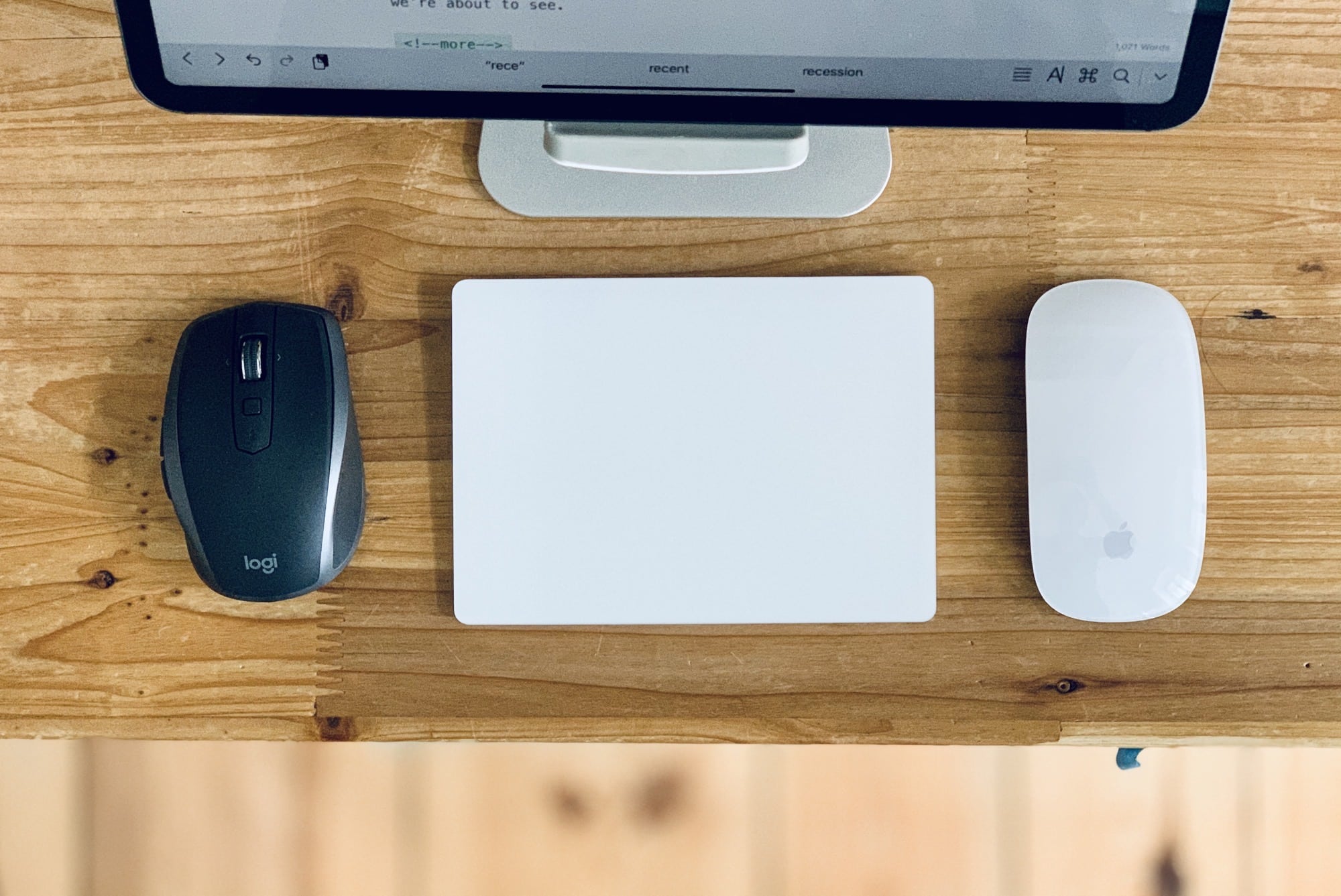
Pretty much any mouse will work with the iPad in iPadOS 13.4. Photo: Charlie Sorrel/Cult of Mac
Apple’s new Magic Keyboard case for the iPad Pro looks amazing. But its most impressive feature (aside from that incredibly solid-looking hinge) will become available to any iPad owner with a mouse or trackpad laying around. The new trackpad support coming next week in iOS 13.4 works with pretty much any Bluetooth or USB mouse. You just connect the peripheral, and a cursor appears on the iPad screen.
This is a much, much better system than the cobbled-together mouse support that already exists in iOS 13’s Accessibility settings. Instead of simply imitating a finger on-screen, Apple completely rethought how a cursor should work on a touch-based device. This thing is deep, as we’re about to see.
Here’s a hands-on look at the new iPad mouse and trackpad features.
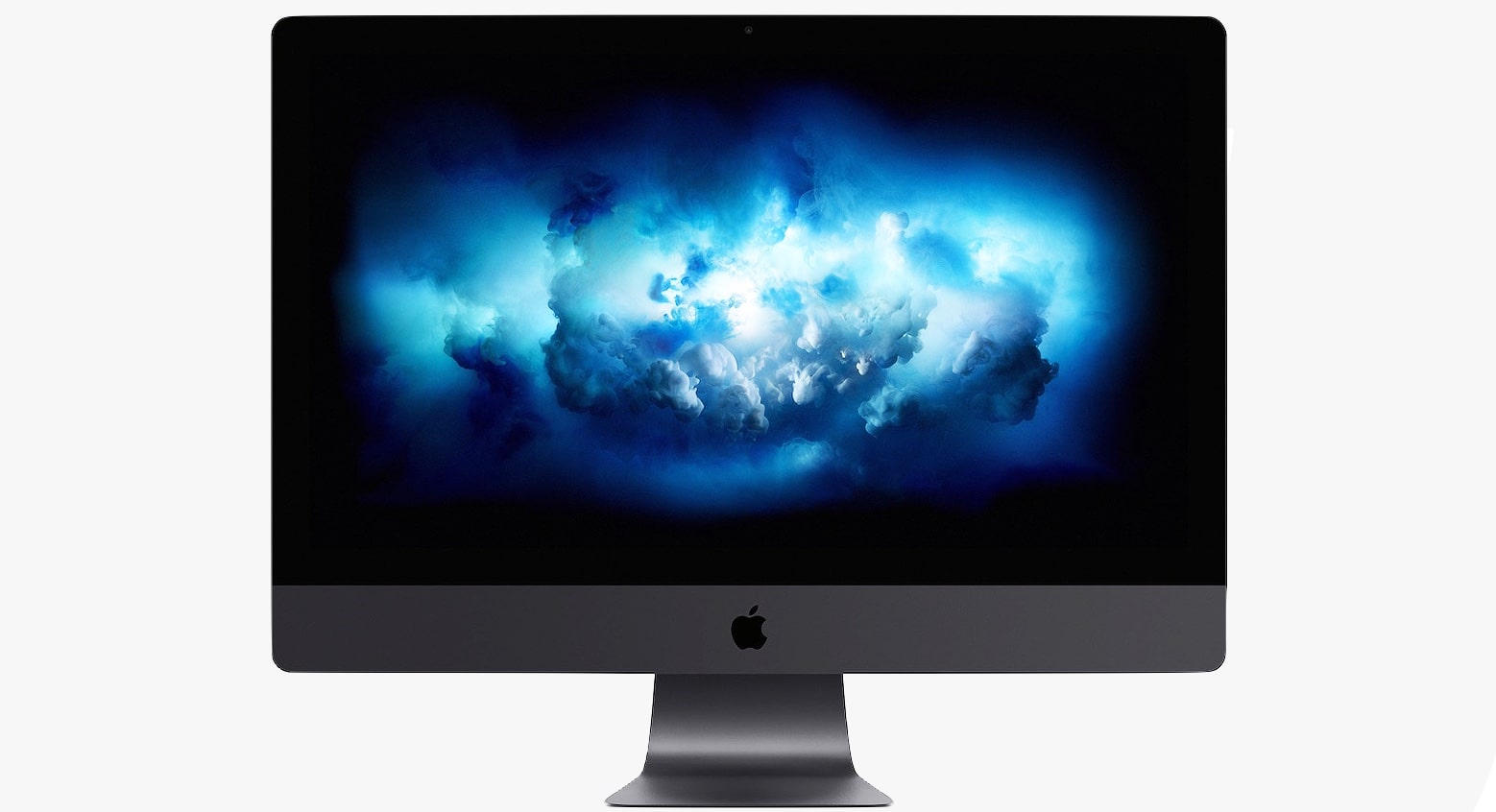
Don't even think about swiping that screen! Photo: Apple
Apple isn’t going to release a touchscreen Mac any time soon, says Phil Schiller, SVP of Marketing.
In a new interview, Schiller chimed in on the question on whether Apple might consider merging its mobile and desktop operating systems. The answer might disappoint fans of the Microsoft Surface.
Twitter removed its Mac app back in early 2018. Photo: Twitter
Twitter killed off its desktop app for Mac in early 2018. Now, a year-and-a-half later, an official Twitter app has made its way back into the App Store.
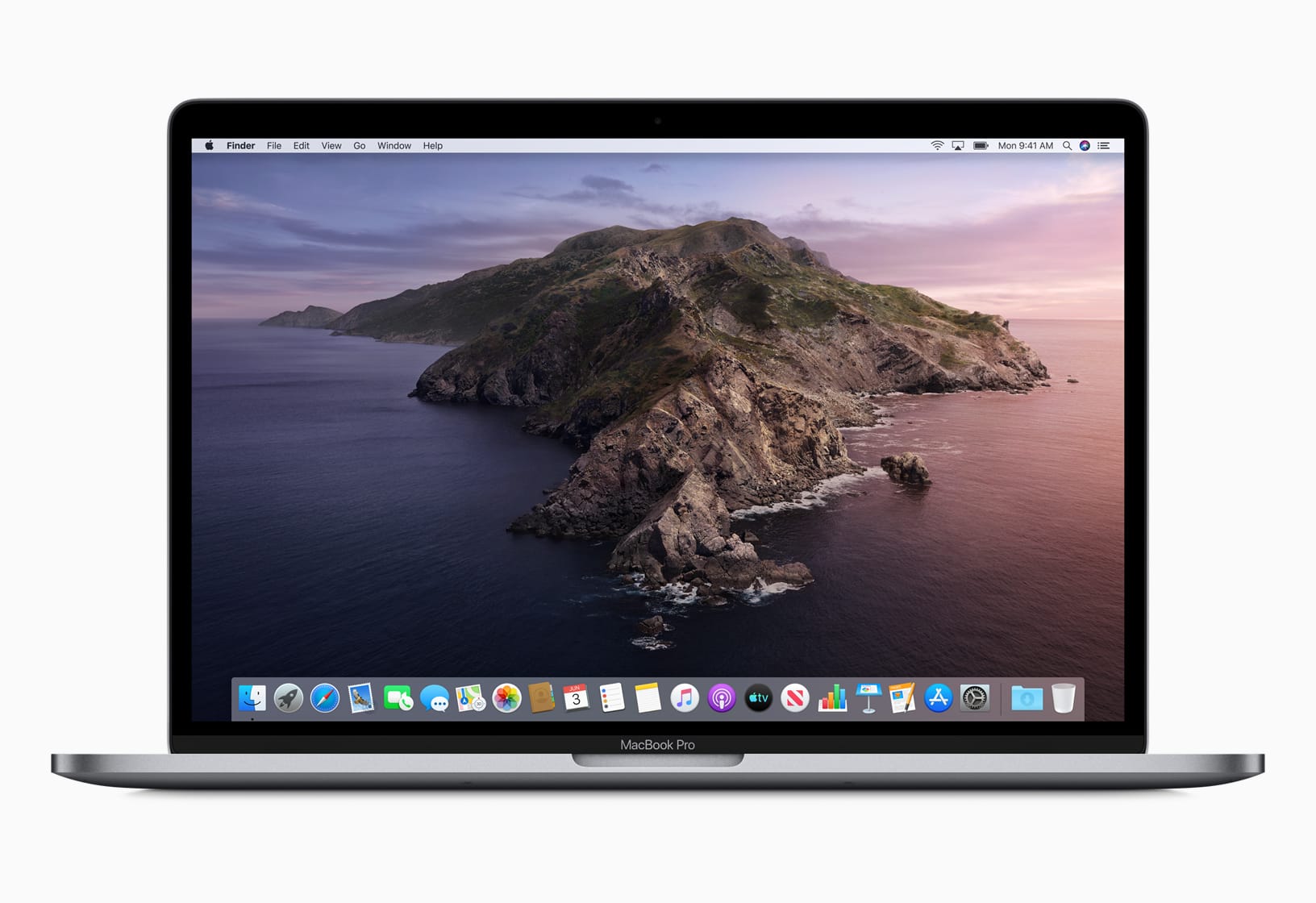
macOS Catalina is here. But proceed from Mojave with caution. Photo: Apple
Apple’s big update for Macs, macOS Catalina, is finally out today bringing with it a host of new features, apps, privacy improvements, and much more.
Developers just received the gold master version of macOS Catalina last week, but today’s launch was a bit of a surprise. Anyone that has a compatible Mac can grab the new update from the Mac App Store for free.
Apple's impressive chip team just got more impressive. Photo: LinkedIn
One of the top CPU architects in the world has joined Apple’s chip team.
Mike Filippo, who created some of ARM’s most impressive CPUs over the last few years, was hired last month by Apple, signifying the company could be gearing up to switch to ARM CPUs on the Mac.