Mobile menu toggle

Search results for: Apple One

Review: Logitech’s Create keyboard case turns iPad Pro into a bona fide laptop

By

11132015_Logitech_Create_iPad_Case_IMG_0618

The iPad Pro is being hailed as “a new kind of computer,” but as some have noted, it’s really the top half of a new kind of computer. Missing is the bottom half — the keyboard.

Apple has a solution for that — the $169 Smart Keyboard, which turns the iPad Pro into a laptop lookalike. But there’s a fantastic alternative: Logitech’s Create keyboard and case.

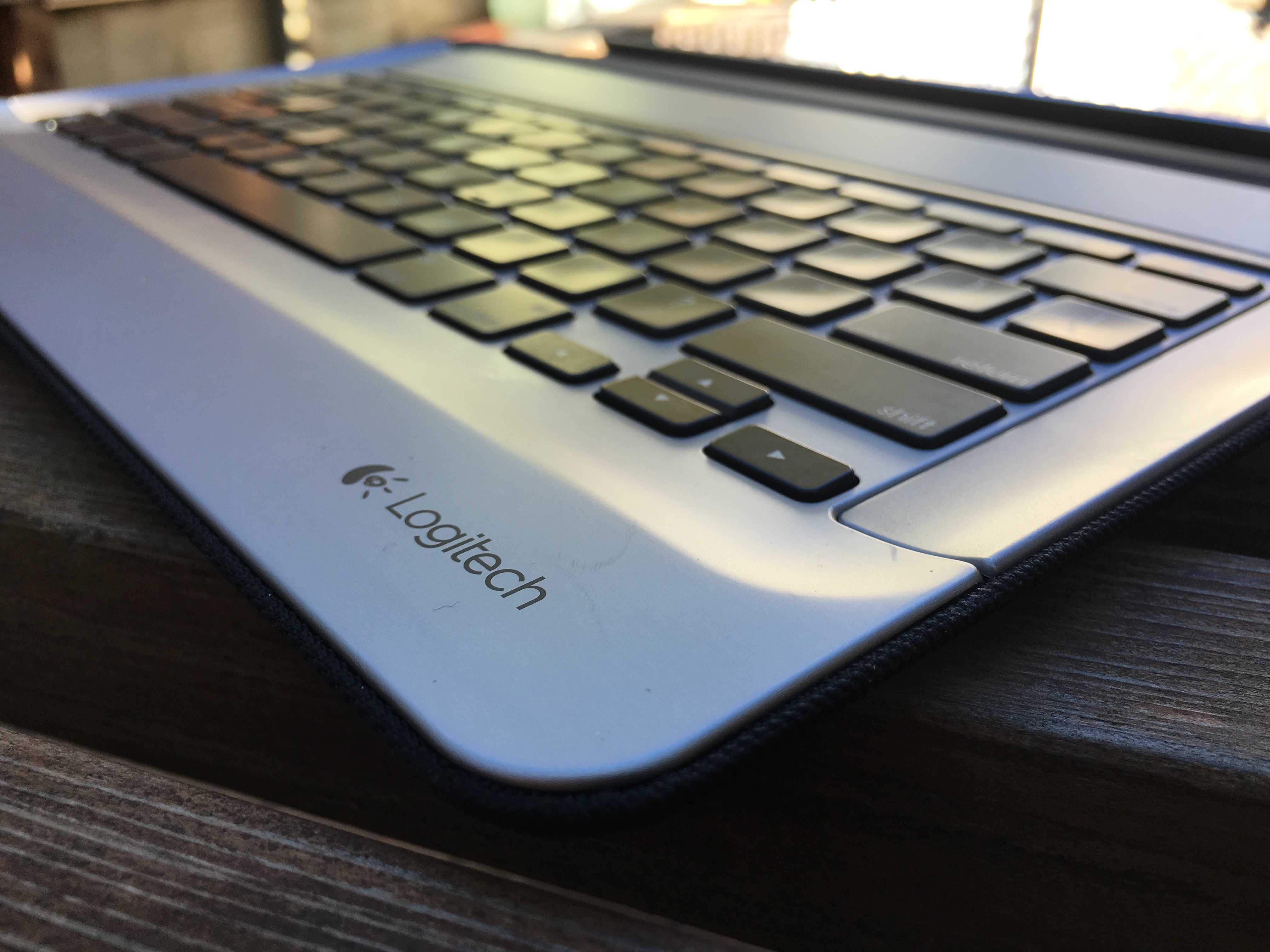
Logitech’s Create has several advantages over Apple’s Smart Keyboard. First, it’s a keyboard and a case that turns the Pro into a proper faux laptop (Apple’s keyboard is half a case that covers only the iPad’s screen). Logitech’s keyboard has fantastic chicklet keys, versus Apple’s hated low-travel flat keys; and it’s backlit, an essential requirement for any keyboard.

All in all, Logitech’s $150 backlit keyboard turns the iPad Pro into a MacBook — but a MacBook with cool extra features like Touch ID and a touch-sensitive screen.

iPad Pro’s sneaky surprise: A USB 3.0-capable Lightning port

By

iPad Pro
Bag a bargain iPad Pro today.
Photo: Leander Kahney/Cult of Mac

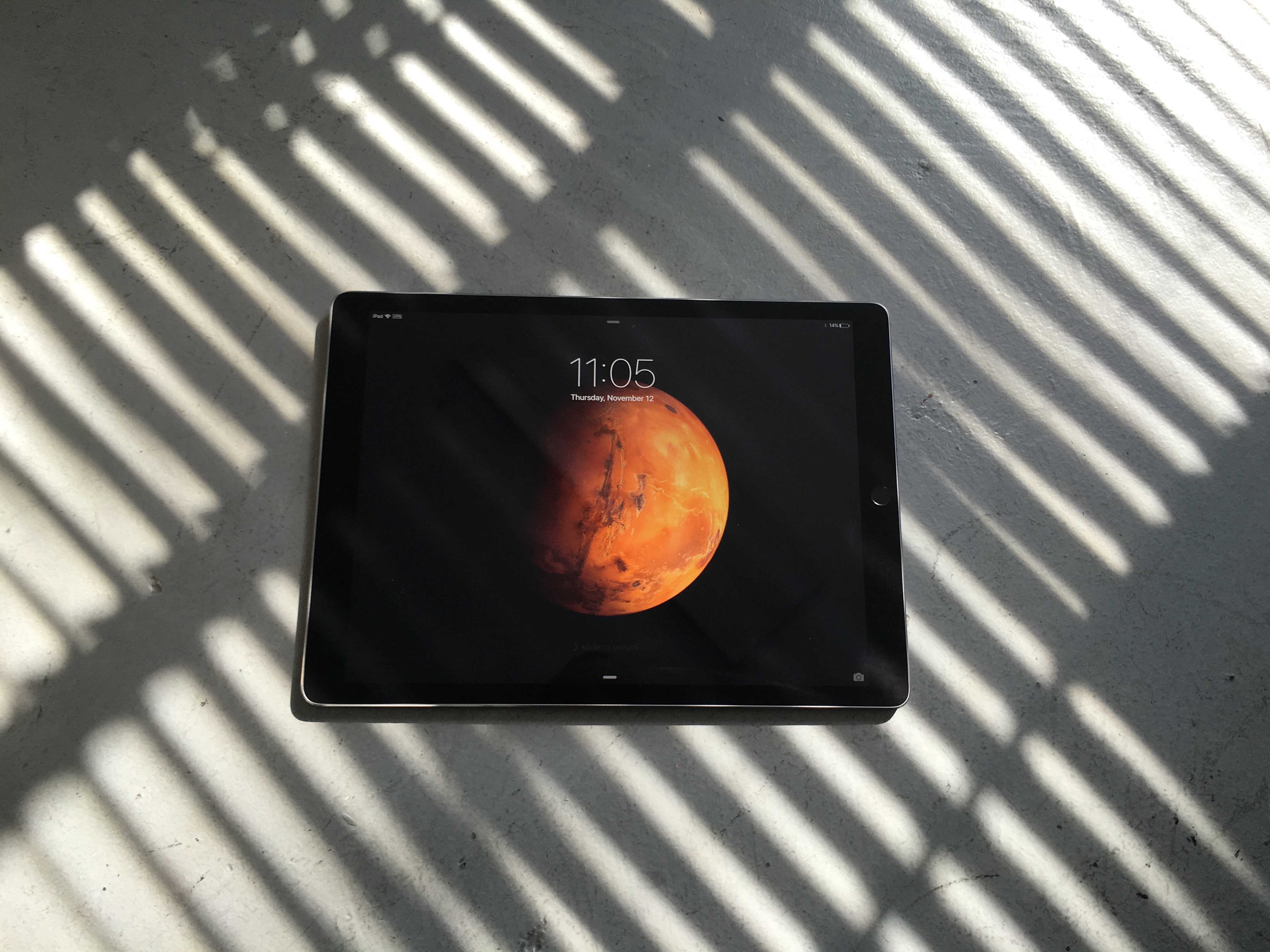
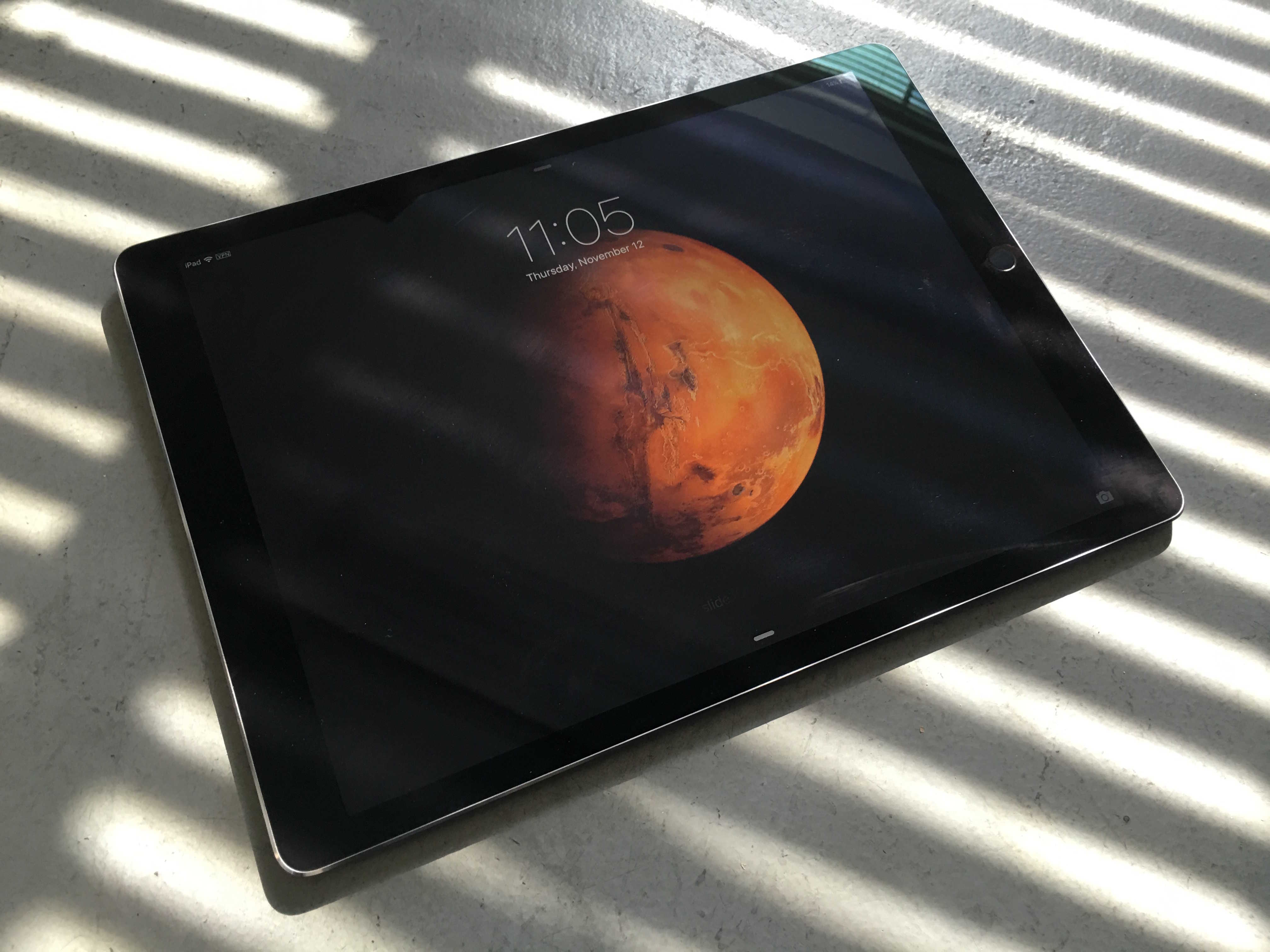
Sure, the hot new iPad Pro is big, beautiful, and plenty capable, but it’s also apparently future-proof.

Apple snuck in a USB 3.0-capable Lightning port into the bottom of your favorite massive tablet without telling anyone.

App Store search just got much smarter

By

app-store-search
App searches now have a lot more in store for developers.
Photo: Apple

A number of developers have reported noticing a difference in the way the iOS App Store now organizes search results. It appears Apple made changes around November 3 to the search algorithm to improve the relevancy of the results. Developers have identified multiple factors that are contributing to the new App Store search and overall, the changes are garnering positive feedback.

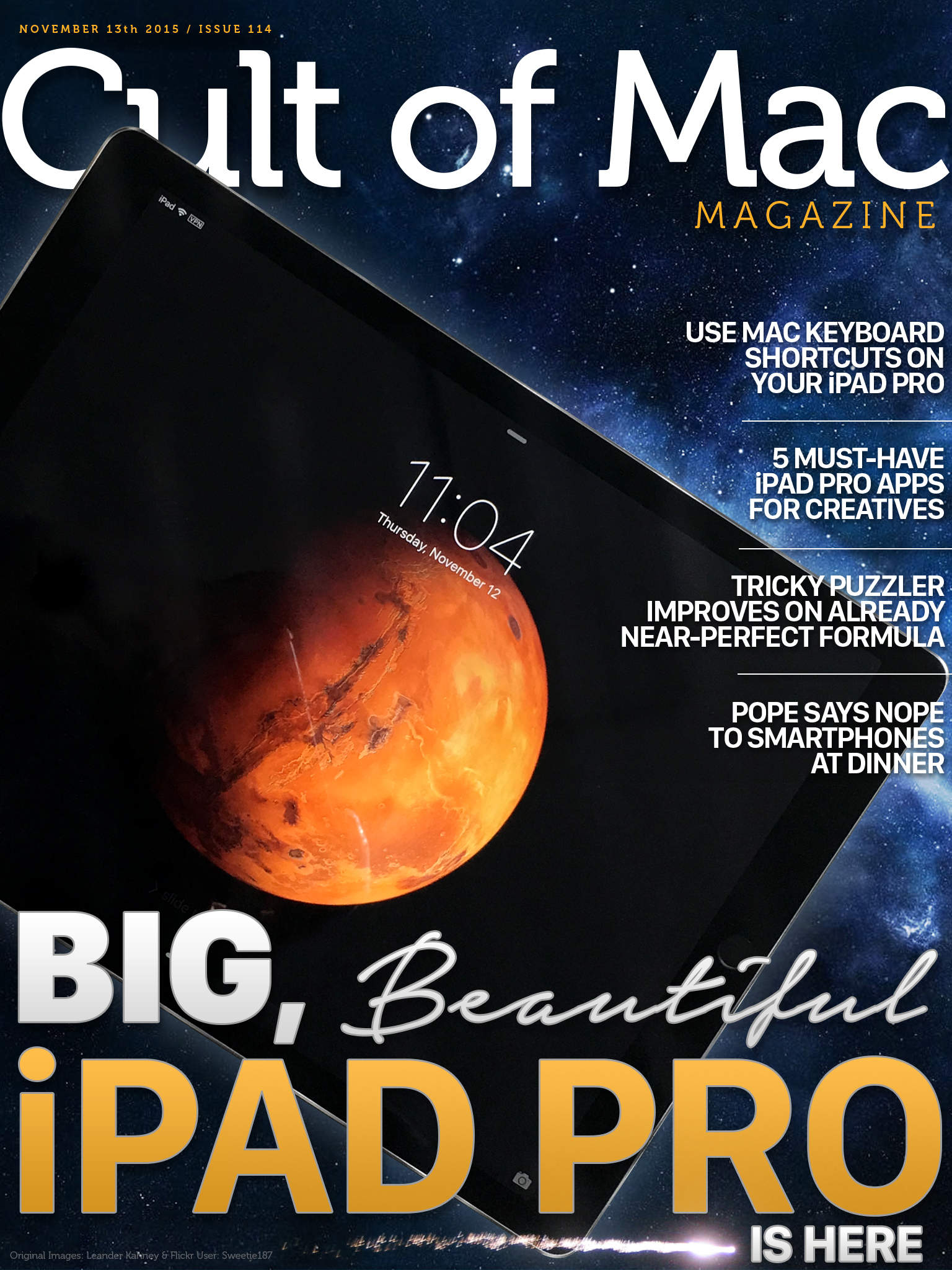
Cult of Mac Magazine: Big, beautiful iPad Pro

By

Size does matter.
Size does matter.
Cover Design: Stephen Smith/Cult of Mac

We’ve gotten our happy little hands on the gorgeous, huge new iPad Pro, and we’ve got first impressions of the next-gen post-PC Apple tablet right here.

Plus, some Mac-like keyboard shortcuts for your new friend, must-have iPad Pro apps for creative types, a review of The Room Three (a fantastic puzzler in the App Store), and a check-in with Pope Francis, who wants us all to spend time with each other at the dinner table.

So check out all that and a bunch more in this week’s Cult of Mac Magazine, the best slice of Apple news and info this side of Cupertino. Be sure to get your own copy today.

Here’s a quick preview of what’s inside:

Tim Cook says next-generation of kids will have no idea what cash is

By

Apple in talks to bring Apple Pay to Israel
Photo: Jim Merithew/Cult of Mac

Tim Cook is so bullish on Apple Pay, the CEO predicted that the next generation of children “will not know what money is”, on a recent visit to the across the pond.

The death of cash will happen sooner than expected, says Cook who told students at Trinity College Dublin that their kids will have no idea what the dead presidents were all about.

5 iPad Pro apps creatives should download now

By

iPad Pro
You should build something on all of that real estate the iPad Pro is giving you.
Photo: Leander Kahney/Cult of Mac

Apple’s massive iPad Pro tablet is finally getting into the hands of the waiting public, and now all that remains is the small matter of how to make the most of its 13-inch screen.

The company has been pushing its new hardware to creators and enterprise. And while we’re guessing that most artists and professional designers and artists who already owned iPads have a favorite app or two, newbies picking up the latest for its huge screen and fancy Apple Pencil stylus might be at a loss with where to look.

Here are some of our picks for iPad Pro apps to start getting your creati-on.

iPad Pro Diary: Will this really replace my PC?

By

Is the iPad Pro a true replacement for a computer?
Photo: Leander Kahney / Cult of Mac

iPad Pro Diray, Day One: Instead of writing a long and boring product review, I’m going to try something new with the iPad Pro. I’m pulling a Tim Cook: I’m using it as my main and only machine for a while. I’ll be keeping a diary of how it goes.

In fact, I’m typing this on it.

The question everyone is asking — and it’s Apple’s pitch for the Pro — is that this a bone fide computer. It’s not a silly tablet any more. It’s a heavy duty tool for Pros — a jackhammer for creatives.

I’m going to find out…

How to get Hey Siri-style dictation on your Mac

By

Ah, dictation on your Mac. What could be better?
Photo: Rob LeFebvre/Cult of Mac

If you’ve called out, “Hey Siri” to your iPhone before, you know the joy of this Star Trek-style technology. You don’t even need to hold the Home button down. Sure, your iPhone needs to be plugged in, but it’s a pretty neat party trick.

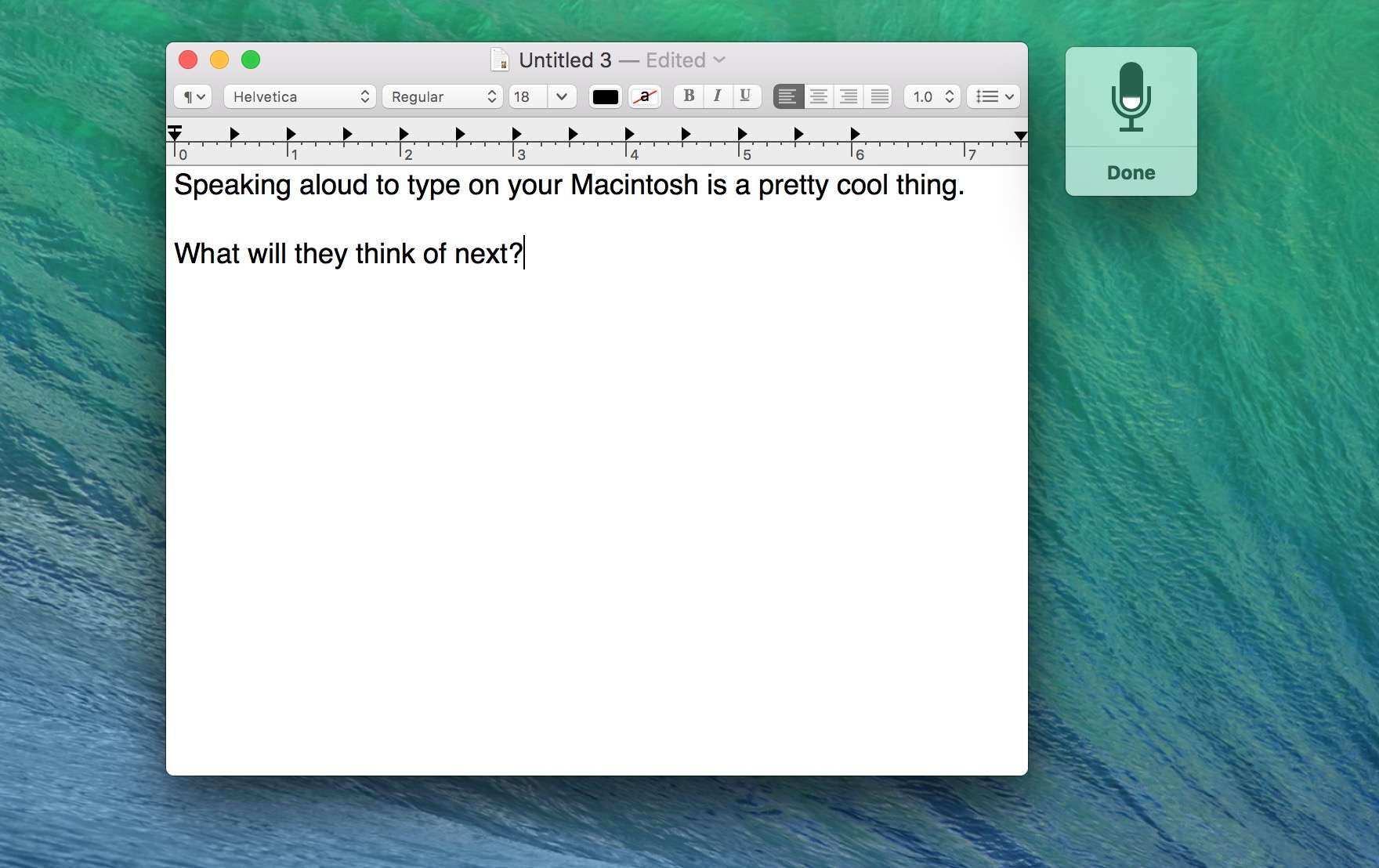
Excitingly, you can do something similar on your Mac: activating dictation with a voice command. The next time you get a great idea and need to document it, you can just call to your Mac and dictate it right then. No pen, no paper, no walking all the way to your keyboard.

Here’s how.

YouTube Music rocks out on Android and iOS

By

YouTube Music
YouTube will take on Apple Music (again).
Photo: Google
Yes, Google has another music streaming service. Photo: Google

YouTube Music has arrived on Android and iOS, and it promises to make it easier than ever to discover new music on YouTube. Simply hit play and enjoy an endless journey through the platform’s entire music catalog, or check out YouTube’s recommendations based on your listening habits.

Make your technology a force for musical expression with this digital guitar [Deals]

By

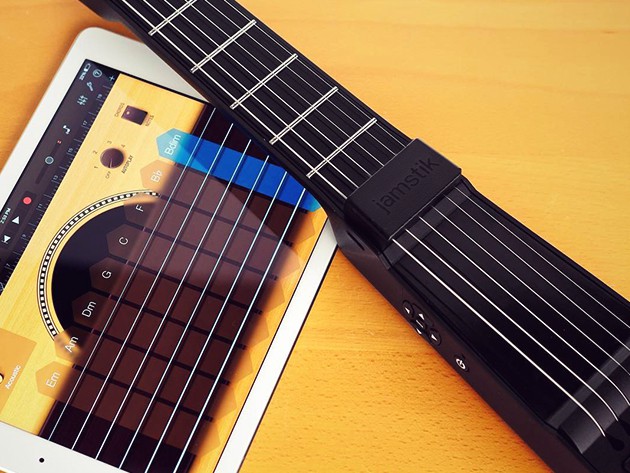
The Jamstik is a versatile and super portable MIDI controller that plays just like a normal guitar.
Photo: Cult of Mac Deals

Computers, tablets, even iPhones have grown into powerful tools for music making, but for many who play guitar the bridge from analog instrument to digital devices can be an intimidating one. The Jamstik Wireless Smart Guitar is a great way to cross the digital divide, a MIDI controlling guitar with frets and strings that feel familiar to any guitarist’s fingers. It’s also cheaper than most keyboard controllers (and certainly guitars), available right now for just $149.99.