Mobile menu toggle

Search results for: Apple One

Smart email app Spark coming to iPad and Mac
By

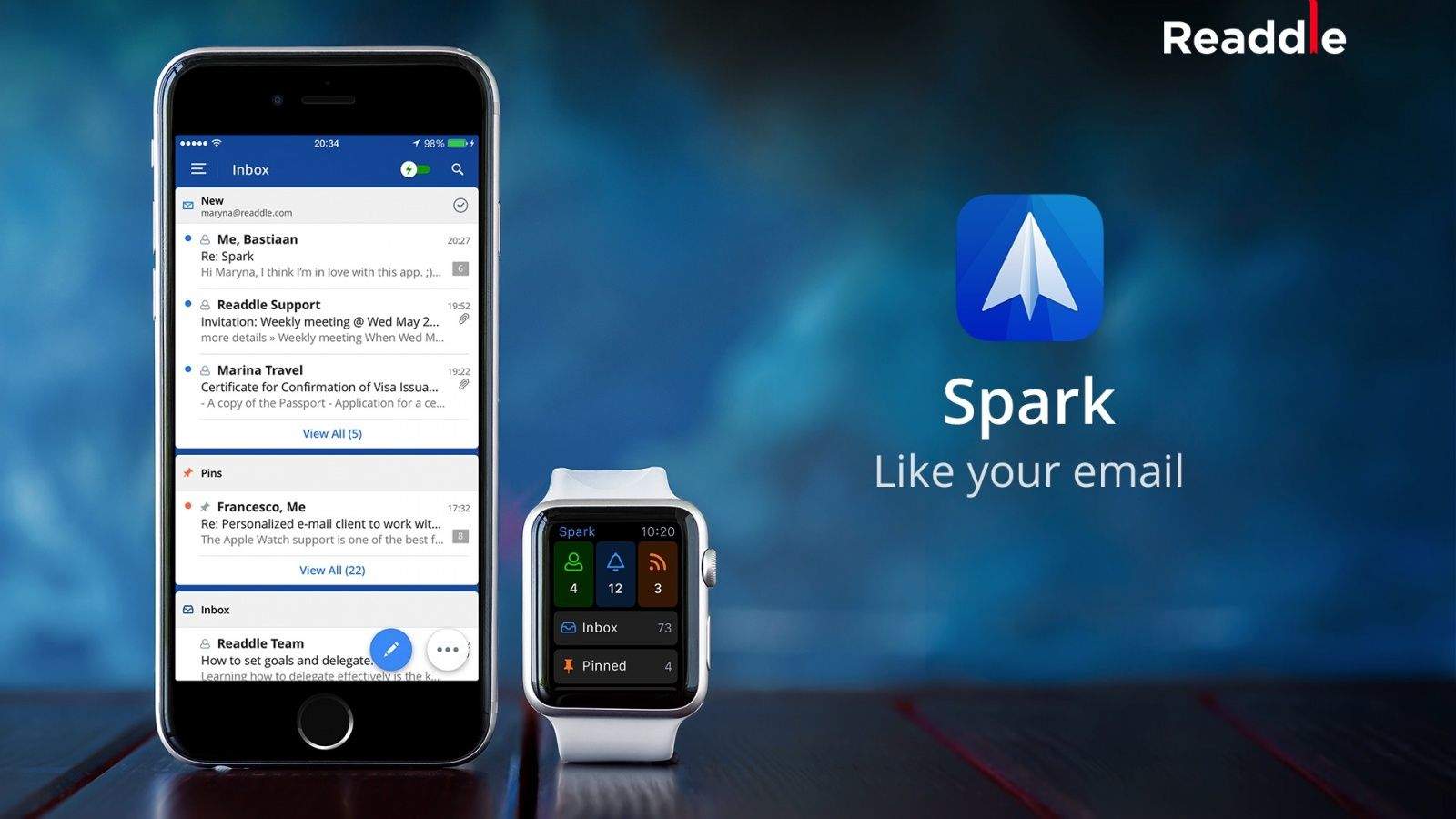
Your Apple Watch is never going to be the device from which you reply to most of your messages, but that doesn’t mean it can’t have its part to play in helping you stay on top of your Inbox.Unlike the functionality of Apple’s own Mail app on the Apple Watch — which lets you only flag messages, mark them as unread, or delete them — Spark allows you reply to messages using quick responses or dictation. The accompanying iOS app is a great email tool in its own right.Download: Spark by Readdle (free)
Hopefully email will start to suck less on more devices.
Photo: Readdle

Readdle’s beloved Spark email app for iPhone and Apple Watch is also coming to the iPad and Mac. A spokesperson for the company confirmed that development is underway for the apps in an email to Cult of Mac. The iPad version will likely make its debut next month in December, while a Mac version is a little further down in the pipeline since it’s only currently in the planning stages.

Wacom’s Bamboo Fineline stylus delivers precision on the cheap

By

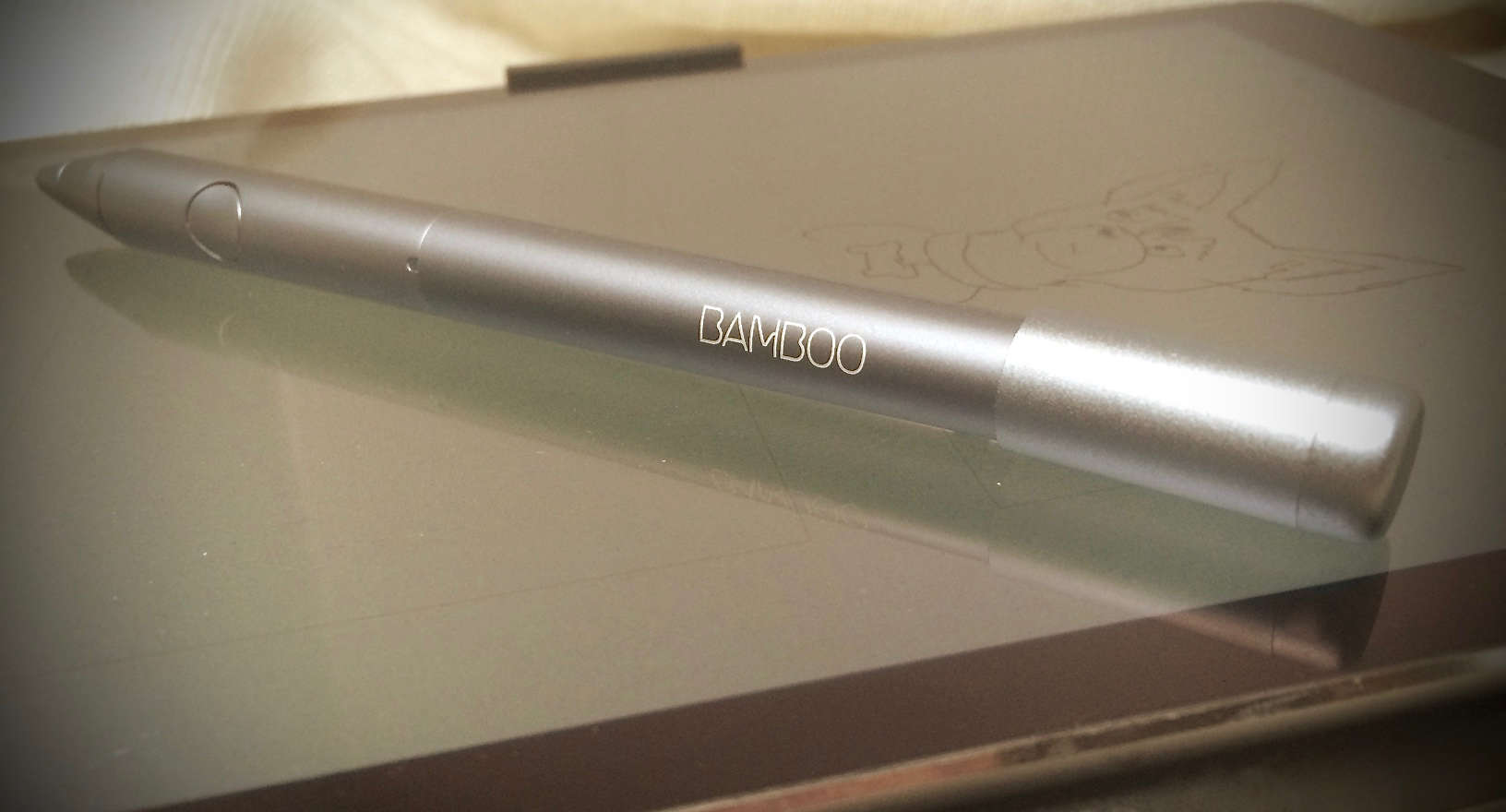
Bamboo Fineline Stylus 1
Wacom is phasing this model out, but it's still a great product.
Photo: Evan Killham/Cult of Mac

Best List: Bamboo Fineline 1 stylus by Wacom

Wacom is to graphics tablets what Kleenex is to facial tissues, so it’s no surprise that the company knows its way around a stylus. And the original version of the Bamboo Fineline is a great entry point for those looking to start drawing, sketching, and taking notes on their iPads.

Where the ease of mobile and the power of desktop photo editing meet

By

Macphun's Creative Kit contains five powerful photo editing apps in one package, with extensions for Photoshop, Lightroom, Apple Photos, and more.
Photo: Macphun

One thing that apps like Instagram and VSCO have mastered is making photo retouching on a mobile device (e.g. smartphone, ipad, etc.) a breeze. Simple sliders grouped in easily understandable categories and real-time results make the editing process a snap. It’s fun and easy to dial in the overall look of an image on your phone’s screen! However, with that convenience, comes limitations. For instance, if you want anything more precise than a slider you’ll have to open up a professional application like Photoshop, Lightroom or Aperture.

Pro Tip: Bring your Mac to life with a custom video screen saver

By

Now you can get any video you like up on your Mac's screen saver.
Photo: Rob LeFebvre/Cult of Mac

Pro Tip Cult of Mac bugIf you’re enamored of the beautiful aerial screen savers on your new Apple TV and want to do something similar on your Mac, you’re in luck.

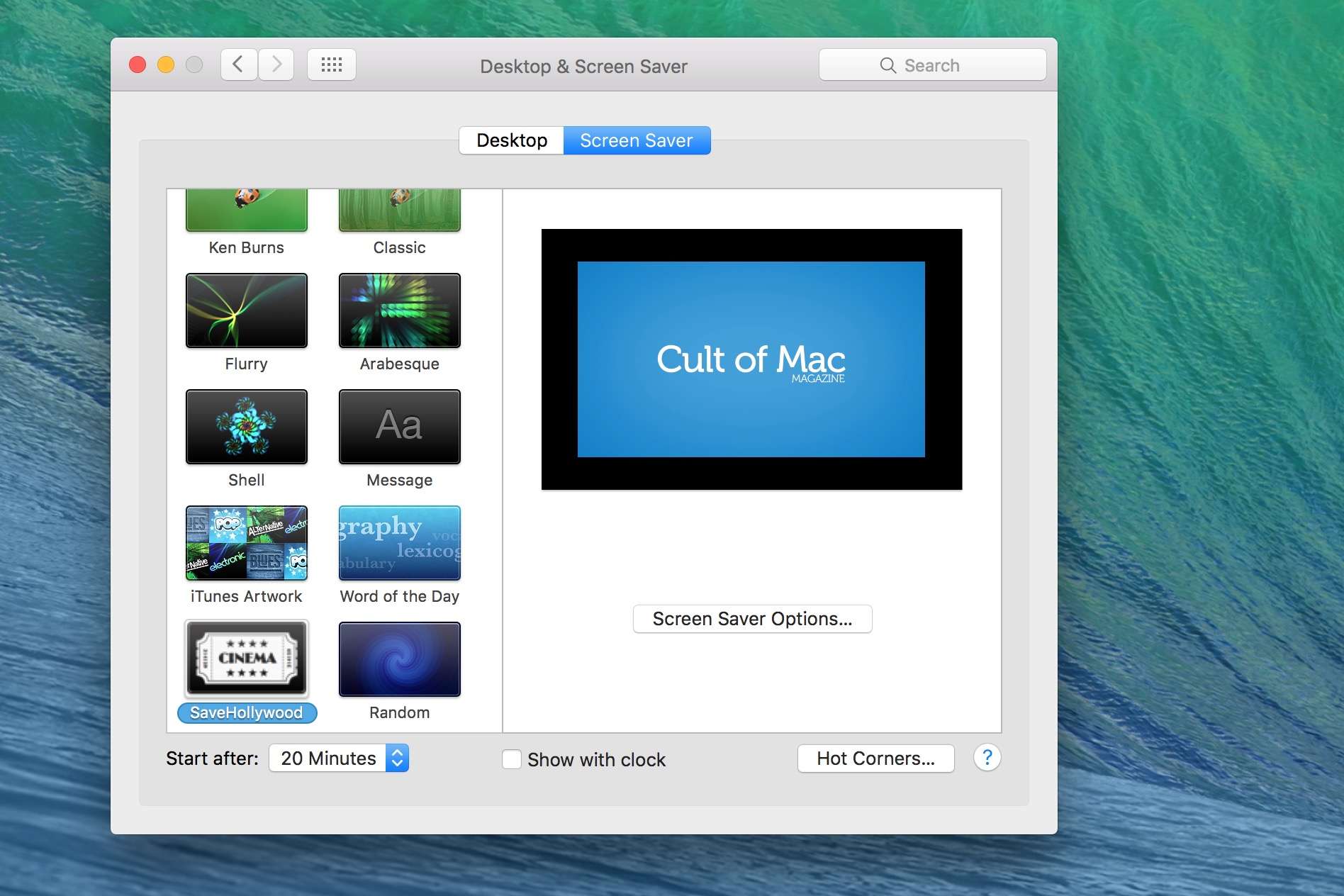
SaveHollywood is a screen saver module that will work on any Mac running OS X 10.8 or later, and it lets you play any movie you want when your Mac enters screen saver mode.

Here’s how to get it set up.

OS X 10.11.2 beta 4 is now available to developers and public testers

By

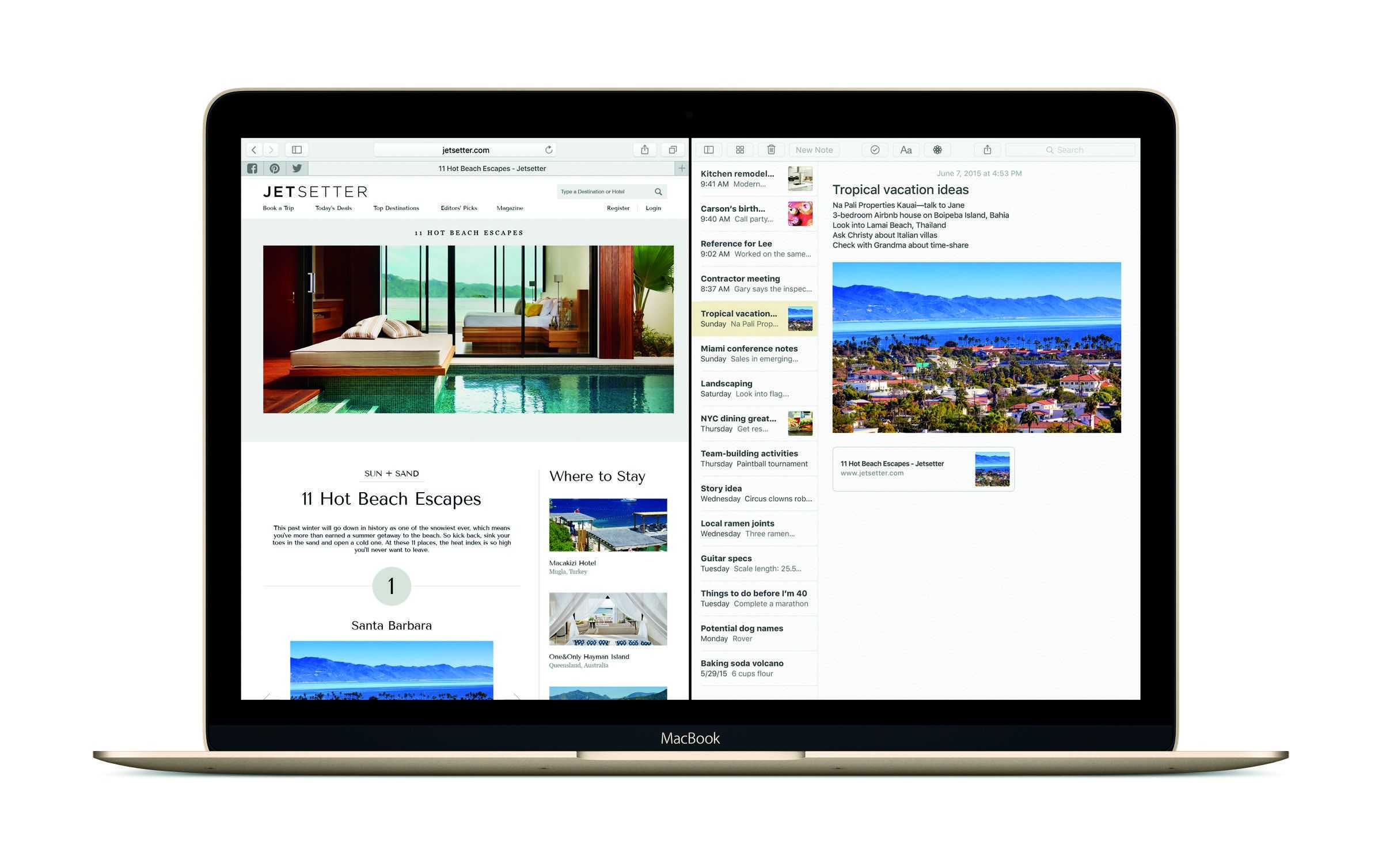
OS X El Capitan Safari Notes
El Capitan's latest beta has arrived.
Photo: Apple

Apple has seeded the fourth beta of OS X El Capitan 10.11.2 to developers and public beta testers today.

The new beta build 15C47a comes one week after the previous beta was released, which could signify that Apple’s close to completing a final version of the update, after releasing its last OS X update (10.11.1) to the public a month ago.

Future Siri could switch user profiles based on voice

By

Play classic arcade games right on your Apple TV.
Siri's ability to recognize different voices could be big for technology like Apple TV.
Photo: Rob LeFebvre/Cult of Mac

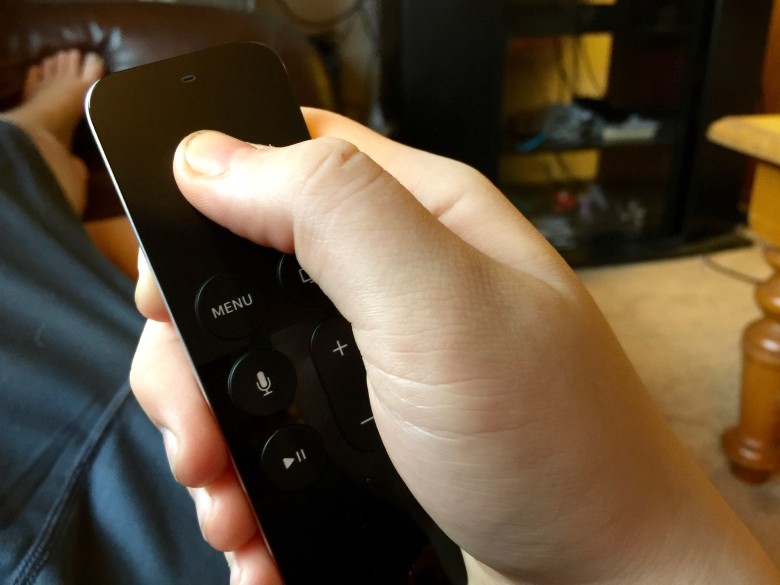
As Apple rolls out Siri beyond the iPhone and into shared devices like the iPad and, most recently, Apple TV, Cupertino’s engineers have been working on a way of letting its voice activation technology pick up individual users, and offer them customized options based on their past preferences.

Published today as the patent “User profiling for voice input processing,” the technology would allow Apple to make better use of Siri (and voice recognition in general) as it moves into new fields like home automation and vehicles.

AirWatch makes it easy to manage all your organization’s devices

By

AirWatch is an ideal way to get operations of any size connected and synchronized around a mobile workflow.
Photo: VMware

This post is brought to you by VMware, maker of AirWatch.

Whatever your organization’s mission, synchronizing all your employees’ mobile devices can power up your operations. However, wrangling together an array of phones, tablets and laptops is very tough. Making sure they’re all caught up and in sync with the same software versions and whatnot — let alone sourcing or (gasp) developing the applications your business will run on them — is a lot for a business of any size to take on.

Yo, Tim Cook hates the idea of a Mac/iPad hybrid

By

Tim Cook
Tim Cook was an outspoken Hillary supporter.
Photo: Jim Merithew/Cult of Mac

If you feel like it’s a matter of time before the iPad and MacBook become one and the same device, similar to the Microsoft Surface, there’s at least one person in the know who will tell you you’re wrong: Apple CEO Tim Cook.

Firefox for iOS, YouTube Music, and other awesome apps of the week

By

appsoftheweek_1024
Having an 'appy weekend?
Photo: Ste Smith/Cult of Mac

The weekend may be halfway over, but you know what isn’t? The imagination of app developers.

This week’s collection of awesome apps encompasses everything from new web browsers for your iOS device, to a great new music app, to two spectacular games. Check below for our picks of the most noteworthy downloadables of the past seven days.

You won’t regret it for a second!

iPad Pro Diary: The iOS ecosystem is much deeper than I knew

By

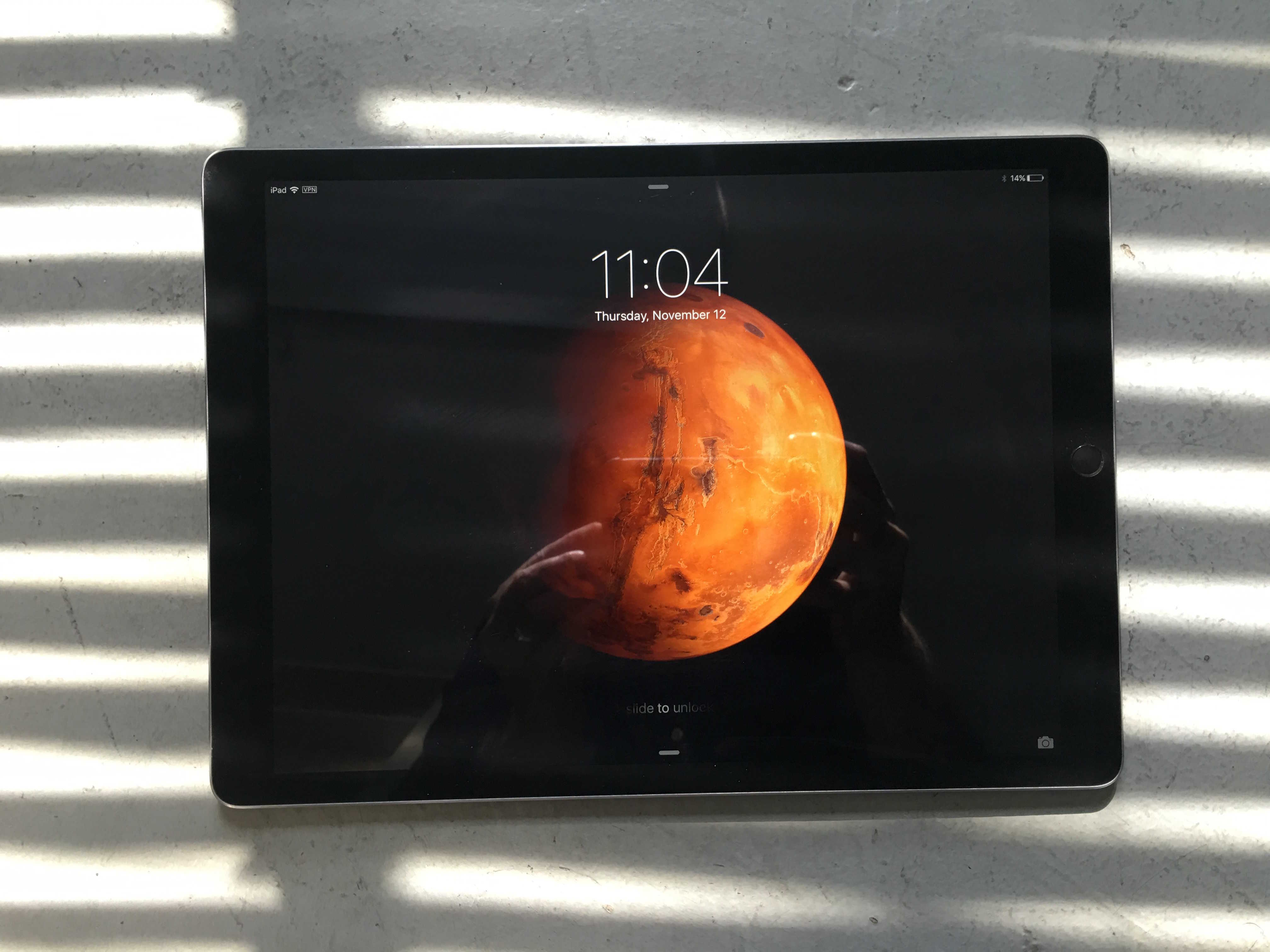
iPad Pro
Have you picked up a cheap iPad Pro yet?
Photo: Leander Kahney/Cult of Mac

iPad Pro Diary, Day 2: I have a shameful confession to make. Even though I’ve been using an iPad and iPhone for years, I haven’t really been using them.

I do a few things that haven’t changed for donkeys. I read on the iPad all the time and send the odd email. I play songs on Sonos. I played Kingdom Rush a few times. I watched a Netflix video. That’s about it.

My iPhone I use more, but nothing heavy duty. Messaging, email, photos and maps. The odd phone call.

But now that I’m forcing myself to use the iPad Pro for work — to see if it really is a PC replacement — I’m discovering something unesxpected: That the iOS ecosytem is far deeper, more productive, and better integrated than I knew.

Not only is work easier on the iPad these days, it’s a lot more fun.