Mobile menu toggle

Search results for: Apple One

Microsoft’s tablets are eating away at iPad sales

By

Put your hands on me.
Microsoft is taking the tablet fight to Apple.
Photo: Leander Kahney/Cult of Mac

Apple might have once owned the tablet market, but Microsoft is making rapid advances in sales — and may even be approaching iPad numbers by 2019, according to a new “Tablet Operating System Forecast” report by Strategy Analytics.

Summarizing the first nine months of 2015, and extrapolating the trends to try and predict the next few years, the report reveals how sales of Windows tablets are up 58 percent compared to 2014, and are on track to sell 22 million this year. That’s 10 percent of the market, compared to Apple’s 22 percent.


74.1% of all Android users are vulnerable to government surveillance

By

74-1-of-all-android-users-are-vulnerable-to-government-surveillance-image-cultofandroidcomwp-contentuploads201511Screen-Shot-2015-11-23-at-80723-PM-jpg
This probably won't save you from the Feds. Photo: The Next Web
This probably won’t save you from the Feds. Photo: The Next Web

Apple has taken a huge stand with the U.S. government, claiming they won’t – and can’t – remotely unlock encrypted devices running iOS 8 or higher. That’s the vast majority of devices.

Google takes the same sort of stand. Any document running Android 5.0 or higher has full disk encryption enabled by default, and therefore can’t be be remotely unlocked, even when ordered to do so by the federal government.

But Android also has a fragmentation problem, which means that most Android devices aren’t running Android 5.0 or higher. In fact, according to a new filing prepared by Google for the New York District Attorney’s Office, Google can remotely unlock at least 74% of Android devices.

How to hide your apps in iOS 9 without a jailbreak

By

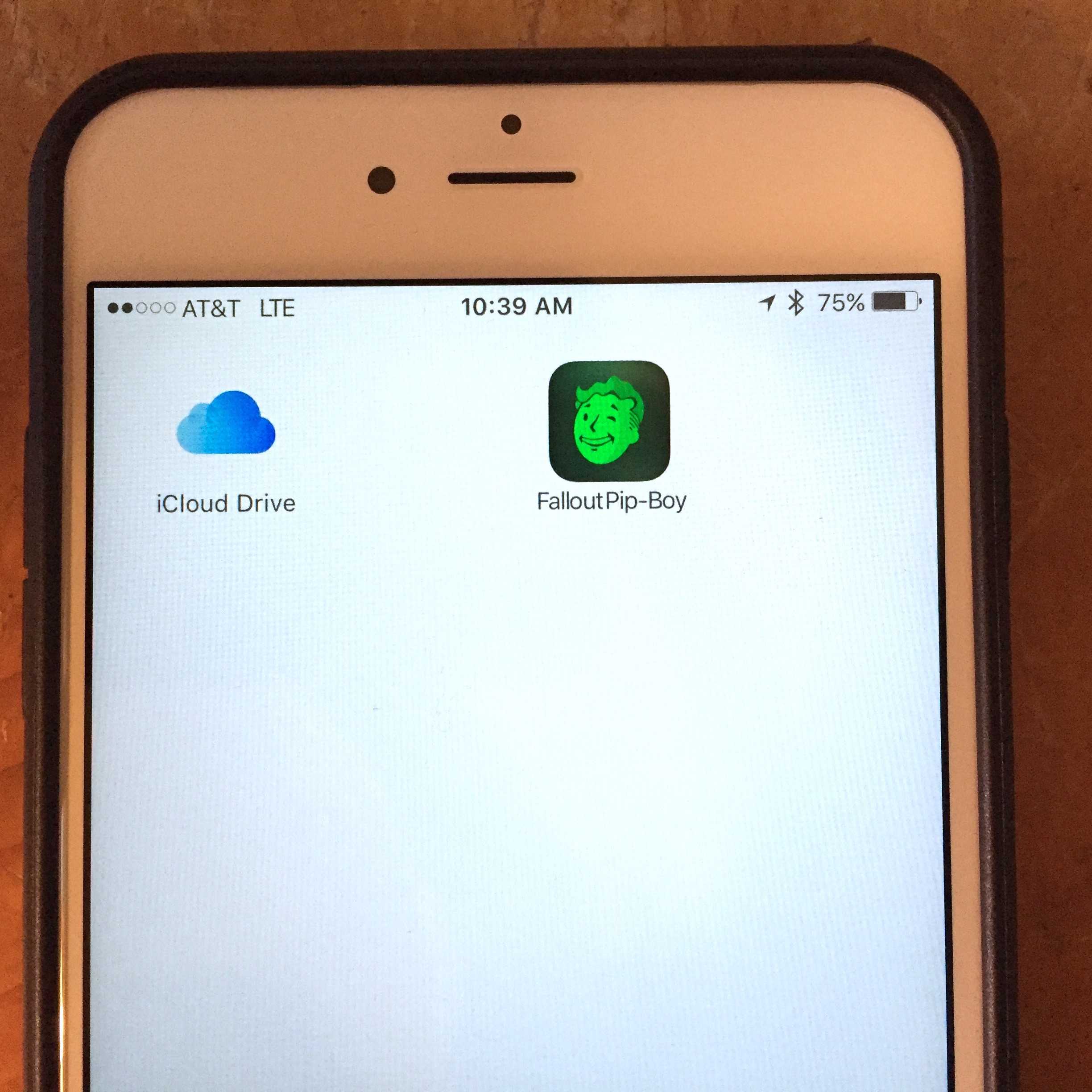
I promise, there's a folder between those two app icons.
Photo: Rob LeFebvre/Cult of Mac

Every once in a while, you might have an app or two that you really don’t want to show off. Whether it’s a racy game or two or dating apps you don’t want your children seeing when you hand them your phone to keep them occupied, being able to hide those apps from general view is a handy thing.

Until now, you had to jailbreak your iPhone to make that happen. Thankfully, that’s no longer the case, and you can–thanks to the fine folks over at Redmond Pie, who originally found this tip–hide apps on your own iPhone, with no jailbreak required. It’s a bit involved, and requires that you change your wallpaper to something boring, like white or grey, but it works.

Here’s how.

iPad-compatible smart scale gets a tasty new update

By

promo_scale_app_logo
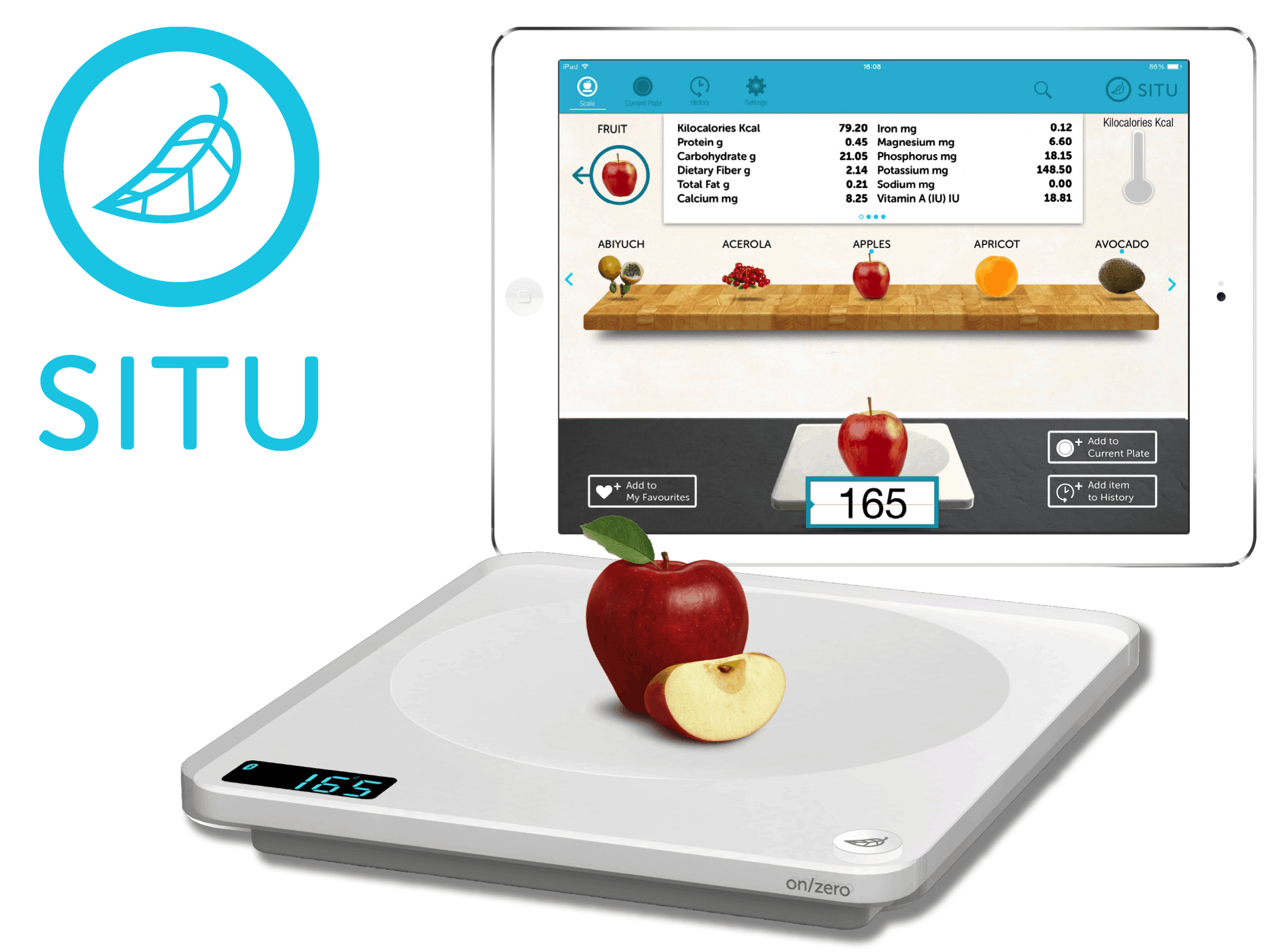
The weight for a major update is over! (I apologize for the awful pun.)
Photo: SITU

Attention, foodies and nutrition-istas! Successful Kickstarter SITU, a smart scale for iPad, has just added a couple of neat new features for its iOS app — while also getting a reduction in prices ahead of Black Friday.

Given that ex-Apple employee creator Michael Grothaus credits Cult of Mac readers with making the invention a reality, how could we not cover it?

Weighing the options for monitoring your body fat

By

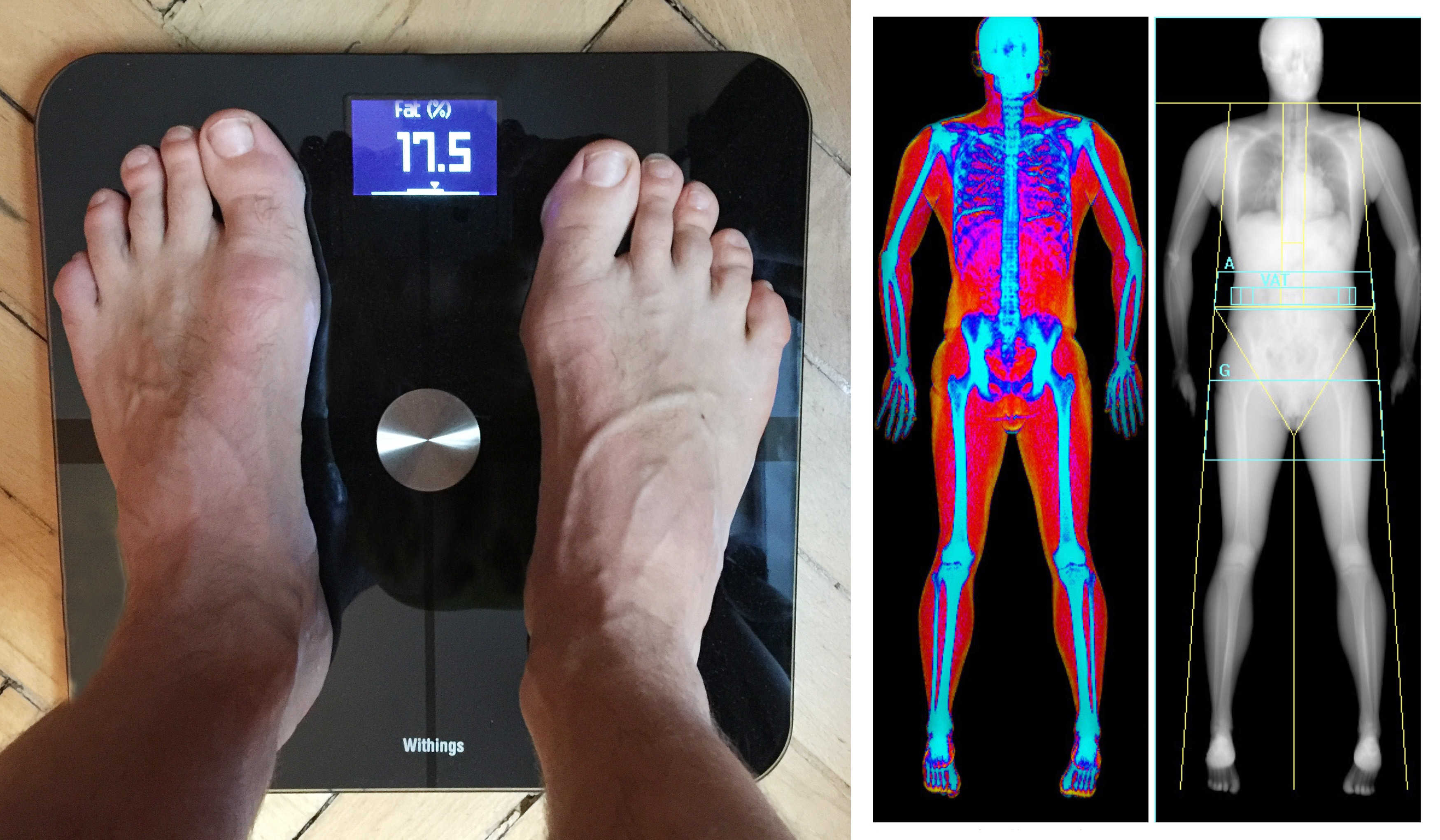
Withings Smart Body Analyzer (left) vs. DEXA, the
Withings Smart Body Analyzer (left) vs. DEXA, the "gold standard" for body fat analysis (right)
Photo: Graham Bower / Cult of Mac

If you want to lose weight, your Apple Watch can help you sustain healthy habits, but it can’t actually monitor your progress. For that you need to step onto scales.

Any scale will measure your weight, but that is only part of the story. Whether you are dieting or bulking up, it is just as important to keep track of your body fat. The trouble is, this is notoriously hard to measure accurately. As I discovered when I bought a new Withings Smart Body Analyzer, if you think you already know your body fat percentage, you are probably way off.

Pay what you want for a full-course education in JavaScript [Deals]

By

PWYWJavascriptDevBundle

Photo: Cult of Mac Deals

JavaScript is one of the most essential languages underpinning the modern internet. It’s an invaluable entry on anyone’s resume, and with this bundle of 10 JavaScript development courses you’ll be able to claim that knowledge with confidence. What’s more, you can pay whatever you want for the whole thing, and 10 % of anything you pay goes to the good work over at Project Hope, which delivers essential medicines and supplies, health expertise and medical training to aid in disasters, prevent disease, promote wellness and save lives around the world.

How to undo accidental time skips on Siri Remote

By

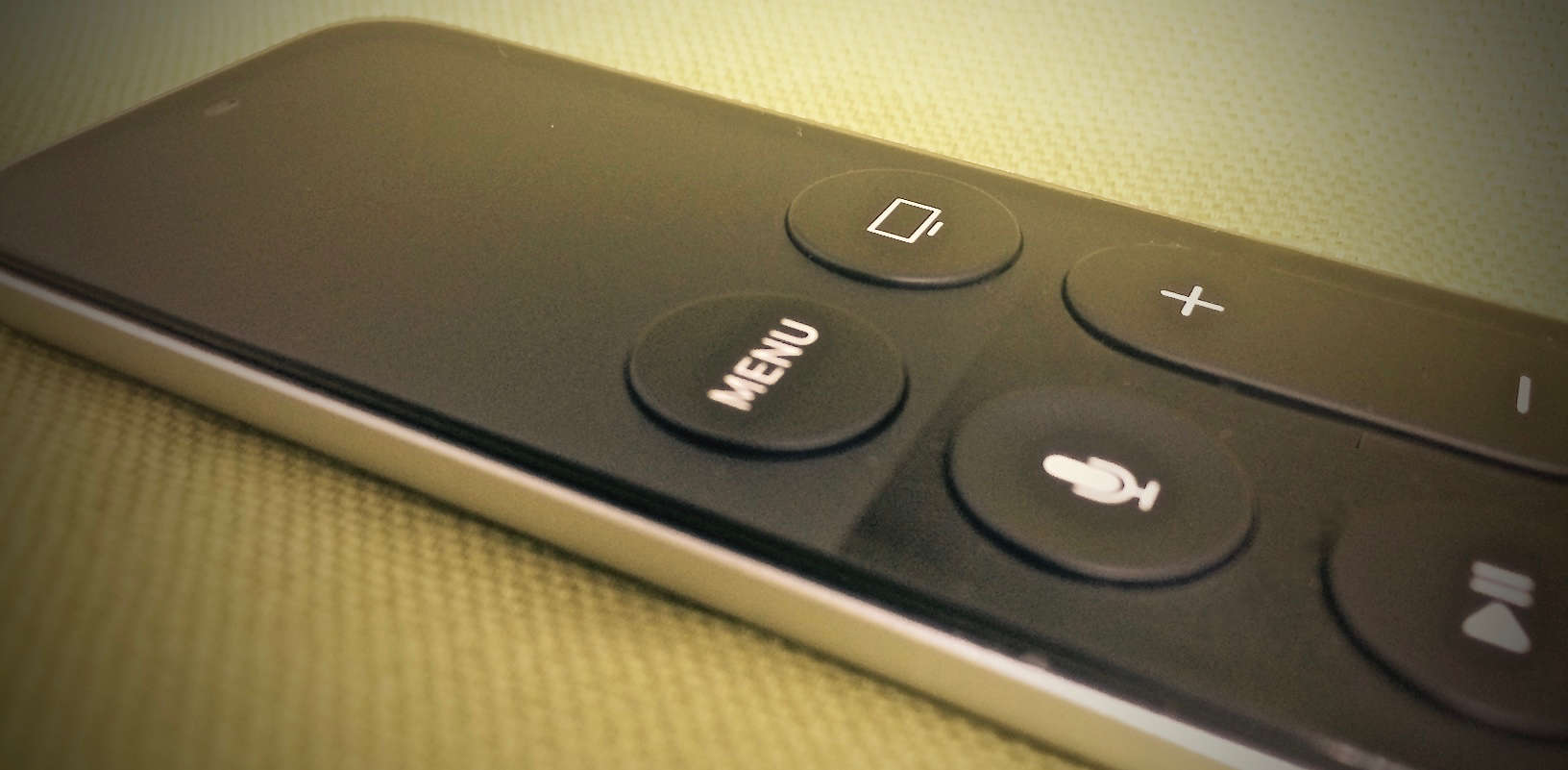
Siri Remote menu button
Apple would have called it the "Fix all of your mistakes" button, but "Menu" was easier to print.
Photo: Evan Killham/Cult of Mac

The new Apple TV’s Siri Remote is great, except for all of those times that it isn’t.

We’ve run afoul of the remote’s touchpad a few times; it’s fine for navigating (and less fine for entering passwords), but sometimes it does its job too well. For example, we can’t even count the number of times we’ve been watching a movie and accidentally nudged the pad, sending our show scrubbing all willy-nilly into the past or future.

It’s pretty annoying, but luckily, Apple thought so, too, so it gave us a couple ways to fix that mistake when it happens. The company could have just disabled the touchpad while things were playing, but we’re not engineers.

These two fixes are the next best options.

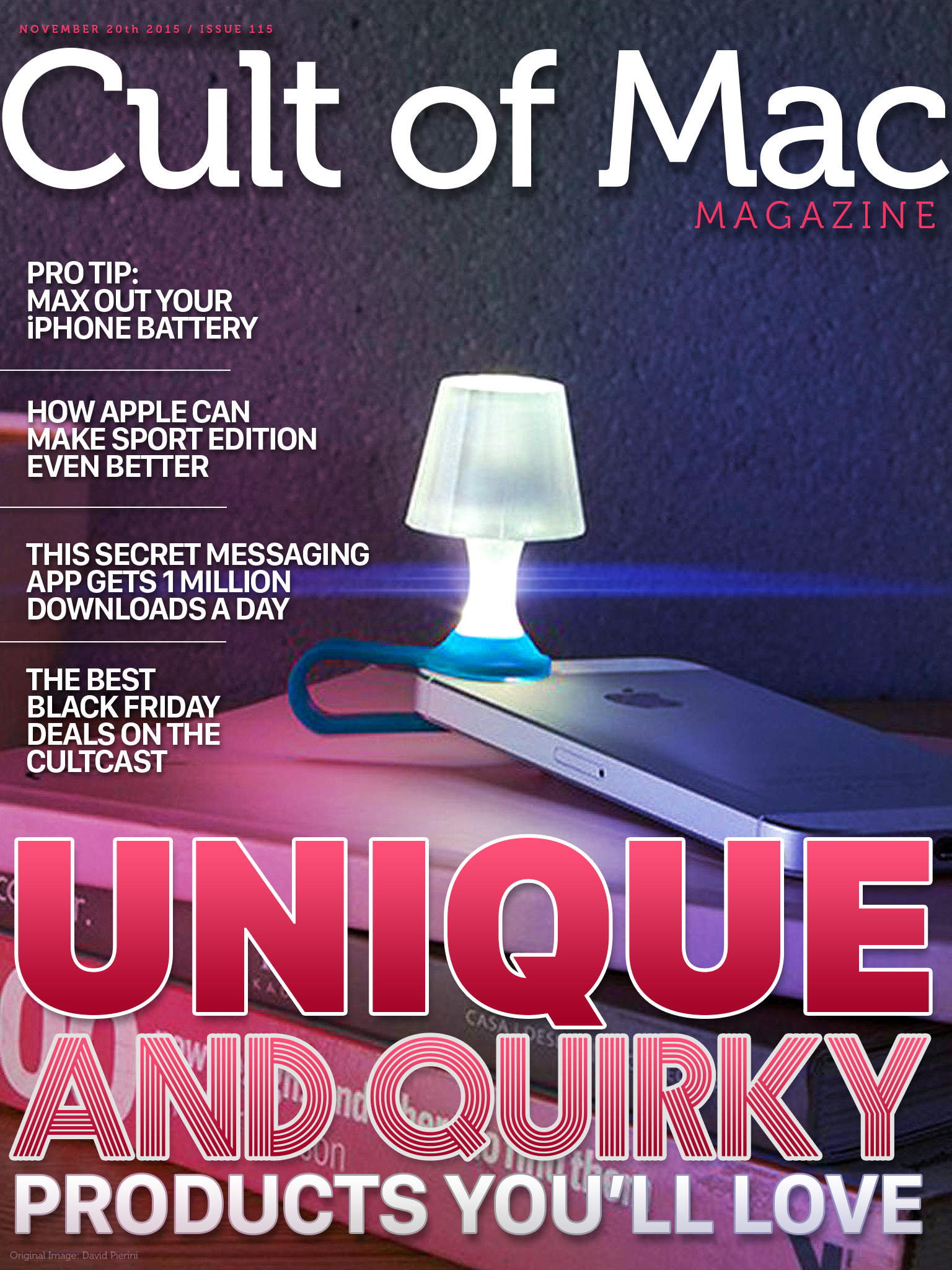
Cult of Mac Magazine: Quirky product reviews + Mac and iOS Pro Tips + Black Friday

By

CoM

It’s one week away from Black Friday, and in addition to our killer live blog with up-to-the-minute deals, we’ve got a new magazine with all sorts of quirky products that our loving reviewers have taken the time to get to know.

We’ve got a funky clip-on lampshade for your iPhone, a Pro Tip to max out your iPhone battery, a conceptual piece on how Apple could fix the next version of its wristband, a secret messaging app that pulls in 1 million downloads every day, and (of course) our weekly gabfest about all things Apple, The Cultcast.

Here’s the rundown of what we’ve got for you in this week’s Cult of Mac Magazine.