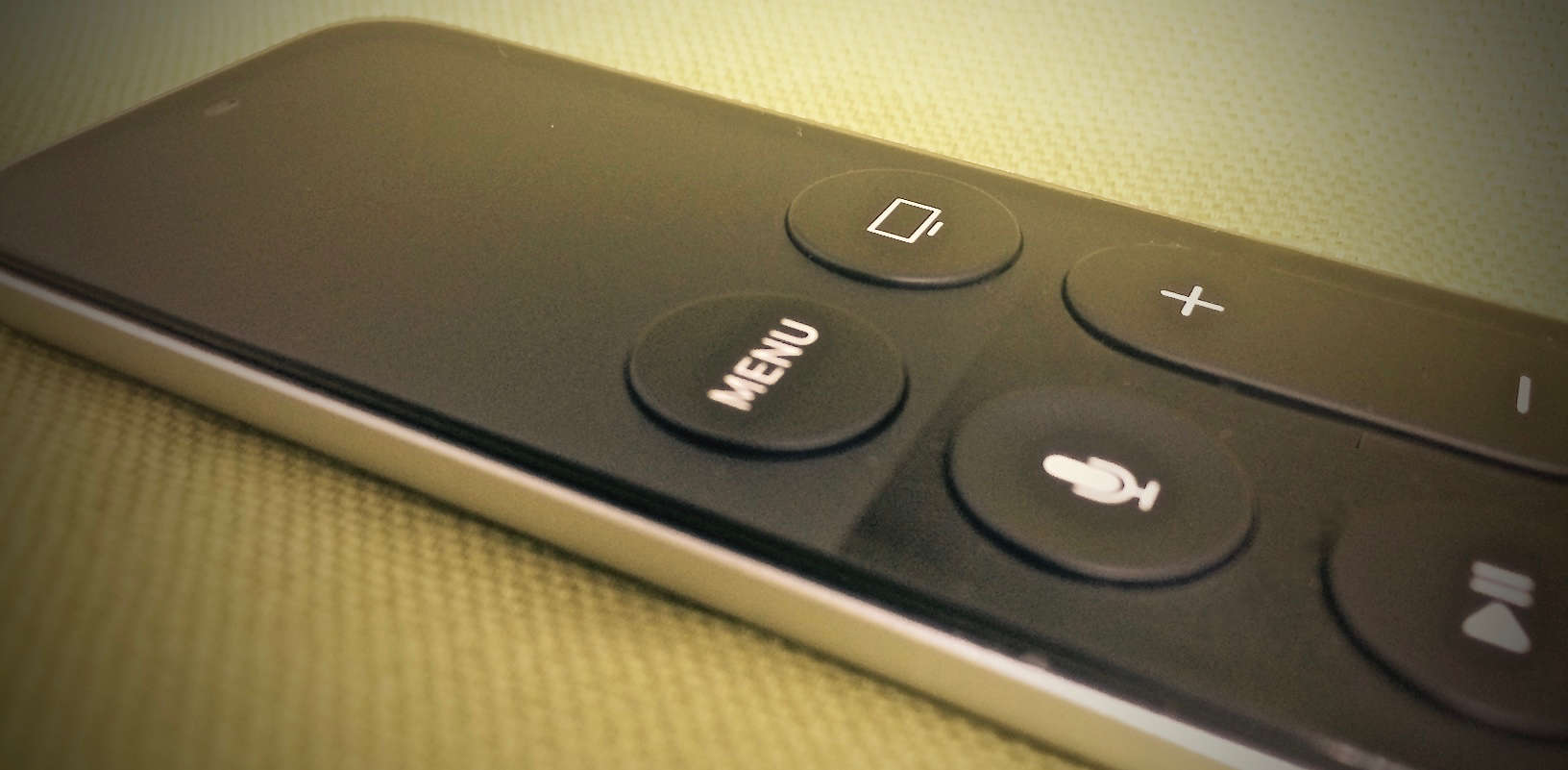
The new Apple TV’s Siri Remote is great, except for all of those times that it isn’t.
We’ve run afoul of the remote’s touchpad a few times; it’s fine for navigating (and less fine for entering passwords), but sometimes it does its job too well. For example, we can’t even count the number of times we’ve been watching a movie and accidentally nudged the pad, sending our show scrubbing all willy-nilly into the past or future.
It’s pretty annoying, but luckily, Apple thought so, too, so it gave us a couple ways to fix that mistake when it happens. The company could have just disabled the touchpad while things were playing, but we’re not engineers.
These two fixes are the next best options.
Option 1: Just whale on the Menu button
We aren’t sure how Apple came up with the name of the Siri Remote’s Menu button because we basically use it for everything but opening menus. It probably should have been called the Back button, since we use it to exit out of everything. And if you accidentally skip ahead or back in the show or movie you’re watching, a quick tap on Menu will set you right again.
Option 2: Turn the touchpad against itself
I prefer this second option because I like the idea that if the touchpad got me into this mess, it has a responsibility to get me out of it again.
The first part of this plan is kind of counterintuitive, but stick with me here: You need to scrub on the pad more. Odds are your nudge just sent you forward or backward a few seconds or minutes, and you need to make the problem worse before it gets better. So scrub the hell out of that thing, and watch what happens.
Once the marker is way the hell away from where you were, you’ll see a little marker on your timeline. It’s just a little line that cuts across the bar. That’s where you were, and it might not have been visible from the slight accidental nudge. So now, all you have to do is scrub back to there, and your cursor will snap to that line. Press play, and you’re done.
First tip via iDownloadBlog

Evan Killham is a freelance writer who lives in Nebraska and isn’t interested in football, so he has plenty of time to play and think about video games. He has written for Bitmob and GamesBeat and sometimes, he even goes outside. But not too often because he’s heard there are bees out there. Occasionally, companies send free units for review. Evan subscribes to Cult of Mac’s Reviews Policy and also does not keep the items he receives for possible coverage.


13 responses to “How to undo accidental time skips on Siri Remote”
This is such a big design fault, I have this problem all the time, and if I do, then millions of people have or will have this annoying issue!
Haha what a load of crap. Let go of the remote when you play a movie dum ass.
F u k you. It’s on the couch.
Very mature. It´s on the couch and you still get accidental skips!!! You are so full of it.
Yes dipsh it. As people get on/off the couch, any brush of the touch surface will do it. Since you know – it’s bluetooth and line of sight doesn’t matter.
Wrong…the touch doesnt react to dead material. Only human touch. So stop lying.
Your mother is a whore. No sh it. It’s inevidably going to get touched. It’s retarded to have to keep it out of reach. It will inevitably get swiped even if you just pick it up to move it. Get Tim Cook’s co ck out of your mouth.
Haha i get by your reaction and use of words you know that i´m right :) :) :) And to prove you wrong once and for all i will make a small video to show you that only human touch will work. Exactly like a touch screen for a smartphone. The only one here that´s retarded is you that cant discuss without using foul words.
Kind of over Apple TV. The remote is more bad than good. Turns out you can just tap up down left right for most navigation which in most cases easier than swiping. Really only use it at night with a Bluetooth headset.
Trouble is the next morning, the Apple TV has no sounds until a restart.
My biggest problem is it tends to be over sensitive in these situations, but when I really need it to be more sensitive like navigating menus or typing, it really isn’t
The Siri remote has been the biggest disappointment, ever.
1. We don’t get Siri in our country, so a lot of the functionality is missing.
2. The trackpad is too far to the top, making my hand tired after just a short while.
3. The click is too deep, adding to strain on my hand.
4. I’m using tap to click on all other devices, that’s not possible here.
5. The remote is symmetrical to feel, which means in the dark you often have it wrong way round.
6. The buttons are not performing functions consistently. Sometimes different buttons do the same thing. Or different things happen for the same button.
7. Drop it (it happens really often with a remote on the armrest of a chair) and you’re screwed.
This must have been one of Apple’s weakest moments ever. Ironically, the perfect solution was staring them in the face: the clickwheel.
Imagine a clickwheel optimised interface, with scrolling and clicking on 4 directions and in the centre. If it was possible to use it on the iPod for music, there is no reason why you can’t for Apple TV. Plus, everybody knows how to use it already.
None of those options lets you undo the accidental scrub and play. What if you accidentally scrubbed and accidentally tapped play? Can’t undo.
Seems like they could have used the metal back to detect when the remote is in hand.