Mobile menu toggle

Search results for: Apple One

AirPods Pro! And the cool HealthKit gadgets you haven’t heard of, on The CultCast

By

Oview Sperm tester
The HealthKit Sperm tester. Yup. That's a real thing.
Photo: Graham Bower/Cult of Mac

A reliable source says Apple is working on audiophile-grade headphones with built-in AirPods magic. AirPods Pro? SIGN US UP. Catch the discussion on The CultCast. And stay tuned for: How Apple plans to revolutionize healthcare; the cool, weird and wacky HealthKit gadgets you’ve never heard of; and we wrap up with pro-level whistling, rock accordion, and the best actors of all time in an all-new Get to Know Ur Cultist.

Our thanks to Squarespace for supporting this episode. It’s simple to accept Apple Pay and sell your wares with your very own Squarespace.com website. Enter offer code CultCast at checkout to get 10% off any hosting plan.


AirPods wireless charging, retro gaming handhelds and more [Crowdfund Roundup]

By

PowerPod
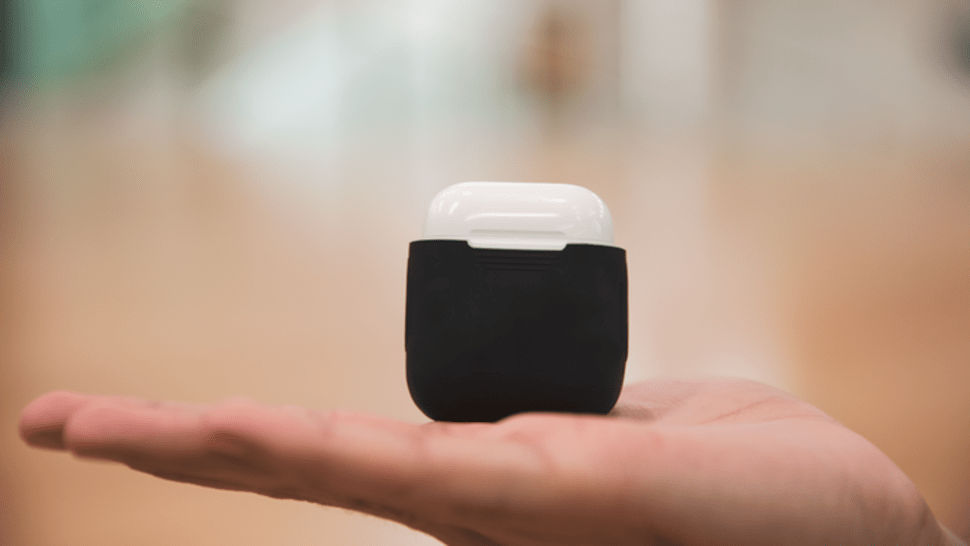
PowerPod adds wireless charging to your AirPods.
Photo: PowerPod

Crowdfund Roundup bugWhy wait for Apple to sell you another expensive AirPods case when you can add wireless charging capabilities to the one you already have? PowerPod is a silicone sleeve for your AirPods case that adds a Qi-compatible charging coil for next to nothing.

It’s just one of the awesome ideas in this week’s Crowdfund Roundup. We also have the ultimate charging system, a handheld console that’s perfect for retro game addicts, and more!

How to convert any video (or song) into an MP3

By

convert MP3 iPhone workflow
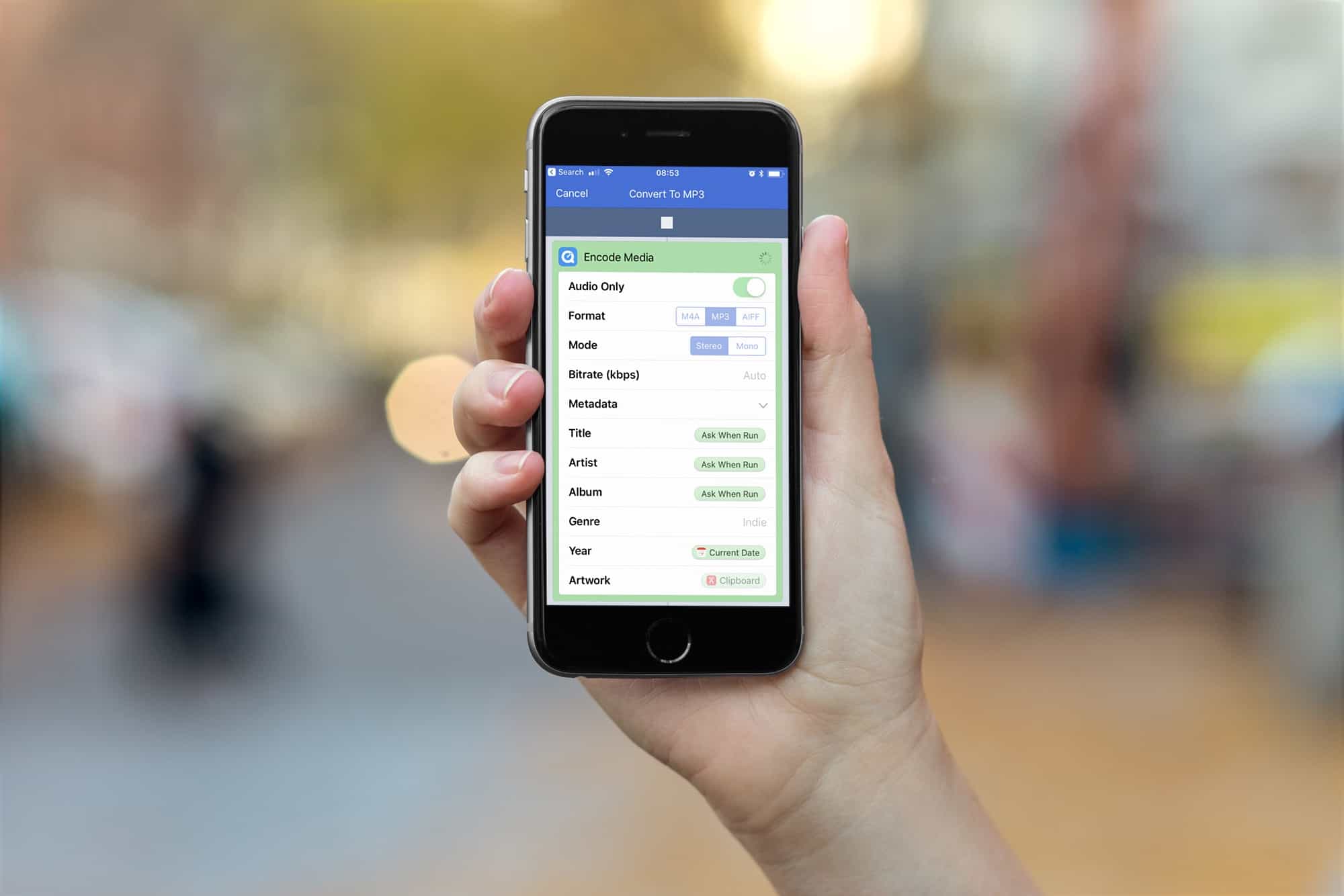
With a couple of taps, you can convert any audio or video file to MP3
Photo: Cult of Mac

Converting an audio track to MP3 on the Mac is dead easy. Just open it with iTunes, and choose the File > Convert option from the menu bar. On iOS, though, there’s no native way to do this. There are lots of shonky-looking apps in the App Store that offer to create MP3s for you, but it’s likely that you already have the answer installed on your iPhone or iPad.

That’s right. Apple’s own WorkFlow app can quickly and easily convert any audio (or video) file to MP3.

Galaxy S9 pre-orders may have disappointed on Samsung’s home turf

By

Galaxy S9
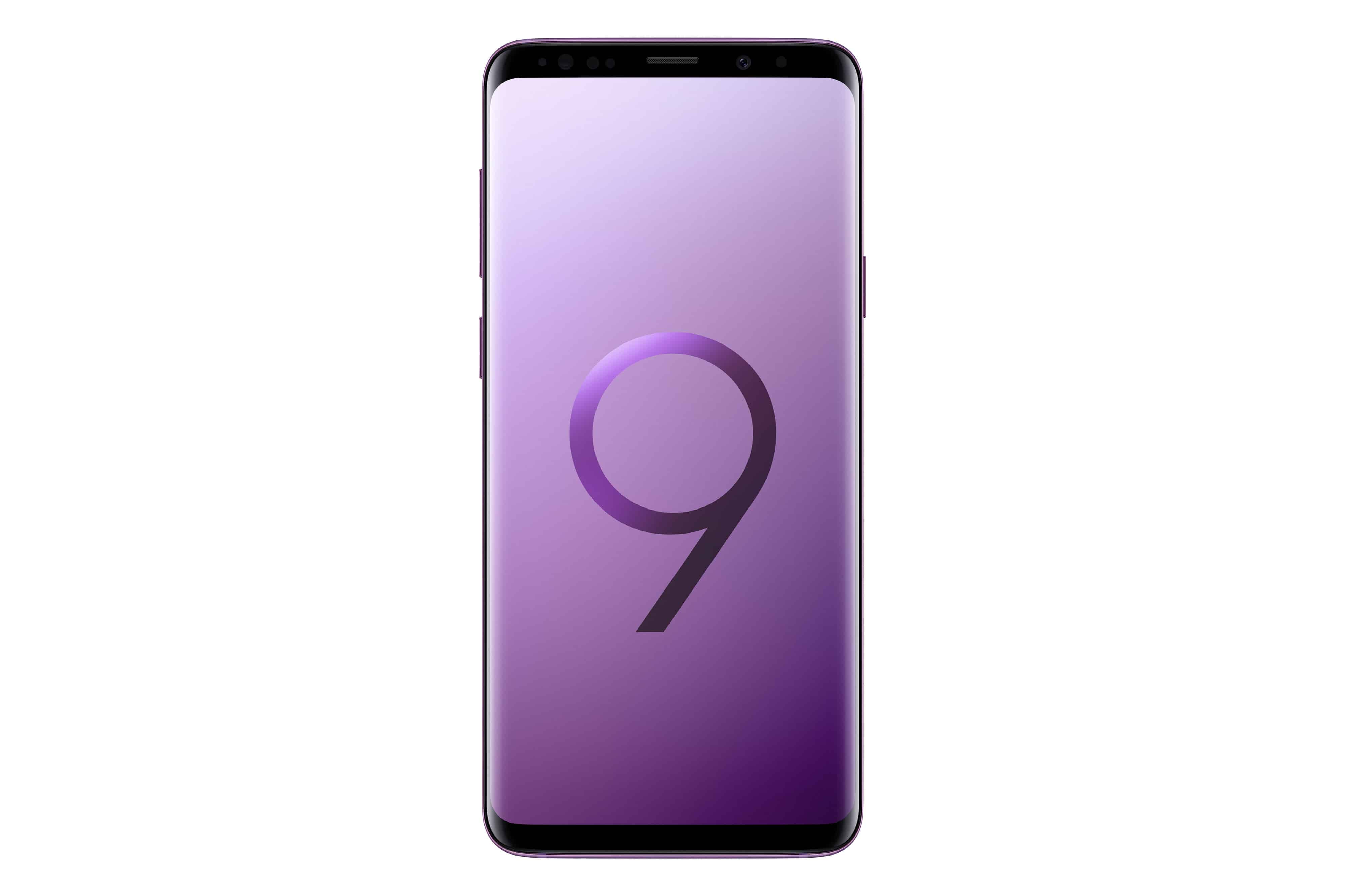
Samsung Galaxy S9 may struggle against last year's model.
Photo: Samsung

Initial pre-orders of the Samsung Galaxy S9 are proving to be disappointing in Samsung’s home turf of South Korea, a new report claims.

The new handset was only made available for pre-order on Wednesday, but — at least in the first few hours — initial demand seems not to be matching that of last year’s handset. Samsung itself has not yet revealed any figures.

Developer demos ‘portable hole’ augmented reality effect with ARKit

By

TheParallaxView
A portable hole made with ARKit and an iPhone X
Photo: Peder Norrby Peder Norrby


Taking a journey down virtual rabbit holes may not be far away.

With the Pokemon Go craze now a thing of the past, developers are looking for other uses for augmented reality. Peder Norrby has created an app that shows off some of the possibilities of Apple’s ARKit and the iPhone X: a portable hole.

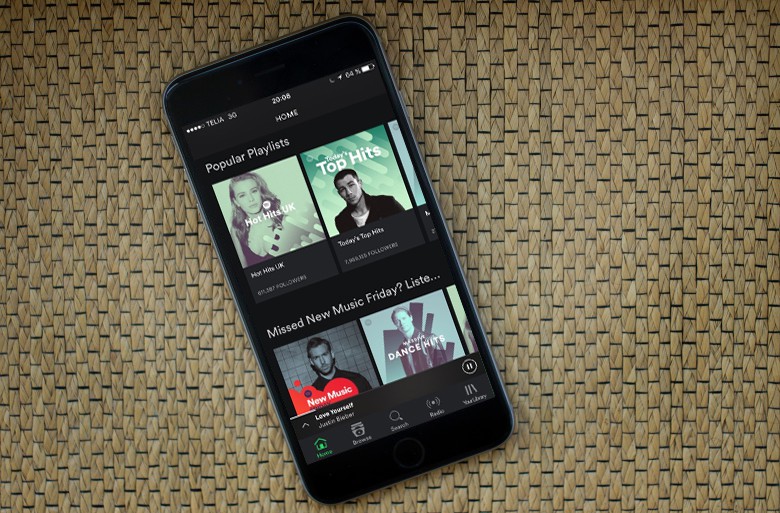
Spotify is finally going public

By

Spotify
The Spotify IPO is finally here.
Photo: Jim Merithew/Cult of Mac

Apple Music’s biggest competition is about to get an influx of Wall Street cash.

Spotify finally filed documents for an initial public offering, after rumors of going public had been floating around for years. According to reports, the company could be worth as much as much as $23 billion, but it’s still not profitable.

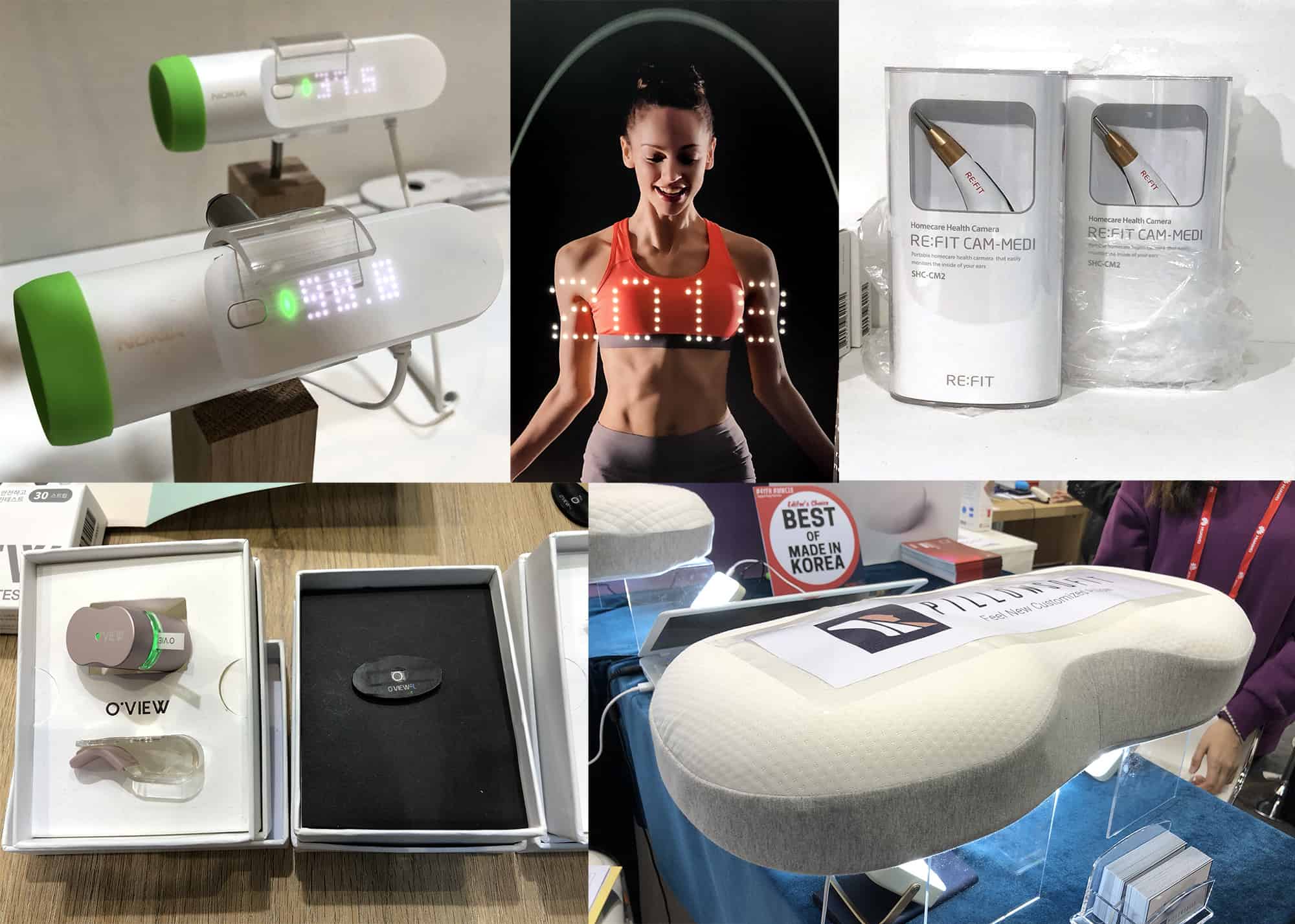
Cool new HealthKit gadgets can measure practically anything

By

Cool new HealthKit-compatible gadgets at MWC
New HealthKit gadgets make health and fitness easier than ever.
Photos: Graham Bower/Cult of Mac

Mobile World Congress 2018 BARCELONA, Spain — Smart sperm testers, body cavity inspectors, Bluetooth pillows, holographic jump ropes and contactless thermometers. It’s all just another day at Mobile World Congress, where more and more companies show off their new HealthKit-compatible gadgets.

If you want your iPhone to know absolutely everything about what’s going on with your body, these handy medical devices are for you. Here’s what they do — and why they’re cool.

Musicians: Here’s how to lock down your iPad to prevent accidents on stage

By

guided access ipad
Stage performers don't want their iPads launching Facebook mid-show.
Photo: Charlie Sorrel/Cult of Mac

Apple’s iOS accessibility features might be hidden away in the Settings app, but they are useful for everyone. For instance, Guided Access lets you lock your iPhone or iPad so it can use only one app, and you can even disable parts of the screen just by drawing on them. If you’re looking for a feature similar to iPad guest mode, Guided Access can be a great way to limit app access for kids or individuals with specific needs. This is handy for giving the iPad to kids, or to people with impaired motor skills, but it is also fantastic for stage performers.

A musician, for instance, might be using the iPad to produce or process their sound. The last thing you want to do in the heat of a performance is to accidentally do a four-finger swipe and end up on your Facebook page.

Today, then, we’ll see how to use Guided Access to keep your iPad safe on stage, but the same tips apply if you’re deploying an iPad as a cash register in your coffee shop, or as an information point at an exhibition.