Mobile menu toggle

Search results for: Apple One

Alto’s Odyssey, UniChar, and other awesome apps of the week

By

Awesome Apps
'Appy weekend!
Photo: Ste Smith/Cult of Mac
Awesome Apps

A brilliant sandboarding endless runner that’s sure to go down as one of this year’s greatest iOS games is just of one of the picks for this week’s “Awesome Apps of the Week.”

In addition, we’ve got a great Unicode app for iOS, a gambling-centric version of Angry Birds, and a significant update to one of the best image-editing apps available on iPad Pro. Check out our selections below.


Steve Jobs job application hits auction block for $50,000

By

Steve Jobs
Jobs during the early days of Apple.
Photo: Apple

Steve Jobs probably never had to fill out a job application after founding Apple Computer Inc., but if you want proof that he was once some regular Joe, one of his last job applications is up for auction.

A signed copy of Steve’s job application is expected to fetch as much as $50,000 at an auction next month. The document is a single 8.5 x 11-inch paper questionnaire filled out in Steve’s own handwriting.

Take a look at the full document:

How to fix your AirPods after iOS 11.2.6 broke them

By

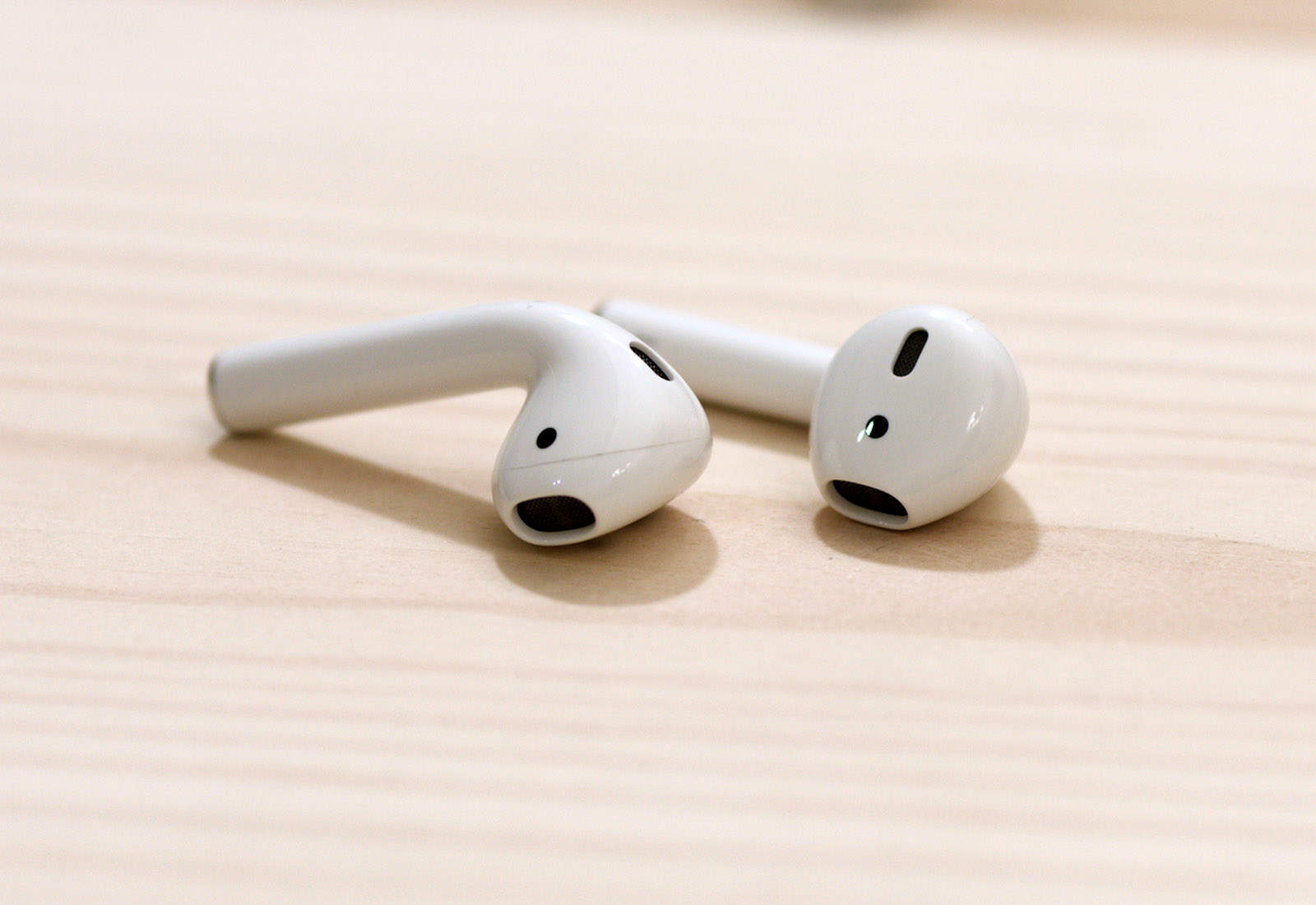
airpods
Fixing your AirPods is easy.
Photo: Ste Smith/ Cult of Mac

The latest iOS version 11.2.6 is making some users’ AirPods stream in mono, instead of stereo. That is, the same audio channel is coming out of both AirPods. If you only ever listen to podcasts, you may not have noticed this as most podcasts are recorded in mono, but if you listen to music it might be driving you nuts.

The update may also be screwing with the AirPods’ tap controls.

Either way, the fix is easy.

How to find out if hackers leaked your passwords

By

1Password
Has your password leaked online?
Photo: AgileBits

Longtime favorite password manager 1Password just teamed up with Pwned Passwords, a new service that helps you find out if your passwords have been leaked online. The database boasts more than 500 million passwords collected from various breaches.

Here’s how to use it.

This great iOS Spotlight trick lets you know everything about a person

By

spotlight contact search
Several spotlights.
Photo: Charlie Sorrel/Cult of Mac

Somewhere after the launch of iOS 11, Apple tweaked Spotlight search to be way more useful. Now, when you search for a person, you can trigger a sub-search that lets you find everything you have on them, from emails, to iMessages, to their contact details, through WhatsApp messages, to calendar events. Anywhere that your selected contact exists on your iPhone or iPad will show up in the list.

And then, you can narrow the results with a sub search.

Microsoft Edge update brings 3D Touch support

By

Microsoft Edge on iPhone
Microsoft Edge makes search even easier.
Photo: Killian Bell/Cult of Mac

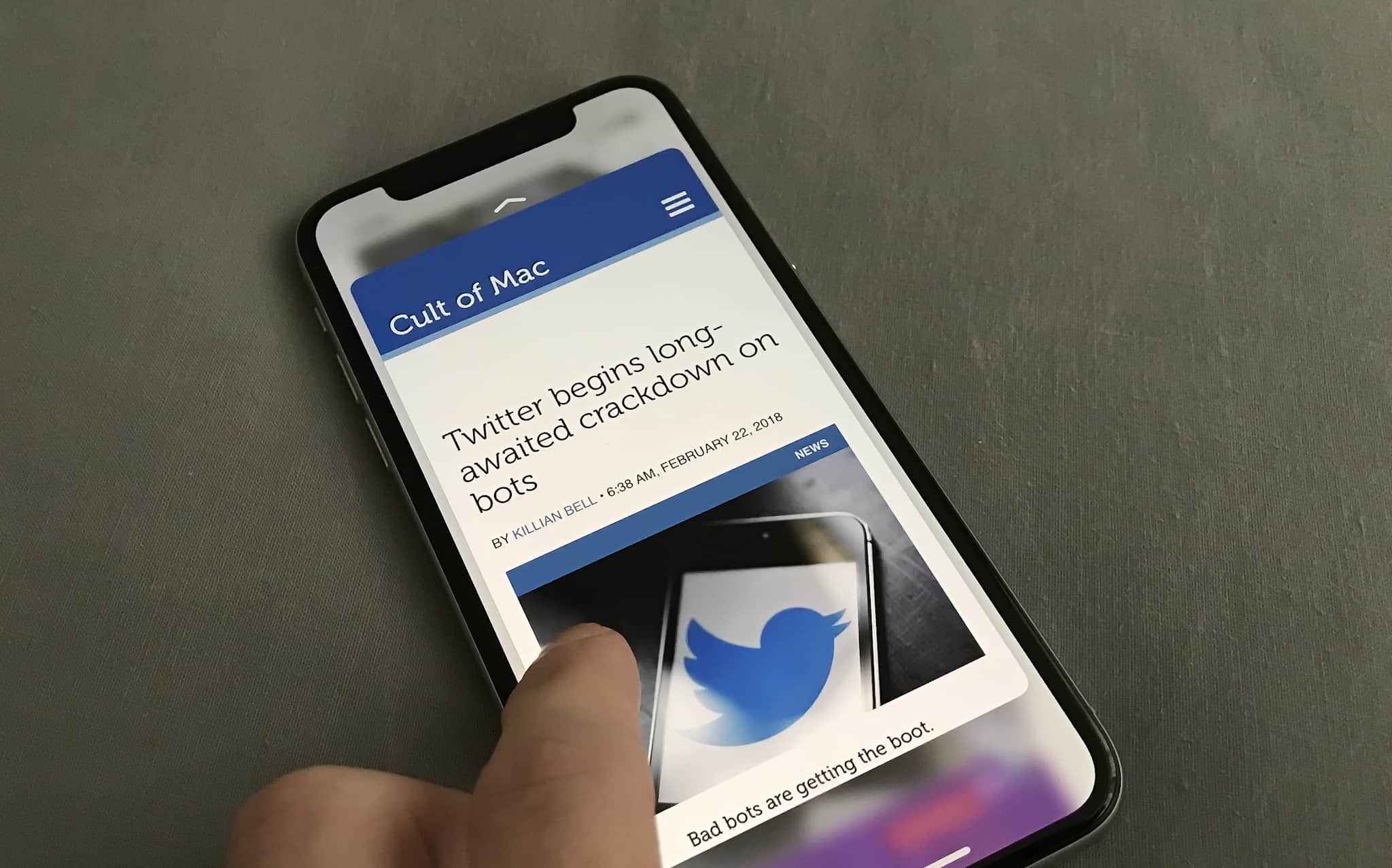
MicrosoftMicrosoft is continuing its mission to make Edge a better browser on iOS by adding 3D Touch support. The app’s latest update adds Peek and Pop — plus a bunch of other new features and improvements.

New AirPods will bring water-resistant design, ‘Hey Siri’ support

By

AirPods sales
35 million pairs of AIrPods sold in 2018.
Photo: Ste Smith/Cult of Mac

Apple is working on upgraded AirPods with a new wireless chip and “Hey Siri” support, according to a new report.

The refresh will arrive “as early as this year,” according to sources familiar with the matter. A future refresh, pegged for early 2019, will also bring a water-resistant design.

Survey says almost 90 percent of buyers love their HomePods

By

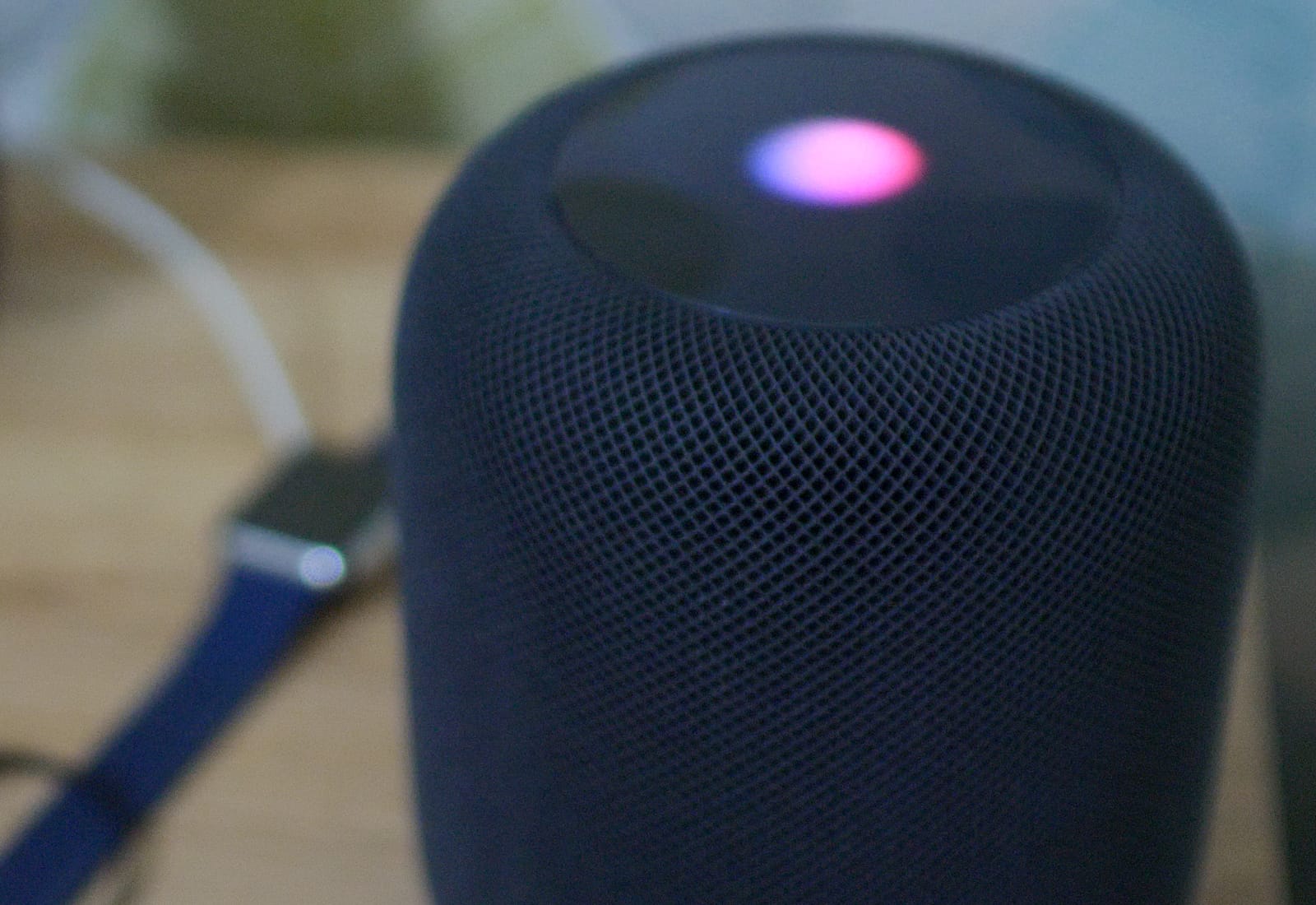
hey siri homepod
Smart speakers may be outpacing the smartphone in adoption, too.
Photo: Ste Smith/Cult of Mac

Despite somewhat mixed reviews, Apple’s HomePod is seemingly winning over the customers who have bought it, with 89 percent of HomePod-owning respondents to a survey claiming that they are either satisfied (59 percent) or very satisfied (30 percent) with the device.

While not quite up there with Apple’s best product satisfaction scores, it nonetheless suggests a bright future for Apple’s debut product in the smart speaker category.

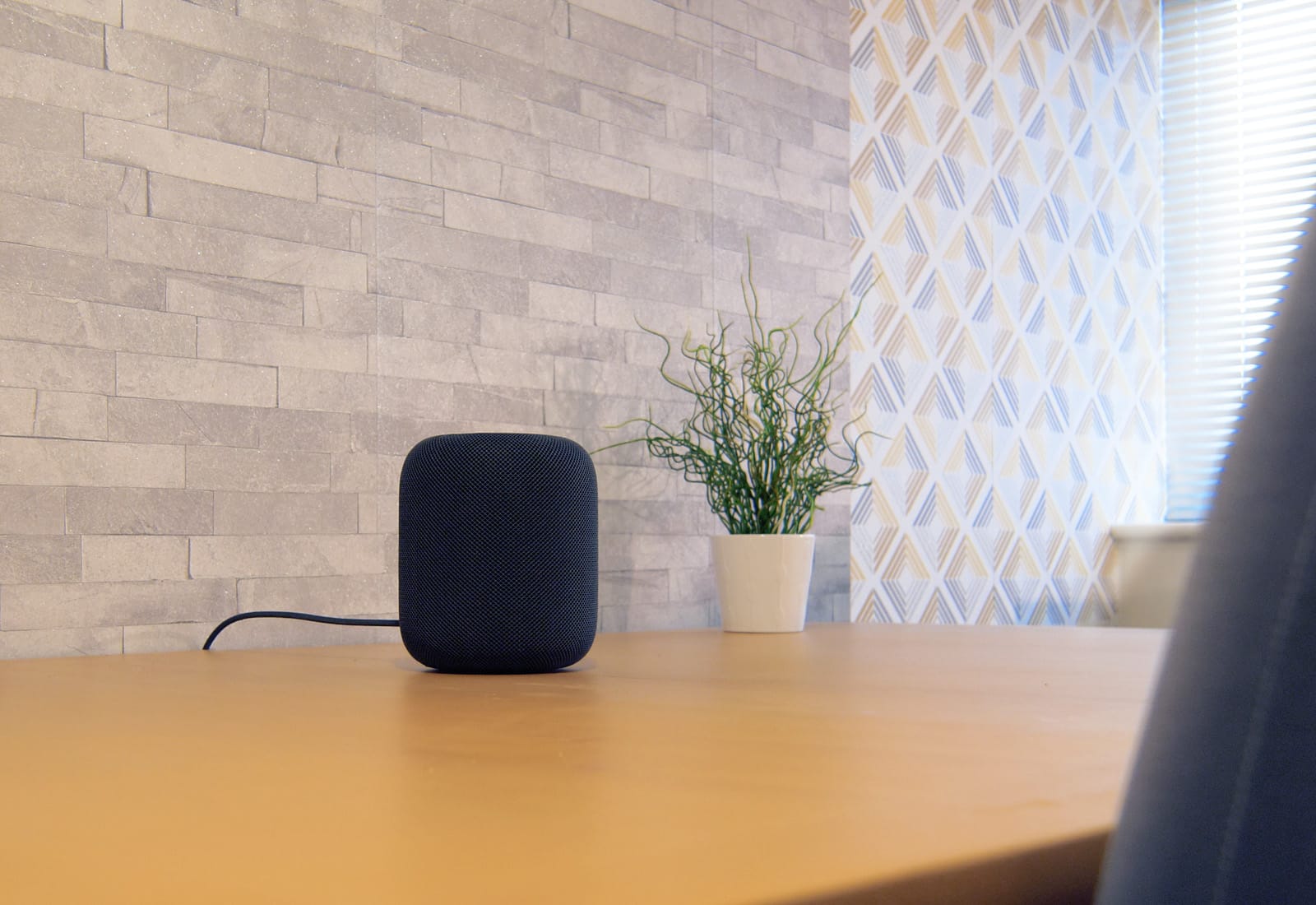
How to adjust EQ on HomePod

By

HomePod Siri Speaker
The HomePod automatically adjusts it EQ to suit the music and the room.
Photo: Ste Smith/Cult of Mac

Theoretically, you shouldn’t have to adjust the sound of the music playing to your HomePod. Between all the fancy music processing, and the HomePod’s ability to tailor its audio to the size and shape of your room, music should come out sounding pretty great already. But that doesn’t account for taste. Maybe you like a whole lot of extra bass? Or maybe a certain frequency is booming in your room, and the HomePod isn’t doing anything about it.

Then you should try equalization — tweaking the balance of audio frequencies put out by the speaker. The bad news is that the HomePod offers no native EQ. The good news is that it’s easy to adjust on your Mac or iPhone.