Mobile menu toggle

Search results for: Apple One

The Bonfire: Forsaken Lands, and other awesome apps of the week

By

Awesome Apps
'Appy weekend!
Photo: Ste Smith/Cult of Mac

A brilliant minimalist settler simulation with added monsters is just of one of our picks for this week’s “Awesome Apps of the Week.”

In addition, we’ve got a great new version of The Sims for mobile, and two Google apps which have received big updates. Check out our selections below.


Swift cracks list of the most popular coding languages in the world

By

ios 11
Swift has been a massive success since launching in 2014.
Image: Cult of Mac

Apple’s Swift programming language it continuing its ascent through the coding ranks. According to a new quarterly ranking by developer-focused analyst firm RedMonk, Swift has entered the top 10 programming languages as indicated on GitHub and Stack Overflow.

The rest of the top 10 (from no. 1 through no. 9) is comprised of JavaScript, Java, Python, PHP, C#, C++, CSS, Ruby, and Swift and Apple’s previous coding language Objective-C ranking in joint tenth place.

HomePod mini and the end of iTunes, this week on The CultCast

By

MacBook Pro

Photo: Apple

This week’s episode of The CultCast is packed with great Apple stories. We talk: Reports of a cheaper, smaller HomePod; the end of iTunes; MoviePass tracking your every move; the first security camera for your car; and more! Hit play to catch the discussion.

Our thanks to Casper for supporting this episode. Learn why Casper makes the internet’s favorite mattress, and save $50 off your order at casper.com/cultcast.

iOS nips at Android’s heels in user loyalty

By

iPhone Loyalty
Apple fanboys get a bad name, but Android users are less likely to switch.
Photo: Cult of Mac

Americans are far less likely to switch between an iPhone and an Android smartphone than they once were. A new study shows that virtually all users of both types have little interest in moving to the other team.

Loyalty to Android is just slightly stronger than it is to iOS. Nevertheless, more people are switching away from Google’s operating system than they are Apple’s.

How to create a sleep playlist for your HomePod

By

Siri speaker
Look into my eye. You are feeling sleepy…
Photo: Ste Smith/Cult of Mac

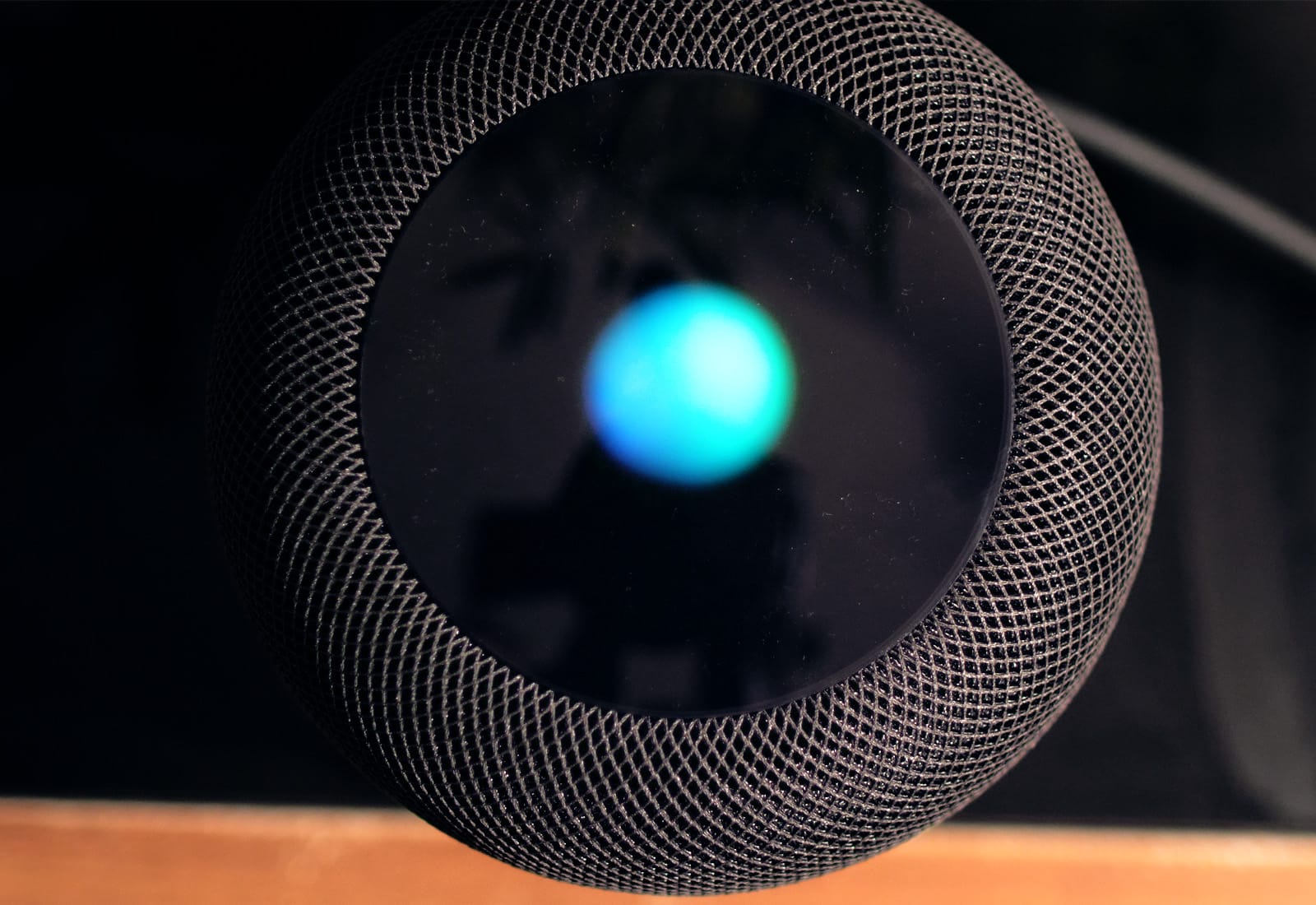
This tip is less of a how-to, and more of a why-to. Did you ever think about creating a sleep playlist for your HomePod? It’s a great idea for a few reasons.

  • You can control the HomePod with your voice, from your bed.
  • The HomePod is silent when it’s not playing back audio, so you don’t have to turn it off or listen to it hiss.

Let’s see how it’s done.

Jurassic World Alive is Pokémon Go with a T. rex

By

Jurassic World Alive
ARKit, uh, finds a way.
Photo: Universal/Ludia

People got bored of Pokémon Go pretty quickly, but 20-foot-tall flesh-eating dinosaurs prove way harder to ignore. That’s the gist of Jurassic World Alive, a new augmented reality game that’s coming to iOS this spring to coincide with the release of the new Jurassic World: Fallen Kingdom movie.

Taking inspiration from the aforementioned Pokémon game, it lets you capture dinos by walking around, train them up, and then battle them against others. Check out the pretty awesome-looking trailer below.

Google’s video calling app adds useful feature you don’t get with FaceTime

By

Google Duo
Google Duo has added video voicemails.
Photo: Google

Google Duo, the FaceTime rival video calling app from Alphabet, has received an update adding an often-requested feature that FaceTime still doesn’t offer: video voicemails.

That means that, should you try and video call a person who doesn’t pick up, you can still record up to 30 seconds of video and send it them. These video messages can easily be played inside the Google Duo app. Check out the video explainer below.

How to get the iPad’s keyboard shortcut cheat sheet on Mac

By

CheatSheet
Press and hold…
Photo: Charlie Sorrel/Cult of Mac

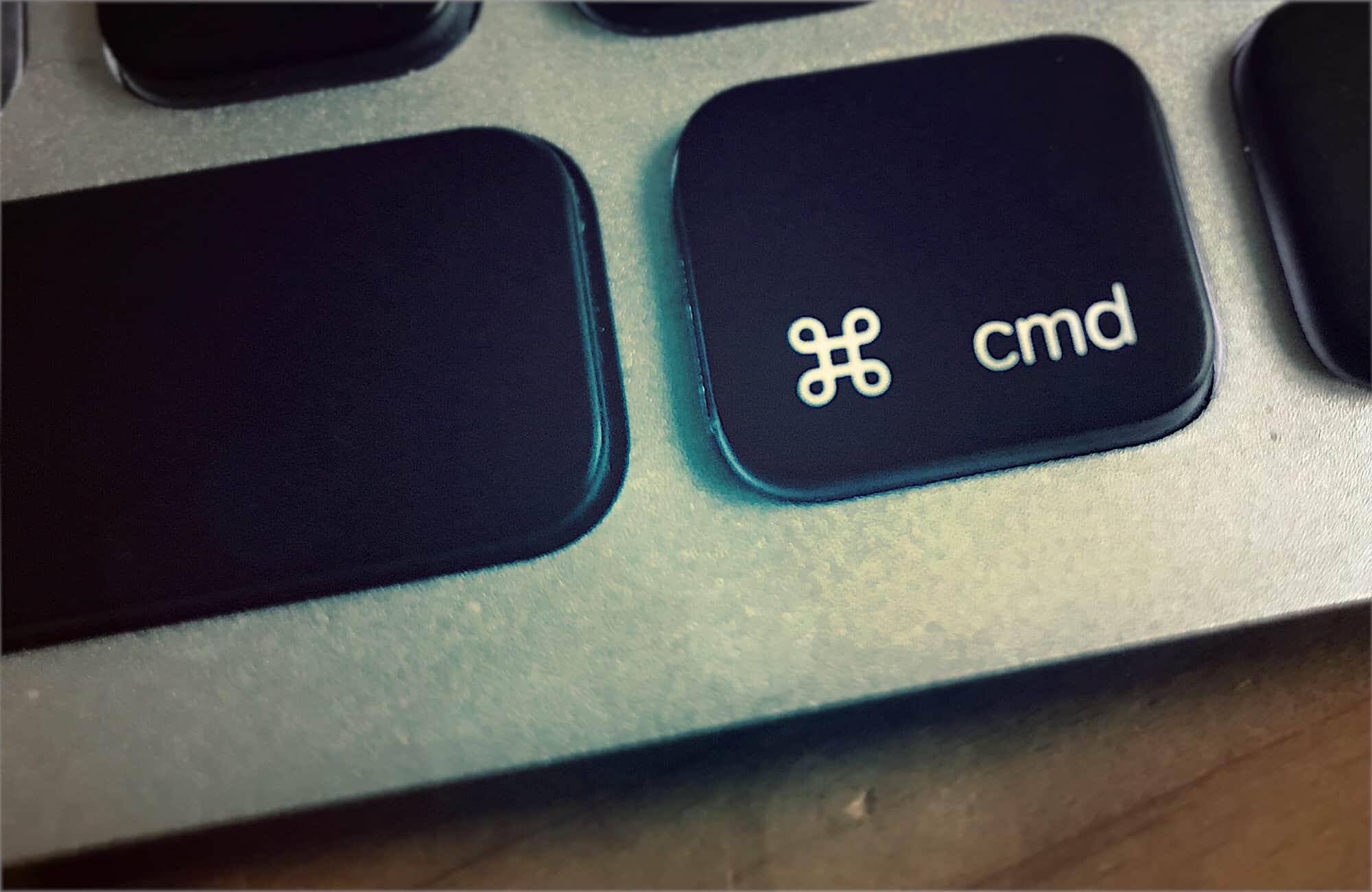
One of the iPad’s handiest features is its keyboard-shortcut cheatsheet. Whenever you have a USB or Bluetooth keyboard attached to your iPad, just hold down the Command key and wait for a second. An overlay will pop up showing you all the keyboard shortcuts available for the current app.

Did you ever wish you could do the same with the Mac? After all, you always have a keyboard connected the Mac, so a cheatsheet overlay should be even more useful. Then you need CheatSheet, an app that does exactly that.