Mobile menu toggle

Search results for: Apple One

5 new iOS 13 features you haven’t heard about yet
By

iOS 13 has almost too many features to cover -- but that won't stop us trying.
Photo: Charlie Sorrel/Cult of Mac
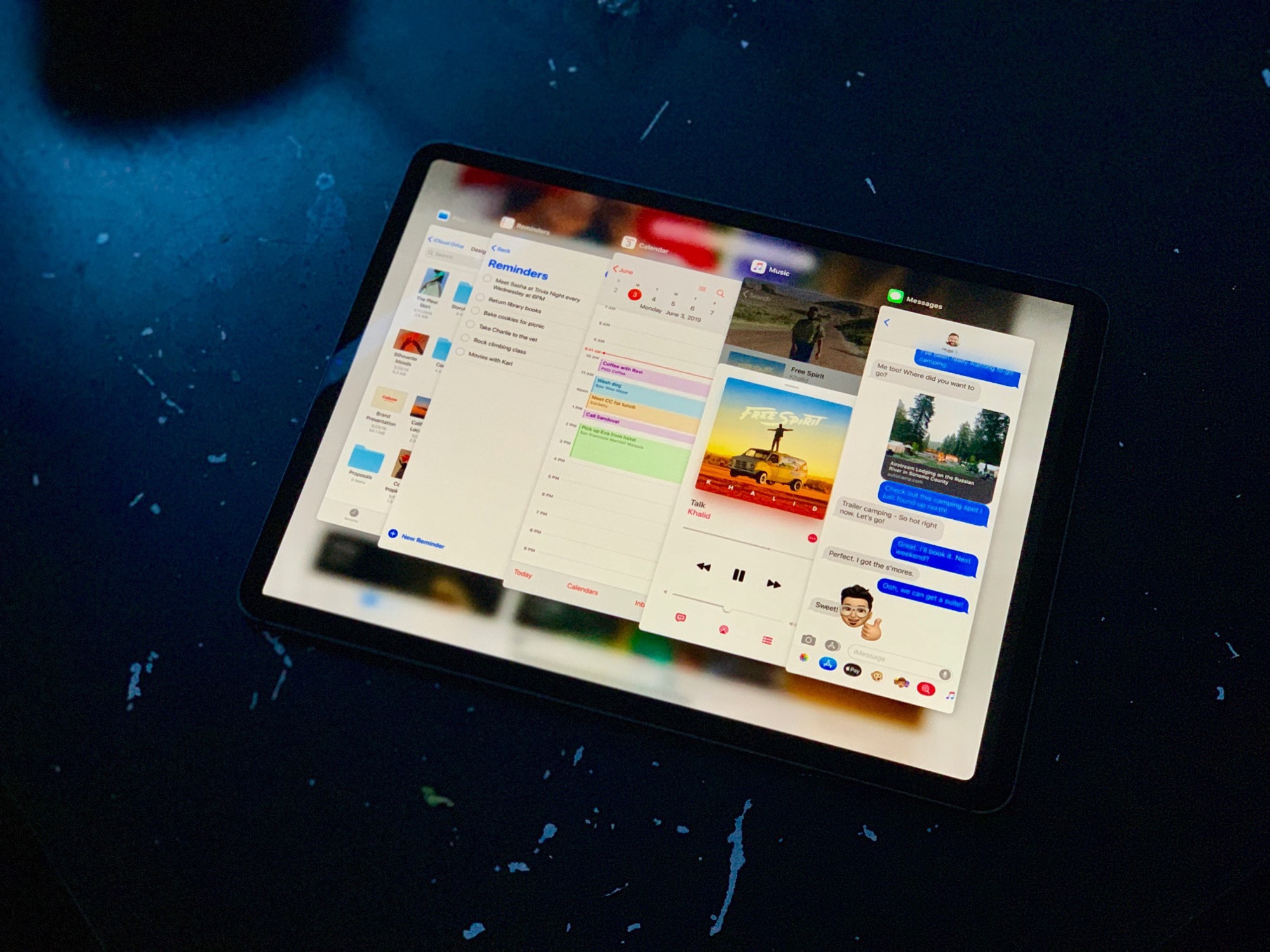
iPadOS and iOS 13 have gotten so many new features and tweaks, it’s hard to know where to start. We will continue to cover everything in-depth over the coming weeks and months, but here’s a little glimpse at some of the best new features in the newest version of iOS.

External drive support is iPadOS’ best new feature [Opinion]

By

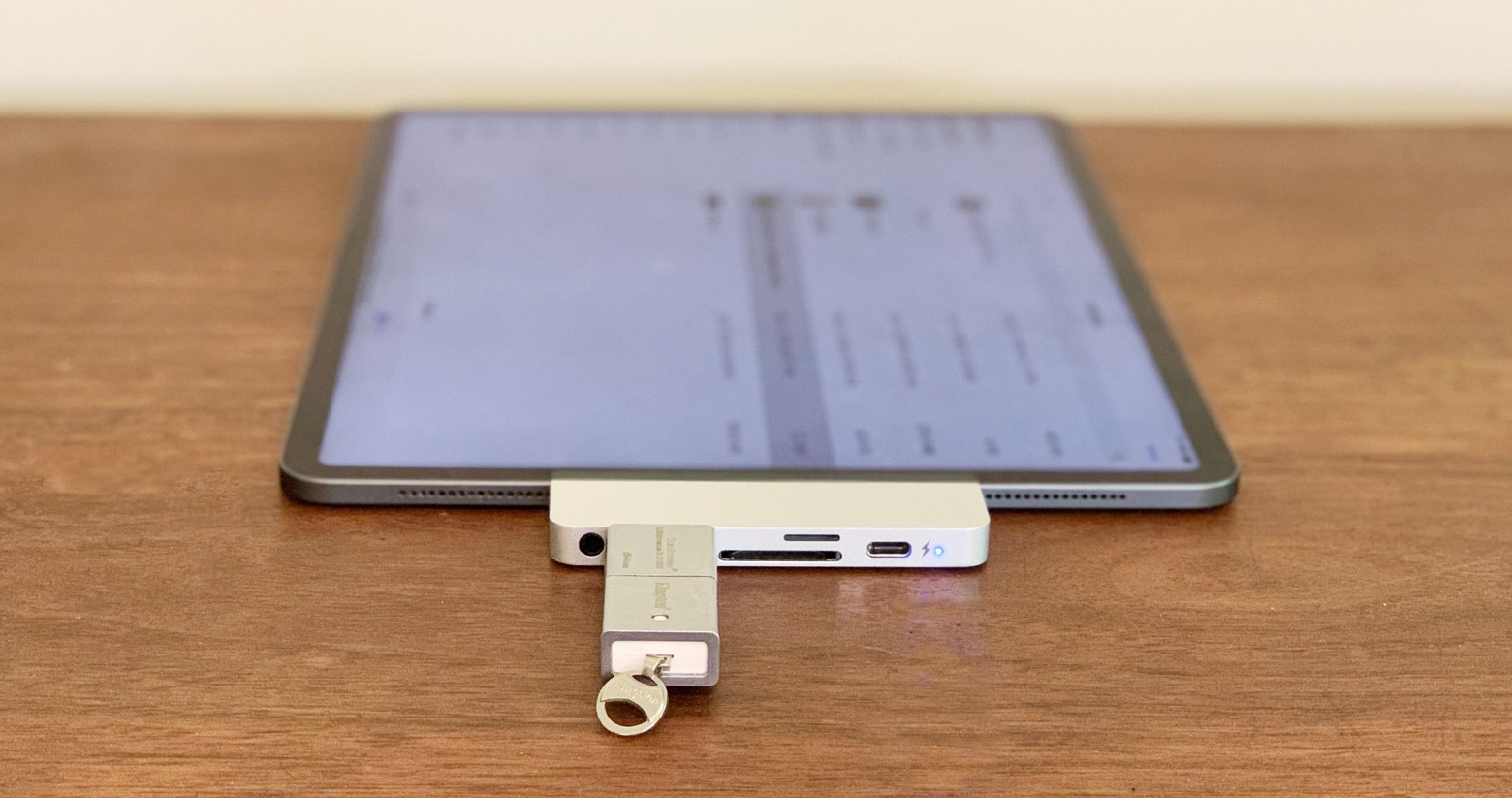
iPad Pro with thumb drive
With the right adapter, an a tablet running iPadOS 13 can access USB-A drives and SD cards.
Photo: Ed Hardy/Cult of Mac

Mouse support has drawn more attention, but giving iPad Pro full access to external drives is the biggest improvement in iPadOS 13. It will make using a tablet easier and cheaper for professionals and average users alike.

With adapters, it’s now possible to access everything from hard drives to microSD cards. This feature is a real gamechanger.

Why SwiftUI might be the biggest thing to come out of WWDC

By

Why SwiftUI is actually a big deal.
SwiftUI is actually a pretty big deal.
Photo: Apple

WWDC 2019 bug Apple lavished attention on all its platforms at WWDC this year. We even got a first look at the all-new Mac Pro. But another announcement, which didn’t grab so many headlines, may prove to be the most important thing to come out of this year’s developer conference: SwiftUI.

SwiftUI promises to fundamentally change the way developers create apps for Apple products. And you don’t need to be a techie to appreciate why it’s such a big deal.

Powerbeats Pro teardown is the gory nightmare we all expected

By

Powerbeats-Pro-teardown
It gets real ugly.
Photo: iFixit

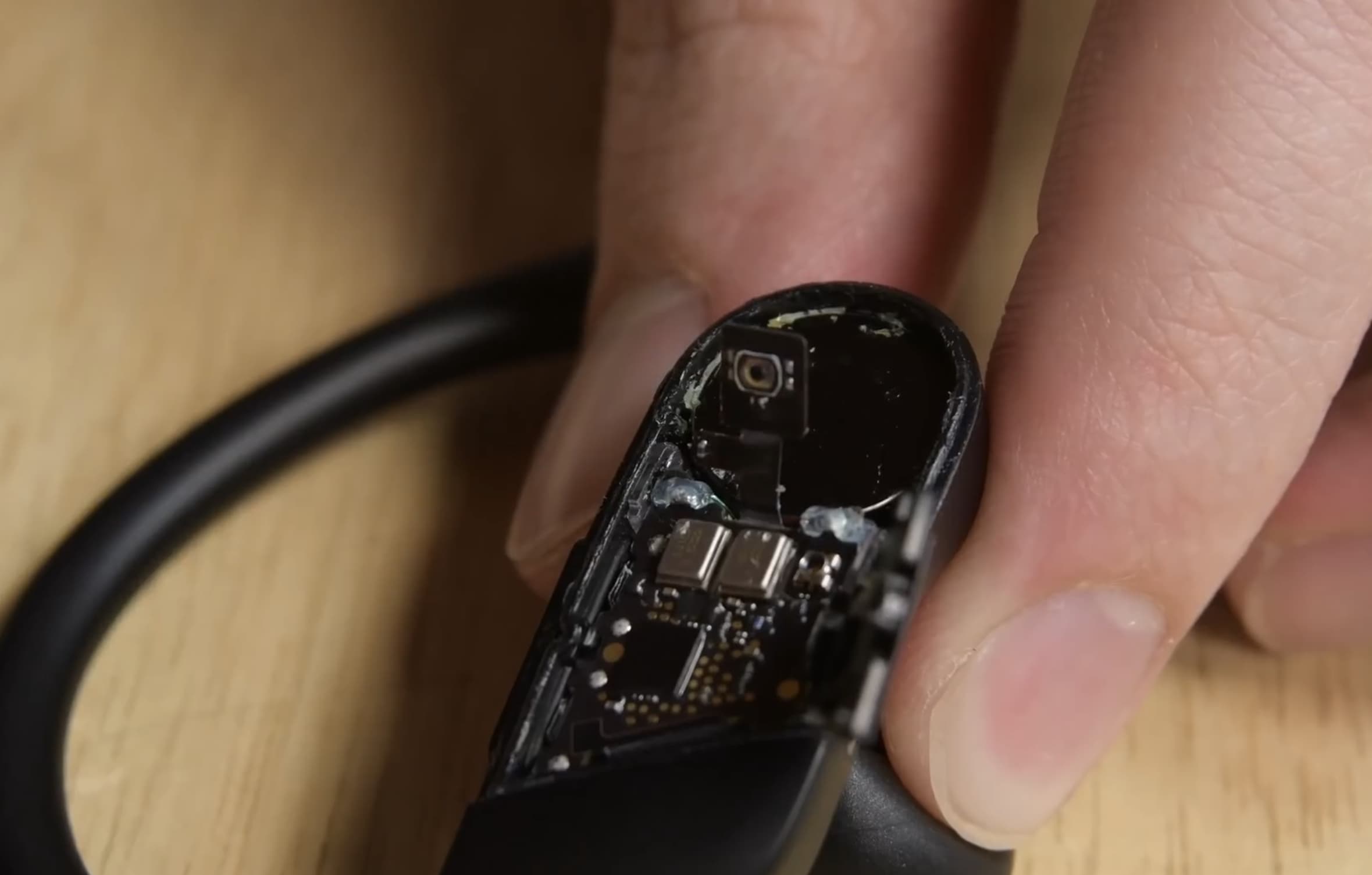
Apple’s new Powerbeats Pro are quite possibly the best wireless earbuds you’ll find in the Apple Store. But they’re not cheap, and if yours break, there’s no hope of a DIY repair.

Watch the gory Powerbeats Pro teardown in the newest video from iFixit.

Obamas score podcasting deal with Spotify

By

Maybe the coolest, most tech savvy president ever.
Photo: The White House

The Obamas are heading to Spotify.

President Barack Obama and Michelle Obama have scored a deal with Apple’s biggest rival in the music streaming business to create a series of exclusive podcasts.

Safari saves you from forgotten tab chaos in iOS 13 and iPadOS

By

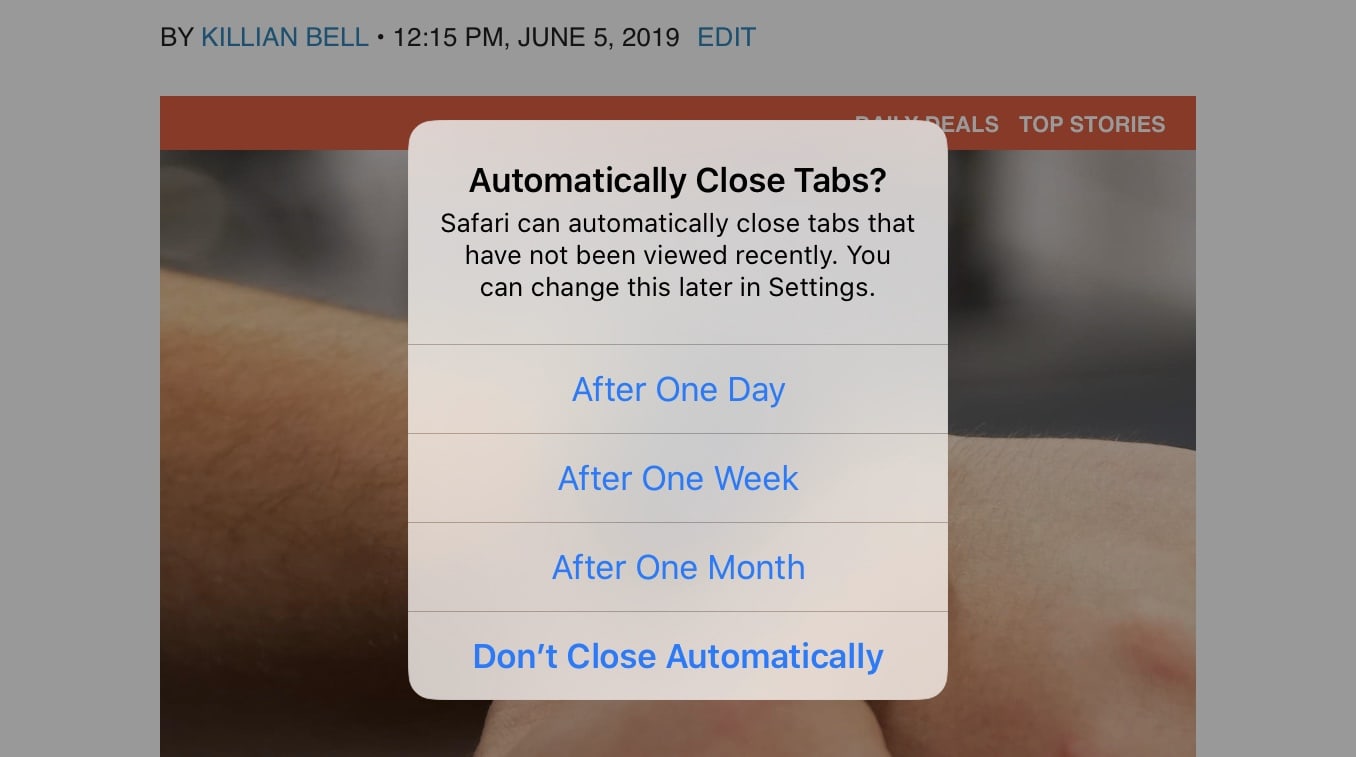
Safari-iPadOS-tabs
Thank you, Apple!
Screenshot: Cult of Mac

Safari is getting a huge upgrade on iPad with the release of iPadOS, but there are some improvements that iPhone users can also enjoy in iOS 13. One of those is a new feature that saves you from forgotten tab chaos.

You won’t have to worry about closing dozens of tabs you forgot all about anymore.

iPad Pro case gets medieval on your tablet [Review]

By

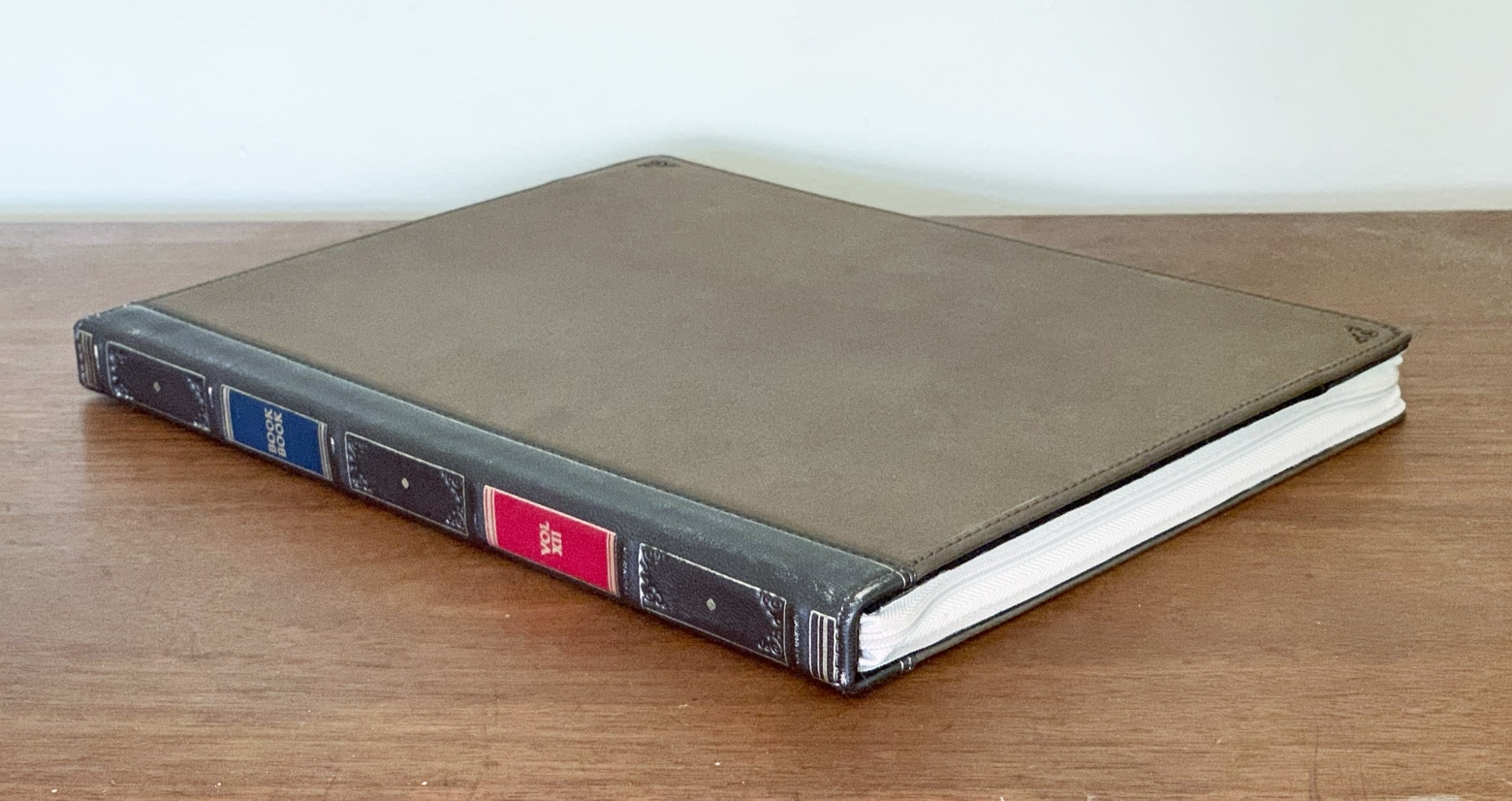
Twelve South’s BookBook vol. 2
This is an iPad Pro case, believe it or not.
Photo: Ed Hardy/Cult of Mac

Twelve South’s BookBook vol. 2 goes beyond just protecting your expensive iPad Pro; it adds old-world charm. This case transforms Apple’s tablet into an elegant leather-bound hardcover book.

We tested the updated version of the BookBook with our 2018 iPad Pro, so don’t miss our hands-on review.

iOS 13 safeguards private info stored in Contacts

By

Gaia GPS
Giving your mapping app access to your address book shouldn’t also include your child’s SSN.
Photo: Gaia GPS

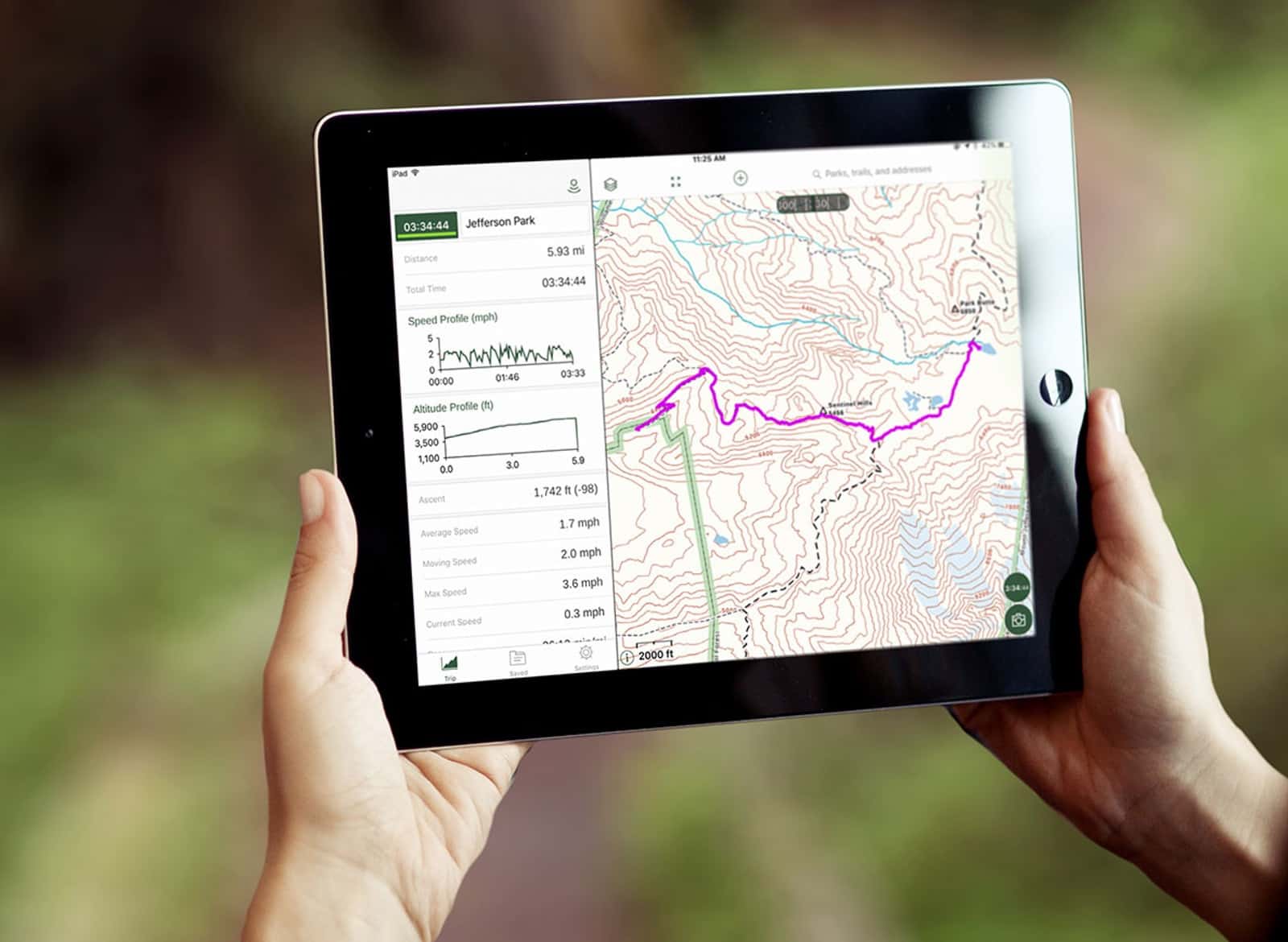
A change in iOS 13 blocks third-party applications from accessing the Notes field in the Contacts app. This is because many people have the bad habit of storing confidential information in this field, forgetting that they then give mapping, social networking and other types of apps access to all their Contacts data.

The change isn’t Apple fixing a security hole the company itself introduced. Instead, iPhone and iPad are compensating for users storing personal information insecurely.

Only a small number of Macs will support Sidecar in macOS Catalina

By

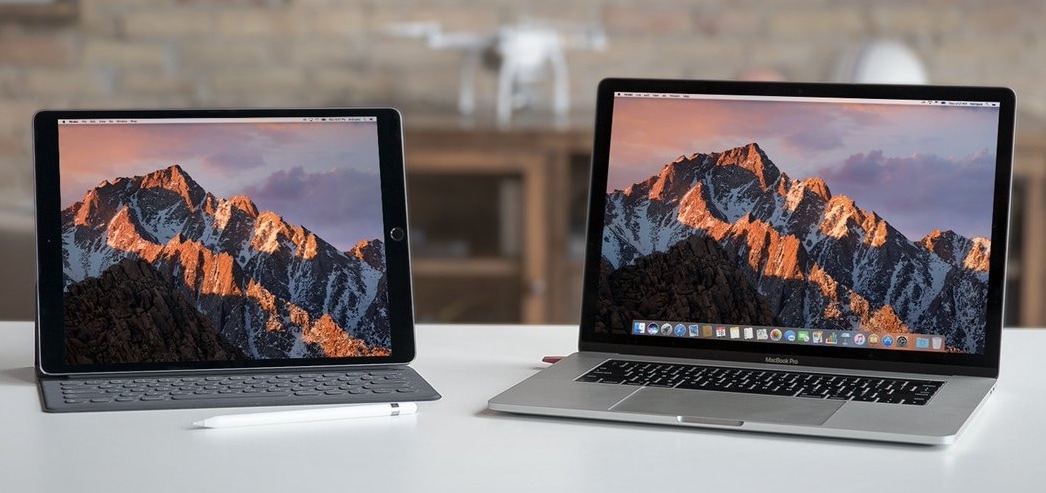
Luna Display easily converts an iPad into a second screen for your MacBook Pro.
Third-party solutions are far from dead.
Photo: Astro HQ

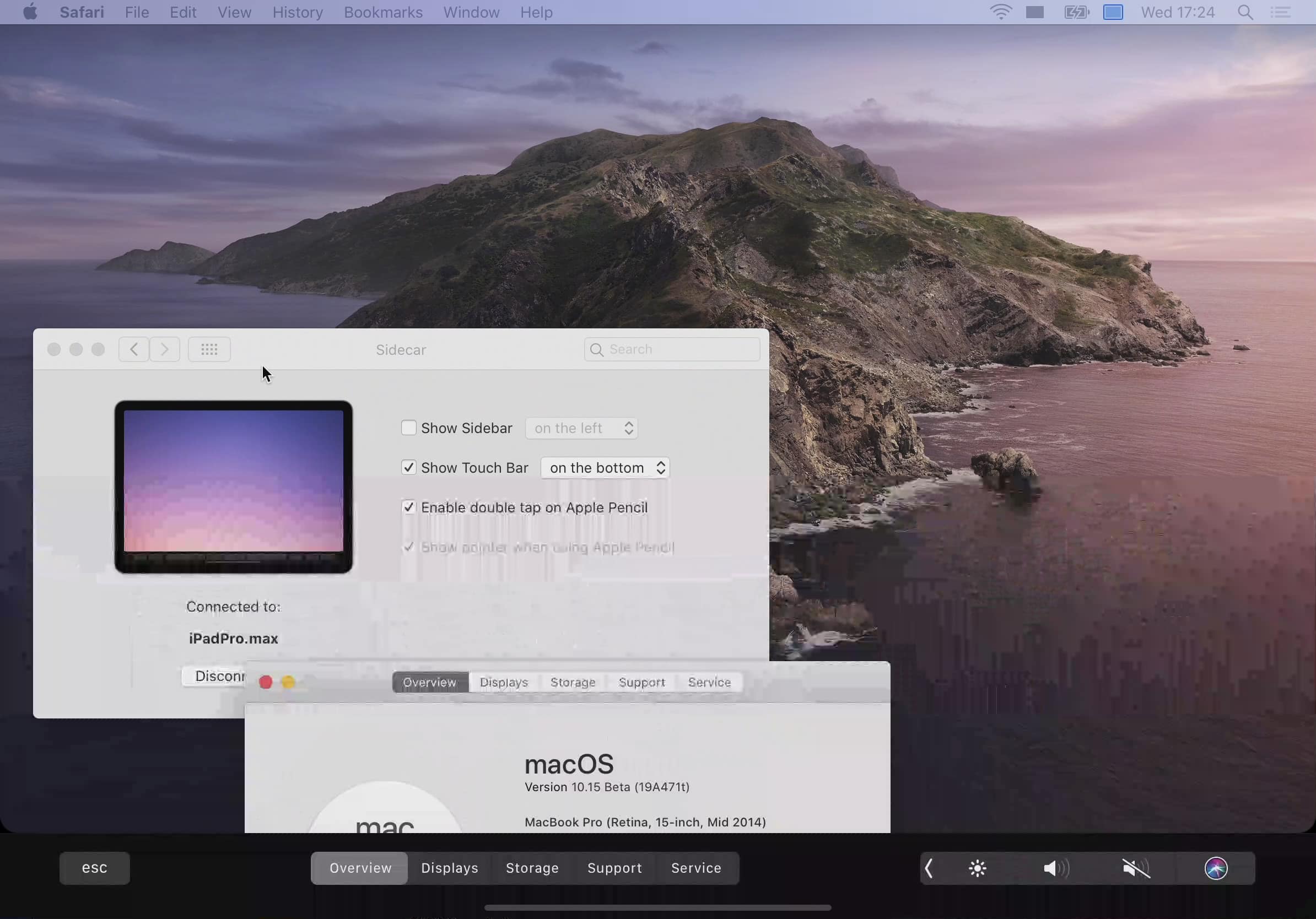
Not many Apple computers will be left out in the cold when its big macOS Catalina upgrade rolls out this fall. But even if your Mac is compatible, it might not be able to take advantage of every feature.

Sidecar, which lets you use an iPad as a second screen, will only support a limited number of machines. If your Mac is getting a little long in the tooth, you’re probably going to be out of luck.