★★★★★
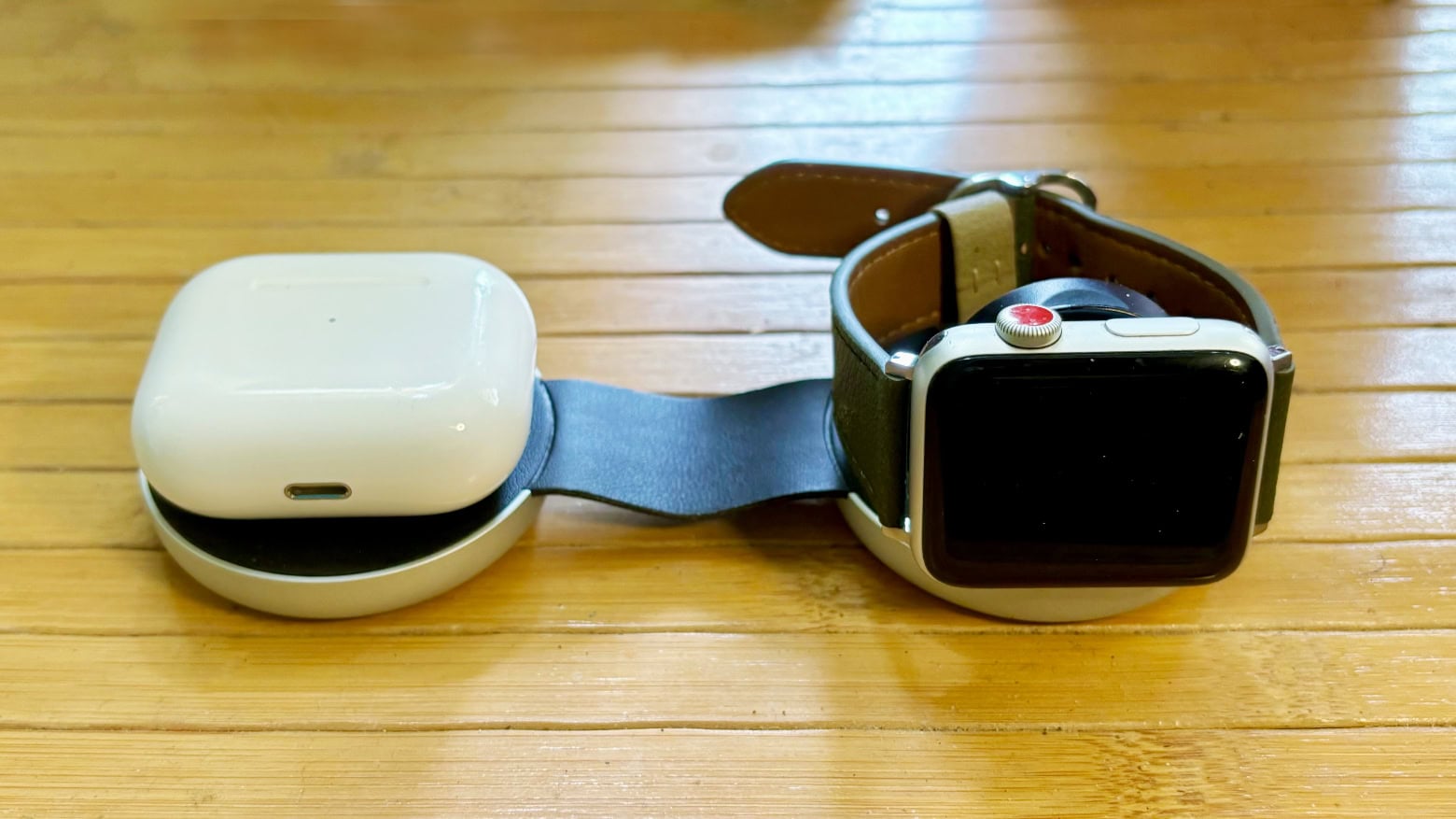
Twelve South ButterFly is ready to charge your devices wherever you go. Photo: Ed Hardy/Cult of Mac
Twelve South ButterFly is a 2-in-1 MagSafe iPhone and and Apple Watch travel charger that folds into a tiny package. It offers fast-charging and can serve as a kickstand for your handset.
It’s a bit pricy, but an innovative design makes it very portable. I put the gadget to the test.
The Reply button in Apple Mail on iPhone does way, way more than you might expect. Image: Ed Hardy/Cult of Mac
The Reply button in the iPhone version of Apple Mail does a whole lot more than let you reply to messages. For some reason, Apple packed it with unrelated options.
Here’s everything lying hidden behind that simple button.
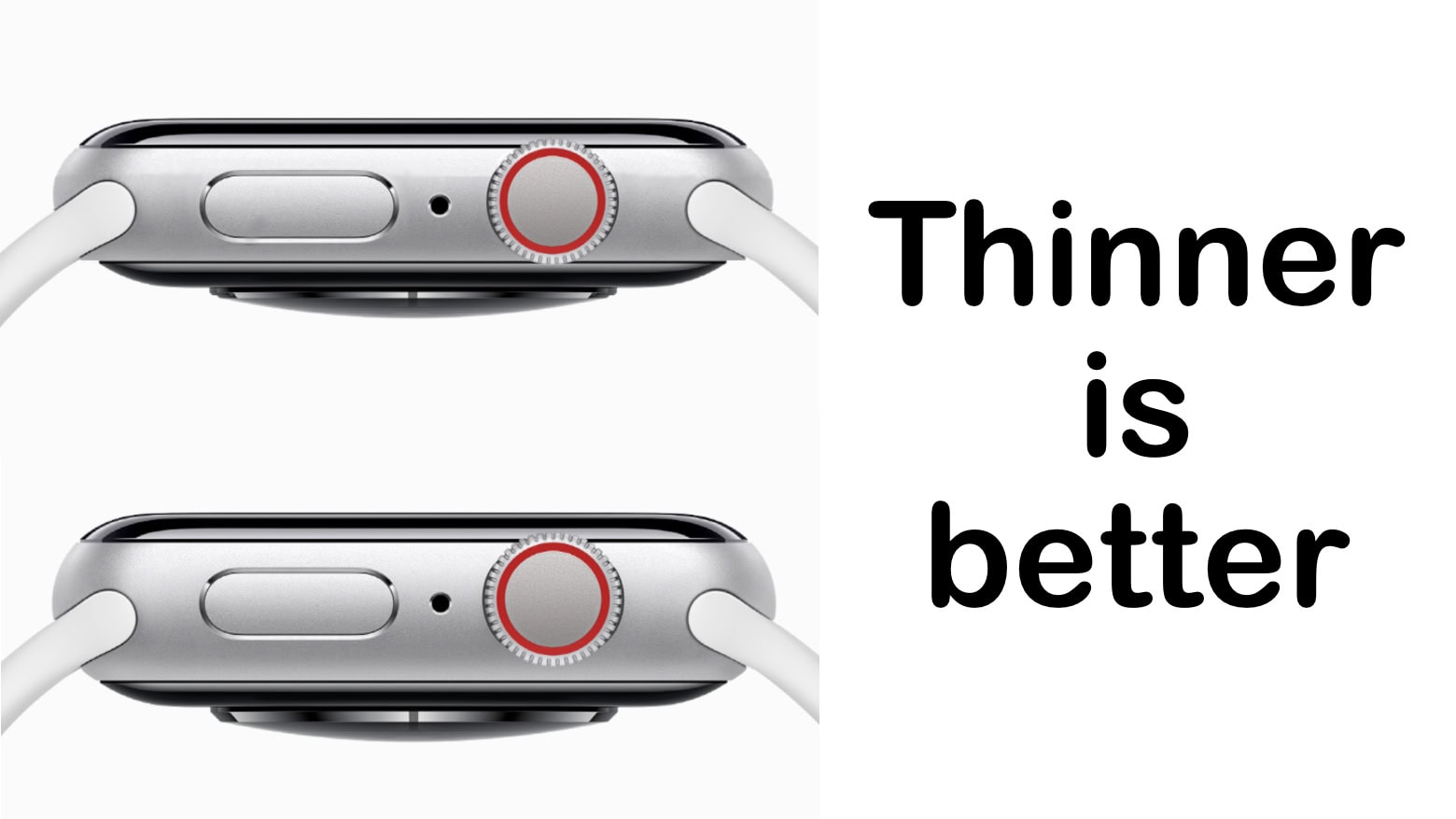
Future Apple Watch models could get slimmer. Graphic: Ed Hardy/Cult of Mac
Apple reportedly plans to launch a super-slim iPhone 17 model in 2025. The company is also working on slimming down MacBook Pro and Apple Watch in future revisions.
The company will seemingly focus on making its devices thinner without sacrificing performance or battery life.
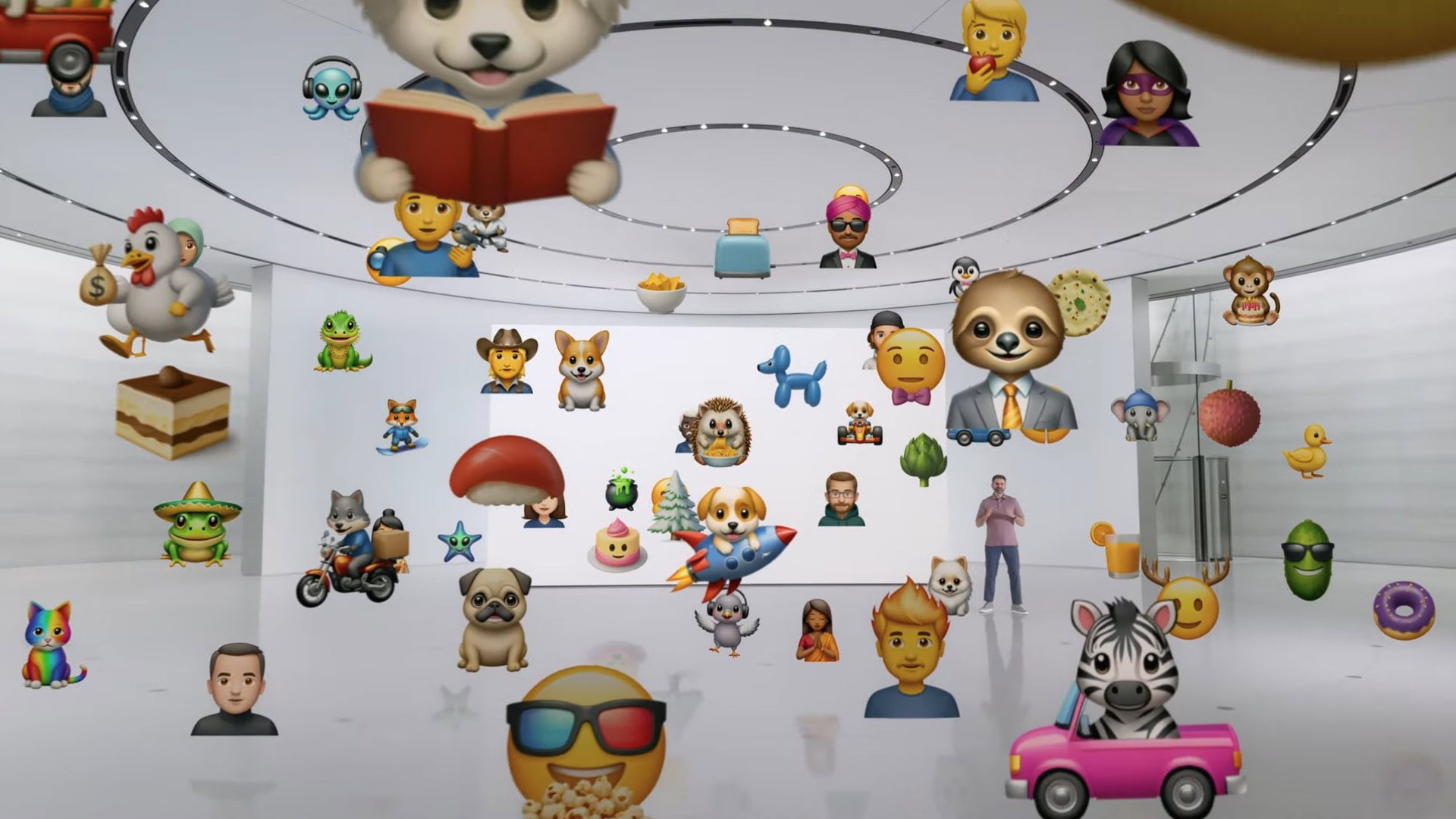
Don't try to make a Genmoji with the first iOS 18 beta. Image: Apple
The AI capabilities Apple announced at WWDC24 are nowhere to be seen in the first round of betas for iOS 18, macOS Sequoia and iPadOS 18. This despite the new Apple Intelligence features, like the ability to summarize documents or create new emoji on the fly, are the highlights of the upcoming operating system upgrades.
So those eager to try Apple AI can hold off installing these buggy prerelease versions. It’ll only be a disappointment.
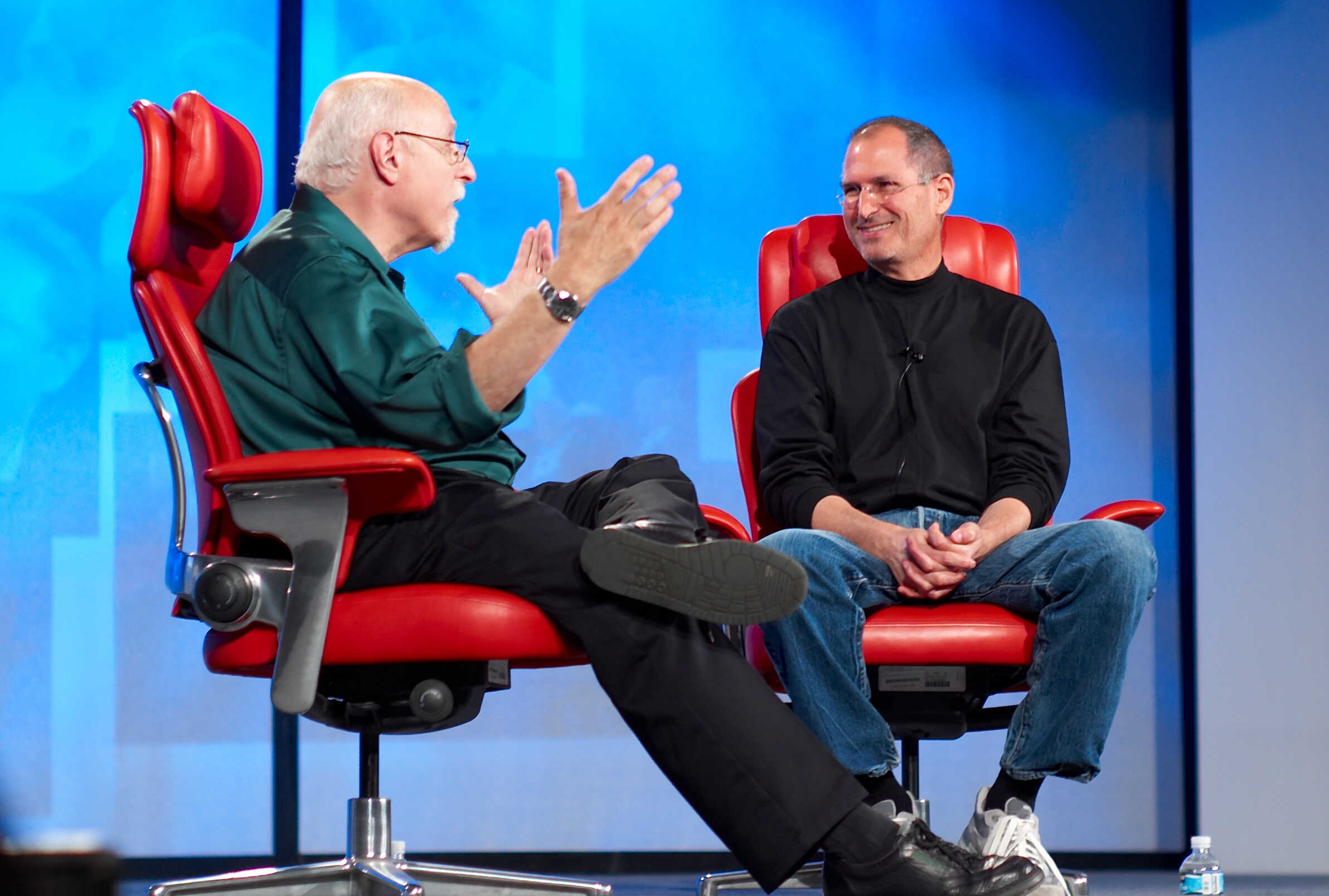
Walt Mossberg was one of Steve Jobs' favorite journalists. Photo: Joi Ito/Flickr CC
June 12, 2007: With iPhone frenzy hitting a fever pitch in the buildup to the device’s launch, journalist Walt Mossberg sends the Apple world into a tizzy by whipping out a prerelease unit during a speech. The Wall Street Journal columnist is one of a handful of tech writers given early access to Apple’s revolutionary smartphone so he can put it through its paces for a review.
Speaking at The Chronicle of Higher Education’s Presidents Forum, Mossberg says he isn’t sure whether he’ll give the iPhone a thumbs up. Worried doubters immediately fear Apple is about to drop a dud.
How safe is your iPhone on Apple Intelligence? Image: Apple
After Cupertino confirmed rumors that it would integrate ChatGPT into iOS 18, iPadOS 18 and macOS Sequoia as part of its Apple Intelligence framework, Elon Musk threatened to ban iPhones and other Apple devices from his company’s offices over security concerns.
“If Apple integrates OpenAI at the OS level, then Apple devices will be banned at my companies,” Musk — who runs Tesla, X and SpaceX, among other things — said on the platform formerly known as Twitter. “That is an unacceptable security violation.”
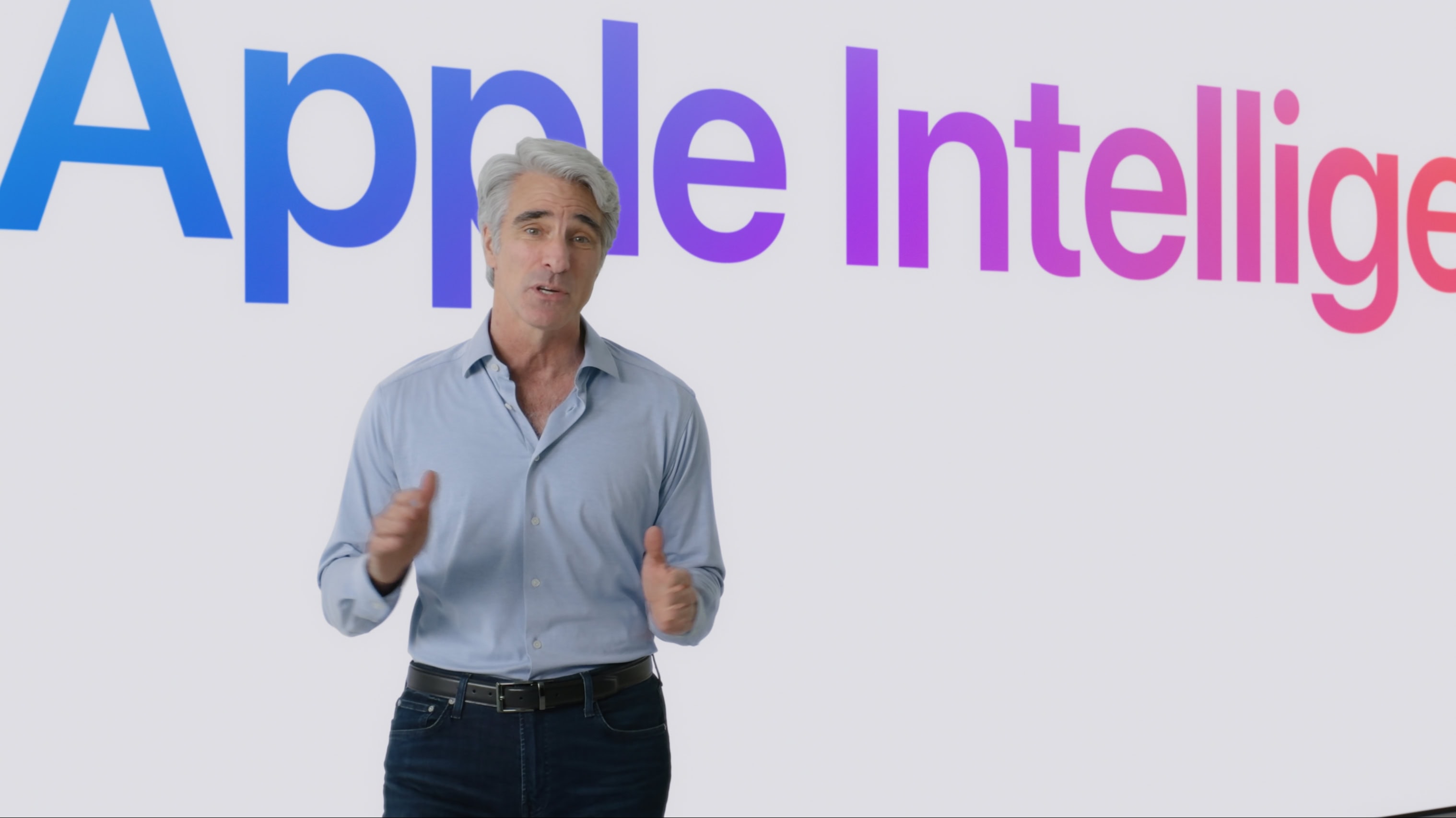
Apple software chief Craig Federighi introduces Apple Intelligence, the company's approach to adding AI to its devices, during the WWDC24 keynote. Photo: Apple
Apple unveiled its bold plan to weave artificial intelligence into its devices Monday, focusing on how the company plans to make AI personal. The new AI-powered features, which will launch in beta later this year under the umbrella term of “Apple Intelligence,” will follow Apple’s unique approach to computing.
“At Apple, it’s always been our goal to design powerful personal products that enrich people’s lives by enabling them to do the things that matter most as simply and easily as possible,” said Apple CEO Tim Cook as he took the wraps off Apple Intelligence during the WWDC24 keynote. “We’ve been using artificial intelligence and machine learning for years to help us further that goal. Recent developments in generative intelligence and large language models offer powerful capabilities that provide the opportunity to take the experience of using Apple products to new heights.”
The demo of Apple Mail with AI at WWDC24 showed off Writing Tools that can completely rewrite emails. Screenshot: Apple
Apple Mail for iPhone, Mac and iPad is getting a real dose of artificial intelligence. When it next version launches in the autumn, it will be able to summarize emails, assign them to categories based on their contents, and draft replies to messages so the user doesn’t have to.
“Staying on top of emails has never been easier,” promises Apple.
Apple users could be able to skip the new AI features coming to iPhone and Mac. Image: Ed Hardy/Cult of Mac
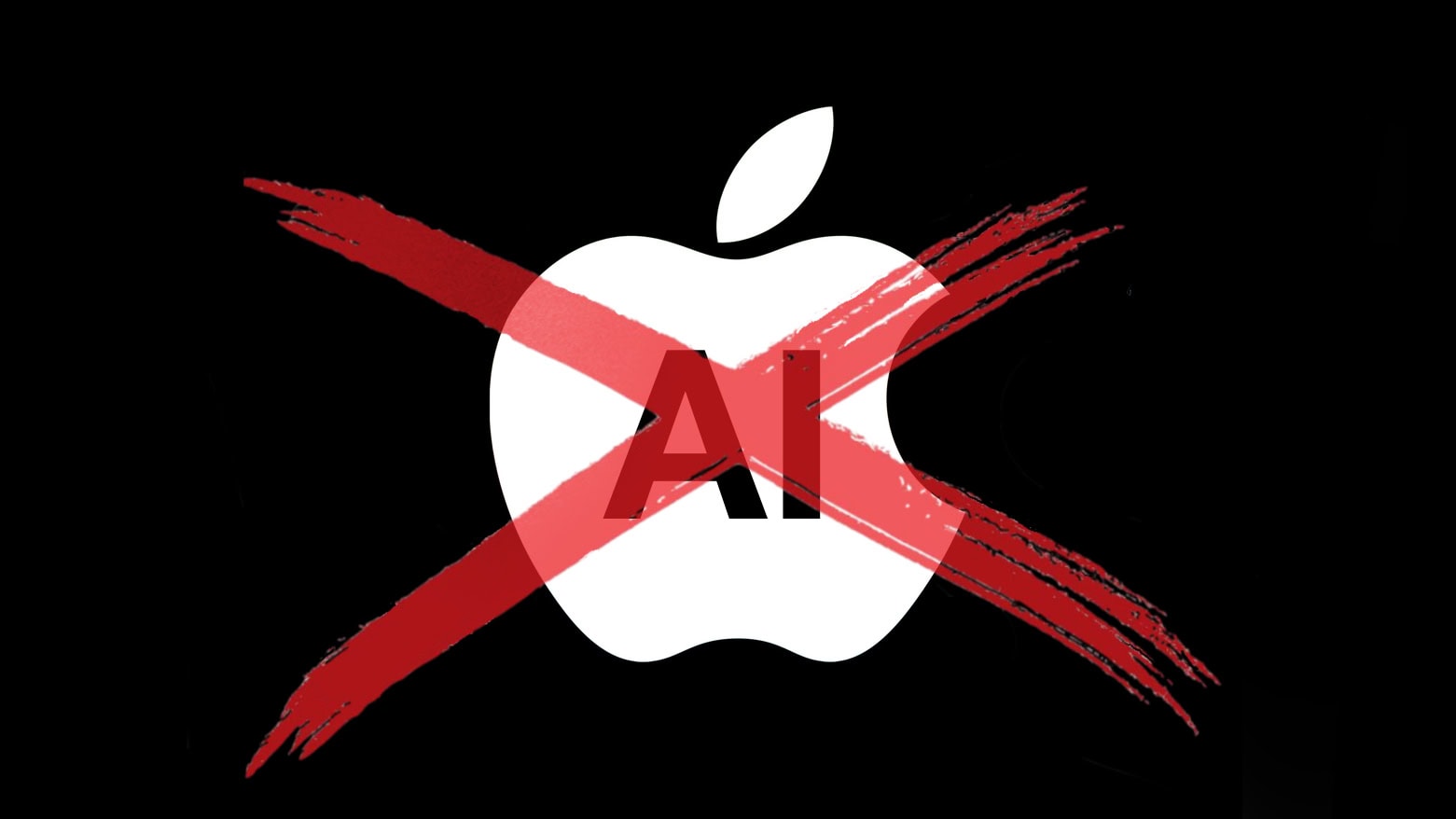
Apple will add an AI chatbot powered by OpenAI to iPhone and Mac, according to an unconfirmed report. But users of these devices won’t be forced to use it.
And that goes for more than the chatbot. Apparently, Apple will give users the option to pass on all the upcoming artificial intelligence features. The company plans to showcase its big AI push at its Worldwide Developers Conference next week.
A modern solution to an age-old problem. Photo: D. Griffin Jones/Cult of Mac
Whether it’s wedged between the cushions or kicked far under the couch, a handy-dandy feature in iOS 17 and tvOS 17 lets you find your lost Apple TV remote using your iPhone.
The mind races when one imagines how many hours of human life might have been saved if everyone had this feature 30 years ago. Let me show you how to find your AWOL Apple TV remote with your iPhone.



 June 12, 2007: With iPhone frenzy hitting a fever pitch in the buildup to the device’s launch, journalist Walt Mossberg sends the Apple world into a tizzy by whipping out a prerelease unit during a speech. The Wall Street Journal columnist is one of a handful of tech writers given early access to Apple’s revolutionary smartphone so he can put it through its paces for a review.