Apple reportedly wants to ship 90 million iPhone 16 units in 2024. The company hopes Apple Intelligence and other AI features will fuel the demand for its new iPhones.
For comparison, Apple shipped about 81 million iPhone 15 units in H2 2023.
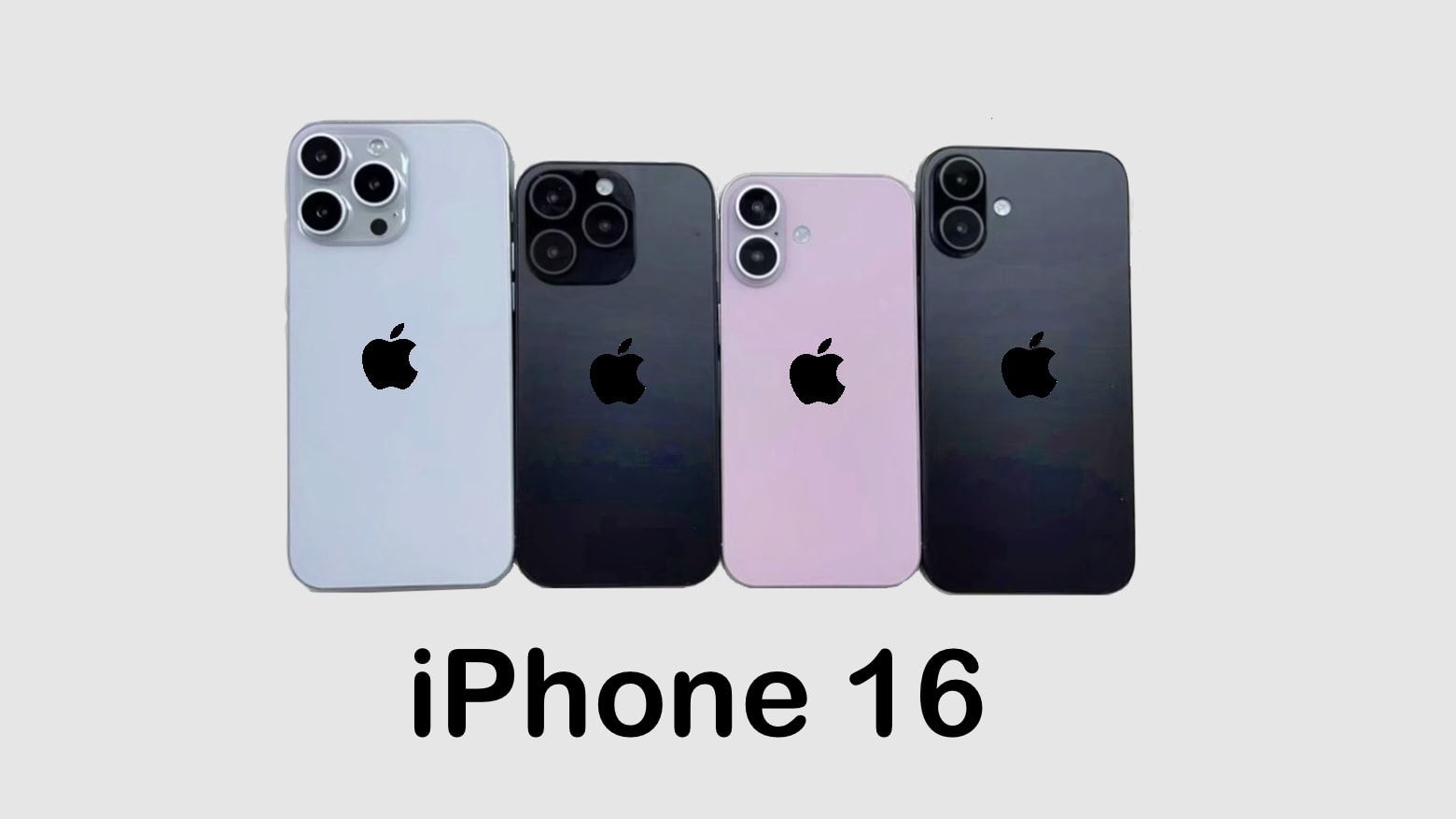
Apple reportedly wants to ship 90 million iPhone 16 units in 2024. The company hopes Apple Intelligence and other AI features will fuel the demand for its new iPhones.
For comparison, Apple shipped about 81 million iPhone 15 units in H2 2023.

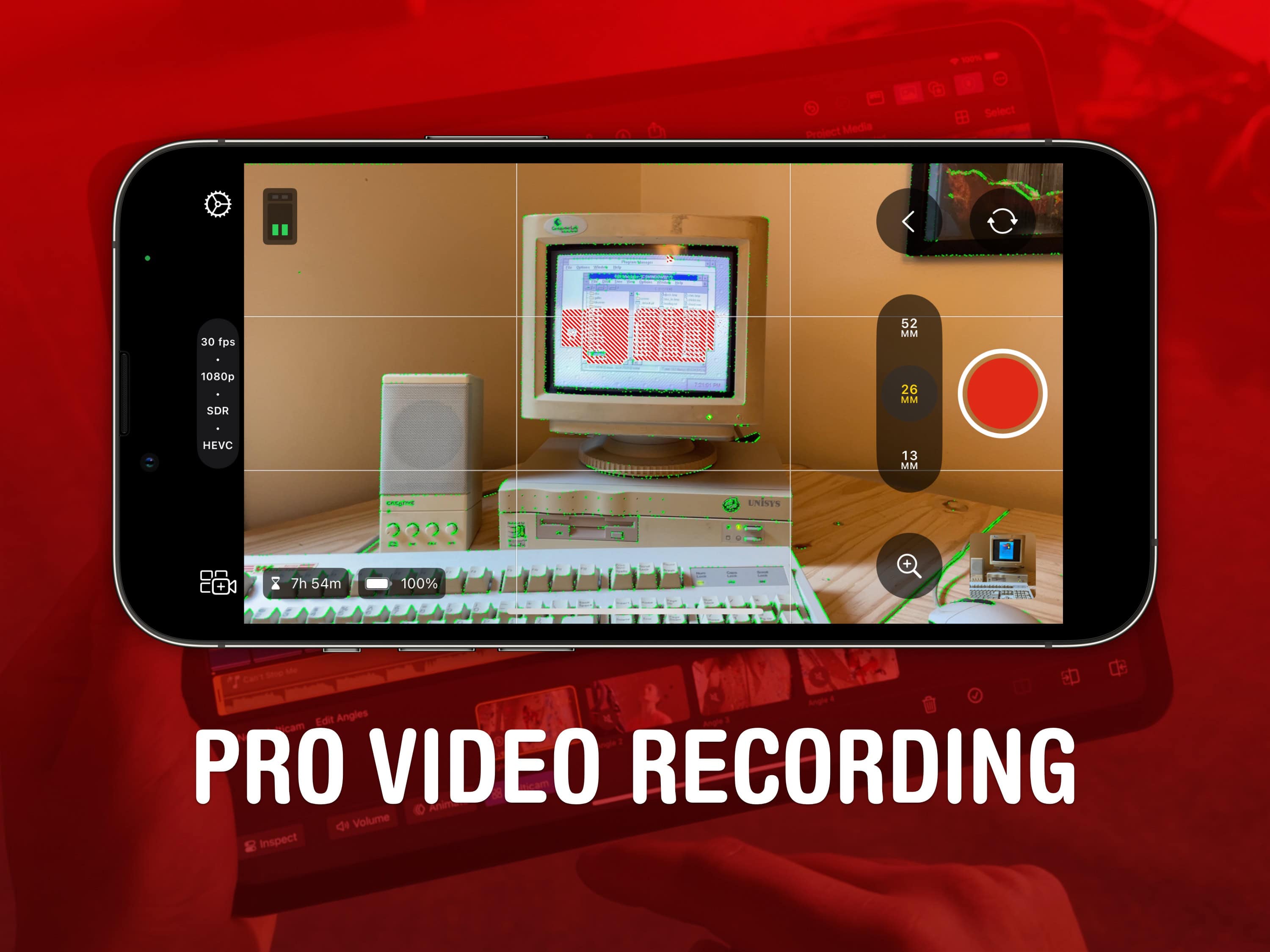
Final Cut Camera is a new Apple app that offers incredible manual control over your iPhone’s camera system. If you use your phone for professional videography — or even for a hobby project — you should use this free app to take videos rather than sticking with the stock Camera app.
Final Cut Camera comes absolutely packed with professional features the Camera app can’t match. The new app gives you finer control over exposure, white balance, color temperature and more. You can enable image overlays to see which parts of the frame are in focus or overexposed. In short, it’s a highly versatile camera. You can even pair it with Final Cut Pro for iPad to capture footage from multiple iPhones simultaneously.
Final Cut Camera is totally free on the App Store. Keep reading to learn how to use it.
Apple has increased its order of next-generation A18 chips from TSMC to between 90 million and 100 million units, according to a new report. That suggests it may anticipate increasing demand for its upcoming Apple Intelligence-boosted iPhone 16 series. An increase of roughly 10 million units over last year is nothing to sneeze at.

With the summer travel season in full swing, it’s time to think about keeping your Apple devices ready for the road. Here are some of the best wireless travel chargers for powering up your iPhone and Apple Watch at the same time.
I’ve been a frequent traveler for many years, toting Apple devices across three continents. I’m happy to share my experience.

Apple officially designated some classic products “vintage” Monday, as it put iPhone X plus original AirPods and HomePod on the “vintage” list. That’s a classification that the iPhone giant includes prior to the products becoming “obsolete” and no longer serviced.
Apple could use electrically induced adhesive debonding to make battery removal easier on future iPhones. The company reportedly might use this technology in at least one iPhone 16 model this year.
The move could help Apple make iPhones more repair-friendly — and help Apple comply with upcoming EU laws.
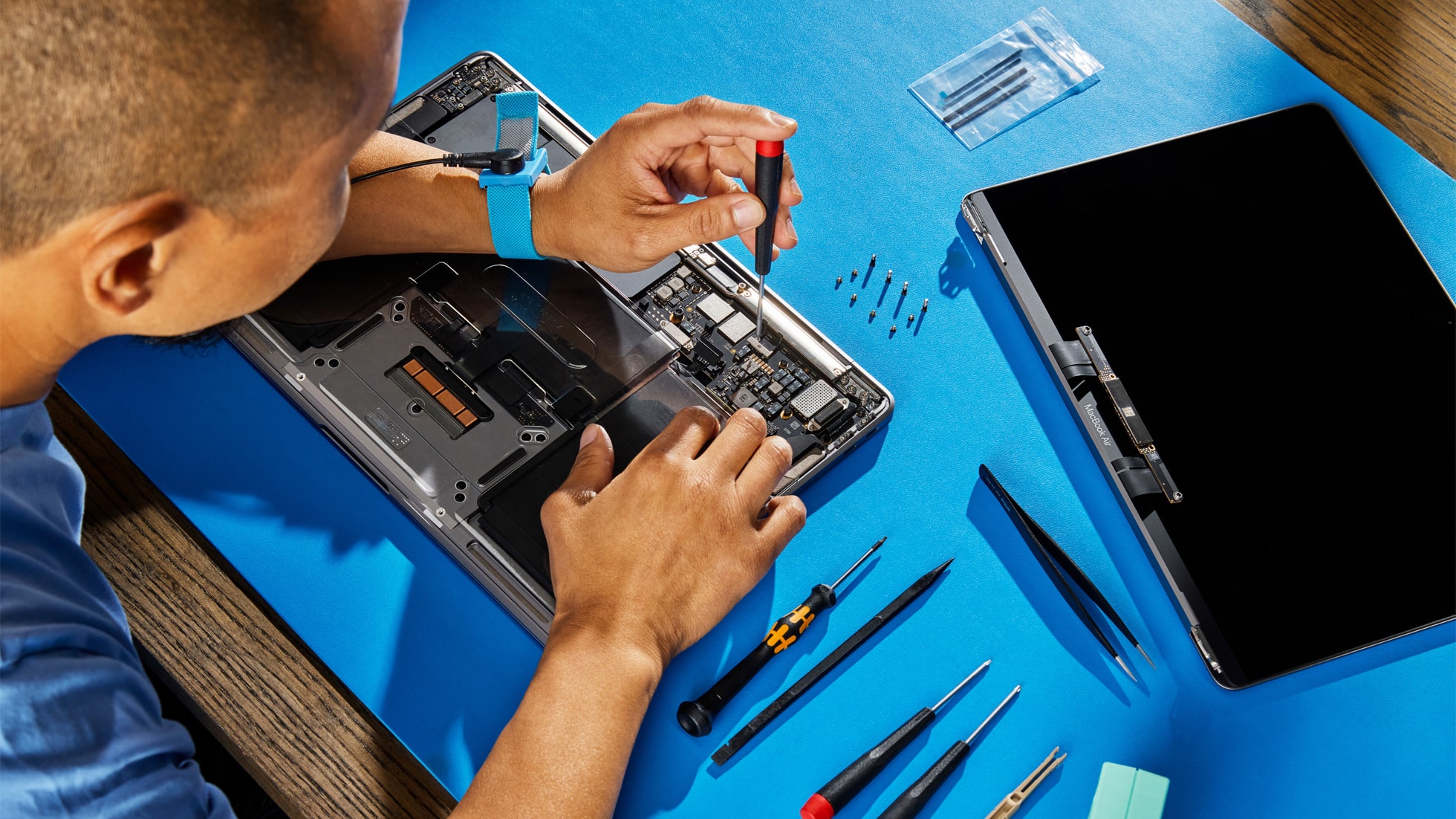
The Apple Diagnostics for Self Service Repair software tool launched on Europe on Wednesday. It lets those who want to fix their own iPhone or Mac identify which parts may need repair.
In addition, Apple announced that MacBook Air models with the M3 processor that launched in March 2024 are now part of the Self Service Repair program.

The iPhone 15 Pro and Pro Max will be able to run Apple Intelligence features, but no other current phone can handle the upcoming AI-powered features. Apple’s reasons for the limitation seem somewhat vague, at least so far. They don’t fully explain why a 2-year-old iPhone chip isn’t up to the job but a 4-year-old Mac chip is.
As it stands, some people harbor suspicions that it’s an attempt to force iPhone users to upgrade to the latest models this fall. And some iPhone 15 owners are angry that their relatively new devices won’t be able to take advantage of Apple Intelligence.
Cult of Mac asked Apple to explain the decision but we didn’t hear back. So, I’ll do what Apple hasn’t: Go through a range of hardware features and explore what role they might play in keeping Apple AI off so many iPhones.
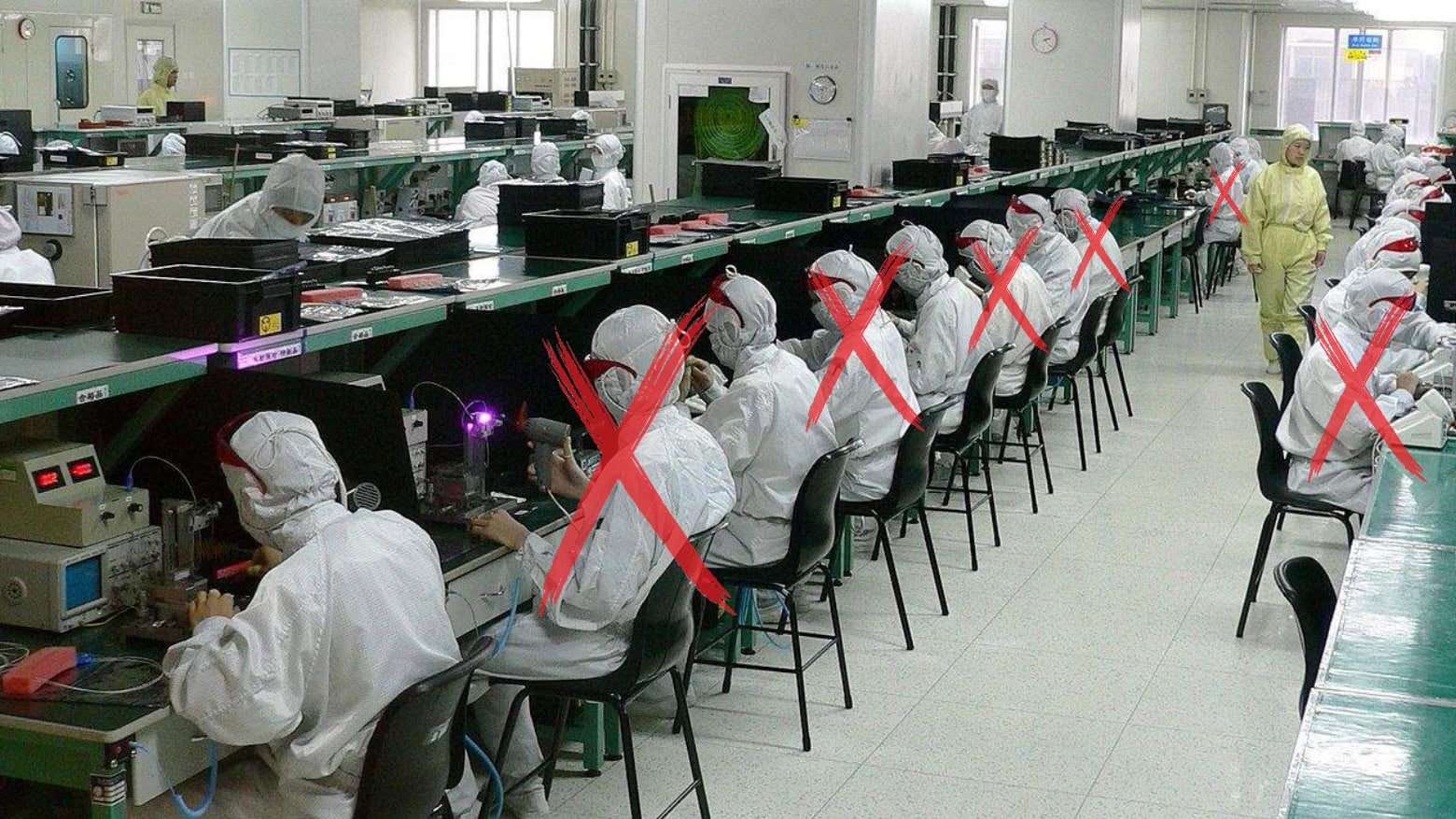
Apple reportedly told the companies that assemble the iPhone to replace up to 50% of their employees with automation.
It’s an ongoing effort, and one that supposedly began after riots at a Foxconn plant several years ago over stringent Covid restrictions.

Apple reportedly wants to launch a cheaper AR/VR Vision headset, codenamed N107, as soon as late 2025. While the company set this plan even before the Vision Pro‘s launch, it might fail to meet the deadline.
The company’s engineers are struggling to reduce costs without affecting the headset’s key features.