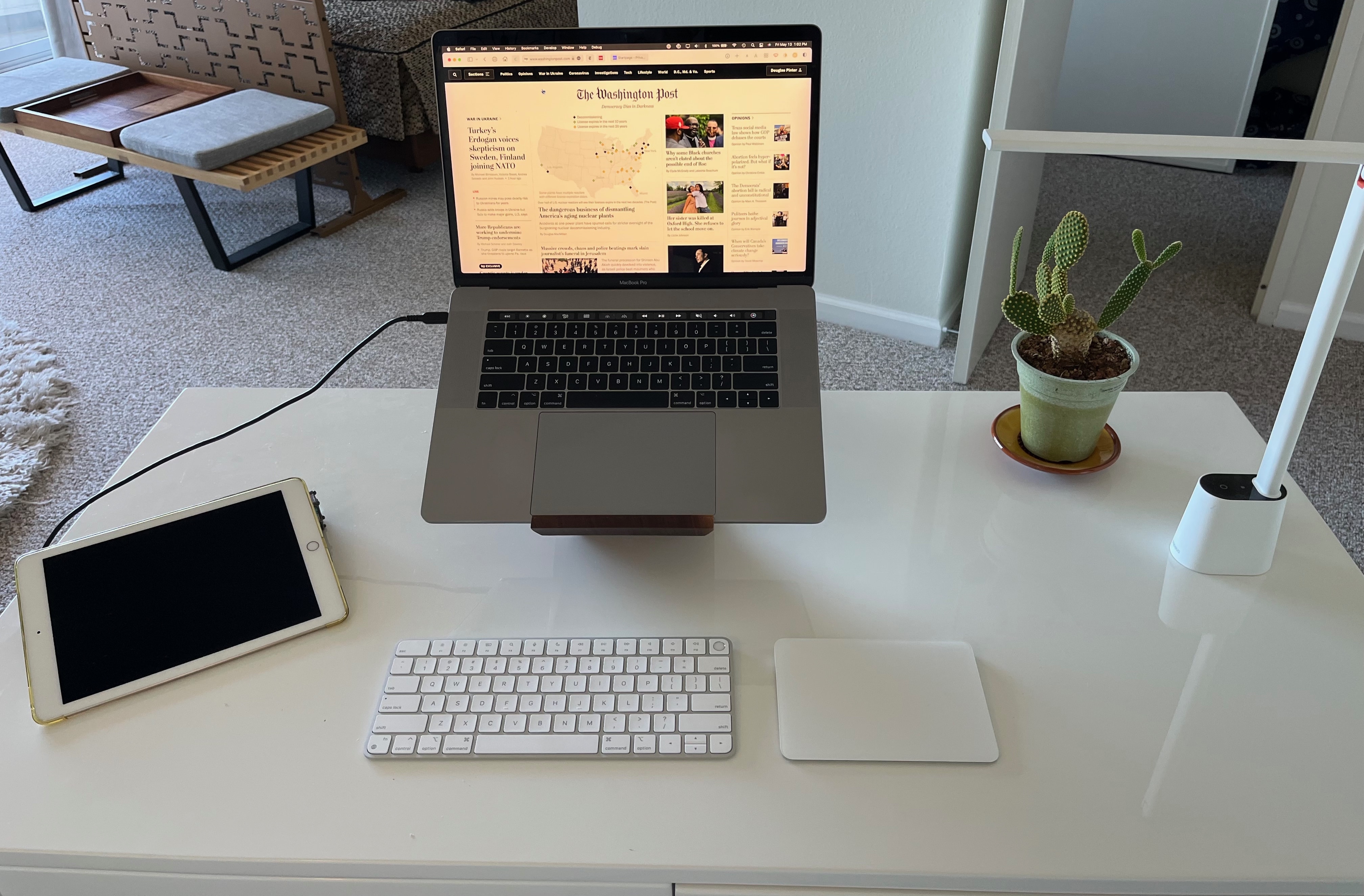
There's nothing wrong with a computer setup that keeps things simple. Photo: Doug@SanFrancisco
Not every computer setup needs to be a visually stunning technological showcase, despite appearances to the contrary on social media sites. The best setup is the one that gets the job done. And, for many people, simpler is better.
Doug, a lawyer from San Francisco, extolled the virtues of his spare but highly functional MacBook-centered setup when he reached out to Cult of Mac recently.
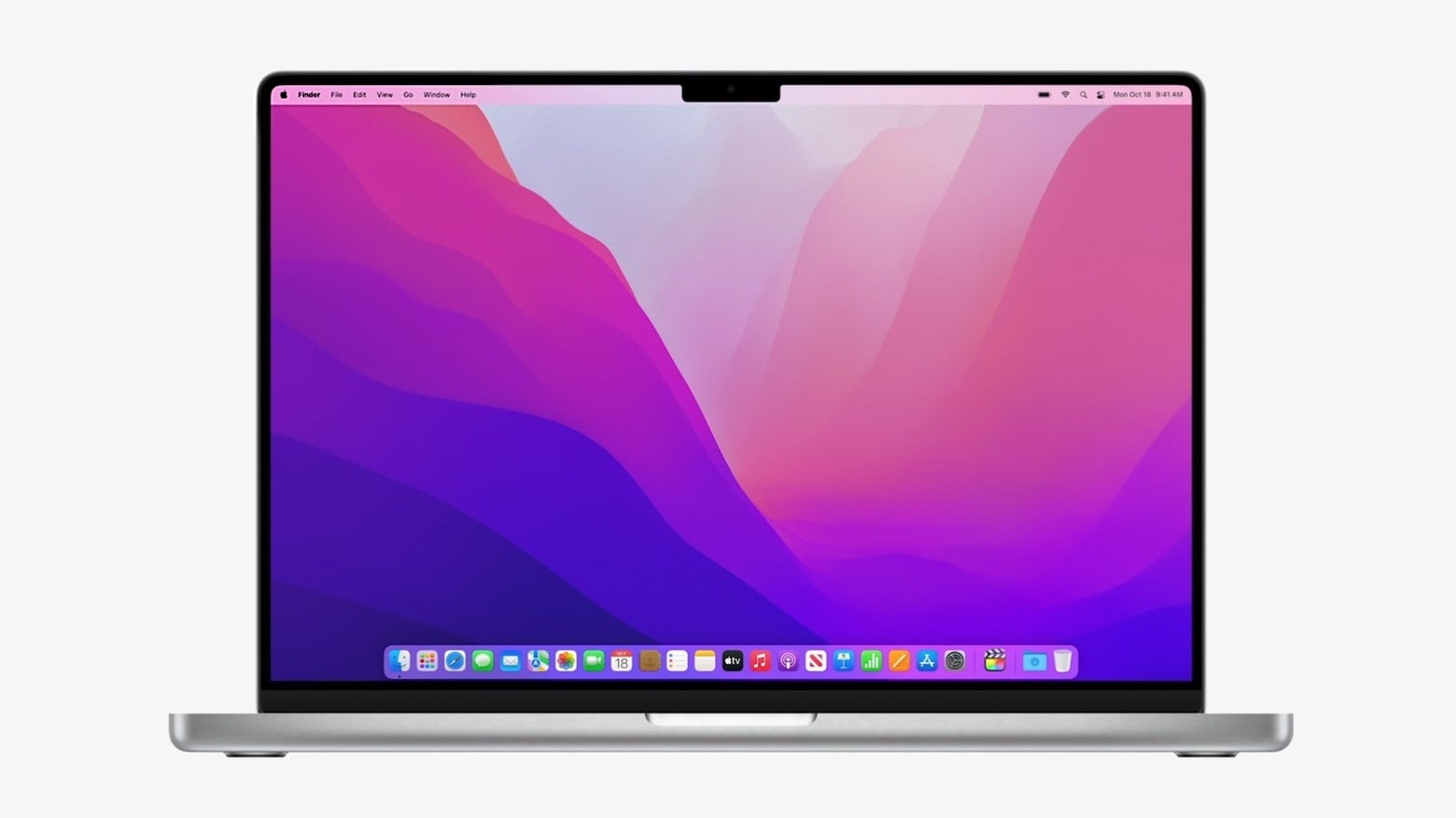
Now is a great time to buy the 14-inch MacBook Pro Photo: Apple
Amazon has the 14-inch MacBook Pro with M1 Pro chip and 1TB storage discounted to just $2,249 — down from its retail price of $2,499.
On the listing page, Amazon is offering a $50 discount, with the additional $200 off being applied checkout. Do note the offer is only available on the silver shade for now.
Find out how to use Focus modes on iPhone, iPad and Mac. Your frazzled nerves will thank you. Screenshot: D. Griffin Jones/Cult of Mac
Apple’s new Focus feature is like Do Not Disturb on steroids. It is much smarter than the Do Not Disturb of old. Since not all work or relaxation is created equal, you can set up Focus modes for specific situations to keep unwanted distractions at bay.
When you’re working, you might want email and Slack to come through, unless you’re in a meeting.
When you’re at home, you may want most notifications to come through, but not if you’re having have friends over, playing games or watching a show.
This article will cover setting up Focus modes on iOS 15. If you have the latest iPhone, a brand-new Mac or you’ve kept up with software updates, you’ll want to check out our guide for iOS 16.
If you have an old device and you want to see how Focus modes work, keep reading.
The new docuseries takes you inside the world of pro surfing. Photo: Apple TV+
Apple TV+’s new surfing docuseries Make or Break charts the fortunes of nearly 50 competitors as they vie for the title at the World Championship of Surfing.
You get to know the underdogs and the favorites alike in this no-holds-barred look at the dangers and excitement of a sport that doesn’t always receive the prestige treatment. This snappily edited, seven-episode docuseries will show you the ins and outs of pro surfing as the competitors hunger for the title.
It’s hardly must-see TV, but it’s diverting enough.
Hang ten with some of the top surfers in the world. Photo: Apple TV+
Apple TV+ released the first trailer Monday for Make or Break, a new seven-part documentary series that delivers behind-the-scenes access to the world’s best surfers. The series follows them as they battle for the world title at the World Surf League (WSL) Championship Tour (CT).
In the trailer, you get to briefly meet a bunch of the world’s best surfers and get a taste of the huge challenges they face.
And dude, you can’t unsee the surfboard with the big shark-bite taken out of it.
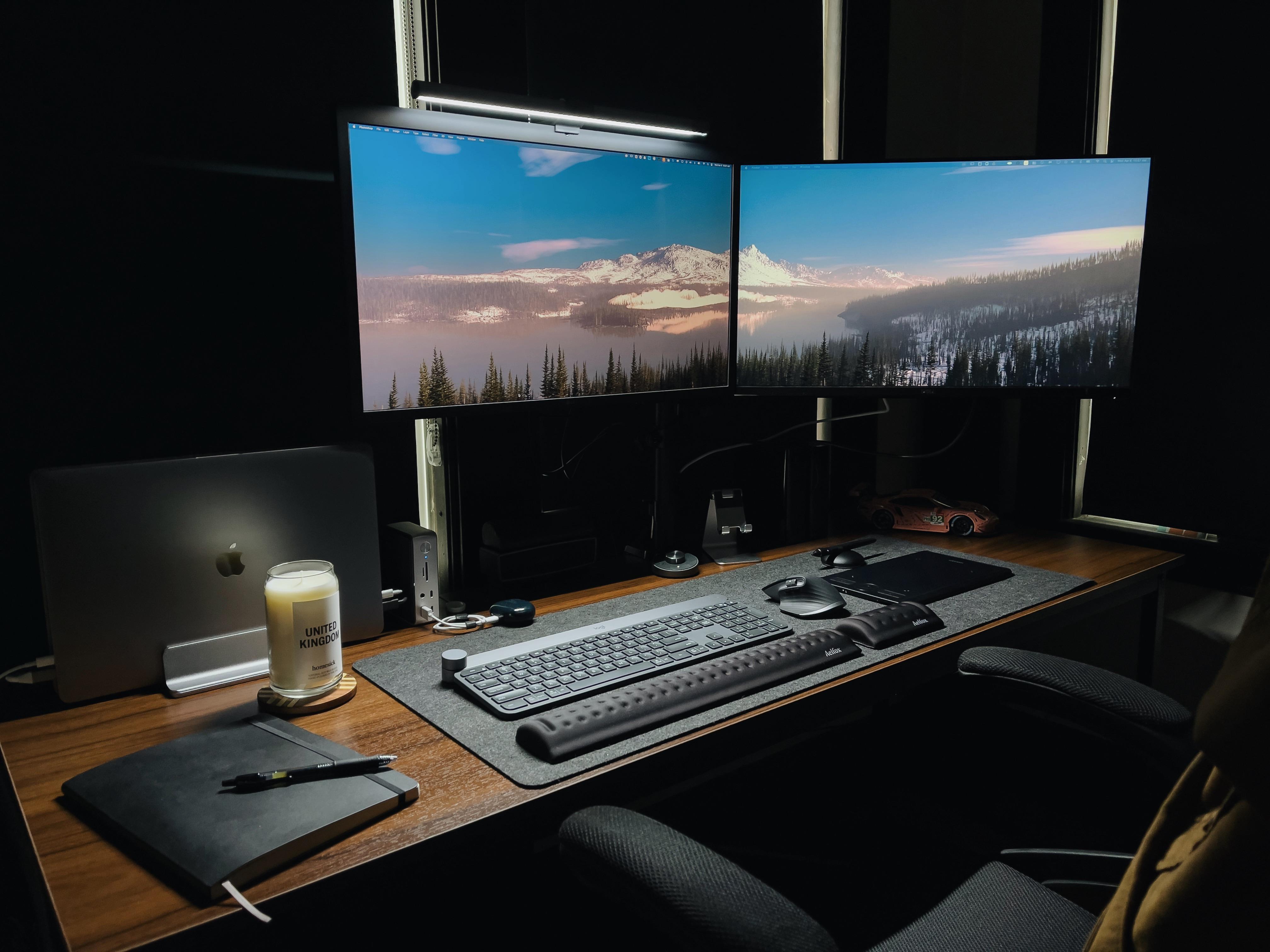
One of these two displays is not long for this setup. Photo: [email protected]
The Mac Studio desktop computer and Studio Display came out on March 18 to (mostly) good reviews. And they’re showing up all over the place in people’s computer setups — especially the displays, according to our unscientific observations, as we scour the internets for interesting gear.
Today’s featured setup is a dual-display workstation. The owner said he’s expecting a new Studio Display to arrive soon. Sounds like it already shipped.
He said he’s going to stick with two screens, so which one of his current monitors is going bye-bye?
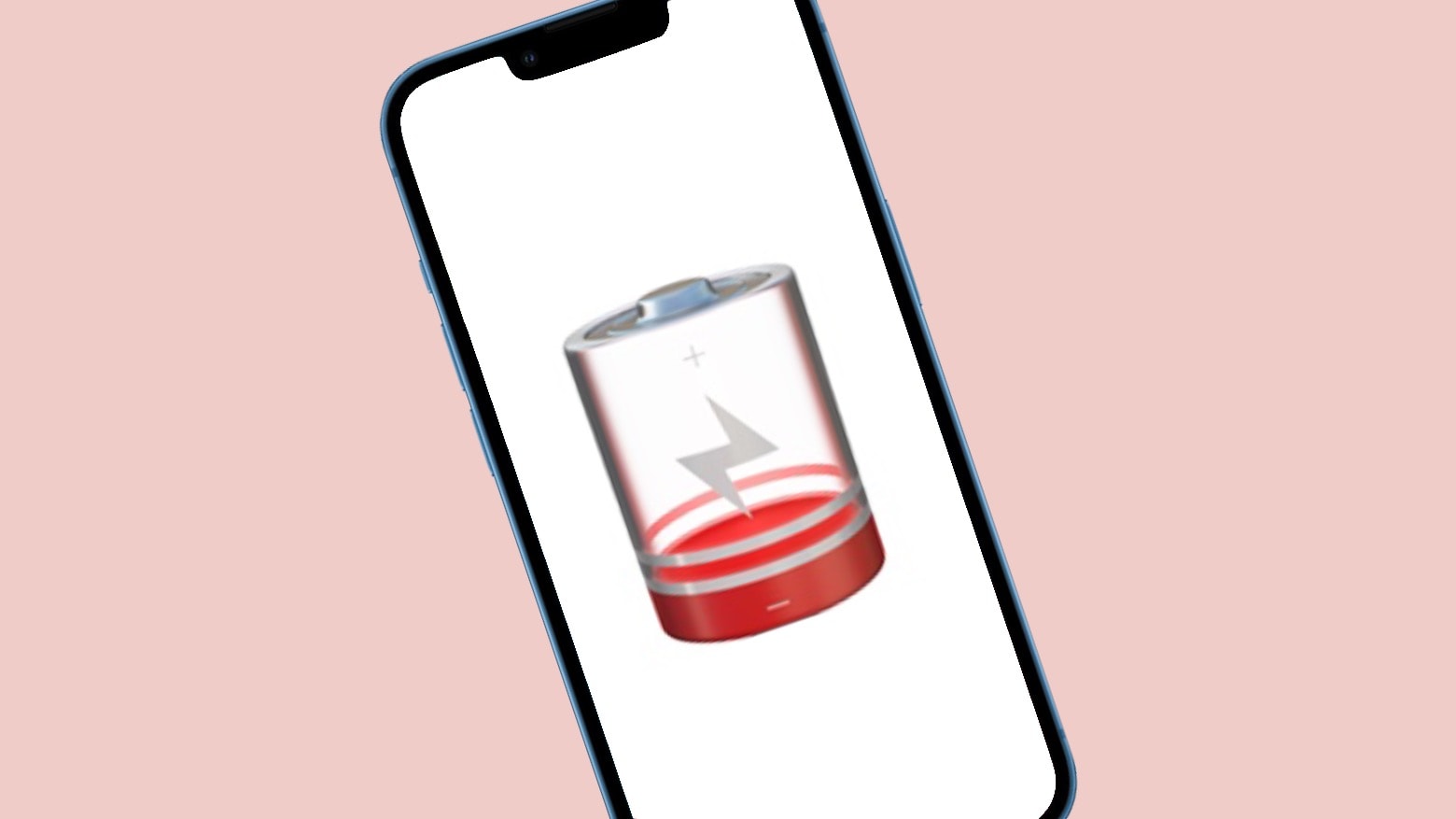
While some iPhone models saw an increase in battery life with iOS 15.4.1, most did not. Photo: Ed Hardy/Cult of Mac
Benchmark testing of nine different iPhone models shows that less than half of them experienced any improvement to battery life from the recent iOS 15.4.1 update, despite Apple describing that as a major feature of the new version. More of the handsets saw a decrease instead.
On the devices affected, the drop in battery life is generally small, but it’s nevertheless likely to leave some iPhone users holding off on the update. Which is unfortunate, as iOS 15.4.1 also closes a security hole that Apple says has been actively exploited.
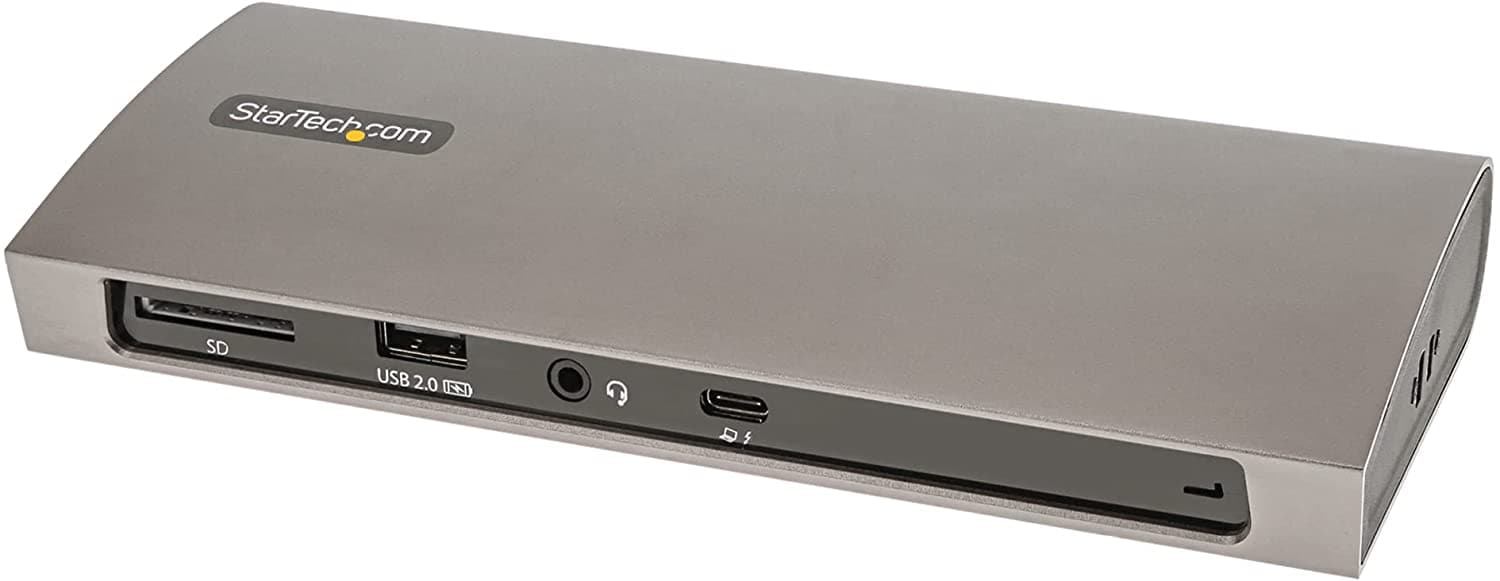
StarTech.com's capable new Thunderbolt 4 docking station can broaden your laptop's horizons. Photo: StarTech.com
With Thunderbolt 4 connectivity becoming more and more common in new laptop computers, including various Macs, you may be in the market for a worthy docking station. After all, small, lightweight laptops don’t always have all the ports you need. So it’s a good thing StarTech.com recently released its TB4CDock for Mac and Windows. If you also need an apple sd card reader along with a docking station, consider checking out this 6-port hub from Zagg.
The Thunderbolt 4 station bristles with the ports you need to turn your laptop into a desktop, or close to it.
Have Siri tell that robot Roomba vacuum where to go. Photo: iRobot
Siri is about to get better at helping you clean the house. iRobot has begun to roll out an iRobot Genius 4.0 Home Intelligence software update to Roomba robot vacuum and Braava jet robot mop customers. The update brings Siri voice support to all users, at long last.
So cleaning the floors isn’t just for Amazon Alexa and Google Assistant anymore.
Hey Apple fans -- try not to give yourself RSI hitting your inbox's refresh button!
Photo: Lewis Wallace/Cult of Mac
With everyone primed for a rumored Apple event on March 8, fans are eagerly awaiting the invites that will confirm the date. As of Tuesday morning, however, Cupertino left everyone twisting in the wind.
But that didn’t stop Apple fans and tech journos from speculating about the possible spring event. On Twitter, the hashtag #AppleEvent served as a showcase for theories, jokes and concept art concerning the matter.