Mobile menu toggle

Search results for: 6s

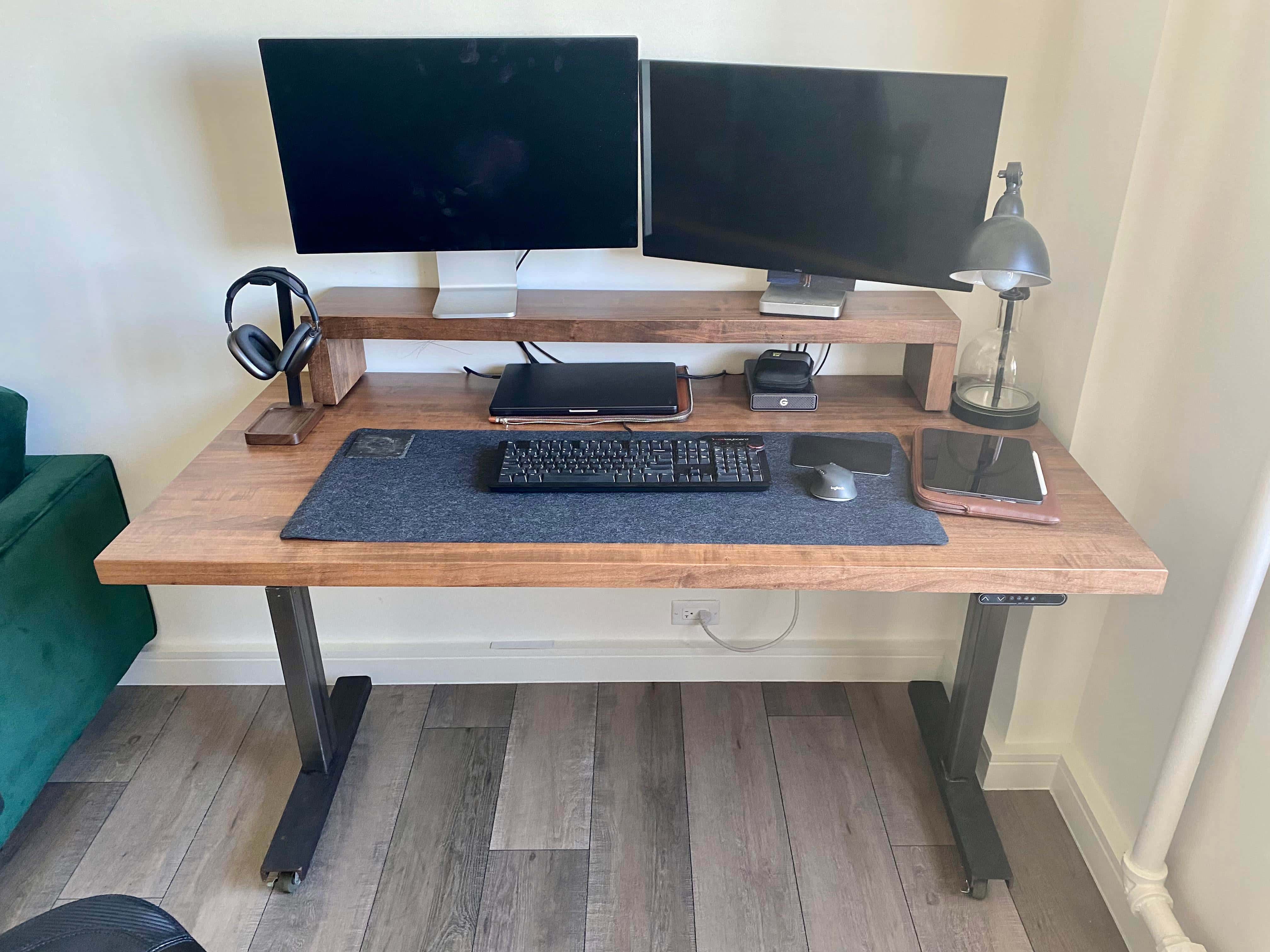
Apple gear finds stout home on custom maple standing desk and monitor riser [Setups]

By

Both the standing desk and monitor shelf sport 3-inch-thick maple.
Photo: [email protected]

A great computer setup starts with a solid desk — preferably a standing desk, so you can sit or stand as your aching body requires. Today’s featured setup finds a MacBook Pro, iPad Pro, Studio Display and Dell 4K monitor resting easy on a stout maple standing desk and monitor riser.

Wherever you see wood in the photograph, know that it’s 3 inches thick. That’s one way to reduce monitor wobbling.

Apple wants to shorten ‘Hey Siri’ trigger phrase to simply ‘Siri’

By

Siri
Siri could become easier to summon in the future.
Photo: Apple

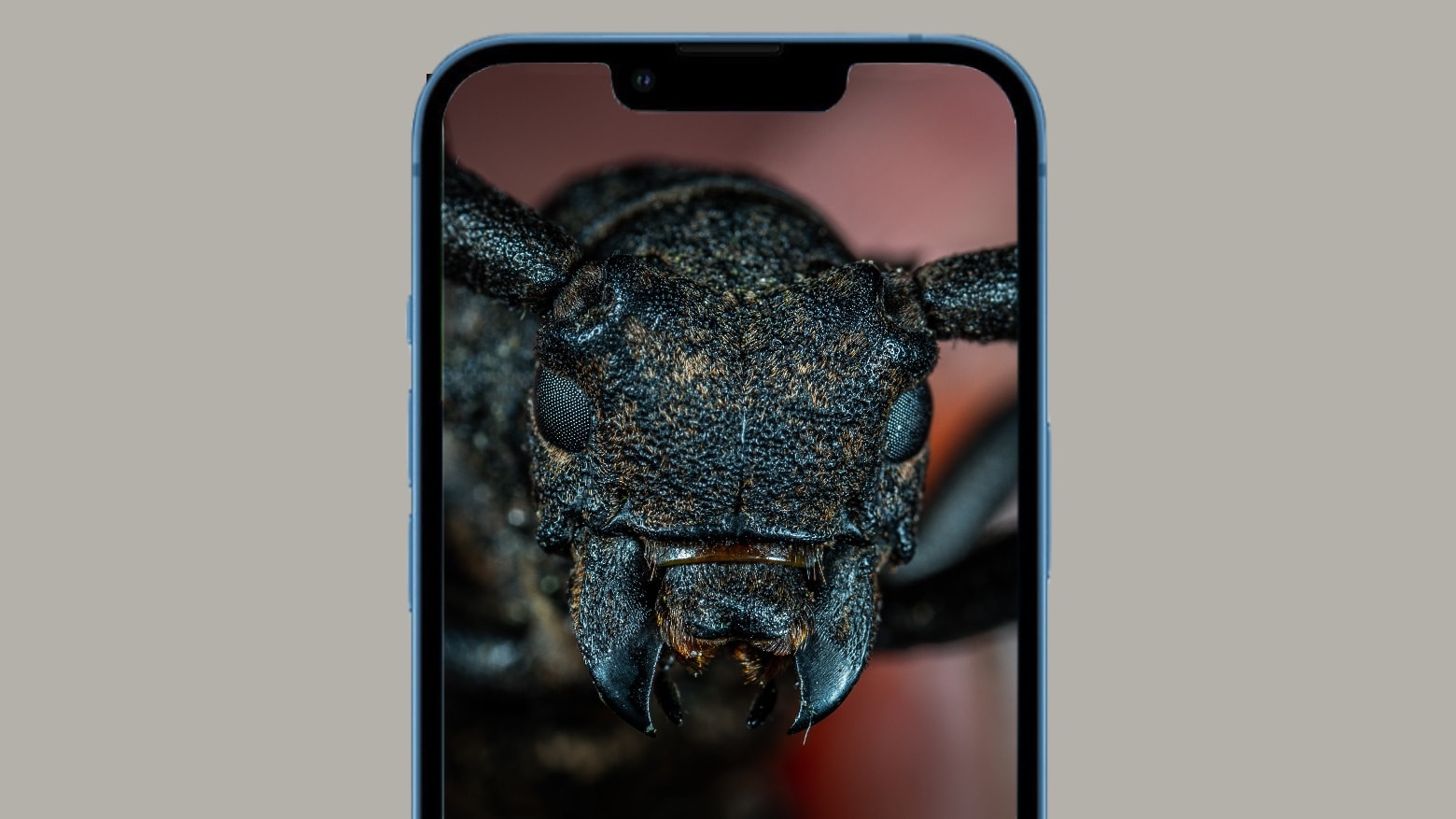
Apple is working on changing the “Hey Siri” hotword to just plain “Siri,” and the change could roll out as early as next year.

Introduced in 2015 with the iPhone 6s, the “Hey Siri” hotword remains unchanged to this day. You also can use the phrase to invoke Apple’s voice assistant on the Mac, iPad, HomePod and Apple Watch.

Customize Cooler Master’s new mechanical keyboard any which way

By

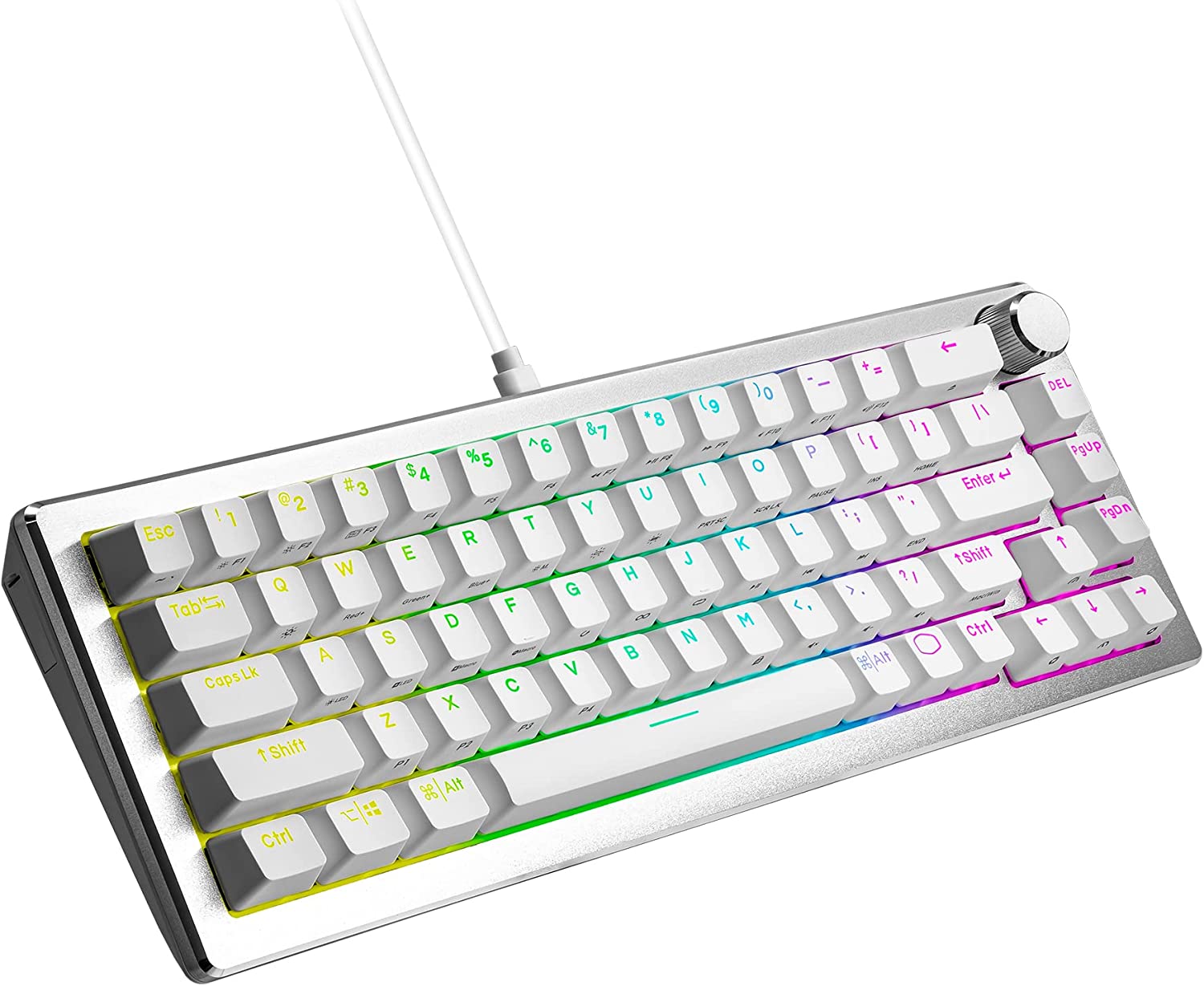
This wired mechanical keyboard can be easily modified in multiple ways.
Photo: Cooler Master

California peripherals specialist Cooler Master just updated its popular 65%-format mechanical keyboard (CK721) to create the company’s first fully customizable board, the wired CK720. You can swap out its switches without a soldering iron to easily get the typing feel and sound you like best.

“We’re huge fans of custom-built mechanical keyboards ourselves, so we wanted to make sure the CK720 is a great steppingstone into the hobby,” said Dennis Liu, Cooler Master’s peripheral general manager, in a press release. “Whether you like smooth linear switches with maximum thock, or a sharp tactile typing feel with a marbly sound, the CK720 has the ability to achieve it.”

Apple releases important iOS 15 security patch

By

Updates is here for your iPhone bugs
iOS 15.7.4 takes care of a long list of security bugs.
Photo: Cult of Mac/Egor Kamelev/Pexels

iPhone users not on iOS 16.1 can now update their handset to iOS 15.7.1. Apple says it “provides important security updates.” It closes almost 20 security holes in the OS.

There’s also iPadOS 15.7.1 that does the same for iPad.

Here are the Macs that Apple didn’t announce today … but might come soon

By

The Mac lineup has never looked better.
The Mac was neglected today, but there's still some exciting stuff in the works.
Photo: Apple

Apple’s “Take Note” product blitz on Tuesday did not include any Mac news. Instead, iPad stole the spotlight: a new iPad Pro with M2, a new entry-level iPad that isn’t actually priced at the entry level, a new Magic Keyboard Folio and yet another lease on life for the original Apple Pencil (now with a dongle!). A surprise entry is a new Apple TV 4K at a lower price with a USB-C Siri Remote.

But according to Bloomberg, new Macs are “highly likely to launch before the calendar turns into 2023.” What can we expect soon — and what’s on the roadmap?

No, Lufthansa isn’t banning AirTags from checked bags [Updated]

By

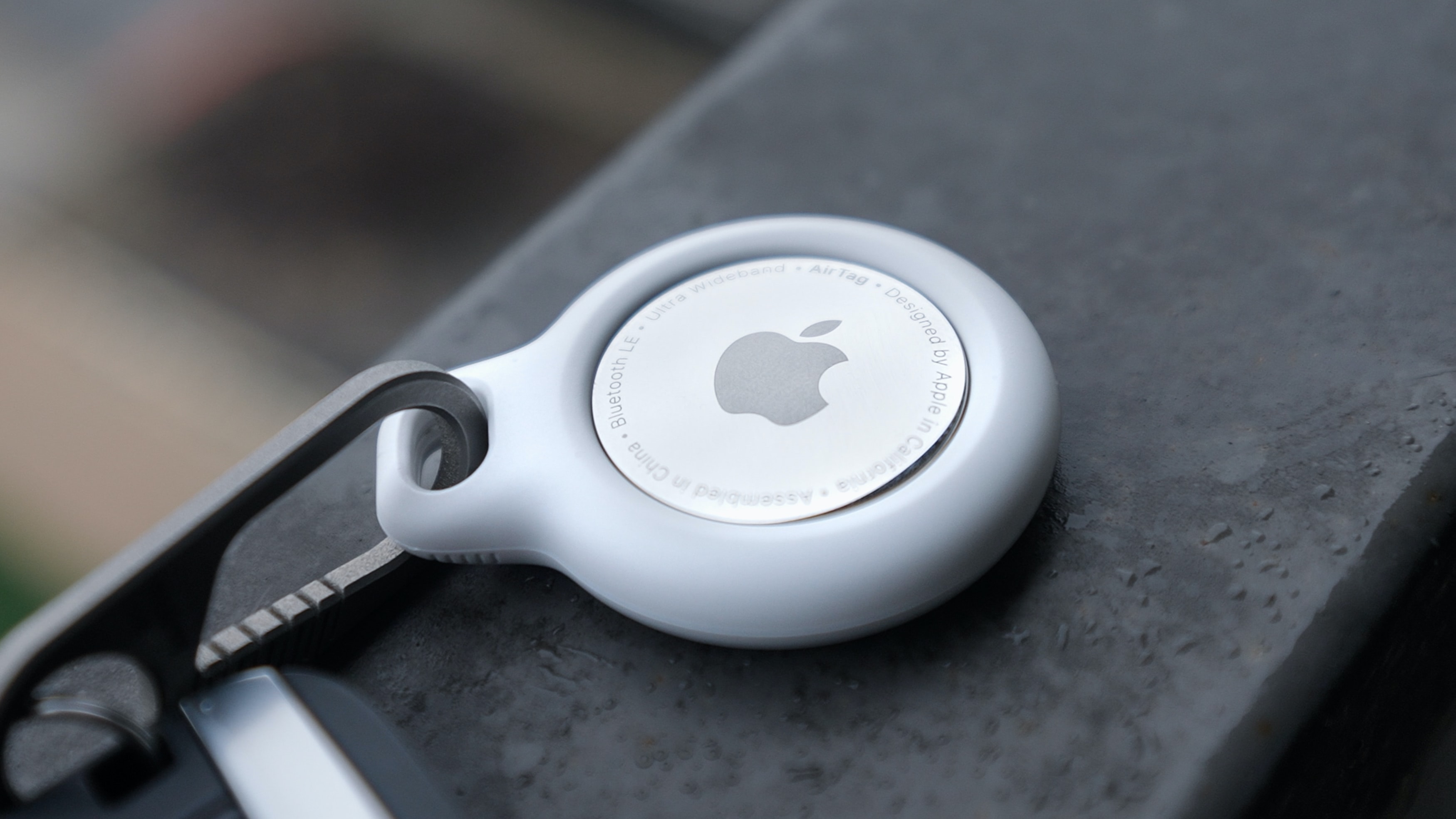
After a bit of confusion, Lufthansa says it won't ban AirTags from checked baggage.
Photo: Daniel Romero/Unsplash License

German airline Lufthansa is not banning Apple’s AirTags and similar tracking tags from checked luggage, the company said Wednesday.

“The German Aviation Authorities (Luftfahrtbundesamt) confirmed today, that they share our risk assessment, that tracking devices with very low battery and transmission power in checked luggage do not pose a safety risk,” a Lufthansa representative told Cult of Mac in an email Wednesday. “With that, these devices are allowed on Lufthansa flights.”

Best Apple Watch Ultra bands: Rugged and ready for adventure

By

If you have a tough timepiece like Apple Watch Ultra, you need a rugged band to go with it.
Photo: Apple

From the three bands Apple designed especially for the chunky Apple Watch Ultra to several other worthy options, you have plenty to choose from when it comes to a rugged band that can handle whatever you throw at it and Apple’s toughest timepiece.

In our roundup below, we cover Apple’s best options for bands to pair with the high-performance Apple Watch Ultra. Plus, we found other great (and more-affordable) choices from brands like Carterjett, Kordiz, Mifa, Nomad, Pinnacle and Spigen.

Protect your devices anywhere with this plug-and-play decentralized VPN

By

Keep your data on your Mac with the Deeper Connect Pico.
Keep security in your pocket with the Deeper Connect Pico.
Photo: Cult of Mac Deals

While updating your Apple gear can protect you from vulnerabilities, that’s just the start of keeping your data secure. The Deeper Connect Pico packs hardwired protection and privacy into a casing the size of a pack of gum. And this effective decentralized VPN is available now for $199.99 (regularly $248) during our Deal Days sale.

This event is our answer to Amazon’s Prime Day. You’ll find amazing deals on apps, home goods, gadgets such as the Pico and more in our promotional collection. No coupon is needed to claim this discount, but you’ll have to be quick, as our Deal Days event ends October 12.

What if Apple made Jon Stewart work at the Genius Bar?

By

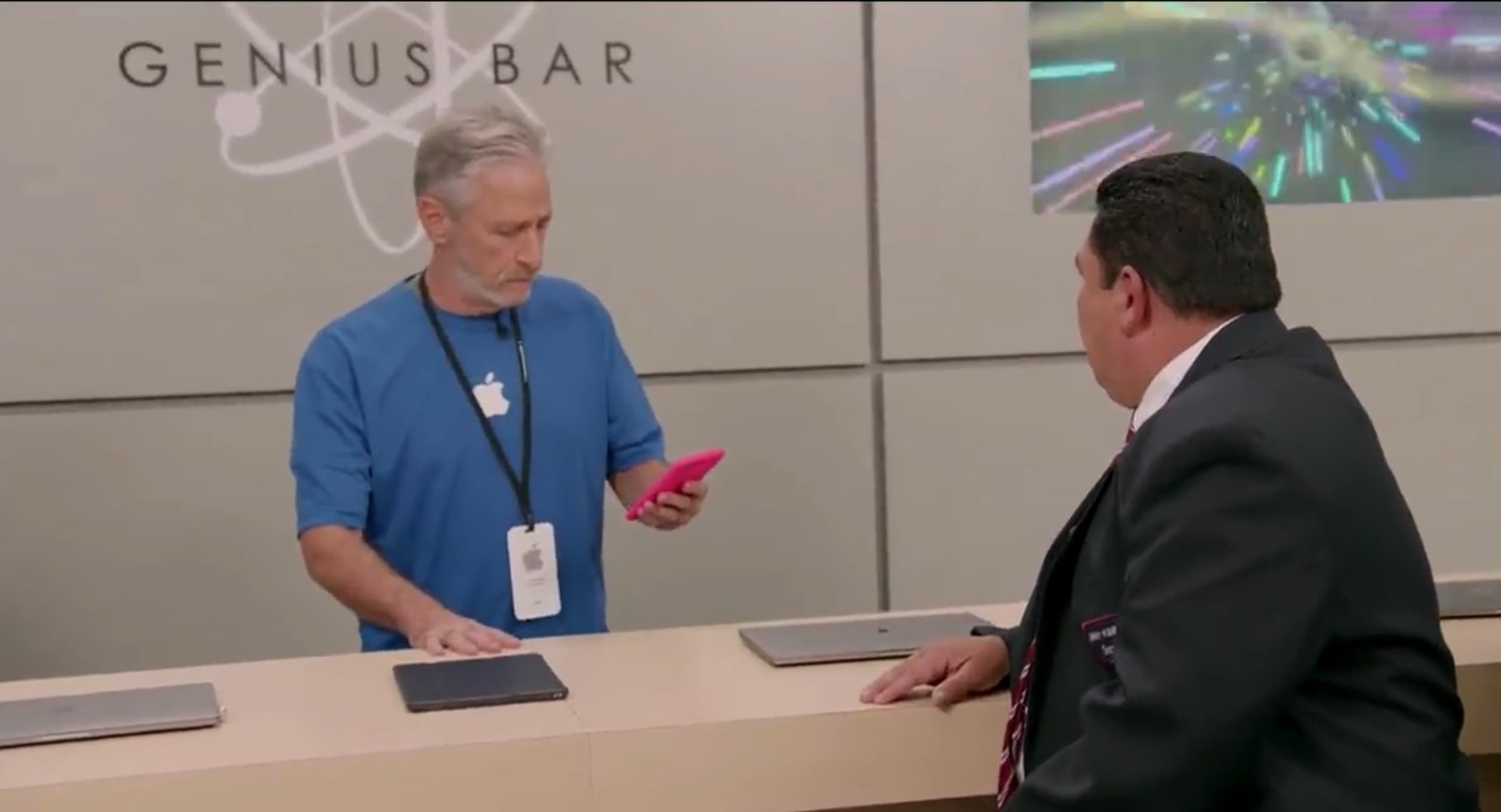
What if Apple made Jon Stewart work at the Genius Bar?
Jon Stewart is no Apple Genius, but he plays one on TV.
Screenshot: Jimmy Kimmel Live!

Ever wondered what the + in Apple TV+ stands for? According to Jon Stewart, it means you can go into an Apple Store and find him and other Apple TV+ stars working at the Genius Bar.

Watch this clip to see the former host of The Daily Show utterly failing to provide tech support.

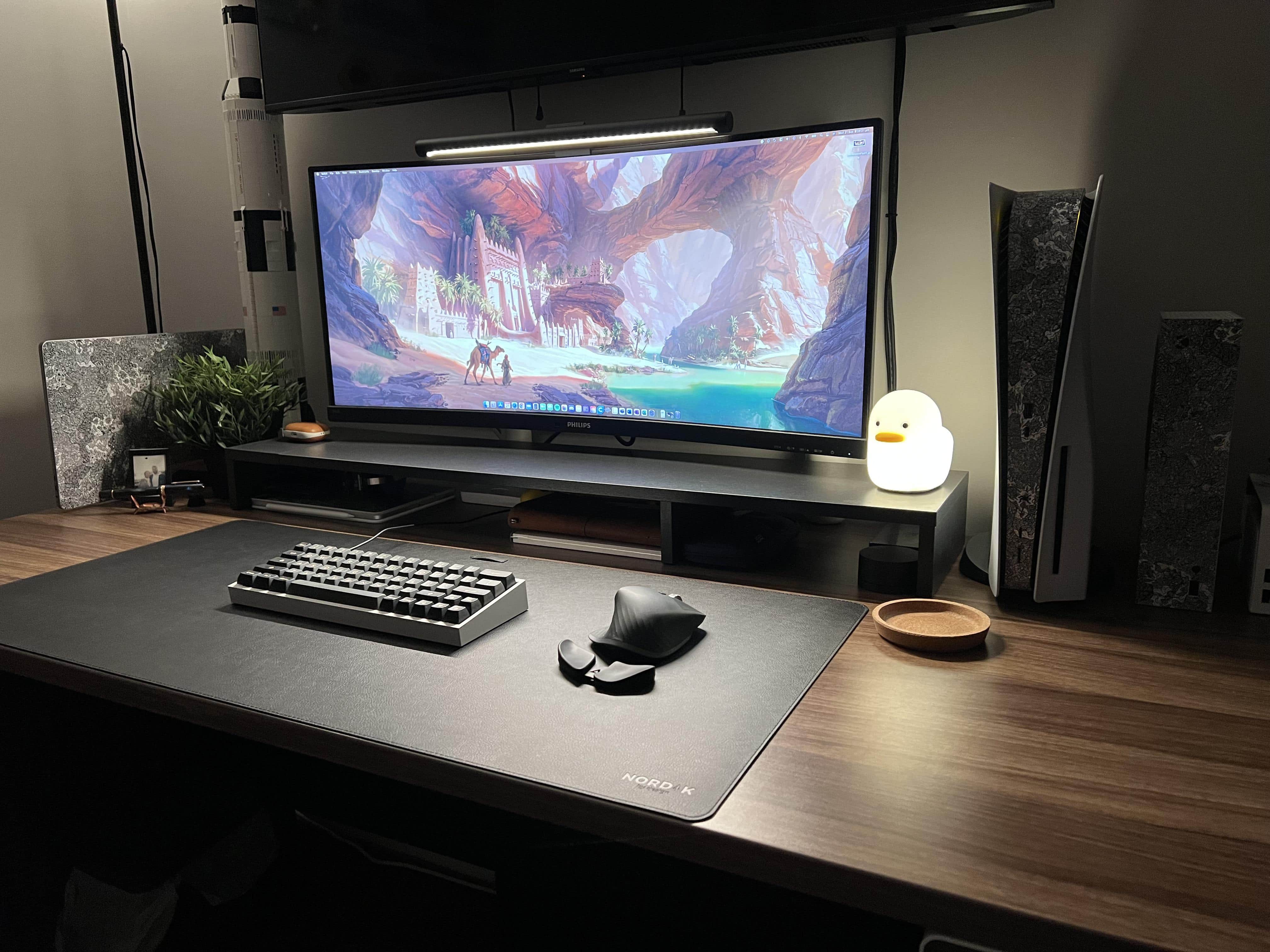
Never mind the MacBook Pro, you’re going to want this glowing duck [Setups]

By

Just try to stay in the warm glow of that duck.
Just try to stay in the warm glow of that duck and you might get some work done.
Photo: [email protected]

You can amass an array of the world’s most formidable tech gear and photograph it, but if you get a cute animal in the frame — living or inanimate — that’s where all eyes will go.

Today’s clean MacBook Pro setup boasts a 34-inch curved ultra-wide display, a custom mechanical keyboard and other cool stuff.

But it also has a duck that glows.

1 38 39 40 41 42 209