Mobile menu toggle

Search results for: "iPhone 5"

Apple’s Lightning Authentication Chip Has Been Successfully Cloned, Third Party Cables On The Way

By

lightningdockhack

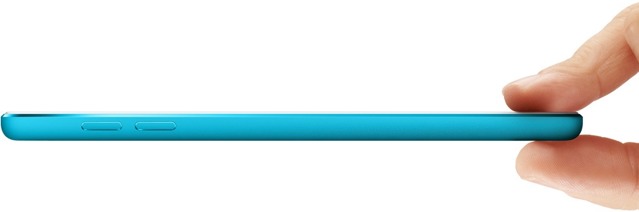
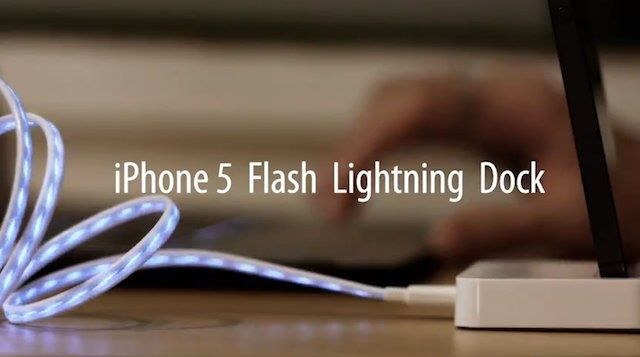
Buying a whole set of new Lightning cables to replace the 30-pin connector cables we’ve been using for years has left a lot of iPhone 5 feeling a little bit blue. No one wants to spend $100 to buy five new cables, but cheap Chinese knock-offs have seemed out of reach thanks to the authenticator chip Apple’s used in the new data cables.

Hope has risen though, as clever Chinese hackers announced today that they’ve been able to successfully clone Apple’s Lightning Authenticator Chip, paving the way for cheaper third-party Lightning cables and accessories.

This Is The Awesome, Radically Redesigned App Switcher We Want To See In iOS 7 [Gallery]

By

Screen Shot 2012-10-09 at 10.38.46 AM

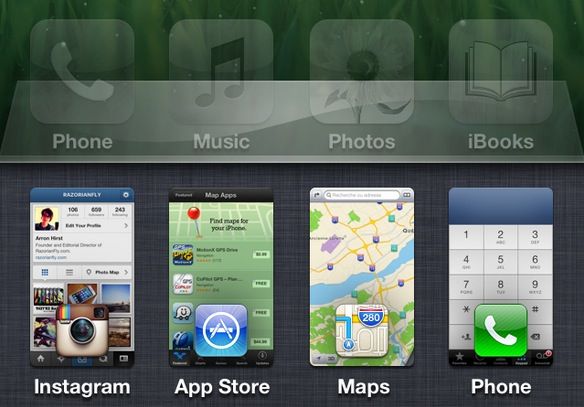
Back when I had a jailbroken iPhone, one of my favorite Cydia tweaks was a hack called Switchy, which came to life based upon an initial forum post mocking up a more advanced app switcher for iOS. I’m hopeful, then, that the same will prove true for this new switcher concept posted over the weekend, which might be the best looking, most attractive and most functional app switcher we’ve seen yet.

Apple Releases iPod Touch 5th Gen User Guide As First Benchmarks Surface

By

"An essential part of any iPod touch library," according to Apple.

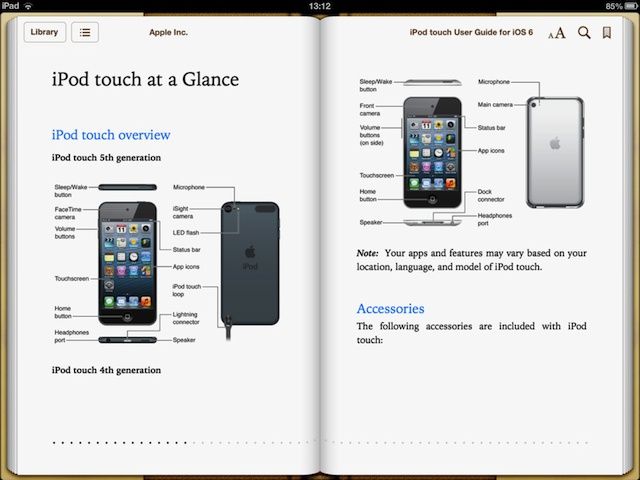
Apple has released a new digital user guide for the fifth-generation iPod touch, which was announced alongside the iPhone 5 back in September. The 138-page eBook covers “everything you need to know” about the device, and is available to download now — for free — from the iBookstore.

In addition to this, the new iPod touch has now received its first benchmarks, which reveal it’s packing an 800MHz dual-core A5 processor.

StifleStand Puts Newsstand In A Folder On Any iOS Device, No Jailbreak Required

By

Before and after Newsstand gets hidden on the iPhone.

Apple won’t let you put the iOS Newsstand icon in a folder for some ridiculous reason. It’s annoying. A lot of people don’t use Newsstand on the iPhone, and after awhile that wooden bookshelf icon seems to just sit there, mocking you. Wouldn’t it to be nice to hide it in a folder with all the other stock apps you don’t you use, like that stupid Compass app?

There was a trick discovered in iOS 5 that lets you hide Newsstand with some finger magic, but the process is a little tedious. A new utility app for the Mac called StifleStand puts Newsstand in an iOS folder for you, no jailbreak required.

Give Your iPhone A Mini Cinema Display With This Crazy Accessory

By

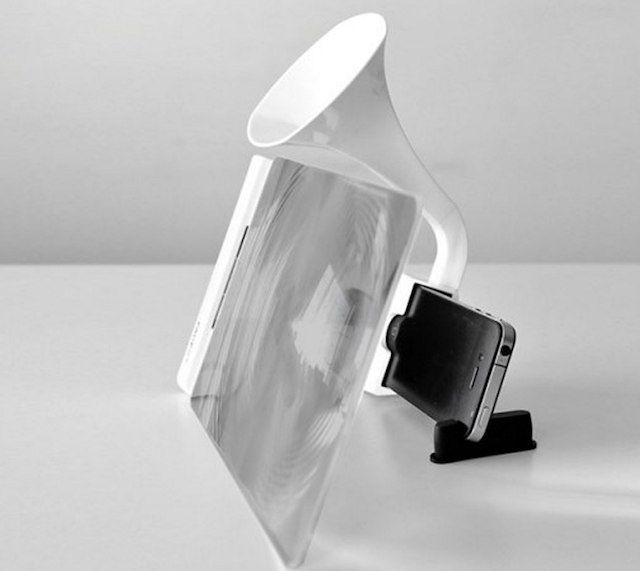
who needs an iPad Mini when you can just use a magnifying glass?


The iPhone 5 has a slightly larger display than the iPhone 4S, but come on, no one wants to watch movies on a tiny little 4-inch screen. You could go and buy an iPad or iPad Mini if you really want to watch movies on your iOS device, or you could save your self a few hundred dollars and buy this odd accessory that magnifies your screen size.

Microsoft’s Latest iOS Game Is A Fast-Paced Tapping Frenzy Of Fun [Review]

By

Lemmy makes a bid for freedom

We don’t often praise Microsoft here at Cult of Mac, but with this game they’ve got almost everything right. It’s a cool action-adventure romp with great visuals and a sense of humor. The only thing that leaves me boggling is the ridiculous name: “Tentacles: Enter the Dolphin.” I beg your pardon?

Apple: ‘Purple Fringing’ Is Nothing But Plain Old Lens Flare [Opinion]

By

1349687440.jpg

It seems impossible for a new Apple product to launch without the idiots and morons crawling out from their dark shells of ignorance, their subhuman bodies propelled only by the motion of a jerking knee as they regain consciousness for just long enough to write a blog post about some perceived “problem.”

Today’s example: purple fringing.

Use iOS 6 Mail for Your iPhone, iPad, and iPod touch The Right Way [Feature]

By

mail

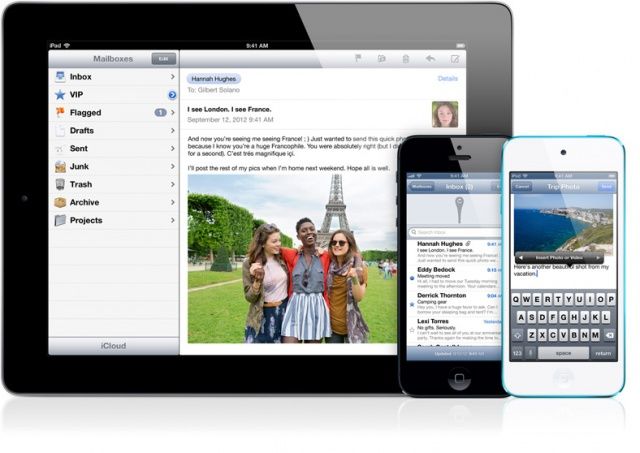
True, email is boring. However, it’s something we all use everyday to communicate for work, home, and pleasure. In iOS 6, Apple made a few changes to the way the Mail app works, tossing in new ways to sort, sign, and attach things to emails. Using the iOS 6 Mail app effectively takes a little bit of practice, a few tweaks, and the following five tips for using iOS 6 Mail the right way.

Do Not Adjust Your Set: We’ve Gone Retina!

By

CultofMac_retina1
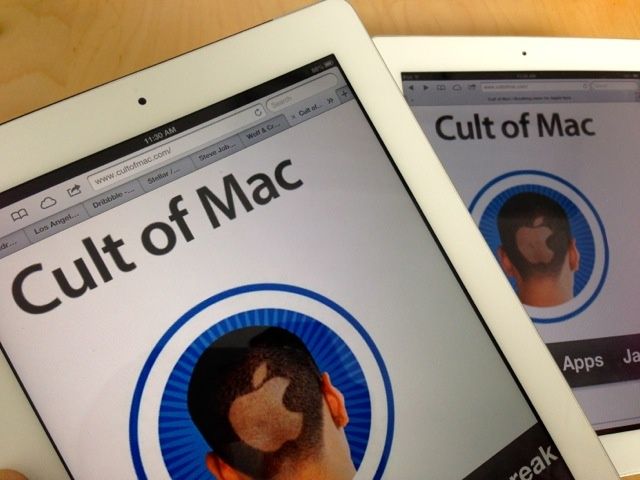
We've updated the Cult of Mac website for Apple's latest devices with high-resolution Retina displays.

If you’re reading this website on a new iPad or MacBook Pro with a Retina display, you may have noticed how crisp the logo is. Go on; take a good look. Zoom in with your fingers. Also check out the navigation bar, and the graphics for Reviews, Tips and How-Tos. See how clear and crisp they are?

That’s because we’ve upgraded the site to Retina — Apple’s marketing term for screens that are so dense with pixels, they’re practically invisible.

We think it looks really sharp. And next week, we’ll be giving the mobile site a complete overhaul to make it pretty for the iPhone 5.

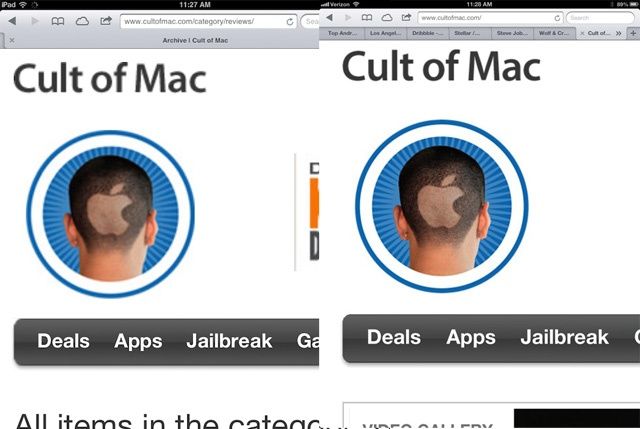
Here’s what the site looks like on Retina and non-Retina devices.

The Cult of Mac logo on non-Retina devices (left) and on new Retina machines like the latest iPad and MacBook Pro (right).

Hit the jump for some of the geeky details: