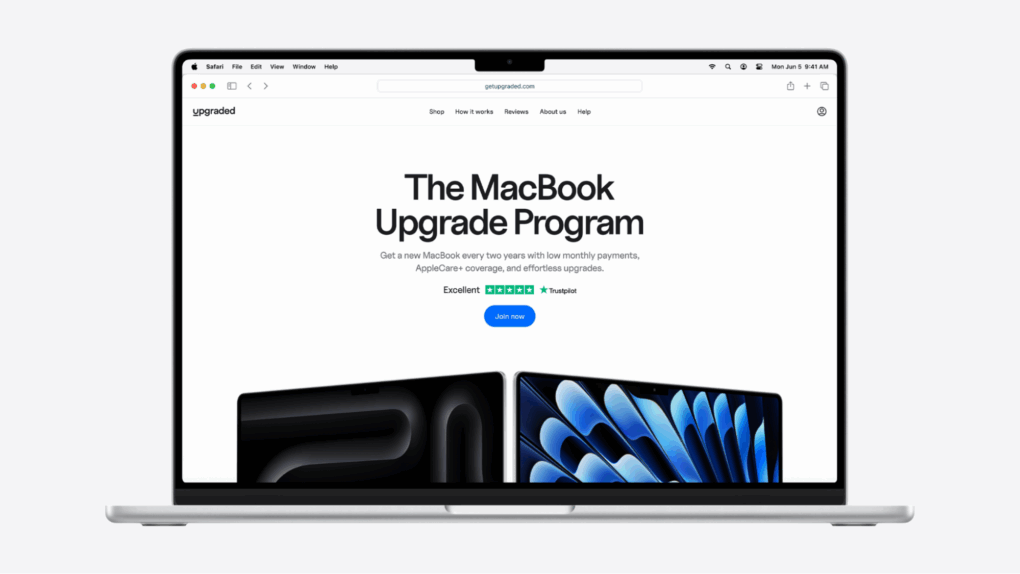
Getting the latest MacBook or iPad has never been so easy. Photo: Upgraded
Most Apple users end up holding on to their devices longer than they’d like. Not because they’re still fast, but because buying a new one means shelling out thousands, and reselling is a headache most people don’t have time for.
If the iPad Air as an external display for the Mac mini seems odd, get a load of that split keyboard with a Magic Trackpad in the middle. Photo: [email protected]
Some computer setups on social media are like highly functional art, beautifully curated and seemingly permanent, like museum pieces. Others are just weird, wonderful and fleeting. Today’s example is more the latter case, featuring a “spec’d out” M4 Mac mini used with an iPad Air and a tiny touch screen as external displays, plus a Magic Trackpad and a crazy split keyboard.
People questioned the lack of a MacBook, but other commenters rose up in defense of the oddball setup.
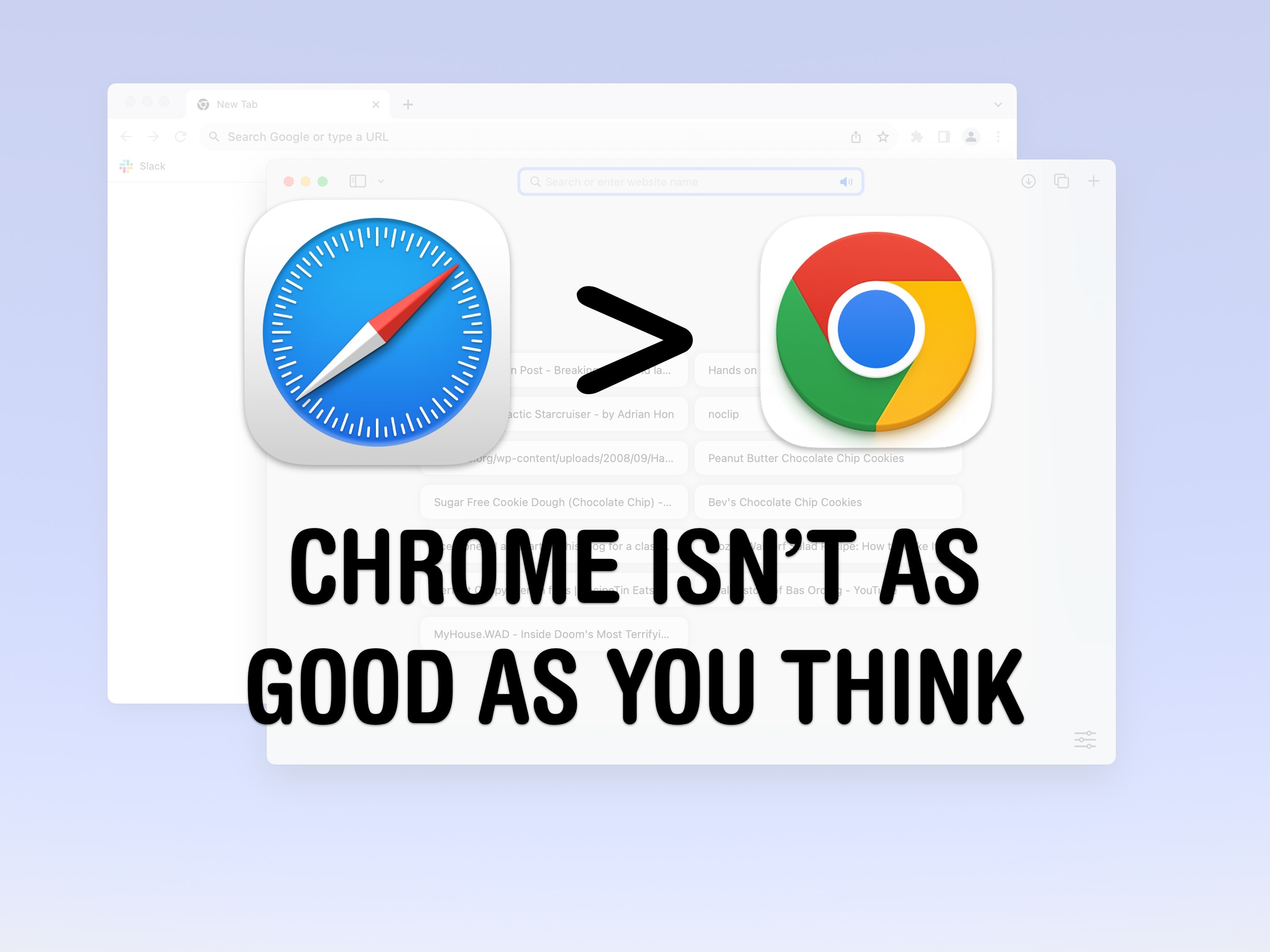
You should reconsider using Safari Image: D. Griffin Jones/Cult of Mac
A lot of Mac owners use Google Chrome as their web browser, and personally, I don’t get it. For Apple fans, it seems like a total disconnect not to use Safari vs. Chrome.
For starters, Apple markets its products as privacy-forward and seamlessly integrated with each other. And the web browser is an essential component of your computer, whether we’re talking Mac, iPhone or iPad. You have a lot to gain by using Safari on all your devices.
But look at the numbers: Apple’s web browser Safari only captures 18% of the market, a distant second to Google’s Chrome. Here’s my attempt to sway it the other way — the top five reasons I use Safari instead of Chrome.
This M4 Pro MacBook Pro and Studio Display user takes eye strain seriously and offers helpful tips. Photo: [email protected]
So many of us sit at a computer all day peering at a screen, it’s no wonder eye strain is a common problem. But only some of us — like today’s featured MacBook Pro and Studio Display user — really attack the problem beyond taking more breaks. They offer tips to reduce eye strain below.
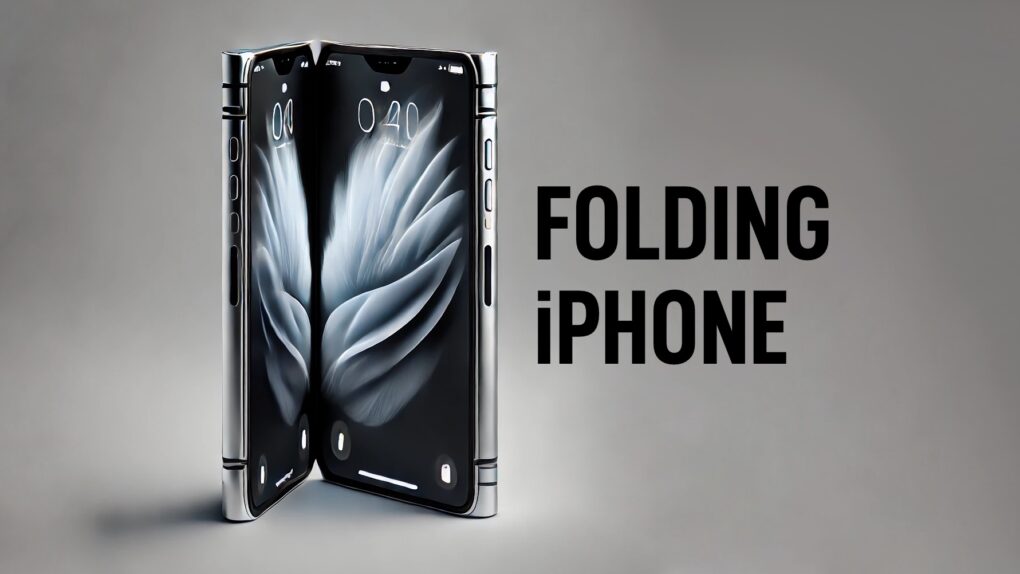
Apple needs to ensure the folding iPhone stands out. AI concept: ChatGPT/Cult of Mac
The folding iPhone rumored to arrive in 2026 might mark a major turning point for foldable devices. But to pull that off, Apple’s first folding phone needs to do more than just look good — it needs to nail the fundamentals.
From durability and design to software and camera performance, here’s everything I want to see in the foldable iPhone.
What can you use it for? Quite a lot, actually. Image: D. Griffin Jones/Cult of Mac
There are lots of things you can do with an old Mac. No one will fault you for upgrading to Apple’s latest and greatest, but your old Mac can still find a job to do, too.
It used to be that when your old iMac kicked the can, you hollowed it out and made an aquarium or a desk lamp. These days, Macs have a much longer shelf life. The right model can give you years upon years of loyal service. (Not to mention, modern Macs are too thin to house a fish.)
Here are the six best things you can do with an old Mac. Watch our latest video or keep reading below.
July 26, 2005: Apple debuts the opaque white iBook G4, the last of its laptops to launch under the iBook name.
The portable computer adds Apple’s scrolling trackpad for the first time. It also incorporates Bluetooth 2.0 as a standard feature, and becomes the last Apple laptop with a PowerPC chip.
Here’s everything rumors told us to expect from Apple in the next year. Photo: Google Gemini/Cult of Mac
Apple is gearing up for a blockbuster year, with a packed product roadmap that spans nearly every category in its lineup. From an iPhone redesign to upgrades for the Mac, iPad and Apple Watch families, the next twelve months promise a steady stream of hardware refreshes, software milestones and perhaps a few surprises.
Whether you’re a casual user or a die-hard fan, here’s a look at every major Apple product expected between now and next summer.
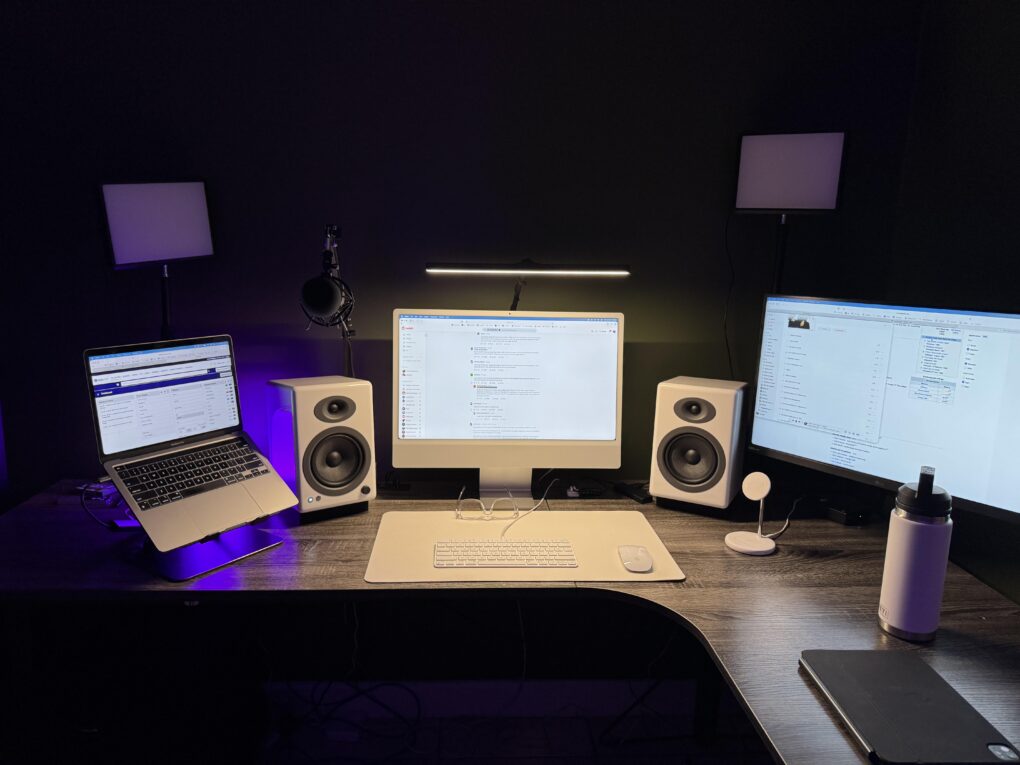
This user ponders replacing both the M1 MacBook Pro and the M3 iMac, possibly with an M4 Pro MacBook Pro. Photo:
Today’s featured setup user seeks out and gets good advice on his upgrade questions. He runs an aging MacBook Pro and a more recent iMac, but wonders about replacing them both with a newer MacBook Pro, perhaps an M4 Pro model. Commenters on his post offered useful thoughts, below, on future-proofing choices of Mac models as well as external display options.
Subscribing to the latest, greatest MacBook has never been so easy.
Image: Upgraded
For Apple fans who want the latest and greatest MacBook, there’s never been a simple way. Upgrading is expensive, and reselling takes time most people don’t have.
It’s a better way to stay current, without the upfront cost or the trade-in hassle. You get a new MacBook, pay monthly (starting at $33.28/mo), and every 2 years, you’re eligible to upgrade. It’s easy, clear, and is quickly becoming the top option for Apple fans who want to be on the cutting edge.





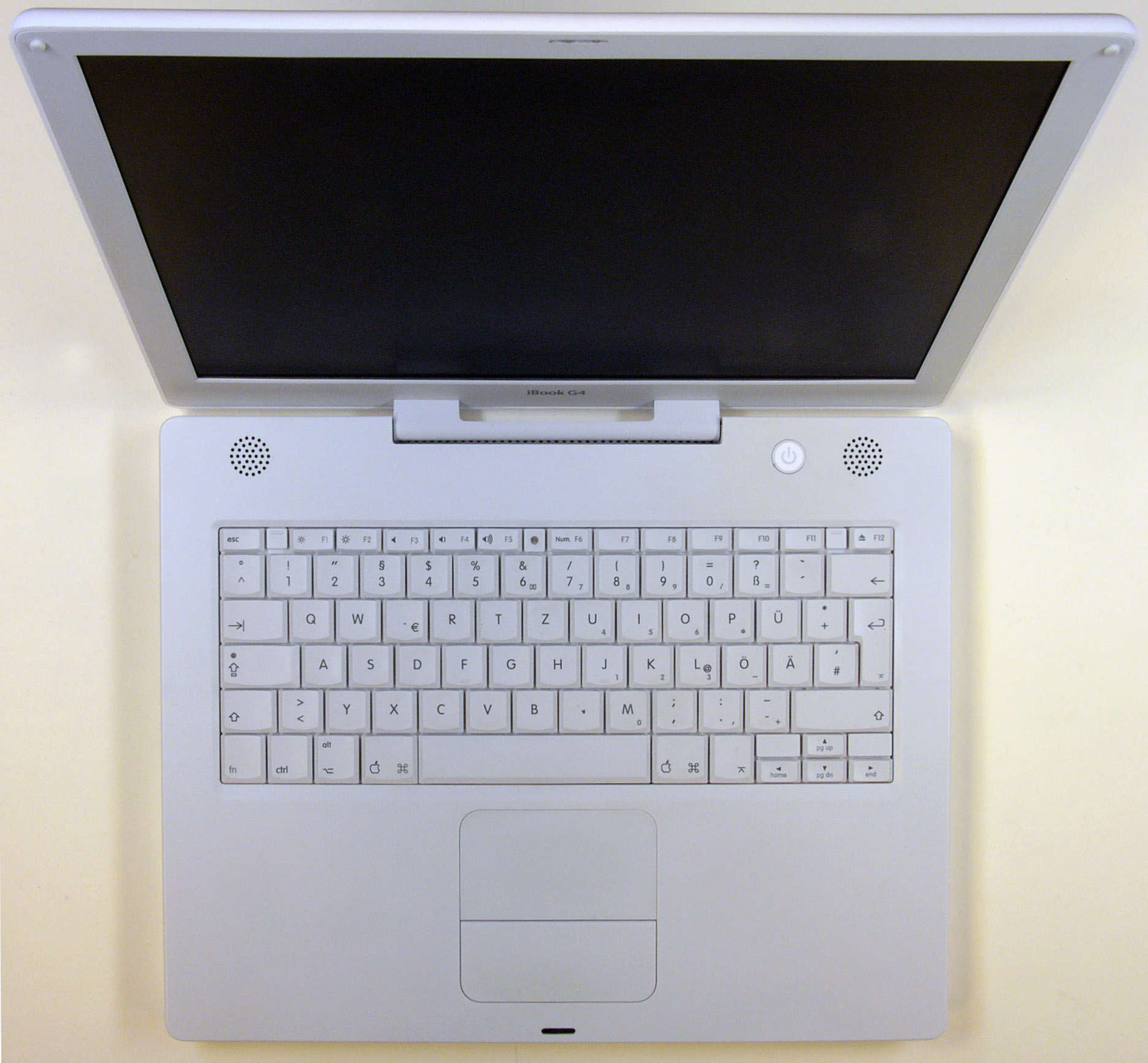
 July 26, 2005: Apple debuts the opaque white iBook G4, the last of its laptops to launch under the iBook name.