Why is it that some people can walk into their local Apple Store with a broken MacBook and walk away with a free replacement, and other people are turned away, with Apple claiming the repair is due to user error… even if it isn’t?
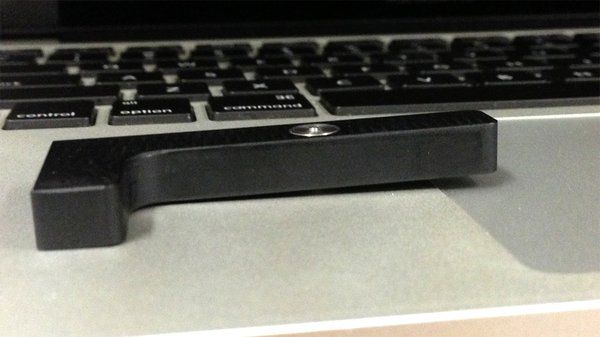
It has less to do with whether or not you actually voided your warranty than if Apple thinks they can prove you voided your warranty. And the most important tool Apple uses to prove you’re responsible for the damage to your own machine? It’s a tool that inspects dents.
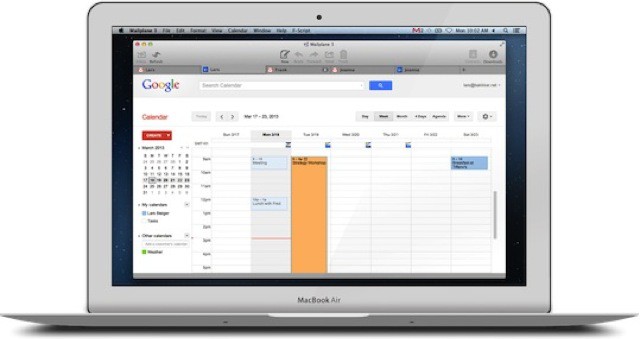
I have used Mailplane on and off for years. I love that it turns the great Gmail interface into a proper desktop app, complete with drag-and-drop attachments, notifications and an icon in the dock and tab switcher. But I never liked its super power of spinning the CPU of my Mac at all times, even when supposedly idle.
Now v3.0 is out, and it seems to have solved the latter problem, while adding a few new features.
Lightroom 5 beta has just been posted, and is ready for download and testing. Those of you who read my article last week about using a small, SSD-based MacBook Air for photos will be very interested in one new feature: Smart Previews. This lets you edit your photos using just the previews on your MacBook, and the changes all sync up to your actual photos next time you connect your big external drive.
This Cult of Mac Deals offer is for Boom, a sweet little Mac app that both boosts your Mac’s volume and equalizes and enhances its sound. Boom seamlessly integrates itself with your Mac so all you have to do is adjust the volume as you wish. As for the deal….we’ve got it here for just $4 for a limited time.
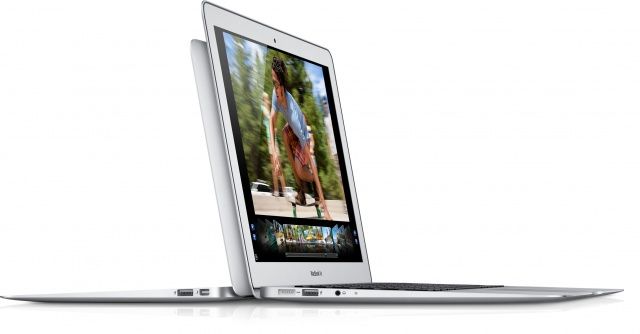
I recently switched to a MacBook Air for writing, and it is easily the best Mac I’ve owned in terms of speed and comfort. But, like the sports car your friends assume you’ll sell now that you have kids on the way, the Air is also lacking in space1.
Now, I’m using this 128GB (with 4GB RAM) 13-inch MacBook Air primarily for work, but that doesn’t mean I want to ditch my music, TV shows and photos altogether. Luckily, with modern Internet™ Technology™ I don’t have to. I can use cloud services and a little judicious tidying to make my New York walkup-sized MacBook Air feels like a mansion.
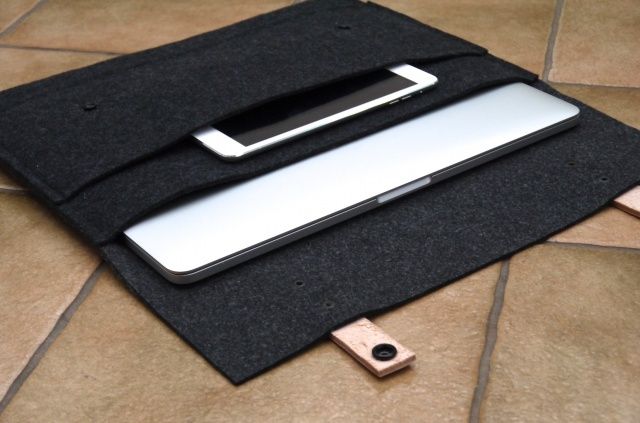
Do you ever worry that your beloved MacBook’s sleek aluminum shell will get damaged when it’s packed inside your bag with the rest of your gadgets and gizmos. This handmade, wool felt sleeve from MyBanana aims to give your notebook a home of its own, away from sharp keys, USB cables, chargers, and all the other things you might need to pack into your bag when you’re on the road.
Wool Felt Sleeve by MyBanana Category: Sleeve Works With: MacBook Air, MacBook Pro Price: £48+
Its slimline design holds your MacBook Air or Retina MacBook Pro — depending on which size you go for — plus smaller items in a pocket on its front. This is ideal for carrying Lightning cables, an iPhone, or even an iPad mini.
Anything you stick inside the sleeve is secured by two vegatable tanned leather traps with snap fasteners.
Pricing starts at £48 ($56) for the 11-inch MacBook Air sleeve, then rises to £54 ($63) for the 13-inch MacBook Air or Retina MacBook Pro models. If you have a 15-inch Retina MacBook Pro, it’ll cost you £58 ($68).
Even though it’d probably be pretty cool, we’ve concluded that a touchscreen MacBook Air or iMac probably wouldn’t be fun to use for an extended period of time, thanks to gorilla arm syndrome.
But what if Apple made an iPad/MacBook Air hybrid? It turns out that Apple has been considering the idea of it for sometime, and based on its patent filings, the iPad/MacBook hybrid would look a lot like some of the PC options that are already on the market.
Apple has revealed that it will announce its official earnings for the second fiscal quarter of 2013 on Tuesday, April 23rd. The call will be held at 2:00 P.M. Pacific, and anyone can stream it from Apple’s Investors Relations page.
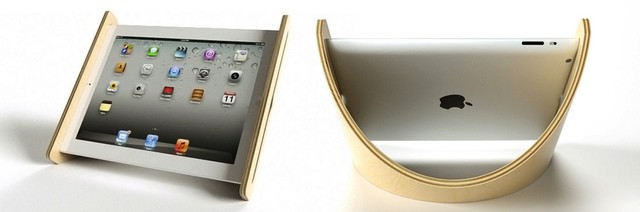
Having just discovered that my beloved PadPivot iPad stand also works great with a closed MacBook Air (the 13-inch), you’d have a hard time convincing me to buy another iPad stand, especially one which only has a single angle of view, and which only holds the iPad in horizontal mode.
However, the Sne Stand, fashioned as it is from beautiful bent Baltic Birch plywood, is certainly tempting. Right up until you get to its $90 price tag.